


AI song generator: Fast jingles, loopable music, and A/B tests for reels
Create copyright-clear jingles and loopable short music fast with GoCrazyAI's AI Song Generator. Workflow for A/B testing, stems, tempo mapping, and delivery.
You need short, copyright-clear music for a reel or ad and you need it fast. This article shows a practical workflow to generate 5–30s jingles, loopable 3–15s hooks, full vocal snippets, and how to A/B test variants quickly. You'll get concrete prompt examples, export tips, and a stepwise A/B test plan that fits a single-day production cycle. Where relevant, I explain how to do this with GoCrazyAI's AI Song Generator and how to export stems and tempo data for easy integration.
Quick Answer
How do you use an AI song generator for jingles and reels? Use brief text prompts to generate 5–30s instrumentals or vocal hooks, tweak tempo and style, export stems and loop-ready sections, then run quick A/B tests with small variants. GoCrazyAI's AI Song Generator supports prompt-driven songs and commercial-ready exports, so you can ship license-free tracks fast.
Why AI is now the fastest way to make ad jingles and short music loops — example use cases?
AI music tools now let you create tiny, platform-ready tracks in minutes, often with presets for jingles and short-form loops that fit 5–30s formats. For example, you can generate a 7-second vocal hook for a product spot, a 15-second synth loop for a channel intro, or a 25-second full jingle with a sung tagline. These workflows skip traditional composer cycles and music library searches, saving hours on licensing and revisions.
Practical example use cases: a) a 10s brand sting for an Instagram ad, b) a 7s vocal hook for a TikTok trend, and c) a 20–30s sung jingle for a 15-second spot. Because many platforms reward short, repeatable hooks, AI tools that produce short loops and jingle presets let creators iterate rapidly until something clicks. Keep in mind that the best results usually come from refining prompts and generating small variant batches rather than relying on a single pass.
What legal and creative safety should I know: copyright, commercial rights, and industry concerns?
AI can produce usable music quickly, but legal and ethical questions remain. The key practical items: confirm commercial rights for generated audio, understand that musician communities are concerned about model training, and keep audit trails of prompts and exports.
ElevenLabs recently launched an AI music product that includes full commercial rights for generated outputs, addressing a major licensing barrier many creators face. Still, a 2024 survey found roughly four in five musicians expressed worry about how AI music models were trained on copyrighted works, which is an important context when choosing tools and when crediting collaborators.
How to stay safe: 1) Use a provider that explicitly grants commercial usage for generated tracks; 2) keep records of prompts and export timestamps; 3) avoid uploading identifiable copyrighted material to train or fine-tune models; 4) if you need public-facing credits, consider noting that a track was AI-generated. These steps reduce licensing risk and help address the ethical concerns musicians raise.
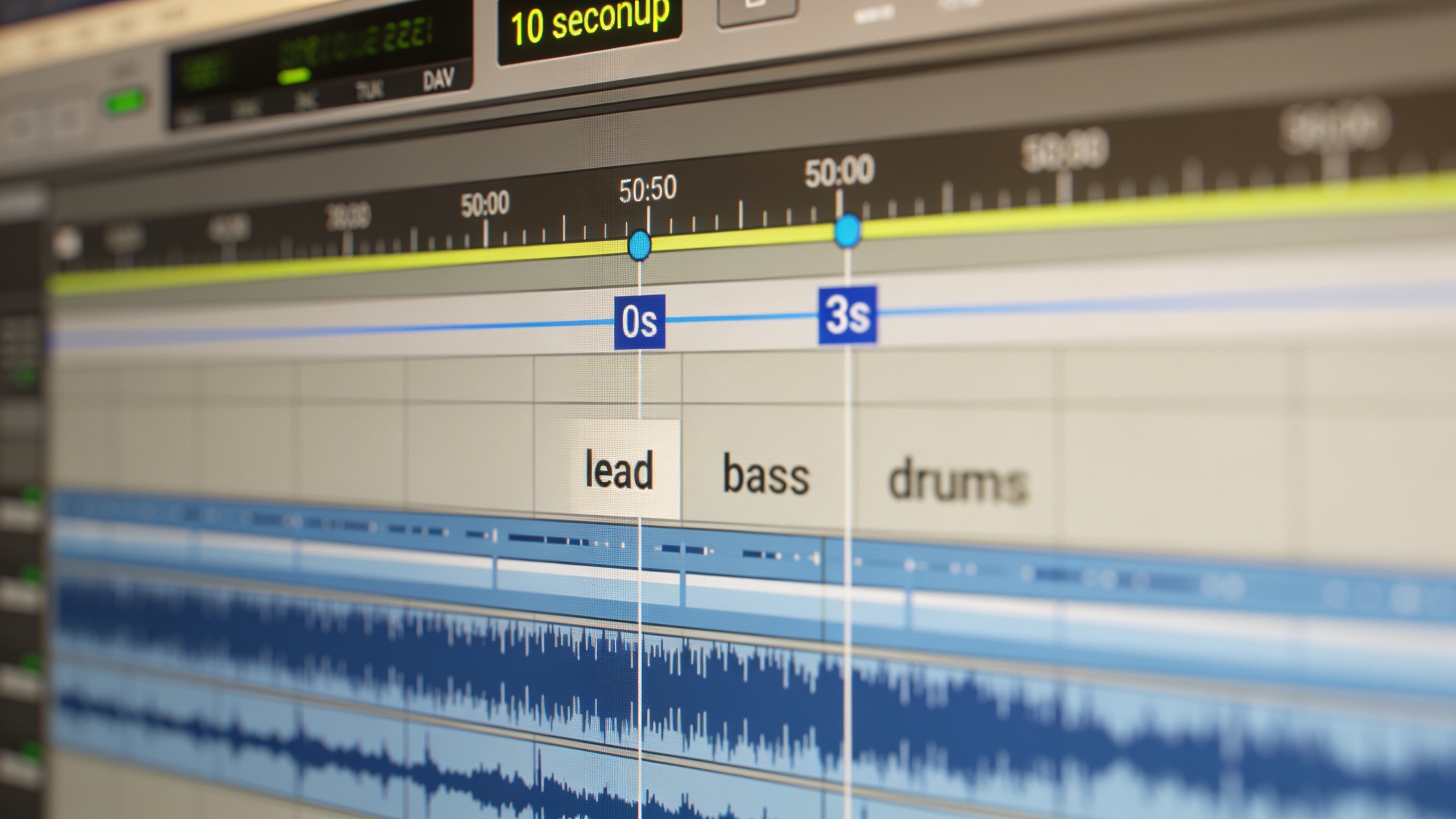
Hands-on: Create a 10–30s ad jingle in GoCrazyAI (prompt, style, vocals, export)
A quick answer: Open the GoCrazyAI AI Song Generator, write a tight prompt describing mood, style, tempo, and a short vocal hook, select vocal or instrumental mode, generate 3–6 variants, then export the best take as stems or a mix. GoCrazyAI's model is powered by ElevenLabs, so generated tracks come with commercial-ready export options.
Step-by-step example workflow: start with a one-line creative brief — e.g., "Bright, playful 12s jingle for a coffee subscription, upbeat ukulele, female vocal hook 'sip the sunshine', tempo ~110 BPM, catchy 0–3s tagline". In the generator, choose "Jingle preset" or set length to 12s, pick a vocal tone (if you want vocals) and a tempo. Generate 4 variants to compare hook placement and instrumentation.
Prompt examples you can paste into GoCrazyAI:
"12s bright jingle, ukulele and light percussion, female pop vocal: 'sip the sunshine' at 0–2s, tempo 110 BPM, cheerful, mix for mobile speakers"
"20s sung jingle, acoustic guitar, warm male vocal, tagline 'stay cozy every morning', hook at 0–3s, organic production, mid tempo"
When you have a take you like, export as split stems (if available) or full mix. Stems let you duck or compress for voice-over and make last-minute edits in your DAW or video editor. Because GoCrazyAI exports tracks with commercial usage, you can drop the jingle into an ad edit without additional licensing.
You can try every step above directly in GoCrazyAI AI Song Generator — no setup needed.
Hands-on: Make loopable short music for reels and channel intros (designing seamless loops)
Short answer: design loops that resolve musically within 3–15 seconds by keeping harmonic changes minimal, ending on a neutral or repeating motif, then export a slightly longer render (1–2 bars extra) and trim with crossfades to ensure seamless looping.
Design principles: for loopability, keep the hook short (3–8s) and rhythmically distinct so the listener recognizes the repeat. Avoid dramatic chord changes near loop points; instead use ostinatos, percussion grooves, or single-note motifs. Many social guides recommend 7–15 seconds as a high-performing window for trending sounds; aim for 3–15s for maximum reusability across reels and shorts.
Practical steps in GoCrazyAI: set the length to 8 or 12 seconds, choose "loop-friendly" instrumentation (synth pad, pluck, simple percussion), then prompt for a repeating motif and a neutral loop endpoint. Example prompt:
"8s loopable synth pluck hook, mellow but upbeat, clean transient, no long reverb tails, closed ending for seamless loop, tempo 120 BPM."
Export a 12–16s render that contains the loop plus a lead-in; trim 1 bar on the front and back in your editor and apply a 10–30ms crossfade to mask clicks. Export as a lossless file for best quality in mobile encoders.
How to run rapid jingle A/B tests for ads and reels — metrics, variants, and workflow?
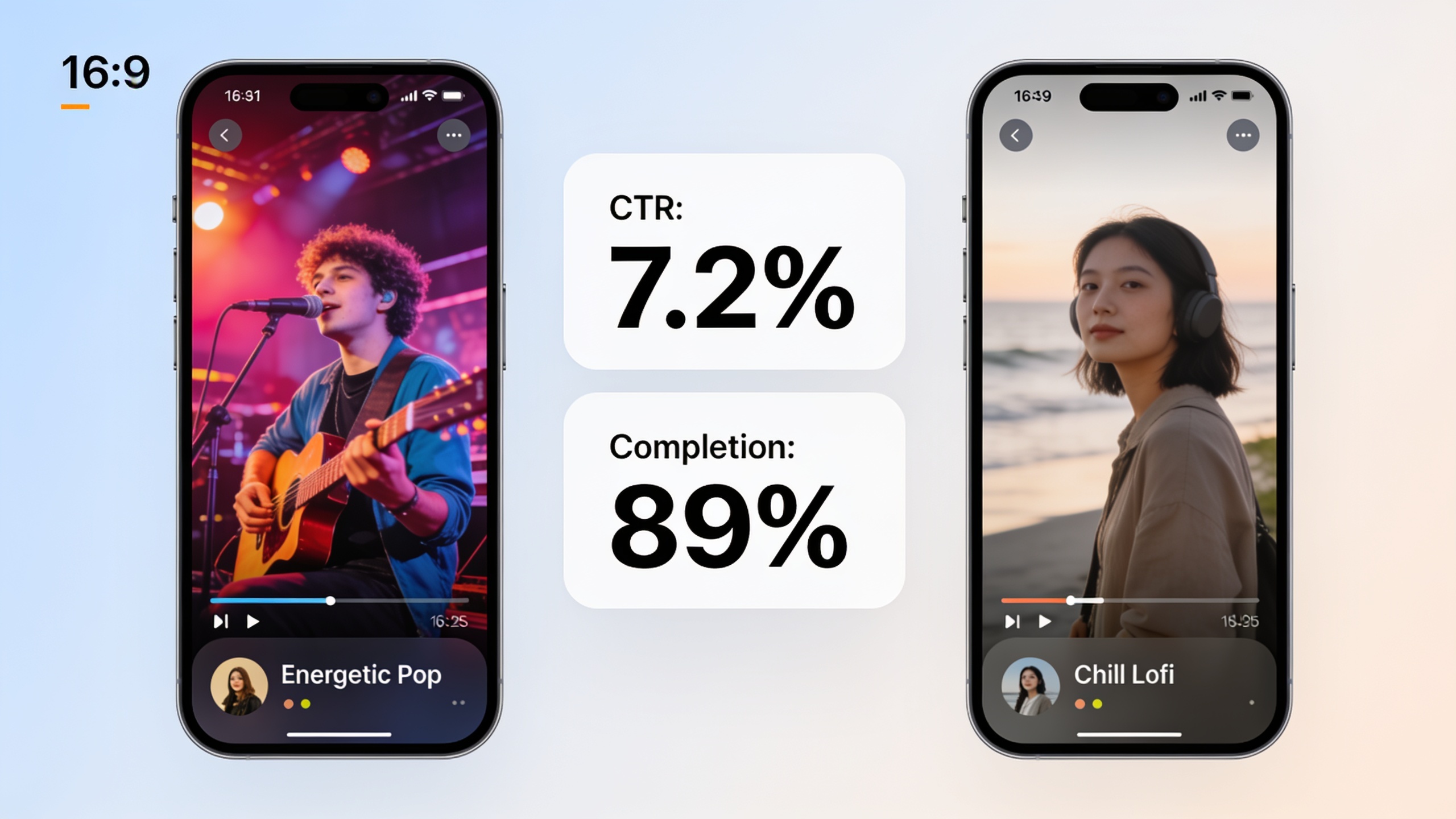
Short answer: create small, controlled variants that change one musical element at a time (hook, tempo, instrumentation), run ads or reels with identical visuals, and measure completion rate, watch time, and CTR. Rapid cycles of 6–12 variants with micro-allocations usually reveal which musical choice drives lift.
Variant planning: Make changes in small steps — for instance, keep the same visual and swap only the first 0–3s hook, or keep the hook and test tempo changes of ±10 BPM. Recommended variants: 1) baseline, 2) alternate hook, 3) faster tempo, 4) sparser instrumentation, 5) vocal vs instrumental. Track metrics that matter: completion rate and watch time for engagement; CTR and conversion for direct response. For platform experiments, allocate small budget slices (e.g., equal budgets for each variant) and run for a minimum sample size that yields statistically meaningful differences.
Practical A/B workflow using AI tools: generate 6 short variants in one session (change only the hook wording or tempo), label files clearly, and upload to your ad platform or native A/B tool. Quick statistical checks often show early winners — for example, a hook placed at 0–1s can lift completion and CTR compared to a hook starting at 3s. Because AI generators produce many variants fast, you can run multiple rounds of iteration in a single afternoon.
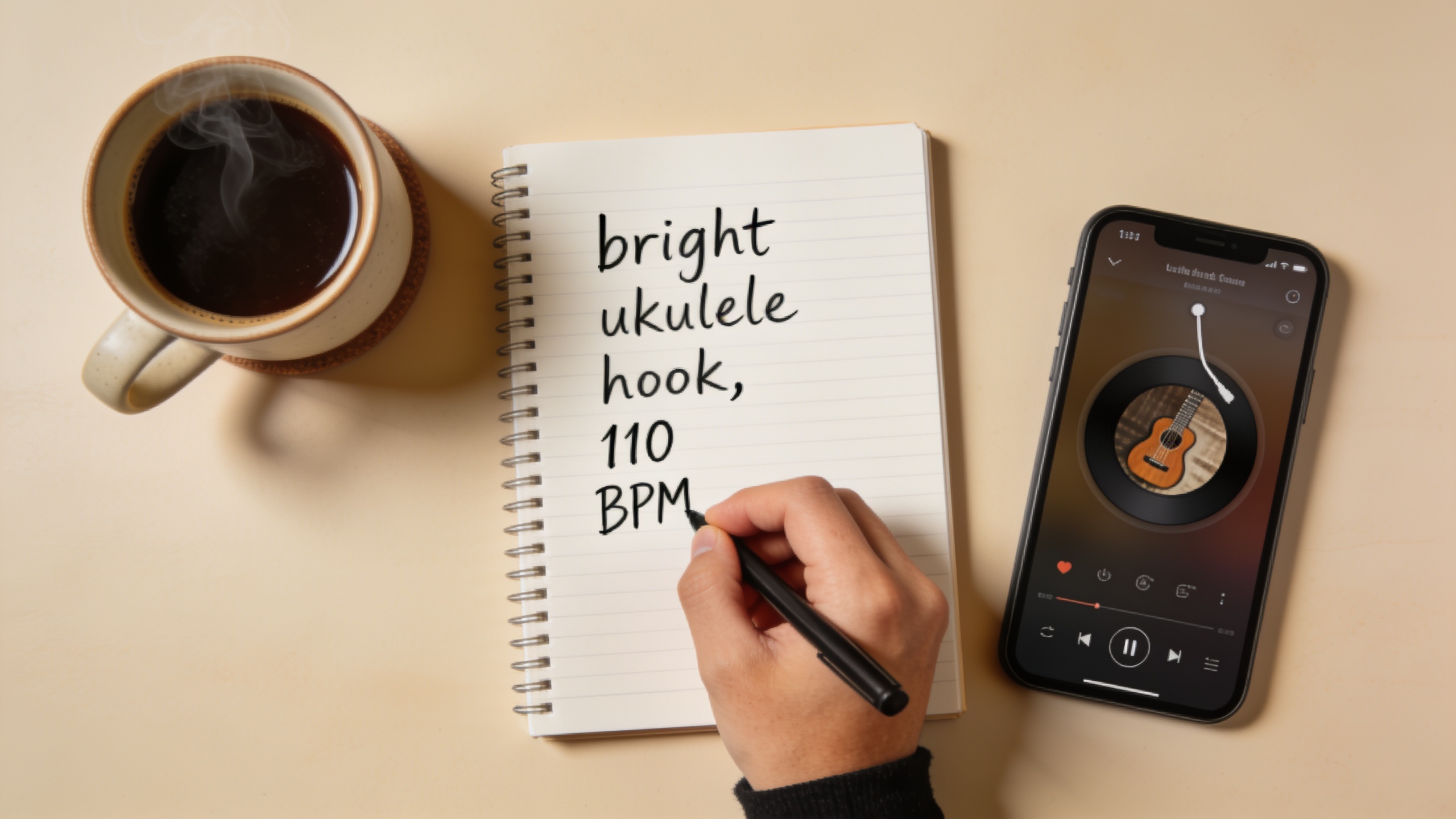
Integrating GoCrazyAI outputs into your edit: tempo mapping, stems, and pitfalls to avoid
Short answer: import the exported stems into your NLE or DAW, set the session tempo to the track’s BPM, align the hook to frame-accurate edit points, and use stems to duck, EQ, or re-balance for voiceover. Be careful with abrupt reverb tails, mismatched tempos, and loud mastering levels — these are common pitfalls.
Tempo mapping: confirm the BPM listed on the export and set your timeline grid to match. If the music is loopable, enable snap-to-grid and place loop start at the exact sample or frame indicated. Use small tempo nudges (±1–3%) sparingly; big tempo changes alter vocal form and groove.
Using stems: export at least a lead, backing, percussion, and master mix. Stems let you lower the music under dialogue or compress the hook for a punchier mix. If you’re delivering final ad files, render a 24-bit WAV master and a normalized but not heavily compressed MP3 for platform uploads.
Common pitfalls and how to avoid them:
- Pitfall: Exported track has long reverb tails that clip when looped. Fix: request "short reverb" in your prompt or trim tails and apply a short fade.
- Pitfall: Hook placement is off by a frame, making the punch hit late. Fix: re-map tempo and nudge the clip using sample-accurate zoom.
- Pitfall: Using an AI track without confirming commercial rights. Fix: use tools that state commercial usage (GoCrazyAI's AI Song Generator provides commercial-ready exports powered by ElevenLabs).
For editing help, combine the AI music track with GoCrazyAI's AI Video Editor when you need quick assembly, add voiceover via AI Voices for consistent narration, and check pricing/credits for heavy variant runs on the Pricing page.
Frequently Asked Questions
What length is best for a jingle used on Instagram Reels or TikTok?
Optimal hooks usually live in the 3–15 second range; many platform analyses highlight 7–15 seconds as a high-performing window. Shorter hooks (3–8s) are easiest to loop and tend to repeat well across multiple loops.
Are AI-generated songs safe to use commercially?
Some AI tools explicitly grant commercial rights. GoCrazyAI's AI Song Generator is powered by ElevenLabs models and provides exports that are cleared for commercial use. Always confirm a tool's licensing terms before publishing.
How many variants should I generate for a meaningful A/B test?
Start with 4–6 variants that each change a single element (hook, tempo, instrumentation). Run them with equal budgets or impressions and look for differences in completion rate, watch time, and CTR. Iterate with new variants based on the winner.
Conclusion
Final thoughts: AI song generators let you produce short jingles, loopable hooks, and full vocal snippets rapidly — which is especially useful for fast-moving ad and social campaigns. Focus on short hooks, export stems and tempo metadata, and run tight A/B tests that change one musical variable at a time. Pop a vibe into the AI Song Generator and you'll have a track to score the cut in minutes.
Mentioned in
- copyright-free AI music: a practical creator’s guidePractical guide to using copyright-free AI music in ads and short videos. Steps, legal tips, and a GoCrazyAI workflow powered by ElevenLabs for ad-ready tracks.
- How to use AI music stems for short ads and vlogs?Practical guide to creating tempo-matched AI music stems and loopable instrumentals for short ads, vlogs, and social hooks — workflows, examples, and rights.
- AI jingle maker: create 15–30s copyright-safe jingles for TikTok and adsGenerate short, copyright-safe jingles for TikTok and ads with practical prompts, a 6-minute GoCrazyAI workflow, and legal checkpoints.
- AI music FAQ: Copyright, ideal lengths, mixing tips, and quick jinglesPractical AI music FAQ for creators: copyright risks, ideal TikTok/Reel lengths, mixing tips, and step-by-step workflows to make jingles and explainer scores with GoCrazyAI.
- ElevenLabs voice music update: What creators must do nowA practical guide to ElevenLabs' July 2026 music updates and how to make copyright-free jingles for TikTok using GoCrazyAI's AI Song Generator.
Sources
- It is clear why creators are concerned. Four in five musicians are 'worried' about AI musicmusicradar.com ↗
- ElevenLabs reveals AI music generator — and it has full commercial rights (Tom's Guide)tomsguide.com ↗
- Best AI Music Tools for Reels & Shorts in 2026 (Soundverse)soundverse.ai ↗
- How Long Can Instagram Reels Be in 2025? (Onestream)onestream.live ↗
- Best AI Music Tools in 2025 (JeffBullas.com)jeffbullas.com ↗
- AI Jingle Maker: Create Catchy Jingles for Ads (Musicful.ai)musicful.ai ↗