


AI jingle maker: create 15–30s copyright-safe jingles for TikTok and ads
Generate short, copyright-safe jingles for TikTok and ads with practical prompts, a 6-minute GoCrazyAI workflow, and legal checkpoints.
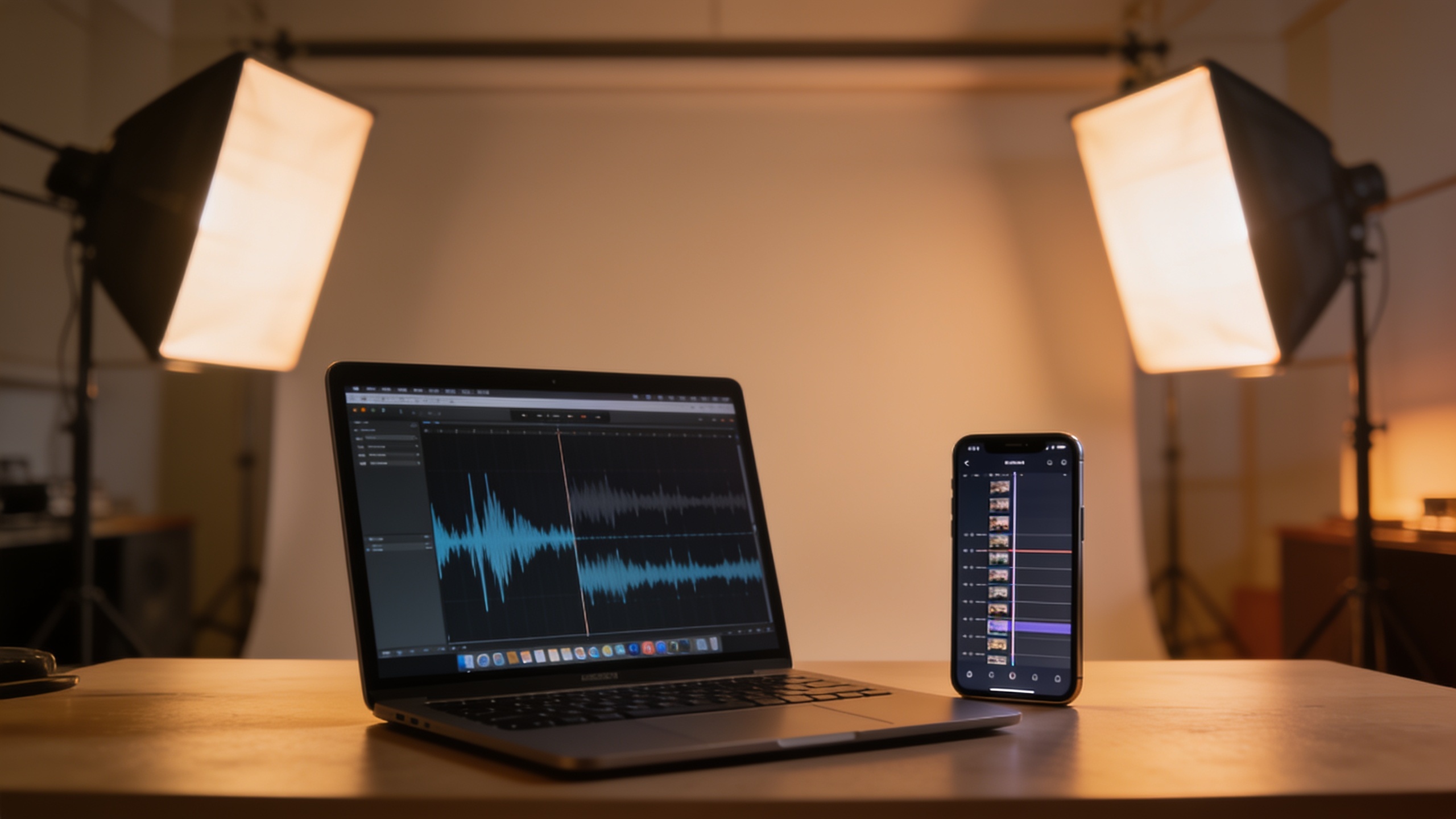
You need a short, catchy jingle for a TikTok, Reel, or ad and you don’t have time or budget for a composer. This guide shows how to reliably generate 15–30 second, copyright-safe jingles using prompt-first workflows, quick mixing tips, and legal checkpoints. It includes exact prompt templates, a reproducible 6-minute GoCrazyAI workflow powered by ElevenLabs, and the documentation steps you should save to prove human authorship.
Quick Answer
How to use an AI jingle maker: write a tight prompt that specifies length, mood, instrumentation, and vocal hook; generate 3 variants; pick the best, tweak stems, and export a 15–30s mix. Use a platform that documents model provenance and commercial rights (like the GoCrazyAI AI Song Generator powered by ElevenLabs), and save your prompts and edits for copyright records.
Why are AI jingles the fastest way to get platform-ready music (and when are they appropriate)?
AI jingles are fast because you can go from brief to a finished 15–30s track in minutes rather than days. For short-form content you usually need a clear hook, a consistent mood, and loopability — all of which modern music models can produce on request. Use AI jingles when you need quick iterations, low cost, or bespoke hooks for ads and social trends. They are less appropriate when you need a long-form, complex arrangement or an artist-specific sound that requires licensed samples. For most TikTok/Reels ads and short brand spots, an AI jingle that’s simple, punchy and loopable will work well. Keep expectations realistic: AI-generated music often nails structure and mood but may need minor mixing or vocal tuning to fit your edit perfectly.
What legal and copyright basics must creators check before using AI music in ads?
You should confirm model licensing, platform terms, and document your human input before publishing. The U.S. Copyright Office explicitly said on Jan 29, 2025 that "the use of AI to assist in the process of creation does not bar copyrightability" when there is sufficient human authorship. That means saving your prompts, edits, and version notes helps prove the human-directed contribution. Prefer platforms that disclose provenance and commercial rights — ElevenLabs states Eleven Music was developed with labels and cleared for broad commercial use, and their docs show music generation with vocals and structured sections. Also be aware of ongoing industry litigation and debates over training data and licenses; choose services that publish clear terms of use and provenance statements. Practical checklist: 1) Save prompt text and timestamps. 2) Export intermediate stems/versions. 3) Record edits and who made them. 4) Keep the platform’s commercial-use policy and model documentation for reference.
Prompt-first approach: example prompt templates to generate 15–30s TikTok/Shorts jingles with GoCrazyAI AI Song Generator?
Start with a short structured prompt: length, tempo, genre, mood, instrumentation, vocal instruction, and a 4–8 word hook line. Use variants that change one variable at a time. Below are exact templates you can copy and paste.
Short explanation: prompts that specify song structure and a vocal hook usually produce the cleanest 15–30s jingles you can drop into an edit. Keep language direct and use micro-directions like “punchy 4-bar loop” or “repeat chorus twice” for loopability.
Prompt templates (copy and paste):
"15s upbeat pop jingle, 105 BPM, bright synth pluck and tight drums, female lead vocal in English, hook: 'TryGlow — glow in a flash', structure: 2-bar intro, 4-bar chorus (repeat), punchy ending — for TikTok ad."
"20s lo-fi hip-hop jingle, 85 BPM, warm electric piano, soft crackle, male vocal whisper in English, melodic hook: 'Sip & Go', structure: intro (2 bars), verse (4 bars), chorus (4 bars loopable)."
"30s energetic rock hook, 120 BPM, electric guitar riff and driving drums, group shouts for chorus 'Make It Count', structure: intro (2 bars), chorus (8 bars), fade friendly for looping."
How to iterate: change only tempo or hook on each generation to create clear variants for A/B testing. If you want multiple languages, add "vocal in Spanish" because Eleven Music supports multilingual vocals.
You can try every step above directly in GoCrazyAI AI Song Generator — no setup needed.
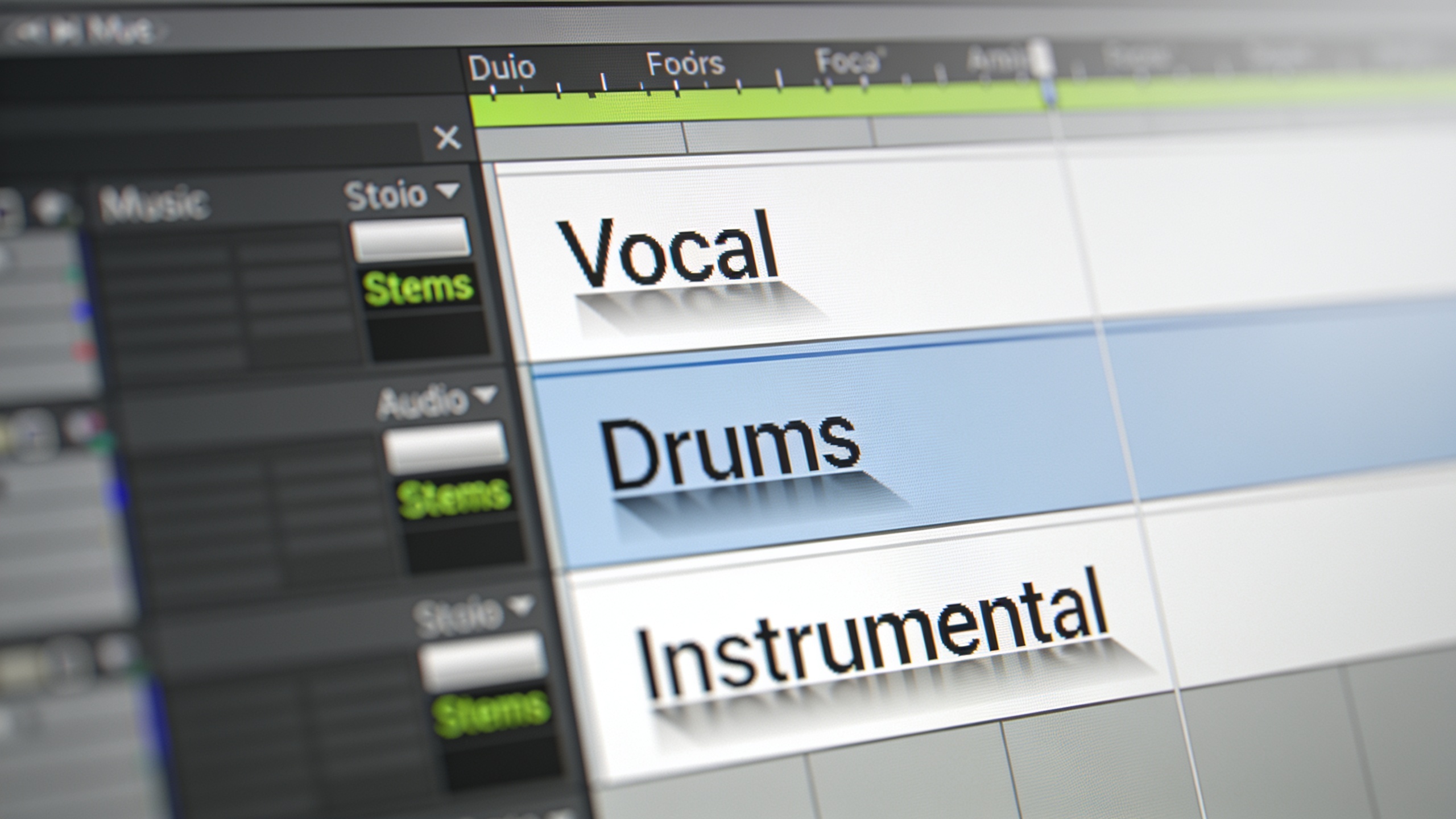
Hands-on workflow: How to create a custom ad jingle from brief to final export in 6 minutes with GoCrazyAI?
Yes — you can go from brief to final export in roughly 6 minutes by following a tight, prompt-first loop and using GoCrazyAI's export tools. The platform routes prompts to an ElevenLabs-powered model that supports vocals, structure, and duration control, so you can request a short 15–30s jingle with a vocal hook and commercial use rights. Below is a minute-by-minute breakdown you can follow now.
Step-by-step 6-minute workflow (do these actions while keeping files and prompts saved):
Minute 0–1: Write your brief and pick a template. Example brief: "15s, 110 BPM, upbeat pop hook for a 3-second product reveal; female vocal, hook: 'ZipIt now'".
Minute 1–2: Paste the prompt into the GoCrazyAI AI Song Generator, select "15s" duration, choose a bright pop preset, and enable "vocals". Generate 3 variants in parallel.
Minute 2–3: Preview the three variants. Mark timestamps for the strongest 0–6s hook. Save the prompt string and export the waveform previews as MP3 drafts.
Minute 3–4: Request stems/instrumental (GoCrazyAI supports stem export via the AI Song Generator). Grab the instrumental and vocal stems.
Minute 4–5: Quick edit: normalize volume, trim to 15–30s, and add a 100ms fade to avoid pops. If you use GoCrazyAI Media Mixer later, you can finish mixing there (/ai-video-edit).
Minute 5–6: Export final WAV/MP3, tag metadata, and save a short "authorship.txt" with prompt, generation timestamps, and edits. You’re ready to drop the jingle into your short or ad.
Use the "AI music generator" when you need a fast export and documented commercial-use policy; GoCrazyAI’s integration makes this direct and repeatable.
How do I mix, edit and match generated stems and vocals for vertical short-form edits?
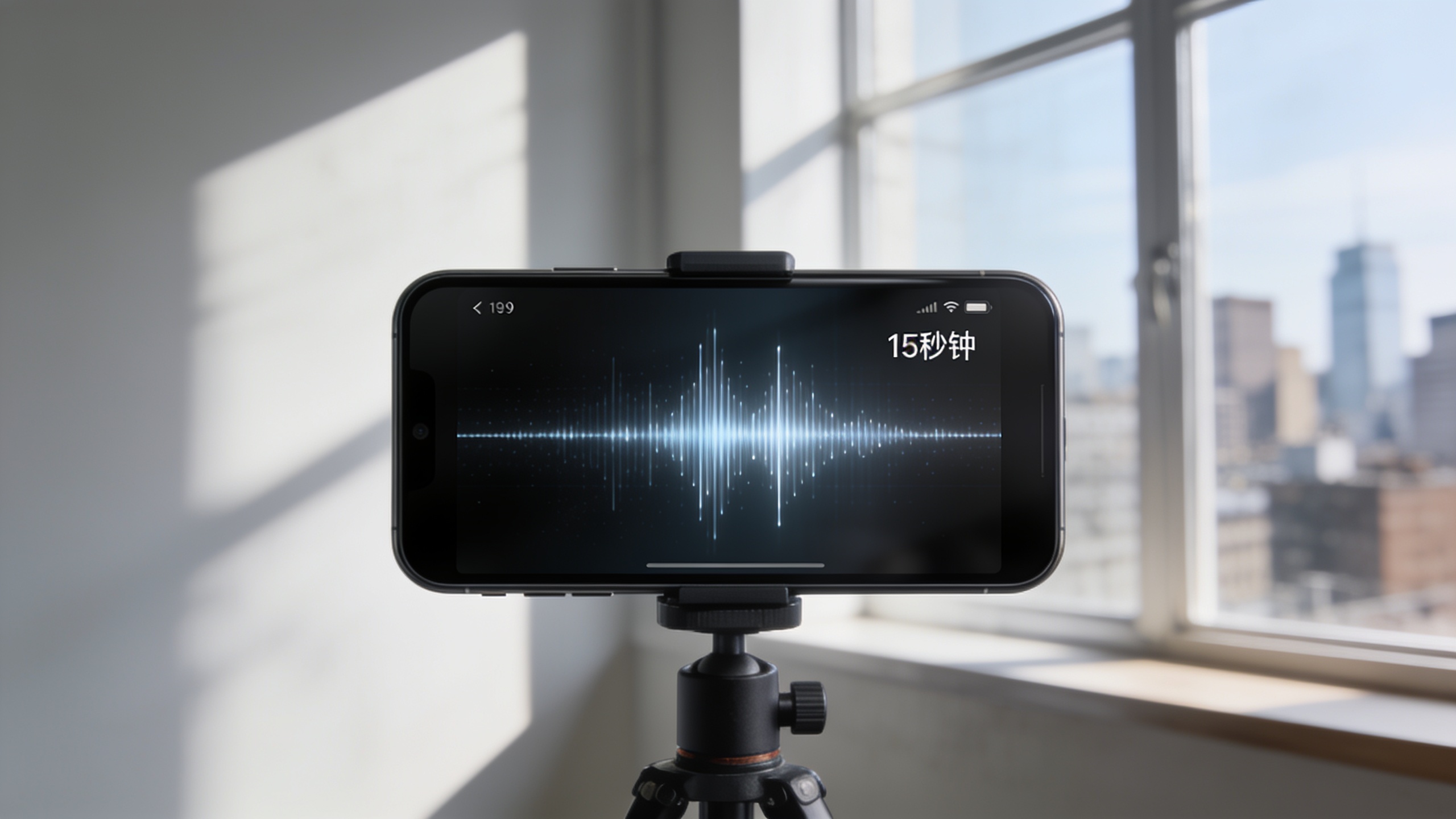
Mixing for vertical formats means shorter intros, clear low-mid balance for phone speakers, and a strong hook in the first 1–3 seconds. Use stems to control presence: boost drums and midrange for clarity, slightly reduce bass to avoid muddying phone playback, and keep the vocal centered with light compression.
Practical steps: import stems into your DAW or GoCrazyAI Media Mixer. Trim to 15–30s and place the hook within the first 2 seconds. Apply a fast compressor (attack 5–10 ms, release 60–100 ms) on the vocal, a high-pass at ~80 Hz on non-bass stems, and a transient enhancer on the drums for punch on small speakers. Export a 128–192 kbps AAC preview for platform tests and a 16-bit WAV for final delivery.
If you plan to pair visuals, export a loop-friendly version: make the end match the beginning in energy (e.g., leave the last bar instrumentally similar) so TikTok or Reels loops feel natural. Also consider using GoCrazyAI's "AI video generator" for quick vertical visuals and syncing (/create-ai-video).
How should I A/B test 3 jingle variants to improve click-through and watch time? (and common pitfalls)
A/B testing three jingle variants means measuring the same creative with only the audio swapped so you isolate impact. Upload three cuts of the same video using variant A, B, and C, run short paid or organic experiments, and track CTR and average watch time. Run tests for a minimum of several hundred impressions or until statistical lift appears.
Test setup: keep visuals, captions, and CTA identical. Use platform split-testing tools or run sequential boosted posts for quick insights. Compare CTR, 3-second views, and average watch time. Pick the winner on the metric your campaign prioritizes (CTR for acquisition, watch time for retention).
Common pitfalls and how to avoid them:
- Mistake: Changing visuals between variants. Avoid this — swap only audio.
- Mistake: Testing too many variables at once (tempo + hook + mix). Change one variable per round.
- Mistake: Running tests that are too short to be meaningful. Aim for consistent exposure (hundreds of impressions).
Document each test run, export the winning audio stem, and save the prompt that created it for copyright records and repeated campaigns.
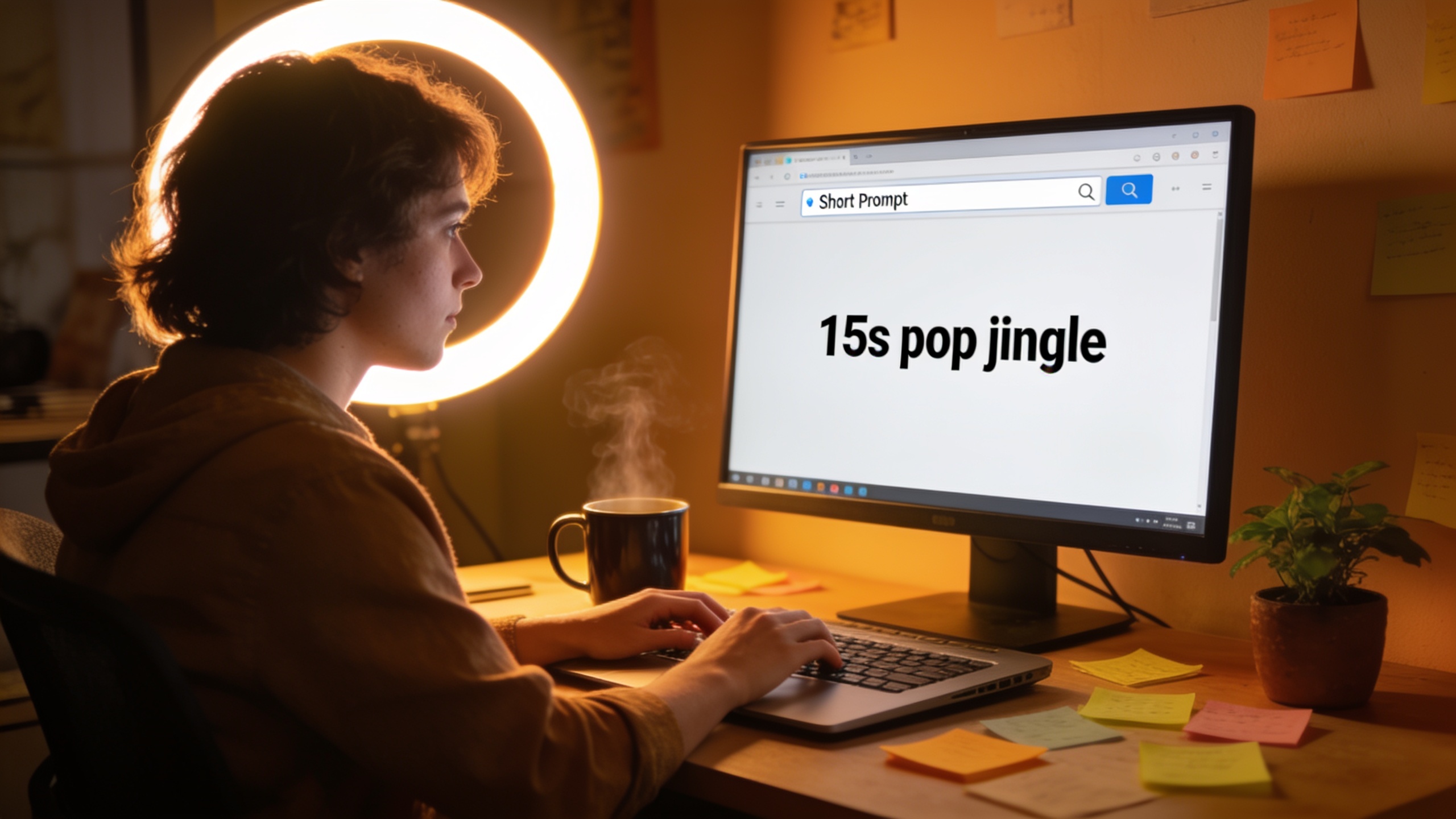
What is the distribution checklist and best practices for licensing, attribution, metadata, and reuse for brand spots?
Before publishing a jingle in paid ads or on social channels, verify licensing, embed metadata, and keep an attribution record. Confirm the platform’s commercial use policy and export a copy of the model documentation when you generate the track. Add metadata fields: Title, Artist (your brand), ISRC if needed, Creation date, and a short "AI generation prompt" note in comment fields.
Checklist: 1) Confirm commercial rights on the platform (save the policy). ElevenLabs and GoCrazyAI document commercial use for Eleven Music integrations. 2) Save prompts and edit logs in a single folder (prompts.txt, edits.log, exports/). 3) Embed metadata in the final master (title, brand name, copyright holder). 4) Use the exported stems for reuse: change tempo or key only after noting the original prompt to maintain provenance. 5) If you purchase credits or a plan, keep the receipt — it ties usage to your account and timeline (/credits).
Following this checklist reduces friction during platform review, ad approval, and potential rights questions. Keep your records for the life of the campaign.
Frequently Asked Questions
Can I use AI-generated jingles in commercial ads?
Yes, when the platform's terms permit commercial use. ElevenLabs' music offering and platforms that integrate it (like GoCrazyAI) publish commercial-use language; still save prompts and edits to document your human authorship.
Are AI jingles safe from copyright claims?
Not automatically. The U.S. Copyright Office says AI-assisted works can be copyrighted when there is sufficient human input, so keep prompt and edit records. Also choose providers that disclose model provenance and rights to reduce risk.
What length and tempo work best for TikTok jingles?
Usually 15–30 seconds and 90–120 BPM for upbeat content; slower moods can be 70–90 BPM. Prioritize a strong 1–3 second hook and loopability for repeats.
Conclusion
AI jingles let creators produce usable, short-form music fast — but sensible prompts, stem exports, and legal documentation are essential. Generate 3 quick variants, A/B test them against the same visual, and keep prompt + edit records to support copyright claims. Pop a vibe into the AI Song Generator and you'll have a track to score the cut in minutes.
Sources
- Music overview | ElevenLabs Documentationelevenlabs.io ↗
- AI Song Generator articles, guides & tutorials | GoCrazyAI Bloggocrazyai.com ↗
- AI Music Generator | ElevenLabs Music product pageelevenlabs.io ↗
- Can I publish the content I generate on the platform? – ElevenLabs Helphelp.elevenlabs.io ↗
- Eleven Music API - Studio-Grade AI Music Generationelevenlabs.io ↗
- Eleven Music is here (ElevenLabs blog)elevenlabs.io ↗
- Copyright Office Releases Part 2 of Artificial Intelligence Report (NewsNet) — U.S. Copyright Officecopyright.gov ↗
- Copyright and Artificial Intelligence | U.S. Copyright Office (AI initiative)copyright.gov ↗
- Study on the economic impact of Generative AI in the Music and Audiovisual industries (IPRS)iprs.org ↗
- GoCrazyAI home — AI Song Generator and product pagesgocrazyai.com ↗