


AI music FAQ: Copyright, ideal lengths, mixing tips, and quick jingles
Practical AI music FAQ for creators: copyright risks, ideal TikTok/Reel lengths, mixing tips, and step-by-step workflows to make jingles and explainer scores with GoCrazyAI.
You need short, copyright-safe music that fits TikTok, Reels, and quick ads — and you need it fast. This guide answers the core AI music FAQ creators actually use: can you legally use AI-generated tracks, what lengths perform best on short-form platforms, mixing shortcuts to make AI tracks sound professional, and two copyable GoCrazyAI workflows (one for a 60–90s explainer score and one for a 15–30s jingle). I’ll also give checklist items for licensing, export settings, and distribution so you can publish without second-guessing. Throughout the article I reference U.S. Copyright Office guidance and platform ad recommendations where relevant, and show how GoCrazyAI’s AI Song Generator can produce original instrumentals and vocal tracks from prompts so you can drop them into your edit.
Quick Answer
AI music FAQ: Yes — AI-generated music can be safe to use if it’s original and doesn’t reproduce recognizable copyrighted elements. For short-form ads, aim for ~21–34s hooks; for explainers, 30–90s. Use stems, a clear 3–6s sonic hook, and light AI-assisted mastering. GoCrazyAI’s AI Song Generator creates copyright-free tracks from prompts you can export and use in edits.
Is AI-generated music copyright-safe? FAQ for creators (U.S. & platform rules)?
AI-generated music can be copyright-safe in many cases, but the legal area is evolving and depends on whether the output reproduces or is substantially similar to existing copyrighted material. The U.S. Copyright Office has an active AI initiative and published listening sessions and notices in 2023–2024 that show rulemaking is ongoing, so treat this as a live policy area and avoid relying on fixed legal certainty.
Practical steps to reduce risk:
- Use generators that claim to produce original works and export rights (e.g., GoCrazyAI’s AI Song Generator states its tracks are exportable for use without library licensing). This reduces licensing friction but is not a legal guarantee.
- Avoid prompts that ask the model to imitate a named song, artist, or a very specific melodic phrase. If output contains recognizable elements of a pre-existing work it may be treated as a derivative work and could pose infringement risk.
- Keep records: save the prompt, model version, timestamp, and any reference tracks you provided. That audit trail helps if a dispute arises.
Platform rules: platforms and advertisers often have their own content policies and ad guidelines. For example, TikTok’s ad guidance emphasizes audio quality and creative length for auctioned ads, which affects campaign approval and performance. For legal advice specific to a project, consult counsel — this section is practical guidance, not legal counsel.
How long should your TikTok/Reel music be? Data-backed length and structure guidance?
For platform-optimized short-form audio, aim your music length around your content goal: 21–34 seconds for attention-grabbing ads, 30–90 seconds for explainers or educational pieces, and longer only when narrative or storytelling justifies it. Several platform and academic studies from 2024–2026 indicate performance depends on watch-time and completion rates more than raw duration; TikTok ad guidance specifically recommends roughly 21–34 seconds for many campaign types and flags audio as a core creative element for auction performance.
How to structure those lengths:
- 21–34s (ads): Lead with a 2–6s sonic hook, then 12–24s of supporting progression and a short end tag. This matches TikTok creative best practices for quick attention and delivers within ad attention windows.
- 30–90s (explainers): Use a 6–12s intro, 40–60s body with simple dynamics, and a 6–12s close. Keep motifs repeating every 8–16s so the listener recognizes the theme as the video progresses.
- Loopability: For repeat-view content, design a 3–6s loopable phrase that can seamlessly repeat without a jarring drop.
Measure what matters: completion rate and watch-time usually predict algorithmic lift better than raw length, so test versions and prioritize edits that keep people watching.
Mixing & mastering tips for AI-generated tracks — make them sound pro (quick wins)?
Quick wins: prep stems, set a reference track, and let AI mixing tools handle the first-pass balance and loudness. AI-assisted mixing speeds up routine tasks but works best when fed clean stems and clear stylistic directions; it’s less reliable when you intentionally break mix conventions.
Immediate steps to improve AI-generated tracks:
- Export stems (drums, bass, lead, pads, vocals) if the generator allows. Stems let you control levels and processing more precisely during final mix.
- Choose a short reference track that matches desired loudness, tone, and perceived space. Match key elements: vocal level, snare weight, and bass presence.
- Use gentle compression and saturation on the bus, then run an AI mastering pass for target LUFS. For social platforms, -14 to -10 LUFS is typically safe; platform ingestion can alter loudness.
- Fix clashes with a simple sidechain from kick to bass and high-pass the pads to clear low-end.
- Check the mix on small speakers and headphones: short-form listens often happen on phones.
When to avoid full AI mixing: if you want a deliberately unbalanced or extreme aesthetic, manual mixing will likely be better. Also, always listen critically to artifacts — aggressive AI processing can introduce phase or timbral issues that need human correction.
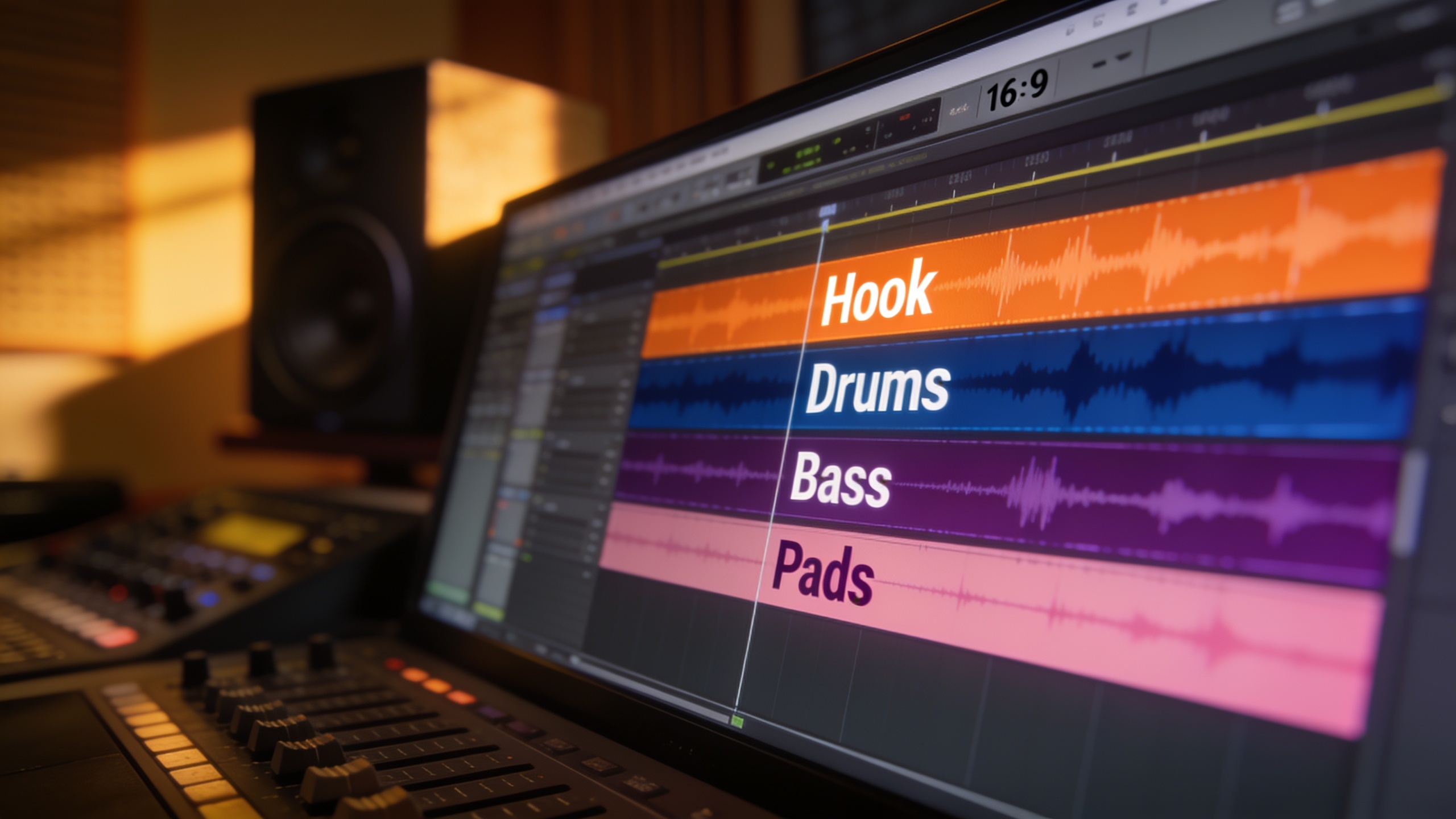
Workflow: Create a copyright-free background score for a 60–90s explainer using GoCrazyAI AI Song Generator?
Yes — you can create a 60–90s copyright-free explainer score by writing a clear prompt, generating stems, and exporting stems/masters for your edit. GoCrazyAI’s AI Song Generator can produce instrumentals and full songs from a text prompt and lets you guide style, tempo, and mood, which speeds this workflow.
Step-by-step workflow (copyable): 1) Define brief: "Explainer: 75s, warm electro-acoustic, steady 90 BPM, uplifting but calm, loop-friendly, 3 dynamic sections." 2) Reference: pick a 60–90s track you like and note tempo, instrumentation, and mood. 3) Prompt example (paste into GoCrazyAI): "Instrumental, 75–90s, 90 BPM, warm electro-acoustic, soft piano arpeggio, organic pad underlay, light percussion with brushes, evolving strings at 40s, no vocal hooks, loopable 8-bar motifs, modern documentary vibe." 4) Generate and review stems: ask the generator for separate stems (if available) or export multitrack mixes. 5) Quick mix: balance drums and bass, sidechain pads to the kick, set stereo width on keys/pads, and add a gentle limiter to -10 LUFS as a starting point. 6) Export master and stems for the editor and import into your video timeline.
If you need narration, use GoCrazyAI AI Voices to generate guide vocals or placeholders, then replace with the final voiceover. For adding the track to a video, finalize fades at cut points so the music supports the voice and doesn’t compete.
Link: Try the AI Song Generator for this workflow at the AI music generator page: AI music generator.
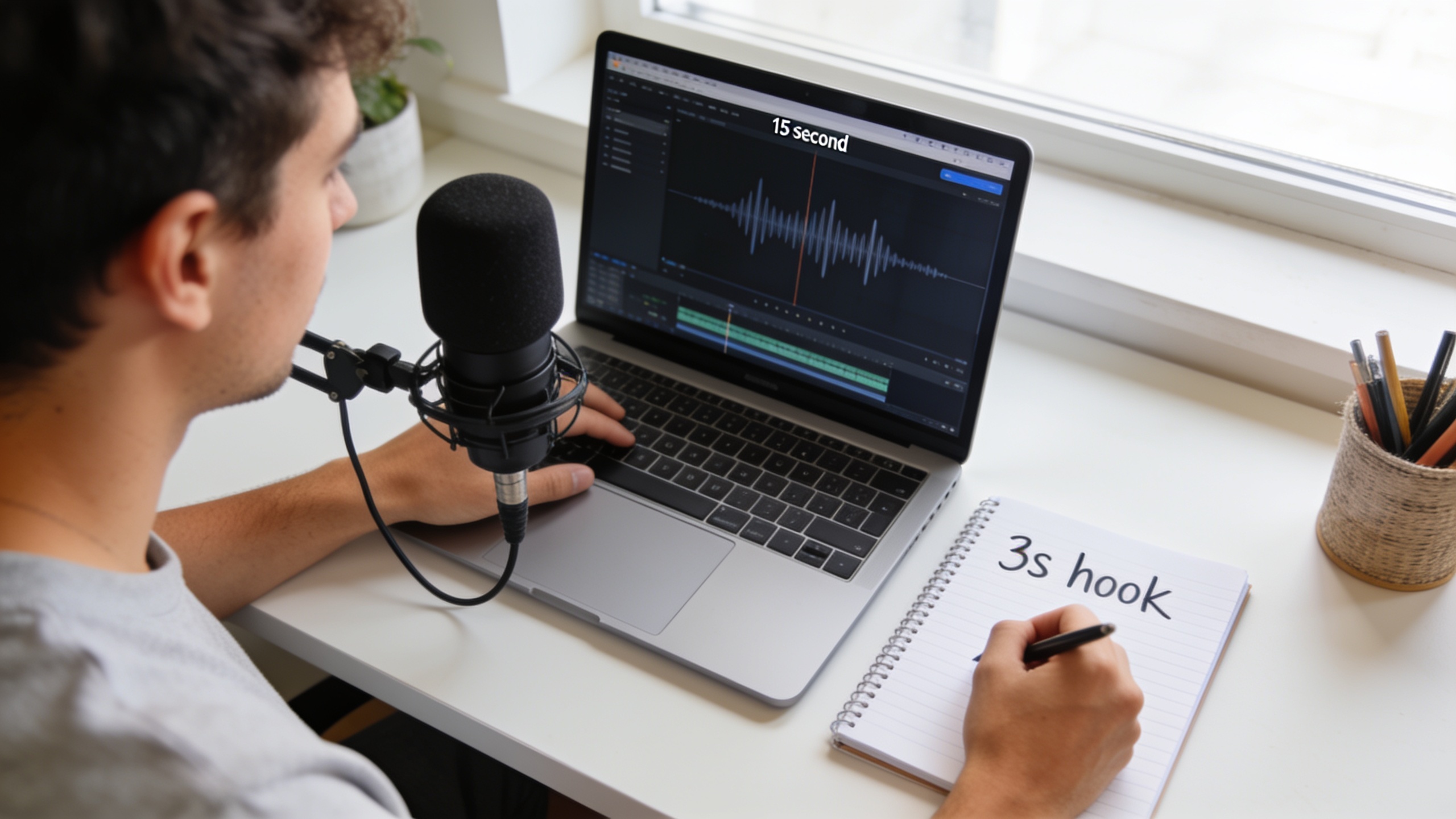
Workflow: Generate a 15–30s jingle for an ad or brand spot with GoCrazyAI (script to final export)?
You can produce a 15–30s jingle from script to export in minutes by focusing on a 3–6s sonic hook, a short progression, and a clear vocal or motif. GoCrazyAI’s AI Song Generator can create full songs and instrumentals from a prompt, which is ideal for fast jingles.
Script-to-export workflow (copyable): 1) Script hook: write a 3–6s sonic hook phrase. Example: "Bright two-note melody, playful marimba, sung tagline 'GoGreen'" (replace with your brand). 2) Prompt example for GoCrazyAI: "15s jingle, 110 BPM, upbeat, 3s marimba hook + plucky bass, handclaps on beats 2/4, female lead 'Your Brand' short vocal tagline on last bar, bright modern pop production." 3) Generate and request alternate takes (change tempo or instrumentation). Choose the best take. 4) Export stems; quick polish: tighten vocal timing, add harmonic doubling on the hook, and compress lightly for presence. 5) Export final WAV/MP3 at 44.1/48kHz. For ads, deliver both a 15s and 30s version (extend by repeating hook and adding a short bridge). 6) Run ad previews on-device and check loop transitions if the spot will loop.
If you use voiceover from GoCrazyAI or external voice talent, mix the jingle under the VO at -8 to -12 dB to keep clarity. To speed iterations for platform testing, export multiple BPM/energy variants and A/B them in short ad tests.
Practical tips to make AI songs trend on Reels and TikTok — hooks, stems, and loopability?
To increase the chance a song trends, focus on a tight sonic hook, easy-to-isolate stems, and loopability so creators can remix and reuse the piece. Short, memorable hooks (2–6s) and a clear beat help clips get reused in user-generated content.
Tactics that often help:
- Hook first: put the strongest hook inside the first 2–4 seconds so viewers hear it immediately.
- Export stems: provide a hook stem, beat stem, and full mix so creators can create edits, remixes, and duets easily.
- Loop-friendly arrangement: design the track so 8–16 bar sections can loop without obvious starts or stops.
- Tag and metadata: when uploading to platforms or distributing via social tools, include descriptive tags and recommended clip timestamps (e.g., "use 00:00–00:06 for hook").
- Encourage UGC: publish a short guide video showing how to cut the hook into Reels/TikTok and include an easy caption for creators to copy.
Creators and marketers should A/B test 3–4 versions (differences in tempo, hook emphasis, or instrumentation) and judge on completion rate and reuse in UGC. Remember, algorithmic uplift usually follows engagement and reuse, not just audio originality alone.
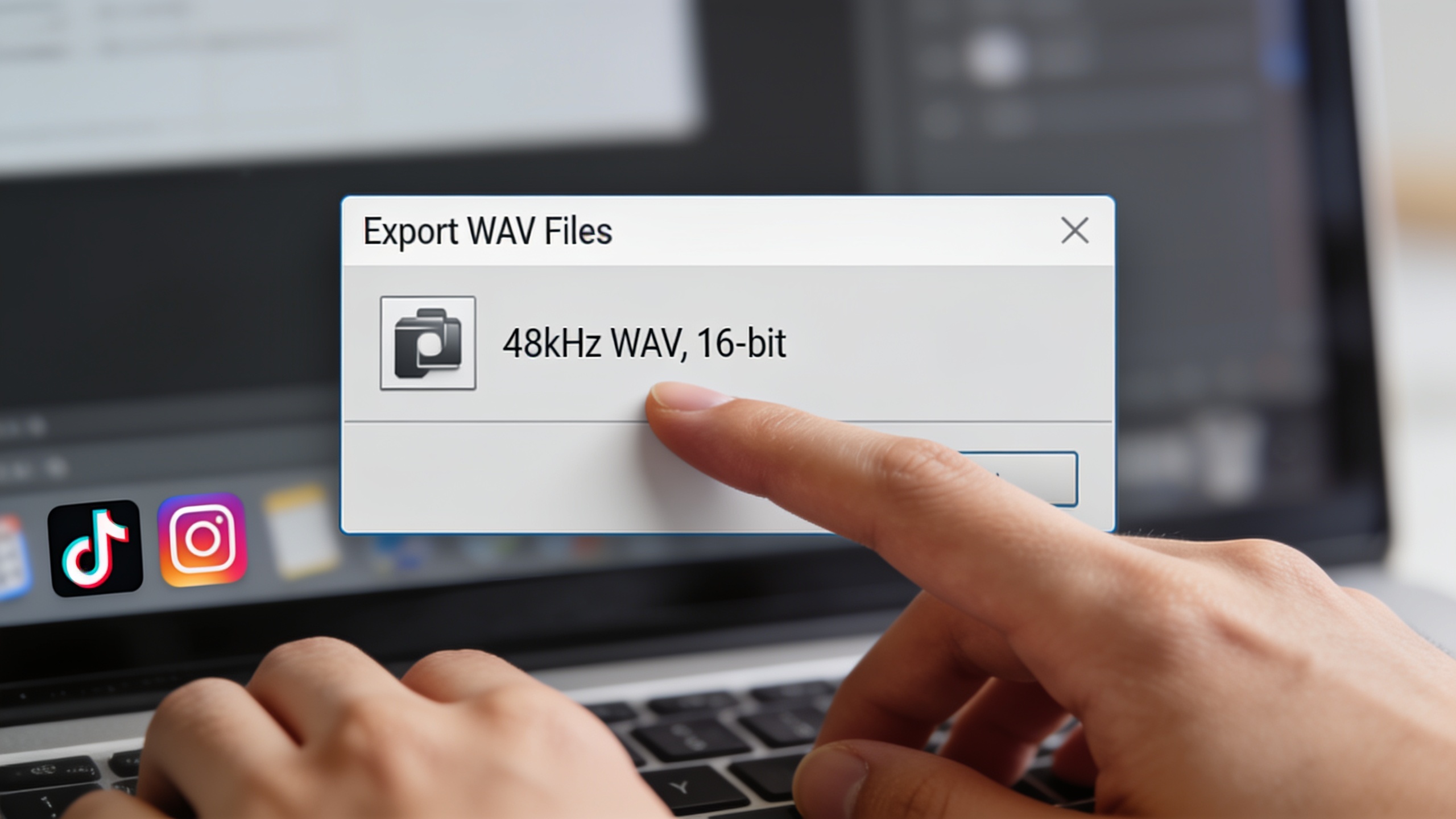
Checklist: Licensing, export settings, and distribution steps before you publish?
Before you publish, run a short checklist: confirm licensing, choose export settings for platform delivery, prepare stems for creators, and set distribution metadata. These steps minimize legal and technical issues and speed approvals.
Essential checklist items:
- Licensing: confirm the generator’s export/usage terms and keep a record (prompt, model, date). For GoCrazyAI, the AI Song Generator is designed to produce original tracks that remove library licensing headaches, but retain your prompt and export proof.
- Copyright safety: verify the music doesn’t contain recognizable melodies or recordings of existing works. If it does, revise the prompt and regenerate.
- Export settings: render masters at 48kHz WAV for video editors; deliver MP3/AAC 320kbps for quick uploads. For platform loudness, aim -14 to -10 LUFS as a safe starting point.
- Stems and vocal files: export stems for remixability (hook stem, beat stem, full mix). This encourages reuse and trend potential.
- Metadata & timestamps: include suggested hook timestamps, tempo (BPM), key, and a short usage license note in captions or release notes.
- Credits & budgeting: note any credits or internal cost (use the Pricing page to plan credits and subscription impacts). For GoCrazyAI credits and plans see Pricing.
Finally, test the exported file on actual target devices (phone speakers, earbuds) and run a short ad preview if the track is for paid campaigns. If you plan motion or visual content with the audio, consider using the AI video generator to prototype visuals quickly: try an AI video generator to mock the spot.
Frequently Asked Questions
Is AI-generated music automatically in the public domain?
No. AI-generated music is not automatically public domain. Ownership and licensing depend on the generator’s terms and whether the output reproduces copyrighted elements. Always check the service’s usage terms and keep records of prompts and exports.
Can I use AI music in paid ads on TikTok and Instagram?
Yes, if the track is cleared for commercial use by the generator and doesn’t copy existing copyrighted works. Follow platform ad specs (many short-form ads perform best at ~21–34s) and confirm the generator’s license covers paid advertising.
How can I reduce copyright risk when prompting an AI music model?
Avoid referencing named songs or specific artist signatures. Use genre, mood, tempo, and instrumentation descriptors instead, and review outputs for recognizable melodies. Keep your prompt history and export records as an audit trail.
What loudness should I master to for social platforms?
Aim between -14 and -10 LUFS for a master intended for social platforms. Platform ingestion may alter loudness, so export a full-resolution file (48kHz WAV) and test on devices.
Should I export stems or a single stereo mix for creators?
Export both if possible. Stems (hook, beat, full mix) make remixing easier and boost reuse. Also export a clean full mix for quick uploads.
Conclusion
Final thoughts: Treat AI-generated music like any production asset — verify originality, pick the length that matches your content goal, and use stems and a tight sonic hook to boost reuse. For fast, license-friendly tracks you can export into an editor, try the GoCrazyAI AI Song Generator and generate a background score or jingle in minutes. Pop a vibe into the AI Song Generator and you'll have a track to score the cut in minutes.
Sources
- Copyright and Artificial Intelligence | U.S. Copyright Officecopyright.gov ↗
- Transcript: Copyright and AI — Music and Sound Recordings Listening Session (May 31, 2023) — U.S. Copyright Officecopyright.gov ↗
- TikTok Web Auction Best Practices (Creative guidance) — TikTok For Businessads.tiktok.com ↗
- How Long Should TikTok Videos Be? Data & Benchmarks (SocialInsider, 2026)socialinsider.io ↗
- AI Mixing Tutorial: Your Complete Beginner's Guide — LordReverb (2026)lordreverb.com ↗
- Performing Long-Term Music Visibility on TikTok — Complexity / Wiley (2026)onlinelibrary.wiley.com ↗
- Prevailing Research Areas for Music AI in the Era of Foundation Models (survey) — arXiv (2024)arxiv.org ↗
- GoCrazyAI AI Song Generator (internal product page)gocrazyai.com ↗