


AI song generator: Create copyright-safe jingles and scores for reels
Practical guide to producing short, copyright-safe jingles and 60–90s scores with an AI song generator. Workflows, prompts, rights, and GoCrazyAI steps.
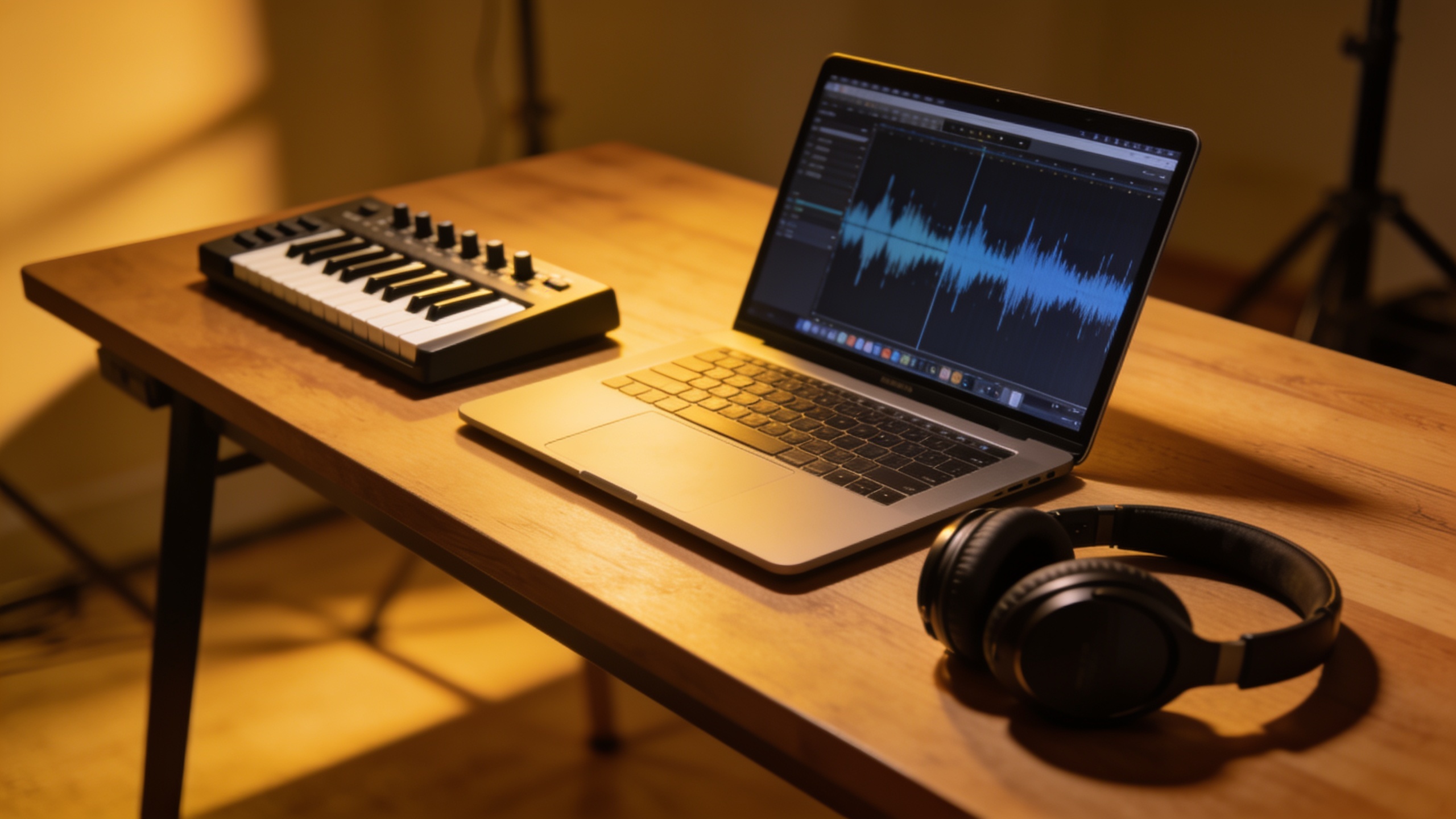
You need short, copyright-safe music that actually fits your reel or vlog — fast. This guide shows how to produce 15–30s jingles and 60–90s background scores using an AI song generator, with hands-on workflows, prompt templates, legal guardrails, and practical quality checks. I’ll show which brief elements matter (tempo, mood, instrumentation), seven prompt strategies that cut rerolls, two step-by-step builds you can copy, and how to document creative input so you can assert rights when possible. You’ll also get concrete templates for release notes and metadata for uploads. Where relevant I’ll demonstrate how to do the workflows with the GoCrazyAI AI Song Generator (/ai-music), which generates full songs and instrumentals from prompts and supports stem exports so editors can drop tracks straight into an edit.
Quick Answer
How do you use an AI song generator to make copyright-safe jingles? Use a tight creative brief (mood, tempo, duration, instruments), avoid asking it to “sound like” a named artist, extract stems, and document your human edits. For hands-on work, prompt for a loopable 15–30s hook, export stems, test in your edit, and iterate with specific structure markers.
Why are creators switching to AI jingles and short scores (what can you realistically save in time and money)?
AI jingles and short scores are popular because they cut turnaround and licensing costs. Typically, a 15–30s jingle can be generated and iterated in minutes instead of days spent negotiating library licenses or commissioning custom music. That saves money on per-track licensing and studio time and often reduces model credits per output when you stick to short loops. For creators who repurpose content across Reels, TikTok, and Shorts, a single 15s hook can be trimmed to 6s bumpers or extended to 30s variants, delivering high ROI.
In practice, expect to spend most time on brief-writing, one or two rerolls, and a quick stem export. If you use a generator that supports instrumentals and stems, integration into your NLE becomes painless: editors can drop the instrumental under dialogue and adjust levels. Savings will vary by project size and whether you already have a music budget, but short-format jingles are the fastest route to consistent, on-brand audio without library search overhead.
What is the copyright and commercial-use reality for AI music?
The U.S. Copyright Office says copyright protection requires human authorship; fully autonomous AI-generated material is not eligible for copyright protection. That means creators who rely solely on a generator’s output may not be able to register or enforce copyright for that output without documented human contribution (U.S. Copyright Office)[https://www.copyright.gov/AI/].
Practically, many platforms still allow commercial use of AI-generated tracks, but takedowns have happened when generated outputs too closely mirror existing copyrighted songs (reporting summarized by Ars Technica)[https://arstechnica.com/tech-policy/2023/03/us-issues-guidance-on-copyrighting-ai-assisted-artwork/]. To reduce risk: avoid prompts that request a track to "sound like" a named artist, keep records of your prompt, versions, and manual edits, and, when you want enforceable rights, document how you shaped the composition (arrangement choices, lyric edits, mixing decisions). Some modern providers explicitly offer commercial-use licensing for their models; still, platform enforcement actions remain possible when outputs are derivative.
How do I choose the right brief: what to include in a jingle brief (tempo, mood, duration, instrumentation)?
A usable jingle brief contains five concrete fields: duration, tempo (BPM), mood, instrumentation, and structure. Write them as a short list rather than a paragraph for best results.
Example brief elements:
- Duration: 15 seconds, loopable.
- Tempo: 100 BPM, mid-tempo groove.
- Mood: upbeat, optimistic, friendly.
- Instrumentation: clean electric guitar hook, warm synth pad, punchy acoustic kick, light clap.
- Structure markers: 0–2s intro, 3–10s hook, 11–15s loopable outro.
This level of precision helps the model produce an immediately usable loop. Also add mix guidance if you need stems ("include separate vocal/hook stem, instrumental stem, and percussion stem"). Briefs that include a short reference description (not artist names — use descriptors like “1970s Motown bass groove + modern tropical house shimmer”) often produce better results while avoiding copyright mimicry.
What prompt strategies produce better sung jingles and instrumental loops?
Seven prompt strategies usually help: concise brief, structure markers, descriptive references (no artist names), vocal role definition, explicit duration, instrumentation list, and variation controls. Use them together rather than in isolation for best results.
1) Concise creative brief: Start with a single-sentence hook description, then list tempo, duration, and mood. This reduces model confusion.
2) Structure markers: Add "intro / hook / loop / outro" with timestamps (e.g., "0–2s intro, 3–12s hook, 13–15s loop").
3) Descriptive references: Use descriptors like "bright ukulele, lo-fi vinyl crackle" instead of artist names to avoid mimicry.
4) Vocal role and lyric guidance: For sung jingles, specify "lead vocal: female, warm tone; lyric seed: 'feel the moment'" and include syllable counts or a hook line.
5) Duration and export format: Add "export stems: vocal, instrumental, percussion" and exact duration like "15s".
6) Variation controls: Add "provide 3 variations with different hooks" to reduce rerolls and compare quickly.
7) Mixing hints: "dry vocal, reverb on backing, -6dB percussion in final export" helps the DAW-ready output.
Prompt example (brief): "15s loopable advertising jingle; 100 BPM; upbeat, friendly; instruments: clean electric guitar hook, warm synth pad, acoustic kick, light clap; structure: 0–2s intro, 3–10s hook, 11–15s loopable outro; export stems: lead vocal, instrumental, drums; give 3 variations."
How do I make a 15–30s reels jingle using GoCrazyAI?
Yes — you can make a 15–30s reels jingle on GoCrazyAI by writing a tight brief, generating variants, exporting stems, and dropping the best take into your edit. GoCrazyAI’s AI Song Generator creates original tracks from text prompts, supports instrumentals, and lets you export stems so you can mix in your NLE.
Step-by-step on GoCrazyAI (/ai-music): 1) Open the AI Song Generator and paste a concise brief (use duration, tempo, mood, instruments, structure markers). 2) Select "15s" or enter a custom duration and request "3 variations". 3) Toggle "Export stems" so you receive vocal, instrumental, and percussion files. 4) Generate, listen to the three results, and pick the best hook. 5) If needed, refine the prompt for a second pass (change tempo or instrumentation or ask for a brighter mix). 6) Download stems and import them into your NLE or the GoCrazyAI Media Mixer (/ai-video-edit) to align with footage and finalize levels.
Because the generator is powered by ElevenLabs music models and supports export-ready files, you can drop a cleaned stem into a Reel, trim to 15s, and publish quickly. For pricing or credits required to run batches, check GoCrazyAI Pricing, plans, and credits (/credits).
Can you show an example workflow to build a 60–90s background score and export stems?
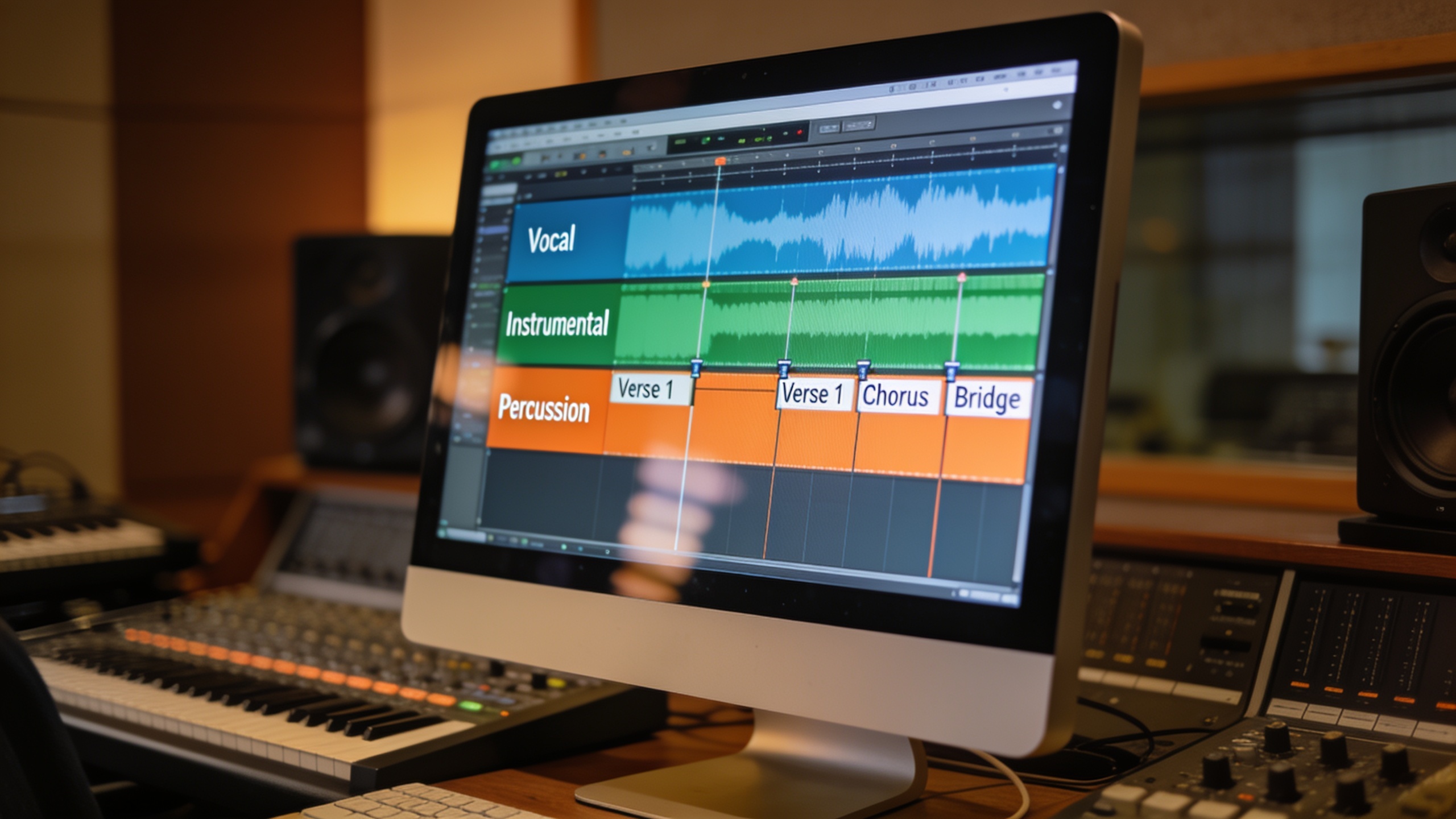
Yes — the workflow for a 60–90s score focuses on a loopable intro plus stems for mixing. Start with a clear structure: intro (0–10s), body (10–70s), outro or loop point (70–90s). Request stems and variations so you can adapt the arrangement in your DAW.
Example step-by-step workflow you can copy: 1) Brief: "60s background score, 80 BPM, cinematic gentle, instruments: piano, soft strings pad, subtle percussion; structure: 0–10s intro swell, 10–50s main motif, 50–60s loopable tag; export stems: piano, strings, percussion, ambient pad; 2 variations." 2) Generate two variations and review motif strength and sonic space. 3) Choose the variation with the cleanest mix and download stems. 4) In your DAW or NLE, place the stems on separate tracks. Use the loopable tag to extend or shorten the piece without audible jumps. 5) If you need a vocal hook, repeat the process with a 15–30s vocal motif and layer it over selected sections.
This example keeps the main motif simple so it doesn't compete with voiceover. Exporting stems makes it straightforward to duck the music under dialogue or add a sub-mix for different platforms.
How do I do quality control and avoid repetitive or generic output?
Quality control relies on systematic listen tests, A/B checks, and stem inspection. Start by testing variants back-to-back in the editing context where the music will live, not in isolation. Check for repetitiveness, loop smoothness, and attention-grabbing hooks.
Practical QC steps:
- Listen at the target device levels (phone, laptop) to ensure the hook cuts through.
- Test the loop point by repeating the exported loop twice in your NLE; ensure there is no audible click or pitch shift.
- Inspect stems for frequency masking with dialogue; if vocals or midrange clash, request an instrumental version or lower the midrange in the mix.
- Compare at least three variations to avoid settling on the first generative output; community testing suggests structured prompts reduce rerolls by ~30–60%.
If output sounds generic, tweak prompts by adding specific percussion characteristics, melodic intervals ("use a descending major third motif"), or unique instrument pairings. Use "provide 3 variations" in the prompt so you have immediate alternatives to compare.
What mistakes should I avoid when managing rights, credits, and platform policies?
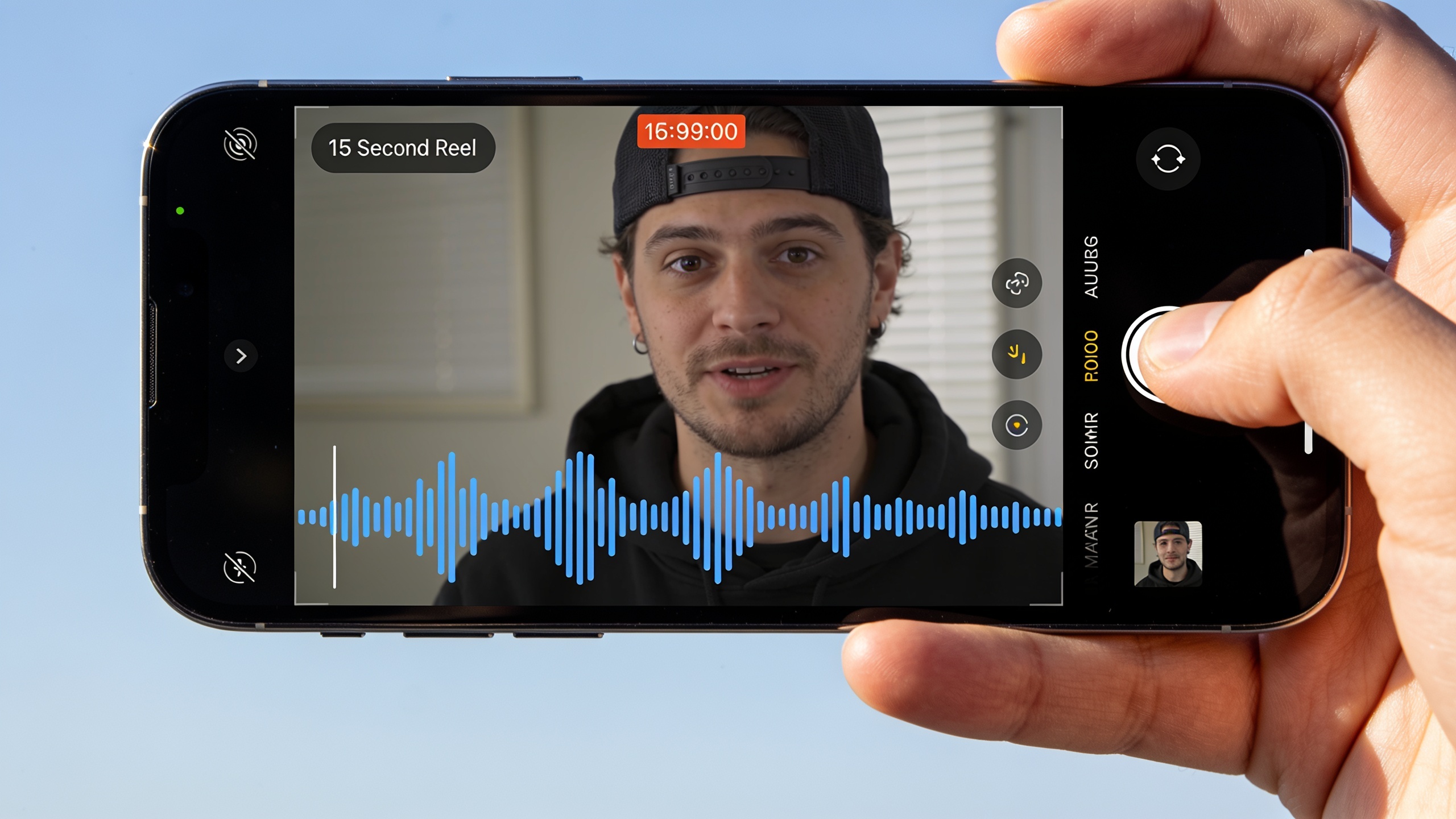
Common mistakes include failing to document human contribution, using artist-name prompts, not exporting stems, and neglecting metadata. Avoid these by following concrete steps: document your prompt history and edits, never prompt "sound like [artist]", always export stems and final mixes, and add clear metadata and release notes.
3 specific mistakes and how to avoid them:
- Mistake: No documentation. Fix: Save prompt text, generation timestamps, and any manual edits; include them in your project folder.
- Mistake: Asking the model to emulate a named artist. Fix: Use descriptive references ("1980s synth-pop texture") rather than artist names.
- Mistake: Uploading without credits or AI disclosure where required. Fix: Add a short note in metadata like "Music generated with AI-assisted tools; arrangement and edits by [Your Name]." This helps platforms and can reduce friction if questions arise.
If you want stronger legal footing, record and timestamp how you revised lyrics, edited arrangement, or combined stems — these human actions support claims of authorship under current U.S. Copyright Office guidance.
How can I scale jingles with batching, presets, and repurposing one jingle into multiple formats?
Scaling jingles is about reusing motifs, batching prompt runs, and creating presets for common moods. Start by generating a master 15–30s hook with stems, then create variations for format needs: a 6s bumper, a 30s extended hook, and an instrumental-only bed.
Scaling tactics:
- Batch generation: Ask for "5 variations" in one run and mark favorites for minor edits.
- Presets: Save successful brief templates (tempo, instrumentation, voice type) so you can reproduce a brand sound quickly.
- Repurposing: Use the loopable tag to make a 15s hook repeat cleanly, then make a 6s edit with the strongest transient.
- Format-specific mixes: Export a vocal-forward stem for short vertical videos and a low-mid instrumental blend for long-form vlog backgrounds.
Using a single master stems package simplifies remixing: lower the percussion for long-form, raise the hook for short-form. Combining batching with stored prompts and minor melodic tweaks lets you produce dozens of consistent assets from one creative session.
Frequently Asked Questions
Can I claim copyright on music created entirely by an AI?
Under current U.S. Copyright Office guidance, works created entirely by an autonomous AI are not eligible for copyright; to claim copyright you should document human creative contributions such as prompt design, arrangement choices, lyric edits, or mixing decisions.
Is it safe to use AI-generated music commercially on YouTube and TikTok?
You can often use AI-generated music commercially, but risks remain if the output too closely matches an existing copyrighted work. Avoid prompts that imitate named artists and keep documentation of your prompts and edits to reduce takedown risk.
What should I put in the prompt to get a loopable 15s jingle?
Specify duration (15s), tempo, mood, instrumentation, structure markers (e.g., 0–2s intro, 3–10s hook, 11–15s loop), and request "export stems"; ask for multiple variations so you can pick the strongest hook.
Do I need stems from the AI generator?
Yes — stems (vocal, instrumental, percussion) let you duck music under dialogue, remix for different platforms, and fix frequency clashes in your DAW; always request stems if you plan to mix the track with voiceover or SFX.
How do I credit AI-generated music in my uploads?
Include a short metadata line like "Music generated with AI-assisted tools; arrangement and edits by [Your Name]" and attach a copy of prompt and generation timestamps in your project files to be transparent and help with platform questions.
Conclusion
AI song generators let you produce short jingles and longer background scores quickly if you pair tight briefs with careful QC and documentation. Keep prompts descriptive (no artist names), export stems, save prompt histories, and use batching to scale. If you want to try a fast workflow that produces stems and copyright‑friendly exports, pop a vibe into the AI Song Generator and score your next cut in minutes.
Mentioned in
- copyright-free AI music: a practical creator’s guidePractical guide to using copyright-free AI music in ads and short videos. Steps, legal tips, and a GoCrazyAI workflow powered by ElevenLabs for ad-ready tracks.
- How to use AI music stems for short ads and vlogs?Practical guide to creating tempo-matched AI music stems and loopable instrumentals for short ads, vlogs, and social hooks — workflows, examples, and rights.
- AI jingle maker: create 15–30s copyright-safe jingles for TikTok and adsGenerate short, copyright-safe jingles for TikTok and ads with practical prompts, a 6-minute GoCrazyAI workflow, and legal checkpoints.
- AI music FAQ: Copyright, ideal lengths, mixing tips, and quick jinglesPractical AI music FAQ for creators: copyright risks, ideal TikTok/Reel lengths, mixing tips, and step-by-step workflows to make jingles and explainer scores with GoCrazyAI.
Sources
- Copyright and Artificial Intelligence | U.S. Copyright Officecopyright.gov ↗
- Copyright Registration Guidance: Works Containing Material Generated by Artificial Intelligence (Federal Register)federalregister.gov ↗
- Ars Technica — Authors risk losing copyright if AI content is not disclosed (coverage of USCO guidance)arstechnica.com ↗
- ElevenLabs launches an AI music generator (coverage)finance.yahoo.com ↗
- Jack Righteous — AI Music Prompts Guide (practical prompt strategies)jackrighteous.com ↗
- Geeky Gadgets — ElevenLabs AI Music preview coveragegeeky-gadgets.com ↗
- MusicMake.ai — AI Music Copyright 2026 Guide (practical creator guidance)musicmake.ai ↗