


How to use AI music stems for short ads and vlogs?
Practical guide to creating tempo-matched AI music stems and loopable instrumentals for short ads, vlogs, and social hooks — workflows, examples, and rights.
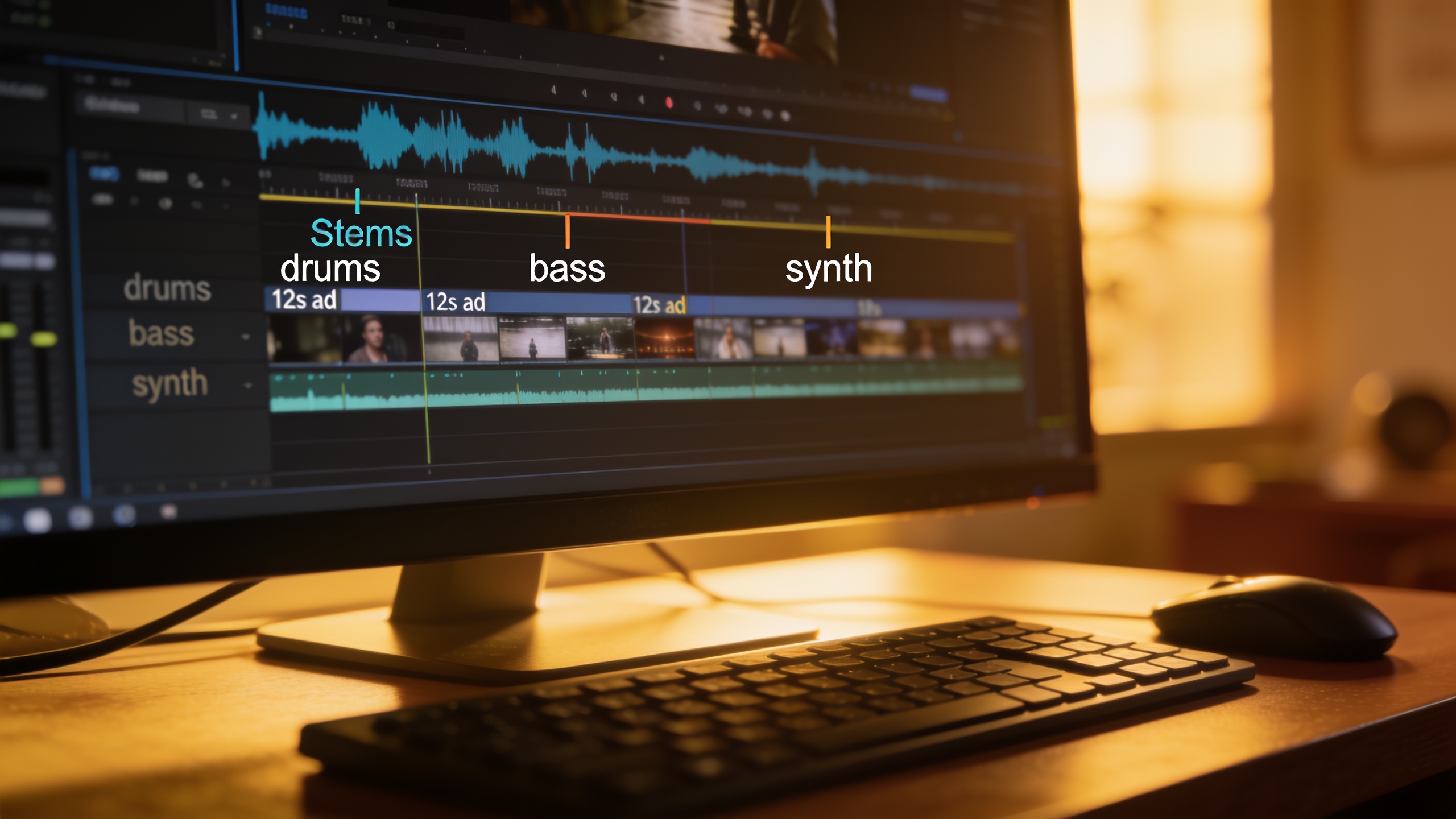
You need short, editable, copyright-safe music that slots into a 6–15s ad cut or a vlog hook — fast. This guide shows how to generate tempo-matched AI music stems and loopable instrumentals you can drop into edits, retime without artifacts, and quickly produce variations for A/B tests.
I walk through why stems matter for editors, practical BPM and loop rules, step-by-step GoCrazyAI workflows using the AI Song Generator, exact prompt examples you can copy, and what to check on licensing before you publish. Expect actionable steps and examples you can use on your next short ad or social cut.
Quick Answer
How to use AI music stems for short ads and vlogs? Start by generating tempo-locked stems (drums, bass, melodic, vocals/instrumentals) at the project's BPM so the track can be looped and retimed without slicing. Export stems and short loopable segments, then drop them into your timeline and nudge clip lengths or use crossfades for seamless loops. Use a tool that exports stems and BPM metadata.
Why creators now prefer AI music stems and tempo-matched instrumentals for short ads and vlogs?
Creators prefer stems and tempo-matched instrumentals because these outputs fit directly into an editor's workflow: they let you change balance, mute elements, and align hits to cuts without requesting new mixes. Stems are standardized grouped submixes — e.g., drums, bass, synths, vocals — that editors use to remix and finely adjust music during picture editing[1].
Because short ads and social hooks run on tight timing (6–15s), having the track locked to a BPM eliminates a lot of manual retiming. Modern AI music tools increasingly produce stems with BPM and segment metadata so editors can import audio into a DAW or NLE and keep everything in sync with a timeline or automatic remixing tools[2]. For creators this means faster iteration: swap a drum stem, change the loop length, or export a 6s hook without bouncing new mixes. In practice, this reduces round trips between composer and editor and makes on-the-fly A/B testing practical for paid ads or multiple vertical edits.
How tempo, BPM and loopability change viewer engagement — practical rules for editors?
Tempo, BPM, and loopability influence how tightly music accentuates cuts and how energetic a short piece feels. Faster BPMs (110–140) generally read as urgent or punchy and work well for 6–15s ad hooks; mid-tempos (80–110) suit vlogs and lifestyle cuts where breathing room helps pacing. Loopability lets you repeat a short motif without audible seams, which is crucial when turning a 12s hook into a 30s vertical edit.
Practical rules:
- Match the edit’s average cut rate to the beat: if your cuts average 2s, use a BPM where a bar lines up every 2s or every 4 beats. That keeps accents on cuts.
- Build stems with clear transient elements (dry drums) so editors can nudge hit alignment without artifacting.
- Export short loopable segments (1–4 bars) with a 50–100 ms crossfade in case the NLE introduces gaps.
- For platform optimization: use slightly shorter loops for verticals (6–12s) and longer, evolving loops for in-feed or YouTube shorts (12–30s).
These rules simplify editing and typically increase perceived polish and engagement because audio accents land where the eye expects them; tempo-locked stems reduce the manual workaround of beat-slicing or warping whole tracks[3].
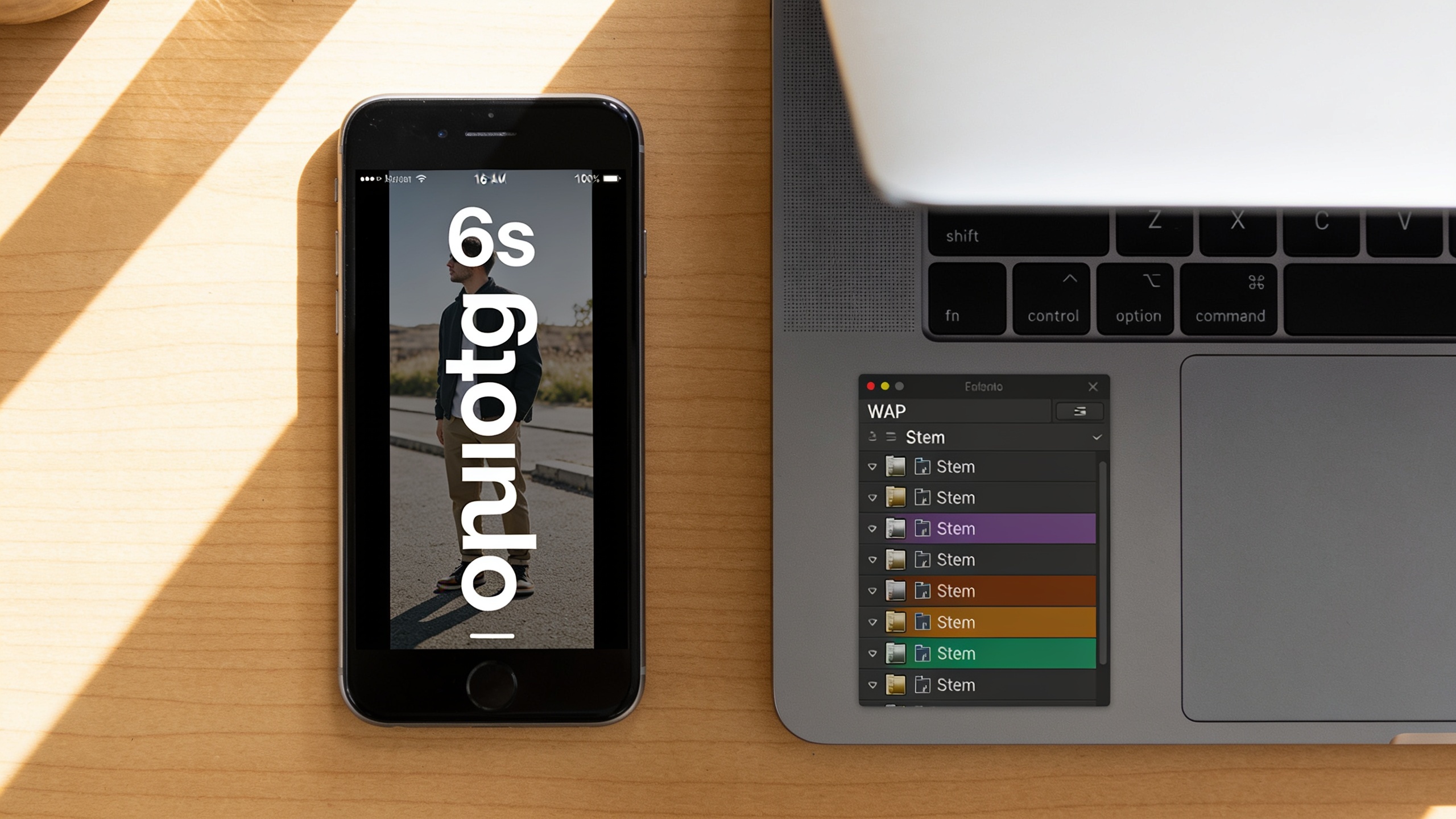
Workflow: Generate tempo-matched, loopable instrumentals and stems with GoCrazyAI AI Song Generator (/ai-music)?
Generate tempo-matched stems and loopable instrumentals with GoCrazyAI by prompting for style, BPM, stems needed, and loop length. The AI Song Generator (powered by ElevenLabs) produces editor-ready tracks and exports you can use without library licensing hassles.
Quick workflow (stand-alone answer): Choose your target BPM and desired stems, enter a short style prompt and desired loop length, then generate. Review the stems, tweak prompts for instrumentation or transient emphasis, and export stems with BPM metadata to your DAW or NLE.
Step-by-step:
- Pick BPM and loop length: decide if you need a 2-bar or 4-bar loop and the target BPM that aligns with your cut rate.
- Prompt clearly: include genre, instruments to isolate as stems, tempo, and mood. For example: "Energetic electro-pop, 120 BPM, export stems: drums, bass, lead synth, pad; 4-bar loop, bright, punchy transients."
- Generate and preview stems: the generator returns grouped stems you can toggle and audition.
- Export: choose stem export with BPM metadata (WAVs at 48k/24-bit recommended for video).
GoCrazyAI's AI Song Generator page provides the UI to set tempo and export stems directly from the session; that reduces manual retiming and gives you loopable shaded segments for quick drops into timeline editing. Use the AI Song Generator when you need a custom jingle, an instrumental bed, or a channel theme without wrestling licensing.
You can try every step above directly in GoCrazyAI AI Song Generator — no setup needed.
Examples: Create short ad music and rapid variations (jingles, 6–15s hooks) — from prompt to exported stems?
You can create multiple short variations from a single prompt by changing one or two parameters (BPM, lead instrument, or energy) and exporting stems and short loops for each version. This approach is ideal for A/B testing ad creatives or producing vertical cuts.
Stand-alone example answer: Start with one strong prompt and generate a 4-bar hook at your chosen BPM. Duplicate the generation session, swap the lead instrument or increase BPM by 6–8, and export both sets of stems and 6–15s rendered loops for testing.
Copyable prompt examples (safe domains):
- Pop-jingle 120 BPM, export stems: drums, bass, pluck lead, vocal chop; 4-bar loop; punchy, bright.
- Indie-electro 100 BPM, export stems: drums, bass, warm pad, guitar; 2-bar loop; relaxed yet forward.
- Cinematic hook 130 BPM, export stems: percussion, sub-bass, cinematic synth, female 'ooh' vocal; 4-bar loop; energetic.
Practical file exports: export each variation as a set of WAV stems plus a single rendered 6s and 12s loop. Label files like: productA_v1_120bpm_drums.wav and productA_v1_120bpm_6s_loop.wav so editors can quickly swap in timeline. Creating variations this way usually yields multiple testable hooks in under 15 minutes per concept, especially when using tempo-controlled stem exports[4].
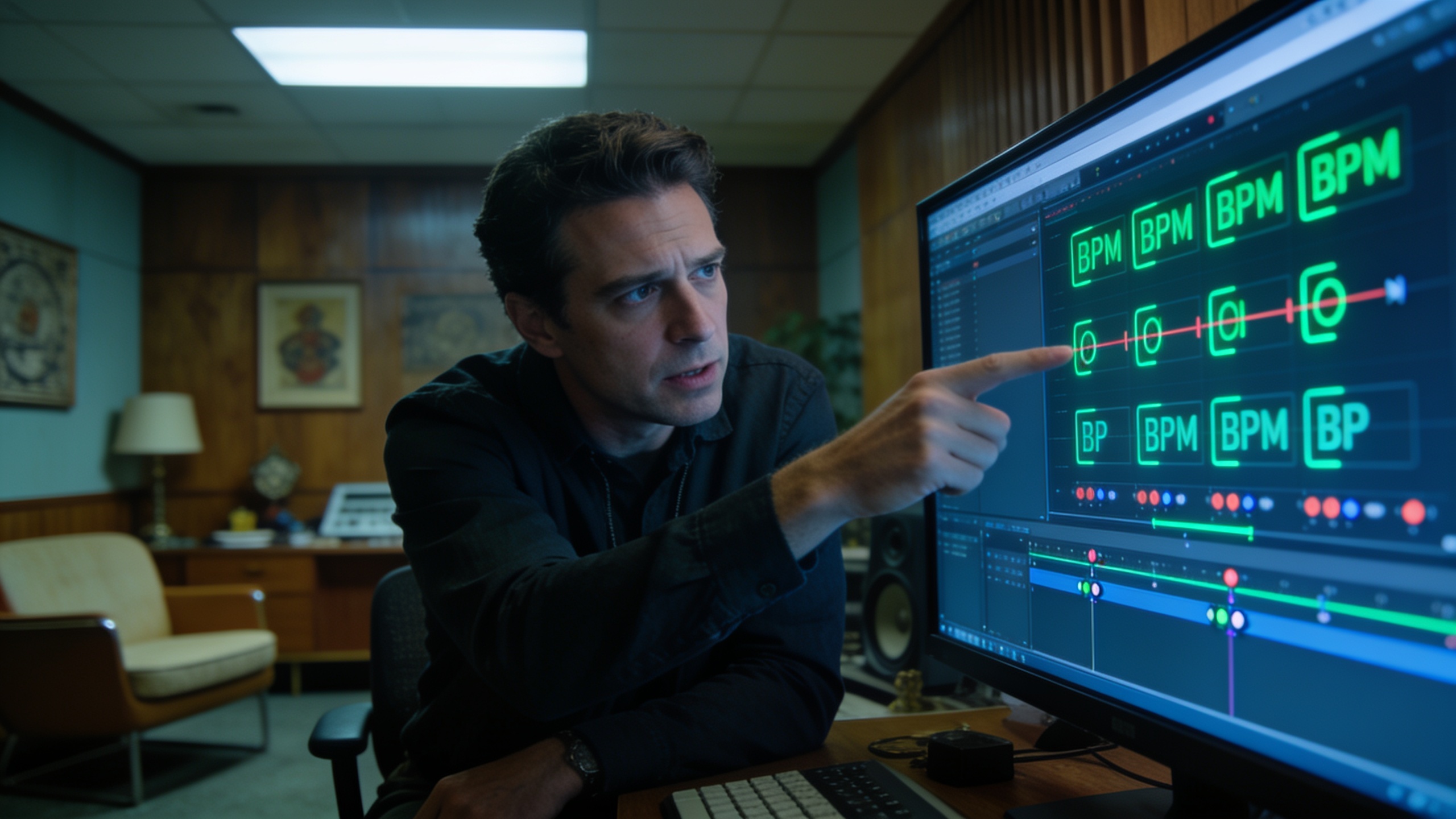
Mixing and editing best practices: syncing AI stems to cuts, retiming without artifacts, and creating seamless loops?
To sync AI stems cleanly, import stems with BPM metadata and align the session tempo to your sequence; then nudge stems by whole beats or use sample-level shifts for micro-alignments. For seamless loops, crossfade loop boundaries and prefer trimmed loops at bar boundaries rather than arbitrary split points.
Practical tips:
- Align to grid: set the NLE/DAW tempo to the exported BPM so transient alignment stays consistent.
- Use transient-preserving time-stretching: if you must retime, use algorithms designed for percussive audio to avoid smearing.
- Create tight pre-roll and post-roll: export loops with a small bleed to allow a 30–80 ms crossfade at loop points.
- Keep dry and wet stems separate: keep drum stems dry so you can add reverb on a send rather than exporting reverb baked into every loop.
When you need to retime without artifacts, render a short section after doing non-linear edits and listen at full level; sometimes a quick bounce with new transient shaping is cheaper than trying to push an algorithm too far. These steps reduce audible warping and keep the music feeling natural across jump cuts.
Rights, licensing, and attribution: making legally safer choices with AI music (common pitfalls to avoid)?
Before publishing, verify the music’s licensing and rights status and confirm the output is cleared for commercial use. The legal landscape around AI-generated music is active; U.S. agencies and industry groups are investigating training data and attribution, and creators should confirm licensing terms before commercial deployment[5].
Common pitfalls and how to avoid them:
- Pitfall: Assuming "AI-generated" equals automatic commercial clearance. Always read the provider’s license and export terms; ask for written confirmation if needed.
- Pitfall: Using model presets that mimic existing commercial tracks. Avoid prompts that request direct imitation and prefer original stylistic cues.
- Pitfall: Missing metadata export. If BPM or stem info isn’t embedded, the editor may misalign audio; export stems with BPM metadata or include a README.
- Pitfall: No audit trail for provenance. Keep the prompt, generation screenshots, and timestamps in project files to document creation if provenance is questioned.
The U.S. Copyright Office has highlighted the massive scale of AI content production and is monitoring rights questions; that makes provenance and clear license terms more important for commercial creators[5].
Frequently Asked Questions
What exactly are stems and why do editors use them?
Stems are grouped submixes of a track (e.g., drums, bass, synths, vocals) that let editors remix, mute, or adjust balance without re-rendering the full mix. They’re standard in sync and post-production because they speed up picture-locked changes and dynamic mixing[1].
How do I choose the right BPM for a 6–15s ad hook?
Base BPM on cut rhythm and desired energy: 110–140 BPM for punchy hooks, 80–110 BPM for relaxed promos. Aim for bar lengths that align with average cut length so accents land on edits.
Can I retime AI stems without artifacts?
Yes, if you export with BPM metadata and use transient-preserving time-stretch algorithms. If heavy retiming is required, render a new short mix after edits to avoid stretching artifacts.
Are AI-generated stems safe to use commercially?
It depends on the provider’s licensing. Some tools explicitly allow commercial use of generated tracks; others have restrictions. Confirm the terms and keep prompts and generation records for provenance. The U.S. Copyright Office is actively reviewing AI music policy, so check for updates[5].
Conclusion
Final thoughts: For short ads and vlogs, tempo-matched AI music stems and loopable instrumentals remove many friction points between composition and edit. Use BPM-locked stems to reduce beat-slicing, export short loop segments for verticals, and document licensing before you publish. If you want to try a fast, stem-capable workflow, pop a vibe into the AI Song Generator and you'll have a track to score the cut in minutes.
Sources
- Introducing Music v2, our groundbreaking new music model — ElevenLabs blogelevenlabs.io ↗
- What are stems in music production? — Native Instruments Blogblog.native-instruments.com ↗
- What are Stems in Music Production? — ISM UK guidanceism.org ↗
- How to Match Music with Video Pacing — Mubert blogmubert.com ↗
- Remix in Premiere — Adobe HelpX (retiming/adaptive music)helpx.adobe.com ↗
- Copyright and Artificial Intelligence — U.S. Copyright Office (AI initiative and reports)copyright.gov ↗
- Introducing ElevenMusic / ElevenLabs documentation (what is Eleven Music)elevenlabs.io ↗
- IFPI Global Music Report 2024 — State of the Industry (context on industry response to AI)ifpi.org ↗