


Image to video demo: Turn one sketch or photo into a vertical product reveal
Step-by-step guide to turn one photo or sketch into a high-converting 9:16 product reveal for TikTok/Reels using GoCrazyAI. Prompts, exports, and A/B tests.
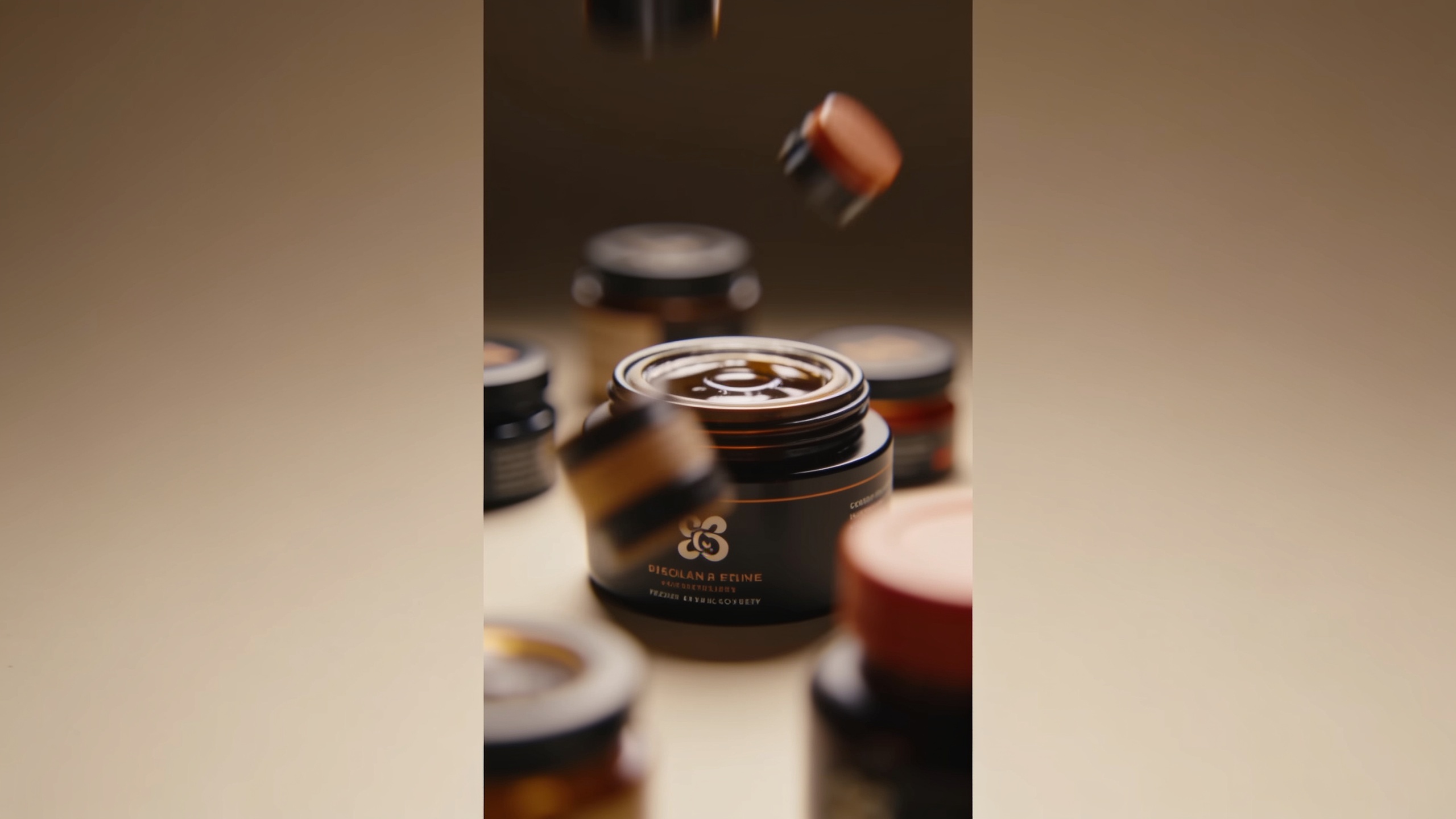
You need a high-converting vertical product reveal but only have one sketch or a single product photo. This guide shows how to convert that single asset into a platform-ready 9:16 hook for TikTok/Reels/Shorts using quick creative tests, prompt examples, and export settings that reduce back-and-forth. You'll get concrete rules for the first 1–3 second hook, frame-safe composition for full-screen verticals, and step-by-step prompts to animate a sketch or a product shot. I’ll show when to use a product photo vs. a sketch, how to generate multiple aspect ratios from one AI pass, and simple post-production checks (captions, audio, thumbnails) that lower CPA. Practical tool references and an explicit GoCrazyAI workflow are included so you can run a repeatable process and ship ads the same day.
Quick Answer
How do you make an image to video demo? Convert the photo or sketch into motion with an image-to-video model, add a 1–3s hook and reveal sequence, then export 9:16 with captions and audio. Use short iterations—test 2–4 variants—and re-export 4:5 and 1:1 thumbnails from the same AI pass for platform readiness.
Why do vertical image-to-video product reveals outperform static assets?
Vertical, fullscreen product reveals generally beat static images because they follow platform creative guidance and match user behavior. TikTok and Reels expect 9:16, audio-on assets and often recommend 21–34 second creative lengths for many ad formats, which gives enough time for a hook, explanation, and call to action (source: TikTok creative guidance and TikTok Web Auction Best Practices).
Users scroll vertically; full-screen motion fills attention and increases watch time. Platform playbooks and advertiser reports also show that short vertical reels often lower CPA compared with static image ads, because motion communicates function and benefit faster. For e-commerce creators, converting one photo or sketch into an animated reveal lets you iterate quickly across hooks, captions, and music—key levers that typically improve ROI faster than repeated photo shoots. In practice, aim for an early visual tease (0–3s), a clear product reveal (3–12s), and a quick demo or benefit proof (12–21s) for a flexible 21–34s ad length.
Which input is best: product photo, sketch, or UI screenshot?
Choose the input that best communicates the product’s most important truth quickly. A clean product photo usually gives the highest fidelity reveal and needs minimal cleanup. A sketch can be better if your product idea is conceptual or you want a distinct hand-drawn aesthetic. A UI screenshot works well for apps and SaaS where screen flow matters.
For most physical products use a high-contrast, well-lit photo with a neutral background and a clear object-to-frame ratio that supports vertical crops. For sketches, scan or photograph at high resolution, then crop to the primary subject so the AI keeps proportions. For UI screenshots capture key states (onboarding, main screen, feature highlight). If you start small: pick one hero frame (close-up or 3/4 angle) and one contextual frame (use case) — the AI can animate transitions between them.
Prepare assets: remove distracting background elements, mask loose edges, and supply a short caption describing the benefit (one sentence). If your image is low-res, run an upscaler before animation — this reduces artifacting when motion is added (see image upscaler tools). Small investments in the input typically yield more predictable output in the image to video demo process.
How do you turn a single product photo into a 9:16 TikTok/Reels hook with GoCrazyAI AI Video Generator?
Start by uploading the product photo and selecting a 9:16 output in the GoCrazyAI AI Video Generator. The generator can animate a single still and output platform-ready aspect ratios (9:16, 1:1, 16:9) from the same prompt. For a fast hook: instruct the model to create a 0–3s teaser (close-up motion + subtle parallax), a 3–10s reveal (rotate or pull back to show the full product), and a 10–21s benefit callout with a caption overlay.
Concrete steps inside GoCrazyAI: choose the Kling or Veo engine for cinematic motion, set duration to 21–24s for many ad formats, upload the photo as the reference image, and add a short scene prompt such as: “Start with a 0–3s close-up of the product’s logo with a fast parallax, then pull back to 3/4 view revealing the full product; add soft studio lighting, subtle camera dolly, and upbeat percussion beat.” Use GoCrazyAI’s model routing so you can swap Kling/Veo/Sora if one style suits your brand better. When the render completes, export 9:16 and then re-run quick re-exports to 4:5 and 1:1 to produce feed and thumbnail assets without a new shoot. For narration or captions, add a voice in the tool or export raw video and use the Media Mixer to bake subtitles and music.
You can try every step above directly in GoCrazyAI AI Video Generator — no setup needed.
Example workflow: How do you animate a sketch into a product-reveal ad?
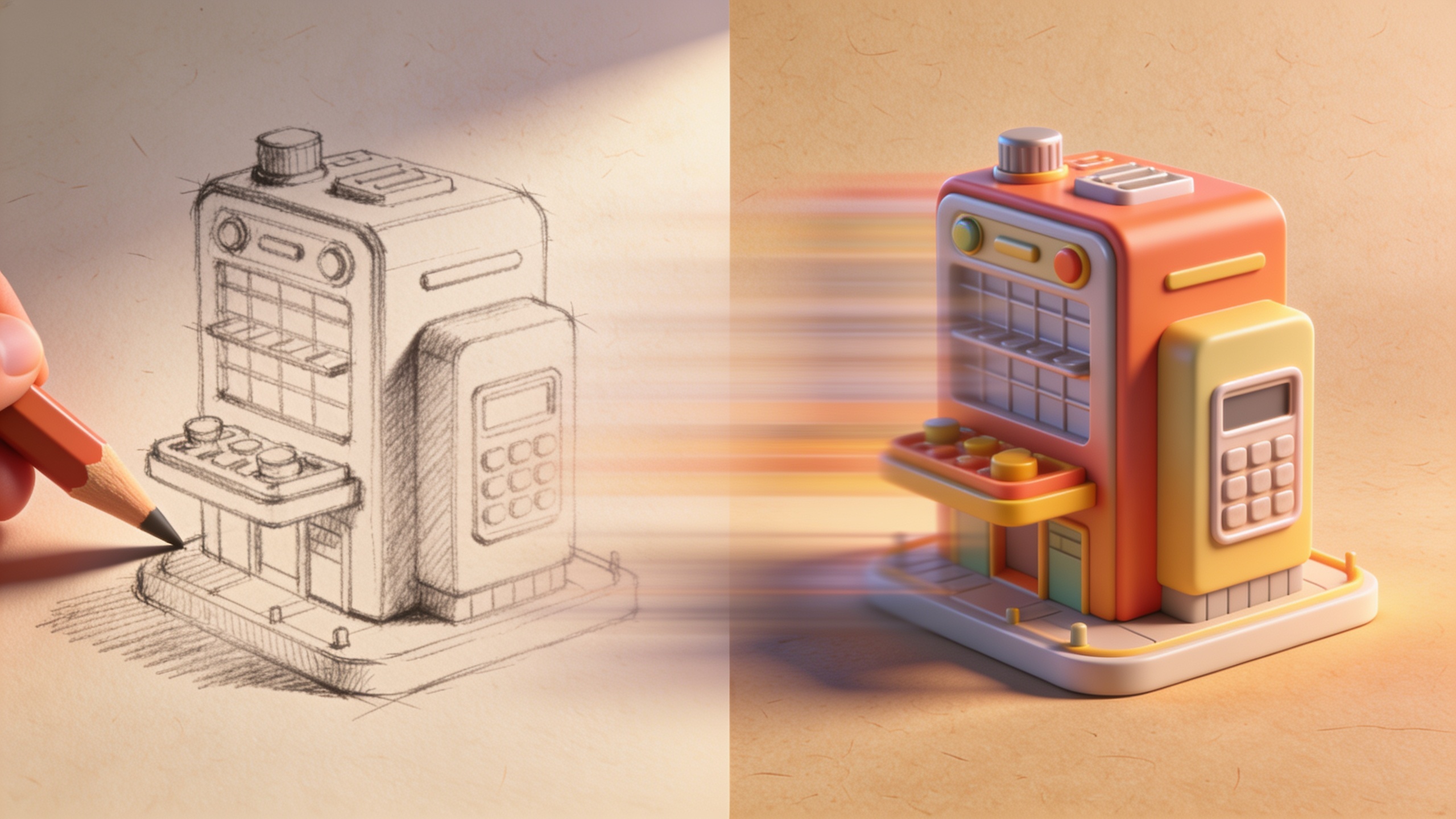
You can animate a hand sketch into a polished reveal using a short text prompt and a few motion directives. Start by scanning the sketch at high resolution and upload it. Use a prompt that preserves the drawn style while adding temporal motion and a reveal. Example prompt you can copy:
"Animate this hand sketch into a 21s vertical product reveal. 0–2s: sketch lines animate on (hand-drawn stroke reveal). 2–6s: subtle parallax and camera pull to show product silhouette. 6–12s: transition to colored mockup of product with soft studio lighting. 12–18s: show product in use with quick cut-in UI or hands. 18–21s: logo reveal and CTA. Maintain pencil texture and visible stroke edges throughout. Upbeat electronic soundtrack, friendly female voiceover: 'Meet [Product Name] — lightweight, durable, ready for travel.'"
Tip prompts to vary motion style: "hand-drawn stop-motion" for staccato reveals, "smooth parallax and slow zoom" for a premium look. For voice, pick a short 6–10 word line and use GoCrazyAI or its AI Voices to clone a brand voice. The example above typically preserves sketch identity while adding temporally consistent motion—this follows recent sketch-to-video model findings. After render, re-export to 9:16 and produce a 4:5 feed version and a 1:1 thumbnail from the same session.
What post-production, testing, and mistakes should you avoid when scaling product reveals?
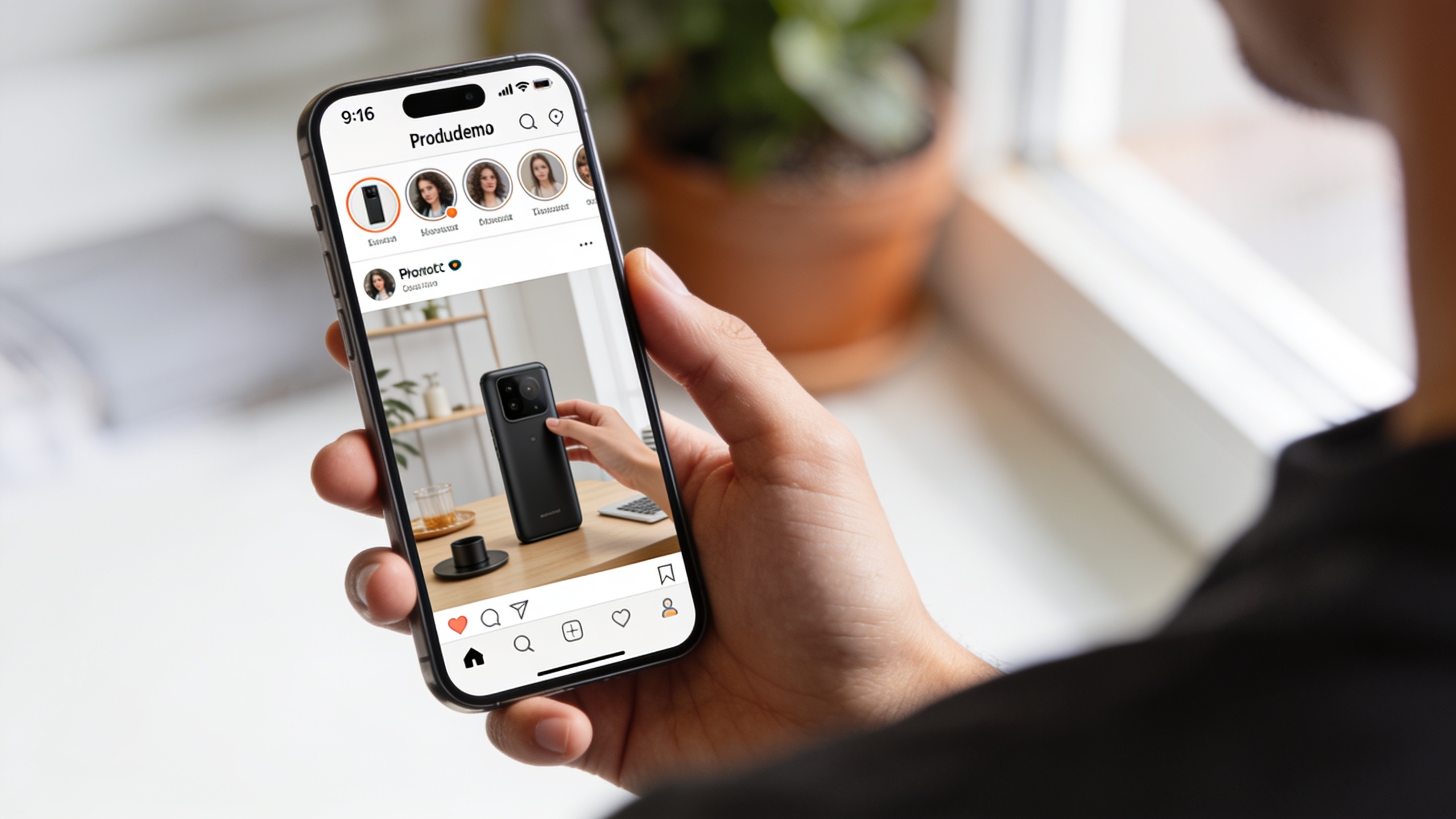
Post-production should focus on clarity: captions, sound design, and multiple aspect ratios. Export a caption burn-in for sound-off viewers, choose a music bed that supports the hook, and prepare a short thumbnail (1:1) with a clear product close-up. Run A/B tests of: (A) different 0–3s hooks, (B) voiceover vs. music-only, and (C) colored product vs. sketch-styled reveal. Track CTR, Watch Time (3s/6s), and CPA to decide winners.
Common mistakes and how to avoid them:
- Ignoring the first 1–3 seconds: test at least two hooks where the benefit is visible immediately.
- Overloading text: keep on-screen text to one short line during hook; use captions for full copy.
- Wrong framing for vertical: avoid compositions that crop essential product parts—preview safe areas for 9:16, 4:5, and 1:1.
For polishing, use a video editor to add captions and swap music quickly; GoCrazyAI outputs integrate with the Media Mixer so you can add subtitles, voiceovers, and final trims before export. Small, measurable iterations—two hooks x two music choices—usually find a winner faster than six untested variants.
Frequently Asked Questions
How long should an image-to-video product demo be for Reels or TikTok?
Aim for 21–34 seconds for many ad formats, which gives room for a 0–3s hook, a reveal, and a quick benefit demo. Shorter 6–15s clips can work for organic hooks, but ads often perform better in the 21–34s range per platform guidance.
Can I keep the sketch style when animating a drawing?
Yes. Modern sketch-to-video models preserve line texture and stroke identity while adding temporally consistent motion. Use prompts that explicitly ask to maintain "pencil texture" or "hand-drawn strokes" and provide a high-resolution scan for best results.
Do I need voiceover or will music-only work?
Test both. Platform playbooks emphasize audio-on assets, but many users watch with sound off—so always include burned captions. Voiceover clarifies benefit quickly; music-only plus strong visual hook can work if the imagery communicates the core value immediately.
How do I get multiple aspect ratios from one render?
Use an AI video generator that supports multi-aspect outputs: create the master 9:16 and re-export to 4:5 and 1:1, or use the tool’s reframe mode. GoCrazyAI’s video generator outputs 9:16, 1:1, and 16:9 from the same prompt, which speeds asset production.
Conclusion
Final thoughts: a single product photo or sketch can become a full set of platform-ready vertical assets with focused prompts, a strong 0–3s hook, and quick re-exports. Prioritize clarity in the first seconds, test hooks and audio, and produce 4:5 and 1:1 assets from the same AI pass to scale creative faster. Open the AI Video Generator to drop in your photo or sketch and ship a vertical product reveal in your next break.
Sources
- How to Create a High-Converting Product Showcase Video (TikTok Shop guide)seller.tiktok.com ↗
- TikTok Web Auction Best Practices (Creative Best Practices, 2024 PDF)ads.tiktok.com ↗
- Image to Video AI — HeyGen tool pageheygen.com ↗
- Easymotion — Image to Animation AI Generator (product demo tool)easymotion.io ↗
- Dreamina (CapCut) — Drawing to Animation tool (Dreamina)dreamina.capcut.com ↗
- Sketch to Video AI — Higgsfield (industry product example)higgsfield.ai ↗
- FlipSketch: Flipping Static Drawings to Text-Guided Sketch Animations (arXiv, 2024)arxiv.org ↗
- Adobe Firefly — AI Animation Generator (image-to-animation feature page)adobe.com ↗
- Instagram Reels Playbook (creative guidance, 2025 summary)rdigital.co ↗