


Image-to-video
A generative AI workflow where you upload a still image and an optional motion prompt, and the model animates the image into a short clip while keeping the subject on-model. Image-to-video is the right choice when you need the final video to look exactly like a specific photo or reference.
Example: Upload a product photo, prompt 'gentle 360° rotation', get a 5-second product spin.
Where this fits in GoCrazyAI
Turn a text prompt or a still image into cinematic AI video using Kling 2.5 Turbo Pro, Veo 3.1, and Sora 2 — no editing skill required.
Recent guides on image-to-video
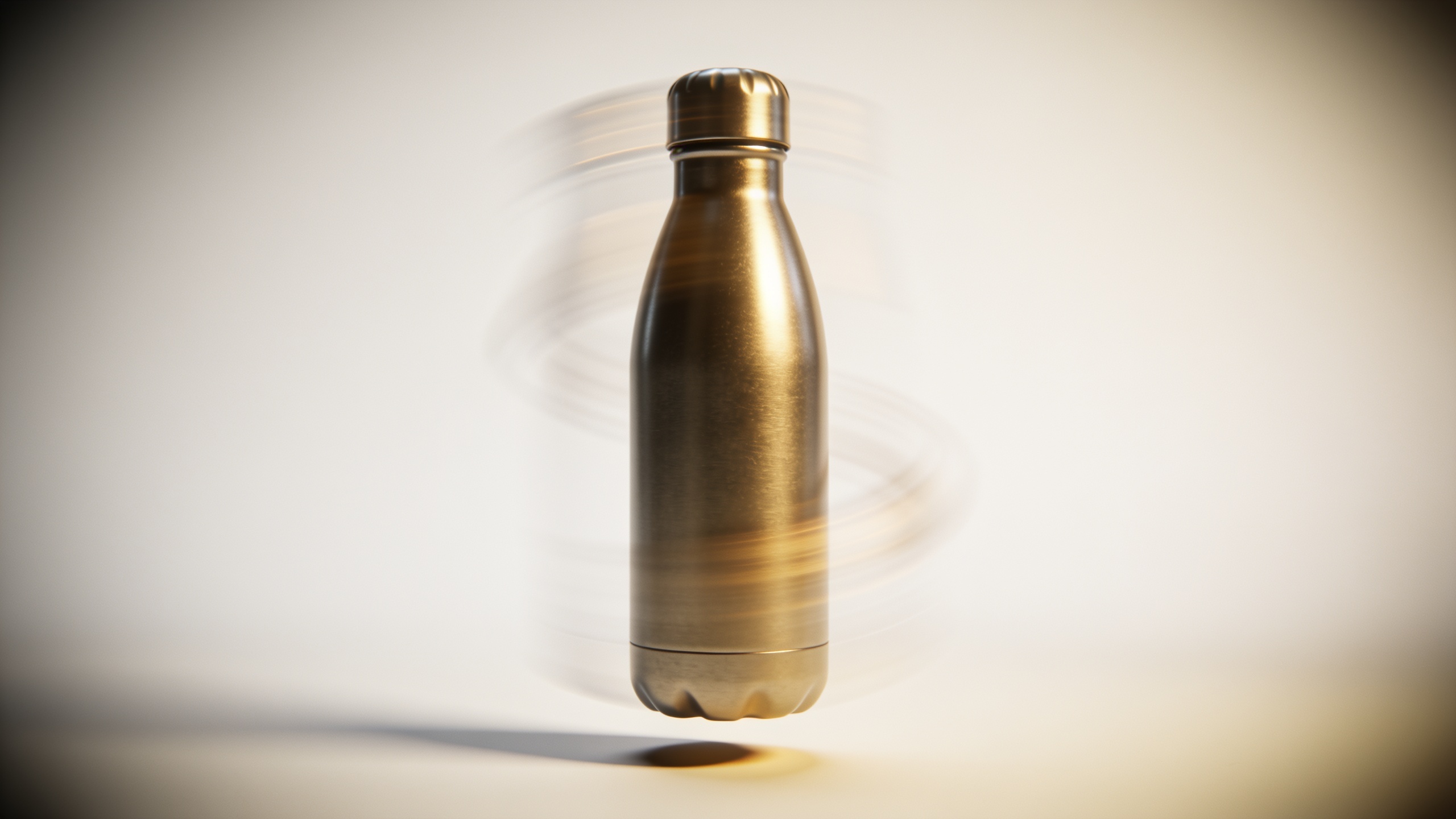
Text to Video: Turn a Product Photo or Copy into Vertical Product Videos
Learn how to turn one product photo or a short copy into scroll-stopping 9:16 product demos using text-to-video and image-to-video models with GoCrazyAI.
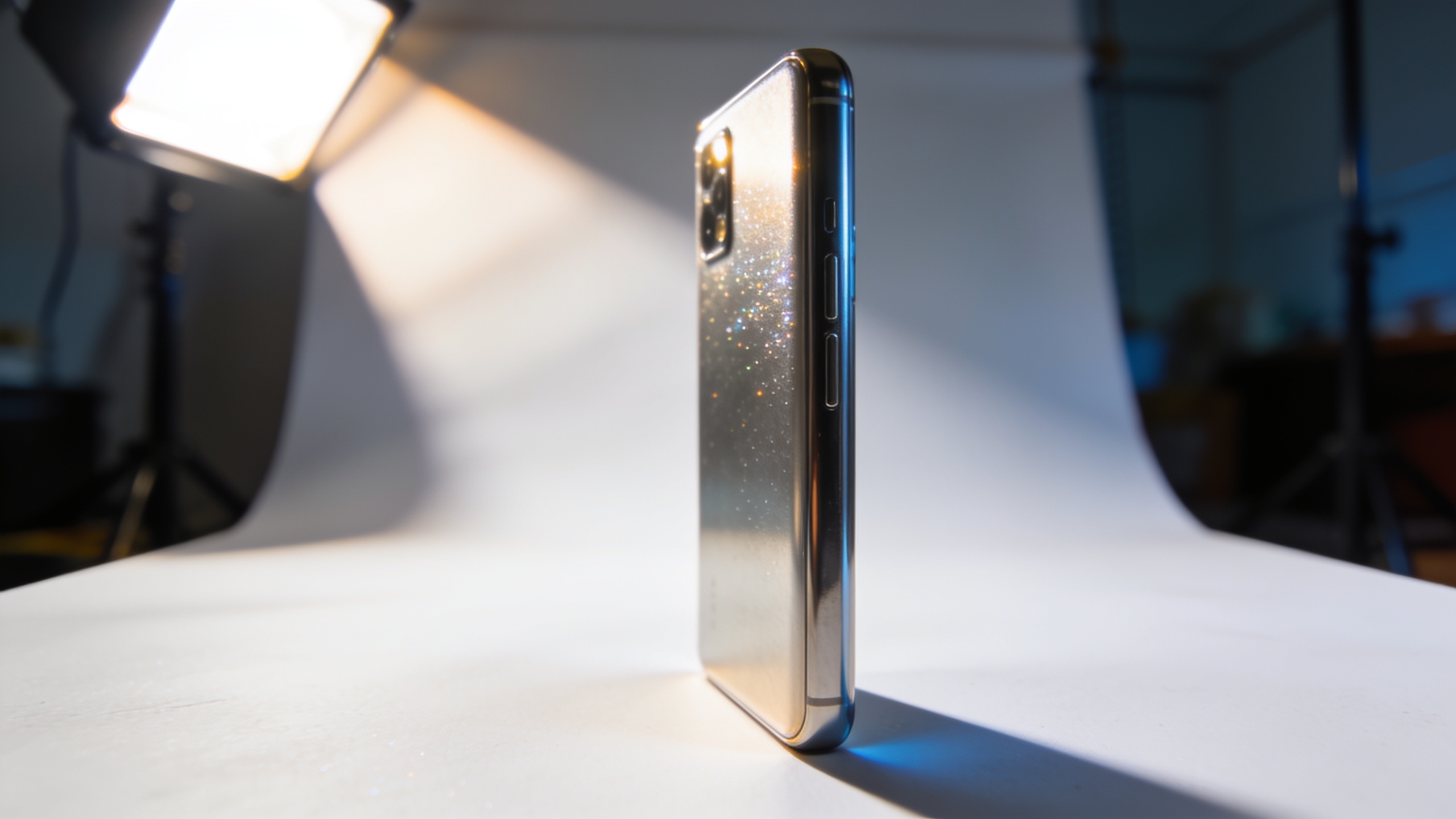
Sora 2 product demo workflow: pivot to vertical product hooks with GoCrazyAI
Sora 2 access is changing. Learn fast vertical-first product-demo workflows and how to replicate Sora‑2‑style TikTok hooks with GoCrazyAI's AI Video Generator.
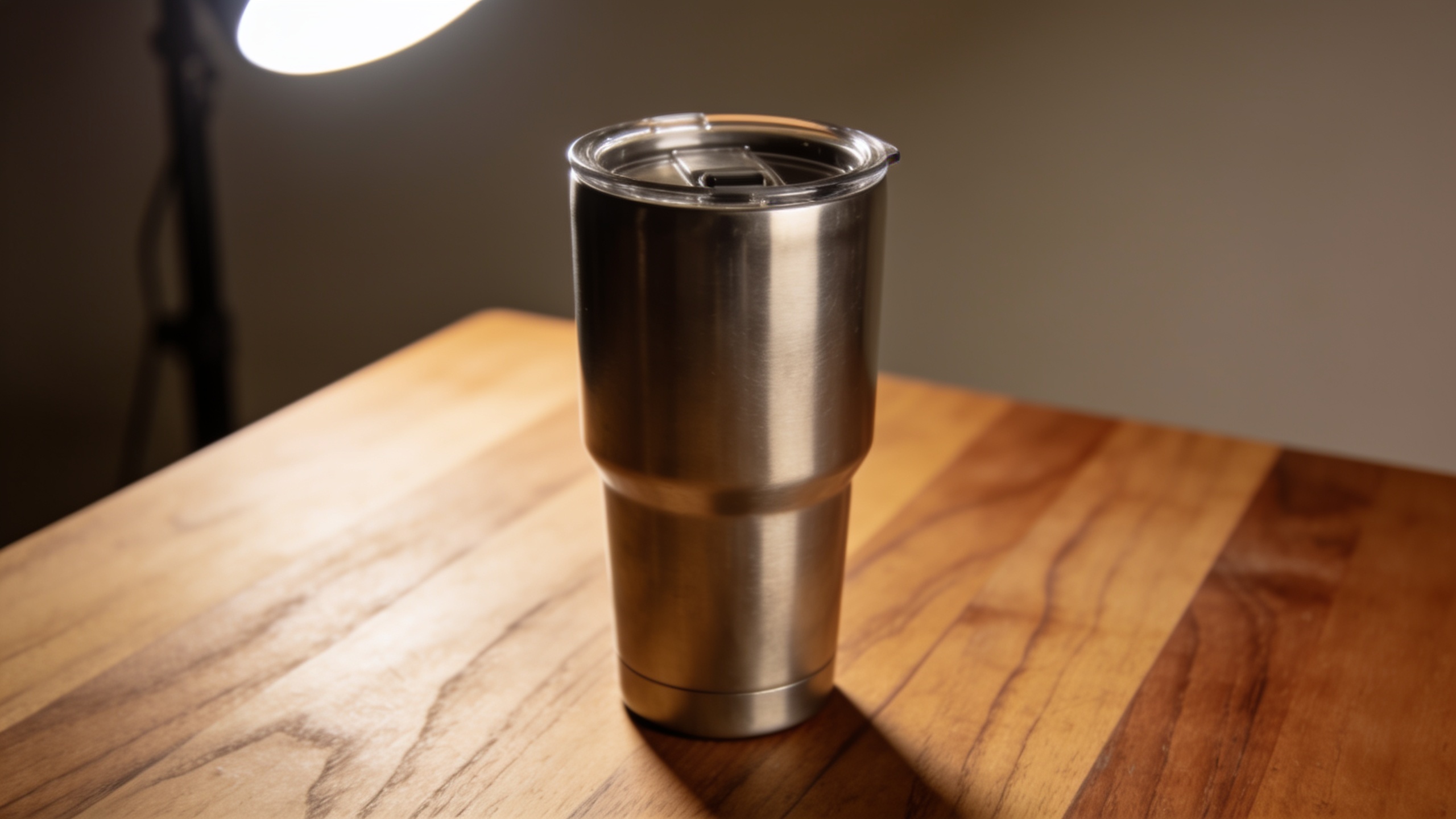
Veo 3.1 product video workflow: replace slow shoots with text-to-video for TikTok ads
How Veo 3.1 lets marketers turn photos or short briefs into vertical TikTok/Reels ads. Step-by-step image-to-video and text-to-video workflows and practical GoCrazyAI.