


Text-to-video
A generative AI workflow where you describe a scene in plain English and the model renders it as a short video clip. The model handles motion, framing, lighting, and physics — you write the prompt, it produces the moving image. Speed and quality vary by model.
Example: Prompt: "a corgi running through neon rain in slow motion, cinematic 16:9" → 5-second 1080p clip.
Where this fits in GoCrazyAI
Turn a text prompt or a still image into cinematic AI video using Kling 2.5 Turbo Pro, Veo 3.1, and Sora 2 — no editing skill required.
Recent guides on text-to-video
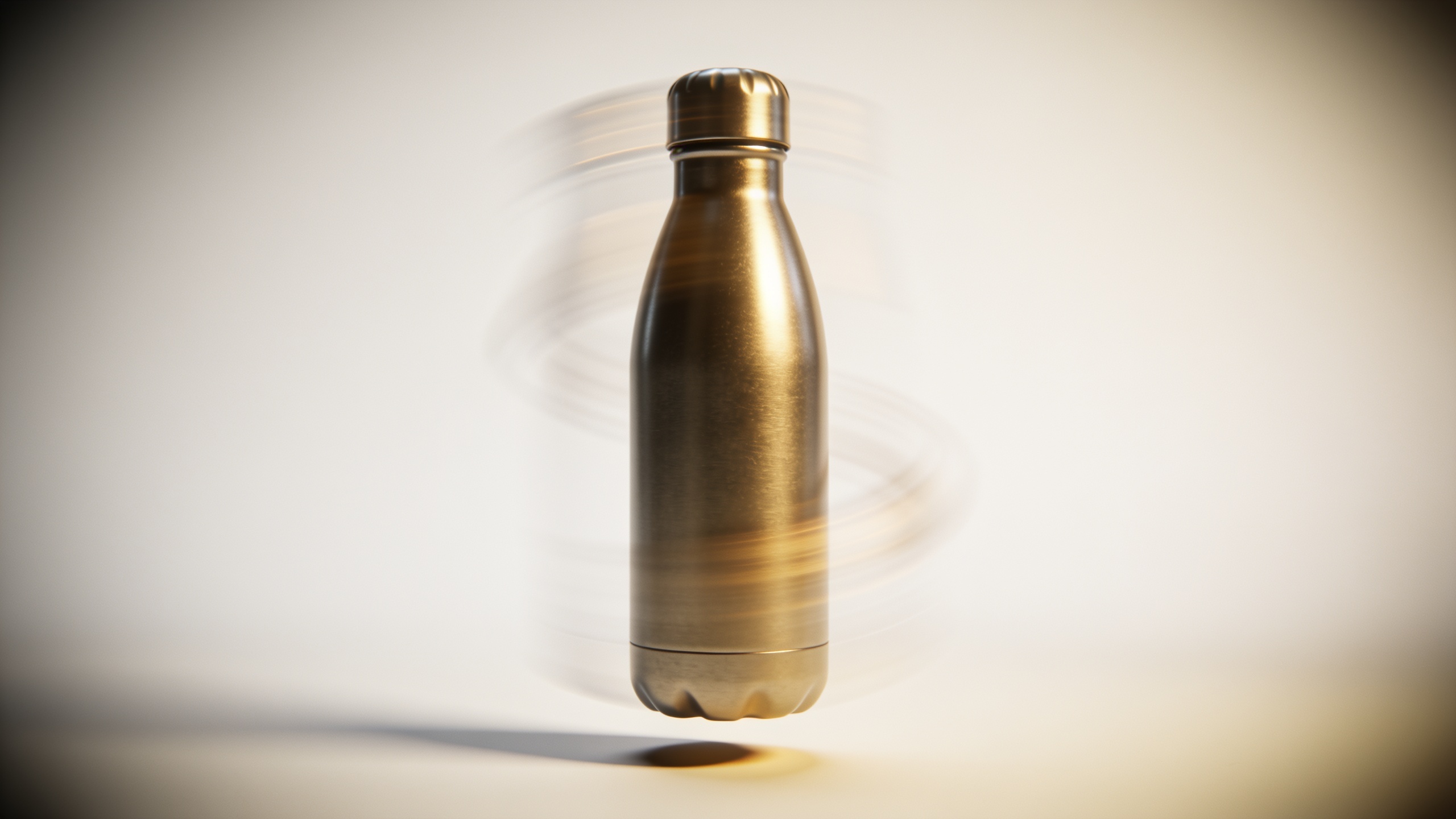
Text to Video: Turn a Product Photo or Copy into Vertical Product Videos
Learn how to turn one product photo or a short copy into scroll-stopping 9:16 product demos using text-to-video and image-to-video models with GoCrazyAI.
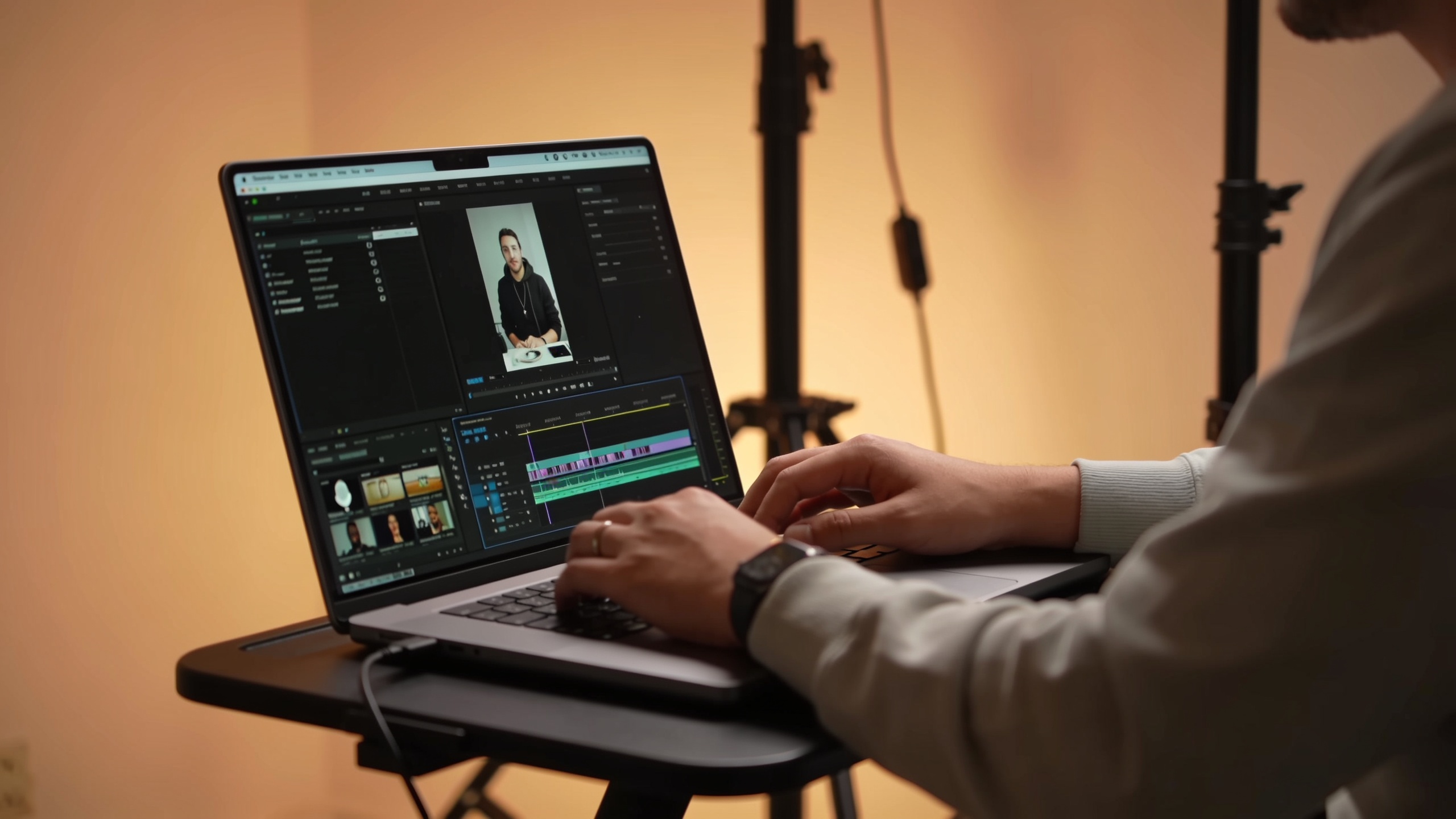
ai video audio mix: finish AI clips with voice, music, subtitles, and one-click export
Learn how to mix voiceovers, music, SFX and hardcoded captions for AI-generated clips—and use GoCrazyAI Media Mixer to export platform-ready files in one click.
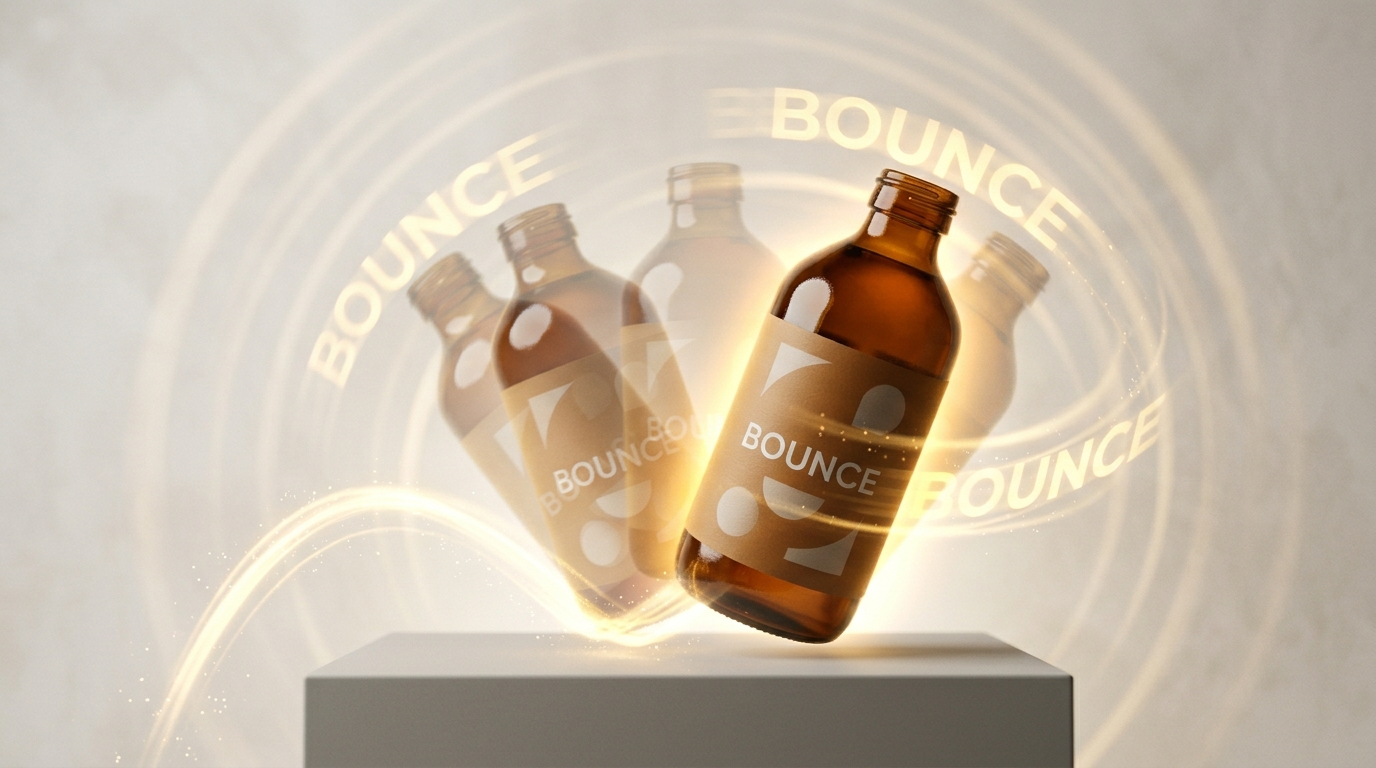
AI dancing: Turn a Product Photo into Viral Short-Form Dance Videos
Learn step-by-step how to create trend-ready AI dancing videos from one photo or a text prompt and ship hooks fast with GoCrazyAI.