


Reference image
A still image you provide to a generative model as a visual anchor. In image-to-video the reference becomes the first frame; in text-to-image with reference, it guides composition or style. Crucial when you need on-model results — the same character, the same product, the same setting. The photo-to-anime flow is a worked example: a selfie becomes the reference, and the model restyles it into an anime portrait while keeping the subject recognizable.
Where this fits in GoCrazyAI
Turn a text prompt or a still image into cinematic AI video using Kling 2.5 Turbo Pro, Veo 3.1, and Sora 2 — no editing skill required.
Recent guides on reference image
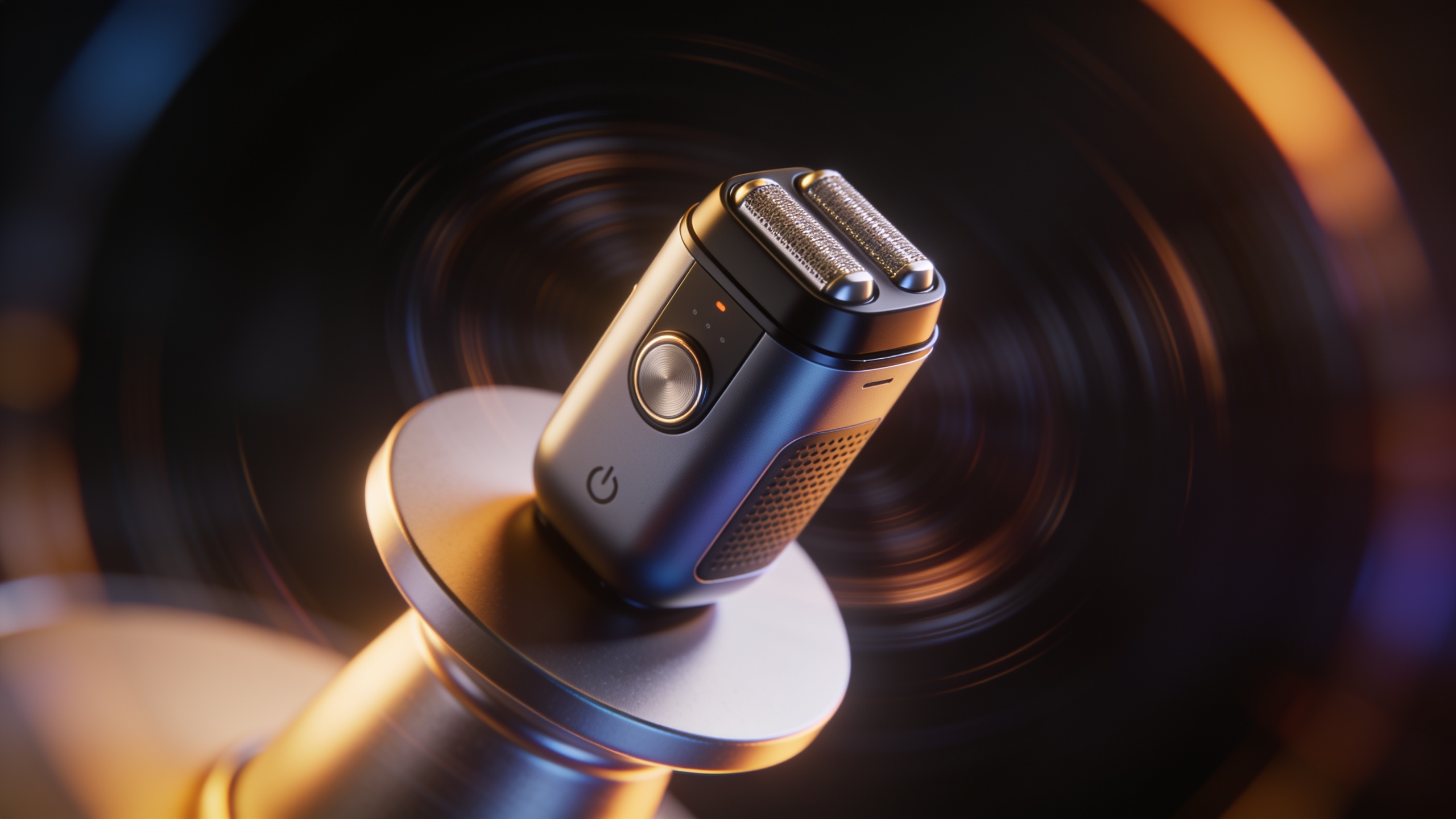
Veo 3.2 text-to-video: How creators replace shoots with image-to-video & vertical hooks
How Veo 3.2 text-to-video and FLUX 3 change short-form product video workflows and how to ship vertical product hooks fast with GoCrazyAI AI Video Generator.
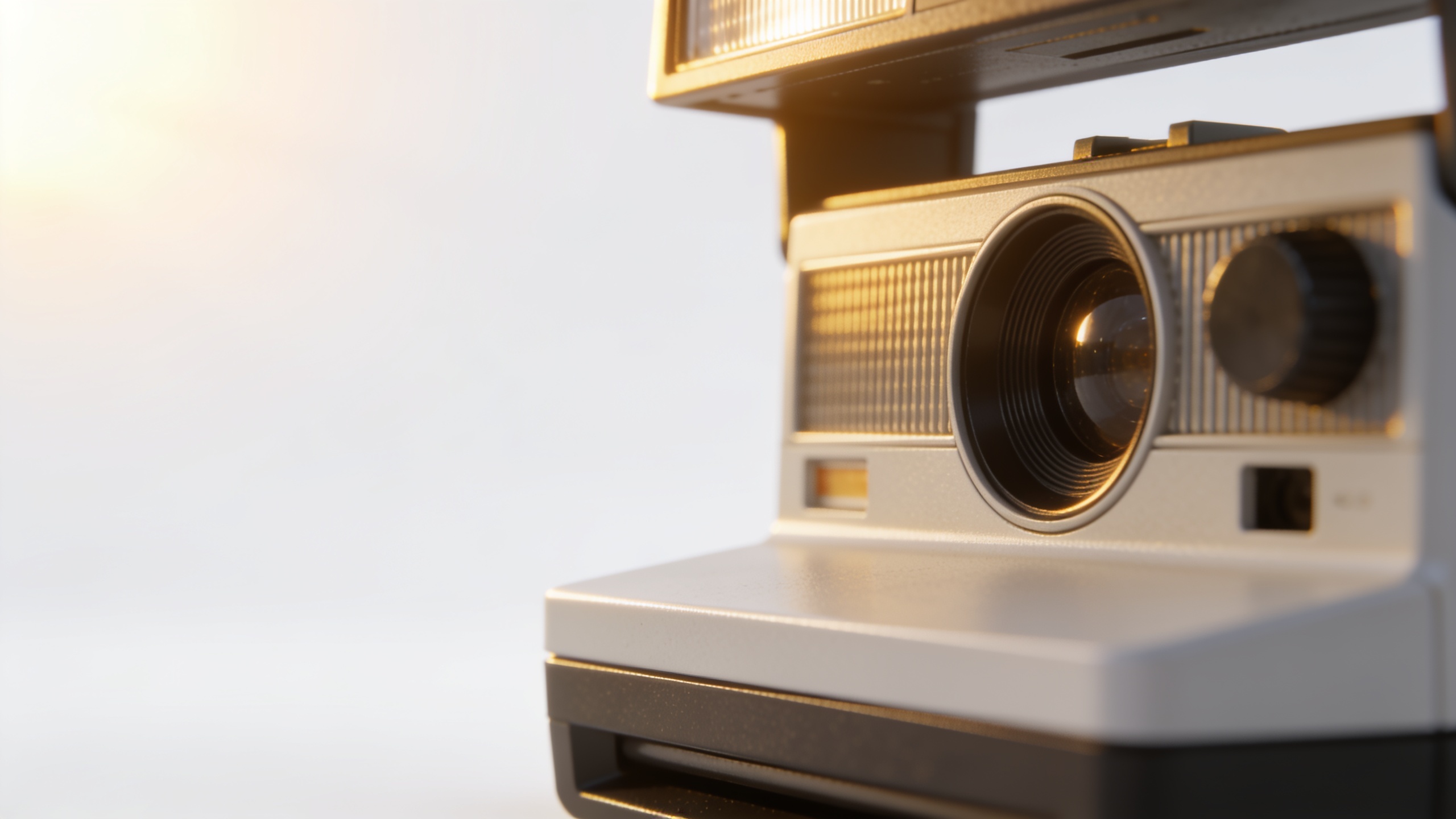
Image to video from mood board: turn product photos into vertical product clips
Step-by-step guide to convert a product mood board or single photo into TikTok/Reels-ready vertical clips using an image-to-video workflow and GoCrazyAI.
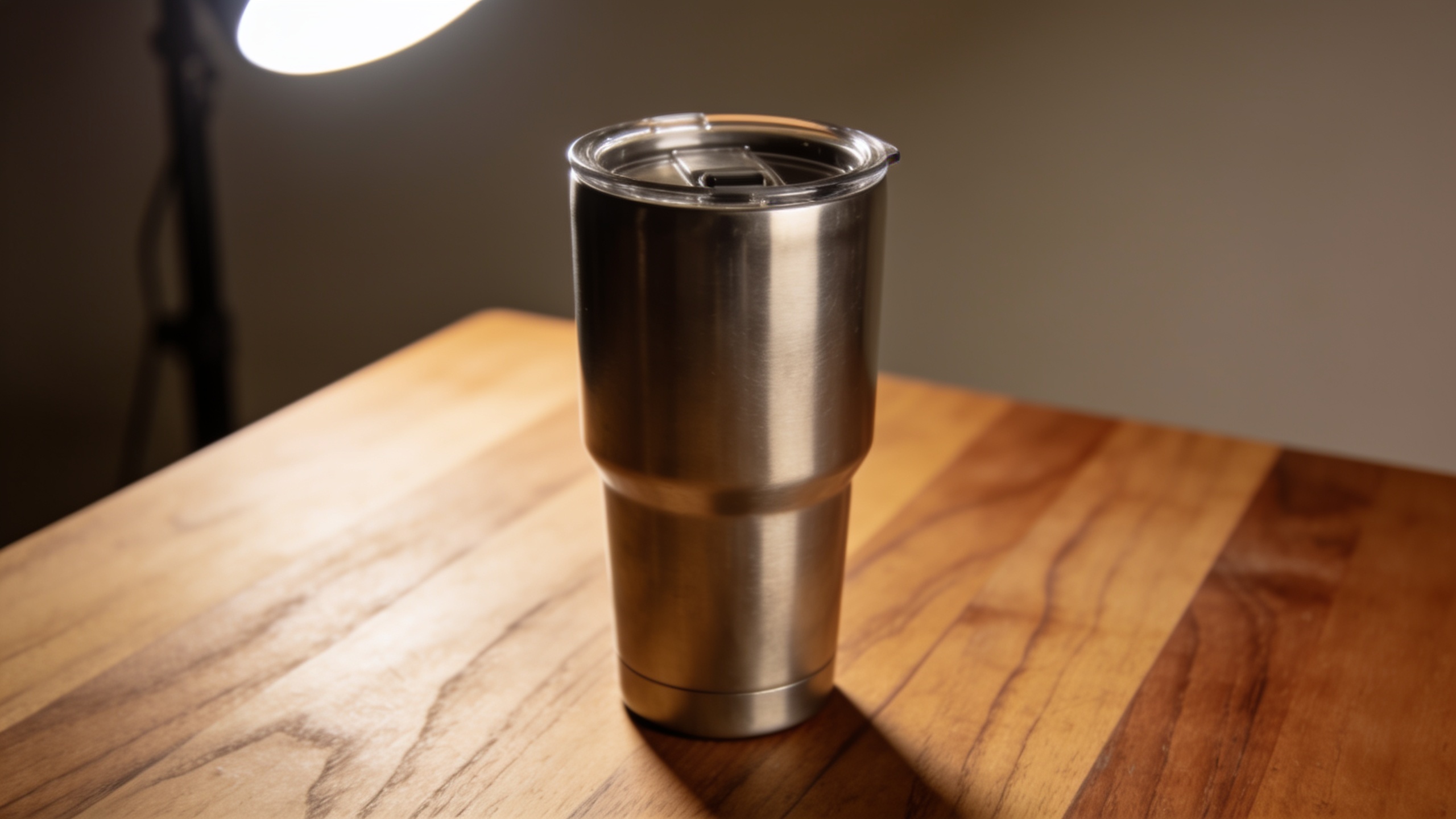
Veo 3.1 product video workflow: replace slow shoots with text-to-video for TikTok ads
How Veo 3.1 lets marketers turn photos or short briefs into vertical TikTok/Reels ads. Step-by-step image-to-video and text-to-video workflows and practical GoCrazyAI.