

Sora 4.2 short-form replacement GoCrazyAI: route Sora-style hooks to Kling & Veo
After OpenAI shut down Sora, route prompts and stills to Kling or Veo via GoCrazyAI's AI Video Generator to reproduce Sora-style TikTok/Reels hooks quickly.
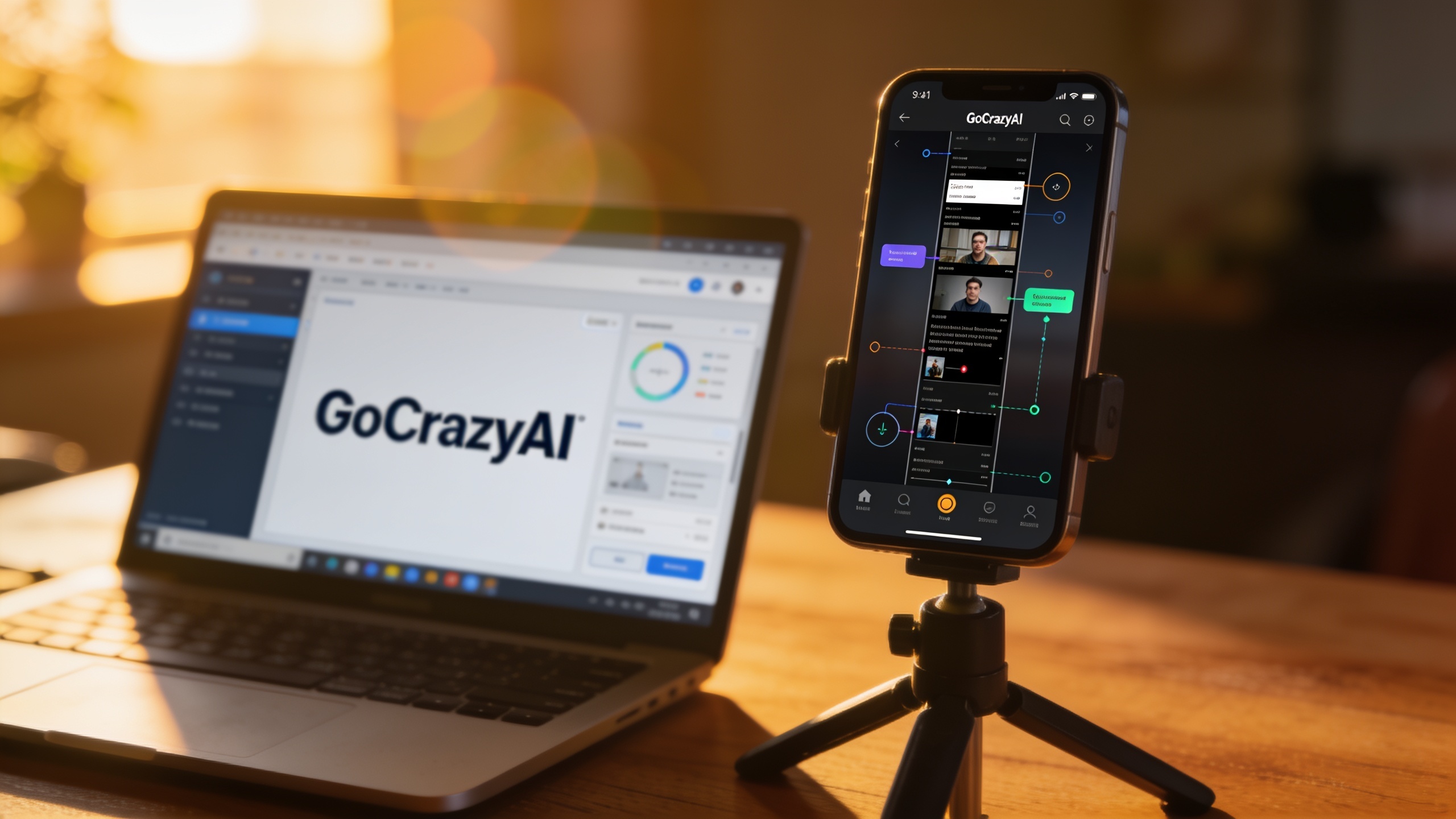
You relied on Sora to turn one image or a short text beat into a viral vertical hook—and now that's gone. Creators who need fast TikTok/Reels/Shorts outputs must reroute prompts and stills so workload, cadence, and campaign ROI don't collapse. This article explains what changed (who, when), which models reproduce the Sora-like look, and a simple GoCrazyAI workflow that automatically routes a single prompt or product photo to Kling 2.5 Turbo Pro or Veo 3.1 — preserving short-form hooks, product demos, and story openers without rebuilding your pipeline.
You'll get a clear timeline of the OpenAI Sora shutdown and its impact, a concise comparison of Kling vs Veo vs Sora routing, two hands-on workflows you can copy (image→9:16 hook and text beats→story opener), plus optimization tips for framing, audio, and exports. Where useful, I link to independent model comparisons and GoCrazyAI guides so you can test replacements in production today. If you already use GoCrazyAI, the routing options let you run Kling and Veo from one credit pool and output 9:16, 1:1, or 16:9 variants automatically — no new subscriptions required.
Quick Answer
How do you replace Sora 4.2 short-form outputs? Route your single prompt or still image to GoCrazyAI’s AI Video Generator and select Kling 2.5 Turbo Pro for lower-cost, high-volume hooks or Veo 3.1 for higher-fidelity demos. GoCrazyAI can auto-route to the best backend and export platform-ready 9:16 clips in minutes.
What changed: the recent Sora shutdowns and model shifts creators must know (timeline and impact)?
OpenAI announced it would discontinue the Sora consumer/video app in late March 2026, with major outlets reporting the decision on March 24, 2026[1]. For short-form creators this means losing a single-app pipeline that converted text or a still image into fast vertical hooks and product demos. The immediate impact is operational: scheduled automation that called Sora APIs, templates built around Sora prompts, and agent scripts that relied on that model need replacement or routing to other engines.
Practically, teams saw two visible effects. First, a hit to speed and cadence: many creators previously shipped multiple daily hooks by feeding one photo and a prompt into Sora; they now need an alternative that keeps that throughput. Second, creative drift: Sora’s aesthetic and timing influenced many templates. Replacing it requires a mix of model choice (Kling vs Veo), prompt adaptation, and platform routing so existing templates still produce similar hooks.
How recent is this? The shutdown notice and reporting occurred March–April 2026; follow-up industry reviews through mid–2026 documented creators experimenting with hybrid replacements and routing strategies[2]. As of this week, the practical next step for most teams is to either route requests to equivalents (Kling, Veo) or use an orchestration layer that can target multiple models from the same prompt pool.
Why short-form creators still need Sora-style outputs — and where Kling and Veo fit now?
Short-form creators need Sora-style outputs because those outputs compress a product demo, hook, or story opener into 3–12 seconds while retaining clarity and motion from a single asset. That format converts well on TikTok and Reels and often powers paid social tests and on-page demos. Kling and Veo both fill parts of the Sora gap: Kling is generally cost-efficient and fast for high-volume clips; Veo targets higher realism and native high-res outputs for hero demos.
Kling 2.5 Turbo Pro positions itself as the lower-cost, high-volume option suitable for rapid hook iterations and A/B testing. Analysts also reported Kling's pricing and throughput make it attractive for creators shipping many variants quickly[3]. Veo 3.1, by contrast, is reported as the higher-fidelity model with stronger realism and native high-res results; that makes Veo better for product close-ups and realistic motion where details matter[4].
In practice, creators usually split usage: use Kling for quick TikTok hooks and caption tests, and use Veo for polished product demos and trailers. Hybrid workflows — route the same prompt or image to both engines, then pick the best result — became the dominant pattern after Sora's removal. That hybrid approach preserves cadence while still allowing a premium output where needed.
Quick comparison: Kling 2.5 Turbo Pro vs Veo 3.1 vs Sora-family routing (cost, quality, speed)?
Kling 2.5 Turbo Pro, Veo 3.1, and legacy Sora-style outputs differ across three axes: cost, output quality, and generation speed. Kling typically costs less per second and is optimized for high-volume generation; recent pricing write-ups show Kling as the more economical choice for creators who iterate frequently[3]. Veo 3.1 delivers higher-fidelity frames and native high-res outputs, which often means longer render times and higher cost per second, but fewer post-production tweaks[4]. Sora previously sat between these in workflow convenience, offering fast vertical-ready hooks from text or an image with a distinct stylistic feel.
Cost: Choose Kling when you need many variants or multivariate tests. Pick Veo when budget allows for higher fidelity. Speed: Kling usually returns outputs faster; Veo can take longer for high-res frames. Quality: Veo 3.1 generally produces more photorealistic motion; Kling is better for stylized, punchy hooks.
For creators rebuilding pipelines, the practical metric is credits/hour or credits/per-variant. Routing to Kling for experiments and Veo for finalists is the most common pattern agencies and indie teams used after Sora’s removal[2]. Using an orchestration layer that can route to both from the same prompt simplifies billing and reduces friction.
How GoCrazyAI routes prompts: automatic model routing to Kling, Veo, or Sora backends (overview)?
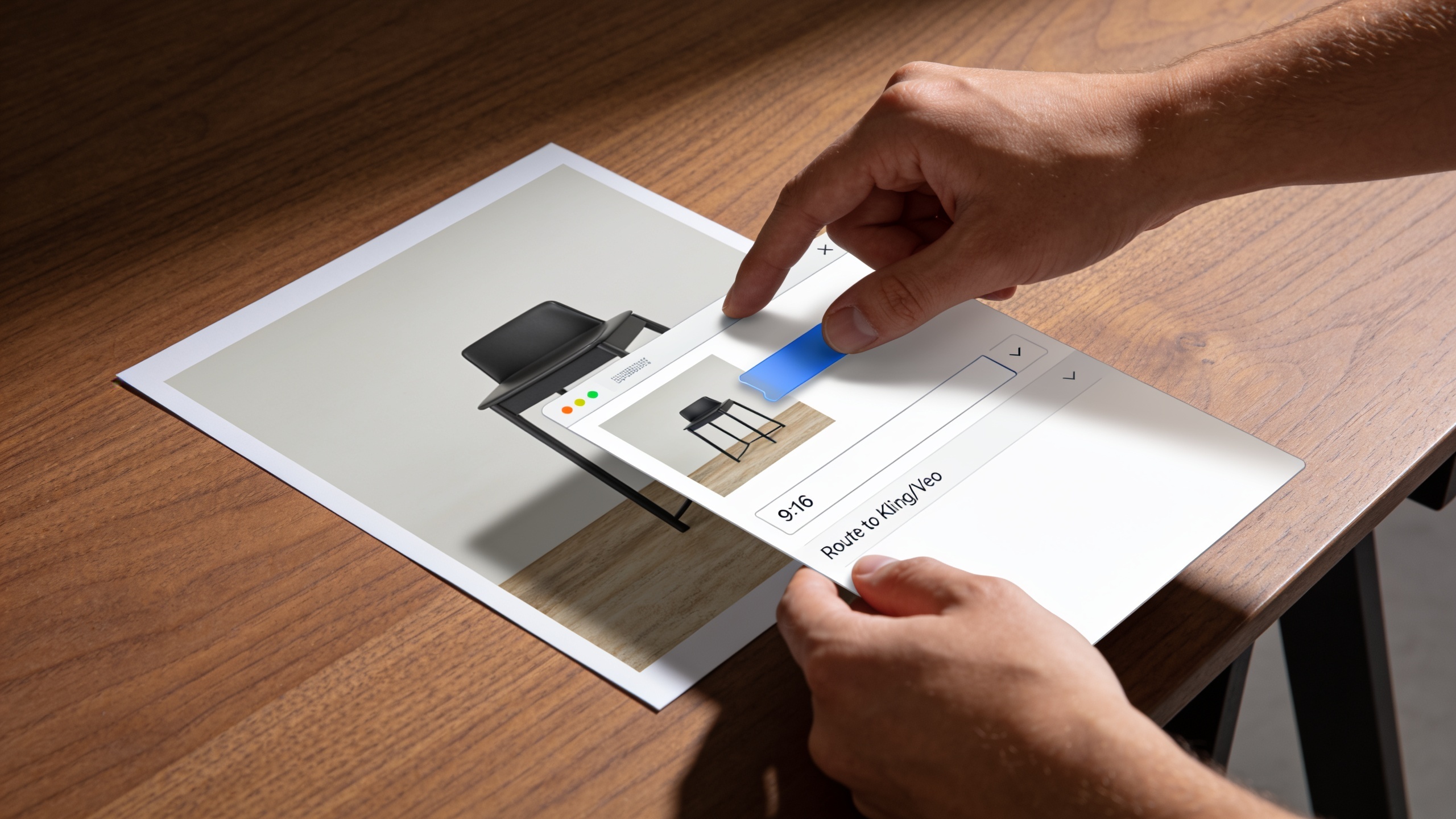
GoCrazyAI’s AI Video Generator can accept one prompt or a single still image and automatically route that job to Kling 2.5 Turbo Pro, Veo 3.1, or Sora-family backends based on rules you set or a recommended profile. The product lets you pick "high-volume" or "high-fidelity" profiles; the system then sends the job to Kling or Veo respectively and returns 9:16, 1:1, and 16:9 outputs without manual conversion.
Using GoCrazyAI, you can define routing rules like: always try Kling first for <8s clips; if confidence is low or requested fidelity is high, fallback to Veo; or run both in parallel and pick the output you prefer. This removes the need to juggle multiple API keys or subscriptions and consolidates credits. For creators migrating from Sora, GoCrazyAI published short-form replacement guidance and a Sora-to-Veo/Kling routing workflow in August–September 2026 to help reproduce Sora-style vertical hooks quickly[5].
If cost tracking matters, bind routing profiles to credit budgets so experiments run under a Kling pool while finalists use Veo credits. The product documentation includes presets for product demo loops, hooks from single photos, and story-mode openers — matching the top use cases teams lost after Sora changes.
You can try every step above directly in GoCrazyAI AI Video Generator — no setup needed.
Hands-on workflow #1 — Example: Turn one product photo into a 9:16 TikTok hook using GoCrazyAI AI Video Generator?
You can convert one product photo into a 9:16 TikTok hook in under ten minutes by using GoCrazyAI’s image-to-video routing and a short, structured prompt. Start with a single high-quality product still, add a 1–2 sentence beat that states the problem and the benefit, choose the "hook" preset, and let GoCrazyAI route to Kling or Veo. The tool returns a vertical clip optimized for TikTok with motion, zoom, and a short caption track.
Step-by-step (copyable prompt examples):
- Prompt for a quick Kling hook: "Product close-up: stainless steel insulated water bottle on a wooden table; 3-second punchy zoom in, quick sparkle highlight on cap, upbeat pop percussion, text: ‘Keeps drinks cold 24h’".
- Prompt for a Veo demo: "Product demo: rotating stainless steel water bottle, 6-second slow reveal with soft studio light, realistic reflection, ambient soft piano, overlay text: ‘Keeps drinks cold 24h’".
On GoCrazyAI: upload the photo, paste the prompt, select 9:16 output, and choose the "hook" or "demo" routing profile. The system can also produce an alternate 1:1 crop for Instagram and a 16:9 hero for the landing page in the same job. If you want music, route the clip into the GoCrazyAI AI Music Generator for quick royalty-free scoring or add a voiceover from the AI Voices library.
Hands-on workflow #2 — Recreate Sora-style story-mode openers from a text beat list using Kling + Veo routing?
To recreate Sora-style story openers, feed GoCrazyAI a list of text beats and let the platform map each beat to short visual actions using Kling for pacing and Veo for fidelity where needed. A typical beats list is 4–6 short lines (hook, pain, reveal, CTA); GoCrazyAI converts each into a sequence of 1–2 second shots and can render the full opener as a 9–12 second Short.
Copyable example beats and prompt:
- Beats: "1) Can’t keep your coffee hot. 2) Leaves cold by lunch. 3) Double-wall tech. 4) Try it risk-free."
- Prompt shell: "Create a 10s story opener from these beats: [paste beats]. Use quick cuts, energetic pacing, bold lower-thirds for the CTA, and upbeat percussion. Start with a reaction shot, then product close-up, then feature overlay."
Routing: set the project to "hybrid" so Kling generates the quick reaction and cut pacing and Veo renders the product close-ups. Run both in parallel and use GoCrazyAI’s review timeline to select the best segments or use the auto-merge option to stitch Kling pacing with Veo close-ups. This reproduces the short, rhythmic Sora-style openers without rebuilding templates from scratch.
Optimization tips and common pitfalls: prompts, framing, audio alignment, and export variants for platform-specific hooks?
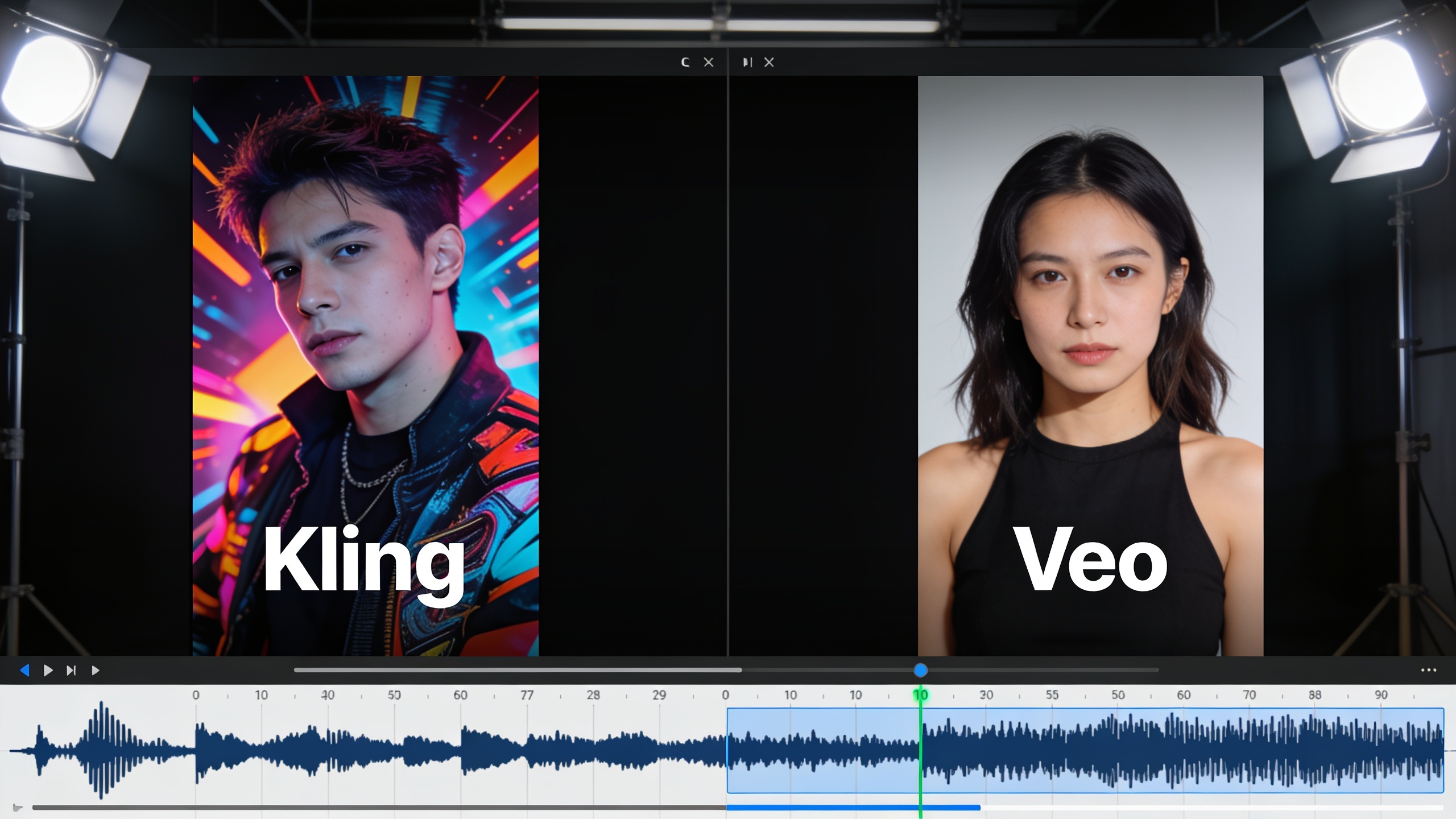
For platform-ready hooks, optimize for framing, motion economy, and audio punch. Frame for the face or product center at 1.2x safe-area so the subject remains visible after TikTok crops. Use motion sparingly: small parallax, light push-in, or a dramatic reveal usually read better than heavy reanimation for 3–8s hooks. For audio, align a musical downbeat with a visual punch at 0.5–1.0s to maximize attention.
Common pitfalls to avoid:
- Vague prompts: avoid one-line vague prompts like "make it viral". Instead specify action, mood, and timing: "3s punch-in; sparkles; upbeat percussion hit at 0.6s".
- Over-rendering: high-fidelity Veo renders can introduce minor latency; don't use Veo for rapid multivariate testing when Kling suffices.
- Ignoring safe-area: many creators forget platform crops; always export a 9:16 master plus 1:1 and 16:9 variants.
Export variants: produce a 9:16 for TikTok/Reels, a 1:1 for Instagram feed tests, and a 16:9 trimmed hero for YouTube or landing pages. If you need music, try the GoCrazyAI AI Music Generator for short stems and the AI Voices library for quick narration, then finalize in the Media Mixer to add subtitles and overlays.
Decision checklist: when to choose Kling, when to choose Veo, and why GoCrazyAI’s routing is the simplest path?
Choose Kling when you need volume, speed, and lower cost per variant; choose Veo when you need photorealistic detail, high-resolution renders, and fewer iterations. GoCrazyAI’s routing simplifies both choices by letting you run the same prompt or image against multiple backends and by automating exports and framing.
Quick checklist:
- Use Kling if you plan to A/B test dozens of hooks per week. Kling’s pricing and throughput favor experimentation[3].
- Use Veo if the clip is customer-facing and detail matters (e.g., product texture, reflections) or if you need native high-res output[4].
- Use hybrid routing (run Kling + Veo in parallel) if you want both fast variants and a polished finalist.
Why routing is simplest: it removes manual API juggling, unifies credits, and keeps your templates intact. GoCrazyAI’s AI Video Generator offers presets for product demo loops, single-photo hooks, and story-mode openers — letting you keep the same prompt library and swap backends behind the scenes. This is the practical path most teams used after Sora’s removal and in GoCrazyAI’s documented migration guides[5].
Frequently Asked Questions
When did OpenAI shut down the Sora app?
OpenAI announced the discontinuation of the Sora consumer/video app in late March 2026; major reporting noted the service was pulled on March 24, 2026[1].
Can I reproduce Sora-style vertical hooks without retraining prompts?
Yes—by routing existing prompts and still images to Kling or Veo and using a small set of prompt edits (timing, motion keywords, and safe-area framing) you can reproduce similar hooks quickly. GoCrazyAI provides routing presets and example prompts to accelerate the switch[5].
Which model should I start with for fast testing?
Start with Kling 2.5 Turbo Pro for volume testing because it’s typically lower cost and faster for many variants; upgrade to Veo 3.1 for finalists where fidelity matters[3][4].
Will I need multiple subscriptions to run Kling and Veo?
Not if you use an orchestration layer like GoCrazyAI’s AI Video Generator — it routes to multiple backends from one credit pool, avoiding separate subscriptions and API key management. See the routing guide for presets and budgets[5].
How do I keep audio aligned with short visual punches?
Specify exact timing in the prompt (for example, "beat at 0.6s"), export with built-in markers, or add the clip to the Media Mixer to nudge audio by frames. Use short percussive stems and align the downbeat with the first visual change.
Conclusion
Final thoughts: After the March 24, 2026 Sora shutdown, creators who relied on single-image or text-to-video hooks should move to model routing instead of rebuilding templates. Use Kling for rapid testing and Veo for polished demos, and run both from a single orchestration layer to preserve cadence and reduce friction. Open the AI Video Generator to drop in a prompt or product photo and ship a platform-ready clip in minutes.
Sources
- Sora 4 TikTok workflow — fast image/text → vertical hooks | GoCrazyAIgocrazyai.com ↗
- Replace Sora 3.1 short-form workflows | GoCrazyAIgocrazyai.com ↗
- Kling 2.5 Turbo Pro Pricing: Cost per Second (2026)convly.ai ↗
- OpenAI pulls the plug on Sora, the viral AI video app that sparked deepfake concerns — AP Newsapnews.com ↗
- Veo 3.1 vs Sora 2 vs Kling 3.0: AI Video Model Comparison (reveo.news / independent review)reveo.news ↗
- AI Music for Short-Form Video — GoCrazyAIgocrazyai.com ↗
- OpenAI to discontinue Sora video app — Axiosaxios.com ↗
- Veo 3.1 vs Kling 3.0 for AI Video in 2026 — convly.ai analysisconvly.ai ↗