


AI Music for Short-Form Video: How to Use AI Music to Boost Watch-Through (2026)
How creators pair AI music with GoCrazyAI AI Video Generator to turn photos and prompts into 6–15s hooks, product demos, and repeatable ad templates.
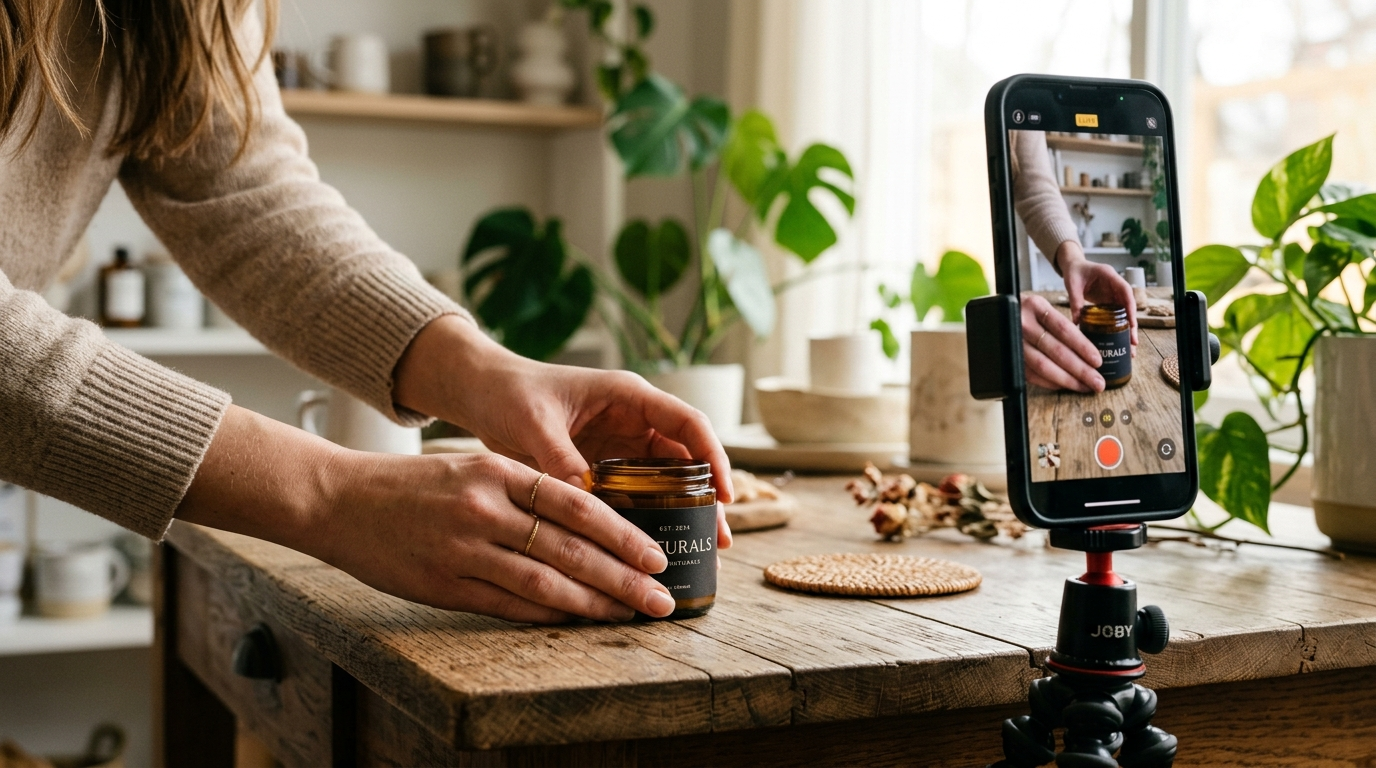
You press record on a product photo and, in under five minutes, you have a 15‑second hook with a punchy beat, a rhythmic loop, and a polished crop for TikTok — all without hiring a composer. That speed is the reason creators are pairing AI music with the GoCrazyAI AI Video Generator: it turns a single still or a short prompt into platform-ready clips fast. Open the AI video generator to try a demo prompt or drop in your product photo and you’ll see why this combo is the fastest path from still to scroll-stopping video.
This guide explains why ai music matters for short-form, exactly how to pick styles that match motion, and two repeatable workflows: (1) a product-photo → 15s TikTok hook using GoCrazyAI AI Video Generator, and (2) a text-prompt → animated B‑roll pipeline for tutorials. Along the way I’ll cover licensing essentials and practical optimizations — trimming stems, loop points, captions, and A/B tests that improve watch-through and conversions. Read on to get step-by-step recipes that creators and small teams can use immediately.
Why AI music is transforming short-form video (what creators actually need to know)
The simplest way to think about ai music for short-form video is this: audio is the hook before the first frame appears. A recent analysis found that roughly 84.6% of TikTok clips contained music as of December 31, 2023, which underlines how central music is to discovery and engagement (Digital Music News)[https://www.digitalmusicnews.com/2024/02/09/tiktok-music-study-february-2024/].
That dependence on audio created a production bottleneck: good-sounding beds and short drops used to require composers, expensive stock licenses, or time-consuming edits. AI music tools collapsed that timeline. By 2024 consumer adoption jumped — industry reporting described 2024 as “the year that generative AI kicked into gear,” with roughly 60 million users of music AI apps and about 10% of consumers trying generative AI for music or lyrics. The result for creators: on-demand instrumentals and stems that match platform patterns and autoplay behavior.
For short-form creators and ecommerce marketers, the practical impact is immediate. AI music lets you iterate multiple hook variations — different tempos, instrumentation, and drop points — without waiting for a composer. Use short, loopable beds (6–15 seconds) to match platform autoplay and make the clip feel polished even at low frame counts. When combined with automated video generation, like the GoCrazyAI AI Video Generator, you can produce multiple ad variants and product demos in the same time it used to take to export a single timeline.
Matching mood to motion: choosing AI music styles for product demos and hooks
Choosing music for product videos isn’t just taste — it’s a conversion input. A few practical pairings work repeatedly:
- Clean consumer tech demo: minimal ambient bed with a light percussive click pattern. Keep tempo 85–110 BPM and avoid heavy low‑end so the product voiceover reads clearly.
- Fast ecommerce hook (fashion, beauty drops): punchy percussion and a bright lead motif at 115–140 BPM. Use a distinctive melodic lick as a repeatable sonic logo for brand recall.
- Tutorial B‑roll and explainers: gentle ambient beds or soft piano with subtle percussion. These allow voiceover narration to sit on top without masking.
AI music generators can produce separate stems — ambient beds, percussion loops, lead motifs — which map directly to editing layers: opener bed, beat drop, loopable B‑roll, and outro. That means you can request a 10‑second bed plus a 4‑bar percussion loop and drop them into a template timeline where the beat drop aligns to a product reveal. For hooks, favor loopability: design an audio bed whose end blends back to the start so autoplay repeats feel natural.
Practical tip: ask your AI music generator for a ‘‘loopable 10s instrumental with a clear transient at 0.8s and 6s’’ — then test it against your 9:16 video in the GoCrazyAI AI Video Generator. If the product reveals land on the transient, watch-through typically improves.
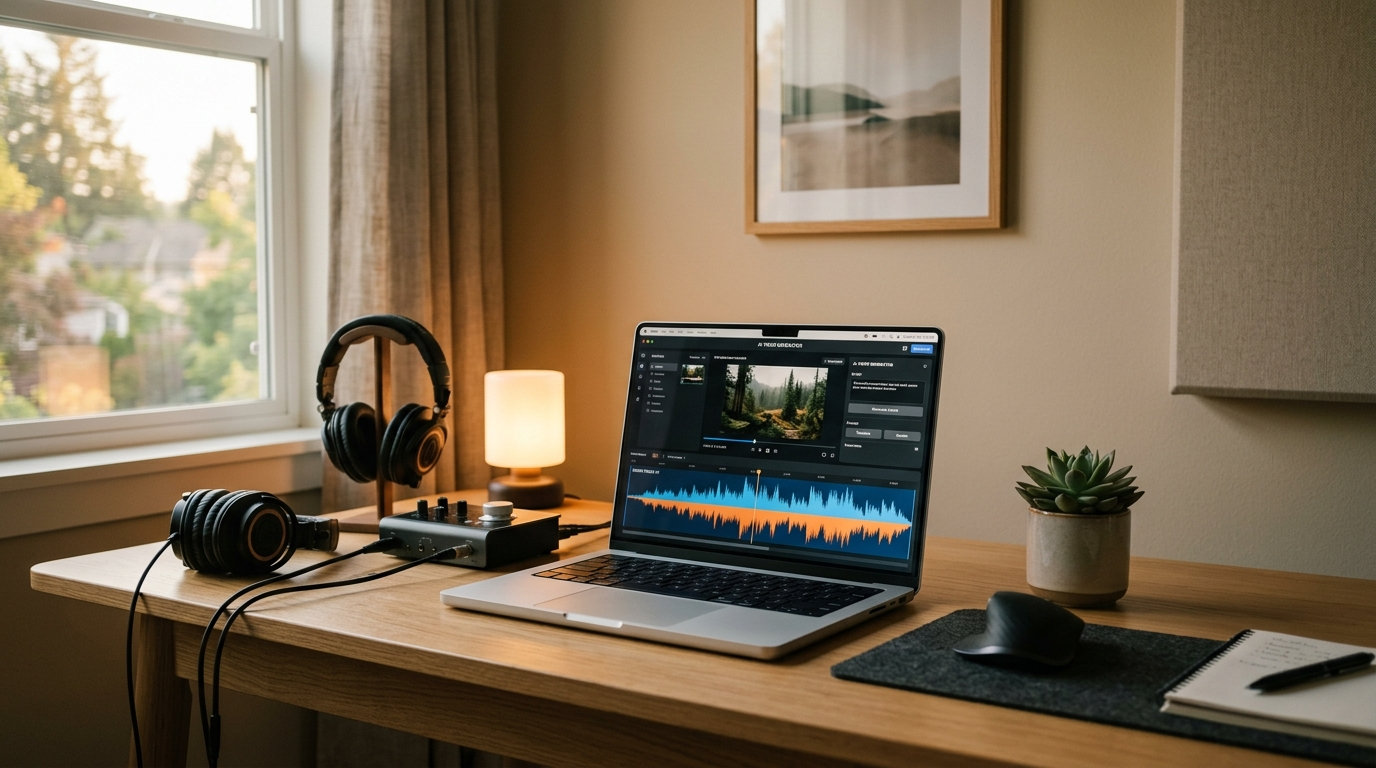
Workflow: From product photo + music prompt to a 15s TikTok hook using GoCrazyAI AI Video Generator (step‑by‑step)
This is a hands‑on walkthrough you can finish in 10–20 minutes.
Short answer (40–60 words): Use the GoCrazyAI AI Video Generator to convert a single product photo into an animated 9:16 clip, generate or import a 6–15s AI music bed, align the audio transient with your product reveal, then export variants at 9:16 and 1:1. The AI Video Generator handles model routing (Kling, Veo, Sora) and framing for platform output.
Step-by-step example:
1) Prepare assets: a clean product photo (800–2000 px) and an ai music prompt, e.g. "10s loopable bright electro-pop bed, 120 BPM, transient at 2s, minimal bass." If you want a custom instrumental, generate it quickly with the GoCrazyAI AI Song Generator, then download stems.
2) Open the GoCrazyAI AI Video Generator and choose image-to-video. Upload your product photo and pick the "TikTok hook" framing preset (9:16). Select Kling 2.5 Turbo Pro for energetic motion or Veo 3.1 for smoother camera pans — both are available from the same credit pool.
3) Add a simple motion prompt: "slow reveal, camera push in, soft vignette, 0–6s beat-aligned product flip." Let the generator create a 15s clip.
4) Import the AI music bed as the track and use the built-in trimming to align the audio transient to the visual product reveal at 2–3 seconds. The GoCrazyAI suite outputs 9:16 and 1:1 from one prompt, so you can export both without re-rendering.
5) Polish in GoCrazyAI Media Mixer (AI Video Editor): add a short title overlay, turn on captions, and export.
Why this works: the GoCrazyAI AI Video Generator routes to frontier models without juggling subscriptions, and outputs 9:16, 1:1, and 16:9 from the same prompt. That removes friction and speeds A/B testing: iterate new beds or motifs and regenerate variants in minutes. As a proof point, GoCrazyAI has powered 500K+ videos on the platform, which speaks to repeatable workflows and template reuse.
Workflow: Turn a text prompt into animated B‑roll with AI music — repeatable template for tutorials and explainers
Direct answer (40–60 words): Convert a text prompt into animated B‑roll using the GoCrazyAI AI Video Generator’s text-to-video models, pair the clip with a subdued ai music bed, then layer narration from GoCrazyAI AI Voices for a ready-to-publish tutorial segment.
This template is ideal for course creators, SaaS explainers, and how-to reels.
1) Create the prompt: be explicit about the visual rhythm. Example: "Animated macro shots of hands demonstrating interface features, soft parallax, 16:9 for YouTube, 0–10s scenes stitched into a loop-friendly 15s cut." Include mood words (e.g., "calm, trustworthy") that guide the AI’s motion style.
2) Generate the video in the GoCrazyAI AI Video Generator. Choose Sora 2 for cinematic depth or Veo 3.1 for stable, natural camera motion. Export a 16:9 master and request a 9:16 crop for Shorts.
3) Generate an ai music bed tuned for narration: request an ambient 12s bed with low mid frequencies and a soft transient. If you need voiceover, open the GoCrazyAI AI Voices library and pick a narrator voice; you can also clone your own.
4) Assemble in GoCrazyAI Media Mixer: place the music bed under the narration track, duck the bed by 6–10 dB during speech, and allow the music to breathe under B‑roll. Use the music’s stembed as the background and add a percussive loop on non-speaking beats for emphasis.
5) Save this as a reusable sequence: video clips in one folder, stems in another, and a naming convention that ties beats to clip markers. You can swap the text prompt, keep the audio stems, and produce weekly tutorial clips with the same sonic identity.
Why this template scales: because AI music tools produce stems that map to editing layers, you can standardize the B‑roll soundtrack and only change the visual text prompt, producing consistent branding across explainer videos.

Rights, licensing, and safe commercial use of AI music (practical checklist for creators)
Legal friction around AI music is real and evolving. In 2024 major labels sued AI music startups for alleged unlicensed training data, prompting platforms and labels to consider settlements and licensing deals (Axios)[https://www.axios.com/2024/06/24/record-labels-sue-ai-startups-copyright-infringement]. That case context means creators must do due diligence before using any AI-generated track commercially.
Practical checklist:
- Read the platform’s license: does it grant commercial rights and indemnify the user? Platforms differ widely.
- Ask about training data provenance: if the model was trained on copyrighted recordings without license, the platform license might not fully eliminate infringement risk (LegalClarity)[https://legalclarity.org/is-ai-music-legal-copyright-and-licensing-explained/].
- Prefer platforms that offer explicit, royalty-free commercial grants or that source licensed catalogs. If in doubt, contact your platform’s support and request a usage statement.
- Keep metadata and generation records: save prompts, model names, and timestamps for every generated track in case you need to show provenance.
- Consider custom licensing for high-value campaigns: if you plan to use a track in paid media at scale, commission a bespoke composition or secure a clear license from the AI provider.
How GoCrazyAI helps: GoCrazyAI’s music tools and content workflows are designed for creators who need clear outputs. If you use the GoCrazyAI AI Song Generator to create instrumentals, download the track and keep the generation metadata with the project. For high-budget campaigns, pair AI-generated drafts with custom composition or licensed stems. The goal is practical risk management: short-form creators often operate on tight budgets, so choose audio sources that provide explicit commercial grants and retain generation records.
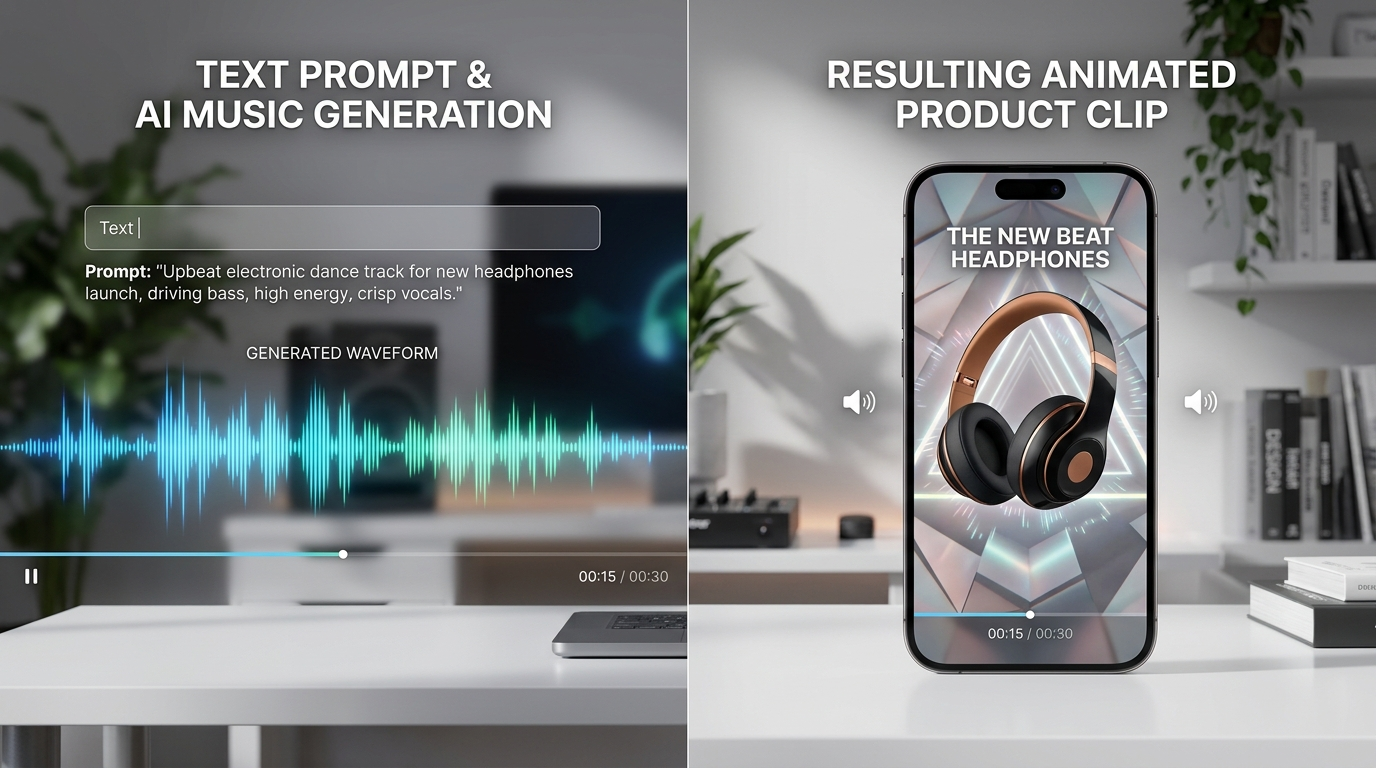
Optimizing posts: audio mixing, captions, and A/B tests that boost watch-through and conversions
Optimizing the final post is where incremental gains compound into measurable lifts in watch-through and conversion.
Audio mixing essentials:
- Ducking: lower the music by 6–10 dB under voiceover. If you’re using only music, automated loudness matching (LUFS) helps keep your clip consistent across platforms.
- Transient alignment: align energetic transients (beat drops or percussive hits) to visual reveals to increase impact. A well-placed transient at 2–3 seconds can lift early retention.
- Loop points: when exporting 6–15s hooks, ensure the audio bed loops smoothly so replay doesn’t create jarring gaps.
Captions and on-screen text:
- Use large, readable captions for the first three seconds. Even when the clip has no voiceover, captions increase completion rates on silent autoplay.
- Time captions to music accents for rhythmically satisfying reads.
A/B testing framework:
- Test music variations first: keep visuals identical and swap beds (ambient vs percussion-forward vs melodic) to measure audio impact on retention.
- Test crop/format second: produce 9:16 and 1:1 from the same prompt (the GoCrazyAI AI Video Generator exports multiple framings) and compare click-through and completion.
- Track metrics tied to your goal: view-through rate for brand awareness, retention to 3s/6s/15s for hooks, and conversions on landing-page demo loops.
Practical stack recommendation: generate your clips with the GoCrazyAI AI Video Generator, create or refine music with the GoCrazyAI AI Song Generator, and polish with GoCrazyAI Media Mixer to add voiceovers and subtitles. This keeps assets in one ecosystem, which speeds iteration and reduces friction. For visual assets before generation, use the GoCrazyAI AI Image Generator to tweak product photos and lighting; then animate those images in the video generator.
Final tip: treat your initial 6–15s hook as a lab. Run fast experiments, keep the best-performing audio beds, and standardize them across product pages and ad creatives to increase perceived production value and conversion rates.
Conclusion
AI music removes the biggest bottleneck in short-form production: finding the right bed, stem, or motif fast. When you combine on-demand music beds and stems with automated video generation, you move from idea to platform-ready clip in minutes — perfect for creators and small teams shipping daily. Try the GoCrazyAI AI Video Generator with a product photo or a short prompt, pull in an AI music bed, and export 9:16 and 1:1 variants for testing. Open the AI Video Generator, drop in your prompt or a reference image, and ship your first clip before your next coffee break.
Mentioned in
- Single photo lipsync: Turn one picture into a viral short-form videoLearn how to make a viral lipsync or pet-dance clip from a single photo using one-click CrazyFX effects. Workflows, prompts, voice tips, and legal traps.
- CrazyFX lipsync: turn a photo into a viral lipsync or dance clipMake a viral lipsync or pet-dance clip from one photo using CrazyFX. Fast one-click presets, vertical output, and quick A/B tactics to boost Shorts/Reels/TikTok engagement.
- Still image to b-roll: Turn one product photo into cinematic Shorts and landing-page loopsLearn a step-by-step workflow to turn a single product photo into cinematic YouTube Shorts hooks and looping b-roll using GoCrazyAI’s AI Video Generator. Settings, prompts.
- Image to video product demo: turn one photo into a 9:16 product reelConvert a single product image into high-performing 9:16 reels. Workflow, prompts, GoCrazyAI steps, exports, and metrics for small teams and indie brands.
- 15 second product ai: Create cinematic 15s product loops and quick demosLearn how to turn one product photo or a text prompt into high-converting 15-second cinematic product loops and demos, with workflows, prompts, and GoCrazyAI tips.
- Voice Cloning Guide: How to Create and Use Branded AI Voices SafelyA practical voice cloning guide for creators: legal checklist, recording workflow, branded-voice design, and how to use GoCrazyAI AI Voices for narration and dubbing.
Sources
- Nearly 85% of TikTok Videos Contain Music, Study Finds (Digital Music News)digitalmusicnews.com ↗
- Report: electronic music industry grew 6% to $12.9bn in 2024 (Music Ally reporting MIDiA data)musically.com ↗
- Record labels sue two AI startups for copyright infringement (Axios)axios.com ↗
- Major Labels File Suit Against AI Music Start-Ups for Unlicensed Training (Manatt Phelps & Phillips)manatt.com ↗
- Is AI Music Legal? Copyright and Licensing Rules (LegalClarity)legalclarity.org ↗
- Add Music to AI Product Videos — best practices (PixelMotion)pixelmotion.io ↗