


AI song loop: Fast, copyright-safe loops and jingles for TikTok & Reels (2026)
Learn how to generate royalty-free AI song loops and jingles for TikTok, Reels, and intros using the GoCrazyAI AI Song Generator—hands-on workflows and publishing tips.
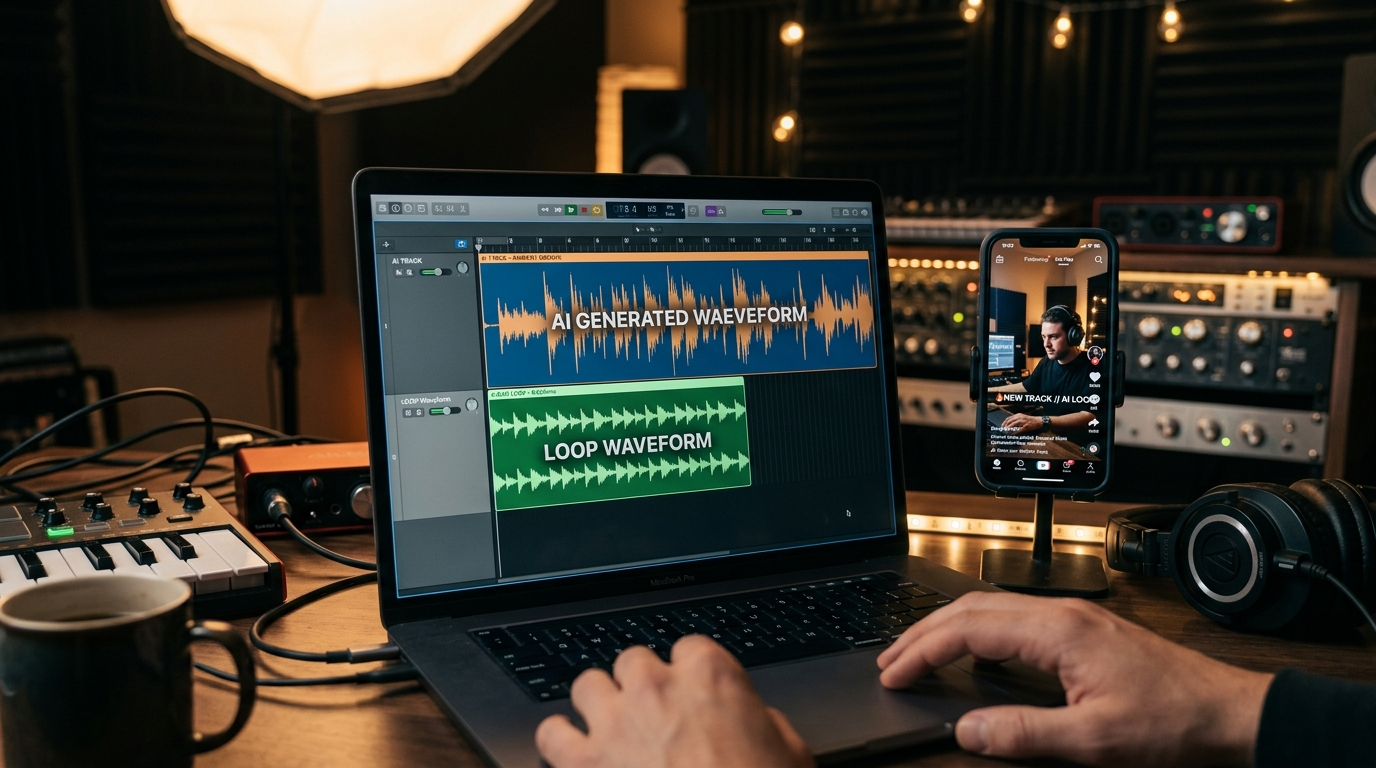
Creators who need a quick, copyright-safe hook for TikTok, Reels, or a channel intro should know how to make an AI song loop in minutes. The GoCrazyAI AI Song Generator produces original short loops and full tracks from a text prompt, so you can iterate on hook, tempo, and mood without library licensing headaches. Open the AI Song Generator to try a prompt-first workflow and produce a 10–20s jingle in under five minutes.
This article walks through why short-form creators need fast music, what copyright and licensing actually mean for AI-generated audio, and hands-on step-by-step workflows for making royalty-free loops, jingles, and short vocal tracks. I'll also show how to polish stems, sync to edits, and publish while protecting your usage—plus when to pair generated music with GoCrazyAI's AI voices or an AI video using the AI video generator.
Why modern creators need fast, copyright-safe music for short-form video
Short-form platforms reward original hooks and repeatable audio assets. Creators reusing the same 10–20 second sound across multiple clips build recognition faster than switching tracks every post. That practical reality makes short loops and jingles some of the highest-value assets for creators and marketers: they're easy to iterate, remix, and A/B test across vertical formats. Industry guidance from 2024–2026 consistently emphasizes short loops (5–30s), jingles (~10–20s), and background beds (30–90s) as the most reusable, highest-impact formats for social video.
Simultaneously, platforms and rights holders have tightened enforcement. A track that sounds like a copyrighted hit can trigger monetization claims or takedowns; using library music often means complicated licenses for commercial uses. The GoCrazyAI AI Song Generator helps here by producing original, exportable music built to be dropped straight into edits—so creators don't waste time clearing clips or navigating claim disputes. For fast publishing workflows that preserve reach and monetization, having a tool that generates studio-quality loops and clarifies commercial use is a practical productivity win for small teams and solo creators alike.
How AI music generation works today — and what creators must know about copyright and licensing
AI music generation now produces studio-quality full songs and vocals. Leading models like ElevenLabs’ music offering and competitors such as Suno consistently appear near the top of 2025–2026 comparison lists, reflecting rapid improvements in tone, mixing, and vocal realism. ElevenLabs announced music-generation capabilities paired with commercial-use licensing options, which has influenced how platforms package music for creators and advertisers (Tom's Guide coverage, 2025)[https://www.tomsguide.com/ai/elevenlabs-reveals-ai-music-generator-and-it-has-full-commercial-rights].
Two practical copyright points creators should know:
- Training-data controversies still exist. Surveys indicate about four in five musicians worry AI could compete with human-created music, a real ethical and legal conversation that affects where your generated sound might sit culturally and legally. Use-case policies and model licensing are evolving, so check terms of service for commercial rights before publishing.
- Licensing clarity matters more than ever. Platforms that explicitly grant commercial rights for generated music remove a major operational barrier for creators working on ads, sponsored content, or monetized channels. ElevenLabs’ move into music and announced licensing partnerships across 2024–2025 has helped normalize commercial publishing for AI-generated tracks—an important precedent behind the GoCrazyAI AI Song Generator's own commercial-friendly exports.
Comparison table: quick contrast of what creators consider when choosing an AI music tool
| Feature | ElevenLabs-style models | Suno & peers | Traditional stock libraries |
|---|---|---|---|
| Vocal realism | High — realistic vocals & full songs | High — experimental vocals | Low — no AI vocals or synthetic singers |
| Commercial clarity | Many models offer commercial use options | Varies by provider | Clear but often costly licenses |
| Speed & iteration | Fast prompt-to-track cycles | Fast, creative outputs | Slow search/licensing processes |
| Best for | Custom songs, jingles, vocal hooks | Experimental textures & sonic design | Safe, licensed catalog uses |
Tip: Always export stems (vocals, drums, keys) after generation to make clean edits and to prove the original file structure if a rights question arises.
Understanding the landscape helps you pick a workflow: if you need rapid, license-clear audio for ads or trending content, pick a generator with explicit commercial rights and stem exports—criteria the GoCrazyAI AI Song Generator meets through its ElevenLabs-powered backend.
Quick wins: Generate a royalty-free AI song loop for TikTok or Reels (step-by-step workflow)
This section is a hands-on workflow you can complete in 5–10 minutes to produce a 10–20s loop you own and can reuse across posts.
Direct answer (40–60 words): Use the GoCrazyAI AI Song Generator to prompt style, tempo, and mood, generate a short loop, export a loopable sample and stems, then import into your editor and sync to the clip. The generator provides original tracks with export options suitable for commercial use.
Step-by-step worked example (real walkthrough using GoCrazyAI AI Song Generator):
1) Pick a concise prompt: "bouncy lo-fi pop hook, 95 BPM, warm synth bass, female soft vocal humming 'la-la' hook, 12s loop". The prompt specifies style, tempo, instrumentation, and desired vocal treatment.
2) Generate and preview: In the GoCrazyAI AI Song Generator, enter the prompt and pick loop length = 12s. Use the "Instrumental" toggle if you want just a bed, or include "Vocals" for a hook. The generator returns a clip you can preview in-browser.
3) Export stems and a loopable clip: Click Export > Stems to download separate vocal and instrumental files, and Export > Loopable MP3 to get a fade-free 12s loop. These exports make it trivial to drop the loop into a TikTok/Reels edit without awkward fades.
4) Import and sync: Open your editor (or GoCrazyAI Media Mixer). Add the loop as the main audio track, trim to match the cut, and use the vocal stem if you want to duck music under spoken lines. Render and upload to TikTok/Instagram with descriptive metadata.
Why this works: specifying tempo and loop length produces predictable results and enables easy matching to cuts and transitions—no guesswork, fewer revisions, and no third-party licensing headaches.
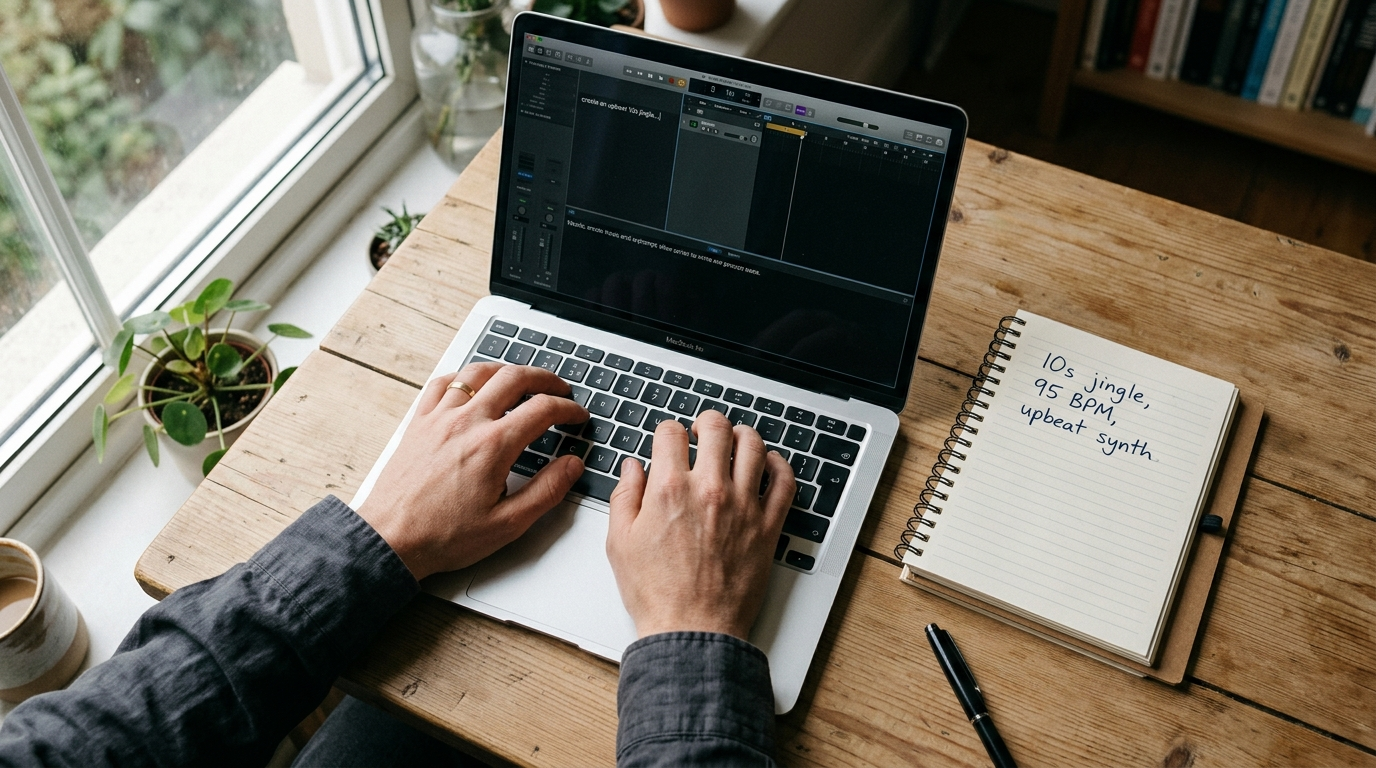
Create a custom jingle or theme loop for your YouTube channel using GoCrazyAI (hands-on guide)
A channel jingle or theme loop should be short, brandable, and easy to repeat across episodes. Aim for 6–15 seconds for an intro sting and 10–20 seconds for a longer open. The GoCrazyAI AI Song Generator gives you control over style, tempo, and mood, which makes producing a consistent sonic brand straightforward.
Workflow to make a channel theme loop:
- Define brand voice in one sentence: e.g., "upbeat, modern, slightly electronic—friendly but clever." Use that line as the style prompt.
- Decide structure: a 6s sting (logo hit + short melodic motif) and a 12–15s full intro loop (build then resolve).
- Prompt example: "6s logo sting, bright brass hit, glitchy synth riser, 120 BPM, clean mastering, no vocals". Generate multiple variants and compare.
Practical tips: export both a dry (no effects) and a mastered version. Dry stems let you remix the sting under spoken intros or replace the master for special episodes. If you want a vocal tag (like a spoken channel name), pair the song loop with GoCrazyAI AI voices to synthesize a consistent announcer voice you can reuse across episodes.
Worked tweak: If the first generation's hook lands but the ending is abrupt, generate a 2s tail loop and crossfade it in your editor to create a seamless 12–15s loop. This method preserves the original sonic signature while fixing loop points without redoing the whole prompt.
Polish generated tracks: editing, stems, and syncing to video (practical workflow)
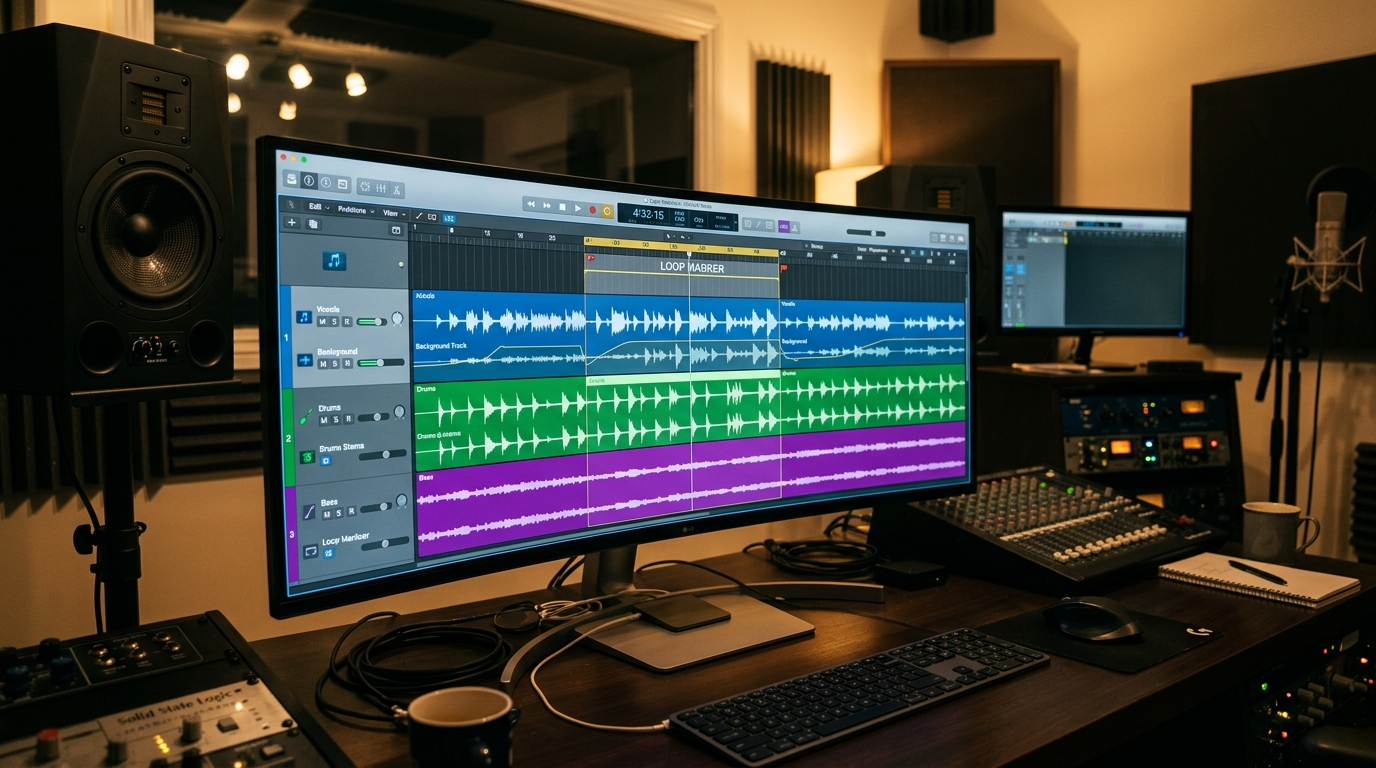
Generating a great loop is only half the job—polishing, stems, and sync workflow are what make the audio publish-ready. Always export stems: vocal, drums, bass, and ambient pads. Stems let you control energy, duck music under dialogue, and create alternate mixes for vertical edits.
Post-generation checklist:
- Export stems (separate vocal/instrumental) and a loopable master. Stems let you lower the music under voiceovers and keep clarity across mobile codecs.
- Normalize and set a clear sample start/end: make the loop start on a downbeat (beat 1) and end just before the next downbeat to avoid rhythm drift.
- Create quick alternates: make a trimmed 8s, a 12s, and a 16s version from the master to fit different platform needs.
Syncing tips for short-form:
- Tempo map your cuts: if your loop is 95 BPM, set your editor's markers to 95 BPM so jump cuts and transitions hit on the beat.
- Use the vocal stem as a guide for vocal-centric trends and the instrumental for background beds.
- Make fadeless exports for TikTok and Reels so the platform can loop the sound cleanly when users reuse it.
If you use GoCrazyAI's Media Mixer (AI Video Editor), import the loop and stems directly to add subtitles, ducking, and one-click exports to vertical specs. That tight roundtrip saves time when iterating on multiple versions for different social platforms.
When to use full-song vocals vs instrumentals for trends — and how GoCrazyAI simplifies both
Choosing between full-song vocals and instrumentals comes down to placement and intent. Use instrumentals when:
- You need a low-profile bed under narration or captions.
- The clip relies on spoken performance or voiceover.
- The trend demands a mood rather than a melodic hook.
Choose full-song vocals when:
- You want a singable hook that users can lip-sync to or build a challenge around.
- Your format benefits from a vocal hook to cue transitions or punchlines.
GoCrazyAI AI Song Generator simplifies both approaches. Toggle the "Vocals" option to generate a vocal hook, or use the instrumentals-only setting to produce beds and underscoring. The feature's tempo and mood controls let you keep the same motif across both versions—generate an instrumental bed and then regenerate with a vocal hook to create matched pairs you can reuse. This matched approach makes it easy to run A/B tests: compare a vocal hook against a purely instrumental bed on the same clip to measure engagement.
Real-world example: A creator generated a 12s instrumental bed for a cooking tutorial, then produced a matched 12s version with a soft vocal hummed hook using the same prompt. The vocal version netted higher reuse on short-form lip-sync trends, while the instrumental performed better for tutorial retention. Using both lets you target different audience behaviors without leaving your sonic brand behind.
How to publish and protect your AI-generated music (best practices, metadata, and platform tips)
Publishing AI-generated music responsibly reduces disputes and improves discoverability.
Essential steps before you publish:
1) Save original project files and stems: keep the generator logs, prompt text, and export timestamps as proof of creation. These files are your record if a dispute ever arises.
2) Add clear metadata: filename, project tag, BPM, mood, and a short creator note (e.g., "Generated in GoCrazyAI AI Song Generator—original composition, export date 2026-04-01"). This makes reuse easier for collaborators and rights teams.
3) Choose platform-appropriate formats: upload loopable MP3s for TikTok and Reels, and higher-bitrate WAVs for YouTube and ads. TikTok's Year on TikTok report shows how a single sound can scale massively—top songs powered millions of creations—so publishing clean loopable files increases the chance of reuse and discovery.
4) Understand platform rules and commercial use: although many AI music providers now include commercial use in their terms (ElevenLabs being a notable example)[https://www.tomsguide.com/ai/elevenlabs-reveals-ai-music-generator-and-it-has-full-commercial-rights], each platform still applies its own policies for creators using AI audio in monetized content. Keep copies of generator terms and export receipts as simple evidence of your right to use.
5) When in doubt, register and timestamp: for brand-critical jingles or music used in ad campaigns, consider simple registration workflows (your collection's metadata, timestamps, and public upload records) to build a defensible chain of creation.
Sharing and amplification tips: upload a short demo clip to your channel and pin it; include the loop length and "copyright-free" language in your description to encourage reuse. For voice tags and spoken IDs, pair the loop with a consistent announcer using GoCrazyAI AI voices to improve recognition. If your project includes an accompanying visual asset, consider creating a short branded video with the AI video generator to produce a consistent visual/audio identity across formats.
Frequently Asked Questions
Is music generated with GoCrazyAI safe to use commercially?
Yes — the GoCrazyAI AI Song Generator produces original tracks and exports that are intended for commercial use; it's powered by ElevenLabs music models, and GoCrazyAI provides exportable files and stems suitable for publishing. Always keep your export receipts and prompt logs for records.
How long should an AI song loop be for TikTok and Reels?
Aim for 5–30 seconds depending on use: 5–10s for stings, 10–20s for jingles and hooks, and 30s+ for background beds. Short loops are easiest to reuse and iterate across posts.
Can I add a human singer to an AI-generated instrumental?
Yes. Export the instrumental stems from the GoCrazyAI AI Song Generator and then record or hire a vocalist to overdub. Stems make integration seamless and keep mix control in your hands.
Conclusion
AI-generated music is now a practical, fast way to own a sonic identity for shorts, ads, and channel intros—so long as you use a generator that provides clear export rights and stems. The GoCrazyAI AI Song Generator gives creators the control to dial style, tempo, and vocals, export stems and loopable masters, and publish without getting tangled in library licensing. For most creators building repeatable hooks and jingles, this single tool covers ideation through final export and works well alongside GoCrazyAI's AI voices and AI video tools. Pop a vibe into the AI Song Generator and you'll have a track to score the cut in minutes.
Mentioned in
Sources
- ElevenLabs reveals AI music generator - and it has full commercial rights (Tom's Guide)tomsguide.com ↗
- Year on TikTok 2024 (TikTok Newsroom)newsroom.tiktok.com ↗
- "Four in five musicians are 'worried' about AI music" (MusicRadar)musicradar.com ↗
- Best AI Music Generators in 2026 — comparisons and reviews (Undetectr, Unite.AI, AI Tool Finder slices)undetectr.com ↗
- Record labels sue AI startups for copyright infringement (Axios, June 2024)axios.com ↗
- ElevenLabs — company and product timeline (Wikipedia summary / public timeline)en.wikipedia.org ↗
- AI music generator comparisons and market signals (Chartlex industry analysis, 2026)chartlex.com ↗