


A/B test ad music: scale short-form tests with AI instrumental stems
How performance marketers can run fast, copyright-free A/B tests of ad music using AI-generated songs and stems to speed iteration and remove licensing friction.
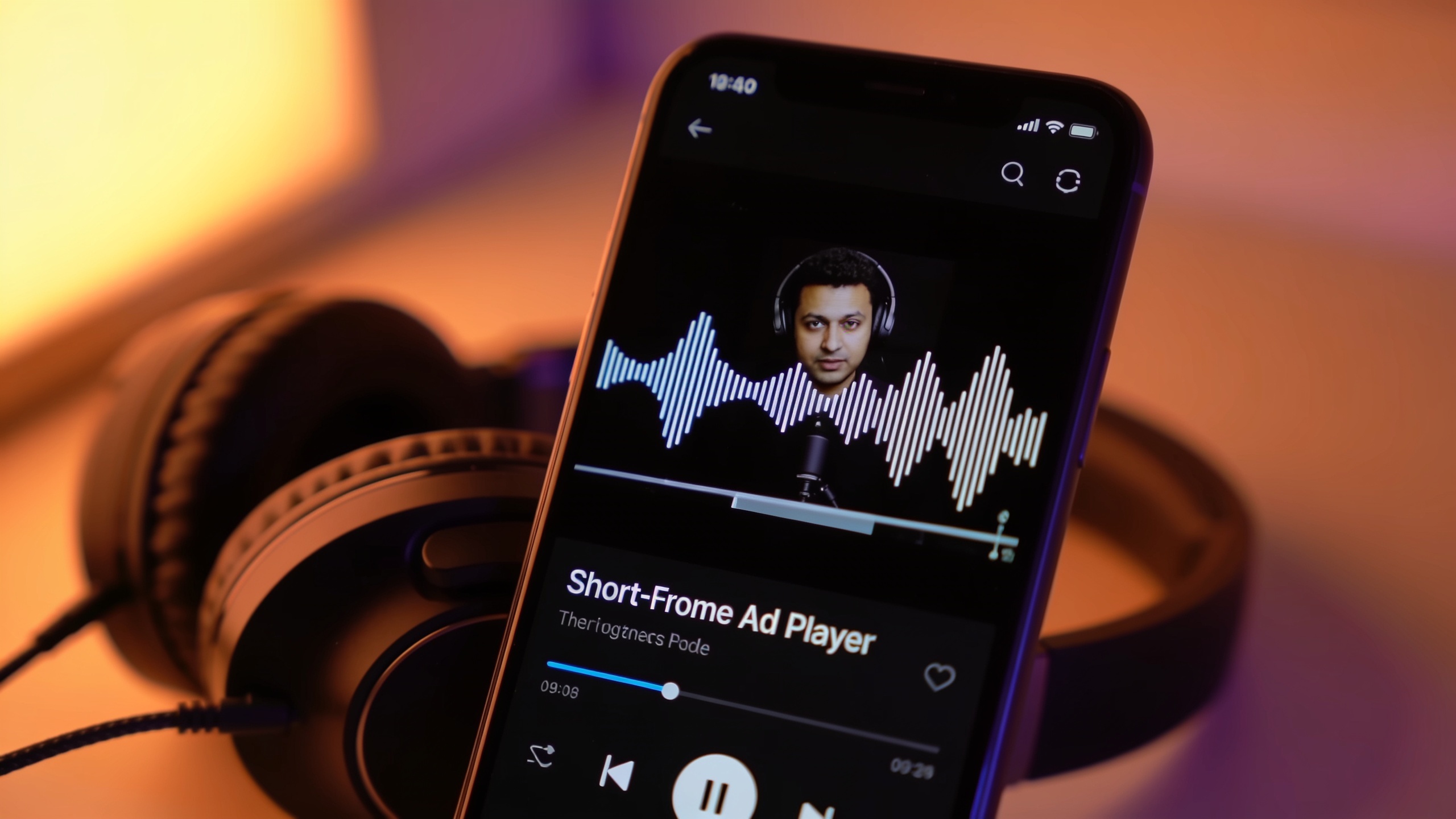
You need faster answers about which soundtrack makes your short-form ad actually work. Testing music variants manually — licensing tracks, editing stems, swapping hooks — is slow and often blocked by rights headaches. This article shows a practical workflow to A/B test ad music at scale using copyright-free AI-generated songs and stems, so you can iterate quickly across tempo, timbre, and vocal hooks and spot winners in days, not weeks. You'll get specific test designs, metric guidance, common pitfalls, and a hands-on step-by-step that converges on the GoCrazyAI AI Song Generator as a practical tool for generating ready-to-drop tracks.
Quick Answer
How do you A/B test ad music? Generate multiple copyright-free variants (tempo, instrumental vs vocal, and hook changes), attach each variant to identical creative cuts, and run parallel splits measuring watch-through, sound-on rate, and conversion lift. Use AI-generated stems to scale variants quickly and avoid licensing friction.
Why music — tempo, timbre, and vocals — moves short-form ad performance (research-backed)?
Music controls mood, pacing, and memory; testing it usually changes short-form ad outcomes. Research synthesis shows music is one of four creative features that maximizes intent to purchase, recall, and brand favorability alongside sonic branding, voice, and message[1]. Platforms like TikTok explicitly call out sound as central to creative success, so swapping audio can produce disproportionate changes in engagement and lift[2].
Tempo and timbre specifically affect attention and memory: faster tempos tend to increase arousal and immediacy, which can raise short watch-through and impulsive clicks, while slower tempos often improve recall and brand favorability in some contexts[3]. Timbre — the instrumentation and production character — determines perceived fit with a brand or product; a bright, percussive timbre works differently than warm synth pads. Vocals (lead hook or background) change how people remember the message and can be tested as a separate axis: instrumental vs vocal or male vs female lead. For performance marketers this means music should be treated as a primary test variable, not an afterthought.
Choosing copyright-free music vs licensed tracks: legal, cost, and speed tradeoffs?
Choosing copyright-free music usually reduces friction and speeds iteration, but it also changes creative constraints. Licensed commercial tracks can bring cultural meaning quickly, but they add licensing cost, usage limits, and approval delays. Copyright-free or AI-generated tracks remove licensing headaches and let teams spin up dozens of variants fast for large A/B matrices, which is often better for rapid discovery.
Cost: licensed hits often require expensive sync fees and platform restrictions. Speed: licensing slows test velocity because legal must review each use. Legality: copyright-free tracks — whether from royalty-free libraries or AI generators that export original files with usage rights — generally give cleaner clearance for platform runs. Several platform case studies show faster conversion-lift experiments when music licensing is not a blocker[4]. If you want to conserve budget for a few hero placements, use licensed tracks sparingly and run the bulk of high-variance exploratory tests with copyright-free music.
Practical tip: keep a hybrid approach. Use copyright-free AI tracks for rapid iteration and a small number of licensed songs only once you’ve found a high-performing creative direction.
Designing an A/B testing matrix for ad music: example hands-on — when to test stems, vocals, tempo, and hooks?
A simple, high-ROI matrix tests one audio dimension at a time: tempo, vocal presence, timbre, and hook. Start with a base creative cut and generate clear variants so results map to a single change.
Example test matrix (8 variants):
- Variant A: Base tempo, instrumental only.
- Variant B: +10% tempo, instrumental only.
- Variant C: -10% tempo, instrumental only.
- Variant D: Base tempo, lead vocal hook added.
- Variant E: +10% tempo, lead vocal.
- Variant F: Base tempo, alternate hook (different lyric/melody).
- Variant G: Same audio as A but different timbre (e.g., guitar -> synth).
- Variant H: Short looped jingle (2–4s) repeated.
Run these as parallel split tests with identical creative visuals and targeting. Use sound-on rate and watch-through to detect early differences, then evaluate conversion lift and CPA for winners. When testing stems, upload the same video cut and swap stems server-side or in your editor so visual edits remain consistent. This isolates audio as the variable and reduces editing time.
Prompt examples you can copy for generating variants (safe domains only):
- "Upbeat pop instrumental, 115 BPM, bright electric guitar, 20s loop, energetic mood"
- "Ambient synth instrumental, 90 BPM, warm pad, no percussion, 20s loop, calm mood"
- "Short female vocal hook, catchy lyric 'Try it now', 115 BPM, bright, radio-friendly"
These prompts focus on tempo, mood, and instrument palette — the exact controls you’ll shift in your matrix.

Workflow: Generate 8 copyright-free variants with GoCrazyAI AI Song Generator and prepare stems for testing?
You can create multiple copyright-free variants and export stems from the GoCrazyAI AI Song Generator quickly. Start by writing short prompts that specify tempo, mood, and whether you want vocals or just instrumentals. Generate a small batch, then export full stems (drums, bass, harmony, lead) so you can swap or mute elements without re-rendering the video.
Step-by-step with practical notes:
- Draft concise prompts for each variant: include BPM, instruments, mood, and whether to include a vocal hook.
- Use the "instrumental" option to export an instrumental version and the full-mix vocal version.
- Export stems: drums, bass, harmony, leads, and vocals. Stems let you create instrumental-only ads or emphasize the hook.
- Create 20–30 second loopable files for short-form platforms. Keep lead hooks in the first 3–8 seconds.
- Upload stems into your editor or use server-side audio swap to attach different audio to the same visual cut.
GoCrazyAI's generator produces original tracks you can use without additional library licensing and provides tempo/mood controls so you can iterate quickly. For teams that need post-production, exported stems make it simple to create instrumental vs vocal splits without re-editing visuals.
For early prototyping you can also pair quick visuals from the AI video generator to audition the track in-context and speed decision-making.
You can try every step above directly in GoCrazyAI AI Song Generator — no setup needed.
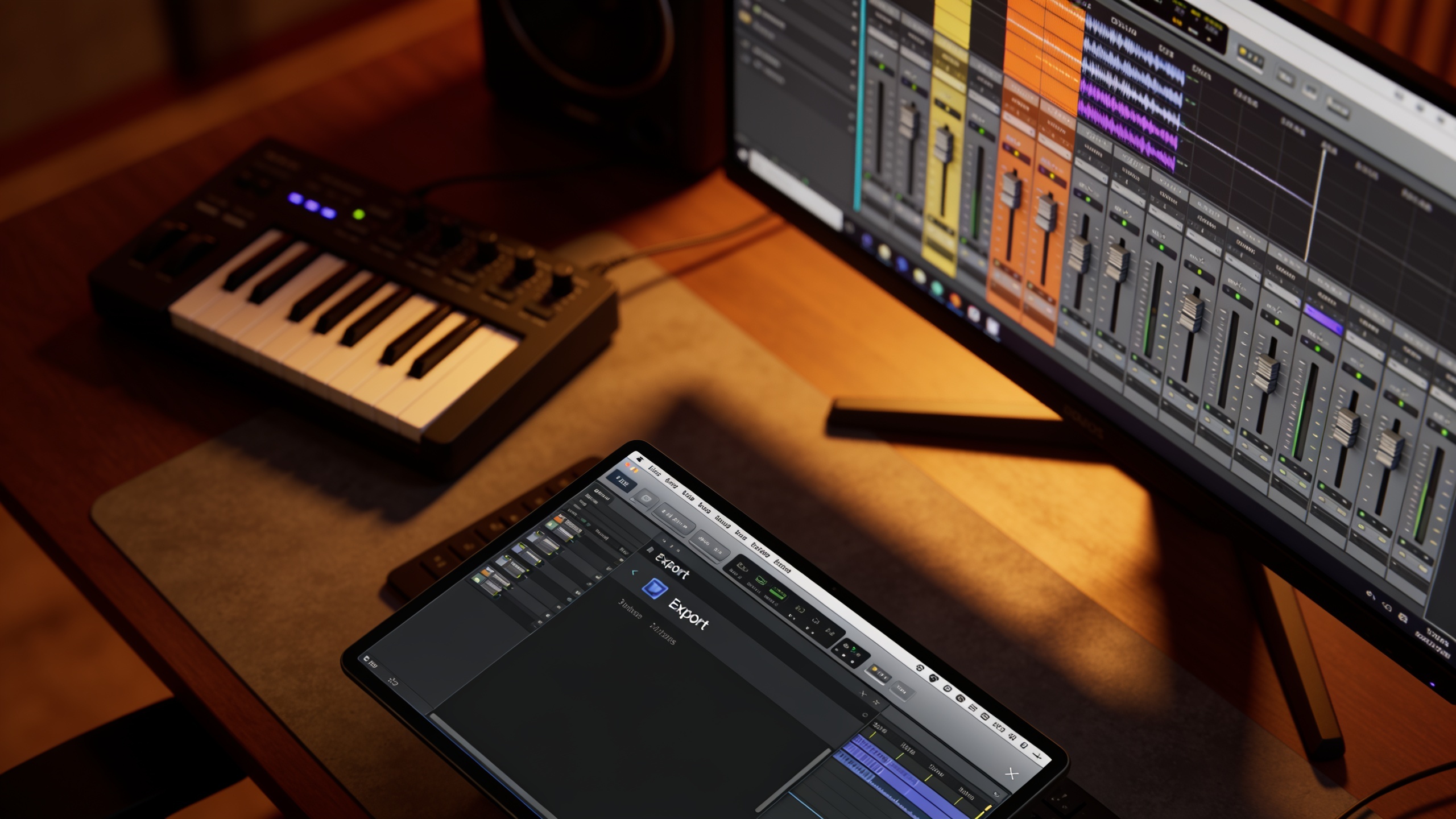
Interpreting lift: metrics to watch and what common pitfalls should you avoid when running rapid short-form music experiments at scale?
Focus on early engagement signals first, then conversion lift. Watch-through and sound-on rate usually reveal which audio attracts attention; CTR and CPM show broader engagement; finally, measure view-to-conversion lift or incremental conversion if possible. Platform split-testing guides recommend measuring incremental lift against control groups rather than relying on raw CTR differences[5].
Common pitfalls and how to avoid them:
- Mistake: Changing visuals and audio at the same time. Avoid by using identical cuts and swapping only audio.
- Mistake: Running too many variants with low sample size. Avoid by starting with a focused matrix and escalating to more variants only for promising directions.
- Mistake: Ignoring sound-on rate. Avoid by tracking sound-on and segmenting results for viewers who had sound enabled.
- Mistake: Not using stems. Avoid by exporting stems and swapping elements — this keeps visual edits constant and isolates audio impact.
- Mistake: Mixing licensed and copyright-free tracks in discovery tests. Avoid legal complexity by keeping exploratory tests on copyright-free tracks.
Statistical guidance: aim for consistent uplift across watch-through and conversion before declaring a winner; small CTR changes can be noisy if sample sizes are low. When possible, run a conversion lift or holdout study to confirm incremental impact.
How do you turn winning audio into reusable assets: jingles, channel themes, and creative templates (and how GoCrazyAI fits)?
Turn winners into reusable templates by exporting short loops, stems, and a brand-specific hook. Create a 2–6 second jingle for intros, a 6–12 second mid-roll loop for ads, and a longer bed for longer-form content. Tag assets with tempo, mood, and variant ID so editors can find the right version quickly.
How GoCrazyAI fits: use the GoCrazyAI AI Song Generator to produce the original winning track and export stems and loopable files. The generator lets you specify tempo and mood and create both instrumental beds and vocal hooks — ideal for building a library of reusable assets. Once you have the stems, assemble:
- Jingle: 2–4s hook exported as a high-loopable file.
- Theme loop: 6–12s, designed to repeat cleanly for channel intros.
- Background beds: stems for mixing under narration in longer edits.
You can then wire these assets into creative templates and media mixers so editors and paid social teams can swap audio quickly. For visual iterations, pair the assets with the AI video generator to create on-brand placeholder visuals faster and keep test velocity high.
Frequently Asked Questions
How many audio variants should I test per creative?
Start with 4–8 focused variants that change one audio dimension at a time (tempo, vocals, timbre, hook). Expand only after you find a promising direction to avoid diluting sample sizes.
Can AI-generated music be used without licensing concerns?
Yes — GoCrazyAI AI Song Generator exports original tracks intended for use without additional library licensing, which reduces clearance delays for testing. Always confirm terms in your account settings.
What early metrics show an audio winner?
Sound-on rate and watch-through detect early attention differences. Pair those with CTR/CPM and, where possible, view-to-conversion lift for confirmation.
Conclusion
Music is a high-leverage variable for short-form ads; testing tempo, timbre, and vocals with copyright-free AI tracks speeds iteration and reduces legal friction. Use stems to isolate audio effects, measure sound-on and conversion lift, and convert winners into jingles and channel themes. Pop a vibe into the AI Song Generator and you'll have exportable stems and loopable tracks ready to score the cut in minutes.
Sources
- A Joint Study by Audacy and Veritonic Highlights How to Make Audio Ads Most Effectiveaudacyinc.com ↗
- TikTok Formula 4 Success (TikTok ads creative playbook)ads.tiktok.com ↗
- How music tempo influences consumer preferences for advertising (Journal of Advertising Research, 2025)tandfonline.com ↗
- The impact of background musical tempo and timbre upon ad recall (Applied Cognitive Psychology, 2006)onlinelibrary.wiley.com ↗
- Artlist conversion lift case study (example of testing music’s impact across channels)ads.tiktok.com ↗