

AI image ad variations: a conversion-first playbook
How to generate large sets of ad-ready lifestyle mockups and A/B-testable image variations fast, with a reproducible workflow and GoCrazyAI tools.
You need many ad images that actually convert — not one pretty hero shot. Marketers and founders increasingly rely on systematic image variation to find what works for paid social and display. This article gives a practical, conversion-first playbook: which styles to prioritize, how to assemble reproducible source assets, prompt and guardrail patterns for batch generation, and a step-by-step workflow that turns dozens of AI-generated mockups into test-ready cohorts. I show where model choice matters, when to use image-to-image versus text-to-image, and how GoCrazyAI’s AI Image Generator fits into a production line that outputs ad ratios, saves variations, and feeds winners into campaigns. Read this if you need to run A/B tests at scale and ship creative faster.
Quick Answer
How do you produce AI image ad variations quickly? Generate a reproducible source kit (product shots, reference lifestyle frames, layout constraints), choose a model that fits your goal, then batch-generate variations with controlled prompts and image-to-image references. Use automated exports and basic scoring to build A/B cohorts. GoCrazyAI’s AI Image Generator supports seeded models, aspect ratios, and saves variations to speed the pipeline.
Why image variation — not single ‘perfect’ creative — is the biggest lever for ad performance?
Images are usually the single biggest driver of ad lift; running many intentional variations helps you learn what converts faster than polishing one concept. Industry guides and practitioner posts emphasize volume plus deliberate testing: generate many hypotheses, then test them in cohorts rather than iterating one creative endlessly[1].
Most high-performing teams treat creative like an experiment: they vary major axes (style, presence of people, background context) to reveal which direction moves metrics. That approach is efficient: you surface large performance deltas quickly, then refine the winning direction with micro-tests. For paid social where audience signal is noisy, having multiple assets in rotation also reduces creative fatigue and maintains ad delivery. Practically, aim to produce dozens of on-brand variants per campaign and prioritize broad differences first, not tiny adjustments.
Which image styles move the needle: examples of studio product shots, UGC-style lifestyle, and contextual mockups (what to test first)?
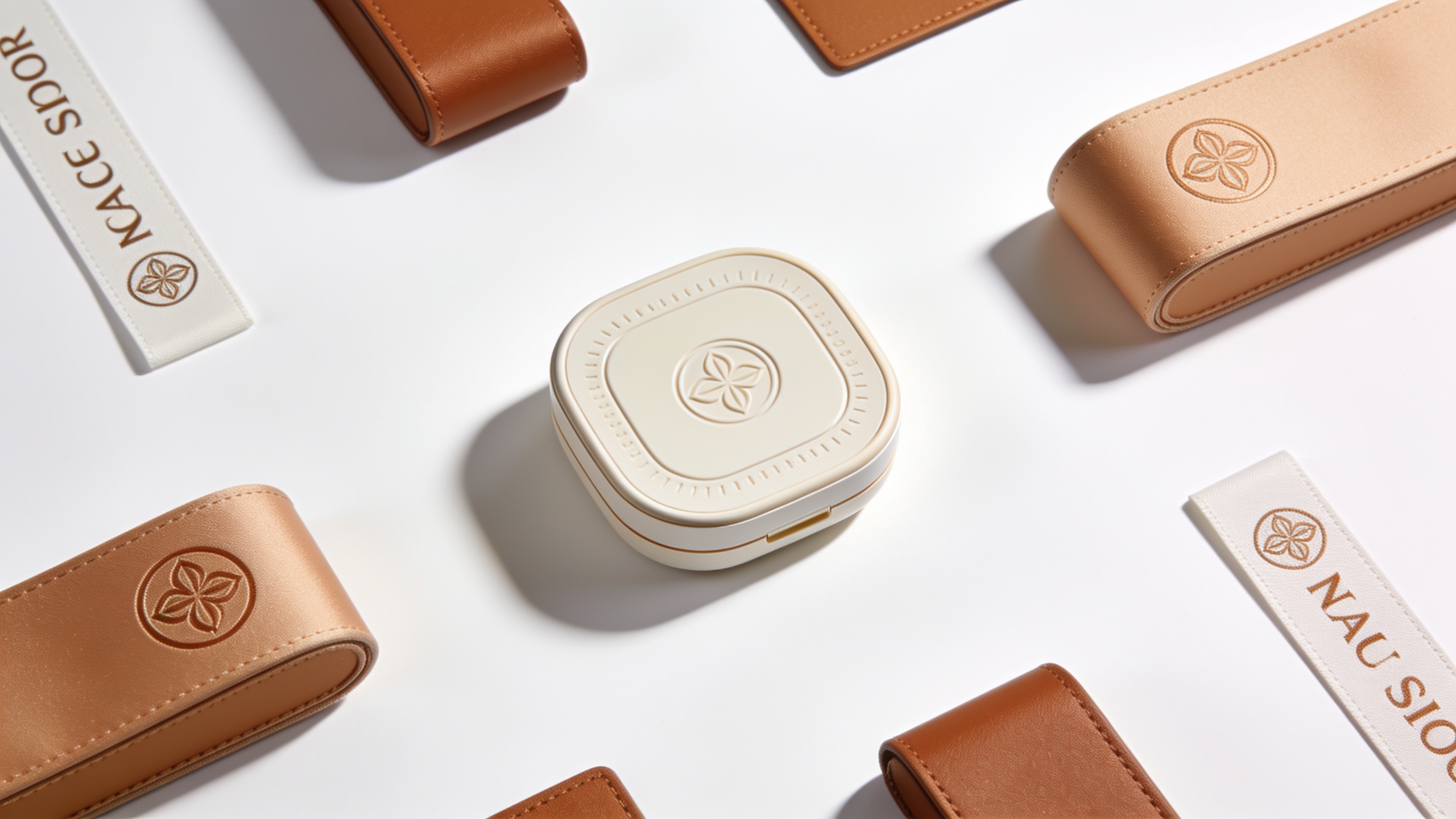
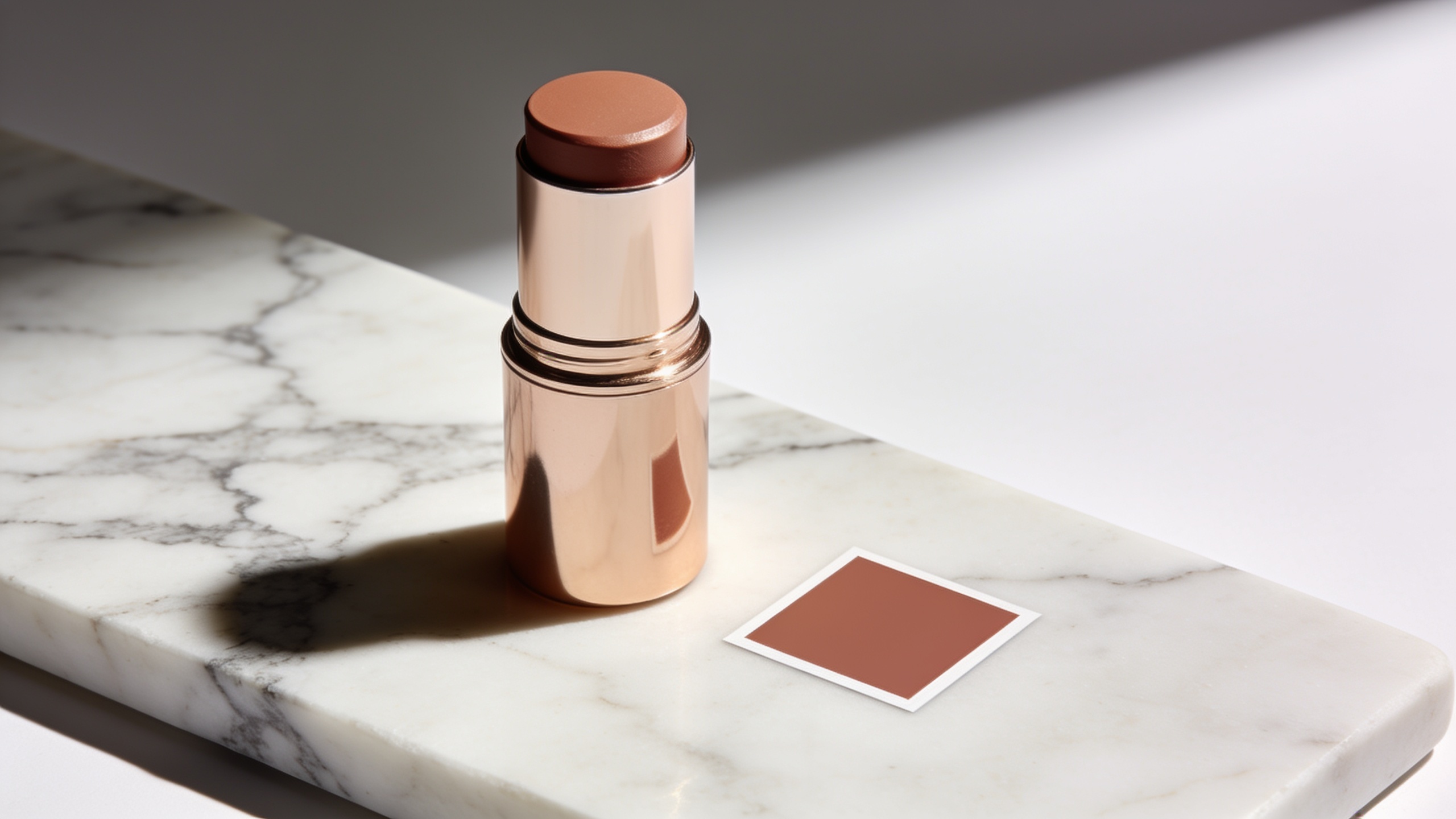
Studio product, UGC-style lifestyle, and contextual mockups are the three styles most likely to reveal clear performance differences — test these first. Studio product shots usually highlight details and trust signals (clean background, crisp shadows). UGC-style lifestyle images emphasize relatability: real people, candid framing, and imperfect lighting. Contextual mockups place the product in a realistic scene — for example, a phone on a cafe table or a jacket hanging on a commuter, which helps users imagine ownership.
Which to test first? Start with the big axes: Studio vs UGC vs Contextual. If your product’s buying decision is driven by features, begin with studio. If emotion or identity drives conversions, prioritize UGC. For many e-commerce brands the fastest path to signal is to run a three-way test (one example of each style) and compare CTR, add-to-cart, and ROAS. Google’s creative guidance also recommends generating and refining lifestyle imagery across demographic attributes when initial outputs miss the mark[2].
Build a reproducible source-asset kit for safe, brand-consistent AI generation
A reproducible source-asset kit reduces randomness and keeps outputs on-brand. Your kit should include: a primary product photo (neutral angle), a white or transparent PNG of the product, brand color swatches with hex codes, approved typefaces and logo files, and 2–4 lifestyle reference frames showing target composition and lighting. Also include layout constraints: aspect ratios (1:1, 4:5, 16:9), safe-title zones, and CTA placement.
Use those assets in image-to-image workflows when you need the product in a fixed position. Reference-based generation usually yields higher brand safety and placement consistency than pure text-to-image randomness[7]. Store these assets in a versioned folder so you can seed batches with the same references and reproduce winners later. This also helps with compliance checks and safety reviews before export for paid channels.
Hands-on: Generate 30+ ad-ready lifestyle mockups with GoCrazyAI (step-by-step workflow)
You can produce 30+ ad-ready mockups in a few hours by combining image-to-image references, seeded prompts, and batch exports. GoCrazyAI’s AI Image Generator supports Google Nano Banana, Seedream 4, and Kaneko Gen Pro, lets you upload reference photos, apply prompts to restyle those photos, and export the social aspect ratios ad platforms need. Start by selecting a model that matches your goal (Nano Banana or Seedream 4 are strong for product realism) and upload a neutral product photo as your placement reference.
Steps in the GoCrazyAI workflow: choose model → upload source assets → create a set of 6 base prompts (studio, UGC candid, contextual indoor, contextual outdoor, hero close-up, lifestyle with hands) → run batch edits with controlled seeds → review and flag promising outputs → export variations at target aspect ratios. Use the platform’s library to save variations so you can iterate later. If you need higher resolution, use the Image Upscaler after selection.
Practical prompt examples you can copy for an image-to-image run:
"Studio product hero, soft-box lighting, white seamless background, product centered, 50mm perspective, minimal shadows, hex #1A73E8 accent"
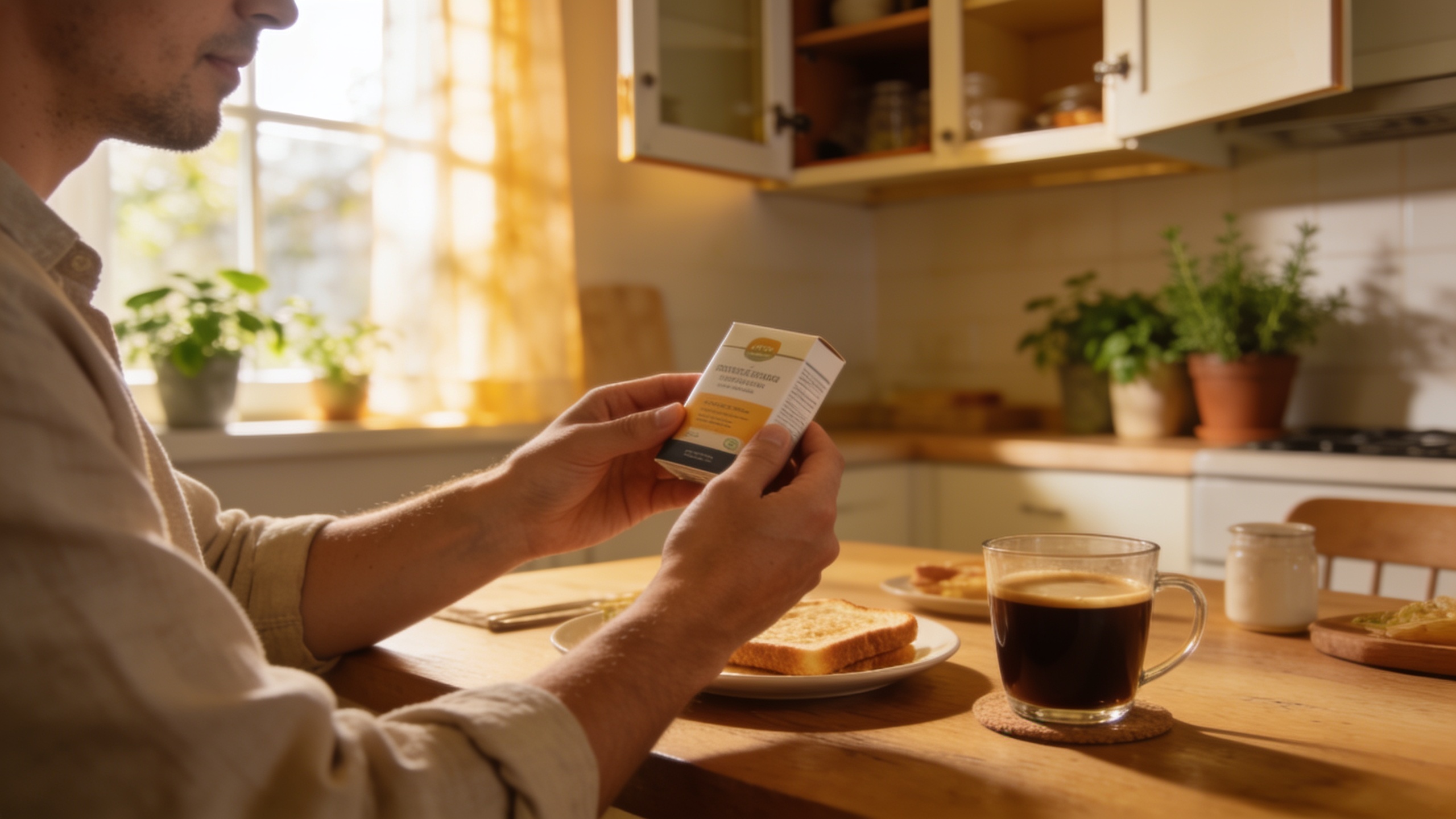
"UGC-style lifestyle: candid breakfast scene, person holding product, warm morning light, shallow depth of field, natural skin tones, casual outfit, dynamic composition"
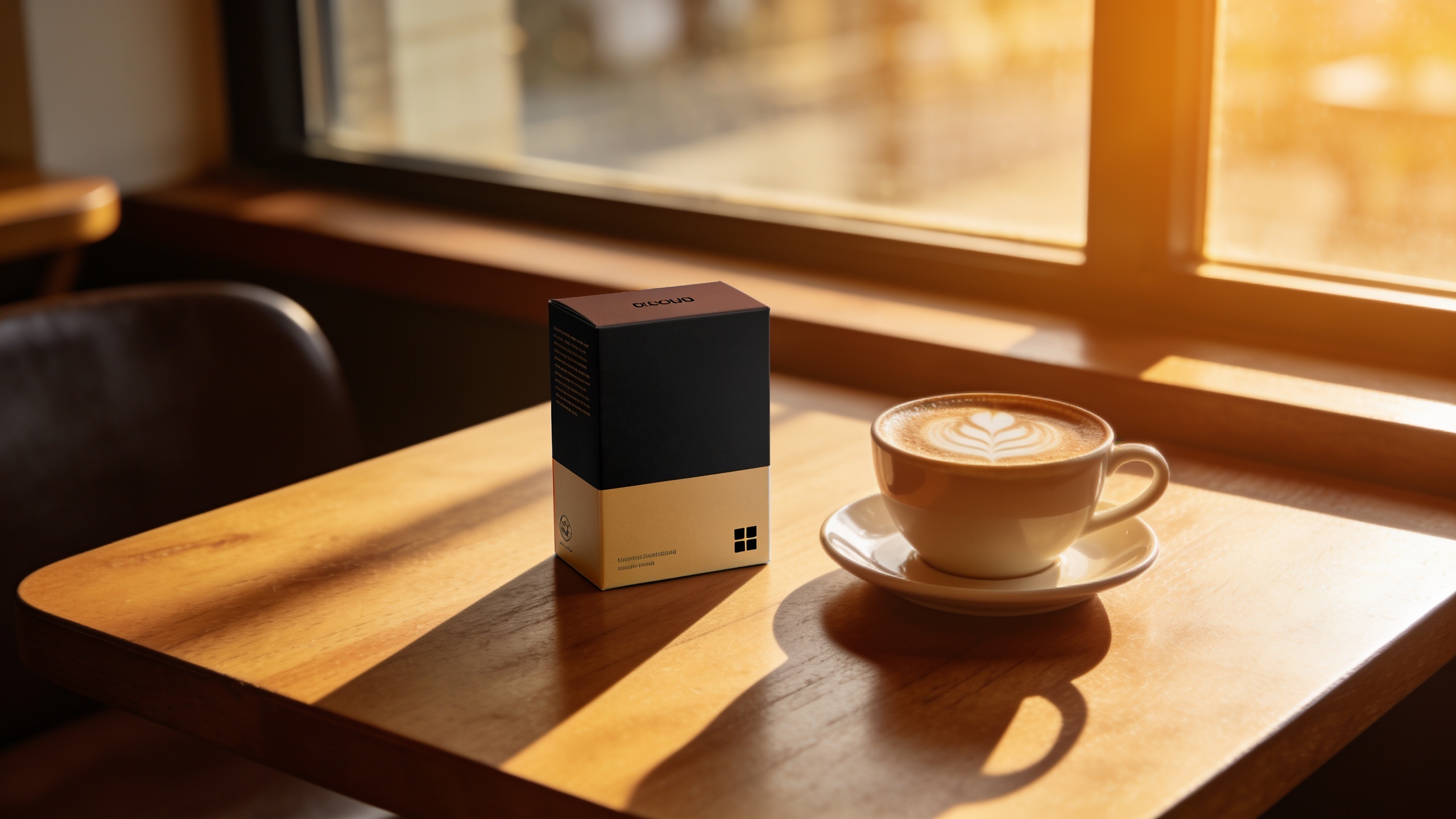
"Contextual mockup: product on wooden cafe table, latte in frame, 35mm lens, cozy golden-hour window light, muted color grading"
Each prompt should include the model you prefer and the aspect ratio you need. Save the best 30 variants to your library for the next step. For pricing and credit planning, review GoCrazyAI Pricing on the Credits page to estimate batch runs (/credits).
You can try every step above directly in GoCrazyAI AI Image Generator — no setup needed.
Hands-on: Create A/B test cohorts and rapid variations (prompt design, guardrails, and batch export)?
To create clean A/B cohorts, design variations around single hypotheses and keep other variables constant. For example, test 'human actor vs product-only' while keeping background, copy space, and color palette the same. Use templates: keep logo, CTA zone, and safe margins identical across the cohort so performance differences map back to the tested variable.
Prompt design tips: use a base prompt that encodes the constants (composition, lighting, brand colors), then append a single variable string for each cohort. Example base prompt: "Hero close-up, left composition, hex #F45C43 accent, safe-title top 15%". Variable strings: "with smiling woman holding product, candid;" or "product only on marble slab;". Run batches with fixed seeds when you want near-identical compositions; change seeds to broaden diversity. For batch export, use GoCrazyAI’s export options to create platform-specific aspect ratios, then label files with cohort metadata (cohort_A_ugc_01.jpg).
Guardrails: ban ambiguous or risky text in prompts, confirm likeness permissions for models, and run an internal checklist on brand colors and logo placement before approving assets for paid use. Save iterations into separate folders so you can map ad IDs back to prompt variants during analysis.
How to evaluate, iterate, and scale winners — metrics, experiment design, and creative fatigue?
Evaluate creative with a simple funnel: view rate/CTR, engagement (click-through), downstream conversion (add-to-cart or purchase), and cost per action. Start with short tests (1–2 weeks) and enough impressions per variant to stabilize CTR signals; in low-traffic cases use holdout audiences to reduce cross-contamination. When you find a winner, confirm it with a second-stage test that tweaks a single micro-element (color, headline, CTA) to validate the effect.
Scale winners by producing derivative variants: change color treatments, swap backgrounds, test multiple crops, and localize for audience segments. Watch for creative fatigue: a drop in CTR or rising CPA usually means your creative needs rotation. Rotate in 4–8 fresh variations per winner and schedule periodic refreshes. Use automated scoring (CTR × conversion rate) to rank outputs before pushing them into campaigns. Over time, feed winning frames into your video pipeline — GoCrazyAI’s image outputs can be used as starting frames for the AI Video Generator (/create-ai-video) to create short promotional clips.
Legal, brand safety, and common mistakes when using AI images in paid ads?
When using AI images for paid ads, apply brand safety checks and legal review early: confirm trademark and logo usage rights, ensure model releases for recognizable people, and avoid impersonation or misleading likenesses. Also run creative outputs through your established safety checklist (no restricted imagery, no unauthorized brand references). Many teams add a manual review step before exporting assets to ad platforms.
Common mistakes to avoid (and how to mitigate them):
- Mistake: Testing micro-changes first. Avoid by testing major style axes before subtle tweaks.
- Mistake: Skipping image-to-image for placement-critical assets. Avoid by seeding reference frames when you need consistent product position.
- Mistake: Not versioning prompts and source assets. Avoid by storing prompts, seeds, and reference files so you can reproduce winners.
Follow these controls and keep a simple audit trail mapping prompts and model versions to the final ad IDs so compliance and creative ops can trace any asset back to its source.
Frequently Asked Questions
How many image variations should I generate for a single campaign?
Start with 30–60 variants across three major styles (studio, UGC, contextual). Run a first-stage test that compares one example of each style, then expand the pool around the winning style for micro-tests.
Which model should I pick for product realism vs stylized UGC?
Benchmarks show models like Nano Banana and Seedream 4 have different strengths: pick Nano Banana or Seedream 4 for realism and product detail, and Kaneko Gen Pro when you need stylized treatments. Match model choice to your objective[3].
Is image-to-image better than text-only generation for ad mockups?
Yes—image-to-image or reference-based generation usually produces more consistent placement and brand-safe mockups when you need a product in a fixed position[7]. Reserve text-only generation for exploring new creative directions.
Conclusion
Creative volume and disciplined experimentation beat chasing a single perfect image. Build a reproducible asset kit, pick the right model for your goal, and use batch generation plus basic scoring to surface winners quickly. If you want to test this flow, try a few seeded runs and save winners to a library — spin up your first frame in the AI Image Generator and iterate until the look fits your brand.
Sources
- New creative updates to help advertisers generate lifestyle imageryblog.google ↗
- Nano Banana vs GPT-Image-1 vs Seedream 4: The 2026 Image Model Benchmark for Product Ads — AdFrame Bloggetadframe.com ↗
- AI Image generation (Gemini API) — Google AI for Developersai.google.dev ↗
- AI Ad Creative Generation: The Practitioner's Complete Guide (2026) — AdLibraryadlibrary.com ↗
- How to Generate AI Images for Ads That Actually Convert — AdCreative.aiadcreative.ai ↗
- How to Produce 100 Ad Variations Per Week With AI — Adsome Tutorialsadsome.io ↗
- Creating Realistic AI Lifestyle Mockups (Magazines, Newspapers, Books & More) — BudgetPixelbudgetpixel.com ↗
- How to Use AI Image to Image for Ad Creative Variations in 2026 — ImagineVidimaginevid.io ↗
- How E-Commerce Brands Can A/B Test Ad Creatives With AI — Oakgen.ai Blogoakgen.ai ↗
- Multi-Object Advertisement Creative Generation (arXiv)arxiv.org ↗