


How to use an AI thumbnail maker to create high-CTR thumbnails?
Use an AI thumbnail maker to generate on-brand image variations, test 8+ thumbnails fast, and measure CTR lifts. Practical prompts, checklist, and GoCrazyAI tips.
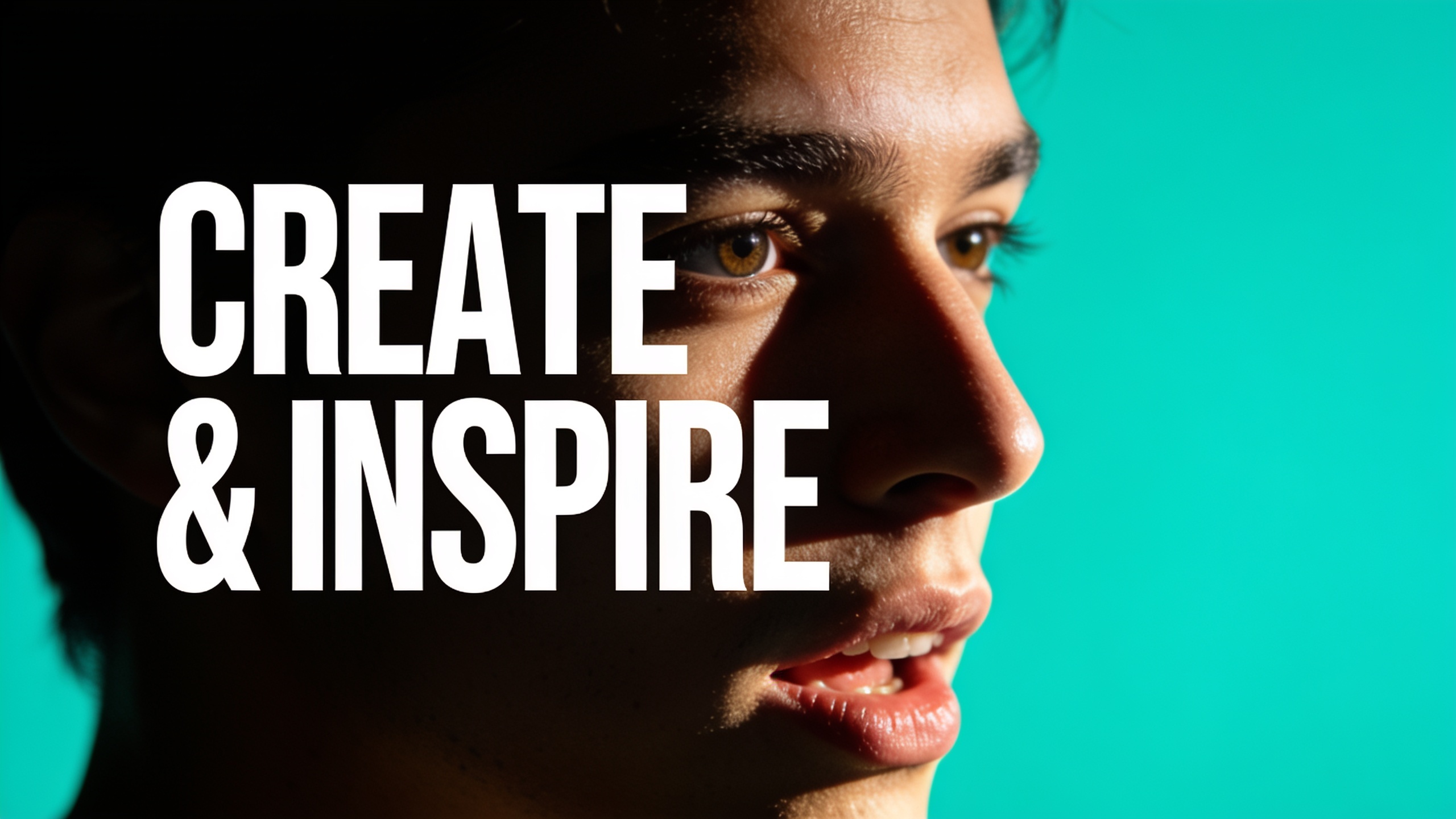
You need thumbnails that get clicks, but you don’t have time for dozens of manual designs. This article shows a repeatable workflow to use an AI thumbnail maker to produce data-backed, high-CTR thumbnails fast, run A/B tests, and keep results on-brand. You’ll get an evidence-backed checklist of the design elements that move CTR, prompt formulas and negative prompts to cut artifacts, concrete example prompts you can copy, and a step-by-step GoCrazyAI workflow that outputs social-ready aspect ratios and saved variations.
Quick Answer
How to use an AI thumbnail maker to create high-CTR thumbnails? Use an AI thumbnail maker to generate multiple on-brand image variations quickly, prioritize tests on face presence, background color, and short overlay text, then run A/B comparisons on live impressions. Start with a tight prompt and seed image, iterate 6–12 variations, and pick the winner by CTR uplift and incremental views.
Why does thumbnail CTR still drive views (what recent data actually shows)?
Custom thumbnail CTR still drives views because clicks scale linearly with impressions: raising CTR on the same impressions creates immediate incremental views. Multiple thumbnail studies show custom thumbnails can lift CTRs substantially — one analysis found custom thumbnails raised click rates from roughly 3% to 8% on comparable impressions, a large relative gain that compounds across videos. vidIQ’s 2026 research across 500 breakout videos also shows top thumbnails favor very short overlay text and high contrast, which correlates to bigger initial click rates.
Beyond immediate clicks, higher CTRs change YouTube’s engagement signals and can improve distribution, so the impact is both direct (more views now) and indirect (better recommendation placement later). For creators who run paid promos or ads, even small CTR lifts mean lower cost-per-click and better ROI. The practical takeaway: treat thumbnails as a conversion optimization problem and iterate fast — that’s how you translate small CTR percentages into meaningful monthly view gains and downstream audience growth.
Which thumbnail design elements actually move the needle?
Short answer: faces, background contrast/color, and very short overlay text are the highest-impact elements to test first. Several split-test collections report face vs. non-face changes producing average CTR uplifts of 15–30% in many niches. Background color changes often deliver among the largest single-variable gains, and overlay text limited to 0–3 words performs best on breakout thumbnails.
Quick evidence-backed checklist:
- Face presence & expression: test expressive closeups vs. no-face shots (rule-of-thirds face placement).
- Background color & contrast: test bright color pops (teal, orange, magenta) vs. muted tones — color changes often move CTR by double digits.
- Text length & wording: 0–3 words, high-contrast type, bold weight. Test one-word hooks vs. short two-word value statements.
- Composition: subject on the rule-of-thirds, clear negative space for text, no clutter.
- Brand elements: consistent logo placement and palette — keep subtle, don’t add noise.
Start with one variable at a time to isolate impact. Document impressions and CTR per variant so you can attribute gains to a single change.
Why are AI image generators the fastest way to produce thumbnail variations?
AI image generators speed up thumbnail A/B because they create many editable variations from one prompt or seed image in minutes, removing the manual design bottleneck. Rather than opening a design file for every test, you can: generate 8–12 variations, edit faces or lighting with prompts, and export platform-specific aspect ratios instantly.
Practically, speed matters because live impressions let you validate ideas: tools that deliver multiple instantly editable variations reduce friction and let you test on live audiences without extra production time. For example, an AI generator can swap background colors, nudge facial expressions, or restyle a subject while keeping core composition — this lets creators iterate across the highest-impact variables (face, color, text) within one testing cycle.
How do you create a high-CTR YouTube thumbnail in GoCrazyAI?
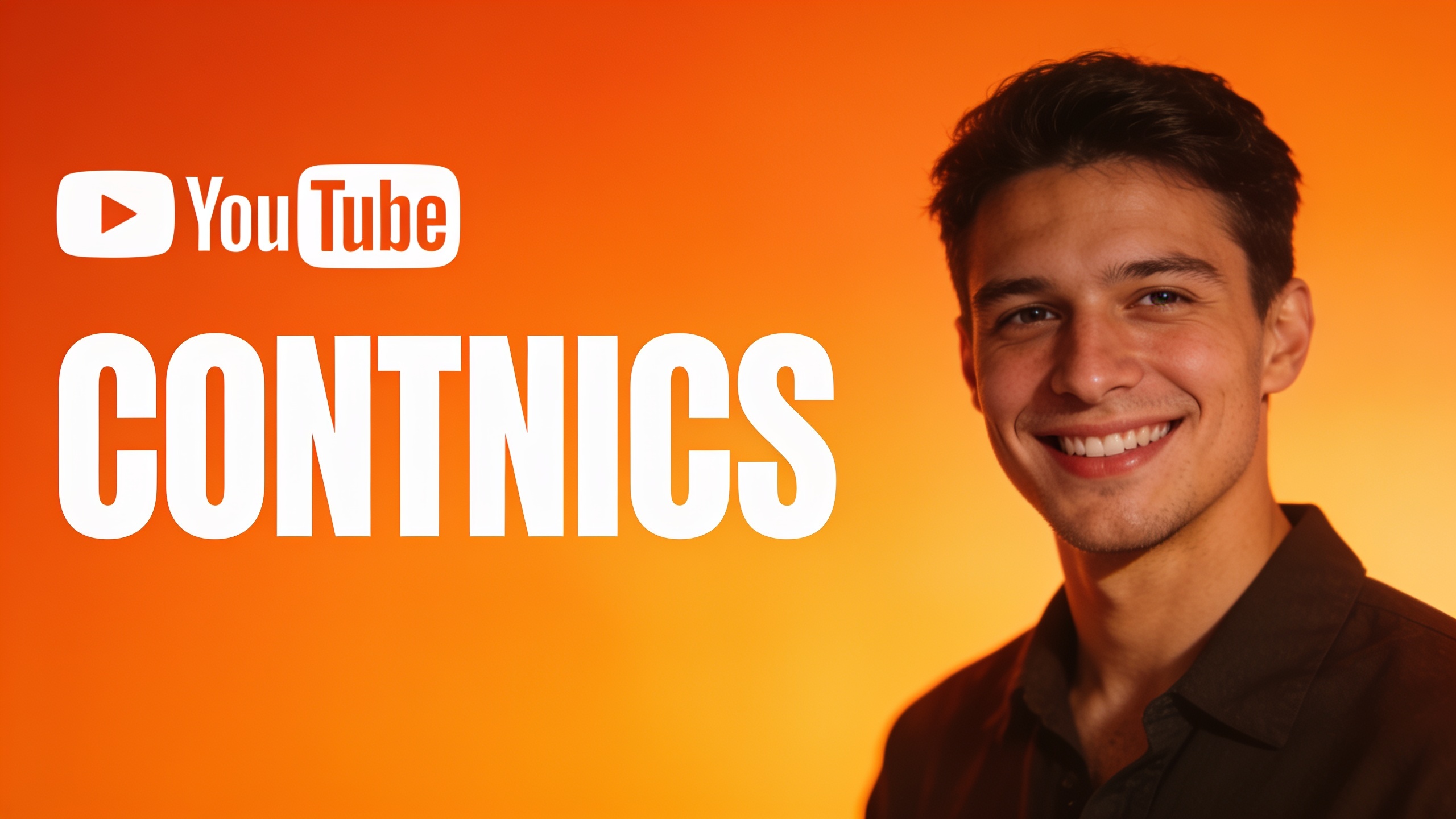
Short answer: use GoCrazyAI’s AI Image Generator to start from a concise brief, optionally upload a seed photo for consistent face treatment, generate 6–10 variations at the YouTube aspect ratio, then pick and edit the top candidates. The Image Generator outputs social aspect ratios, saves variations to your library, and can edit uploaded photos with a prompt — useful for consistent face framing.
Step-by-step practical workflow (GoCrazyAI):
- Open the AI Image Generator and choose a YouTube aspect ratio.
- Upload a seed image (your host’s headshot) if you want consistent face placement and look.
- Write a tight prompt: subject, expression, background color, lighting, composition, and text space. Use negative prompts to avoid artifacts (see the prompt examples section).
- Generate variations (pick Google Nano Banana or Seedream 4 depending on style) and save top candidates to the library.
- Export the selected variations in the exact aspect ratio you need and add overlay text in GoCrazyAI Media Mixer or your preferred editor.
Why this is practical: GoCrazyAI saves variations to your library so you can iterate across weeks, and the generator supports editing uploaded photos with a prompt — this keeps face treatment stable while you test variables. If you need higher resolution, pair an export with the GoCrazyAI Image Upscaler later.
How do you generate and test 8 thumbnail variations for A/B experiments?
Short answer: pick one control thumbnail, generate eight focused variations that each change one variable, upload them to your A/B testing tool or YouTube experiments, and run the test across the same audience slice until you have sufficient impressions to see a reliable CTR difference.
Practical method:
- Build the control: the current thumbnail or your best design.
- Create 8 variations: e.g., (1) brighter background, (2) alternate contrasting color, (3) face closeup, (4) different facial expression, (5) one-word overlay, (6) two-word overlay, (7) logo added, (8) cleaner composition with negative space.
- Keep every variant isolated to one major change where possible.
- Run the experiment: use YouTube’s experiments or an external A/B tool; route equal impressions to each variant.
- Minimum impressions: the needed number depends on baseline CTR and desired lift; as a rule of thumb, larger sample sizes reduce false positives. Monitor CTR and watch-time impacts — a small CTR increase that reduces watch time may not be net positive.
Example incremental views calculation: raising CTR from 4% to 7% on 50,000 monthly impressions yields roughly (0.07 - 0.04) * 50,000 = 1,500 extra views per month. Use this simple impressions × CTR delta math to estimate impact and prioritize tests.
What are example prompt formulas and negative prompts for thumbnail-focused image models?
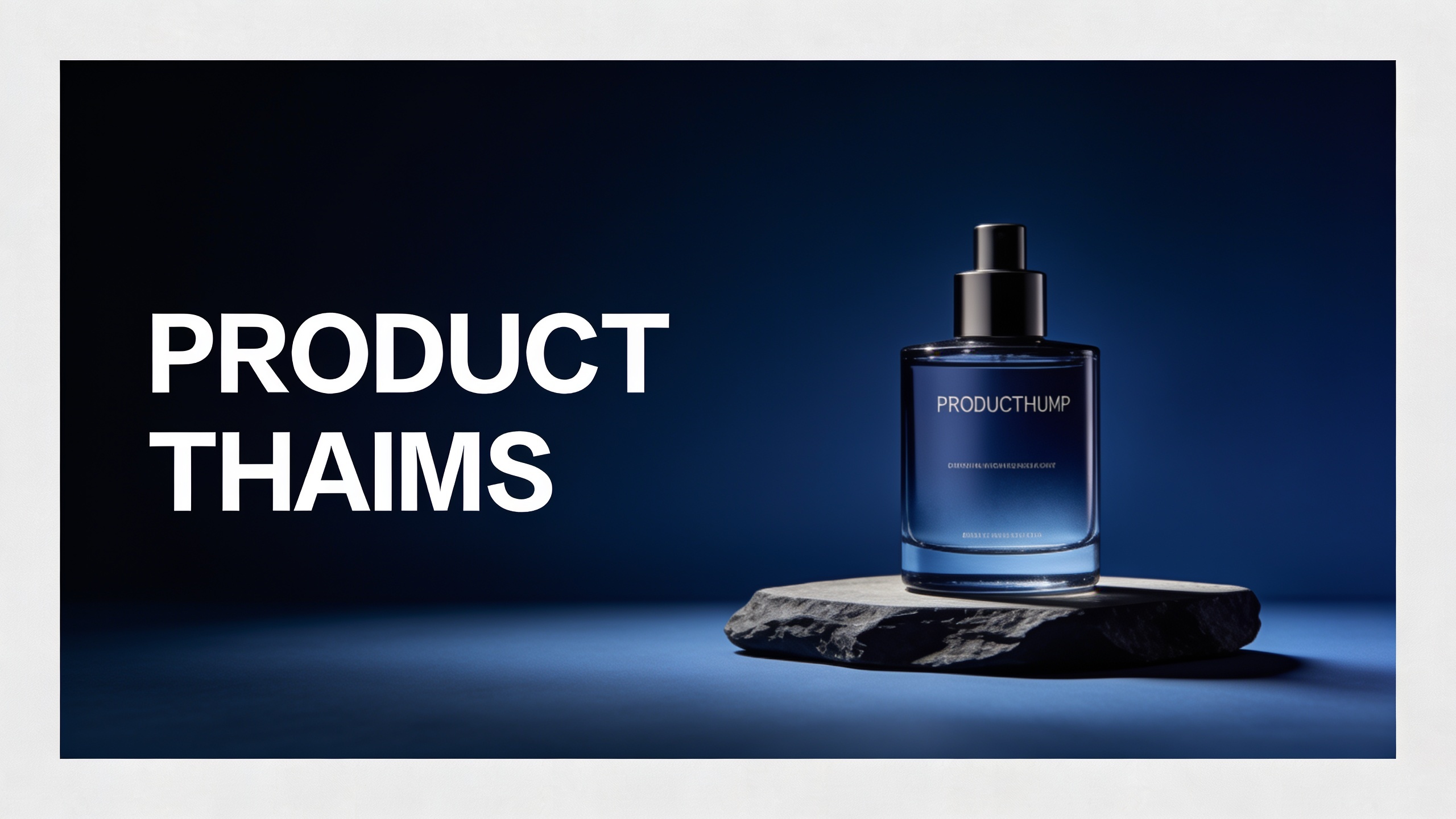
Short answer: use a tight formula that specifies subject, expression, camera framing, background color, composition rules, and ‘space for text’ — then add negative prompts to avoid artifacts and unwanted styles. Example templates speed up repeat tests.
Example prompt formulas you can copy:
"YouTube thumbnail of a smiling male host, close-up headshot, expressive surprised face, bright teal background with high contrast, rule-of-thirds composition with left negative space for 2-word bold white text, dramatic rim lighting, studio sharpness, shallow depth of field"
"YouTube thumbnail: female host, angry expression, warm orange gradient background, close-up, face on right third, clean negative space on left for overlay, bold sans-serif text area, cinematic rim light, high contrast"
Negative prompts (copy into the negative box or suffix):
- "no watermark, no extra text, no logos, no floating hands, no extra faces, no blurred face, no weird artifacts, not anime, not low resolution"
Prompt engineering tips:
- Keep prompts consistent when generating variations: only change the variable you want to test.
- Use "seed image" + edit prompts to preserve face identity across variants.
- Add composition cues like "face on right third" or "space left for text" to force layout usable for overlays.
These formulas help produce CTR-ready images faster by reducing bad generations and keeping results consistent for A/B testing.
How do you keep thumbnails on-brand with templates, seed images, and repeatable prompts?
Short answer: lock your color palette, logo placement, and face treatment into a reusable template or seed-image workflow, then use repeatable prompts that reference those brand elements. This keeps recognition high while you test high-impact variables like expression or background tint.
Practical recommendations:
- Templates: maintain a simple template with logo position, safe area for text, and color overlay settings. Use the same template as your export target so all generated images match platform ratios.
- Seed images: upload consistent headshots (same crop and lighting) and use the generator’s edit mode to restyle expression or background while preserving identity.
- Repeatable prompts: store a core prompt that includes brand color and logo placement notes, then append the variable you’re testing ("+ bright orange background" or "+ smiling expression").
Cost & scaling note: track credits or pricing plans to forecast large-scale generation. If you want to compare costs or select a plan, check GoCrazyAI Pricing for credits and plan options at /credits. Keeping these controls in place means A/B tests measure the variable you intend without drifting brand recognition.
Which metrics should you track and what mistakes should you avoid when interpreting A/B results?
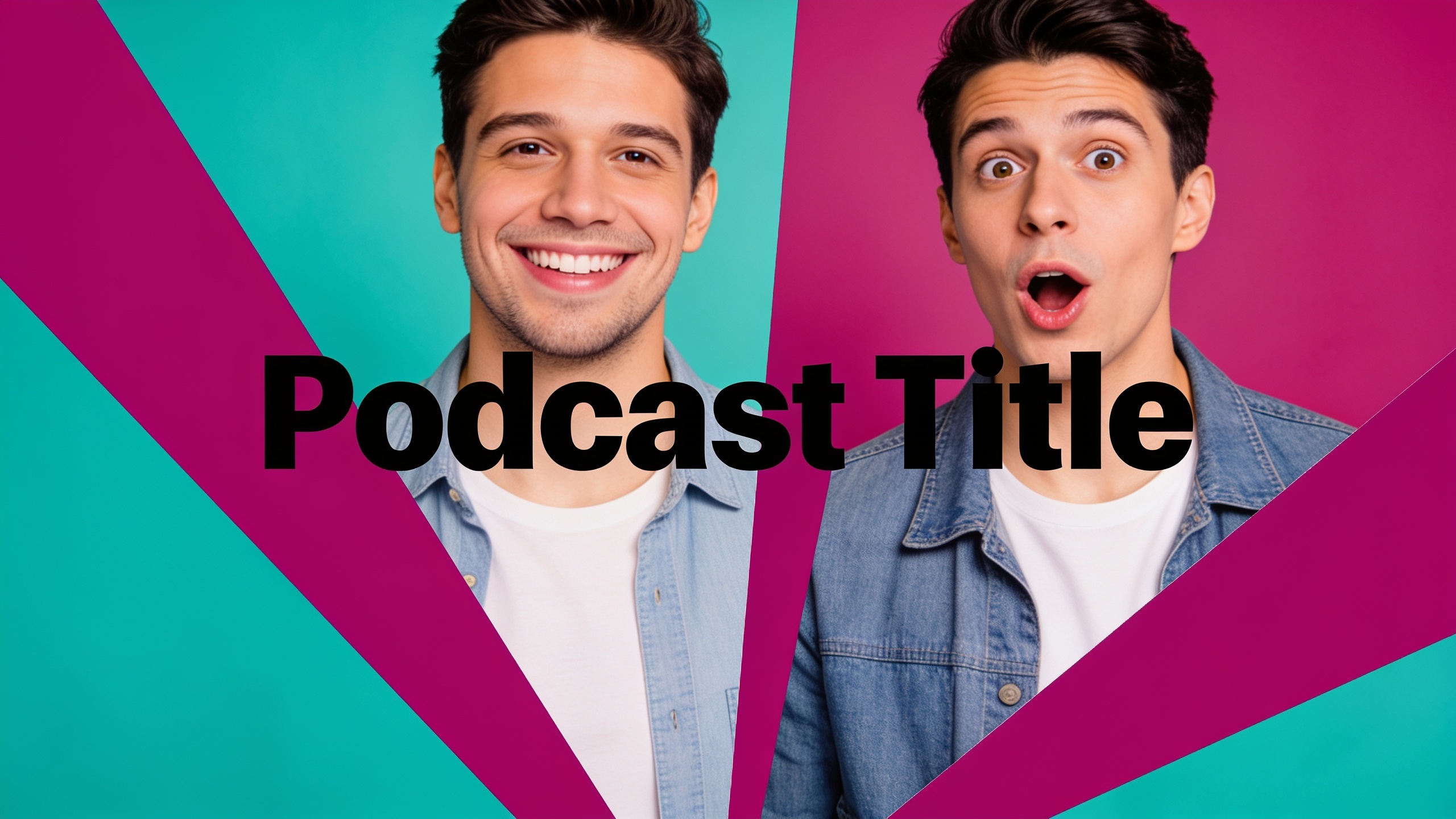
Short answer: track CTR by variant, impressions, watch time per view, and downstream conversions (subs, click-through to site). Avoid common mistakes like running underpowered tests, changing multiple variables at once, or optimizing only for CTR when watch time drops.
Key metrics to track:
- CTR (primary): clicks ÷ impressions per variant.
- Impressions: ensures equal exposure across variants.
- Watch time & audience retention: a higher CTR that lowers average view duration can hurt recommendation signals.
- Conversion metrics: subscribes, site clicks, product signups — these show business impact.
Common mistakes to avoid:
- Underpowered tests: not collecting enough impressions before declaring a winner.
- Multiple simultaneous changes: changing text and background together makes attribution impossible.
- Ignoring downstream metrics: a variant that spikes CTR but cuts watch time may be a net negative.
For practical A/B insight and testing examples, see several A/B test result roundups that report typical CTR swings of 15–25% for single-variable changes like background color or facial expression.
What is the workflow checklist from brief to uploaded thumbnail (scale this process with GoCrazyAI)?
Short answer: write a short brief, pick the control, generate variations, pick finalists, run A/B tests, and implement the winner — repeat. Scaling this process with an AI image maker means batching generation, saving variations, and using templates so each video gets quick, consistent treatment.
Checklist (brief → upload):
- Brief: record target audience, video hook, and one test variable (e.g., background color).
- Control: export the current thumbnail as the control.
- Generate: create 6–12 variations in GoCrazyAI and save them to the library.
- Select: pick 4–8 clear variants that differ by one variable each.
- Prepare: add short overlay text and export the platform aspect ratio.
- Test: run A/B tests with equal audience splits and track CTR + watch time.
- Implement: roll out the winning thumbnail and document the result for future briefs.
Scale tips with GoCrazyAI: save prompt templates and variations in the library, batch-generate image sets, and use consistent seed images so your thumbnail pipeline can be handed off to an assistant or run as automated batches. If a thumbnail also serves as a video start frame, you can export and feed it into the AI video generator for quick promos or shorts at /create-ai-video.
Frequently Asked Questions
How many thumbnail variations should I test at once?
Start with 4–8 variations. Keep changes isolated (one variable per variant) so you can attribute CTR differences. Larger sample sizes reduce false positives; aim for enough impressions to reach stable CTRs before selecting a winner.
Can I preserve the same person’s face across variations?
Yes — upload a seed headshot and use edit/restyle prompts so the model keeps identity, framing, and lighting while changing expression or background. This maintains brand recognition across tests.
What’s the fastest variable to test that often moves CTR?
Background color and face presence/expression are among the fastest wins. Studies show these single-variable changes frequently produce double-digit CTR swings.
Will AI-generated images violate platform rules or cause strikes?
AI-generated thumbnails are allowed when they don’t impersonate others, include restricted content, or mislead viewers. Avoid impersonation, misleading likenesses, or deceptive imagery; follow platform policies for transparency.
Conclusion
Final thoughts: Treat thumbnails like conversion experiments — generate focused variations, run controlled A/B tests, and measure CTR plus downstream metrics. Use seed images, templates, and repeatable prompts to keep brand recognition while testing bold variables like color and expression. If you want to create and save on-brand variations fast, spin up your first frame in the AI Image Generator and iterate until the look fits.
Sources
- Do Thumbnails Really Matter? The YouTube CTR Data Analysis 2024 | ThumbAIthumbai.dev ↗
- YouTube Thumbnail Study: What 500 Breakout Thumbnails Reveal (vidIQ Research, July 2026)vidiq.com ↗
- Thumbnail A/B Testing Results and Insights (ThumbnailCreator)thumbnailcreator.com ↗
- YouTube Thumbnail A/B Test Examples: What Changed and Why It Worked (CTRpilot)ctrpilot.com ↗
- Thumbnail CTR decoded — the 5 triggers measured across 4,000 thumbnails (ViralHookAnalyzer, 2026)viralhookanalyzer.com ↗
- How to Improve Your YouTube CTR with Better Thumbnails (vidIQ guide)vidiq.com ↗
- 60 AI Image Prompts — YouTube, Instagram, Blog (PromptSpace, 2026)promptspace.in ↗
- Best Free Thumbnail Makers in 2025: Comparison Guide (Thumblr)thumblr.io ↗
- Personalized Video Thumbnail Generation with Preference-aware Highlight Retrieval (arXiv, 2026)arxiv.org ↗