


TikTok video generator: Turn one photo or idea into vertical ad hooks
Convert a product photo or text idea into 9:16 TikTok hooks and paid-ad variations fast. Text-to-video and image-to-video workflows with GoCrazyAI.
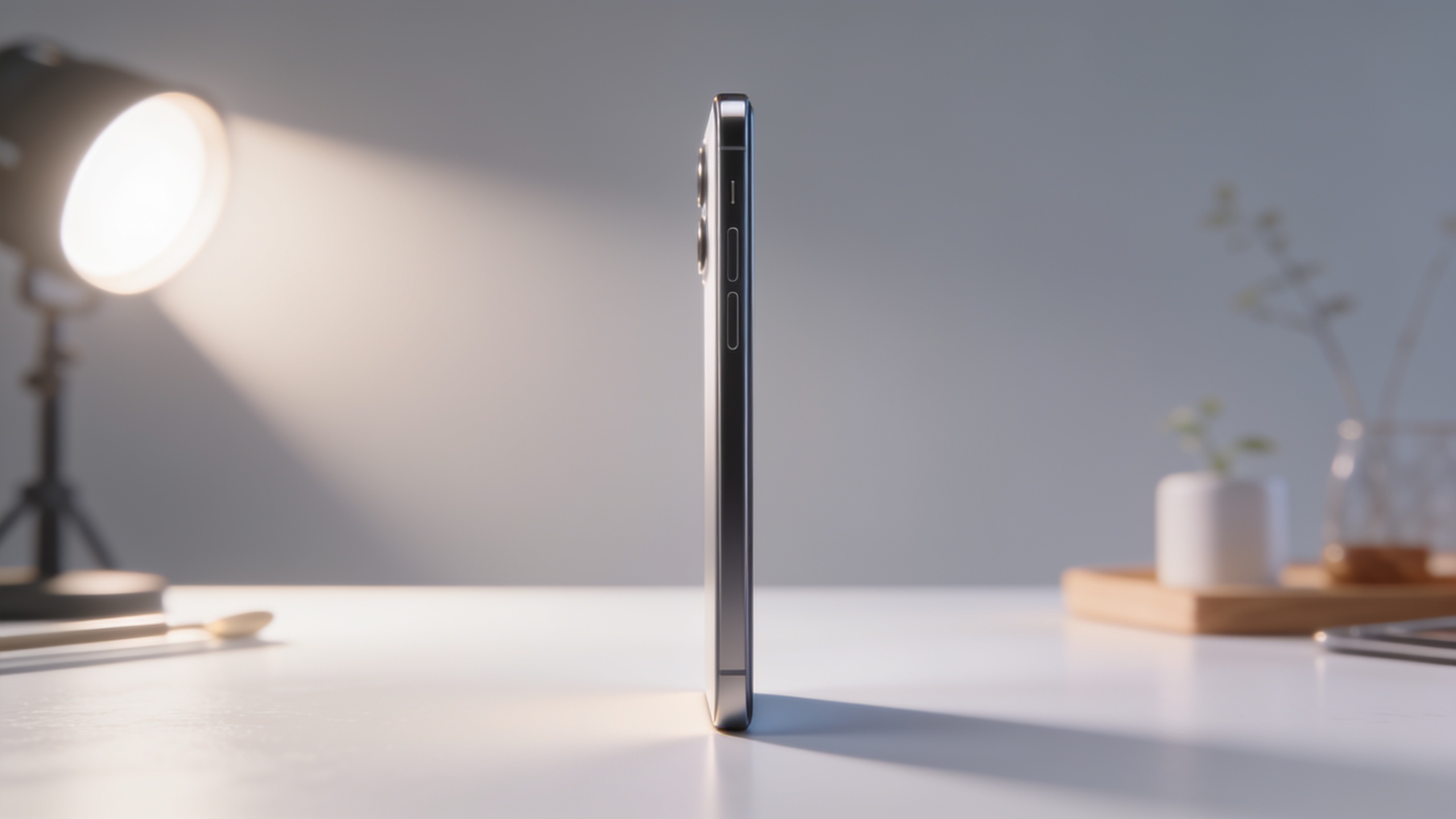
You need multiple vertical ad hooks and Reels clips from a single product photo or one text idea — fast, without hiring an editor. This guide shows exactly how to write 3–6 second scroll-stopping hooks from text, then turn one product image into three 9:16 ad variations you can test immediately. It uses repeatable prompt templates, quick presets, and a fast image-to-video workflow that routes to Kling, Veo, or Sora models so you can ship cinematic verticals at scale. Follow the step-by-step and copy the prompts and batch tactics to run a week of ad creative in a single session.
Quick Answer
How do you use a TikTok video generator to make vertical ad hooks? Write a tight 3–6s hook, pick a 9:16 composition, and feed that text or a product photo into an AI video generator that outputs vertical clips. Then produce 2–3 rapid variations (caption styles, pacing, sound) and A/B test for the best CTR and view-through rates.
Why vertical, hook-first clips beat other formats — and what that means for your creative brief?
Vertical 9:16 clips usually perform better for short-form feeds because they fill the screen and capture attention quickly; platform guidance and industry tests highlight the first 3–6 seconds as the critical window for retention. For creative briefs this means prioritize a single, bold idea in the opener, shot composition tailored to portrait crops, and captions for sound-off viewers.
Practical brief checklist (use this for every clip):
- Hook statement (3–6s) — one line that answers a viewer question or shows a bold outcome.
- Visual anchor — product close-up, hands-on demo, or fast motion that reads vertically.
- Text overlay plan — 2–3 readable caption lines sized for phone screens.
- Sound plan — a 3–6s sound-on cue plus loopable background for the remainder.
- Variation plan — two changes to test (e.g., pacing or CTA placement).
Why this matters: TikTok’s creative playbooks and ad agencies emphasize hook-first opens. One ad-study found 9:16 assets produced substantially higher 6-second view-through rates compared with non-vertical formats, so building for vertical usually increases early watch rates and lowers CPMs. Use this brief to keep AI-generated clips focused and testable.
Write a scroll-stopping 3–6s TikTok hook from text: prompt templates and examples (text-to-video)?
A scroll-stopping 3–6s hook answers a single viewer question or delivers a surprising moment — and it must be clear within the first two beats. Start with a one-sentence hook line, then add a shot direction and audio cue. Feed that entire mini-script into a text-to-video prompt.
Copy-and-use prompt templates (paste into your AI video generator):
1) Product-benefit hook "3–6s vertical clip. Hook: 'Stop wasting time on laces — these slip-ons fix it.' Close-up on hands pulling on shoes, quick snap, upbeat pop hit. Add bold white caption: 'Slip on in 3s.' Cinematic shallow depth, bright studio light, 9:16."
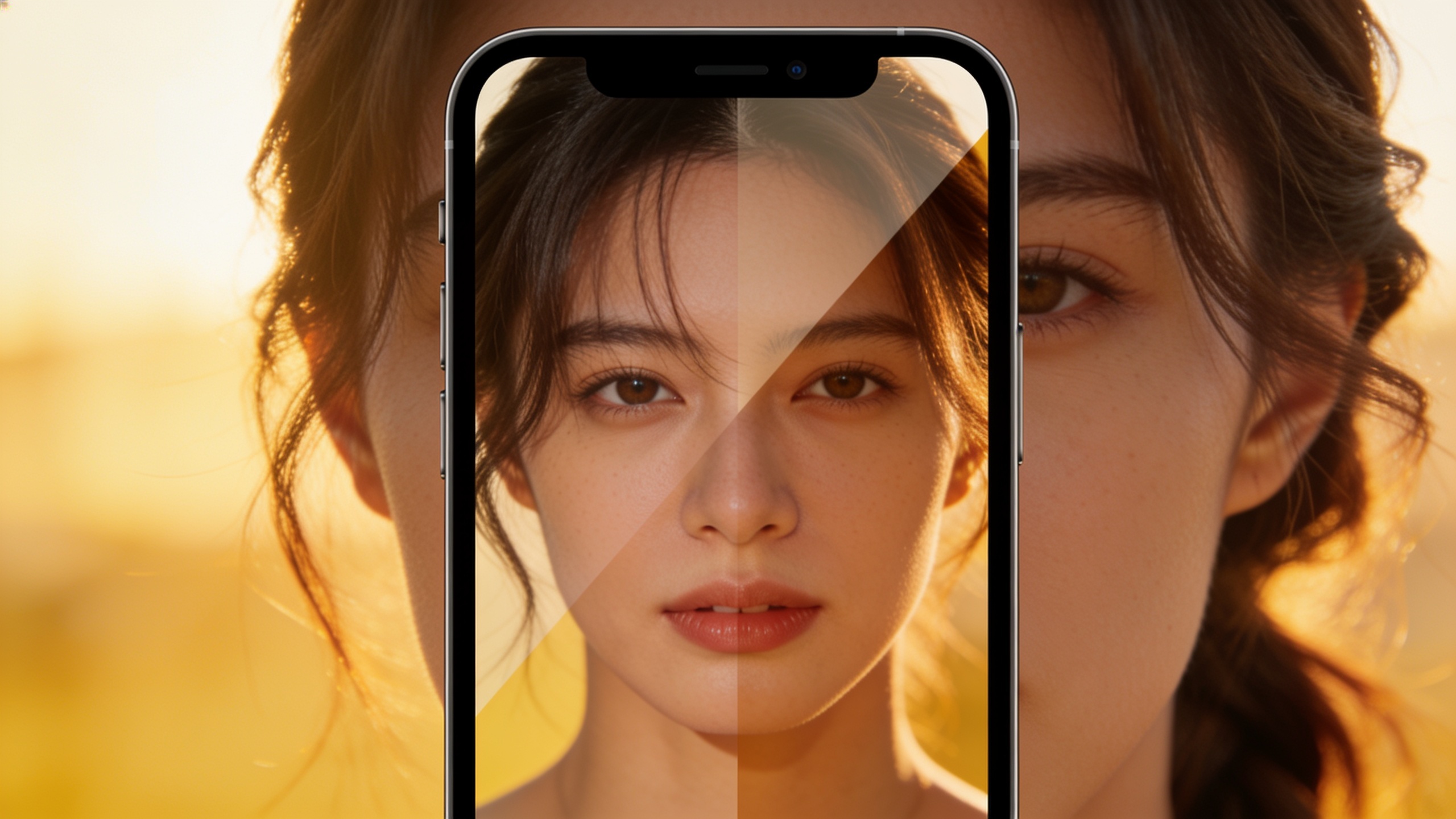
2) Before / after reveal "3–6s vertical clip. Hook: 'Before: frizzy. After: salon hair in 10s.' Split-screen reveal with quick hair-swipe transition. Warm, natural lighting, subtle reverb on the hit moment. On-screen caption 'Salon hair—at home.' 9:16."
3) Micro demo + question "3–6s vertical clip. Hook: 'Can this tiny tool remove scratches?' Close-up of product buffing a watch scratch, quick reveal. Tension sting at 0–2s, triumphant chord at reveal. High contrast macro lens, 9:16."
How to adapt: change the hook sentence for your product, keep the visual anchor (close-up, reveal, hands), and specify '9:16' and caption text. Modern short-form models (Kling 2.5 Turbo, Veo 3.1, Sora 2) are tuned for fast outputs and vertical framing, so expect usable results in minutes when you keep prompts tight[[2]][[3]].
Quick tips:
- Use present-tense active verbs.
- Ask a direct question or show a clear transformation.
- Keep caption text short (3–6 words) and place it where it doesn't block the product.
Try batch: write 10 hooks by swapping the first sentence, then generate them all with the same visual template to compare pacing and sound.
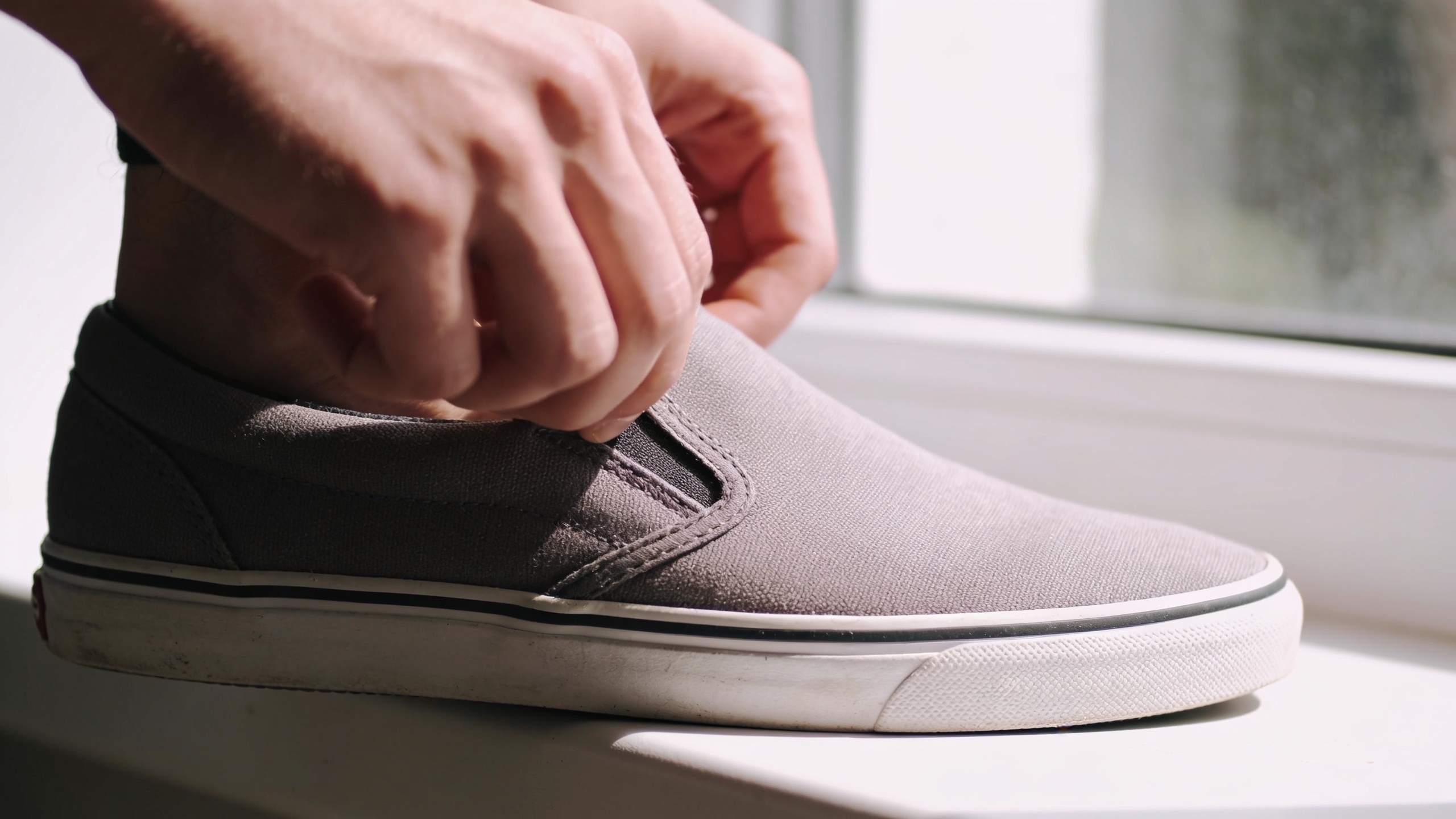
Step-by-step: Turn one product photo into 3 vertical ad variations using GoCrazyAI AI Video Generator (image-to-video workflow)?
Yes — you can animate a single product photo into multiple vertical ad variations quickly. Start by choosing a high-resolution product image, pick a 9:16 crop, and define three variation goals (tempo, caption style, CTA placement). Then use an image-to-video workflow to animate motion, add captions, and export three different renders.
Step-by-step workflow (copy these steps):
1) Prepare the photo: Crop to 9:16, clean background if needed, and upscale if under 1080p using an image tool. A clear product-on-white or hands-on-photo works best. 2) Base prompt (image-to-video): "Animate provided product photo into a 6s vertical ad. Start with slow 1–2s reveal (push-in), quick demo movement at 3s, product logo frame at end. Cinematic lighting, crisp detail, natural shadows. Include caption: 'Does it really work?'" 3) Variation A — Fast hook: change pacing to 3–4s with a staccato edit, bold captions. 4) Variation B — Story mode: add a 2-line on-screen narrative and softer tempo. 5) Variation C — Silent-first: heavy captions, subtle motion, caption-first approach for sound-off viewers.
How to execute on GoCrazyAI: open the GoCrazyAI AI Video Generator, upload your image, paste the base prompt, select Kling 2.5 Turbo or Veo 3.1 for vertical social, set aspect to 9:16, and render. Duplicate the job twice and edit the prompt text for Variations A/B/C. The platform routes to top-tier models and supports 9:16 output so you can generate all three from one credit pool.
Cost and speed notes: batching the three variations typically takes minutes per render depending on the model. If you need more refined edits (captions, timing), use the Media Mixer to add subtitles and music after generation (/ai-video-edit). This workflow turns one photo into three test-ready vertical ads with minimal setup.
Scale a week of TikTok hooks: batch prompts, presets, and automation with GoCrazyAI (hands-on workflow)?
You can produce a week’s worth of short hooks in a single session by batching prompts, reusing presets, and automating render queues. Build three base templates (fast hook, demo reveal, UGC testimonial), then swap hook lines and captions across products. Queue jobs and export in 9:16 so uploads to ad managers are ready.
Batching checklist and automation tips:
- Templates: Create three generator presets with fixed camera moves, lighting, and caption styling. Save them in your account.
- Hook bank: Write 30 short hook lines (3–6s) that map to the three templates. Keep them in a CSV.
- Batch generation: Use the platform’s queue to run 10–15 jobs overnight; pick a mix of Kling, Veo, and Sora models for variety and speed.
- Naming convention: filename_product_hook_tempo_model (helps tracking in ad manager).
- Post-processing: Use the AI Video Editor (/ai-video-edit) to add voiceovers from AI Voices (/ai-voice) or a music bed from the AI Song Generator (/ai-music) to keep creative control.
Automation pointers: export timestamps for hook length, and include built-in captions during generation to reduce manual subtitle work. Many creators find 'good enough' cinematic AI render + fast iteration beats slow perfection; higher velocity means more experiments and faster learning cycles. If budget is a concern, check GoCrazyAI Pricing and credits to plan render volume (/credits).
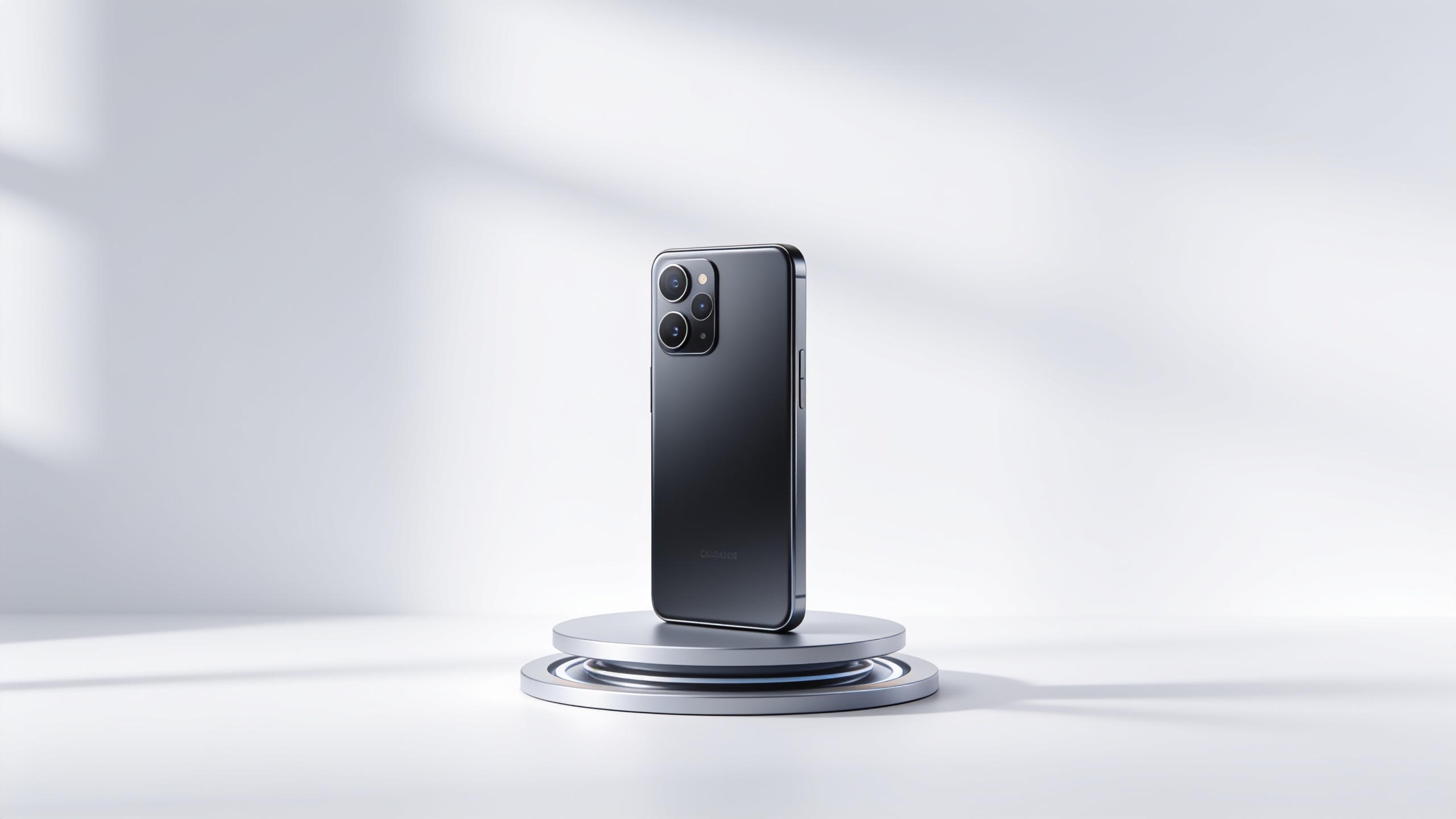
Measure, optimize, and pass ad review: captions, aspect ratios, and creative testing for short-form ads — common mistakes to avoid?
Measure success in short windows: 3–6 second view-through rate, click-through rate, and early drop-off are the most actionable metrics. Optimize creatives by comparing variations that change only one variable (caption, speed, or audio) and follow platform rules so ads pass review. Avoid common mistakes like mis-sized captions, text that fills the screen, or music that auto-filters by rights.
Common mistakes and how to avoid them:
1) Too much on-screen text — Problem: small screens get cluttered; reviewers may flag overlays. Fix: limit caption lines to 2–3, use large legible type, and leave safe margins. 2) Wrong aspect or safe zones — Problem: important product elements get cut off in 9:16 crops. Fix: compose for vertical, keep faces and logos inside center 80% of the frame. 3) Poor audio rights or loudness mismatch — Problem: auto-rejects or poor playback. Fix: use royalty-free tracks from an AI music tool (/ai-music) or platform-provided clips and normalize levels. 4) Testing too many variables at once — Problem: inconclusive results. Fix: test one variable per batch (caption style OR tempo OR CTA placement). 5) Ignoring platform creative guidance — Problem: lower distribution or ad disapproval. Fix: follow TikTok’s creative starter tips (lead with the hook, short runtime, vertical assets).
When running paid tests, label each variation clearly and run enough impressions to see stable 3–6s view metrics. If an ad is rejected, review overlay text, music licensing, and image usage rights; update and re-upload. Use the AI Video Editor to quickly swap audio, subtitles, or crop without re-rendering the whole clip (/ai-video-edit).
Frequently Asked Questions
How long should a TikTok ad hook be?
Keep hooks between 3–6 seconds. That window is where view-through rates move most, so lead with a clear, single idea and immediate visual action.
Can I use one product photo to make multiple vertical videos?
Yes. Crop to 9:16, upscale if needed, and animate different camera moves, pacing, and caption layouts to produce distinct ad variations from a single image.
Which models are best for quick vertical social clips?
Modern short-form models like Kling 2.5 Turbo, Veo 3.1, and Sora 2 are optimized for speed and vertical outputs; using multiple models can increase stylistic variety and render speed[[3]][[2]].
How many variations should I test per concept?
Start with 2–3 variations per concept (different captioning, tempo, or CTA placement). This keeps tests focused and statistically useful without exploding production time.
Conclusion
Final thoughts: prioritize the first 3–6 seconds, design for 9:16 framing, and produce rapid variations so you can iterate on what actually moves metrics. Use template prompts, batch generation, and simple A/B tests to find winners quickly. Open the AI Video Generator to drop in a hook or product photo and ship a vertical clip during your next break.
Sources
- TikTok Creative Starter Pack (AUNZ) — Video Ads & Tipsads.tiktok.com ↗
- 8 Best AI Ad Generators for TikTok in 2026 (Lapis)trylapis.com ↗
- Kling AI Launches 2.5 Turbo Video Model: Industry-Leading Performance (press)ir.kuaishou.com ↗
- Best AI Video Generators for TikTok in 2026 (Morphed)morphed.app ↗
- TechCrunch — TikTok launches TikTok AI Alive (image-to-video)techcrunch.com ↗
- State of AI Q3 2025 — model performance & video generation notes (Artificial Analysis)artificialanalysis.ai ↗
- Best AI Tools for TikTok Ad Creation (2026) — True Margintruemargin.ai ↗
- How to Create Ads for TikTok with AI: Complete 2026 Guide (Argil)argil.ai ↗