


single photo lipsync: turn a logo or selfie into a short-form ad
Turn one logo, mascot or selfie into a 15s lip-synced ad fast. Step-by-step CrazyFX workflow, creative briefs, production checklist, and scaling tips.
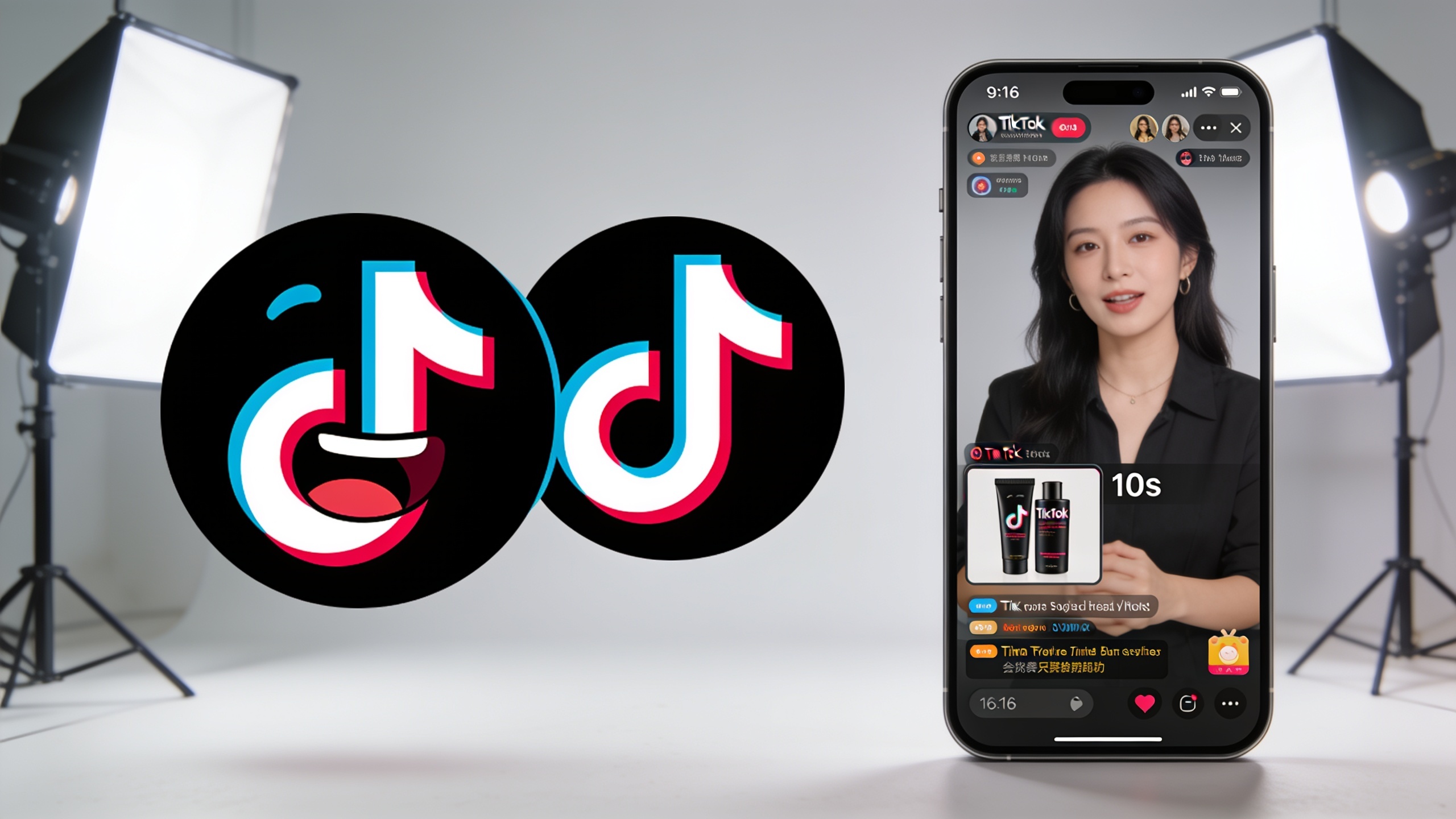
You need fast ad creative from a single photo or logo without a full video shoot. This article shows how to turn one image into a short-form, lip-synced or danceable ad that performs on TikTok, Reels, and Shorts. You'll get data-backed reasons to prefer moving avatars, the tech that makes one-photo-to-video possible, four concrete briefs to copy, two hands-on CrazyFX workflows (logo-to-singing and mascot lipsync), a production checklist for vertical platforms, and simple scaling metrics. If you want one-click effects that render vertical clips from a single image, this guide explains practical steps and testing tactics — including an exact CrazyFX workflow you can follow.
Quick Answer
How do you do single photo lipsync? Use a one-click photo-to-video effect that maps facial motion to audio, applies dance or avatar presets, and renders vertical output. Upload your logo or selfie, pick a lipsync or dance preset, add the audio track and captions, then export a 9:16 clip ready for paid social. GoCrazyAI CrazyFX is built to automate these steps.
Why do short-form, lip-synced and avatar ads outperform static posts?
Short-form, lip-synced and avatar ads often outperform static posts because motion, audio, and rhythm increase attention and retention on mobile feeds. Platforms prioritize vertical video: creators report TikTok (68%), Instagram (67%), and YouTube (65%) as primary distribution channels, so formats optimized for those feeds reach larger audiences. Brands have been doubling down on short-form formats since 2023, and users say short video is more engaging than articles or long video. For ads, adding a lip-synced character or mascot usually increases watch-through rate and shareability, since people respond to speaking faces and rhythmic movement.
Longer-term benefits include creative reuse: one photo can be turned into many variants (different songs, captions, hooks), enabling rapid A/B tests. CreatorIQ data shows creators produced huge reach in 2024, demonstrating the scale potential when short-form video is used effectively. That reach, combined with low-cost one-photo effects, makes iterative testing inexpensive and fast compared with traditional video production.
What makes one-photo-to-video AI possible today?
One-photo-to-video works today because models now jointly predict facial motion and render video frames conditioned on an image and audio, usually using diffusion or transformer architectures. Recent research such as OmniSync shows diffusion-transformer hybrids can align phonemes to mouth shapes more accurately than older systems, making single-image lipsync more convincing. Tools combine three pieces: a face/pose estimator, a lipsync mapper that converts audio into viseme sequences, and a generator that synthesizes frames while preserving identity.
In practice, consumer tools wrap these models into tuned presets so creators don't need prompt-engineering. They also handle vertical framing and bitrate presets for short-form platforms. If you want to expand beyond one photo, combine an AI video generator for background motion or an AI image generator for alternate headshots — see the AI video generator for creating longer or cinematic backgrounds that pair with lipsync characters (/create-ai-video).
Which creative briefs win? Examples — 4 high-converting use cases for CrazyFX?
High-performing briefs focus on immediate context, a single clear CTA, and a sound that matches platform trends. Here are four briefs you can copy and adapt for CrazyFX:
1) Logo-to-singing product promo (e-commerce). Brief: "Turn our logo into a 15s singer that announces a 20% launch discount. Hook: ‘Wait until you hear this offer’ at 0:01. CTA: link in bio + promo code." Use a cheerful male/female voice clip synced to mouth motion and a punchy beat.
2) Mascot lip-sync ad (brand persona). Brief: "Mascot lip-syncs a short, quirky line about free shipping. Subtitles on-screen, upbeat background music, 3s mid-roll product showcase." Keep lines <6 words.
3) Pet dance (social proof). Brief: "Single pet photo performs a trending dance sound for 12s. Overlay 3 short testimonials in captions, end with product image." Pet dance videos typically get high organic shares.
4) AI news anchor (B2B or creator update). Brief: "Company logo as news anchor reads a 15s script about a product feature. Lower-thirds and a link CTA." Use a clear synthetic voice and authoritative music.
Example prompts (use as starting briefs for CrazyFX):
```\nLogo singing brief: "15s upbeat promo. Logo sings: '20% off today only' in a friendly female tone. Add bouncing caption and product shot at 10s."\n Mascot lip-sync brief: "Mascot lip-syncs: 'We ship free' with playful music; add subtitle lines and 9:16 crop."\n```
These briefs work because they deliver a single idea fast, match platform audio trends, and make the CTA obvious within the first 3 seconds.
How do I turn a logo into a singing video with GoCrazyAI CrazyFX?
You can create a logo-to-singing clip in seconds with CrazyFX by uploading the logo, choosing a lipsync preset, adding audio, and exporting vertical output. CrazyFX is a preset-driven feature that applies dance, avatar, lipsync, or news-anchor effects to one photo and renders 9:16 clips ready for TikTok or Reels.
Step-by-step workflow (summary): upload a high-contrast PNG of the logo, pick the "singing" preset, choose or upload audio (song clip or voice line), set the output length to 15s, and generate. CrazyFX handles mouth mapping and vertical framing for you. For better voice quality or custom narration, pair the clip with an AI voice from the AI Voices tool (/ai-voice) and mix audio with the AI music generator for backing tracks (/ai-music).
Link: Browse CrazyFX's feature page for presets and sample clips: GoCrazyAI CrazyFX.
Placement of more advanced edits: after CrazyFX renders, you can polish in the AI Video Editor to add captions, overlays, and final audio levels (/ai-video-edit).
How do I build a mascot lip-sync ad and single photo lipsync for paid social?
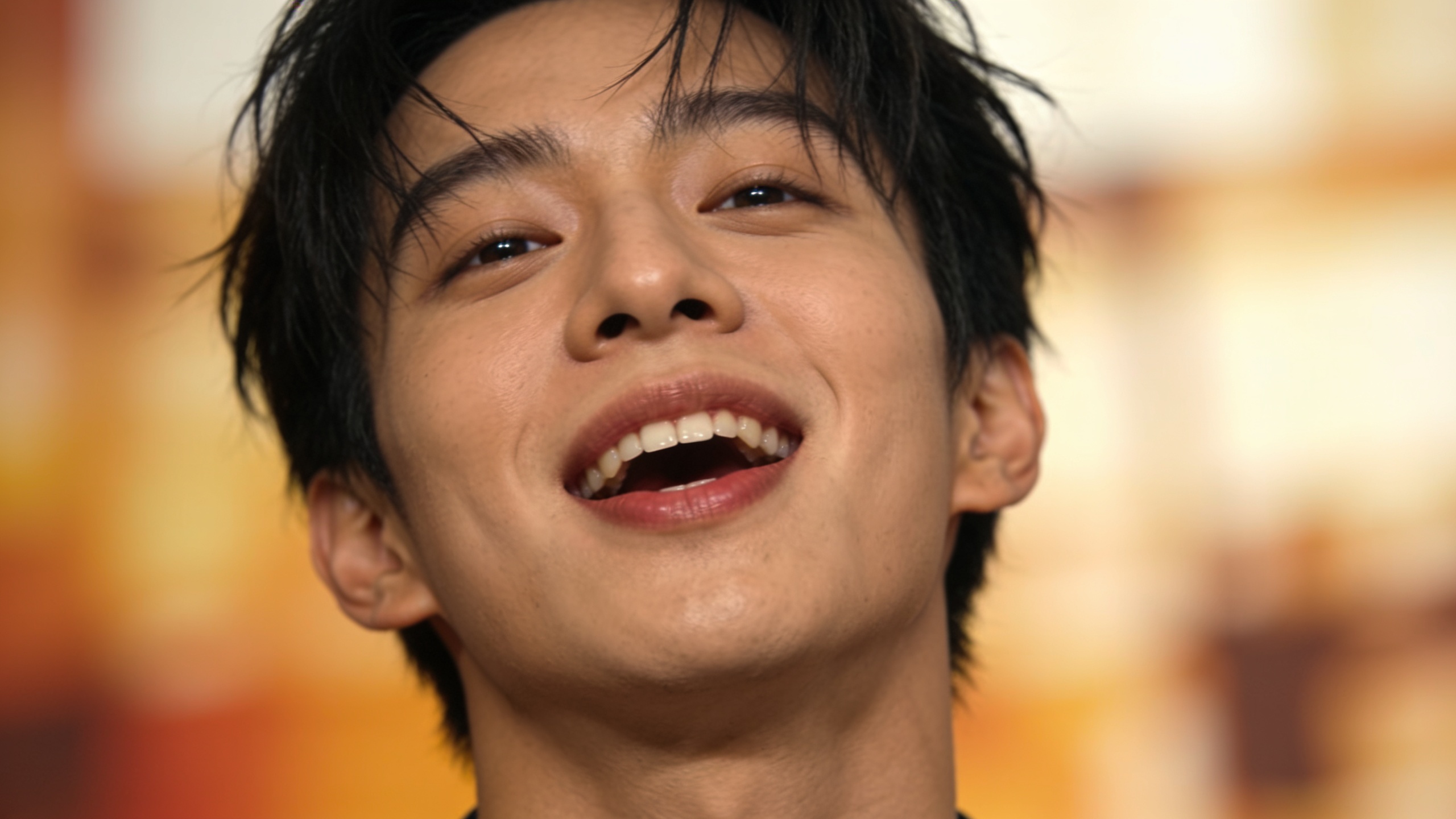
A paid-social mascot lipsync or single photo lipsync ad works best when the script, audio, and creative variants are planned for testing. Start with a short script (3–7 words) and two audio choices: a trending song and a direct CTA voice line. Then generate three variants: (A) music-first, (B) voice-first, (C) split-screen product shot at 8s. Use CrazyFX presets to create each variant quickly.
Script & audio tips: use clear phonemes for lipsync clarity and avoid long sentences. Choose audio that performs on the platform — test a trending 6–15s clip and a native-sounding voice-over. For A/B testing, vary the thumbnail/hook in the first 2 seconds (face close-up vs product close-up).
A/B test setup with CrazyFX:
- Create 3–5 creative variants from the same photo using different presets or audio.
- Keep ad copy constant and rotate creatives evenly in an ad set for 3–5 days.
- Measure CTR, watch-through rate, and CPA. Swap low-performers and scale the winners.
For soundtrack creation, you can generate copyright-safe backing tracks using the AI music generator (/ai-music) to avoid clearance problems and quickly try different tempos.
What production checklist and common pitfalls should I use for TikTok, Reels and Shorts?
Checklist first: export a 9:16 vertical clip, crop for safe area, include captions, keep the hook in the first 2–3 seconds, add an on-screen CTA at 10–12s, and balance audio levels for mobile. Use loud, clear vocals and a background track mixed 6–10 dB below the voice. For platform specs, prioritize 1080x1920 MP4, H.264 codec, and 15–30s length for most ad placements.
Common pitfalls and fixes:
- Mistake: Using low-resolution images. Fix: Upscale the photo before applying effects with the Image Upscaler to avoid blur at 9:16(/image-upscaler).
- Mistake: Overly long scripts that break lipsync. Fix: Keep lines short and punchy; split longer text into multiple clips.
- Mistake: Ignoring captions. Fix: Add burned-in subtitles via the AI Video Editor so your message is clear without sound (/ai-video-edit).
- Mistake: Using unlicensed music. Fix: Use AI-generated, copyright-free tracks or cleared music from your library (/ai-music).
- Mistake: Bad thumbnail/hook. Fix: Export a 1–2s variant with a strong facial expression or product close-up and use it as the ad thumbnail.
Following this checklist reduces rework and preserves ad performance across TikTok, Reels, and Shorts.
How do I scale and measure rapid creative experiments with CrazyFX?
Scale experiments by creating many variants from one photo, testing them in small ad sets, and promoting winners. CrazyFX speeds variant production because each effect is a tuned preset — one photo in, finished vertical clip out. Run a staged experiment: produce 8 variants (2 hooks × 2 audios × 2 captions), test at low spend for 3–5 days, then scale the top 2 creatives.
Measurement framework: prioritize metrics that tie to your goals — CTR and view rate for top-of-funnel, and CPA or ROAS for conversion campaigns. Track watch-through rate and 3-second views to understand initial attention; compare CPA before and after switching to CrazyFX variants to calculate lift. CreatorIQ data shows creator-driven short-form content can deliver vast reach, so scaling quick wins often yields rapid improvements in impressions and conversions.
Operational tips: keep a catalog of source photos, audio assets, and best-performing presets. Use a naming convention for variants (e.g., logo_sing_trendA_captionB) so analytics match creative IDs. Repeat tests weekly to respond to evolving trends.
Frequently Asked Questions
Can a single logo really become a convincing talking or singing character?
Yes — modern lipsync models map audio phonemes to mouth shapes and the generator synthesizes motion while preserving the logo's identity. Results vary by logo clarity and contrast; using a transparent PNG with clear facial markers or adding a simple face overlay improves realism.
How long does it take to make a 15s ads from one photo with CrazyFX?
CrazyFX typically generates a 9:16 lipsync or dance clip in seconds to a few minutes depending on queue times. Because presets are tuned, you rarely need manual prompt tuning — upload, pick a preset, add audio, and export.
Do I need to clear music rights for trending sounds?
Yes — use either cleared music, platform-native licensed sounds, or generate copyright-free tracks with an AI music tool to avoid strikes. GoCrazyAI also offers AI music generation to create ready-to-use backing tracks.
Will these clips work for paid social placements?
They can, if you follow creative best practices: short hook, captions, clear CTA, and proper aspect ratio. Always test multiple variants and monitor CPA and watch-through rates before scaling.
Conclusion
Single-photo lipsync workflows let small teams produce many vertical creatives quickly and cheaply. Start with tight briefs, short scripts, and platform-safe audio; use presets to generate multiple variants and run short A/B tests to find winners. For one-click effects that render 9:16 singing, dance, and news-anchor clips from a single image, try CrazyFX and ship a viral-format clip from one photo today.
Sources
- CrazyFX — AI-Powered Video Effects | GoCrazyAIgocrazyai.com ↗
- CrazyFX lipsync — Photo to viral lipsync clip | GoCrazyAI Bloggocrazyai.com ↗
- GoCrazyAI — AI Video Generator and Studiogocrazyai.com ↗
- Preferred influencer content type worldwide 2024 (Statista)statista.com ↗
- Marketers Double Down on Short-Form Video (Statista chart)statista.com ↗
- CreatorIQ Wrapped 2024 — creators impressions and trendscreatoriq.com ↗
- Popularity of Online Short-Form Content Moving Beyond Social Media (Media.net survey, Sept 2025)tvtechnology.com ↗
- OmniSync: Towards Universal Lip Synchronization via Diffusion Transformers (arXiv, 2025)arxiv.org ↗
- SyncIt — AI Lip Sync (example competitor/product category)sync-it.org ↗