


CrazyFX lipsync: turn a photo into a viral lipsync or dance clip
Make a viral lipsync or pet-dance clip from one photo using CrazyFX. Fast one-click presets, vertical output, and quick A/B tactics to boost Shorts/Reels/TikTok engagement.
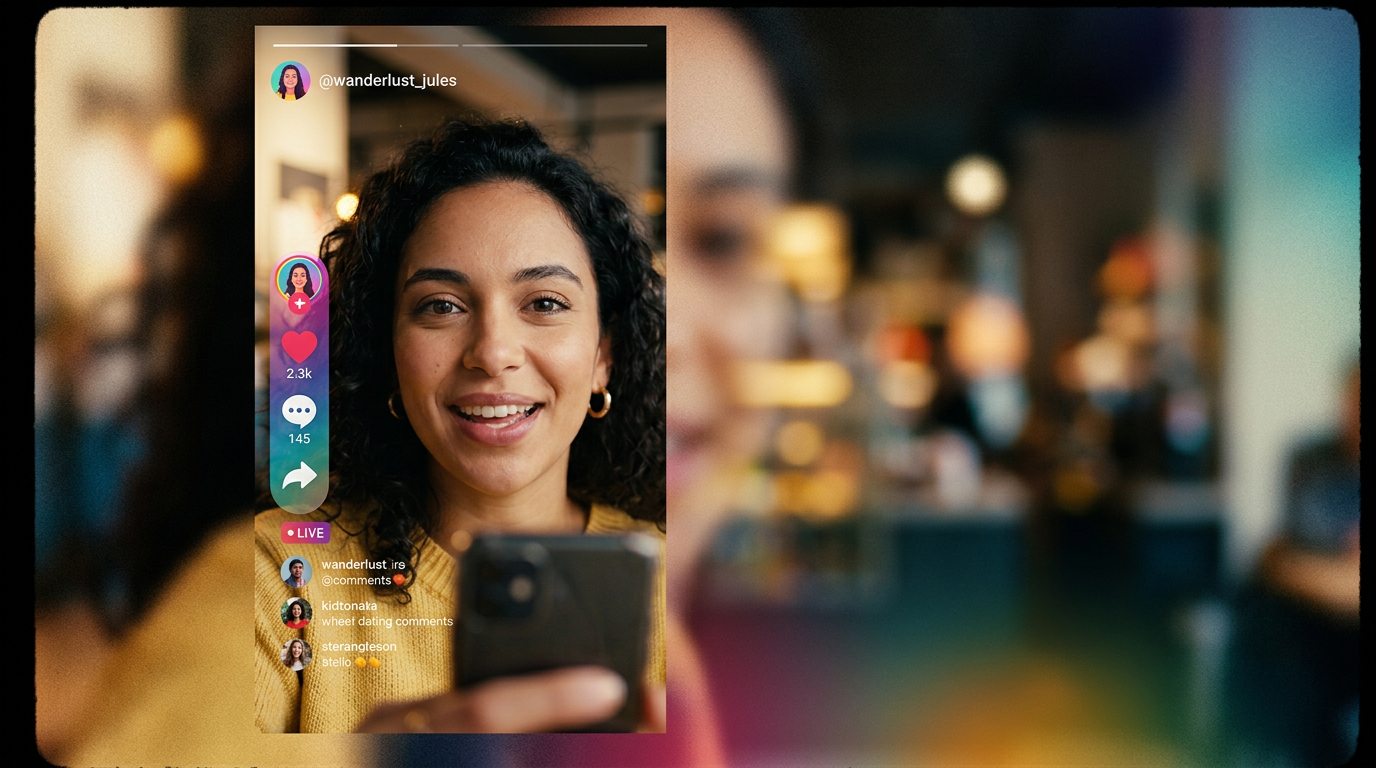
<!-- KEYTAKEAWAYS -->- One photo can produce a shareable lipsync or dance clip in under a minute.- Good lipsync needs phoneme-to-viseme mapping plus expression transfer.- Use tuned presets to skip prompt engineering and iterate fast.- Test hooks and variations in the first 3–4 seconds for platform growth.<!-- /KEYTAKEAWAYS --> You want a viral lipsync or dance clip but only have a single selfie or a pet photo. This guide shows exactly how to turn that image into a short, shareable video in minutes using one-click AI effects. You'll get practical steps, quick prompts, safety checks, and a simple posting workflow that favors the first 3–4 seconds for better engagement.
The method uses tuned presets so you don’t need motion editing skills or complicated pipelines. I’ll show how the tech works, give real examples you can copy, explain common pitfalls, and walk through a fast edit-to-post loop that plays well on TikTok, Reels, and Shorts. One section explains how to do this on GoCrazyAI CrazyFX with direct setup tips and a link to the feature.
Quick Answer
How do you make a viral lipsync clip from one photo? Use a one-click effect like CrazyFX to map audio phonemes to mouth shapes, add a dance or avatar preset, and render a vertical 9:16 clip optimized for Shorts/Reels/TikTok. Choose a strong hook in the first 3–4 seconds and iterate with quick A/B tests for better engagement.
Why one-click photo-to-video effects are a short-form growth hack (example data for lipsync & dance)?
One-click photo-to-video effects rapidly produce many variations of the same creative, which is ideal for short-form platforms where volume and iteration matter. Short-form video formats like Shorts, Reels, and TikTok typically deliver higher engagement rates than longer formats, so turning a single photo into multiple quick videos lets creators test hooks, captions, and sounds fast. For example, small experiments of 4–8 clips with different openers often reveal a winning combination quickly.
Platforms reward watch-through and early engagement, so repurposing one strong visual (a selfie or pet) into several hooks — lipsync, dance, news-anchor, or comedic timing — multiplies chances of a viral hit. Industry reports show short social videos continue to lead engagement, meaning tactics that increase your testing velocity are valuable. Use A/B testing to lock in which 3–4 second opening performs best before scaling a paid boost or cross-posting across Reels/Shorts/TikTok.
How AI lipsync-from-photo works: the tech behind believable mouth movement and expression?
AI lipsync-from-photo usually combines audio feature extraction with face conditioning to map phonemes to mouth shapes and then synthesize motion over the still image. Most modern systems (2020–2025) use diffusion and transformer-based architectures for more stable, realistic motion compared with older GAN-only approaches. They extract audio features, align them to phoneme timelines, and apply a viseme-driven motion sequence to facial landmarks.
In practice, the pipeline has three pieces: 1) audio analysis to detect phonemes and prosody; 2) a mapping layer that turns phonemes into visemes and tentative mouth shapes; 3) an image-conditioned renderer that blends generated motion with the original face while maintaining identity and lighting. Academic surveys note that accurate phoneme-to-viseme mapping plus robust expression transfer are the biggest factors for believable lipsync[[1]](#source-1). Diffusion-based methods have improved temporal stability and reduced jitter in recent papers[[2]](#source-2). For creators, this means better mouth sync and fewer visual artifacts when you generate a short clip from one still image.
Quick win: Make a viral lipsync clip from one selfie with GoCrazyAI CrazyFX (step-by-step)?
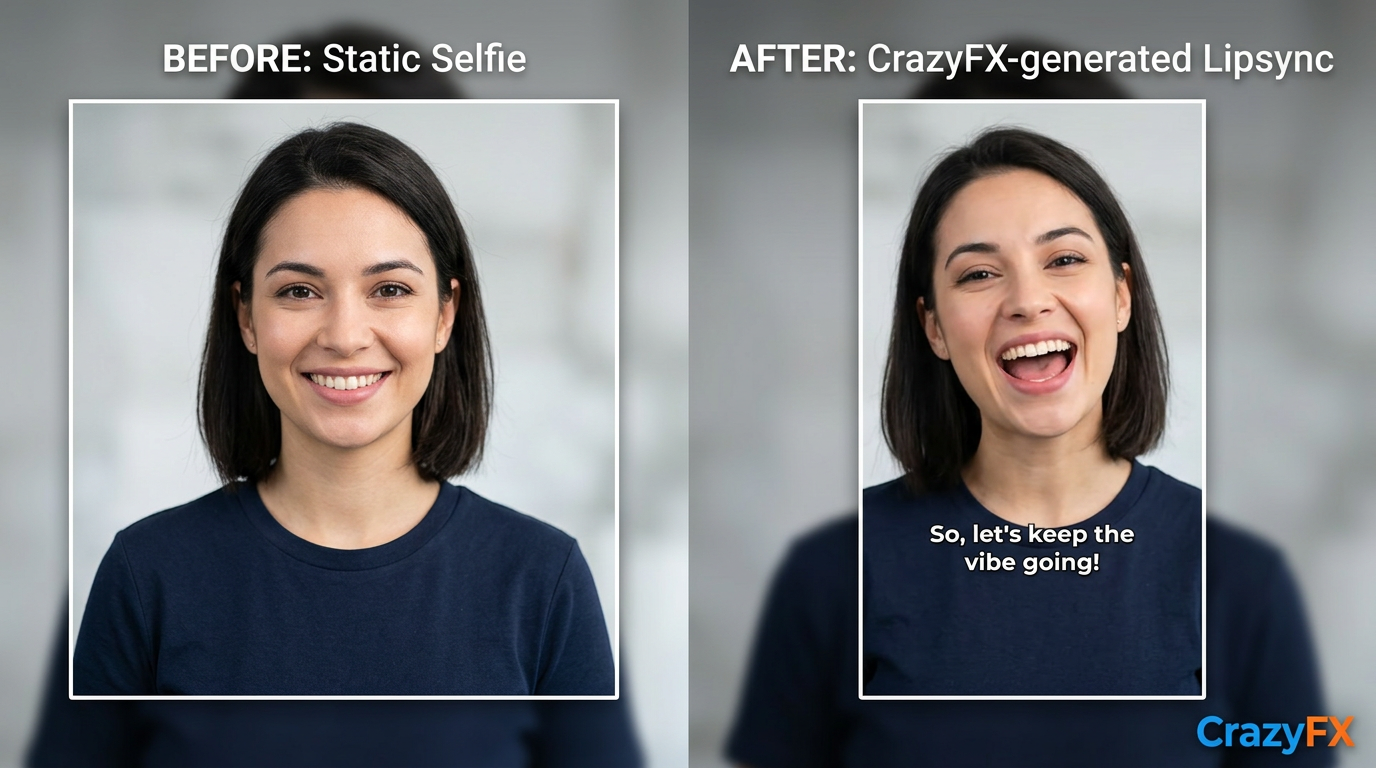
You can make a vertical, platform-ready lipsync clip from a single selfie on GoCrazyAI CrazyFX in minutes by selecting a lipsync preset, uploading the photo, choosing audio, and rendering. CrazyFX is a tuned-preset flow: one photo in, finished vertical clip out — no prompt engineering required. Select a strong opening gesture or expression in the photo (smile or open mouth usually maps best), pick a popular sound, and render a 9:16 clip ready for Reels/TikTok.
Step-by-step process:
1) Upload a clear selfie (front-facing, minimal occlusion). 2) Open the CrazyFX lipsync preset and select the audio track or paste a clip. 3) Choose a style (lipsync, dance, avatar) and a vertical 9:16 output. 4) Preview and pick an opener frame — trim to a 3–10s loop. 5) Export and test two captions/hooks in separate uploads.
CrazyFX renders tuned effects quickly, so you can produce several variants from the same photo: different sounds, faster edits, or pet-dance versions. If you want longer edits, combine CrazyFX output with the AI Video Generator for extended scenes and with the AI Music Generator for custom backing tracks. For a direct start, try CrazyFX here: CrazyFX.
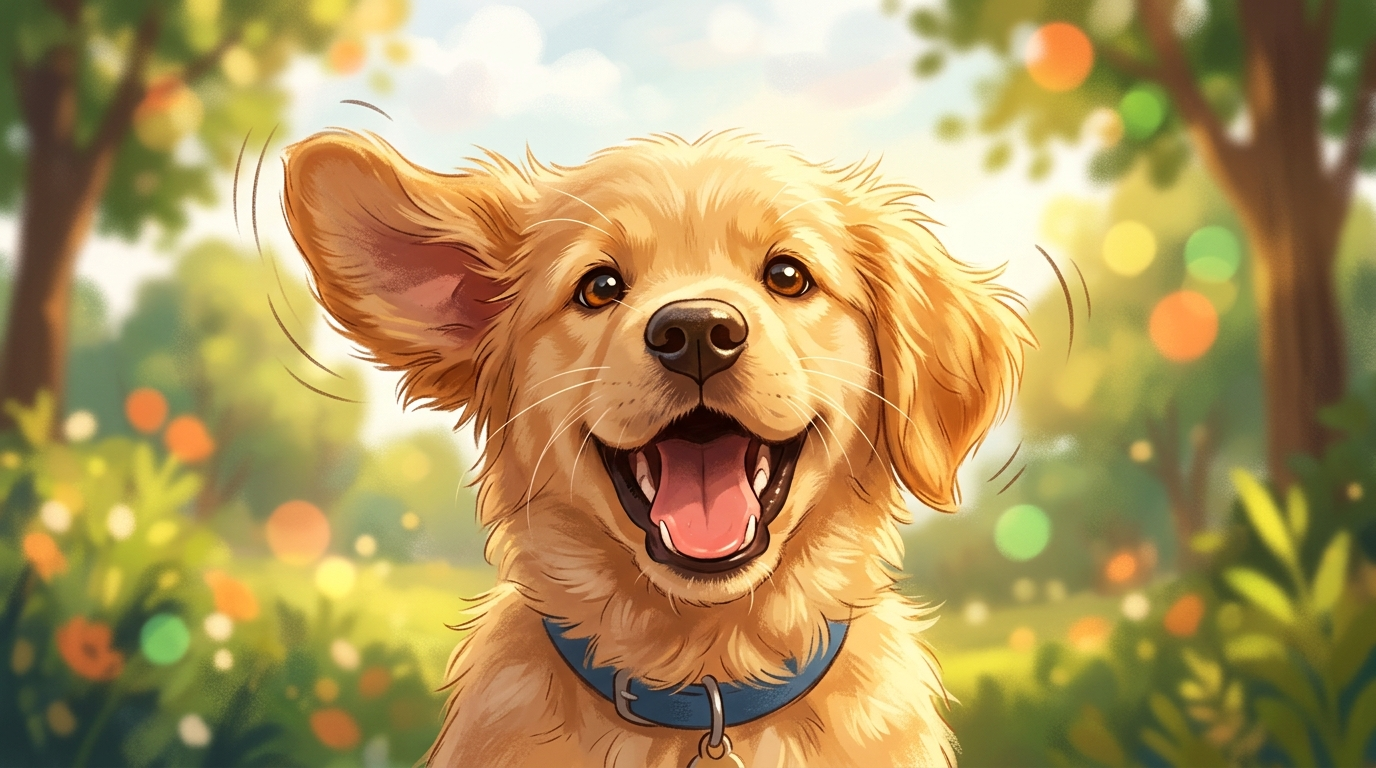
From pet photo to playful content: create a pet-dance video in under a minute with CrazyFX?
A single clear pet photo can become a playful pet-dance clip using a pet-dance preset that adds rhythmic head bobs, ear twitches, and timed motion that matches a beat. In most cases you upload the pet image, pick a dance effect preset designed for animals, choose a short looped track, and render a vertical clip. The result is a ready-to-post pet video that performs well on platforms focused on quick, cute content.
Best practices: use a clean background or apply the image relighting/upsizing tools first if the photo is low-res; select an upbeat 3–8 second sound that loops; add a simple caption like “When the beat drops” and a punchy first 2 seconds (close-up on face). CrazyFX offers a pet-dance preset that’s tuned to preserve pet identity while adding lively motion. You can pair the output with an AI-generated jingle from the AI Music Generator to keep audio unique and copyright-safe, then finalize with the AI Video Editor for subtitles and overlays.
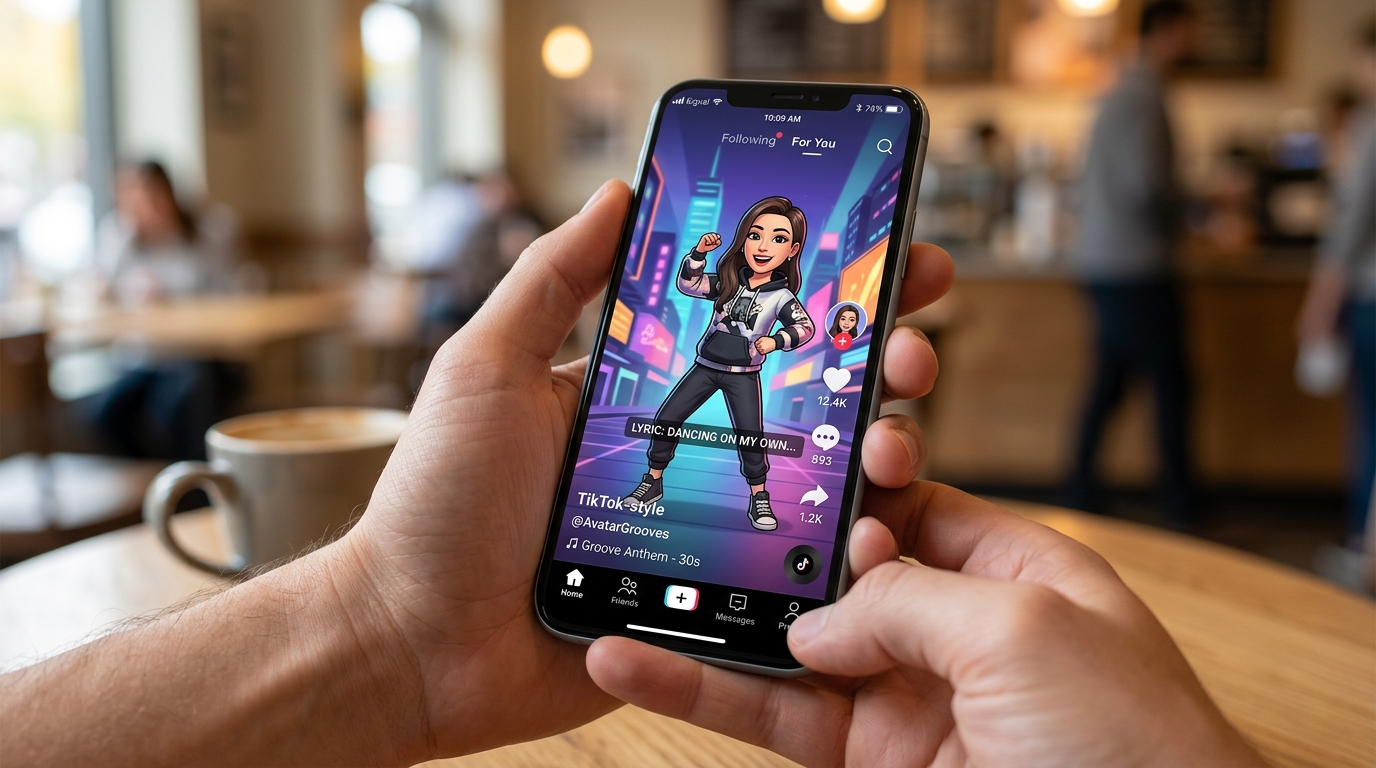
Practical editing & posting workflow: turning CrazyFX outputs into platform-optimized Shorts/Reels/TikToks?
Take CrazyFX output into a simple edit loop: trim to a strong 3–10s clip, add a 1–2 second hook, layer music, add subtitles, and export in 9:16 with platform-safe audio levels. Most creators then A/B test two openings and two captions per clip to find winners quickly. For small teams, iterate daily: create several CrazyFX variants from one photo, edit, post the top two, and measure early retention.
Concrete workflow:
1) Generate 3-5 CrazyFX variants (different sounds or speeds). 2) Use the AI Video Editor to add subtitles, captions, and a 0.5–1s text hook. 3) Replace or refine audio with the AI Music Generator if you need a custom jingle. 4) Export 9:16 and upload with two caption variations and relevant hashtags. 5) Track retention at 3s/6s/finish rate and scale the winning variant.
If you need extended footage or scene cuts, combine CrazyFX clips with longer segments from the AI Video Generator, and then polish in the AI Video Editor. Strong hooks, loopable endings, and clear on-screen text usually improve watch-through and share rate—test these elements early to learn what your audience prefers.
Creative variations and safety checks: avoiding deepfake pitfalls and keeping content authentic (what mistakes to avoid)?
Always label AI-generated content when it could be mistaken for real footage, avoid creating content that mimics real people without consent, and keep the subject’s identity and intent clear. Many creators mistakenly push realism too far: using another person’s photo, altering voice identity without permission, or omitting disclosure on synthetic clips. To avoid these mistakes, use your own photos or obtain consent, select clearly stylized effects if identity is sensitive, and add a short caption like “AI effect” when appropriate.
Common mistakes and how to avoid them:
- Mistake: Using copyrighted voice or music without a license. Fix: Use platform-licensed sounds or generate tracks with the AI Music Generator.
- Mistake: Creating clips that impersonate a real person. Fix: Only animate consenting subjects, or pick stylized avatars.
- Mistake: Ignoring the first 3–4 seconds. Fix: A/B test multiple hooks and prioritize high-retention openings.
These safety checks keep content shareable and platform-friendly. Where platform rules require disclosure, add a short on-screen label or caption. If working with pets or public figures, keep the effect playful and clearly synthetic to avoid moderation issues.
Measuring success: KPIs, split-tests, and how to iterate on CrazyFX-generated videos?
Measure early retention (3s and 6s), watch-through rate, saves/shares, and CTR on profile or link. Use small A/B tests on caption, opening frame, and sound to find the highest-performing variant. Iterate by scaling the winner and re-generating new variants from the same photo to capitalize on a trending hook.
Practical metrics and tests:
1) Early retention (3s, 6s): flags immediate interest. 2) Watch-through and finish rate: indicates loopability. 3) Shares and saves: signals strong engagement. 4) CTR or profile visits: measures conversion.
Split-test plan: run two identical uploads with different first-second hooks or captions; hold the posting time constant. If one variant shows 10–20% higher watch-through within 24–48 hours, scale it with paid promotion or cross-post. Because CrazyFX enables rapid variant generation, you can cheaply test many hooks and sounds until a clear winner emerges—then re-use that opener across similar photos or pet content to compound results.
Frequently Asked Questions
Can I make a lipsync clip from any photo?
Usually yes if the face is clear, front-facing, and not heavily occluded. Photos with extreme angles, closed mouths, or severe motion blur may need editing or relighting before good results.
Do I need to know video editing to use CrazyFX?
No. CrazyFX offers tuned presets that require no prompt-engineering or advanced editing skills. You can render a vertical clip from one photo in a few clicks and then refine in the AI Video Editor if needed.
Is AI-generated music safe to use on social platforms?
You should use licensed or original audio. Generating music with the AI Music Generator provides copyright-safe tracks you own for posts; avoid unlicensed commercial songs to reduce takedowns.
Conclusion
Final thoughts: Turning a single selfie or pet photo into a shareable lipsync or dance clip is now a practical, fast tactic for short-form growth—especially when you iterate hooks and sounds quickly. Use tuned presets for speed, follow basic safety checks, and measure early retention to find winners. Browse CrazyFX and ship a viral-format clip from a single photo today.
Mentioned in
- CrazyFX lipsync tutorial: How do I make a viral single‑photo lipsync?Step-by-step CrazyFX lipsync tutorial to turn one photo into a TikTok-ready lipsync video in minutes. Tips on audio, timing, and safe posting.
- CrazyFX promo: How to turn one photo into high-converting lip-sync and dance product clipsCreate viral-format product clips from one photo using GoCrazyAI CrazyFX. Step-by-step workflows for lip-sync promos, dance trends, disclosure, and optimization.
- CrazyFX singing photo: Turn one photo into a singing product clipTurn a single selfie or product photo into a 15s singing promo using CrazyFX one-click effects. Workflows, hook formulas, and quality checks for fast social ads.
Sources
- CrazyFX — AI-Powered Video Effects | GoCrazyAIgocrazyai.com ↗
- Short video engagement rate 2024 (Statista)statista.com ↗
- Audio-Driven Facial Animation with Deep Learning: A Survey (MDPI, 2024)mdpi.com ↗
- Open-Source Lip-Sync Models in the Period 2020-2025: A Structured Comparative Analysisepess.net ↗
- Best AI Tools To Turn A Photo Into A Video (2026) — roundupboringmagazine.net ↗
- MagicTalk / diffusion-based talking-face methods (2025 paper)sciopen.com ↗
- Fanpage Karma — Short-video study (2024)fanpagekarma.com ↗