


CrazyFX lipsync tutorial: How do I make a viral single‑photo lipsync?
Step-by-step CrazyFX lipsync tutorial to turn one photo into a TikTok-ready lipsync video in minutes. Tips on audio, timing, and safe posting.
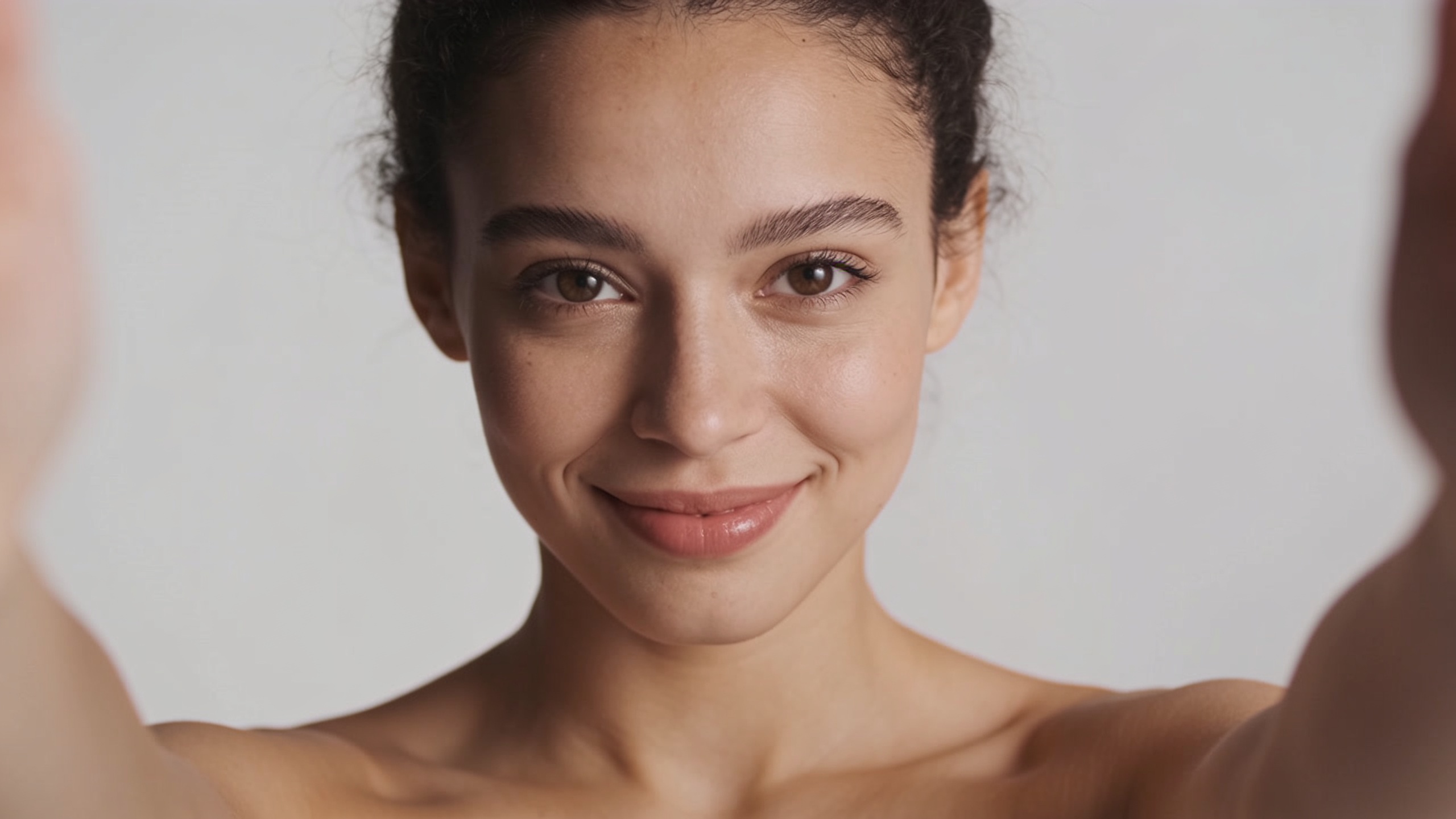
<!-- KEYTAKEAWAYS -->- One photo plus a one‑click CrazyFX effect can produce a 9:16 lipsync clip in minutes.- Pick trending audio and match the timing and framing to native TikTok formats.- Follow consent and labeling guidance to avoid moderation or reputation risk.- Polish with audio editing and subtitles to increase completion and engagement.<!-- /KEYTAKEAWAYS --> You want a scroll-stopping lipsync video but only have a selfie or a pet photo. This guide shows how to turn a single still into a polished, vertical lipsync clip fast — with step-by-step timing, audio selection, and trend framing so your post actually performs. I’ll cover why single‑photo lipsync works now, safety and platform rules to avoid takedowns, and a literal 3‑minute CrazyFX lipsync tutorial that gets you from upload to share.
I’ll also show advanced polishing tips — how to tighten mouth timing, pick music to match trend pacing, and test captions and thumbnails. Use the included examples and prompts to copy-and-paste a starter workflow, then scale with batch presets or GoCrazyAI tools if you want more variation.
Quick Answer
How do I make a viral single‑photo lipsync? Use a one‑click effect like GoCrazyAI CrazyFX to map audio to your photo, choose a trending audio clip, and export a vertical 9:16 file. For best results, trim audio to match the trend, tighten the mouth timing, and caption for watch retention — you can finish in under three minutes.
Why single‑photo AI lipsync exploded: tech, trends, and creator opportunities?
Single‑photo AI lipsync exploded because models now reliably map speech to mouth motion from a single image, and platforms reward fast, trend-aligned content. Research such as Wav2Lip demonstrated that speech-driven lip generation can achieve lip‑sync accuracy near real videos, reporting objective metrics (LSE) and human MOS close to ground truth[https://arxiv.org/abs/2008.10010]. Subsequent models (Diff2Lip, VividWav2Lip) improved realism and multilingual support, making it practical to animate one selfie into a believable lipsync clip[https://arxiv.org/abs/2308.09716; https://www.mdpi.com/2079-9292/13/18/3657].
For creators, the opportunity is speed: a single image can generate many short vertical variations (song clips, comedic lines, anchor reads). Market analyses show rising demand for face‑animation tools, with the lip‑sync market estimated in the low billions, driven by social short video demand[https://www.vozo.ai/blogs/ai-lip-sync-trends]. That combination of research progress and market demand is why trends like single‑photo lip sync and pet‑dance clips spread quickly — the friction to create is now extremely low, which favors trend-chasers and social-first marketers.
Safety, ethics, and platform rules every creator must know before using AI lipsync?
Before you post an AI lipsync, get consent and label synthetic content when required. Major institutions (UNESCO and U.S. federal agencies) have warned about risks from synthetic media and recommend transparency, consent, and cautious use to avoid disinformation or privacy harms[https://www.unesco.org/en/articles/deepfakes-and-crisis-knowing; https://www.nsa.gov/Press-Room/Press-Releases-Statements/Press-Release-View/Article/3523329/nsa-us-federal-agencies-advise-on-deepfake-threats/]. Platforms also vary: some require disclosure or will remove manipulated content that misleads viewers about real events.
Practical rules: only animate photos of people or pets you own or have consent to use; avoid impersonating public figures; add captions or stickers saying “AI‑generated” when the clip could be mistaken for real footage. If you’re creating branded ads, keep documentation of consent and any voice licenses. These steps reduce takedown risk and protect your reputation — especially important for creators and marketers who post frequently.
Quick start: Create a viral single‑photo lipsync in under 3 minutes with GoCrazyAI CrazyFX (step‑by‑step)?
Yes — you can make a shareable single‑photo lipsync in under three minutes using GoCrazyAI CrazyFX by uploading one image, picking a lipsync preset, and exporting vertical output. CrazyFX applies tuned presets (dance, avatar, lipsync, news anchor, pet dance) so no prompt engineering is required; it renders 9:16 clips ready for TikTok and Reels.
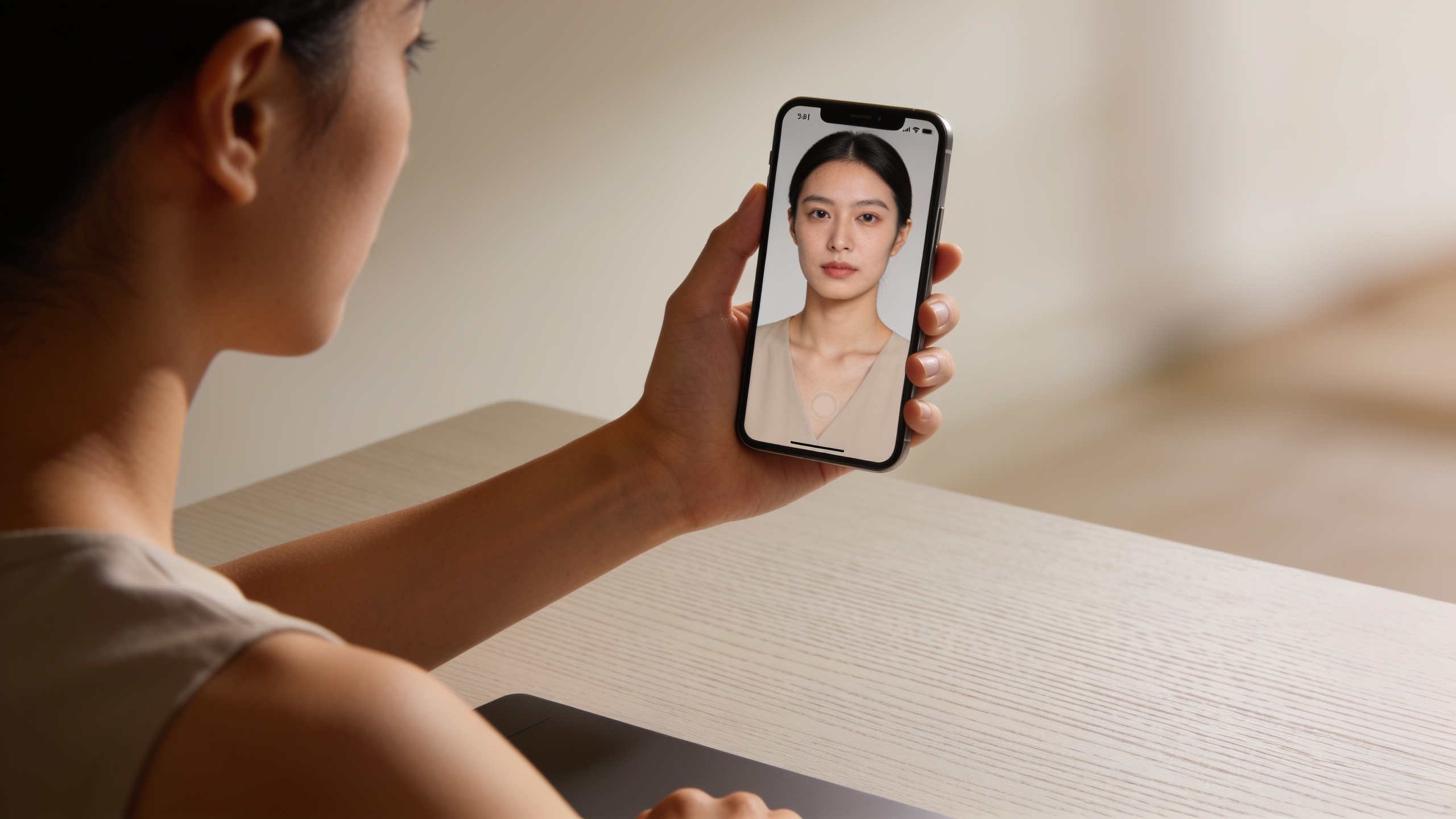
Step-by-step (fast path): 1) Choose a clear, front‑facing photo with the subject centered. 2) Open CrazyFX and select the lipsync preset. 3) Upload the photo and pick audio (upload or choose a trending clip). 4) Preview and, if needed, trim the audio to the 8–20 second trend window. 5) Export vertical 9:16. Because each effect is a tuned preset, CrazyFX will queue and render the clip quickly — ideal for trend-chasing creators.
Find CrazyFX here: CrazyFX. The feature is designed for creators who want one photo in, finished vertical clip out without manual rigging or complex parameters.
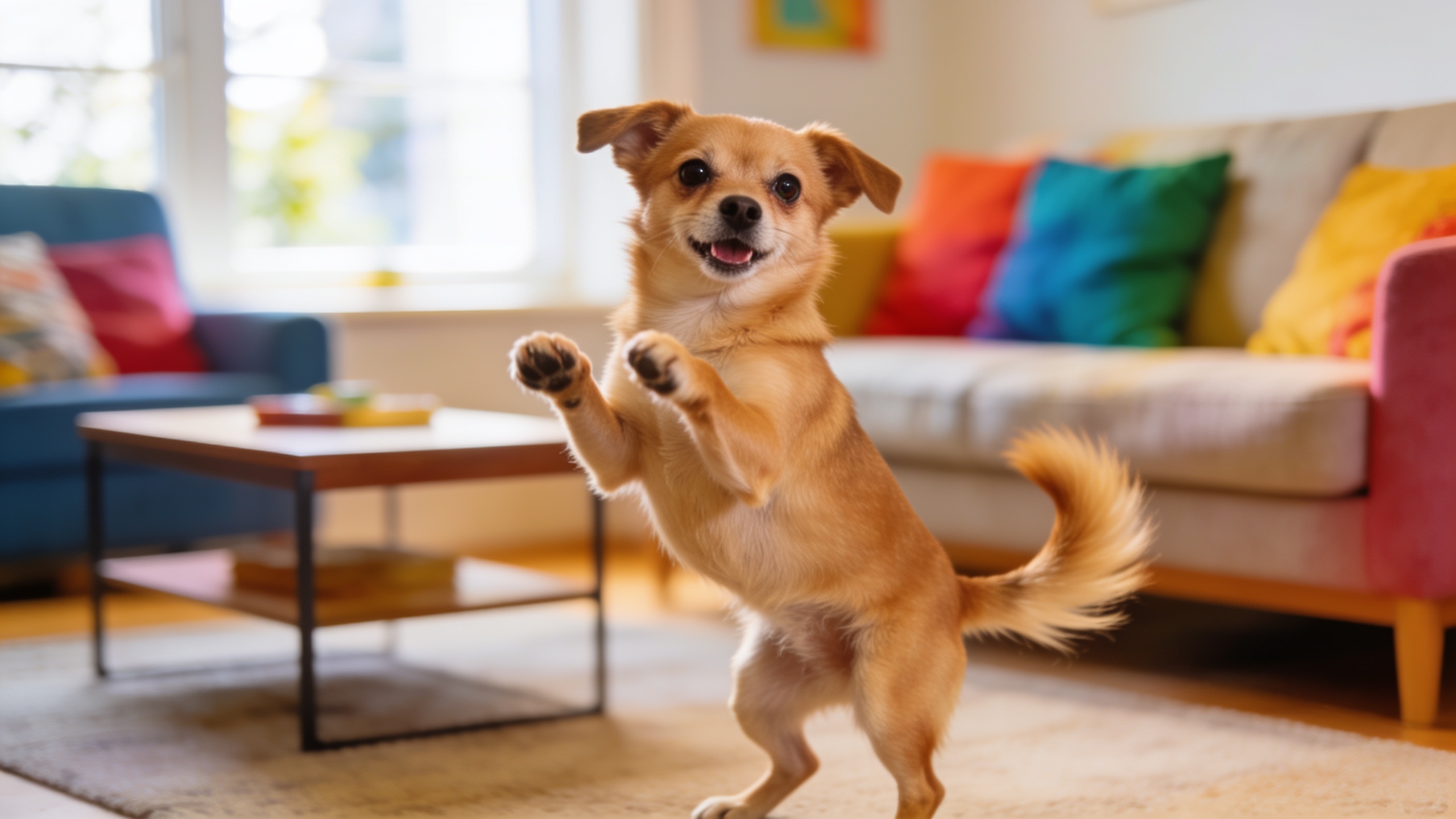
Advanced workflow: polishing audio, timing and style to match TikTok trends (hands‑on)?
For better engagement, polish the audio, tighten mouth timing, and style the visual to match the trend. Start by choosing the exact portion of the audio that performs on the platform — many trends are 6–15 seconds. Trim the clip to the beat and ensure the key syllables line up with prominent mouth shapes in the preview.
Practically, export the CrazyFX preview, then refine audio in an editor (or use an AI music trim tool). Use an “AI music generator” to create backing tracks or clean stems if you need custom sound for an ad or original content. Slight tempo changes (±3–6%) can improve perceived sync without breaking the lip alignment. Add subtitles that mirror the spoken phrasings — subtitles increase completion and accessibility. For style, adjust crop, color, or add a subtle vignette so the face reads well at 9:16. Finally, render a social‑ready file and A/B test two openings (first 1–2 seconds differ) to measure completion.
Pull quote: Tight lip timing + platform‑native framing often outperforms visual fidelity alone — viewers reward format familiarity.
Creative use cases & examples: from pet‑dance to AI news anchor — templates and hook ideas that perform?
Single‑photo lipsync works across formats — music trends, comedy cuts, branded ads, or even short news anchors. Below are ready-to-copy examples and short templates you can use with a selfie or pet photo.
Examples you can copy:
- Dance trend (pet): "[Upload pet photo] + upbeat 8‑sec chorus loop" — Hook: "When walk time hits" + dancing pet loop.
- Song lipsync (selfie): "[Use 10‑sec viral chorus]" — Hook: Text overlay: "Try not to bop" then cut to lip sync.
- News anchor (brand): "Anchor preset + 15‑sec script: 'Breaking: New drop live now.'" — Hook: Brand logo lower third + call to action.
Prompt-style lines for CrazyFX presets (use as labels when uploading):
"Pet dance — playful pop chorus, 8s loop"
"Anchor — crisp voiceover, 12s product pitch"
"Lipsync — comedic one-liner, 10s"
These templates match common TikTok hooks — quick setup, clear caption, and a strong first 1–2 seconds that promises payoff.
Optimizing for distribution: captions, hashtags, and common mistakes to avoid (hands‑on)?
Distribution matters as much as the clip. Use a caption that states the hook, include 3–8 relevant hashtags, and pin a short call-to-action early in the description. Native platform behavior favors early retention: match the first second to the thumbnail and avoid long fades-in. Test different captions and thumbnails with quick uploads to find what gains more completion.
Common mistakes to avoid:
- Mistake: Using audio that’s off‑trend or too long. Fix: Trim to the trendable 6–15s segment and align key syllables to the mouth movements.
- Mistake: Poor framing or low-res photo. Fix: Use an upscaled or relit image so the face reads clearly at 9:16 (consider the AI image upscaler or relighting tools before upload).
- Mistake: Failing to disclose synthetic content. Fix: Add a short note or sticker saying “AI‑generated” when relevant.
For polishing and subtitles, consider exporting the CrazyFX file and finishing in an editor that supports captions and audio layering — an "AI video editor" can speed this final polishing step.
Frequently Asked Questions
How long does it take to make a CrazyFX lipsync from one photo?
From upload to a finished 9:16 clip you can usually finish in under three minutes using CrazyFX presets; more time is needed if you polish audio, subtitles, or do heavy color grading.
Will a single photo always look realistic when lipsynced?
No — realism depends on the photo quality and the model. Research like Wav2Lip and subsequent models shows high accuracy, but single-image animation can still look stylized or slightly mechanical on close inspection[https://arxiv.org/abs/2008.10010; https://arxiv.org/abs/2308.09716].
Can I use copyrighted songs for CrazyFX lipsyncs on TikTok?
Platform licensing varies; TikTok and Reels have their own music libraries. For ads or cross-platform promotions, use cleared music or generated tracks from an AI music generator to avoid copyright claims.
Do I need consent to animate someone else’s photo?
Yes. Get explicit permission, especially for public posting or paid promotions. Avoid animating public figures or impersonating others to reduce legal and moderation risk.
Conclusion
Single‑photo lipsyncs let creators iterate fast, but speed without care can cost engagement or trust. Use tuned presets like CrazyFX to ship vertical lipsyncs quickly, then spend a minute polishing timing and captions to match the trend. If you want to test this workflow, browse CrazyFX and ship a viral‑format clip from a single photo today.
Sources
- A Lip Sync Expert Is All You Need for Speech to Lip Generation In the Wild (Wav2Lip, ACM MM 2020) — arXiv/paperarxiv.org ↗
- VividWav2Lip: High‑Fidelity Facial Animation Generation Based on Speech‑Driven Lip Synchronization (MDPI, 2024)mdpi.com ↗
- Diff2Lip: Audio Conditioned Diffusion Models for Lip‑Synchronization (arXiv, 2023)arxiv.org ↗
- Open‑Source Lip‑Sync Models in the Period 2020‑2025: A Structured Comparative Analysis (EPESS, 2025)epess.net ↗
- AI Lip Sync Trends and Market Size (industry summary, 2024)vozo.ai ↗
- Wav2Lip project page / paper (camera‑ready PDF) — University of Bath copyresearchportal.bath.ac.uk ↗
- UNESCO article: Deepfakes and the crisis of knowing (synthetic media guidance, 2025)unesco.org ↗
- NSA / U.S. federal agencies statement on deepfake threats (2023)nsa.gov ↗