


How to make a news anchor video from photo: fast vertical AI anchor clips
Create vertical news-anchor clips from a single photo in minutes. Practical workflow, safety rules, and how GoCrazyAI CrazyFX produces 9:16 anchor clips ready for social.
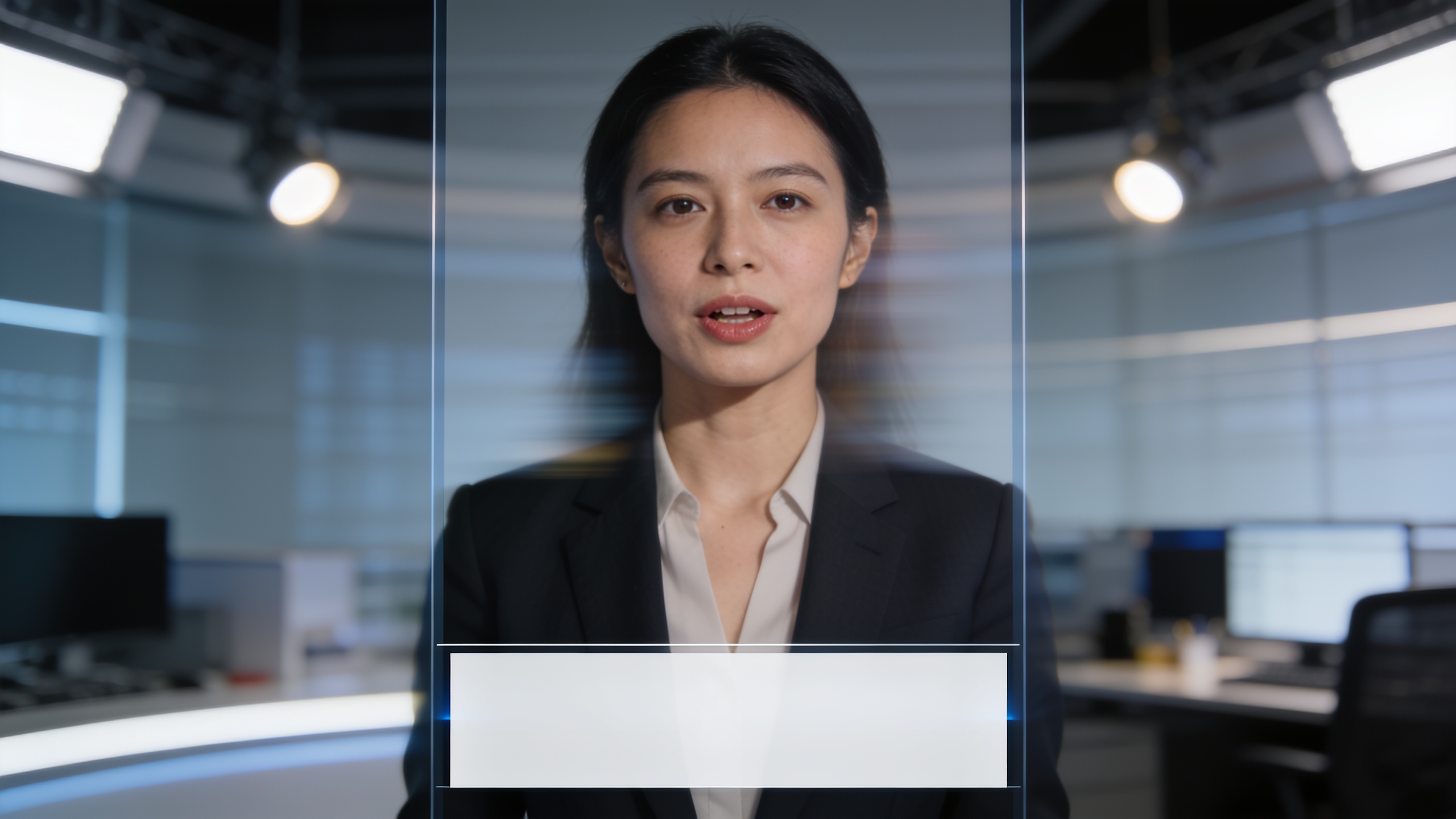
You need a short, trustworthy news-style clip for TikTok or Reels but you only have a single headshot or selfie. This article shows how to turn that one photo into a vertical news anchor video quickly, safely, and with clear provenance. You’ll get concrete workflows, four real use-cases that scale, step-by-step CrazyFX instructions for a one-photo anchor clip, and practical disclosure and verification steps so audiences and platforms can trust your content. I’ll also show creative and measurement ideas so you can iterate fast using 9:16 outputs ready for mobile feeds. Where appropriate I reference third-party research on trust and synthetic media and explain how to avoid common pitfalls. If you want one-click results, one section explains how to create this using GoCrazyAI CrazyFX and links to the CrazyFX feature page.
Quick Answer
How to make a news anchor video from photo? Load a clear headshot, choose a news-anchor preset (lipsync/anchor), paste your script, pick vertical 9:16 output, and render. With tools like GoCrazyAI CrazyFX you can finish a snackable vertical clip in under three minutes from one photo, ready to post with captions and disclosure.
Why AI news anchors are exploding on social — reach, risks, and the rise of vertical formats?
AI news anchors are popular because they scale short-form updates quickly and fit mobile feeds, but they raise trust and disinformation risks. Vertical formats (9:16 and 4:5) now account for a meaningful share of modern video output — for example, vertical social formats made up roughly 38% of the NBA’s 2024–25 season video production, showing the industry shift toward mobile-first clips . That reach is attractive to creators and local publishers who need many short updates. At the same time, synthetic anchors are used in both commercial and propaganda settings, which increases scrutiny and the need for transparency.
Expanded: The format advantage is simple: mobile-first videos autoplay, loop, and fit vertically framed UIs, so a 9:16 “anchor” clip is optimized for TikTok, Instagram Reels, and Shorts. On the risk side, research and industry reports note trust erosion when synthetic media is unlabeled; OECD and other bodies recommend provenance and transparency to curb misuse. Practically, that means creators should weigh speed and reach against the obligation to disclose synthetic production and provide verifiable sourcing when reporting facts. Use vertical framing, concise scripts, and rapid verification links to reduce harm while keeping the performance benefits of snackable anchor clips.
When to use an AI anchor clip from an image (4 example creator use-cases that scale)?
AI anchor clips made from a single photo work best when you need consistent host presence, rapid updates, or many short versions of the same message. Here are four concrete use-cases creators and local publishers use often.
1) Local bulletin updates for neighborhoods: Use a single anchor headshot to publish daily COVID updates, weather notes, or transit alerts across multiple platforms. The anchor gives a consistent face while you swap the script.
2) Product feature drops for marketers: Create a short, branded announcement delivered by a consistent persona. From one product photo you can spin multiple vertical ad cuts with different hooks.
3) Creator series or newsletter summaries: Convert a newsletter paragraph into a 20–30 second anchor clip to promote the story on social with a clear CTA.
4) Rapid corrections and clarifications: When a previous post needs correction, a synthetic anchor lets you publish a short, measured correction quickly (paired with provenance and links).
Expanded: These approaches scale because the asset library is small — one headshot plus a set of scripts equals dozens of short clips. Use consistent lighting and crop for best results: a clean, high-resolution headshot (at least 1080px tall) with neutral background and forward-facing gaze yields the most natural anchor motions. For brand trust, pair each clip with a pinned explanation or a short provenance card linking to source documents or the full story.
Hands-on: Create a vertical AI news anchor clip from a selfie or headshot in under 3 minutes with GoCrazyAI CrazyFX?
Yes — you can produce a 9:16 anchor clip from one photo in under three minutes using CrazyFX presets and minimal inputs. Upload your headshot, choose the news anchor preset, paste a 15–30 second script, select vertical (9:16) output, pick a voice or allow lipsync, and render. The CrazyFX preset handles facial mapping, lip-sync timing, and framing so you don’t need prompt-engineering.
Step-by-step (practical tips):
- Prepare the photo: Choose a sharp, forward-facing headshot with neutral background. If needed, use GoCrazyAI Image Relight or Image Upscaler to improve lighting and resolution via the AI Image Generator (/ai-image-generator) and Image Upscaler features.
- Upload and select CrazyFX: Go to the CrazyFX page and upload the photo. Pick the "news anchor" effect preset. This preset is tuned so one photo in produces a finished vertical clip without manual animation settings. (CrazyFX is the primary feature for this workflow — see the CrazyFX page for the effect options.)
- Add script and voice: Paste your short script or use a script template. Choose an AI voice from GoCrazyAI AI Voices (/ai-voice) or let CrazyFX generate lip-sync from the script. For brand consistency, pick a single voice and narration style across clips.
- Render and export: Select 9:16 vertical output and render. Use the AI Video Editor (/ai-video-edit) to add captions, lower thirds, or a source link before exporting.
Notes: CrazyFX renders outputs ready for TikTok and Reels and is designed for trend-chasers and marketers who want many vertical clips from one photo. Because each effect is a tuned preset, you skip complex prompt work and get predictable results fast. Link: CrazyFX.
Hands-on: Build an evergreen local news short — script, style, captions, and publish workflow for mobile feeds?
An evergreen local short should be concise, sourced, and formatted for vertical viewing. Start with a 20–30 second script that follows a three-part structure: hook, facts, CTA/link. Keep sentences short and include one link or citation that viewers can tap in the caption. Use clear captions and a branded lower-third so viewers know this is a publisher update.
Workflow (detailed): 1) Script: Write a 3-sentence script: Hook (5–7 words), core facts (2 short sentences), CTA (e.g., "More at link in bio"). Aim for 40–60 words. 2) Visual style: Use a single headshot framed at chest and above, add a simple studio relight if needed, and pick a subtle motion preset so the anchor looks natural but not distracting. 3) Captions: Auto-generate hard captions via GoCrazyAI Media Mixer (/ai-video-edit) and check for accuracy. Always include a one-line provenance note at the start or end: "Synthetic anchor — sources linked in caption." 4) Publish flow: Export 9:16, upload to each platform with platform-optimized caption copy and a pinned source link. For Instagram Reels and TikTok, add a short text overlay for the hook in the first 2–3 seconds and keep the first frame readable.
Expanded: This workflow minimizes friction: one photo + one script + one render → three platform uploads. Use subtitles and the same CTA across platforms to measure performance consistently.
Safety, disclosure, and verification: responsible best practices and common pitfalls for synthetic anchors?
Responsible creators label synthetic anchors clearly, provide provenance, and verify facts before publishing; failure to do so is a common pitfall. The OECD and other bodies recommend transparency and provenance to maintain information integrity, and experiments show provenance information improves trust judgments.
Common pitfalls and how to avoid them:
- Pitfall: Publishing synthetic anchors without labeling. Fix: Add an on-screen label such as "Synthetic anchor" and a caption that links to sources.
- Pitfall: Using a likeness that misleads (impersonation or political messaging). Fix: Do not use images of public figures or others without consent; avoid political persuasion when using a synthetic likeness that could sway voters — platforms and lawmakers are watching closely.
- Pitfall: Skipping verification for factual claims. Fix: Attach a short provenance card or caption with links to primary documents, and pin a Twitter/X thread or a website article with full sourcing.
Expanded: Because AI anchors are already being used in commercial and state media contexts, publishers should adopt clear labeling and provenance as standard practice. The Center for an Informed Public found that provenance cues measurably help users judge trustworthiness, so include simple metadata where the platform allows it (descriptions, pinned links, or timestamps).
Measuring performance and iterating: metrics, A/B ideas, and how CrazyFX speeds your testing loop?
Measure short-form anchor clips on attention and conversion metrics — view-through rate, 3- to 10-second retention, shares, and click-throughs — and iterate with fast variations. CrazyFX speeds testing because one photo can produce many variants (voice, hook, caption) without new shoots, letting you run rapid A/B tests.
A/B test ideas that usually move the needle:
- Hook variation: Test two opening lines (question vs. stat) to measure 3-second retention differences.
- Voice and tone: Compare a conversational voice to a formal read to see impact on engagement.
- Caption CTA: Test "link in bio" vs. a short URL in the caption for clicks.
Practical loop: Use CrazyFX to render 4 variants of the same 20-second script (two hooks × two voices) from the same photo, publish them in staggered slots, and evaluate retention and CTR after 24–48 hours. Use results to standardize the best-performing hook and voice for future clips. For production scale, combine CrazyFX outputs with GoCrazyAI’s AI Video Generator (/create-ai-video) for longer visuals or with the AI Video Editor (/ai-video-edit) to add subtitles and end cards quickly.
Expanded: The key advantage is speed: presets remove animation tuning so you can test more creative variables faster. Keep sample sizes and time windows consistent when measuring so you can attribute lifts to creative changes rather than timing or audience shifts.
Frequently Asked Questions
Can I use a selfie to make a believable news anchor video?
Yes. A front-facing, well-lit selfie or headshot typically yields the best result when mapped to an anchor preset. Improve results with relighting or upscaling if the image is low-res.
Do I need to disclose that the anchor is synthetic?
Yes. Best practice and several policy recommendations call for clear labeling and provenance. Add an on-screen note and a caption link to sources to maintain trust.
Will platforms penalize synthetic anchor clips?
Most platforms allow synthetic content but may require disclosures for political or sensitive material. Follow each platform’s policies and avoid impersonation or deceptive claims.
How long does it take to make a vertical anchor clip from one photo?
Using a tuned preset like CrazyFX’s news-anchor effect, you can usually prepare, render, and export a 9:16 clip in under three minutes.
Conclusion
Final thoughts: A single high-quality photo plus a short, sourced script is often enough to produce mobile-friendly news-anchor clips that scale across platforms. Prioritize disclosure, provenance links, and fact-checking to protect trust while you test hooks and voices rapidly. If you want to ship a snackable vertical anchor clip from one photo today, browse CrazyFX and render a 9:16 anchor in minutes.
Sources
- Vertical Video Hit 38% of NBA's Total Video Production for the 2024–25 Season - WSC Sportswsc-sports.com ↗
- How China is using AI news anchors to deliver its propaganda - The Guardiantheguardian.com ↗
- Facts not Fakes: Tackling Disinformation, Strengthening Information Integrity - OECD (2024)oecd.org ↗
- Can provenance save us from a barrage of synthetic media? - Center for an Informed Publiccip.uw.edu ↗
- AI Anchors Are Here: Why Elihay Vidal Let an Algorithm Steal His Face - CMSWirecmswire.com ↗
- Threat of synthetic media to the criminal justice system: a systematic review - Crime Science (Springer)link.springer.com ↗