


Voice cloning for creators: a practical playbook
A creator-first playbook for ethically cloning and using AI voices in videos and podcasts, with recording best practices, legal checkpoints, and GoCrazyAI workflows.
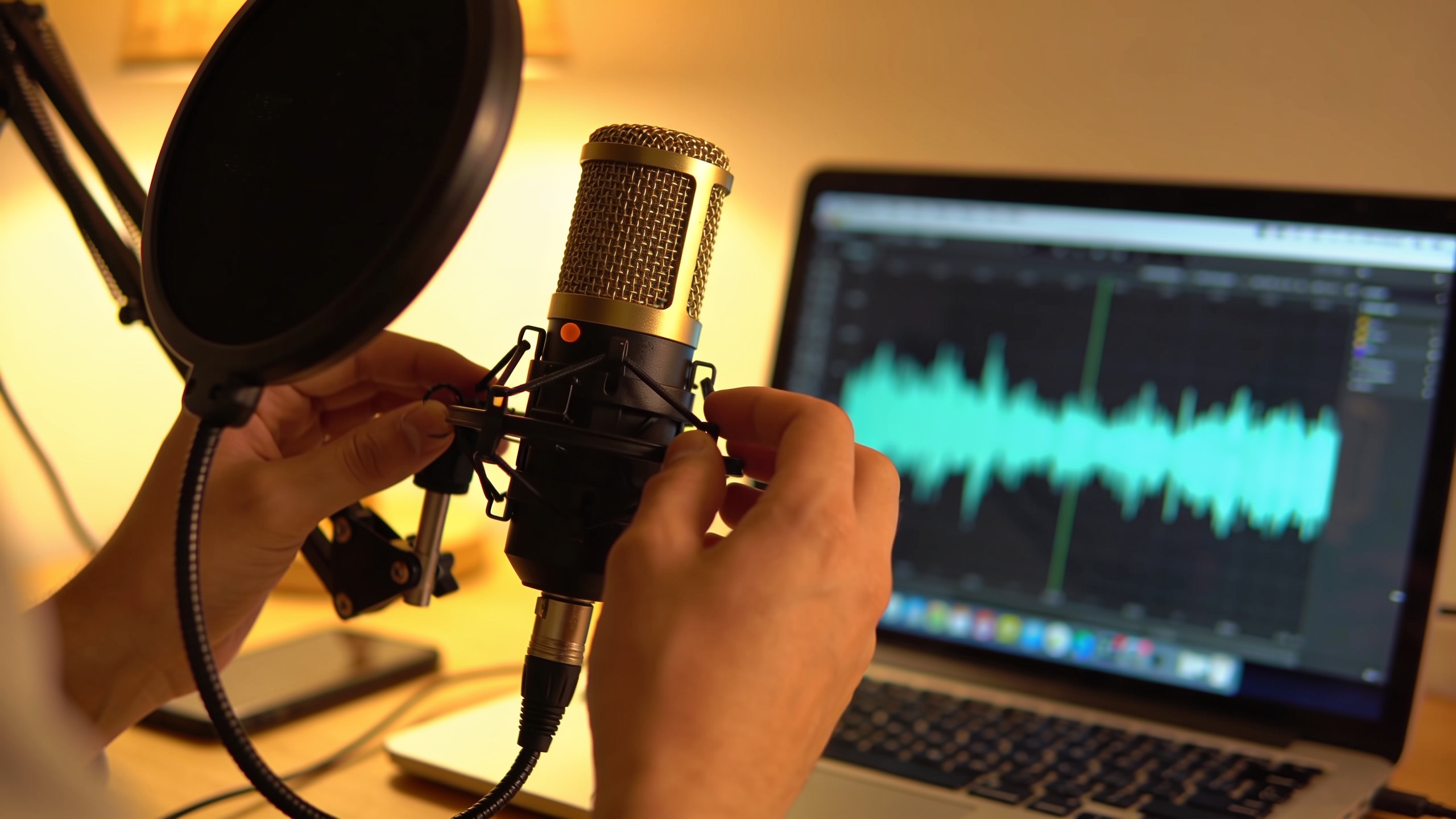
You need consistent, repeatable narration or character lines without recording every take — and you want to do it legally and ethically. This playbook shows independent creators exactly how to clone a voice that sounds authentic, how to prepare source recordings, what legal checkpoints to run, and how to integrate a clone into a video or podcast workflow. It also gives concrete templates and testing steps so you can ship episodes faster while minimizing misuse risk. One practical option covered in the hands-on workflow is GoCrazyAI AI Voices — a 160+ voice library that can clone your voice from a short sample and export narration for video or podcast use.
Quick Answer
Voice cloning for creators is cloning a consistent narrator or character voice from short, clean samples and using that clone for narration, dubbing, or character work. Do it by collecting consent, recording 15–60 seconds of varied clean speech, testing and tuning the model, and using post-processing for timing and realism. Use guardrails—written releases, labeled files, and platform policy checks—before publishing.
Why are creators choosing AI voice cloning in 2026 (and what does it actually replace)?
AI voice cloning is chosen because it speeds narration, maintains voice consistency across episodes, and scales character lines or dubs without repeatedly booking studio time. In practice, it usually replaces repetitive recording sessions, frequent retakes, and the logistical cost of hiring additional voice actors for small projects. For a solo YouTube essayist, a tuned clone can cut narration production time by 50–80% once the voice is dialed in, because edits and alternate takes can be generated from text instead of rebooking sessions.
That said, cloning generally acts as a stylistic tool rather than a perfect 1:1 copy. Recent research and vendor notes describe cloning more as style transfer: the clone captures tonal characteristics and cadence but may reduce natural variance in micro-intonation and breaths. Expect to treat outputs like any synthetic performance—apply edits, add breaths, and mix to taste. Adoption surged because many creator tools now need only short samples to start, enabling fast iteration for faceless channels, localized dubs, and recurring character voices.
What legal and ethical checklist should I follow before I clone a voice?
Yes—you must get explicit, recorded consent and follow platform and regulatory guidance before cloning a voice. A practical checklist includes: (1) written and recorded consent from the speaker that references the specific intended uses; (2) a dated release form stored alongside the audio; (3) label metadata on generated files indicating they are synthetic; (4) review of platform policies where you’ll publish; and (5) a plan for takedown if the speaker revokes permission.
Regulation and enforcement are evolving: the FTC has published rules and challenge materials addressing voice cloning—creators should track FTC guidance and any platform-specific rules before publishing. Ethics guides also recommend avoiding blanket "approve anything" scripts; instead use a short, clear consent script the speaker reads aloud and signs digitally. Public safety concerns remain significant—reports have noted leading products with weak safeguards and documented cases of impersonation scams, which is why governance and documentation matter.
How do I record source audio that yields a usable, authentic voice clone (hands-on example)?
Record in a quiet, acoustically neutral space and capture several short (15–60s total) clips that show range: neutral narration, an emphatic sentence, and a conversational line. For a usable clone, aim for multiple short takes rather than one long monologue—diverse intonation helps the model generalize.
Hands-on example checklist:
- Use a decent USB or XLR mic and a pop filter. Capture at 44.1–48 kHz, 24-bit if possible.
- Record 3–6 clips totalling 20–60 seconds: one neutral paragraph, one excited sentence, one low-energy sentence. Avoid music, heavy reverb, and layered voices.
- Keep audio "dry": minimal room reverb and no background noise. Use foam or a quiet closet if possible.
- Save files as WAV and label them with the speaker name, date, and consent ID.
Prompt-style consent script (have the speaker read and record this aloud): "I, [Full Name], consent to a voice cloning sample for use in [project name] for narration and dubbing. I understand I can revoke this consent in writing. Date: [MM/DD/YYYY]."
These practices align with vendor best practices and the consensus that short, varied samples generally produce better clones than a single long take.
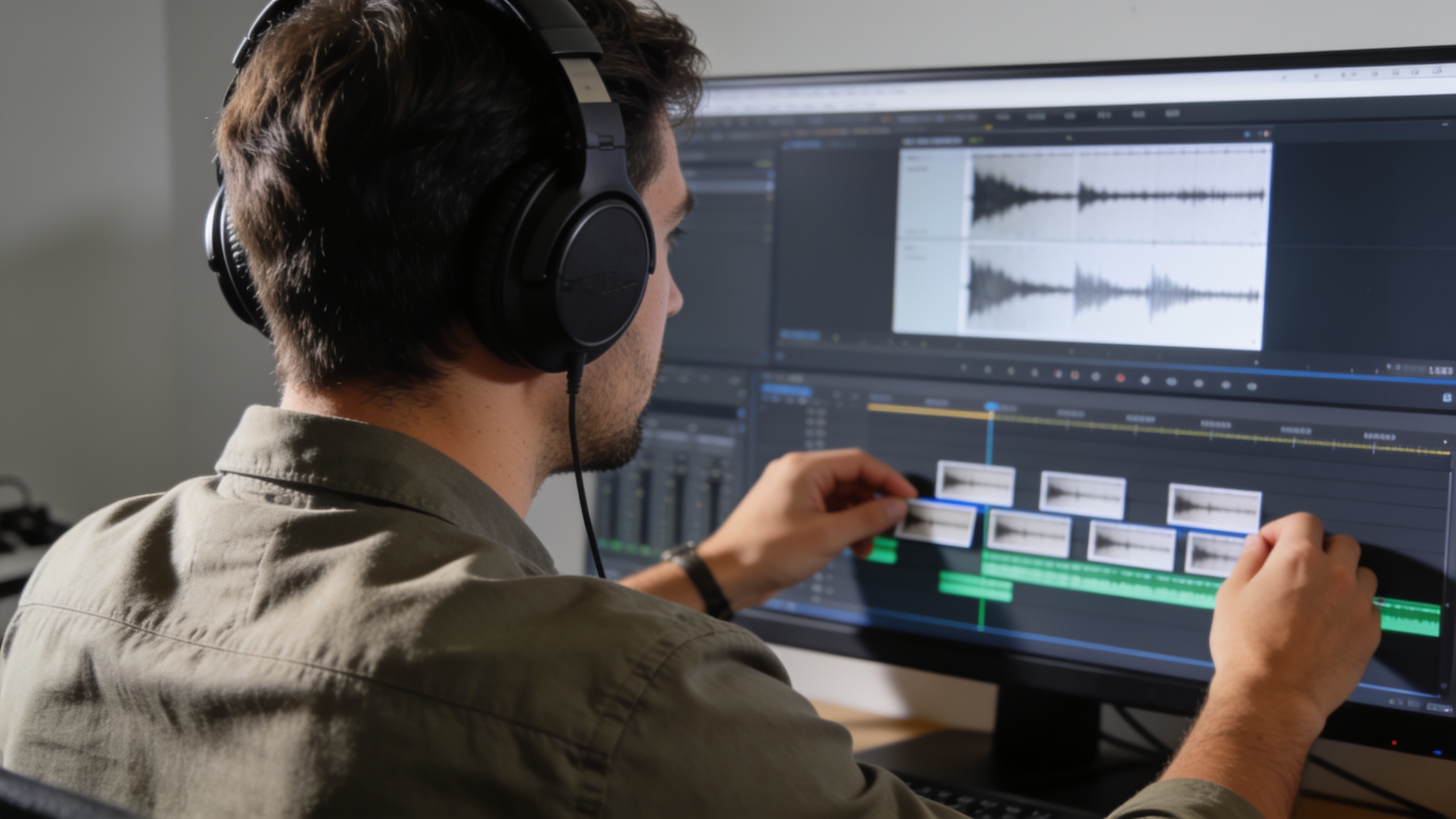
Step-by-step: Create and test a clone with GoCrazyAI AI Voices (hands-on workflow)?
Yes—you can create and test a clone with GoCrazyAI AI Voices by uploading short samples, generating test lines, and iterating with tuning and post-processing. Start by collecting your consented WAV files, then use GoCrazyAI's clone workflow to upload, name, and request a clone. Generate short test phrases and compare them to the source for naturalness, pacing, and emotional range.
Practical workflow in GoCrazyAI:
- Sign in and open the AI Voices page (the GoCrazyAI AI Voices feature includes cloning and 160+ premade voices).
- Upload 15–60 seconds of consented WAV audio and add the consent metadata in the clone form.
- Generate 5 short test lines covering different tones (neutral, excited, question, whispery line, exclamation).
- Review for timing, artifacts, and similarity. Use GoCrazyAI export options to pair the audio with a video timeline.
GoCrazyAI clones pair cleanly with the AI Video Generator and AI Podcast tools, so you can export narration directly into video or multivoice podcast projects. For longer runs or licensing questions, review credits and plan usage based on expected episode volume—see Pricing for credit details on starting costs and plans.
Internal resources:
- Try the AI voice generator for cloning and text-to-speech features: /ai-voice
- Pair voice outputs with the AI video generator when building visuals: /create-ai-video
- Check pricing and credits to estimate scale: /credits
You can try every step above directly in GoCrazyAI AI Voices — no setup needed.
How should I use cloned voices in videos and podcasts: mixing, timing, and performance tips?
Use cloned voices like any recorded performance: edit for timing, add breaths where needed, and EQ to fit the mix. Cloned speech often needs human-style micro-edits—tweaks to pauses, small pitch shifts, and subtle reverb—to sit naturally in a soundtrack.
Practical tips:
- Timing: export the clone as shorter takes for quick edits. For long-form narration, break scripts into 10–20 second segments to control pacing.
- Performance: generate a few variants (different prosody or speed) and comp the best parts together.
- Mixing: apply high-pass at ~80 Hz, gentle compression, and a small presence boost (2–4 kHz) to increase clarity. Add a short plate reverb or room tone identical to any recorded hosts for cohesion.
- Localization: when dubbing, keep lines slightly shorter than the original and adjust mouth flaps or captions. Use the AI Dubbing tool when preserving character traits across languages.
For podcasts, normalize levels to -16 LUFS for stereo and use consistent processing across episodes. The AI Podcast tool can produce multi-voice conversations that mimic natural turns; pair clones to those stems for a seamless result.
How do I manage rights, releases, and platform policies — templates and recordkeeping workflows?
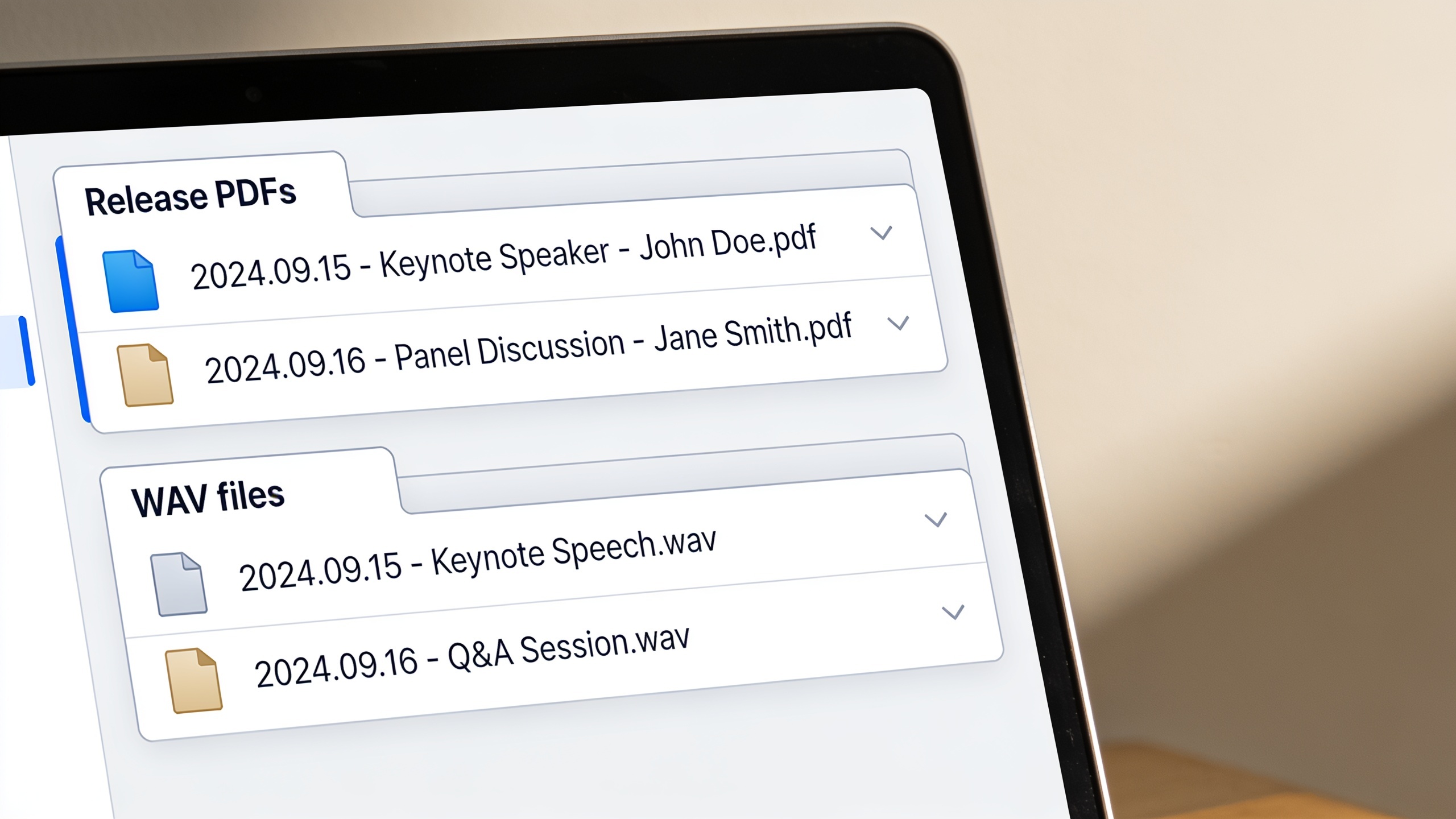
Manage consent and rights with dated releases, labeled audio files, and a single source of truth for usage permissions. A simple recordkeeping workflow includes a consent form PDF, the original recorded consent audio, metadata attached to cloned files, and a permissions spreadsheet.
Template workflow:
- Save a short signed release (name, project, permitted uses, revocation method, date).
- Store the release PDF and the recorded consent WAV in a secure cloud folder named: /releases/[Project]/[SpeakerName]_[YYYYMMDD].
- When you upload to a cloning tool, copy the release ID into the clone metadata and the generated-audio filename.
- Maintain a permissions spreadsheet with columns: speaker, release ID, allowed uses, revocation status, notes.
Also check platform policies before publishing. Platforms and regulators (including FTC guidance) are actively updating rules; keep a policy-check step in your publish checklist to avoid takedowns or penalties.
What safety, detection, and minimizing misuse steps should I take — common mistakes to avoid?
Use layered safeguards: recorded consent, labeled synthetic metadata, and internal detection checks before publishing. A responsible process usually prevents misuse and supports takedown if issues arise.
Common mistakes and how to avoid them:
- Mistake: Using vague or blanket consent. Fix: Use a short, specific consent script tied to named projects and store the recorded clip.
- Mistake: Publishing unlabeled synthetic speech. Fix: Add metadata and an on-screen disclosure (e.g., "Synthetic voice generated with permission").
- Mistake: Skipping security controls on cloned files. Fix: Limit access, watermark drafts, and keep a revocation path documented.
- Mistake: Assuming clones are perfect copies. Fix: Treat clones as stylized outputs and listen for artifacts, then post-process.
- Mistake: Not checking platform/FTC policy updates. Fix: Add a calendar reminder to review policies quarterly.
Public reporting shows scams tied to voice cloning and weak safeguards; strong documentation and conservative sharing reduce risk and create traceability if misuse is alleged.
When should I clone vs license a premium voice, and how does pricing and scale affect workflows?
Clone when you need a specific, repeatable narrator tied to your brand or when volume makes re-recording impractical. License a premium voice when you need a distinct, ready-made character or when legal simplicity and commercial terms are preferred. Cost profiles vary: cloning has an upfront recording and tuning cost and then lower per-use generation credits, while licensing a premium voice can be predictable for episodic use.
Decision points:
- Clone if you own the voice or have explicit permission and expect many revisions/localizations.
- License if you want immediate, polished output without handling consent or release logistics.
GoCrazyAI fits both approaches: it offers 160+ premium voices to license and a cloning flow from a short sample, so creators can choose a premade voice or clone their own and scale with credits and pricing. Check credits and plan details to estimate monthly costs against your episode volume and export needs.
Frequently Asked Questions
How much audio do I need to create a decent voice clone?
Aim for 15–60 seconds of clean, varied audio. Multiple short takes with different intonations usually produce better clones than one long monologue.
Is recorded consent enough to avoid legal risk?
Recorded consent is a practical minimum, but you should use a clear, dated release specifying permitted uses and store it with the audio file for traceability.
Will a cloned voice be indistinguishable from the original?
Clones often sound very similar, but they behave like style transfer models—expect differences in micro-intonation. Test and post-process for best results.
Can platforms detect synthetic speech and will they ban clones?
Detection tools exist and platforms have varying policies. Label synthetic audio, follow platform rules, and keep release documentation to reduce the chance of removal.
What are quick steps to undo a clone if permission is revoked?
Maintain an exports log and file IDs, remove published assets if required, and keep a revocation workflow in your release spreadsheet so you can communicate and act fast.
Conclusion
Final thoughts: Voice cloning can speed production and keep a brand voice consistent, but creators must pair technical steps with clear consent and recordkeeping. Follow the recording best practices, test clones across tones, and add labeling and access controls to every project. If you want to try cloning or pick from ready-made voices, consider testing GoCrazyAI AI Voices to clone a short sample or license one of the 160+ premium voices for your next episode.
Sources
- AI voice-cloning scams: A persistent threat with limited guardrails (Axios)axios.com ↗
- FTC Voice Cloning Challenge — rules and materials (FTC)ftc.gov ↗
- How to Clone Your Voice With AI — step-by-step (AI Voice Review / ElevenLabs tutorials)aivoicereview.com ↗
- How to Clone a Voice Ethically — consent checklist (AiVoicePedia)aivoicepedia.com ↗
- 8 Best AI Voice Cloning Tools in 2025 (Compared) — feature comparisons and use caseselegantthemes.com ↗
- The 10 Best Voice Cloning Tools in 2025 (Tested & Compared) — Kukarellakukarella.com ↗
- Voice Cloning Best Practices — short sample guidance (vendor docs / best practices)waves-docs.smallest.ai ↗
- Voice cloning and legal/ethical analysis (academic overview, 2026–2024 research)arxiv.org ↗