


AI music for TikTok hooks: create 15s copyright-safe tracks that boost watchthrough
Use short AI-generated, copyright-safe music hooks to increase watchthrough on 6–15s Reels, TikToks and Shorts. Step-by-step GoCrazyAI workflow included.
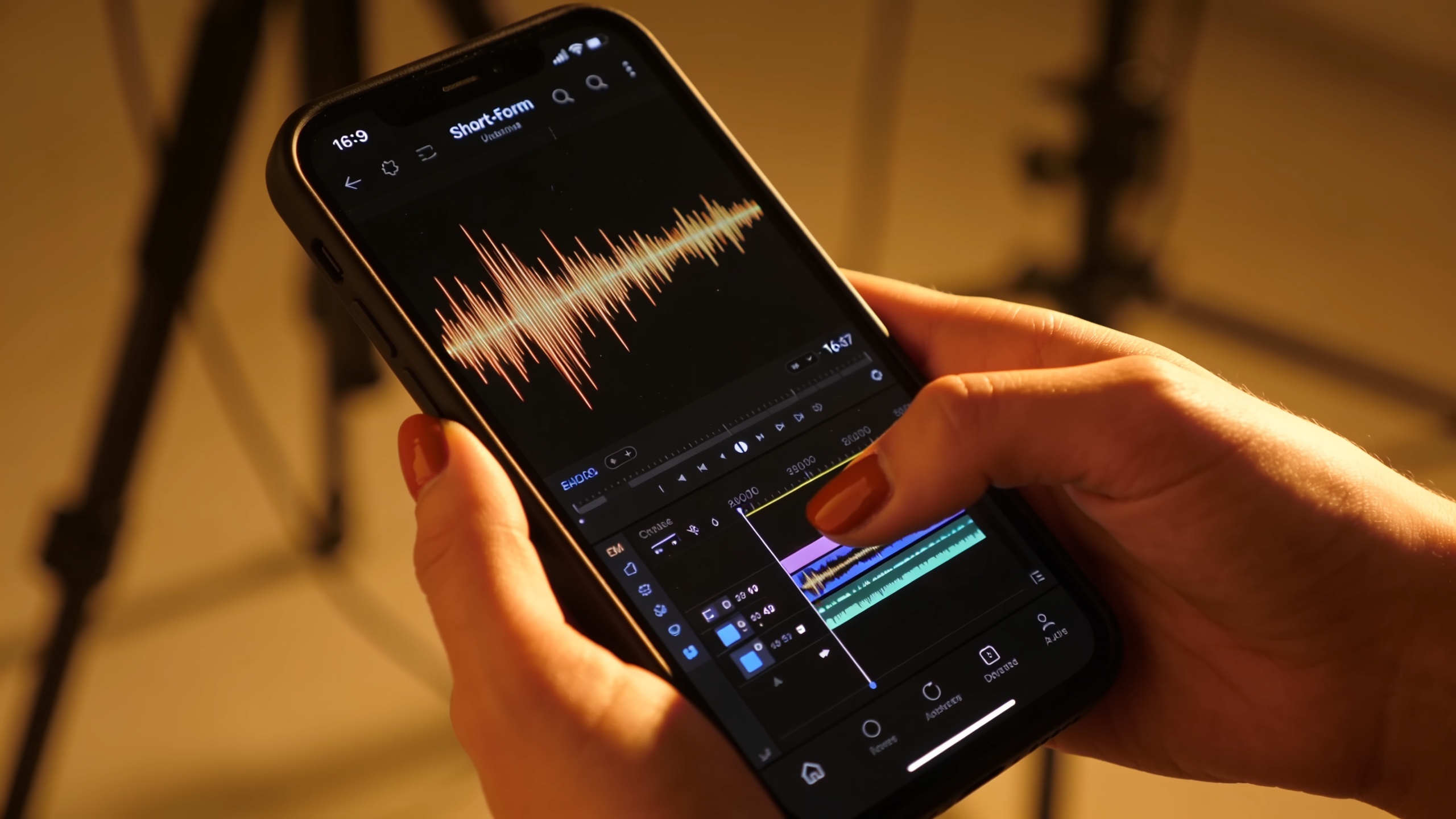
You need music that grabs attention in the first second and keeps viewers watching for 6–15 second clips. This guide shows how to make short, copyright-safe music hooks and background loops you can drop into Reels, TikToks, and Shorts. You'll get evidence-based reasons why immediate audio matters, legal steps to avoid takedowns, a step-by-step workflow using GoCrazyAI's AI Song Generator (powered by ElevenLabs), plus testing and publishing tactics for higher watchthrough.
Read on for concrete prompts, a repeatable GoCrazyAI workflow, and quick A/B ideas to test on mobile feeds so you can iterate fast without licensing headaches.
Quick Answer
AI music for TikTok hooks works by creating short, high-energy audio that starts within the first second and matches the clip’s pace and mood. Use 6–15s instrumental or vocal hooks made with an AI Song Generator, test 2–4 variants for CTR and watchtime, and deploy the winning loop across a batch of edits.
Why the right 6–15s music hook matters for watchthrough?
Short answer: a focused 6–15s music hook that starts in the first second usually increases perceived momentum and viewer retention on mobile feeds. Platform and creator analyses indicate viewers decide whether to keep watching within the first 1–3 seconds; when music provides an immediate rhythmic cue that matches the edit pace, watchthrough and completion rates often improve.
Why this works: short-form feeds favor immediate sensory signals. A percussive hit, vocal chop, or melodic motif that begins on frame zero sets tempo and reduces the chance viewers scroll away. Research and creator reports specifically call out 15s and shorter clips as high-performing formats on mobile because they fit natural attention spans for quick consumption (see ReelMind on background music for 15s clips). Academic studies also show background music that matches pacing and mood can increase engagement and perceived quality.
How to apply it: pick a dominant sonic element (beat hit, vocal tag, synth stab) that enters immediately. Keep the arrangement sparse—avoid dense mixes that distract from the visual. For a 6s hook, use a single motif repeated twice; for 15s, include a short build and a small payoff.
Practical example patterns:
- 6s: one-hit intro → vocal chop → short melodic loop.
- 10s: rhythmic motif → small melodic change at 6s → loop back.
- 15s: intro hit → hook motif → brief bridge → return to motif.
Tip: Always listen to your draft at mobile volume and with phone speakers to confirm the hook reads clearly at low loudness.
Legal reality: copyright, commercial use, and how to pick safe AI music for your channel?
Short answer: ownership and commercial use depend on the tool’s licensing and the level of human authorship—automatic copyright for purely AI-generated works is often not available, so choose a generator that provides clear usage rights. The U.S. Copyright Office has stated that works created solely by AI without sufficient human authorship are typically ineligible for copyright registration, so the license you get from the generator matters more than an assumption of "copyright-free".
What to check before you publish:
- Licensing terms: make sure the generator explicitly grants commercial use and distribution rights.
- Impersonation rules: avoid prompts like “in the style of [famous artist]” that mimic a living artist’s voice or could trigger takedowns.
- Model provenance: prefer providers that document their datasets or provide risk guidance.
Why artists worry: a recent survey found many musicians fear models trained on copyrighted work; about 79% reported concern about AI music competing with human-created music. That concern translates into platform enforcement and removal reports when prompts or outputs are judged to infringe or impersonate.
Risk management checklist:
- Use an AI tool with explicit commercial-use licensing.
- Avoid exact-artist impersonation phrases; instead use genre, tempo, and production descriptors (e.g., “upbeat 110 BPM pop synth hook, bright, energetic”).
- Keep project records: prompt text, export timestamps, and license receipts in case platforms request proof.
For legal background and current guidance, see the U.S. Copyright Office AI guidance and industry write-ups on what creators should avoid.
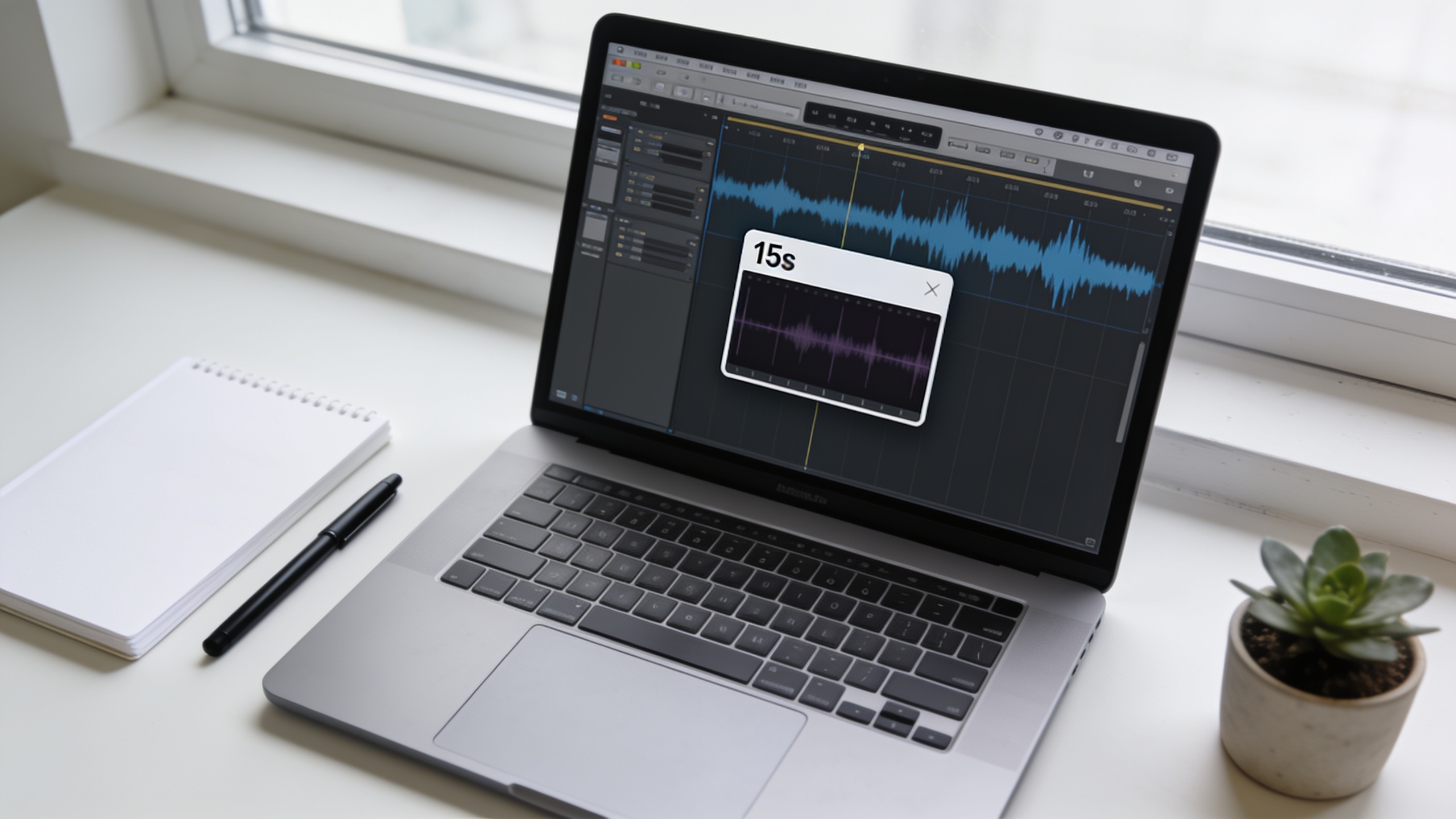
Create a 15s attention hook with GoCrazyAI AI Song Generator — step-by-step workflow?
Short answer: use GoCrazyAI’s AI Song Generator to create a 15s hook by writing a focused prompt (mood, instruments, tempo, and an audible tag), generate 3–4 variants, and export instrumentals or stems for your editor. The generator produces original tracks and includes export licensing so you can use the final file in commercial content without separate library licensing.
Step-by-step workflow (practical): 1) Define the brief: length (15s), purpose (hook for a product reveal), tempo (e.g., 120 BPM), mood (urgent, playful), and dominant element (snare hit + synth stab). 2) Write prompts that avoid impersonation. Example prompts to paste into the generator:
"15s upbeat hook, 120 BPM, bright synth stab, tight snare on beats 2 and 4, vocal chop saying 'hey' as a rhythmic accent, cinematic pop mix, starter hit at 0s"
"15-second cinematic loop, 100 BPM, soft electric piano arpeggio, warm sub-bass, one vocal ad-lib at 0s, polished mastering, export instrumental and full mix"
3) Generate 3–4 variants changing one parameter at a time (tempo, lead instrument, or presence/absence of vocal chop). 4) Export WAV or MP3, import into your editor, and align the first beat to frame 0. Trim to exactly 15s if needed.
Important product notes: GoCrazyAI’s AI Song Generator is powered by ElevenLabs music models and can produce instrumentals or tracks with vocal elements. The tool lets you guide style, tempo, and mood and exports tracks for use as background scores, jingles, or vocal hooks—making it practical for creators who want quick, original music without library licensing headaches.
For a fully integrated edit, pair the exported track with GoCrazyAI’s AI video generator workflow or finish in your NLE. If you want to run quick visual variations, consider generating matching visuals with the AI video generator to test audio-visual combos efficiently (see AI video generator).
You can try every step above directly in GoCrazyAI AI Song Generator — no setup needed.
Designing background loops and channel themes: an example GoCrazyAI workflow?
Short answer: create a short 6–30s theme loop in GoCrazyAI, pick signature sonic elements (lead instrument, rhythmic motif, and bass texture), and export a looped stem you can reuse across episodes to build channel recognition. Use consistent tempo and a recurring sonic tag to make your channel theme recognizable.
Concrete example workflow you can copy: 1) Define the channel theme: choose a consistent tempo (e.g., 105 BPM), a lead sound (e.g., plucked synth), and a sonic tag (e.g., a two-note vocal chop). 2) Prompt example to paste into the GoCrazyAI generator:
"Channel theme loop, 12s, 105 BPM, plucked bright synth lead, warm sub-bass, soft clap pattern, two-note vocal chop tag at 0s and 6s, mastered for mobile speakers, export loopable instrumental"
3) Generate 2 variants: one with vocals and one purely instrumental. Export as loopable WAV. Trim fades so the end matches the start for seamless looping. 4) Make stems: export a full mix and a stem containing only the lead and tag. Stems let you drop the tag louder or softer depending on the clip.
Why this helps:
- Repetition builds recognition: viewers begin to associate the sonic tag with your brand, which can improve CTR and returning viewers.
- Stems provide flexibility: use the full mix for intros and the sparse stem under voiceovers.
Practical tips:
- Keep loops sparse for dialogue-heavy clips.
- Test how the loop sounds on phone speakers; reduce low-frequency energy if it muddies the mix.
- Use the loop across a batch of 5–10 uploads to measure whether the theme improves retention over time.
This approach makes it faster to produce consistent-sounding shorts and reduces the time you spend searching royalty-free libraries. For visuals that match your looped theme, consider generating short visual templates with the AI video generator to batch produce brand-consistent edits (/create-ai-video).
Testing music variants to increase watchthrough: metrics, A/B ideas, and common mistakes?
Short answer: test 2–4 audio variants per clip while keeping visuals identical; measure watchthrough, completion rate, and CTR. Avoid common mistakes like changing visuals mid-test, using artist-impersonation prompts, or testing too many audio changes at once. Good tests isolate the audio variable and run long enough to reach statistical signals on the platform.
Metrics to track:
- View-through rate (VTR) or completion rate for 6–15s clips.
- Click-through rate (CTR) from captions or thumbnails when applicable.
- Retention curve: where viewers drop off inside the 15s.
A/B test ideas:
- Lead-in timing: audio starts at 0s vs 0.5s.
- Dominant element: vocal chop vs purely instrumental.
- Tempo: 100 BPM vs 120 BPM to see which matches the visuals better.
How to structure a test: 1) Create one visual asset. 2) Produce 3 audio variants (A, B, C) exported from GoCrazyAI. 3) Upload each exactly the same way, staggered to avoid time-of-day bias, or use platform split tests if available. 4) Run for a minimum number of impressions your platform recommends (or until you see consistent percentage differences).
Common mistakes and how to avoid them:
- Changing visuals during the test: keep the video identical to isolate audio impact.
- Using impersonation prompts: can lead to takedowns—use genre and production descriptors instead.
- Small sample size: don’t declare a winner after only a handful of views; wait for reliable signals.
Tip: For fast iteration, batch-produce 4 audio variants and run them across similar posts. If one audio variant consistently increases VTR across posts, promote it to your theme bank.
For more on background music performance in 15s clips, see ReelMind’s guidance and academic studies that link music pacing to improved engagement.
Publishing checklist and optimization playbook: metadata, sound-on hooks, and batching content?
Short answer: before publishing, confirm licensing, finalize the track start at 0s, add a sonic tag or caption cue, and batch similar edits so the winning hook can be scaled. Optimize metadata with descriptive captions, relevant hashtags, and a mention of original music to reduce content ID risks.
Publishing checklist:
- Licensing: save the export receipt or license statement from your AI Song Generator.
- Audio alignment: ensure the hook starts at 0s and the first beat aligns with the first frame.
- Volume: master for mobile (LUFS -14 to -10 typical for social) and test on phone speakers.
- Caption: include keywords like “original music” or “sound: original” and a short cue like “sound on” in the first line if you want audio-first views.
- Hashtags: include niche tags for the format and the song (e.g., #15sHook #OriginalMusic).
Optimization playbook:
- Batch publishing: produce 5–10 edits using the same winning hook to amplify recognition.
- Use a sonic tag at the start of each clip to build channel identity.
- Reuse stems: drop the instrumental stem under voice content and the full mix for visual reveals.
Cost and credits: if you want to estimate usage costs and plan credits for batch production, check GoCrazyAI Pricing to pick a plan that fits your throughput (/credits). For last-mile editing and adding the audio to the final video, use an editor or GoCrazyAI’s Media Mixer to combine music and voiceover quickly (/ai-video-edit).
Tip: Always keep the original prompt and exported file in a project folder—platforms occasionally request proof of rights, and having those assets speeds dispute resolution.
Internal resources to try:
- Generate tracks with the AI Song Generator using the prompts above and export loopable stems (/ai-music).
- If you need fast matching visuals to test audio combos, use the AI video generator to create short templates (/create-ai-video).
Frequently Asked Questions
Can I use AI-generated music commercially on TikTok and Instagram?
Often yes, if the generator grants commercial-use rights. The U.S. Copyright Office notes that AI-only works may not be copyrightable, so the tool’s license determines usage. Always save export receipts and avoid prompts that impersonate living artists.
What makes a 15s music hook more likely to increase watchthrough?
A hook that begins within the first second, matches the video’s tempo, and uses a clear, repeating motif tends to improve perceived momentum and retention for 6–15s clips, according to platform guidance and creator analysis.
How many audio variants should I test per video?
Test 2–4 variants per visual asset. Keep visuals identical, change only the audio, and run tests until you see consistent percentage differences in completion rate or retention.
Conclusion
Final thoughts: short, well-designed music hooks that start on frame zero can materially improve watchthrough for 6–15s content. Use clear prompts, avoid impersonation language, and pick an AI generator that provides explicit commercial-use rights. Start by generating 3–4 15s variants, test them across a small batch of posts, then scale the winner across your channel. Pop a vibe into the AI Song Generator and you'll have a track to score the cut in minutes.
Sources
- Background Music for Videos 15s — ReelMind blogreelmind.ai ↗
- Copyright and Artificial Intelligence — U.S. Copyright Officecopyright.gov ↗
- ElevenLabs Music (AI music generator) — product pageelevenlabs.io ↗
- "It is clear why creators are concerned" — MusicRadar reporting on musician survey and AI concernsmusicradar.com ↗
- Can AI generate copyright-free music? (legal guide) — Oakgen (2026)oakgen.ai ↗
- Best Royalty-Free Music for Instagram Reels That Won’t Get Muted — Audiodromeaudiodrome.net ↗
- The Study of the Practical Effects of Background Music in TikTok Short Videos — EWAPub (academic paper)lnep.ewapub.com ↗
- How to Avoid Copyright Issues With AI Music Safely — Creatorry guidancecreatorry.com ↗