


AI music for TikTok: generate copyright-free short-form instrumentals
How creators can generate copyright-safe 15–30s background loops and jingles with prompt templates, workflows, and GoCrazyAI's AI Song Generator.
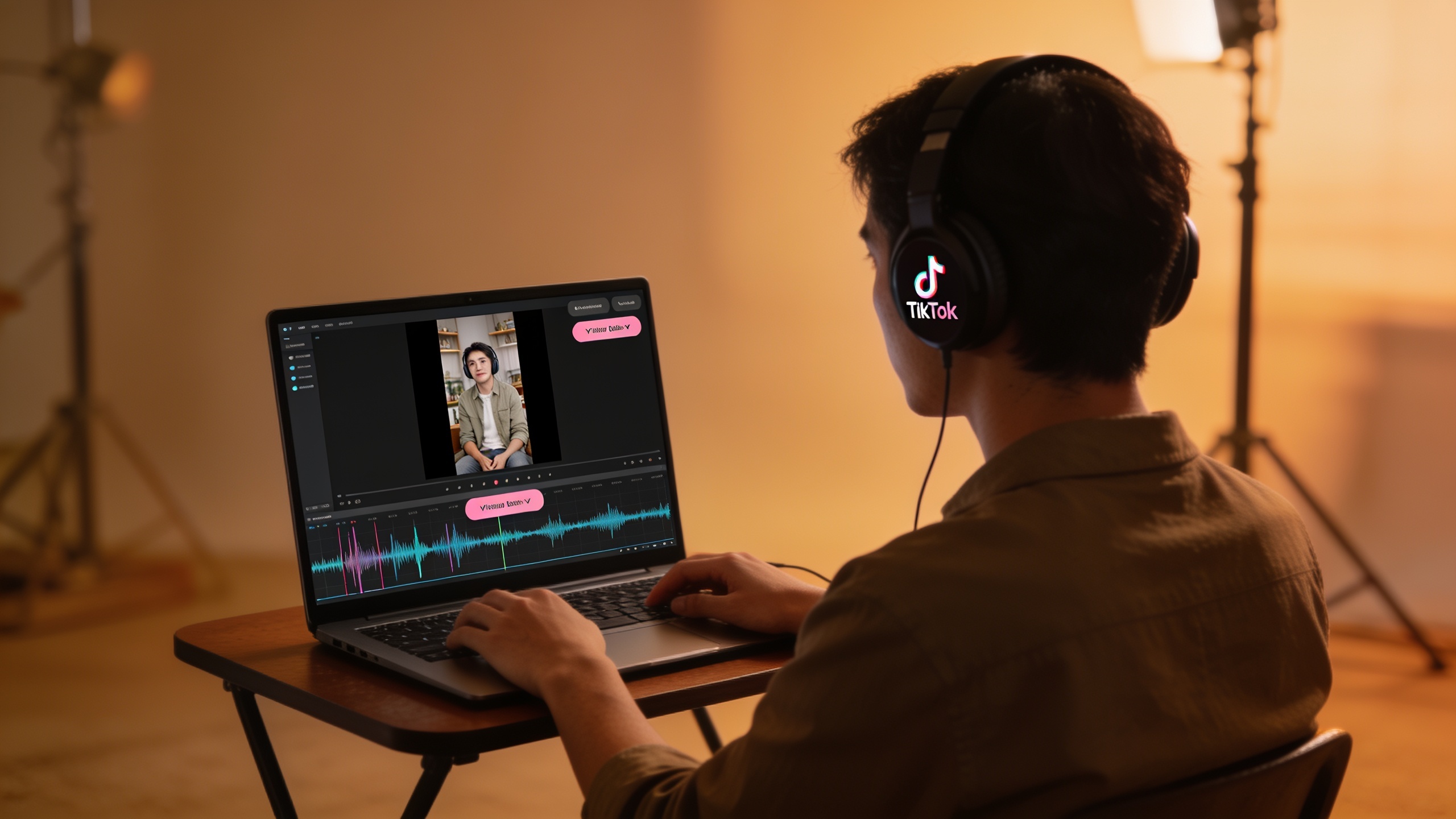
You need short, copyright-safe music that fits a 15–30s TikTok or Reels cut—and you need it fast. Over the last year creators, agencies, and indie filmmakers have shifted toward AI-generated instrumentals because licensing library tracks can be slow, expensive, and risky for cross-posting. This article explains what changed (who said what and when), what legal risks to watch for, and exactly how to write audio mood prompts so you get predictable, platform-ready stems.
You’ll get two practical, copy‑and‑paste workflows using GoCrazyAI’s AI Song Generator: one to make a looping 15–30s background, another to design a short vocal jingle. I’ll also show mixing and mastering shortcuts to match TikTok specs, common pitfalls to avoid, and how to reuse templates so your content calendar moves faster. Sources and policy context are cited so you can judge risk for yourself.
Quick Answer
AI music for TikTok can be produced quickly and copyright‑safely by generating original instrumentals from text prompts and exporting them with explicit license terms. Use focused audio-mood prompts (genre, mood, instruments, BPM, length) and a tool that provides copyright-free outputs, then master a short loop to platform specs before posting.
Why are creators switching to AI-generated, copyright-free tracks for short-form video?
AI tools let creators make bespoke instrumentals in minutes instead of searching libraries, and many creators favor that speed while avoiding licensing complexity. In 2024–25 usage surged: a DJ Mag summary of the IMS Business Report notes roughly 60 million people used AI to create music in 2024, and a large share want AI music labeled. That combination—fast output plus demand for transparency—drives creators to trial AI songs for TikTok, Reels, and Shorts.
Practical drivers: short-form formats reward tight hooks and consistent loops, which are easy to prompt from an AI model. Creators also face friction with platform licensing and cross-posting: library sounds safe on TikTok may not cover reuse on Instagram or in ads. For teams, custom AI music avoids paying for repeated sync or blanket licenses per clip, and it lets brands own a sonic identity across formats. The move isn’t just technical—it’s operational: faster iteration, cheaper bespoke sound, and direct export for editors.
Understanding rights & risk: what must creators know about AI music and copyright?
Creators should assume copyright law around fully AI-generated music is unsettled and act cautiously. The U.S. Copyright Office has launched an AI initiative and public guidance on how copyright applies to works involving AI; the legal framework is still under review. In parallel, music industry groups and major labels brought lawsuits against AI-music firms in 2024 alleging mass copyright violations; reporting on those actions shows active legal pressure in the space.
What this means for you (as of June 2026): prefer tools that explicitly state outputs are original and provided copyright-free or come with a clear license. Don’t assume platform safety: TikTok’s enforcement stayed active—millions of videos were flagged in late 2024 for copyright claims, and platform-licensed sounds are safest only on the platform itself. If you plan to reuse audio across platforms or in paid ads, pick a generator that grants you export rights or provides a license you can rely on. When in doubt, keep records of the prompt and export metadata and choose services that document the copyright status of generated tracks.
How do you write an effective audio mood prompt for short-form instrumentals (examples)?
A tight audio prompt usually contains: genre, mood, instruments, tempo (BPM), era or reference, arrangement length, and vocal instruction. That structure produces more predictable short-form results than freeform descriptions.
Example prompt structure (copyable):
"[genre], [mood], [lead instrument], [supporting instruments], [BPM] BPM, [length]s loop, arrangement: intro-hook-outro, no vocals, warm analog tone"
Concrete examples you can copy:
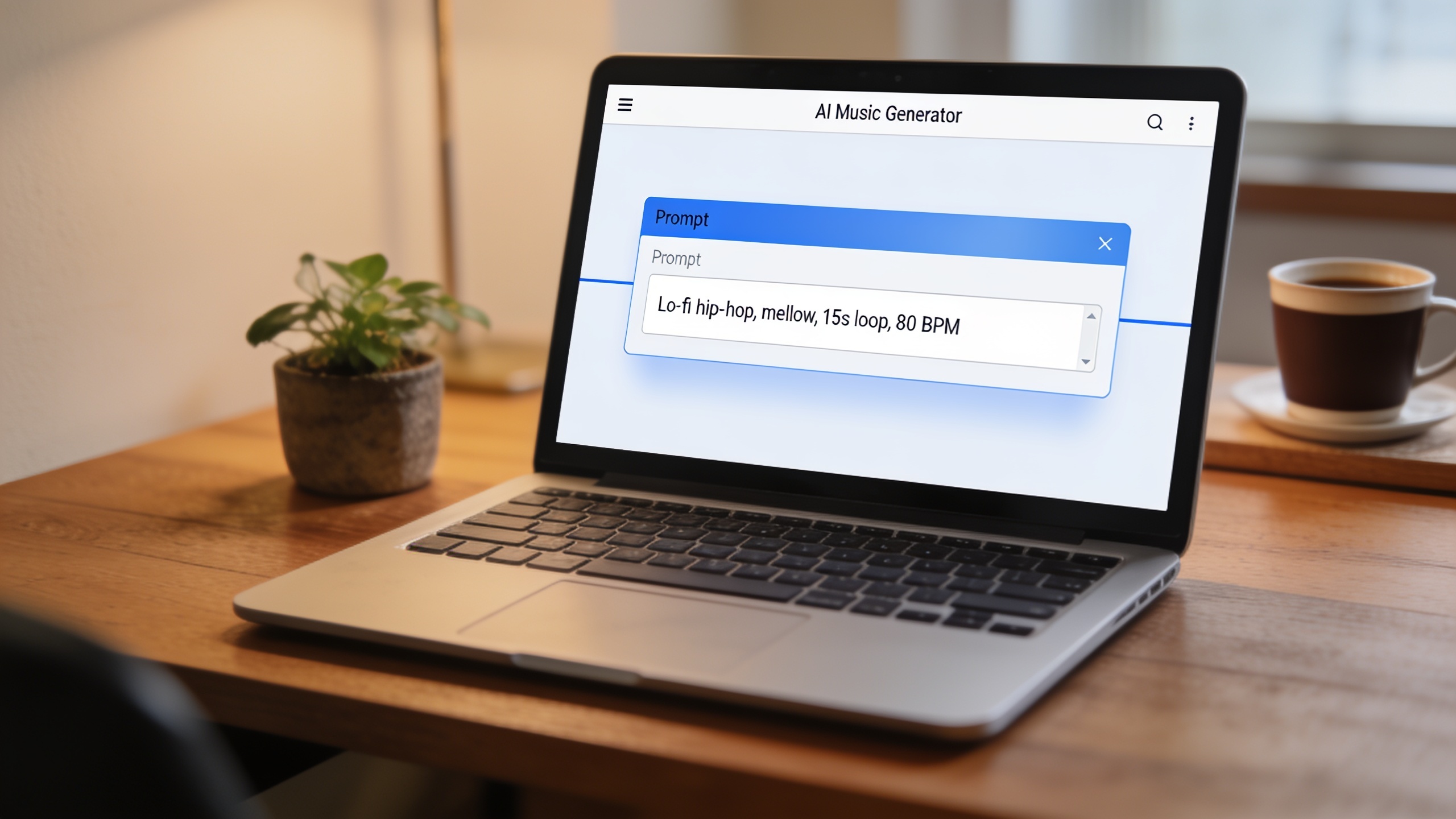
"Lo-fi hip-hop, mellow, warm electric piano, soft vinyl crackle, 80 BPM, 15s loop, no vocals"
"Bright pop, upbeat, plucky synth lead, tight drums and bass, 100 BPM, 20s loop, short fade-in"
"Indie jingle, playful, ukulele and handclaps, 95 BPM, 18s loop, include a short vocal hum motif"
Prompt tips from practitioners: separate elements with commas; be explicit about length and vocals; name a reference era or artist style sparingly (e.g., "late-2000s indie pop"), since detailed artist impersonation can increase legal risk. Armox.ai and other prompting guides recommend this modular structure because it yields consistent stems for short-form use. Use short loops and simple arrangements for TikTok so the AI focuses on a memorable hook rather than a complex full song.
Workflow A — How do you create a 15–30s TikTok background loop with GoCrazyAI AI Song Generator?
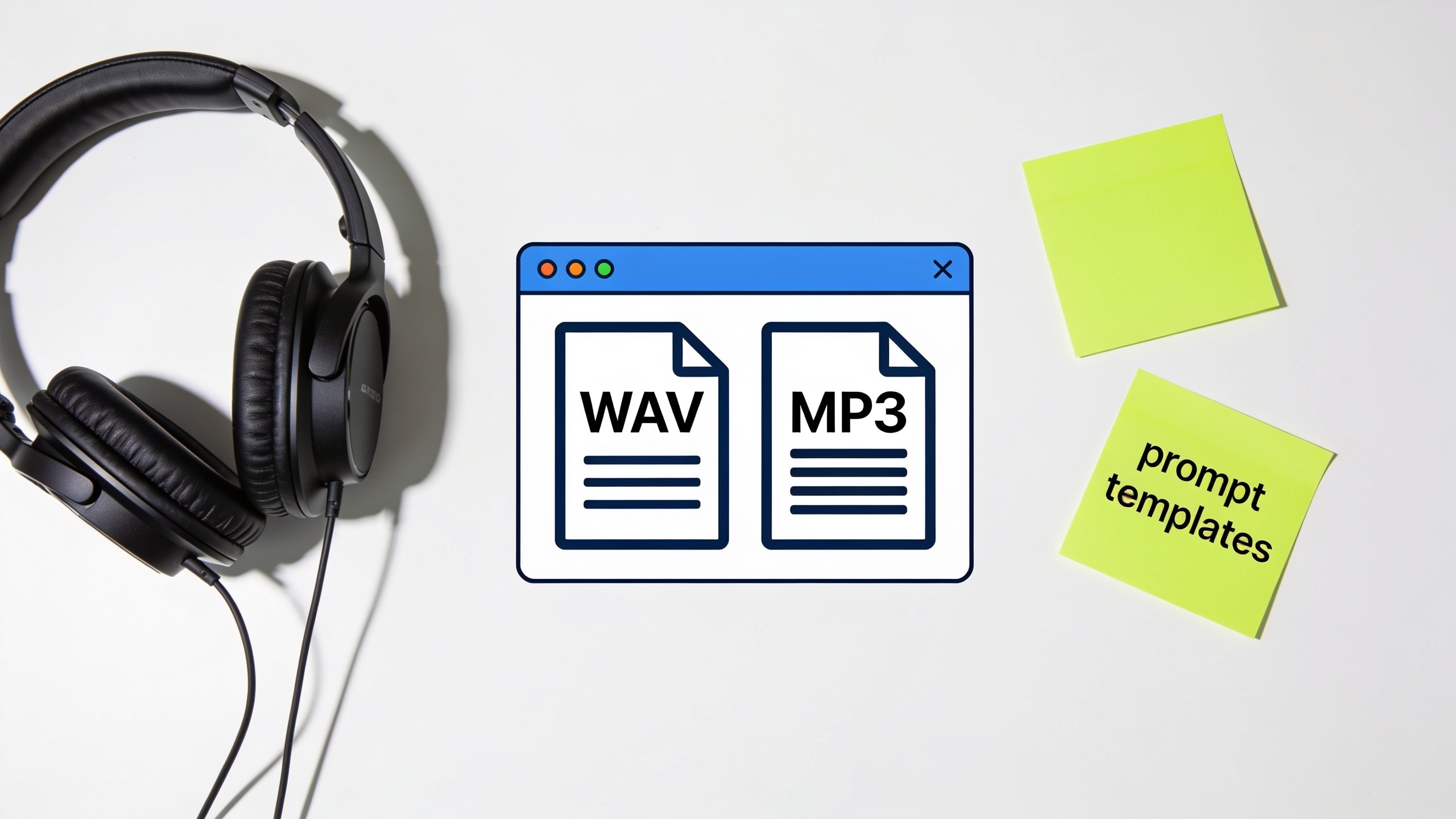
You can produce a 15–30s background loop in under 10 minutes using the AI Song Generator by writing a focused prompt, selecting tempo and length, and exporting a loopable stem. Start with a precise prompt (genre, mood, instruments, BPM, length). Then generate, pick the best take, and export as WAV or MP3 for editing.
Step-by-step (practical): 1) Open the AI Song Generator and choose "Instrumental" mode. 2) Paste a concise prompt like: "Lo-fi hip-hop, mellow, warm electric piano, soft vinyl crackle, 80 BPM, 15s loop, no vocals". 3) Set length to 15s and BPM to 80 in the generator UI. 4) Generate 3–4 variants and listen on headphones. 5) Pick the tightest hook and export as a looped WAV. 6) Trim start/end silence in your editor and add a 1–2 beat crossfade to avoid clicks.
Why this works: the AI models powering the generator respond well to compact prompts and explicit length. For TikTok use, short loops that repeat a clear 4–8 bar hook perform reliably in feeds because they map to 15–30s edits and keep audio file size small. When you export, save metadata (prompt text and generation date) so you have evidence of provenance if questions arise. For cost or plan details, check GoCrazyAI Pricing, plans, and credits in the account area for export limits and formats (/credits). Also consider pairing the loop with an AI-generated visual using the AI video generator when you need matching motion (/create-ai-video).
You can try every step above directly in GoCrazyAI AI Song Generator — no setup needed.
Workflow B — How do you design a custom jingle with vocals for a trend video using GoCrazyAI?
You can design a short jingle with a vocal hook by combining an instrumental prompt with a concise vocal instruction and a simple lyric seed; the Song Generator lets you guide style, tempo, and mood and can produce vocal parts along with the instrumental.
Step-by-step (practical): 1) Draft two prompts: one for the instrumental and one for the vocal hook. Instrumental prompt example: "Bright pop, crisp synths, tight drums, 100 BPM, 20s arrangement, warm electric piano underlayer". Vocal prompt example: "Female lead vocal, playful, sing the phrase 'Try it now' in a catchy two-bar motif, light harmony, clear enunciation". 2) Generate the instrumental first, export a reference stem. 3) Generate vocal takes over the instrumental setting; request multiple takes. 4) Pick the best vocal take and export stems (lead vocal, harmony if provided). 5) In your DAW or GoCrazyAI Media Mixer, align the vocal, adjust levels, add a quick compressor and a bright EQ to the vocal. 6) Export the final 18–20s jingle as WAV/MP3 and upload to your draft TikTok.
Why this is safe and fast: short vocal motifs reduce impersonation risk and make it easier for the model to produce a clean, repeated hook suitable for trends. If you plan to monetize or run ads, retain the export license and provenance metadata from the generator. For voice-only tasks like narration or cloning, consider using GoCrazyAI AI Voices where appropriate (/ai-voice).
How do you edit, set tempo, and master AI-generated music to fit platform specs (and avoid common mistakes)?
Basic edits—tempo matching, trimming, and a quick mastering chain—are usually enough to make AI tracks sound professional for short-form platforms. Keep the arrangement simple, match the BPM to your cut, and export at 44.1–48 kHz, 16–24 bit depending on platform requirements.
Quick checklist and common mistakes to avoid:
- Tempo matching: lock your video timeline to the generated track's BPM. If the track is 100 BPM and your cut needs to be 95, avoid extreme time-stretching; regenerate at 95 BPM instead.
- Loop seams: add a 10–30 ms crossfade on loop points to avoid clicks.
- Loudness: aim for -14 LUFS integrated for TikTok/shorts-style audio; avoid overcompression that kills dynamics.
- EQ and clarity: roll off below 80 Hz for background loops to leave room for dialogue.
- File format: export WAV for editing and MP3 for quick uploads; keep a lossless master for reuse.
Mistakes to avoid (specific): 1) Using vague prompts that generate noisy or overly complex arrangements — be specific on instruments and length. 2) Assuming platform safety without a license—use tools that state copyright-free export metadata. 3) Heavy time-stretching instead of regenerating at the needed BPM — this causes artifacts.
These editing steps let you produce clean, platform-ready audio that reads well in feeds and preserves headroom for voice or SFX.
How can you make GoCrazyAI part of your content engine: templates, reuse, and measurable ROI?
GoCrazyAI can be a repeatable source of short-form music by saving prompt templates, exporting masters, and tracking reuse metrics across posts. Create a library of 6–12 prompt templates (loop, upbeat jingle, mellow background, vocal hook) and tag each generated track with campaign, mood, and date to measure performance.
Concrete reuse strategy:
- Template bank: store prompt text and preferred BPM for each use-case (e.g., "product demo loop, 95 BPM, light synth"), then re-run variants for each new product.
- A/B test: release two similar loops across different posts and measure completion, saves, and sound reuse.
- Cost tracking: compare creator-hours saved vs. credits spent. Refer to GoCrazyAI Pricing, plans, and credits to model per-track cost (/credits).
How GoCrazyAI fits operationally: the AI Song Generator produces original tracks ready to export with licensing terms; this reduces back-and-forth with music supervisors and speeds up iterations. If you need matching visuals, pair the sound with an AI video generator to prototype a full post quickly (/create-ai-video). Over time, track conversions from posts that use custom jingles versus stock music to calculate ROI. Pop a vibe into the AI Song Generator and you’ll have a track to score the cut in minutes: the key is consistent templates and a simple measurement plan.
Frequently Asked Questions
Is AI-generated music safe to use on TikTok without copyright issues?
Not automatically. Platform-licensed sounds are safest on the platform, but copyright law around fully AI-generated music remains unsettled. Use a generator that provides explicit copyright-free outputs or a clear license and keep export metadata for provenance.
What prompt length and details work best for 15–30s loops?
Short, structured prompts work best: specify genre, mood, lead instrument, supporting instruments, BPM, and exact length (e.g., 15s). That modular structure produces predictable hooks for short-form use.
Can I use AI vocals that sound like a real singer?
Be cautious. Requests that ask for a vocal to imitate a living artist can raise legal issues. Prefer original-sounding vocal designs or short motifs that avoid impersonation. Keep documentation of the prompt and the generator’s license.
Conclusion
If you need quick, copyright-safe music for TikTok or Reels, use focused audio prompts, pick a generator that documents copyright status, and save templates so you can scale. Keep loops short, match BPMs, and export lossless masters for reuse. When you’re ready to try this workflow, try the AI Song Generator to generate and export demo tracks in minutes.
Mentioned in
Sources
- 60 million people used AI to create music in 2024, IMS Business Report 2025 finds | DJ Magdjmag.com ↗
- Copyright and Artificial Intelligence | U.S. Copyright Office (AI initiative)copyright.gov ↗
- Music industry giants allege mass copyright violation by AI firms - Ars Technicaarstechnica.com ↗
- Copyright and Fair Use on TikTok Explained (analysis)calculatecreator.com ↗
- Audio Prompting guide (how to structure audio prompts) — Armox.ai Academyarmox.ai ↗
- Deezer: platform reporting on proliferation of AI-generated tracks and listener responsespcgamer.com ↗
- What 123,000 AI Songs Reveal About How People Make Music With AI — Neume blogneume.io ↗