


AI music for TikTok: Replace licensed tracks with short copyright‑clear songs
How creators can replace licensed hits with short, copyright‑clear AI songs for TikTok. News update (July 2026), workflows, GoCrazyAI steps, and safety tips.
You need a short, trend‑ready song for TikTok but can't risk a takedown or paying recurring licensing fees. This article explains what's changed in July 2026, why short AI‑generated hooks have become a practical option, and how to produce copyright‑clear 6–30s motifs and 15–30s jingles you can reuse. I’ll include hands‑on workflows you can copy and the exact GoCrazyAI workflow to export ready‑to‑use tracks for short‑form videos.
Quick Answer
How do you use AI music for TikTok? Use a generator to create short, original hooks (6–30s) or loopable instrumentals, export them as your track, and attach them to your clip. Recent July 2026 updates from ElevenLabs and industry licensing moves make generator‑owned audio a practical, lower‑risk option for creators.
Why creators are moving from licensed hits to AI‑generated tracks (legal & discovery pressures, July 2026 update)?
Creators are moving away from licensed hits because platform enforcement and label negotiations are tightening while discovery favors unique sounds. As Reuters reported on July 17, 2026, recent settlement agreements and licensing adjustments among platforms and publishers have reshaped what music is allowed and how claims are handled (Reuters, July 17, 2026). That means using a trending paid song can suddenly expose a creator to a takedown or monetization split.
At the same time, short‑form algorithms reward recognizable audio hooks but not necessarily famous songs — a distinctive custom hook often performs as well or better for discovery. Practically, this creates a gap: platforms push enforcement on licensed catalogs while promoting creative toolsets that let creators generate original audio. For creators who need reuseable audio (channel intros, repeated ad assets, or clips posted across platforms), generator‑owned tracks remove library licensing complexity and give you a re‑usable asset that you control.
The net result: many small teams and indie creators now prefer quick, original jingles because they avoid recurring license costs and reduce the risk of sudden claim changes tied to platform/label deals.
What changed in the last 14 days that makes AI song tools a viable option for TikTok creators?
In the last two weeks (mid‑July 2026) two technical and industry events combined to make AI music more practical for creators. First, ElevenLabs rolled out new music features on July 10, 2026 that improved structured, section‑by‑section song generation and added starter presets for quick song creation (ElevenLabs, July 10, 2026). Those updates mean generators can produce coherent 15–30s hooks and distinct 6–12s motifs with better control over sections and transitions.
Second, industry movement accelerated: BandLab acquired Aiode and a wave of tool launches and integrations was reported around July 15, 2026, highlighting a rush by music tools to target short‑form creators and presets for loopable formats (AI Musicpreneur, July 15, 2026). At the same time, Reuters summarized label/platform settlements (July 17, 2026) that tightened licensing and clarified enforcement on major platforms. The combined practical effect is that creators now have both improved generator quality and a strategic need to own their audio to avoid licensing volatility.
Put simply: generator models are better at short, structured pieces, and the licensing landscape has made owning your tracks a safer, more flexible choice for repeat use across platforms.
How GoCrazyAI AI Song Generator works (step‑by‑step for a TikTok jingle)?
Short answer: GoCrazyAI turns a text prompt into a full short song, lets you set style/tempo/mood, and exports a ready‑to‑use file you can drop into an edit. The AI Song Generator is powered by ElevenLabs music models and supports quick exports tailored for short‑form lengths.
Step‑by‑step for making a TikTok jingle:
- Open the GoCrazyAI AI Song Generator and pick a template for "15s hook" or "loop". The UI includes presets to match common short‑form genres (pop hook, lo‑fi bed, trap loop).
- Enter a prompt that describes mood, tempo, instruments, and vocal style: for example, "Bright pop hook, 100 BPM, female lead vocal, catchy two‑line chorus, handclap groove, 15 seconds." Use short, specific descriptors.
- Choose structure controls: set length to 15–30s, enable section generation if you want a two‑part hook, or enable a loop mode for a 6–12s motif.
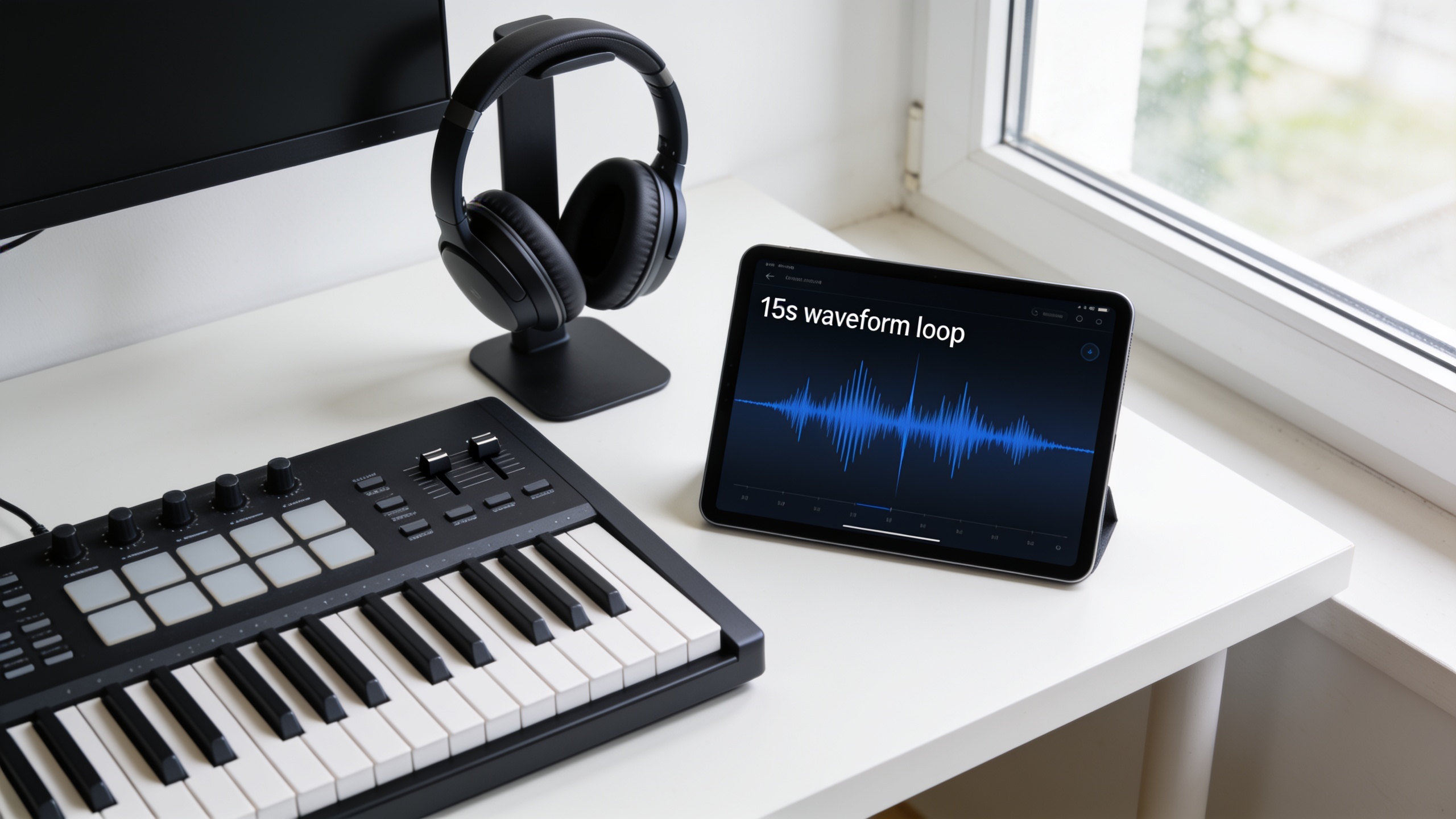
- Preview and tweak: adjust tempo, swap instruments (guitar → synth), or regenerate the vocal line. GoCrazyAI shows waveform preview and simple stem controls.
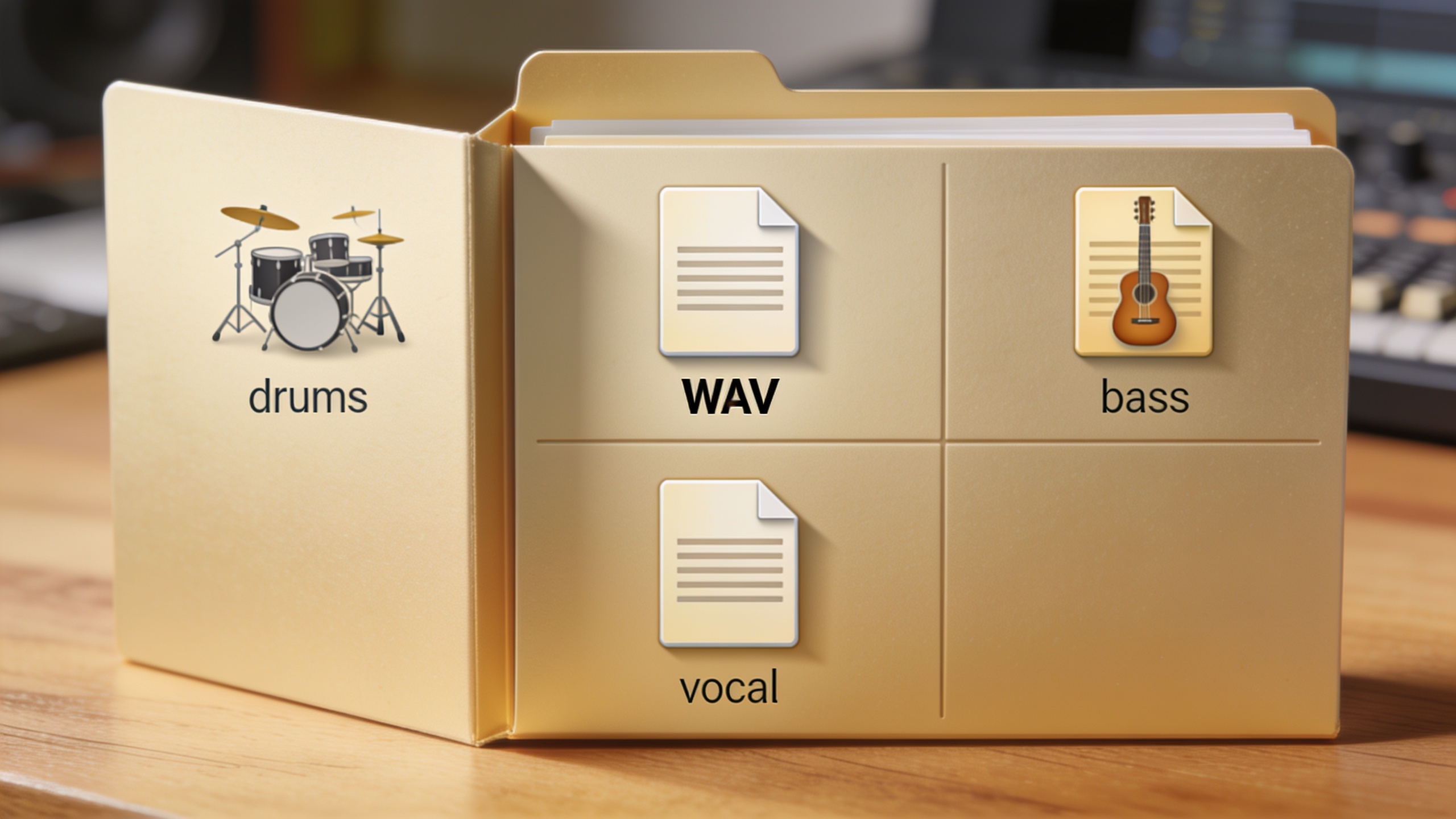
- Export: download the full mix and separate stems (vocal, drums, bass) if you plan to remix or re‑edit in your NLE.
The generator is built to produce original tracks without library licensing. If you plan to reuse the audio in branded campaigns or across platforms, export the stems and keep a project record to prove generator ownership.
You can try every step above directly in GoCrazyAI AI Song Generator — no setup needed.
Hands‑on workflow: Creating a 15–30s copyright‑free hook for a trend video with GoCrazyAI?
Short answer: pick a hook template, craft a tight prompt (mood, tempo, instrumentation, lyric hook), generate, and export the 15–30s file plus a short loop for the thumbnail or intro. Then drop the mix into your editing tool and test it with the trend cut.
Detailed walkthrough you can copy:
Prompt examples (copy/paste):
"15s bright pop hook, 100 BPM, female pop vocal, short lyric 'got that glow', handclap groove, synth stab accents. Energetic, radio‑friendly."
"18s chill R&B hook, 85 BPM, male soft falsetto, wordless melody, warm electric keys, laid back beat, loopable ending."
Generator steps on GoCrazyAI:
- Choose "15s hook" preset in the AI Song Generator (/ai-music).
- Paste prompt and set length to 15s. Enable 'sectioned generation' to get a two‑line chorus structure.
- Generate 2–3 variants. Use the preview player to pick the right energy.
- Export the mix and a 6s loopable extract for Stories or an ad thumbnail.
Practical tips: aim for a clear melodic motif in the first 2–3 seconds, and keep lyrics simple (a repeating phrase or single hook line). When testing, render the clip at platform audio levels and try it under dialogue or sound effects to ensure the hook isn't masked.
Hands‑on workflow: Generate a full instrumental loop + stems for repeatable channel intros?
Short answer: generate a loopable 6–12s instrumental, request separate stems (drums, bass, keys, effects), and export a clean 6–12s loop plus a 15–30s version for variations. Use stems to remix the intro under voiceovers or transitions.
Detailed workflow:
- Define the loop intent: channel intro, lower‑third bed, or transition sting. Choose tempo and mood (e.g., 120 BPM, upbeat tech, 8s loop).
- Prompt example: "8s loop, electronic groove, punchy kick, bass pluck, bright synth lead, no vocals — clean intro for channel branding."
- In GoCrazyAI, enable 'loop mode' so the generator wraps musical phrases to be seamless on repeat. Request stems export: drums, bass, synth, effects.
- Export options: WAV 48k, 16‑24 bit, plus stems. Keep a master bus file for quick use and separate stems for editing.
- Integration tips: use the 8s loop as the default intro; create 2‑3 variations (full mix, low‑mid reduced for voiceover, and a muted version for B‑roll). Stems let you duck music under narration in your editor or create quick remixes for seasonal updates.
Why stems matter: they let you adapt the same brand sound across videos without regenerating a new track each time and help avoid re‑uploading the same clip that might otherwise be flagged as reused content on some platforms.
Best practices to avoid copyright risk and platform takedowns when using AI music?
Short answer: use generator‑owned tracks exported from a provider that grants you reuse rights, avoid prompting for or imitating a specific copyrighted song or artist, keep prompt and export records, and prefer short original hooks or loopable motifs instead of long imitations.
Specific mistakes to avoid and how to prevent them:
- Mistake: Prompting the generator to "sound like" a known hit or artist. Why avoid: platforms and publishers are sensitive to close imitations. How to avoid: use style descriptors ("1980s synth pop"), not artist names.
- Mistake: Reusing the same exported clip across platforms without owning export documentation. Why avoid: disputes can arise over origin. How to avoid: keep export metadata, timestamps, and project files showing the generator source.
- Mistake: Using sample libraries or third‑party loops inside your prompt without licensing. Why avoid: some models may incorporate samples. How to avoid: select generator options that guarantee original content and check the provider's licensing terms.
- Mistake: Relying on a single long track instead of short hooks. Why avoid: long tracks increase the chance of overlapping with a licensed segment; short motifs are easier to make distinct. How to avoid: design 6–30s hooks with clear, unique motifs.
Practical checklist before publish:
- Confirm the generator provides rights to use exports commercially.
- Export stems and a master WAV and archive the generator session or prompt text.
- Avoid artist name prompts or quotes from copyrighted lyrics.
- If your content will be repurposed into paid ads, confirm ad usage is allowed under the generator's terms.
Measuring creative impact: testing, iterating, and integrating GoCrazyAI tracks into your content calendar?
Short answer: A/B test 15–30s AI hooks across a small set of posts, track watch‑through and engagement, and iterate rapidly by regenerating variants. Schedule rotating hooks as seasonal variants in your content calendar to keep audio fresh without licensing risk.
How to measure and iterate practically:
- A/B test two hooks: same video cut, different AI hooks. Measure view‑through, average watch time, and saves. Use short tests (48–72 hours) to get early signals.
- Track performance by placement: try the same hook as an intro in one post and a background bed in another. Note where the audio drives retention.
- Create a simple experiment matrix: hook A vs hook B × thumbnail variant × caption. Keep tests small so you can iterate quickly.
- Use stems to create muted or vocal‑forward mixes and test which balance drives better retention with voiceovers or text overlays.
- Calendar integration: create a folder of 6–12 approved hooks for the quarter. Rotate them every 6–12 posts to keep content sounding fresh but consistent.
Why GoCrazyAI helps: its fast generation, stem exports, and style controls let you produce multiple variants quickly. Because the generator produces original tracks you can export without typical library licensing, you can run repeatable tests and reuse the best performers across platforms with fewer legal headaches.
Note: as of this week, the underlying ElevenLabs music updates and industry licensing news make generator‑owned audio both more usable and strategically sensible; always retain your project records when scaling.
Frequently Asked Questions
Can I use AI‑generated music in paid ads on TikTok?
Often yes, but check the generator's commercial terms. Use a provider that explicitly grants export and commercial rights and keep export records. If in doubt, confirm ad usage in the provider's license.
Will TikTok still identify AI music and apply claims?
TikTok's content ID systems can flag audio that closely imitates copyrighted tracks. Original generator music is less likely to match a copyrighted fingerprint, but avoid prompting for a specific artist or copyrighted melody to reduce risk.
How short should a hook be for best reuse across platforms?
Create a 6–12s loopable motif for intros/loops and 15–30s hooks for main trend placements. Both lengths are supported by modern music generators and perform well in short‑form formats.
Conclusion
Final thoughts: Recent product updates from ElevenLabs (July 10, 2026) and industry licensing shifts (mid‑July 2026) have combined to make AI‑generated, generator‑owned music a practical, lower‑risk choice for TikTok creators who need quick, reusable audio. Start small: generate 2–3 hooks, A/B test them, and archive your prompt and exports. Pop a vibe into the AI Song Generator and you'll have a track to score the cut in minutes.
Sources
- 『ElevenMusic』で音楽づくりの「はじめの一歩」を後押しする新機能「Starters」を提供開始 (ElevenLabs / PRTimes, July 10, 2026)prtimes.jp ↗
- AI Music Tool News Today: Launches & Updates (AI Musicpreneur, July 15, 2026)aimusicpreneur.com ↗
- Musk’s X, major labels end dispute over music on social‑media platform (Reuters, July 17, 2026)reuters.com ↗