


Photo to video ad: Turn one product photo into 3 short-form ads
Convert a single product photo into high-converting short-form ads (9:16 TikTok, 1:1 product loop, 16:9 Shorts opener) using an image→video workflow and GoCrazyAI.
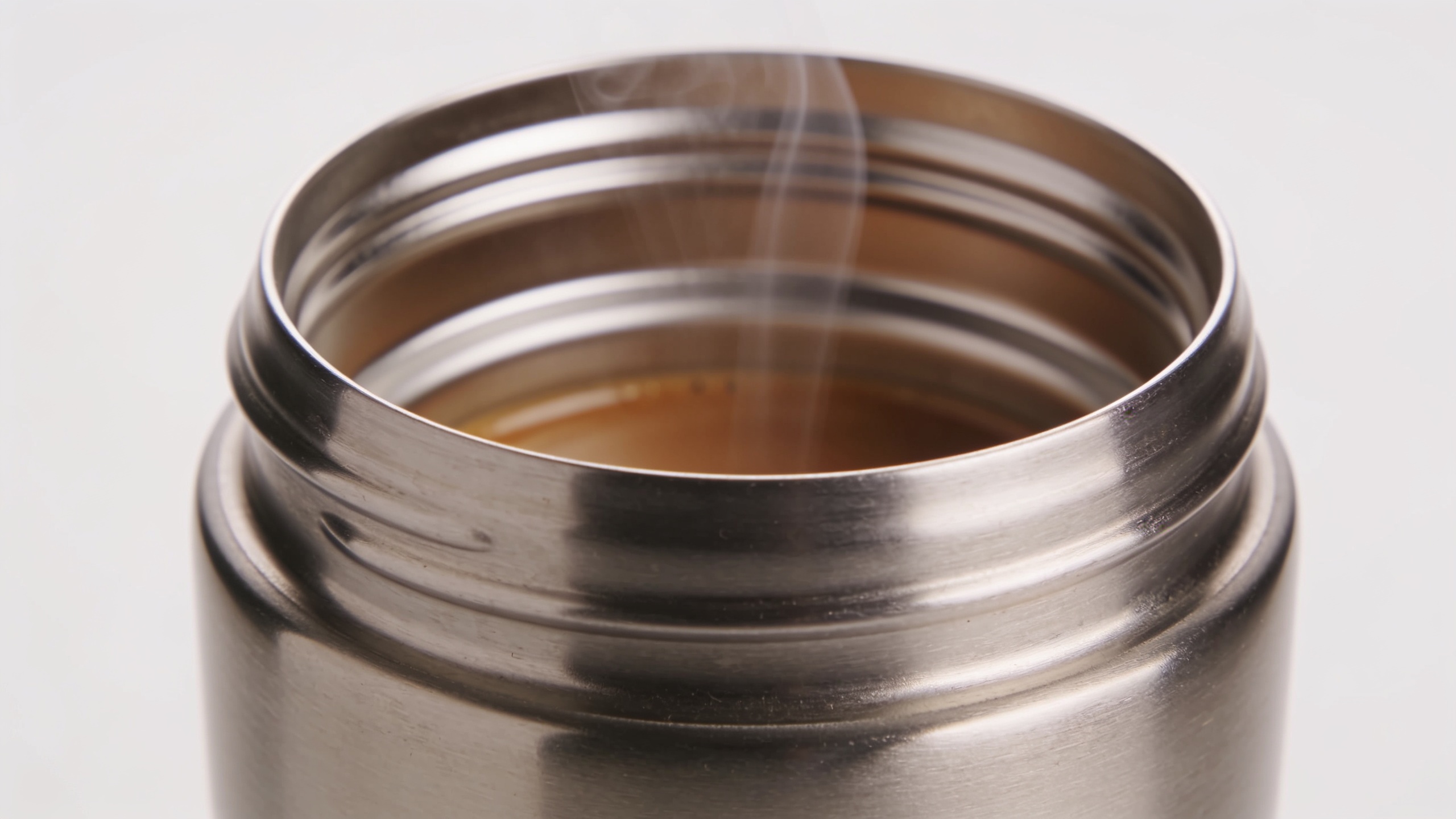
You need multiple short-form ads but only have one product photo and zero budget for a reshoot. This guide shows a practical, repeatable workflow to turn a single product image into three conversion-focused assets: a 9:16 TikTok/Reels hook, a looping 1:1 product demo for product pages, and a 16:9 Shorts opener. You'll get a conversion-first brief template, step-by-step generation instructions, optimization tips for captions and crops, and quick ROI benchmarks. Along the way I’ll show how an image→video tool like GoCrazyAI’s AI Video Generator can save hours per asset and export platform-ready 9:16, 1:1, and 16:9 clips from the same input. I draw on industry data that short-form video often drives top ROI for marketers and on practical vendor benchmarks for clip lengths and aspect-ratio outputs. By the end you’ll be able to ship multiple test-ready ad variations from one photo, set up simple A/B tests, and measure which creative patterns outperform without booking another shoot.
Quick Answer
How do you make a photo to video ad? Start by writing a conversion brief that defines hook, offer, and CTA. Use an image→video tool to animate the photo and export 9:16, 1:1, and 16:9 clips. Produce short clips (5–15s), optimize captions and crops, then A/B test headline, thumbnail, and loop speeds.
Why are product photos the highest-leverage asset for short-form ads (and when should you choose AI over reshoots)?
Product photos are usually the highest-leverage creative because they already show the physical product, the brand style, and key features — which are exactly what short-form ads need to communicate in 3–15 seconds. Using an existing photo avoids scheduling, model fees, and studio costs. Short-form vertical formats reward immediacy and clarity; a crisp hero photo animated into motion often performs as well or better than low-budget mobile shoots.
Choose AI over a reshoot when: the product is well-photographed (high resolution, clear background, accurate color), you need many quick variants for A/B testing, or the budget/time for reshoots is prohibitive. Reshoot when you need new angles, live action demonstrations that require hands, or when the current image fails critical trust signals (bad lighting, low resolution, wrong color).
Data support: short-form video is a top ROI-driving format — HubSpot reports short-form video appears among the leading ROI formats at about 49% for high-ROI channels. Also, the advertising industry is rapidly adopting generative tools; IAB coverage notes near-universal advertiser interest in generative AI for video ad production. These trends mean image→video workflows are both timely and practical for scaling DTC creative.
How do you map a conversion-first creative brief from one image to 3 short-form outputs (example brief)?
Start with a single brief that answers who, why, and what the viewer must do. Then map three micro-scripts from that brief so each output serves a specific ad stage: awareness, consideration, and product page conversion.
Example 3-line creative brief (copyable):
- Product: Double-walled stainless travel mug. Unique selling point: keeps coffee hot 8+ hours. Primary audience: urban commuters 25–45. CTA: Shop now, free returns.
- Conversion goal: Click to product page at a CPL ≤ target. Test hooks that emphasize time, durability, and lifestyle.
- Visual constraints: Single hero shot on white background + detail crop of lid.
From that brief create three micro-scripts: 1) 9:16 hook (5–10s): "Tired of cold coffee?" cut to animated steam, zoom into lid, overlay "8+ hours" and CTA. 2) 1:1 loop (6–8s): Slow 360 parallax reveal of mug, rotate to show lid and carry, perfect for product page looping MP4. 3) 16:9 Shorts opener (10–15s): Quick how-it-works: pour coffee, close lid, time-lapse of day with temperature overlay.
Prompt examples to generate variants (use with an image→video tool): "Animate the provided product photo: gentle 3D parallax, soft studio lighting, subtle steam from the lid, 9:16 vertical crop, 8s, cinematic shallow depth of field, overlay text 'Keeps hot 8+ hours' at 3s."
If the input photo is low-res, run an upscaler first using an AI image tool like the GoCrazyAI AI image generator or an upscaler to get crisp 9:16 exports. Plan captions and overlays in the brief to keep creative consistent across formats.
How do I turn a product photo into a 9:16 TikTok product demo using GoCrazyAI?
Use GoCrazyAI’s AI Video Generator to animate your still, choose a vertical framing, and export a 9:16 hook-ready clip in minutes. The tool accepts a still image and a text prompt that defines motion, camera moves, and overlays — then routes generation through models like Kling, Veo, or Sora and returns a social-ready MP4.
Practical steps on GoCrazyAI: 1) Open the AI Video Generator /create-ai-video and upload your hero product photo. 2) Select "image-to-video" mode and choose the Kling or Veo model preset for cinematic motion. 3) Set output aspect to 9:16 and target duration 6–10s. 4) Paste a short prompt: "Create a TikTok hook: 3D parallax zoom into mug lid, warm studio light, soft steam, fast reveal text 'Keeps hot 8+ hrs', end frame with CTA button 'Shop Now'." 5) Choose render quality and credits. GoCrazyAI uses a single credit pool to access multiple models so you can test styles without juggling subscriptions. 6) Export and download the 9:16 MP4. Use the built-in Media Mixer [/ai-video-edit] to add subtitles, music, and a final CTA if needed.
GoCrazyAI outputs 9:16 natively, which removes cropping headaches and speeds publishing. If you need music, layer a short loop from the AI Song Generator [/ai-music] or pick a licensed loop in the Media Mixer.
How do you create an animated looping MP4 for product pages and A/B test variants from one source image?
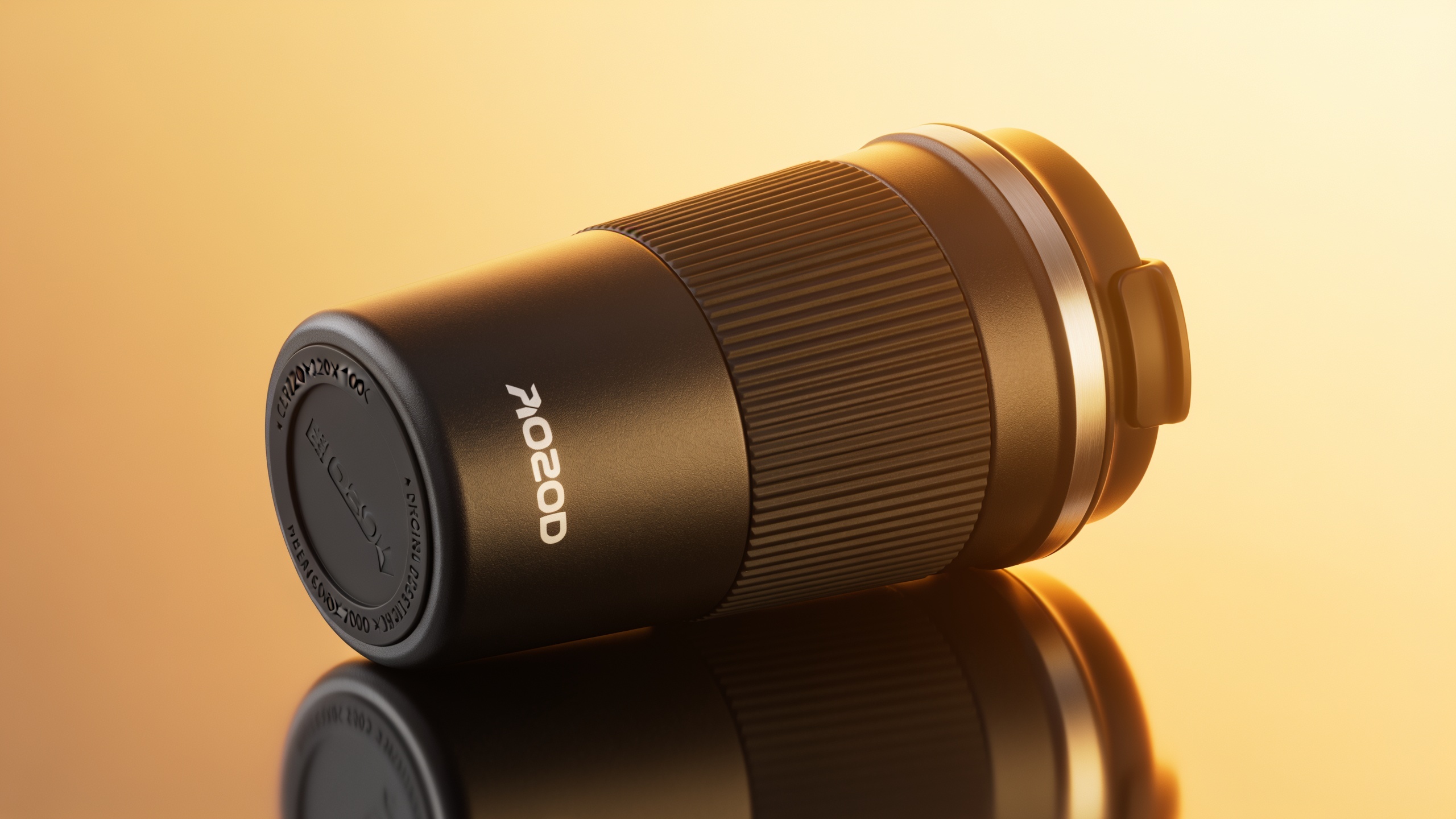
A looping product demo is typically 6–10 seconds and focuses on a smooth, repeatable motion: slow rotate, parallax pan, or subtle reveal. From one source image you can create several loop variants by changing motion speed, camera axis, or highlight overlays.
To create a loop:
- Start with a high-resolution crop of the hero photo (1:1 if the product page has square containers). Upscale first if necessary.
- Use an image→video generator and request "seamless loop" plus parameters for motion consistency: slow 360-degree pseudo-rotation, 6s, linear easing.
- Produce 3 variants: neutral rotation (baseline), fast rotation (engagement test), and detail-first (start on lid, pull back to full product).
A/B test setup from one source image: 1) Variant A: baseline loop (6s) with no text. 2) Variant B: same loop + overlay "Free returns" badge (contrast test). 3) Variant C: loop with warmer color grade and faster speed (emotional tone test).
Many image→video platforms routinely export 1:1 looping MP4s and provide 5–15s social-ready clips. Use those outputs directly on product pages and in dynamic ads; the lower production cost per variant allows you to test copy + badge combinations quickly.
How do you optimize and scale creative: turning one generated video into ad sets, captions, and platform-ready crops?
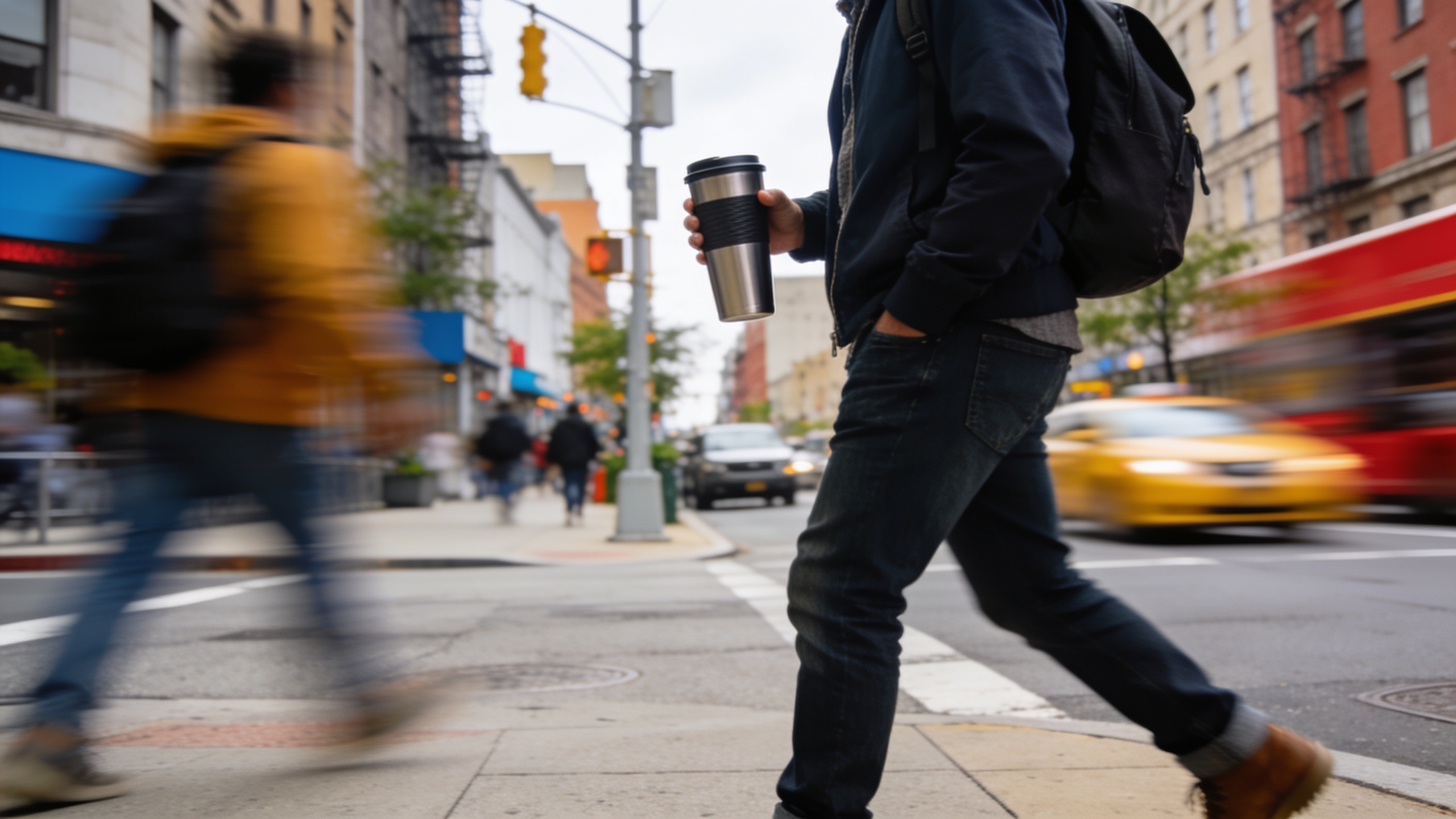
Optimizing and scaling means producing multiple deliverables from the generated master clip and preparing a test matrix for copy and format. Start with one high-quality generated video and export native crops: 9:16, 1:1, and 16:9. Then create caption and overlay variants to test messaging.
Practical scaling checklist:
- Export three aspect ratios from your master render so each platform shows native framing (TikTok/Reels, product feed, YouTube Shorts).
- Produce caption variants: benefit-first, curiosity hook, and social proof. Keep captions short for vertical platforms and include the primary CTA.
- Create thumbnail options: close crop on feature, lifestyle crop, and text-overlay badge. Thumbnails and first 1–2 seconds tend to drive CTR differences.
- Assemble ad sets: pair each visual variant with 2–3 caption options and 2 different CTAs (Shop, Learn). Run multi-cell A/B tests to find winners fast.
Cost note: a repeatable image→video workflow reduces per-asset cost and turnaround versus reshoots. Check your credit usage and plan monthly generation volume against your test cadence using your GoCrazyAI Pricing and credits page (/credits). Using dedicated tools for captions and music (GoCrazyAI’s AI Song Generator [/ai-music]) can also speed iterations and keep consistent brand audio across variants.
What common mistakes should you avoid when measuring success and workflow ROI?
Common mistakes include testing too many variables at once, using the wrong KPIs, and skipping platform-native exports. These errors make it hard to learn which creative change actually drove performance.
3–6 specific mistakes and how to avoid them: 1) Mistake: Testing creative + audience at the same time. Fix: Hold audience constant; test one creative variable per cell. 2) Mistake: Using impressions or views as the sole success metric. Fix: Track CTR, View-Through Rate (VTR), and downstream CPA or ROAS per variant. 3) Mistake: Not exporting native crops. Fix: Always upload native 9:16 to TikTok/Reels and 16:9 to Shorts — platform-native files reduce accidental crop cuts. 4) Mistake: Expecting identical results between AI variants and live-action reshoots. Fix: Treat AI variants as fast hypothesis tests; confirm top performers with a higher-fidelity shoot if needed. 5) Mistake: Ignoring speed and cost metrics. Fix: Record time-per-asset and cost-per-variant; multiply by monthly test volume to estimate ROI. Industry guides show image→video workflows usually cut production time dramatically compared with full shoots.
Measure workflow ROI by comparing the time and dollars spent per published variant vs. historical shoot costs. With clear KPIs and disciplined A/B tests you can often scale ad tests while keeping CAC targets under control.
Frequently Asked Questions
Can I get native 9:16, 1:1, and 16:9 outputs from one image?
Yes. Modern image→video tools, including GoCrazyAI’s AI Video Generator, can render the same prompt into 9:16, 1:1, and 16:9 crops so you can publish platform-native files without re-rendering a new scene from scratch.
How long should a product demo clip be for TikTok or Reels?
Aim for 6–15 seconds for hooks and product demos. Shorter clips (6–10s) often perform better for awareness, while 10–15s can work for brief explainers or Shorts openers.
Do AI-generated videos look ‘fake’ to buyers?
Often they read as stylized motion rather than synthetic faces. If your photo is high quality and you use natural lighting and realistic motion prompts, viewers usually find the result acceptable for product demos. If trust is essential, validate top variants with a small live-action confirmatory shoot.
What metrics should I track when A/B testing AI-generated ad variations?
Track CTR, VTR (View-Through Rate), add-to-cart rate, and CPA/ROAS. For product pages, monitor time-on-page and conversion rate for looping MP4 variants.
Conclusion
Final thoughts: A repeatable image→video workflow turns a single product photo into a suite of test-ready ads fast and affordably. Start with a tight conversion brief, generate native aspect-ratio clips, and run disciplined A/B tests focused on one variable at a time. If you want to try this workflow, open the AI Video Generator, drop in your photo and prompt, and ship a clip during your next break.
Sources
- HubSpot — Marketing Statistics (State of Marketing highlights)hubspot.com ↗
- IAB — 2025 Digital Video Ad Spend & Strategy (coverage on generative AI adoption)tvtechnology.com ↗
- TVTechnology — Popularity of Online Short-Form Content Moving Beyond Social Media (Media.net survey)tvtechnology.com ↗
- Runway / third-party guide — Short Video Variations from a Single Product Photo (walkthrough of image→video reasoning)renkmobil.com ↗
- PhotoVideoAI — Photo to Video product page (example vendor capabilities and export formats)phototovideoai.pro ↗
- Lucidpic — AI video from image product page (example vendor workflow and aspect ratios)lucidpic.com ↗
- Creen — Image-to-video product page (examples of clip lengths, resolutions and e-commerce use)creen.ai ↗
- Product photo to video ads: ecommerce AI guide (industry guide, 2026)imagetovideoai.net ↗