


AI dubbing for creators: how it works and how to preserve your voice
A practical guide for creators on AI dubbing: how the pipeline works, tradeoffs vs human dubbing, and step-by-step GoCrazyAI workflows to preserve your voice.
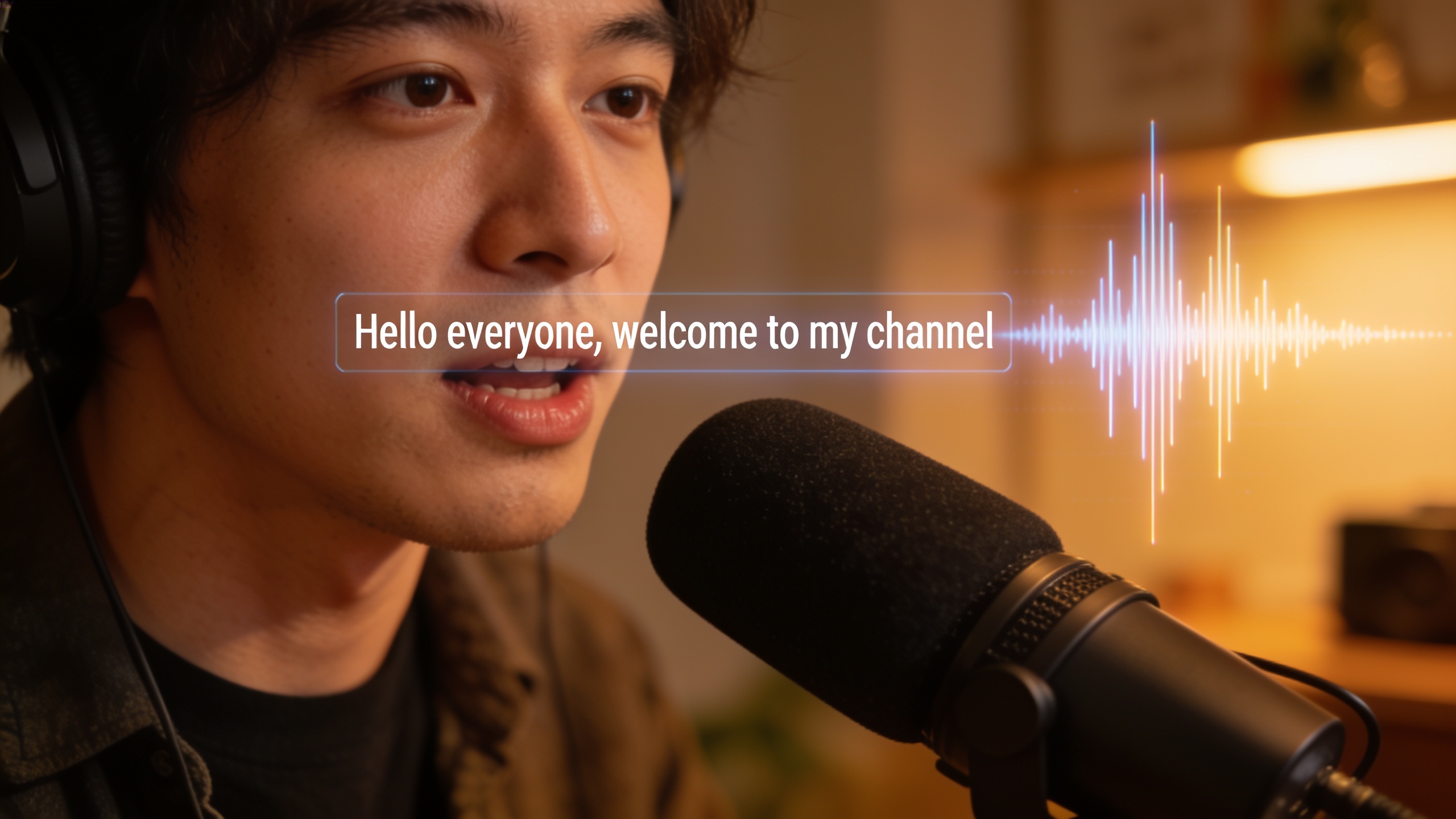
You want to reach viewers who don't speak your language, but you don't have time or budget to reshoot or hire multiple voice actors. This guide shows creators how AI dubbing works, where it helps vs when it harms, and exactly how to translate and localize short‑form and long‑form videos while keeping your vocal tone and emotion intact. You'll get a clear four‑stage technical overview (ASR → translation → voice clone → lip sync), practical tradeoffs for cost and speed, and two copy‑paste workflows: one for dubbing a YouTube video into Spanish and one for localizing a TikTok hook across European languages. Along the way you'll learn specific fixes—glossaries, timing tweaks, and cultural rewrites—that stop dubs from sounding generic. If you want to try a tool that supports 30+ languages and preserves speaker voice characteristics, this guide shows how to use GoCrazyAI AI Dubbing as one practical option without making it the whole story.
Quick Answer
AI dubbing for creators uses a multi-stage pipeline: automatic speech recognition (ASR) transcribes the source, machine translation converts text to the target language, voice cloning/neural TTS recreates the speaker’s voice, and lip‑sync aligns audio to mouth movements. For creators, this lets you repurpose footage quickly and often preserves tone, though quality varies by language, recording quality, and model limits.
How AI dubbing actually works: the four-stage pipeline (ASR → translation → voice cloning → lip sync)?
AI dubbing usually runs as a four‑stage pipeline: automatic speech recognition (ASR) transcribes the original audio, neural machine translation converts that transcript to the target language, voice cloning or neural TTS generates speech in the target language while matching the original speaker’s vocal identity, and lip‑synchronization aligns timing and mouth movements so the dubbed audio fits the video. This sequence is modular—each stage can be improved or swapped independently, and errors in an upstream stage tend to cascade.
ASR: Modern ASR engines reach very low word‑error rates on clean audio (often under ~5%), which reduces translation mistakes and speeds review. See Dubly.AI for a practical breakdown of the pipeline and ASR references (AssemblyAI) that highlight low error rates: https://dubly.ai/ai-dubbing/how-ai-dubbing-works.
Translation: Neural machine translation handles the bulk of literal conversion but often needs human‑grade post‑editing for idioms, jokes, and culture. Always create short glossaries or preferred translations for brand terms.
Voice cloning / Neural TTS: Systems attempt to preserve timbre, pitch, and phrasing; recent research focuses on zero‑shot emotional conditioning to transfer expressivity.
Lip sync: Visual alignment uses phoneme timing and subtle stretch/compression of audio. Some platforms offer frame‑level lip adjustments; others provide spoken timing markers for manual fixes.
Pull quote: The pipeline is only as strong as its weakest stage—clean source audio and good glossaries dramatically improve final results.
Practical note: Keep source audio clean (low noise, consistent mic level) and supply context notes (tone, sarcasm, emphasis) to reduce downstream errors.
Why preserving voice tone and emotion matters — research and real-world results (examples)?
Preserving voice tone and emotion matters because viewers react to more than words: they register prosody, emphasis, and affect. In many localization studies, the emotional contours of the source speaker drive perceived authenticity and trust. When AI dubbing preserves these cues, viewers tend to perceive the content as more natural and engaging; when it flattens prosody, engagement drops.
Research shows that human dubs convey prosodic cues from the source beyond literal wording, and automatic systems that emulate prosody produce more natural results (see the large‑scale study on human localization for details: https://arxiv.org/abs/2212.12137). Practically, this means a creator's laugh, rhetorical pause, or rising inflection should be reflected in the dub to keep the same intent.
Examples of impact:
- Educational videos: preserved emphasis helps learners follow complex points.
- Product demos: excited tone increases conversion in many markets.
- Personal vlogs: viewers subscribe more when the creator’s personality transfers across languages.
Limitations: voice cloning and emotional conditioning have improved, but models can still mix accents, reduce expressive range, or produce slightly "homogenized" delivery in some languages. For better results, provide sample clips with clear emotional markers and, when available, short reference takes of the same lines in neutral and expressive styles.
When should I choose AI dubbing vs. human dubbing: cost, speed, and quality tradeoffs?
Choose AI dubbing when you need fast, scalable localization at lower cost and can tolerate occasional artifacts that are fixable with minor edits. Choose human dubbing when brand voice control, legal accuracy, or performance nuance are mission‑critical and budget allows higher per‑minute rates.
Tradeoffs to weigh:
- Cost: AI dubbing typically costs a fraction of human studio dubbing per minute, especially when you scale to dozens of languages. For many creators, that cost delta makes wide localization affordable.
- Speed: AI systems can produce drafts in minutes; humans need scheduling and recording time.
- Quality: Human dubbing still wins on nuanced acting, tricky cultural humor, and complex timing. AI can produce very natural drafts, but you often need a human pass for top‑tier outputs.
When to favor AI:
- Testing new markets cheaply (first 5–10 videos).
- Localizing large back catalogs quickly.
- Platforms where speed-to-market matters (TikTok hooks, Reels).
When to favor humans:
- High‑budget brand campaigns, longform documentaries, or situations with legal/regulatory risk.
Mitigation strategies: use hybrid workflows—AI first pass, then human editor for top markets—or reserve human dubbing only for the highest ROI languages. Review options and export formats differ between tools; compare language coverage, voice‑cloning fidelity, and lip‑sync quality before committing.
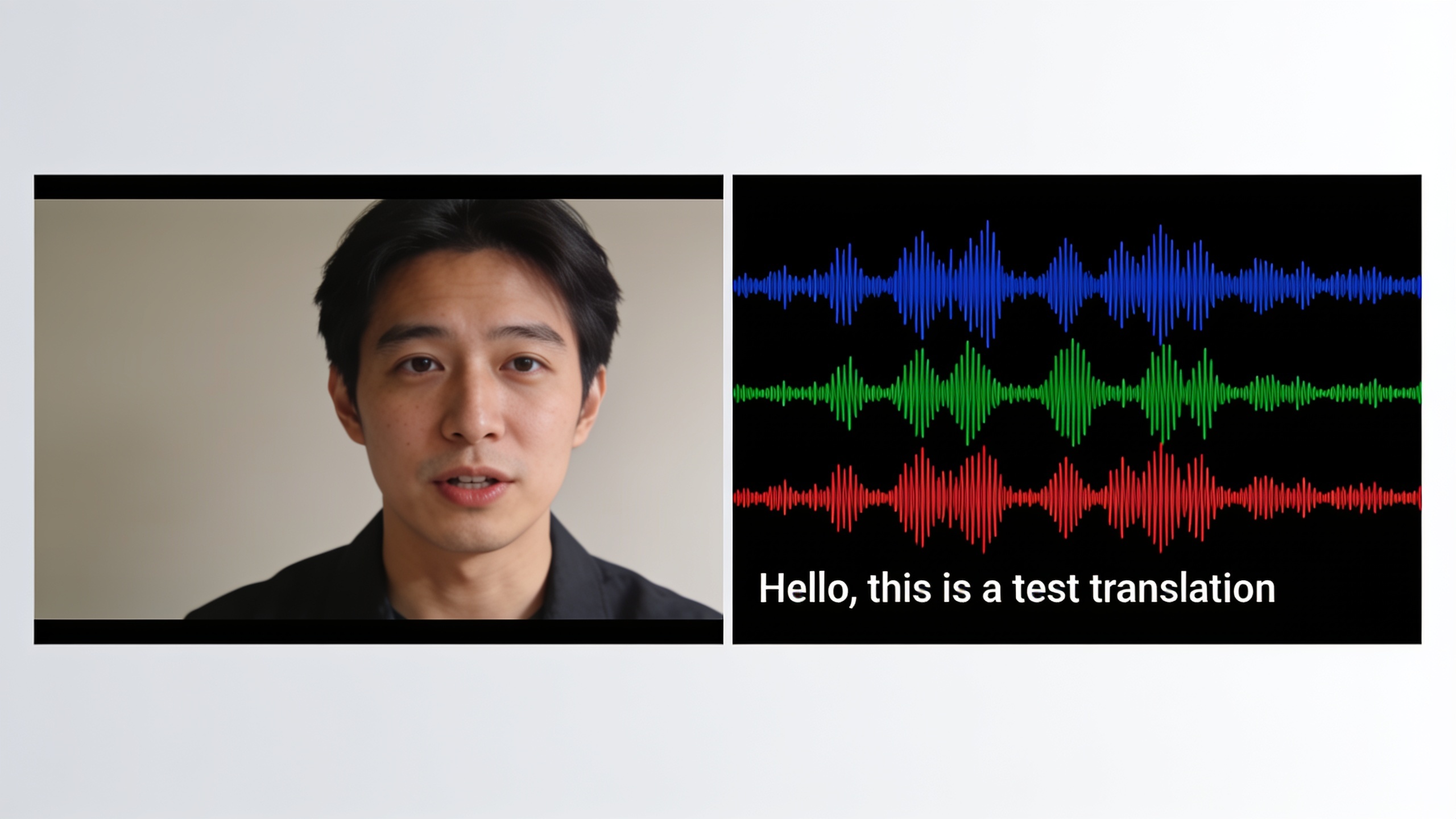
Workflow: Translate and dub a YouTube video into Spanish with GoCrazyAI AI Dubbing (step-by-step)?
Yes—you can translate and dub a YouTube video into Spanish with GoCrazyAI AI Dubbing by uploading a URL or file, letting the system transcribe and translate, then selecting a voice‑preserving clone and exporting the finished video. GoCrazyAI supports auto‑translation to 30+ languages and preserves the original speaker’s voice characteristics, and accepts YouTube URLs for fast ingestion.
Step‑by‑step (high level):
- Ingest: Paste the YouTube URL or upload the MP4. The tool extracts audio and creates an ASR transcript.
- Edit transcript: Review and correct the ASR transcript. Add a short glossary for brand names and product terms.
- Translate: Select Spanish (European or Latin American variant). Review translations inline; adjust idioms and timing as needed.
- Voice selection: Choose the "preserve original voice" option to create a voice clone, or pick a premium AI voice from the library.
- Fine‑tune prosody: Flag lines needing emphasis or softer tone; add short direction notes for emotional conditioning.
- Lip‑sync and timing: Let GoCrazyAI generate the synced audio, then use frame‑level timing tools to stretch/compress lines if needed.
- Export: Render video with embedded audio and burned or SRT subtitles for accessibility.
Practical tips: keep your glossary short (5–20 entries), mark jokes that need cultural rewrite, and check proper names for correct transcription. If you expect high replay or monetization from a market, do a human‑in‑the‑loop polish pass.
Internal links and resources: for voice cloning options and to browse voice models, see GoCrazyAI's voice cloning and AI voice library at /ai-voice. To compare cost and credits before running many exports, check pricing and credits at /credits. For direct access to the feature itself, open GoCrazyAI AI Dubbing at /ai-dubbing.
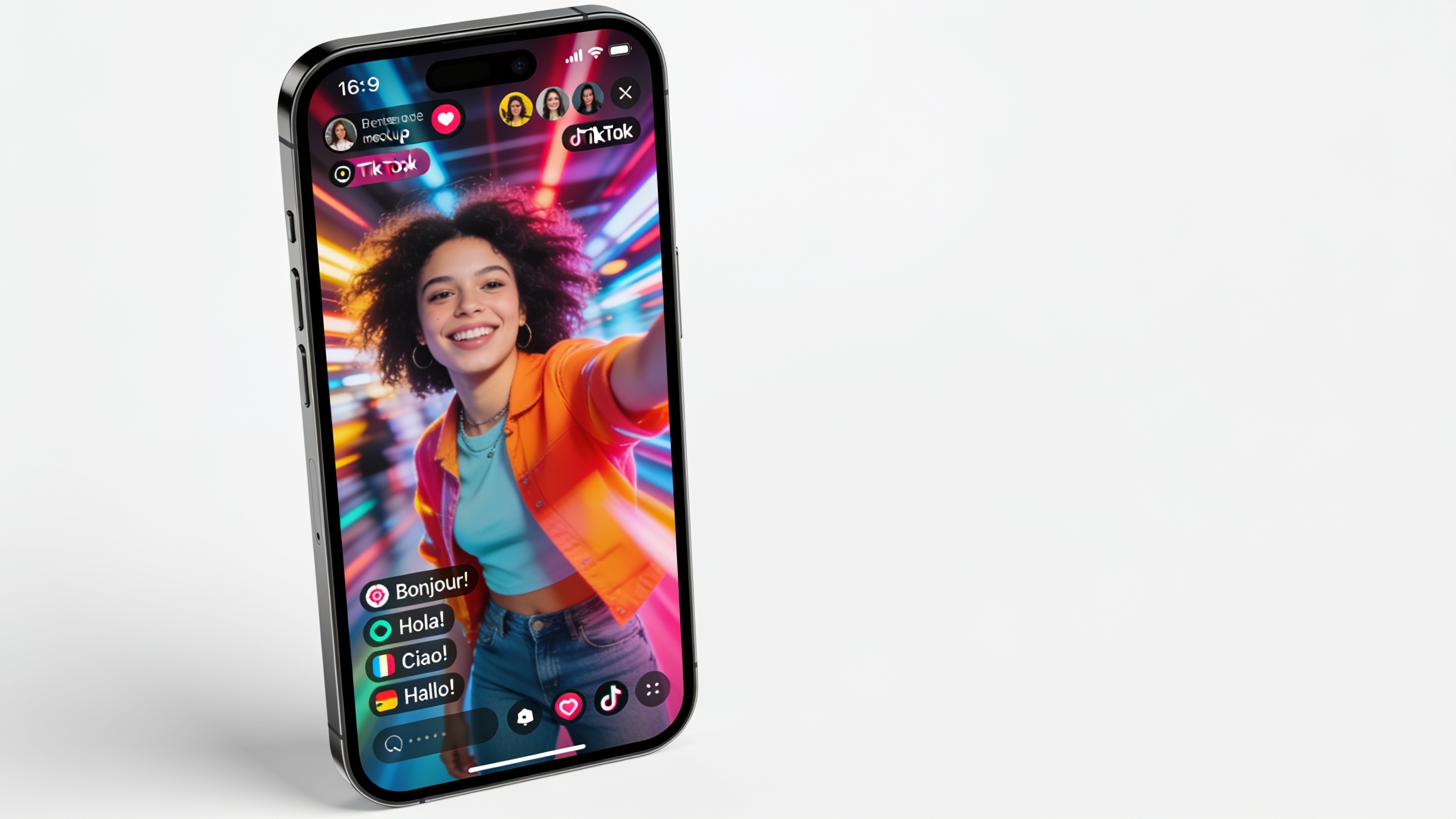
Workflow: Localize a TikTok hook for multiple European markets while preserving your voice (hands-on tips)?
To localize a TikTok hook across multiple European markets, prioritize short, punchy translations, preserve vocal personality, and test timing for lip‑sync on vertical formats. For hooks, small timing or phrasing changes often make or break the effect—so iterate quickly on each language draft and A/B test.
Hands‑on workflow:
- Source prep: Export a clean vocal stem for the 5–15 second hook; remove background music so ASR focuses on speech.
- ASR + translate: Auto‑transcribe and auto‑translate into each target language. For hooks, prefer colloquial translations and shorter phrases where possible.
- Glossary + tone notes: Create a mini‑glossary with preferred slang or CTA phrasing per market. Add tone notes (e.g., "wry", "urgent") to preserve delivery.
- Voice cloning: Use the voice‑preserve option to generate a voice clone for each language. For languages with different phonetic constraints, review accent transfer and test expressivity.
- Tighten timing: Shorten or expand syllables with the lip‑sync editor to keep mouth movements natural on a 9:16 frame.
- Add music bed: Reintroduce a versioned music bed at a consistent LUFS across markets so the hook reads the same rhythmically.
- Quick QA: Play each localized version back to native speakers or community testers for acceptability and tone.
Tips specific to TikTok:
- Keep localized CTAs to one short clause.
- Test captions for the platform: many viewers keep sound off, so concise captions matter.
- Use the same thumbnail frame across languages to keep brand unity.
For quick batch runs, tools that accept short clips and produce multiple language outputs at once will save hours; compare batch limits and export formats in your chosen platform's docs.
What mistakes should you avoid to keep dubs authentic?
Avoid these common mistakes that make dubs sound generic or off‑brand, and apply the corresponding fixes.
1) Mistake: Relying on raw machine translation without context. Fix: Provide a short glossary and mark idioms, jokes, and named entities for manual revision.
2) Mistake: Uploading noisy or compressed audio. Fix: Supply a clean vocal stem or re-record if background noise or clipping exists; ASR accuracy improves markedly with clean audio (low word‑error rates help downstream stages)[https://dubly.ai/ai-dubbing/how-ai-dubbing-works].
3) Mistake: Ignoring prosody and emotional cues. Fix: Add short direction notes ("increase excitement here", "pause after clause") and, where possible, include a reference take demonstrating the intended emotion.
4) Mistake: Treating lip sync as optional. Fix: Inspect key visual mouth frames and use small timing edits; on short clips, a 40–120 ms misalignment is noticeable.
5) Mistake: Using literal translations for culture‑specific content. Fix: Localize the concept, not the words—swap references and CTAs to fit local usage.
6) Mistake: Skipping native QA. Fix: Run quick checks with native speakers or community testers for phrasing, tone, and appropriateness.
Pull quote: Small prep work—clean audio, a 10‑item glossary, and a couple of tone notes—often changes a passable dub into one viewers prefer.
These corrections are low effort but high impact. When scaling, bake these checks into your localization checklist so every dub starts from the same quality baseline.
Frequently Asked Questions
How accurate is AI dubbing compared to human dubbing?
AI dubbing often produces quick, usable drafts with good literal accuracy, especially on clean audio. Humans still outperform AI on nuanced acting, tricky cultural adaptation, and high‑stakes scripts. A common hybrid is AI first pass + human polish for priority languages.
Can AI dubbing preserve my exact voice in another language?
Modern voice cloning can preserve timbre and broad prosodic traits, so your voice will often sound recognizably like you. However, models may not perfectly reproduce every micro‑inflection or accent and may slightly homogenize expressive range in some languages.
Which languages are best for AI dubbing?
Most creator‑focused tools cover 30+ languages; common targets like Spanish, French, German, and Portuguese typically have the best fidelity. Less common languages may require extra review for idioms and timing.
Do I need special equipment to use AI dubbing?
For best results, record with a clean microphone and minimal background noise. If you only have a single mixed video, extract and upload the audio stem when possible—this improves ASR and final quality.
How do I avoid copyright or impersonation risks with voice cloning?
Use only voices you own or have permission to clone. If you clone your own voice, keep consent and usage records. Avoid cloning public figures or others without explicit, documented consent.
Conclusion
Final thoughts: AI dubbing is a pragmatic way for creators to expand reach quickly—start with clean audio, a short glossary, and tone notes to preserve your voice and intent. Use AI for scale and rapid testing, and reserve human dubbing for flagship content. If you want to try a practical tool that translates into 30+ languages while preserving speaker voice characteristics, drop a clip into AI Dubbing and ship localized versions before lunch.
Sources
- How AI Dubbing Works — Dubly.AIdubly.ai ↗
- AI Lip Sync: How to Make Any Video Talk — Runway Resourcesrunwayml.com ↗
- Dubbing in Practice: A Large Scale Study of Human Localization With Insights for Automatic Dubbing (paper)arxiv.org ↗
- Accelerating the language dubbing process with NVIDIA-powered AI solutions (Insider case study)nvidia.com ↗
- How to Expand Reach with AI Dubbing Without Sounding Robotic — AIR Media-Techair.io ↗
- Best AI Dubbing Tools in 2026: Honest Comparison — Dubsync blogdubsync.app ↗
- Voice "Cloning" is Style Transfer (recent survey/paper)arxiv.org ↗