


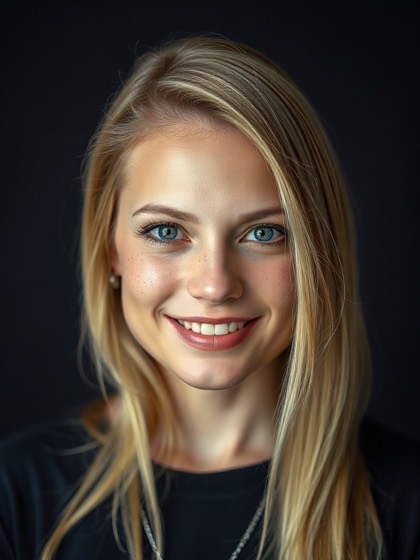
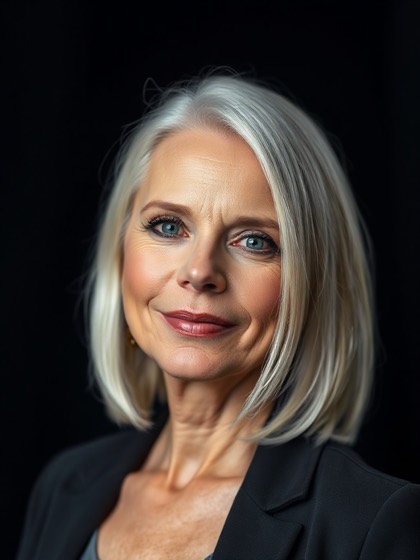
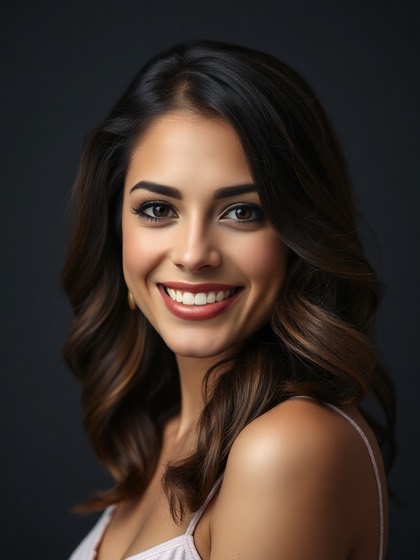

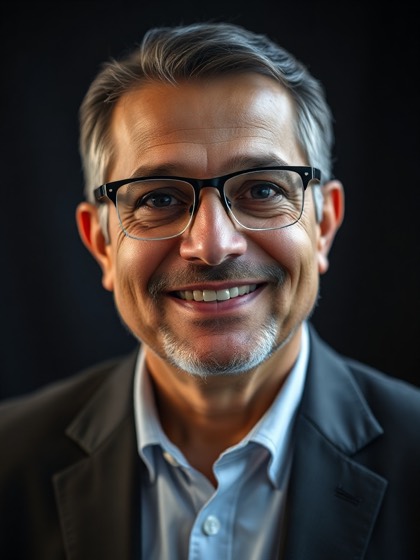
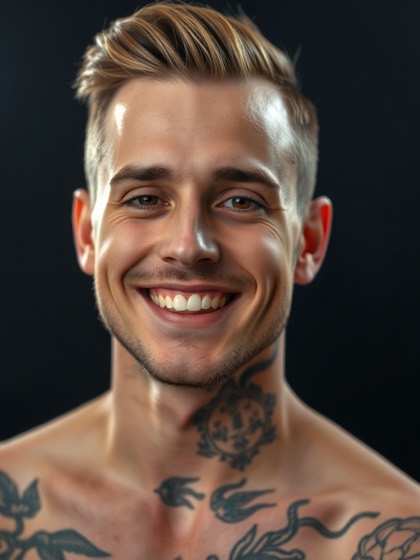
Make any photo
a talking avatar.
Upload a face, pick from 2,000+ voices or your own audio, and get a lifelike talking video in minutes. No camera. No watermark. Ready in minutes.
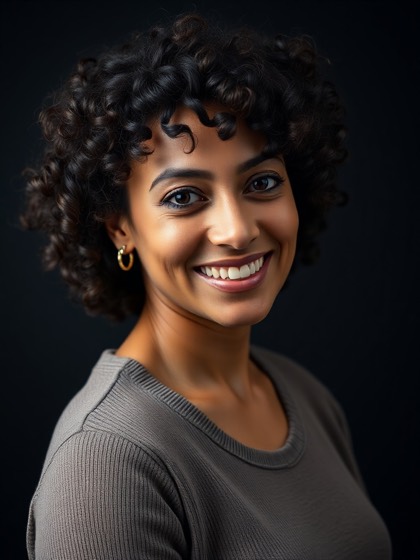
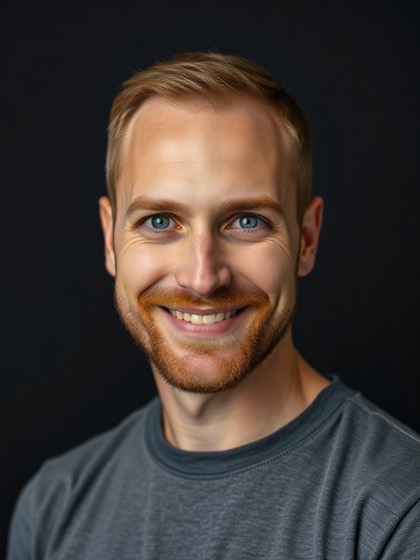
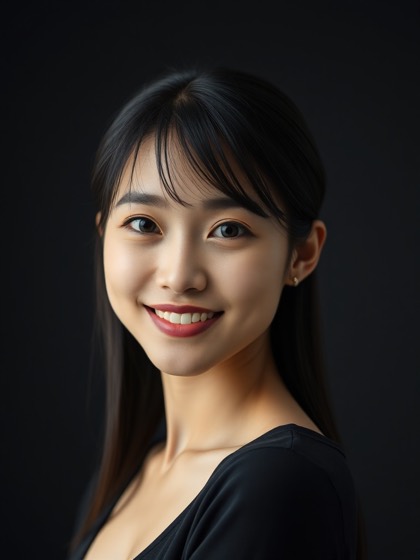
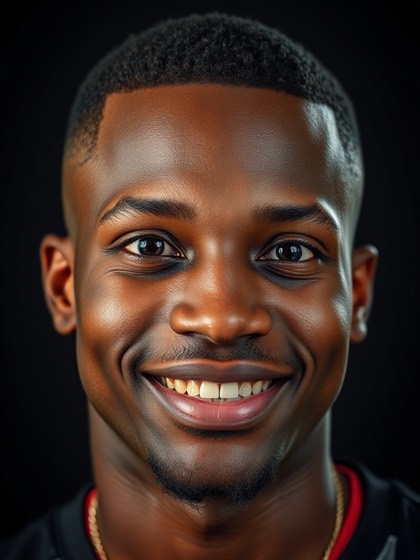
400,000+ creators already making avatars
See it in action
Three steps
One photo. Any voice. In seconds.
Drop in a photo
Any clear portrait — a selfie, brand headshot, illustrated character, or AI-generated face. Every image is safety-checked before use.
Give it a voice
Pick from 2,000+ AI voices, clone your own, or upload your own audio. Type a script and drop in [emotion] tags.
Hit generate
Your talking avatar renders in minutes — crisp HD, watermark-free — and lands in My Creations, ready to post.
The community
Trusted by top creators
Join 400,000+ creators turning a single photo into scroll-stopping talking video.
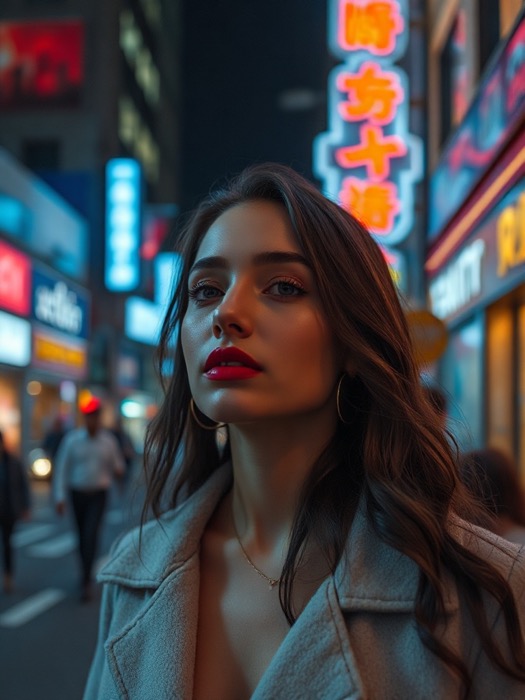
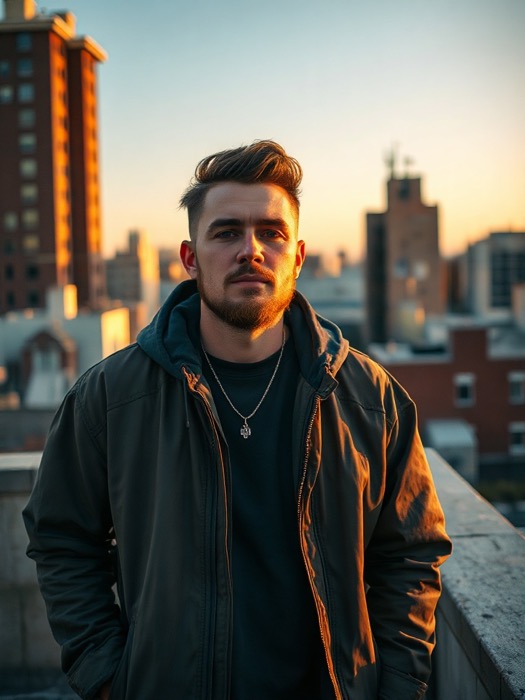
Any photo. Any voice. On screen in minutes.
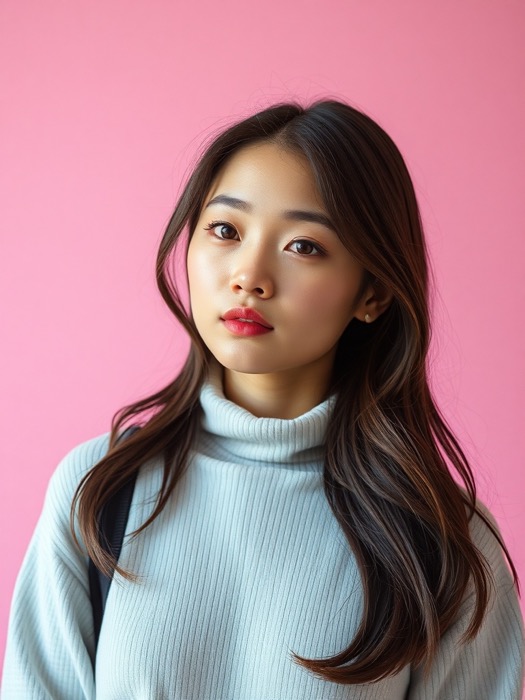
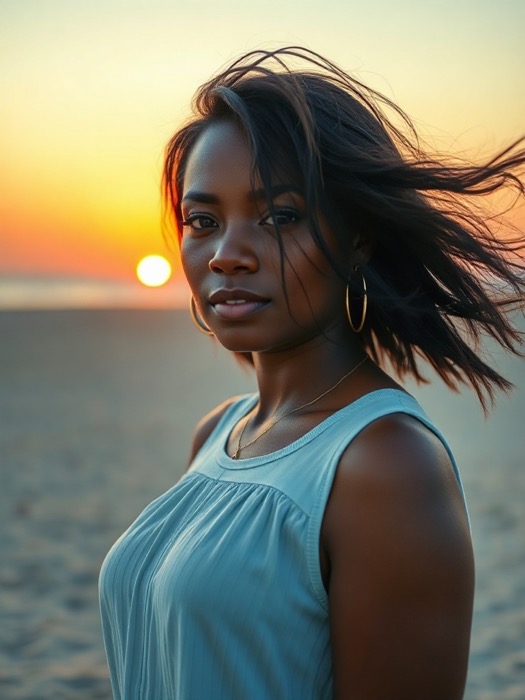
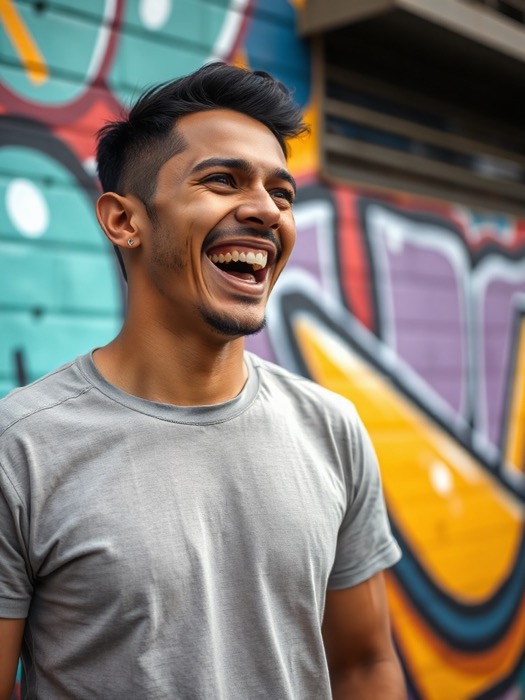
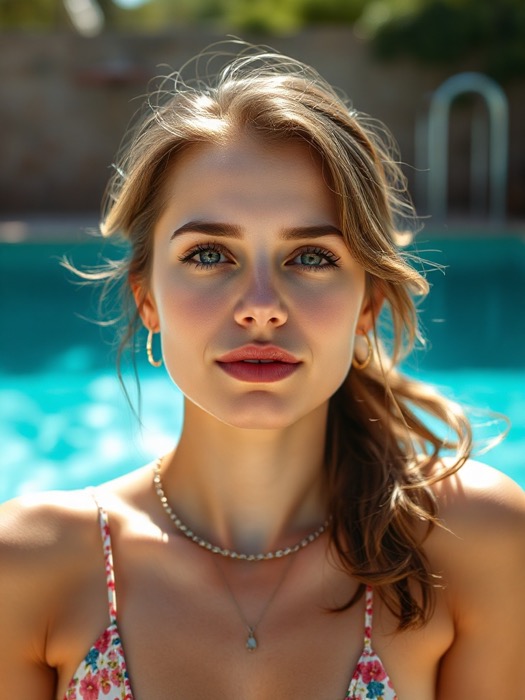
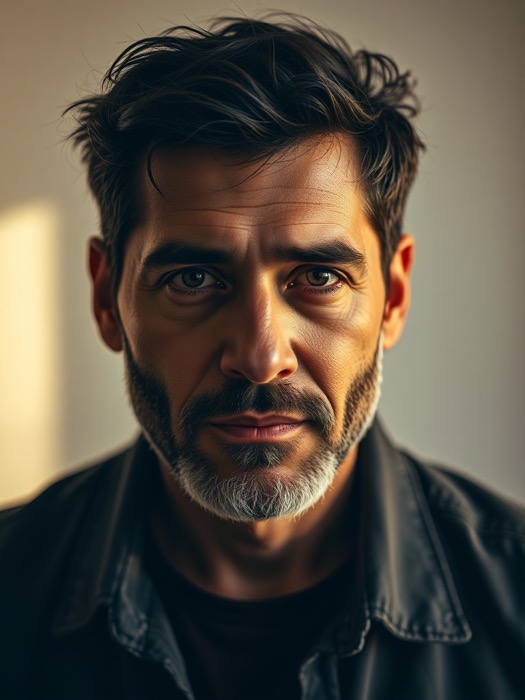
No camera. No crew. Just upload.
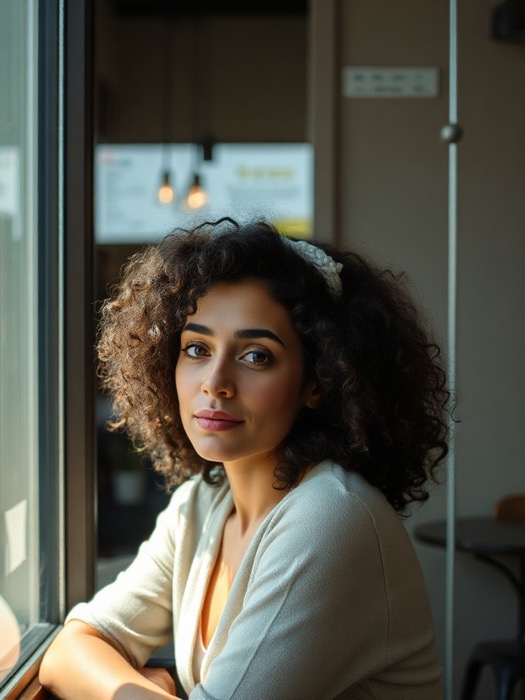
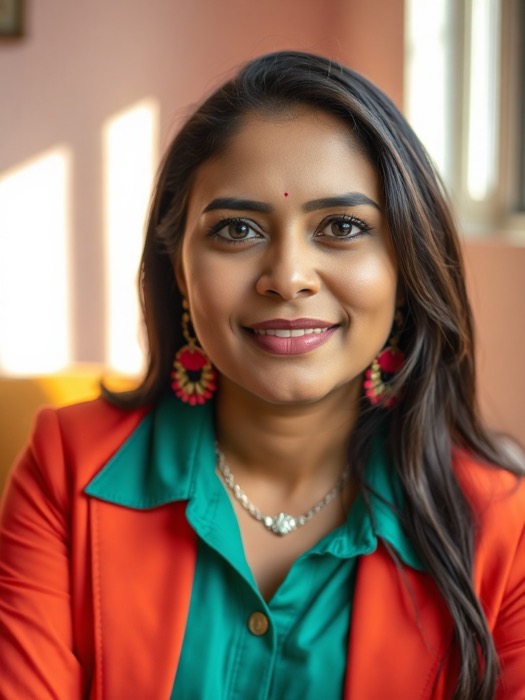
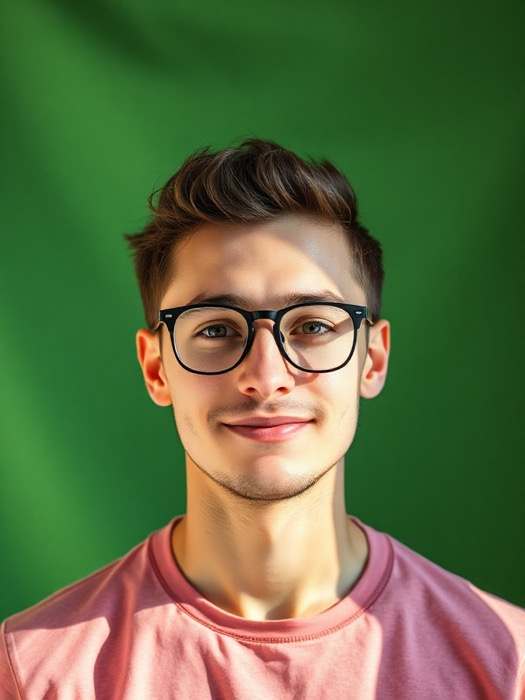
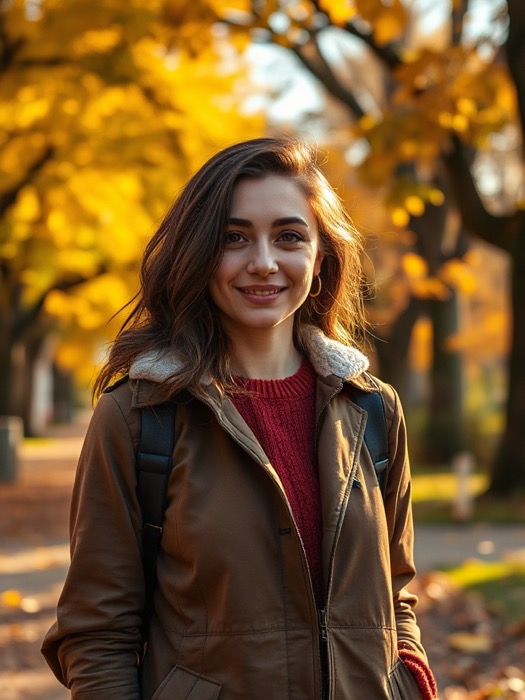
From selfie to spokesperson.
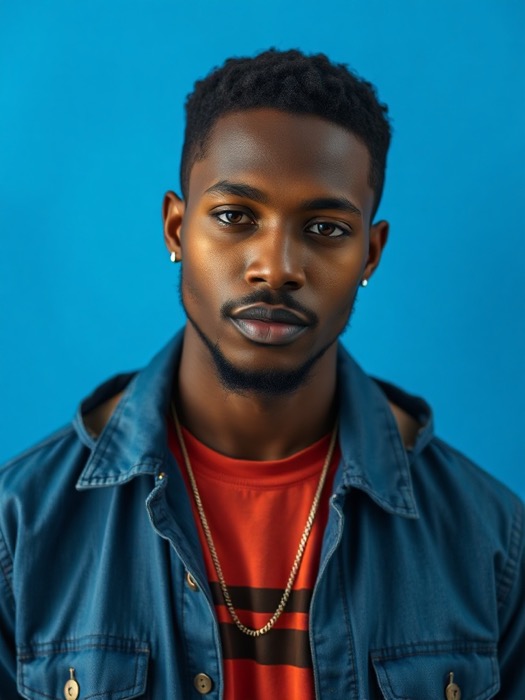
Why GoCrazyAI
Built for creators who ship.
Any face, real or AI
No stock-avatar library to settle for. Your talking avatar is built from your own image.
2,000+ voices, or yours
Thousands of AI voices, voice cloning, or upload your own audio. Add [excited], [whispers] and more.
Real length, not 8s clips
Generate up to 60 seconds in one shot — long enough for actual ads, intros, and explainers.
Crisp HD, zero watermark
Clean HD that exports without a logo, every time — short clips and long ones alike.
One credit balance
Your credits work across every GoCrazyAI tool — videos, images, voices and music.
30+ languages
Make your avatar speak almost any language, then localize finished videos with AI Dubbing.
What people make
From a single face to a whole channel.
Voice & emotion
Any voice.
Any language.
Real emotion.
Drive your avatar with 2,000+ AI voices, clone your own, or upload your own audio. Drop in [excited], [whispers] and other tags — the voice performs them.
Questions
Good to know.
What is an AI talking avatar?+
An AI talking avatar is a still photo brought to life as a video where the person (or character) appears to speak, with mouth movements, expressions, and head motion synced to an audio track. GoCrazyAI builds one from any portrait plus a voice and script — no camera, recording, or editing needed.
How do I make a talking avatar from a photo?+
Upload a clear portrait, choose an AI voice (or upload your own audio), type a script with optional [emotion] tags, pick a length, and click Generate. Your talking-avatar video renders in a few minutes in crisp HD and saves to your My Creations, watermark-free.
What is the difference between a talking avatar and a face swap?+
A talking avatar starts from a single photo and turns it into a speaking video driven by a voice. A face swap instead places a face onto existing footage. With a talking avatar there is no source video — you supply only the photo and the audio, and the AI generates the motion.
Is a talking avatar the same as lip sync?+
They overlap. Lip sync is the underlying technology that matches mouth movements to audio; a talking avatar is the finished result — a photo that speaks. GoCrazyAI’s talking avatar generator runs on our Lip Sync Pro engine for natural, emotion-aware delivery.
Do I need to appear on camera or record my voice?+
No. You never have to film yourself. Upload any photo for the face and either pick an AI voice with a typed script or upload your own audio clip. You can also clone your own voice once and reuse it.
Can my talking avatar speak other languages?+
Yes. Choose from 2,000+ voices across many languages and accents, and the lip movements adapt to the phonetics. You can also localize a finished video into 30+ languages with AI Dubbing.
How long can a talking avatar video be?+
Up to 60 seconds per generation — long enough for ads, intros, and explainers, rather than only a few seconds. You can queue several clips at once in the shared generation queue.
Do the videos have a watermark?+
No. Talking-avatar videos export without a GoCrazyAI watermark and save to your My Creations for download. AI-generated media should be labeled where required by law (e.g., the EU AI Act).
How much does it cost?+
It runs on credits: 15 credits for a 5-second clip, 35 for 10 seconds, 50 for 15 seconds, and up to 180 for 60 seconds. See the pricing page for current plans.
Can I use talking avatars commercially?+
Yes, provided you have the rights and consent for the image and your use complies with our Content Policy and applicable law. You are responsible for the likenesses you animate.
Make your first
talking avatar.
Upload a photo, pick a voice, generate. Watermark-free — join 400,000+ creators.
Last updated 2026-06-07