


How to create brand voice AI: design, clone, and use a consistent narrator
Step-by-step guide to create brand voice AI for YouTube, TikTok, podcasts, and animation. Test tone, clone safely, and follow legal rules.
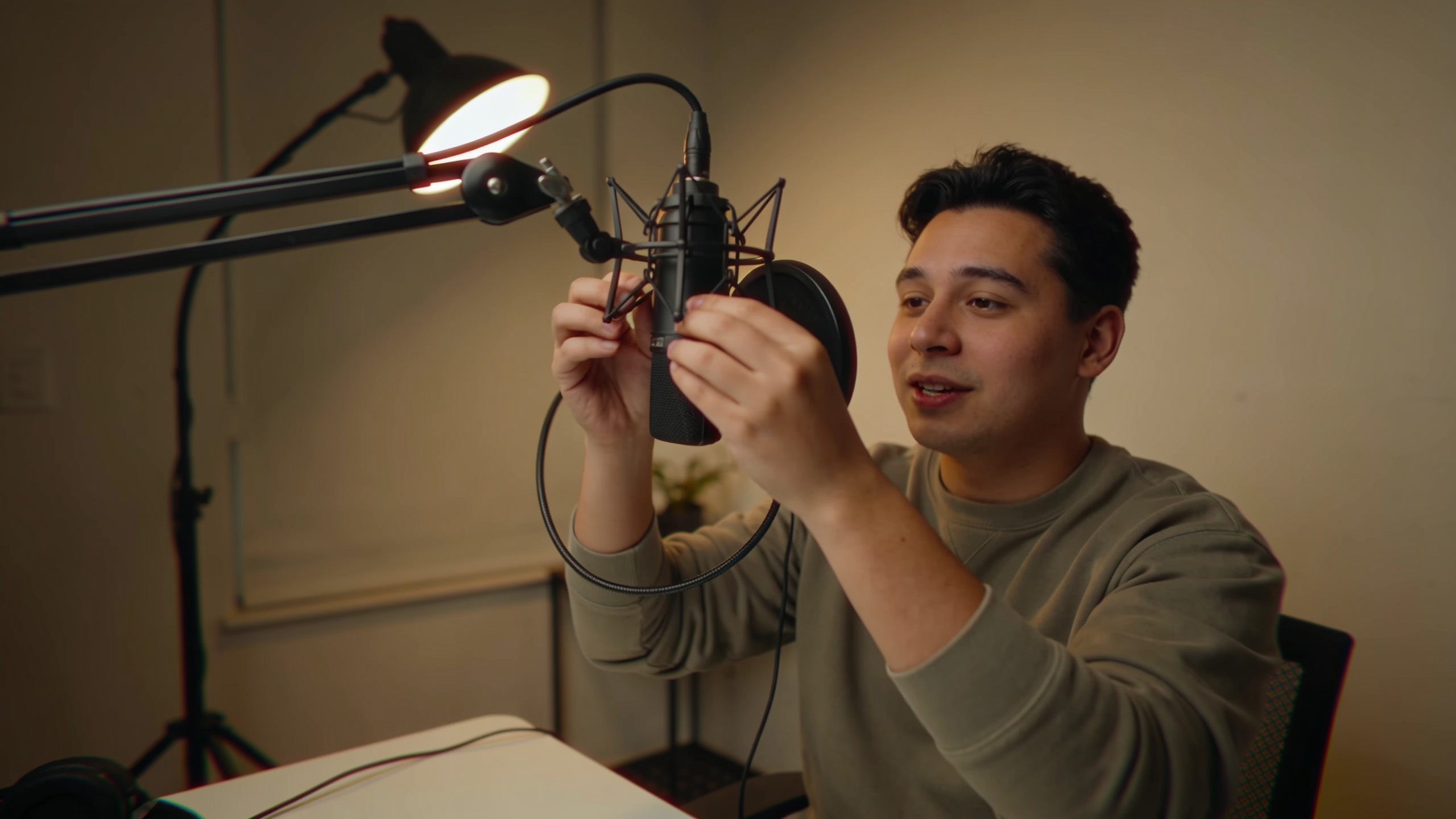
You need a repeatable, on-brand voice for your channel but don’t want to hire the same actor for every upload. This guide shows how to create brand voice AI you can use across YouTube, TikTok, podcasts, and animated shorts, covering testing, cloning, and legal guardrails.
You’ll get practical steps: how to document tone and pacing, run quick A/B tests with a fixed script, and produce a production-ready voice. The article also walks through a hands-on GoCrazyAI AI Voices workflow so you can move from prototype to a reusable audio identity fast.
Quick Answer
How to create brand voice AI? Start by documenting your brand’s tone, pace, and pronunciation rules, then test candidate voices using a fixed script and in-context clips. Use a trusted tool to design or clone a voice, run iterative A/B tests, and add consent/watermarking or disclosures before publishing.
Why does a consistent audio brand (voice) multiply creator growth — research and examples?
A consistent audio brand—using the same voice across uploads—acts like an "audio logo" that helps viewers recognise your content faster and builds trust over time. Research and industry guides recommend documenting tone, pace, and pronunciation rules, then applying them consistently across formats for stronger recognition.
Practical examples: a faceless TikTok channel using the same narrator for daily tips, a podcast series that keeps a single host voice, or a YouTube explainer channel that uses one neutral narrator for lessons. These patterns lead to predictable user expectations and often improve watch-time and retention when the voice fits the content. Creator guides in 2025 advise testing candidate voices using a fixed test script and listening with the final visuals to measure performance.
How to operationalize this: write a short brand voice spec (30–80 words) that lists mood, gender or age cues, ideal speaking rate (words per minute), and a few pronunciation rules for brand names or technical terms. Keep that spec next to your project files and require every voice generation to reference it. That discipline makes your voice repeatable across uploads and platforms.
How do I choose the right AI voice for YouTube, TikTok, podcasts, and animation?
Pick an AI voice by matching the use case: clarity and pacing for YouTube explainers, short upbeat delivery for TikTok, sustained natural tone for podcasts, and character expressiveness for animation. Prioritize premade voice quality, cloning capability (if you need a custom match), and fine-grain controls for emotion and pronunciation, which reviewers say are the features creators rely on most.
Quick checklist (use this when auditioning):
- Clarity at different bitrates (listen at 128 kbps and 64 kbps).
- Emotional range and control knobs for intensity.
- Pronunciation overrides for brand names.
- Ability to clone from a short, clean sample if needed.
Comparison table — key criteria at a glance:
| Criterion | Why it matters | What to test |
|---|---|---|
| Premade voice quality | Saves time; consistent timbre | Listen to 30–60s demos in-context |
| Cloning speed & quality | Useful for a signature host | Generate from a short sample and compare |
| Emotion controls | Needed for character work | Test 3 emotional states on same line |
| Pronunciation rules | Avoid brand name mistakes | Force sample words and evaluate |
Add background music and sound design to match the voice. Short-form creators often pair a signature voice with a recurring music bed — you can generate tracks quickly with an AI music tool to test combinations (see AI music generator).
Hands-on: How do I design a brand narrator with GoCrazyAI AI Voices — step-by-step?
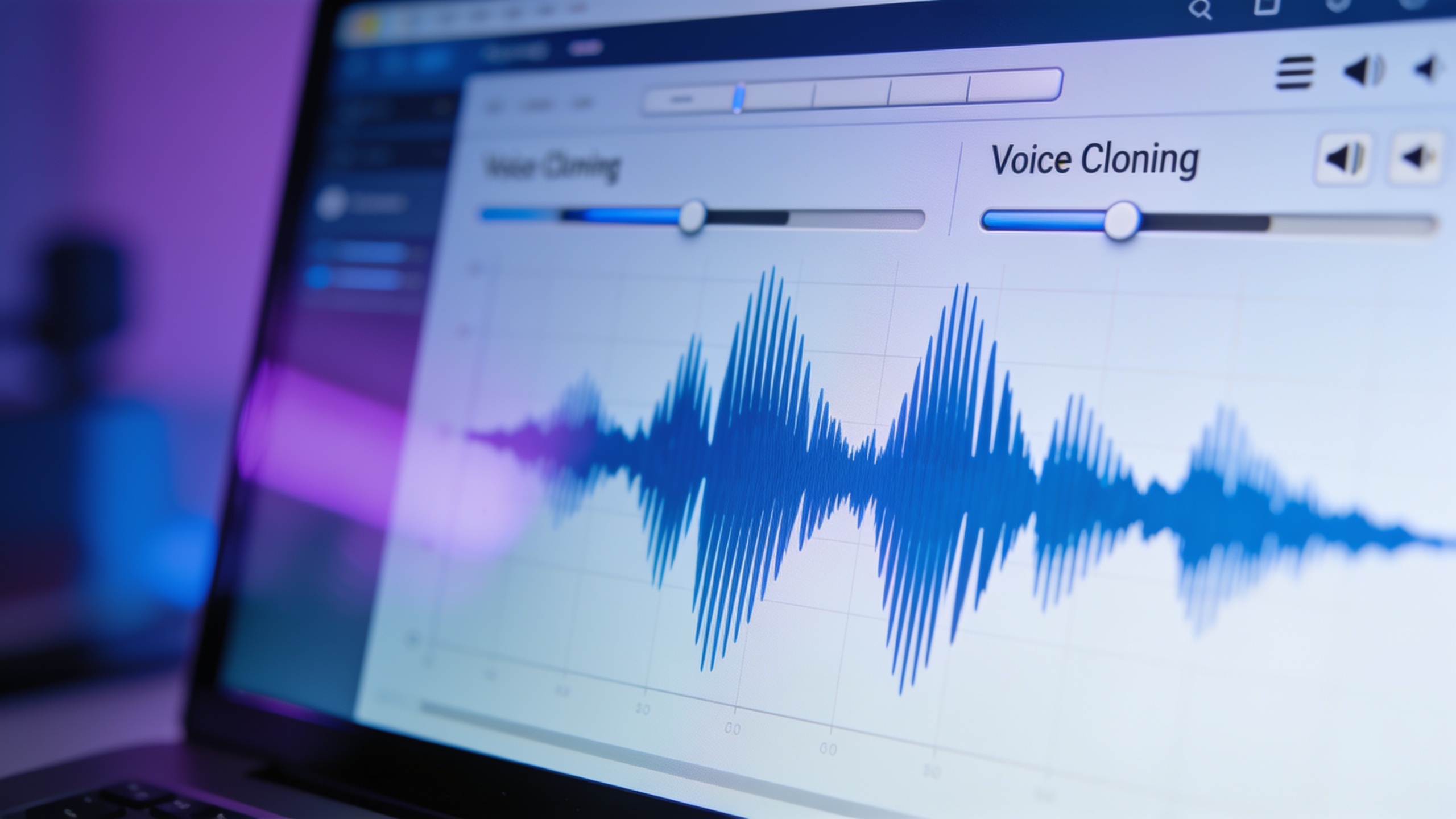
You can design and prototype a brand narrator quickly by iterating on a short test script, adjusting tone and pronunciation, and listening in-context with your visual edit. GoCrazyAI AI Voices provides 160+ premade voices, cloning from a short sample, and custom voice design controls so you can move from test to production fast. See the GoCrazyAI AI Voices tool for direct workflow integration.(/ai-voice)
Step-by-step workflow (summary): 1) Create a 30–60 second test script that contains common words and brand names. 2) Pick three candidate premade voices that roughly match your spec. 3) Generate each voice reading the test script at two speeds. 4) Place each audio track into your final video edit and export short clips. 5) Run a small A/B test with peers or 20–50 followers, ask one question: "Which version would you click again?"
Prompt examples you can copy and modify for custom voice design:
``` Design voice: "Warm, friendly narrator, mid-30s, slightly energetic, tempo 150 wpm, emphasizes brand name 'NovaFrame' on first mention. Pronounce 'GIF' as 'jif'." ```
``` Clone sample notes: "Use 20s clean sample file; target voice: calm instructional, neutral midwest accent, allow slight breath at phrase ends." ```
Tip: Listen to candidate voices with your actual visuals. The same voice can feel different when paired with a fast-cut montage versus a slow explanatory slide.
How to use the GoCrazyAI link above: open the AI Voices tool, audition voices, upload a clean sample for cloning when ready, and export multiple takes. The tool pairs with GoCrazyAI's AI Video Generator so you can audition voice + visuals together — try embedding a generated clip from the AI video generator to test fit (/create-ai-video).
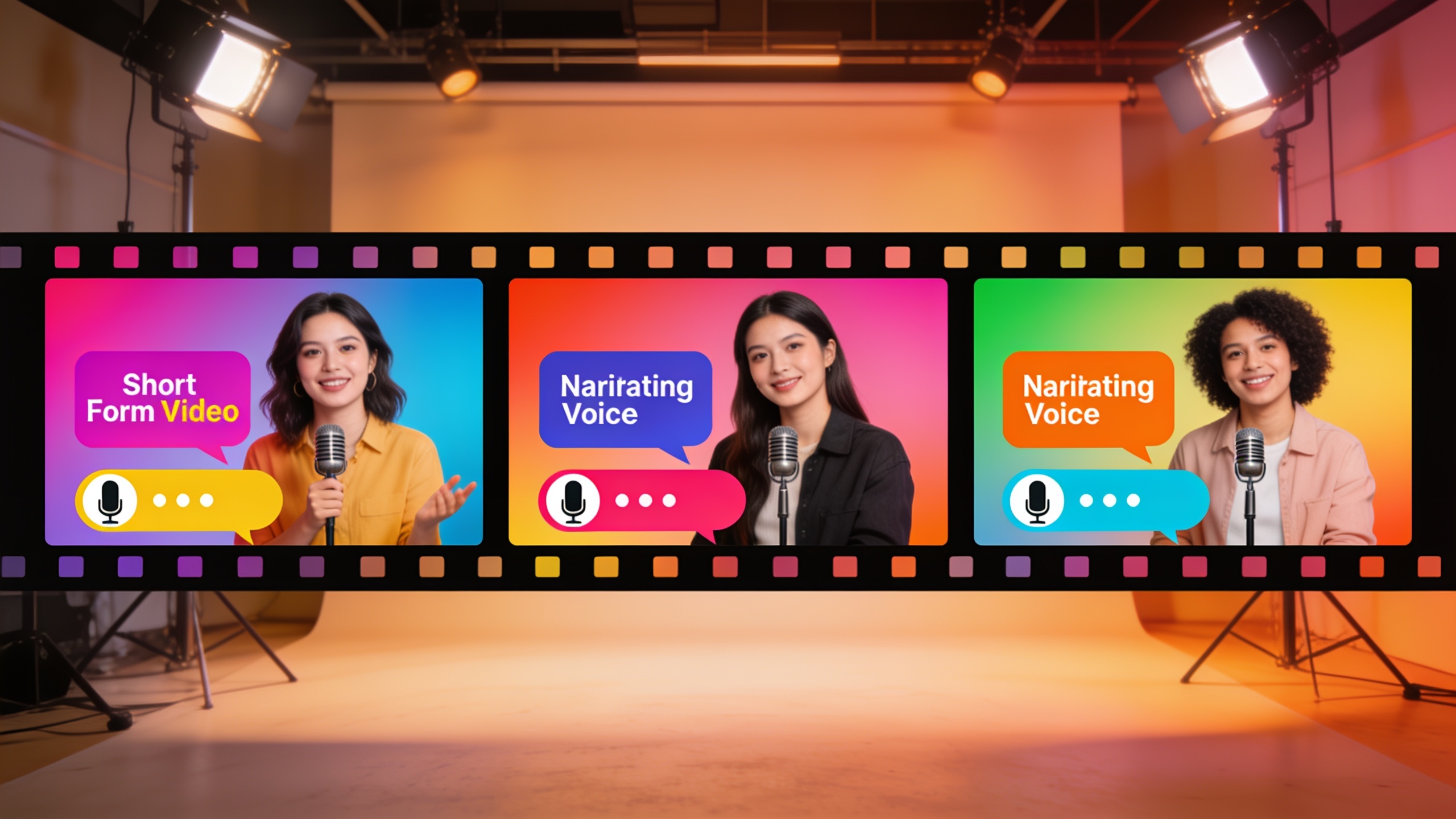
Hands-on: How do I clone or craft character voices for shorts and animation — voice cloning best practices, consent, and safety checks?
Cloning or crafting character voices requires clean source audio, explicit consent, and safety checks to prevent misuse. Best practice is to clone only voices you own or have written permission to use, use a short clean sample, and document consent in writing. Consumer Reports warns many tools lacked safeguards and recommends explicit consent statements and watermarking.
Concrete best practices:
- Get written consent from any human voice you clone. Save the signed consent alongside project files.
- Use a clean, short sample (10–60 seconds) recorded in a quiet room; avoid background noise, music, or processing.
- Keep a log of which clone model files map to which consent form and project.
- Watermark or tag cloned audio where possible and add a credit line in descriptions for transparency.
Example cloning checklist you can copy: ``` 1) Permission received (signed). 2) Source audio: 30s mono, 44.1kHz, no noise. 3) Run clone generation; produce 3 takes at different emotions. 4) Mark files as 'cloned-YYYYMMDD', attach consent PDF. 5) Add disclosure in publish notes: 'Contains AI-generated voice.' ```
Perceptual research shows people match AI-generated voices to a target roughly 80% of the time, and catch AI-generated speech only about 60% of the time, so transparency plus consent reduces ethical risk. For character work, craft clear pronunciation rules and emotional cues, then test with animatics to ensure the voice reads as the character intends.
What legal mistakes and platform pitfalls must creators avoid when using AI voices?
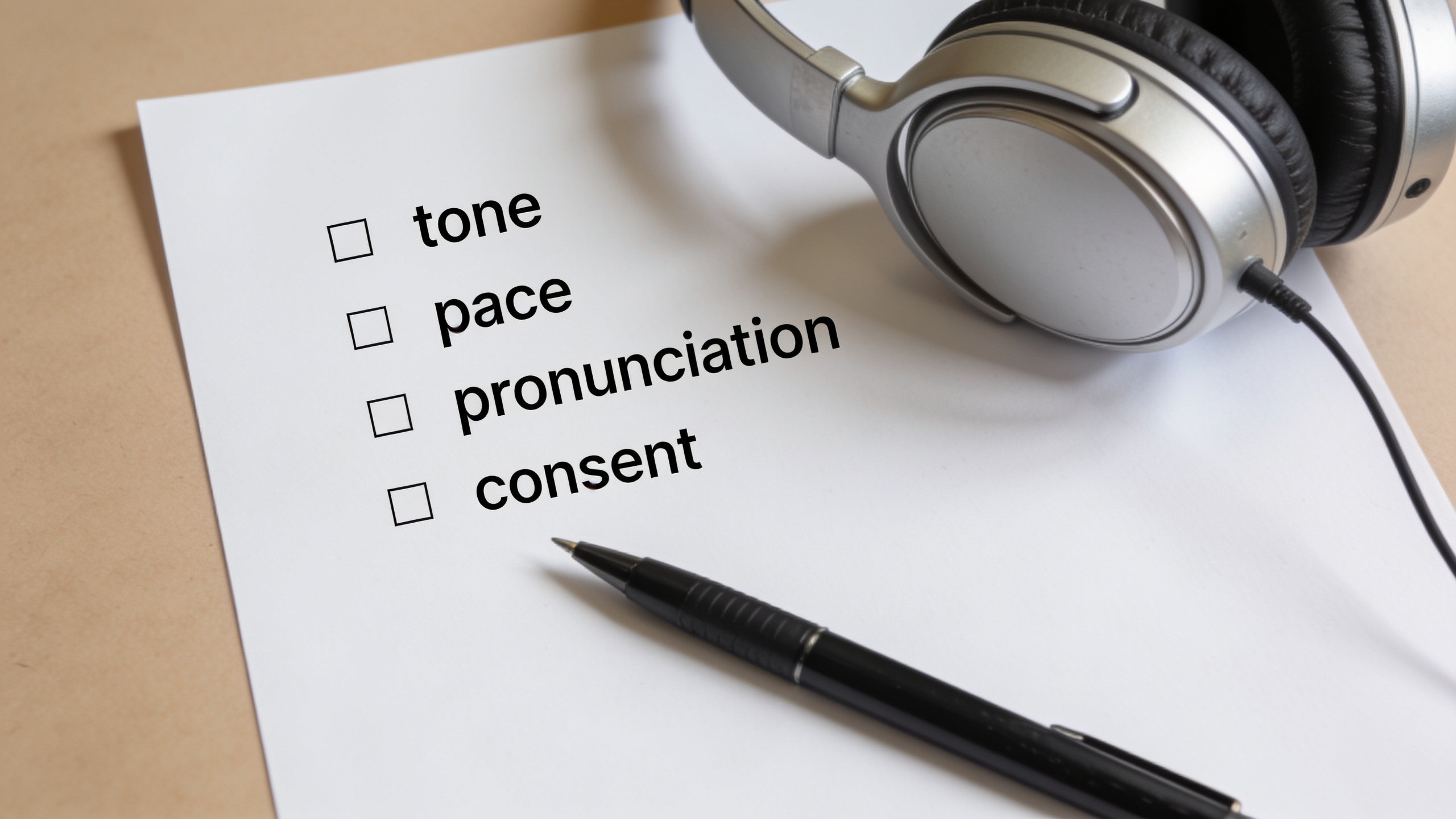
Common legal mistakes include cloning voices without consent, failing to disclose AI usage, and ignoring platform rules about synthetic media. Platforms and consumer advocates recommend explicit consent, watermarking, and clear disclosures to lower misuse risk.
Specific pitfalls and how to avoid them:
- Mistake: Using a contractor's raw voice without written permission. Avoid by obtaining signed release forms before cloning.
- Mistake: Publishing cloned audio without disclosure. Avoid by stating "AI-generated voice" in descriptions and credits.
- Mistake: Treating a clone as a perfect human substitute in ads or claims. Avoid by keeping legal counsel involved for brand-affecting messages.
- Pitfall: Uploading cloned samples that contain copyrighted music or third-party content. Avoid by cleaning samples to remove any background audio.
Platforms vary: check the terms of service for each platform (YouTube, TikTok, podcast hosts) before publishing synthetic voiceovers. Consumer Reports and Axios both highlight that the technology is improving fast but guardrails are still catching up, so conservative operational rules protect your channel and audience,.
Frequently Asked Questions
How long of a sample do I need to clone my voice?
Most tools, including GoCrazyAI, can clone from a short clean sample—typically 10–60 seconds. Use a quiet room and a clear, unprocessed recording for best results.
Do I need to disclose that my audio is AI-generated?
Yes. Best practice and recent industry guidance recommend a clear disclosure in the description or credits saying the voice is AI-generated or cloned with consent.
Will AI voices sound robotic on mobile or low-bitrate streams?
Quality depends on the encoder and bitrate. Test your final audio at the same bitrate and device your audience uses; adjust EQ and dynamic range to preserve clarity at lower bitrates.
Can I use an AI voice for a sponsored ad or paid promotion?
You can, but confirm platform ad policies and have legal review for endorsements. Disclose synthetic audio in line with advertising rules and obtain permission if a cloned voice represents a real person.
Conclusion
Consistent, legally-safe brand voice design requires a written spec, quick in-context testing, and clear consent when cloning. Follow the best practices above to iterate fast: fix a test script, audition voices in your edit, collect feedback, and keep consent logs. When you’re ready to move from prototype to production, try cloning or designing your voice with GoCrazyAI AI Voices to export reusable narrator files and pair them with your edits.
Sources
- Voice Branding: How to Create a Consistent Audio Identity for Your Brand — Vox AI Studiovoxaistudio.com ↗
- AI voice-cloning scams: A persistent threat with limited guardrails — Axios (Mar 2025)axios.com ↗
- People are poorly equipped to detect AI-powered voice clones — arXiv (Oct 2024)arxiv.org ↗
- AI Voice Cloning: Do These 6 Companies Do Enough to Prevent Misuse? — Consumer Reports (2025)innovation.consumerreports.org ↗
- Best AI Voice Generators & Audio Tools in 2025 — Next AI Compare (2025)nextaicompare.com ↗
- Custom AI Voice for Your YouTube Channel: Build Brand Consistency With Voice — VidNo (2025)vidno.ai ↗
- How to Create AI Voiceovers for YouTube Videos in 2026 — BasedLabs.aibasedlabs.ai ↗
- Best AI Voices for YouTube Videos in 2026 — Rekam.airekam.ai ↗
- 10 Tips for Natural AI Voiceovers on YouTube — Vox AI Studio (practical tips)voxaistudio.com ↗
- 10 Best AI Text to Speech Tools in 2025 — AI Review (comparison of features incl. cloning)ai-review.tech ↗