


AI image relight: Turn phone photos into studio-quality ad creative
Learn how AI image relight turns phone shots into campaign-ready ads. Step-by-step GoCrazyAI AI Image Relighting workflows, tips, and legal checks.
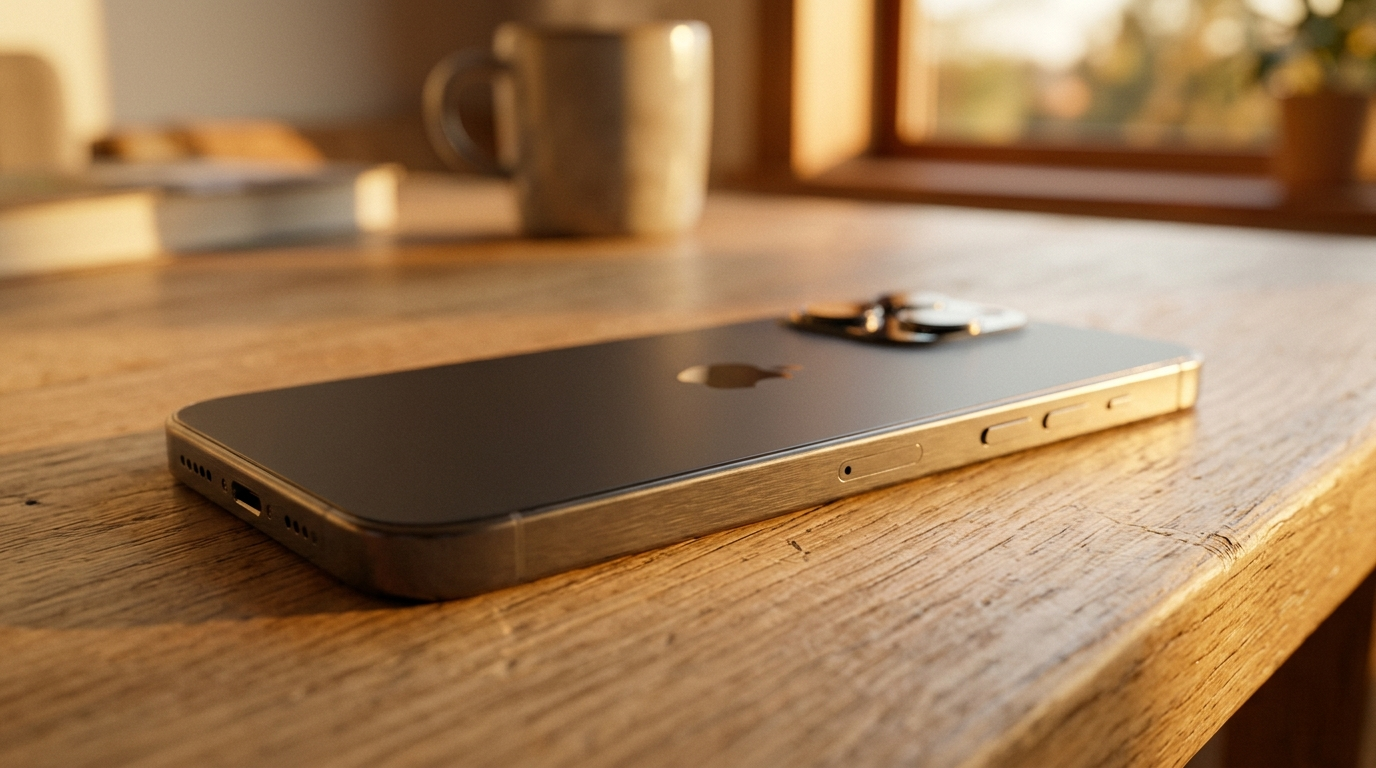
AI image relight is the fastest route from a flat phone photo to campaign-ready ad creative — and GoCrazyAI makes that move predictable. Start by opening the AI Image Relighting tool and pick a preset like "golden hour" or "studio" to see your image transform in seconds. This article walks marketers and creators through when to relight, how advanced methods work, practical prep steps, and two hands-on GoCrazyAI workflows you can replicate today.
Why lighting makes or breaks product & ad creative (and what modern brands are losing without it)
Lighting is the single biggest determinant of perceived quality in still images: it changes perceived material, reveals texture, and directs attention. For product photography, harsh flat midday light can wash out colors and remove fine reflections that show a premium finish. For lifestyle ads, the wrong light kills mood: a heroic athlete needs strong directional rim light, while a scented-candle moment needs soft, warm backlight.
Brands that skip lighting control lose three things at scale: conversion, consistency, and speed. Conversion drops when product surfaces and key details—stitching, label text, fabric weave—aren’t visible. Consistency suffers when catalog photos are lit differently, forcing designers to waste time matching exposures in post. Speed suffers when every new creative requires a photoshoot or reshoot. That’s why modern creative stacks add relighting as a standard step in the workflow: shoot a usable base image, then apply the campaign lighting in software to generate multiple ready-to-use variants without fresh shoots.
For marketers and small teams this isn’t theoretical: relighting lets you iterate on mood and channel format quickly and keeps visual identity consistent across ads and landing pages. When done well, relighting removes guesswork and replaces expensive, slow studio time with targeted, repeatable edits that preserve composition and original subject intent.
How image relighting works today: practical overview of techniques creators should know
Image relighting blends physics-based modeling with data-driven machine learning. At a high level there are two commercial approaches creators will encounter: single-image relighting and example-based relighting.
Single-image relighting estimates scene illumination and surface response from a single photograph, then applies a new light configuration. Recent papers summarize methods that use depth or illumination-field reconstruction to guide relighting, allowing plausible shadows and highlights from a new light direction. Example-based relighting transfers the lighting characteristics from a reference image—useful when you want a specific studio setup or golden-hour look.
Research is moving fast. Weakly-supervised single-view relighting demonstrated inserting and relighting objects into new scenes, which is key for compositing products into campaign backgrounds. SIGGRAPH 2024 work like Lite2Relight and volumetric approaches improved 3D consistency for portraits, which means more realistic eye highlights, self-shadowing, and material responses than earlier methods. Text-guided relighting models now let you say “warm golden hour backlight” and get the intended mood without manual light placement.
As a creator, focus on tools that preserve subject and composition, allow choice of presets (studio, golden hour, neon, dramatic), and output at your original resolution. Those attributes make the relit output usable directly in ads and product pages without re-framing or repeated editing.
When to choose ‘golden hour’ vs ‘studio’ vs ‘dramatic’ relighting for campaigns
Matching lighting style to campaign objective is a straightforward decision tree:
- Golden hour: use for lifestyle narratives, emotional branding, and lookbooks. Warm tones and soft backlight add perceived value and intimacy; they work well on Instagram stories, hero banners, and influencer assets where mood drives engagement.
- Studio: use for ecommerce product shots, catalog images, and any ad where clarity and accurate color reproduction matter. Studio relighting emphasizes even, controllable highlights and soft shadow falloff, making fabrics, glass, and metallic finishes readable.
- Dramatic: use for hero creative, new-product launches, and OOH where contrast and depth create arresting thumbnails. Dramatic relighting adds strong directional shadows and speculars to carve out the subject against backgrounds.
Practical notes: golden-hour renders tolerate slight color shifts because mood is the priority; studio relighting requires color accuracy checks (compare to color patches or known swatches); dramatic relighting must keep shadow direction consistent across composited elements to avoid visual conflict. Choosing the correct relight preset early makes downstream resizing and channel tests much faster.
Workflow — Preparing a phone or DSLR photo for best relight results (step-by-step)
A short prep workflow gives the relighter the best data to work with and reduces the chance of artifacts.
Shoot and select
- Shoot in the highest quality your device allows (RAW preferred on phones and DSLRs). Choose neutral backgrounds where possible—busy, reflective backgrounds complicate light estimation.
Clean and mask
- Remove major distractions and, if needed, make simple subject masks. Many relighting tools preserve composition, but a clean subject-background separation reduces shadow estimation errors.
Expose for detail
- Avoid clipped highlights or blocked shadows. Relighting alters highlight response; if the file already clips speculars, you’ll lose information that the relighting model can’t invent.
Color and white balance
- Set a reasonable white balance in-camera or in a raw developer. Extreme color casts add work later because relighting swaps light, not corrects wrong white balance.
Save and export
- Export a lossless or high-quality JPEG/PNG/TIFF at original resolution. GoCrazyAI’s relighting preserves original resolution, so deliver the largest practical file.
These steps are quick to apply and make a big difference: the relighter needs intact texture and tonal range to convincingly simulate new lights. If you plan to batch-relight a catalog, standardize naming and shooting angles to make batch presets effective.
Hands-on: Using GoCrazyAI AI Image Relighting to turn a daytime phone shot into golden-hour hero art
Here’s a concise walkthrough you can run in under five minutes using GoCrazyAI AI Image Relighting.
1) Upload your photo: open GoCrazyAI and choose the AI Image Relighting tool. Upload the daytime phone shot at full resolution.
2) Pick the golden-hour preset: select the "golden hour" preset from the lighting library. GoCrazyAI offers multiple professional lighting presets designed to preserve subject and composition, so you won’t need to reframe.
3) Adjust intensity and direction: use the provided sliders to dial warmth and rim-light strength. A small increase in backlight creates a believable halo without changing the subject’s pose.
4) Preview and compare: toggle the before/after at 100% zoom to inspect hair highlights and material speculars. If small highlights are lost, reduce intensity or try the alternate warm preset.
5) Export at original resolution: once satisfied, export—GoCrazyAI outputs at the original resolution so the result is ready for hero banners or full-screen mobile ads.
Why this works: GoCrazyAI’s relight preserves the scene composition while applying the golden-hour color temperature and directional lighting, so you get warmth, soft shadows, and believable rim highlights without rebuilding the scene. For many creators, this single flow eliminates a costly reshoot.
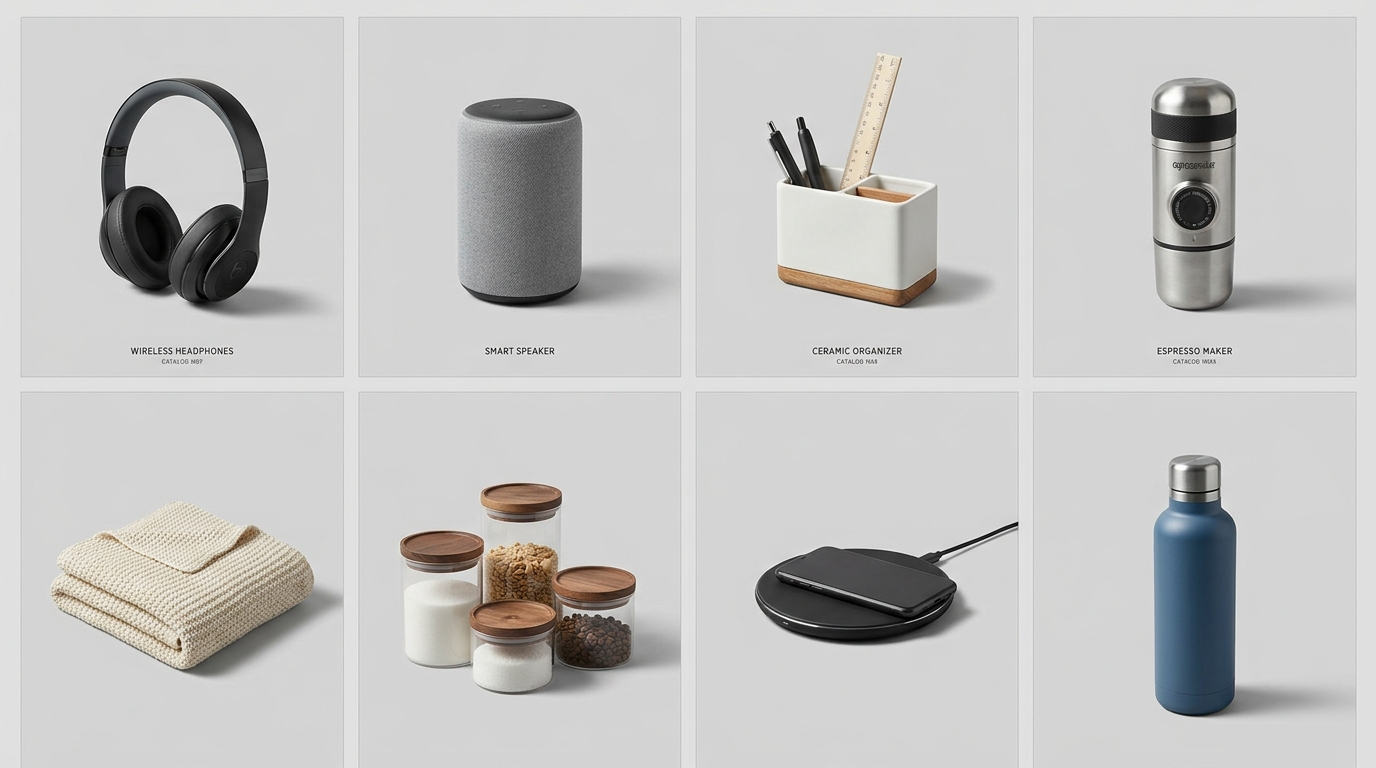
Hands-on: Standardizing lighting across a product catalog with GoCrazyAI for consistent ad creative
Consistency across product images is essential for trust and conversion. Here’s a practical catalog workflow using GoCrazyAI AI Image Relighting:
1) Define master shot criteria: pick a representative angle and background for the catalog—flat neutral background for technical listings, lifestyle frame for lookbook spreads.
2) Create a relight preset: in GoCrazyAI, pick a target lighting style (studio softbox, studio edge, or neutral product light) and save it as a brand preset. Using published presets removes per-image guesswork.
3) Batch upload: import the catalog images in a single job. Because GoCrazyAI preserves subject and outputs at original resolution, batch results require only minimal retouching.
4) Color-verify: pick a sample set and compare product colors to physical swatches. If you notice systematic shifts, apply a small curve correction in your color tool or adjust the relight color temperature.
5) Export variants: export multiple lighting variants if needed—hero, thumbnail, and social crops—so the same product appears consistently across channels with different moods.
This process replaces repeat studio time: instead of re-shooting the same product under multiple fixtures, photo teams shoot once and generate consistent, on-brand lighting at scale. For teams that also need new art assets, pair this with GoCrazyAI Image Upscaler to get crisp 4K exports for billboards or large format prints.
Performance & quality: what research says about current AI relighting limits and strengths
Academic and industry research shows fast progress but honest limits. Strengths: modern models produce convincing global illumination changes, believable color shifts, and in many cases realistic highlights and shadow direction. SIGGRAPH 2024 and related work improved 3D consistency in portraits and material response, meaning commercial tools can now render better eye catchlights and coherent self-shadowing than older approaches.
Limitations remain. Papers note challenges with fine-detail preservation—speculars, thin hair strands, and small reflective logos can be altered incorrectly if the input lacks sufficient detail. Shadow geometry across changing pose or multiple overlapping objects is still a failure mode: relit shadows can look plausible locally but break global scene physics if occluders aren’t modeled.
Practical implications: expect excellent results for static product shots and single-person lifestyle photos where composition is preserved. Validate important assets—especially those showing color-critical products—by checking swatches and specular detail at 100% zoom. For AR or multi-object scenes where exact shadow geometry matters, add manual composite checks or use depth-guided approaches described in recent literature to improve consistency.
These technical realities are why workflow checkpoints—preview at full-res, color verification, and spot retouch—remain part of professional pipelines.
Copyright, commercial use, and brand-safety considerations when relighting images for ads
Relighting an image is an edit, so rights and brand-safety rules still apply. If you own the original photo or have a clear release from the photographer/model, relighting is covered as a derivative work—still check the license terms for stock images before significant edits. For influencer content, confirm the agreement allows creative edits and reuse in paid media.
Brand-safety: relighting can change perceived context. A neutral store photo relit to a moody night scene could imply different usage or misrepresent the product if not approved. Keep compliance checks in your approval workflow: legal should review relit hero shots used in claims-driven ads, particularly where lighting can exaggerate materials (shiny coatings, metallic finishes).
If you use AI presets or third-party reference images to define lighting styles, document provenance for auditability. For paid platforms, some ad networks require demonstrable ownership or permission for the imagery; keeping a record that the base photo and any referenced lighting images are licensed avoids later issues.
Finally, maintain a versioned archive: save the original file, the relit master, and the exported variants so you can show the edit history if a dispute arises.
Quick checklist: measuring success and optimizing ad creative after relighting
Use a short measurement loop to validate whether relighting improved your campaign assets.
1) Visual QA: inspect at 100% for specular highlights, hair detail, and color fidelity against a physical or reference sample.
2) Brand alignment: confirm tone of the relit image matches brand guidelines for contrast, warmth, and emotional register.
3) Channel formatting: export required sizes (square, vertical, hero) and preview thumbnails; strong relighting can change how a subject reads at thumbnail size, so check legibility.
4) A/B test: run the relit image against the original in an ad set to measure CTR and CVR uplift; even small mood changes often affect engagement.
5) Performance loop: roll successful variants into your creative library and bake the relight preset into future shoots.
These checks turn relighting from a one-off trick into a repeatable part of your creative production system.
Frequently Asked Questions
Will AI relighting change the composition of my photo?
No—GoCrazyAI AI Image Relighting preserves subject and composition by design. It changes lighting while keeping framing and placement intact.
Can I relight product photos without losing true product color?
Yes, but you should validate color-critical assets by comparing to a known swatch at 100% and adjust temperature or curves when needed.
Do I need RAW photos to use relighting effectively?
RAW gives the best latitude, but high-quality JPEGs work. Avoid clipped highlights or blocked shadows for the best results.
Is relit content safe to use in paid ads?
Yes, if you hold the rights to the base image or have a release. Document edits and approvals, especially for claims-driven campaigns.
Conclusion
Relighting is the practical shortcut that replaces repeat studio shoots and speeds campaign iteration. For creators and small teams, GoCrazyAI AI Image Relighting delivers multiple professional presets, preserves subject and composition, and exports at your original resolution—making it the fastest path from a daytime phone photo to a campaign-ready hero image. Try AI Image Relighting now, pick a lighting style, and ship a campaign-ready asset during your next break.
Mentioned in
Sources
- End-to-End Depth-Guided Relighting Using Lightweight Deep Learning-Based Method (MDPI, 2023)mdpi.com ↗
- Weakly-Supervised Single-View Image Relighting — CVPR 2023openaccess.thecvf.com ↗
- Text2Relight: Creative Portrait Relighting with Text Guidance (Dec 2024)arxiv.org ↗
- Lite2Relight: 3D-aware Single Image Portrait Relighting (SIGGRAPH 2024)reality.cs.ucl.ac.uk ↗
- DiffRelight / DE-NeRF and related relighting research (2024)eyelinestudios.com ↗
- Single image relighting based on illumination field reconstruction (Optica/OSA, 2023)opg.optica.org ↗
- 6 Best AI Ad Tools for Creative Content Creation — industry workflow context (2024–2025 roundups)imagine.art ↗