


AI relighting
Changing the lighting of an existing photo using an AI model — switching daytime to golden hour, flat lighting to studio, or adding neon. Relighting preserves the subject and composition while restyling the light, useful for product photography and creator portraits.
Where this fits in GoCrazyAI
Apply studio, golden-hour, neon, or dramatic lighting styles to any photo — like a portable lighting rig.
Recent guides on ai relighting
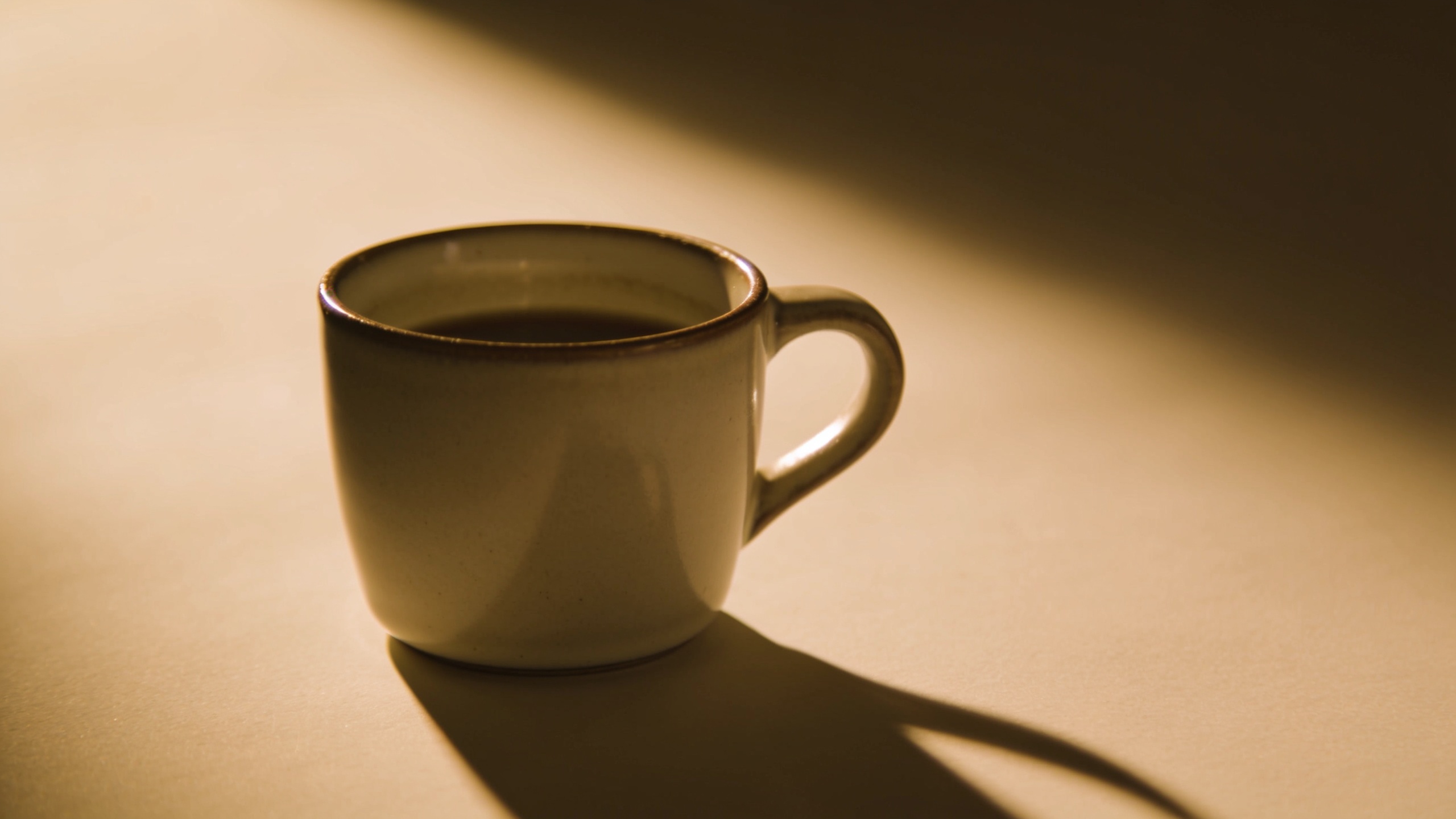
GoCrazyAI relighting tutorial: Turn phone photos into golden-hour and studio product shots
Practical GoCrazyAI relighting tutorial to convert phone product photos into golden-hour and studio-ready images. Step-by-step workflows, prompts, and scaling tips.
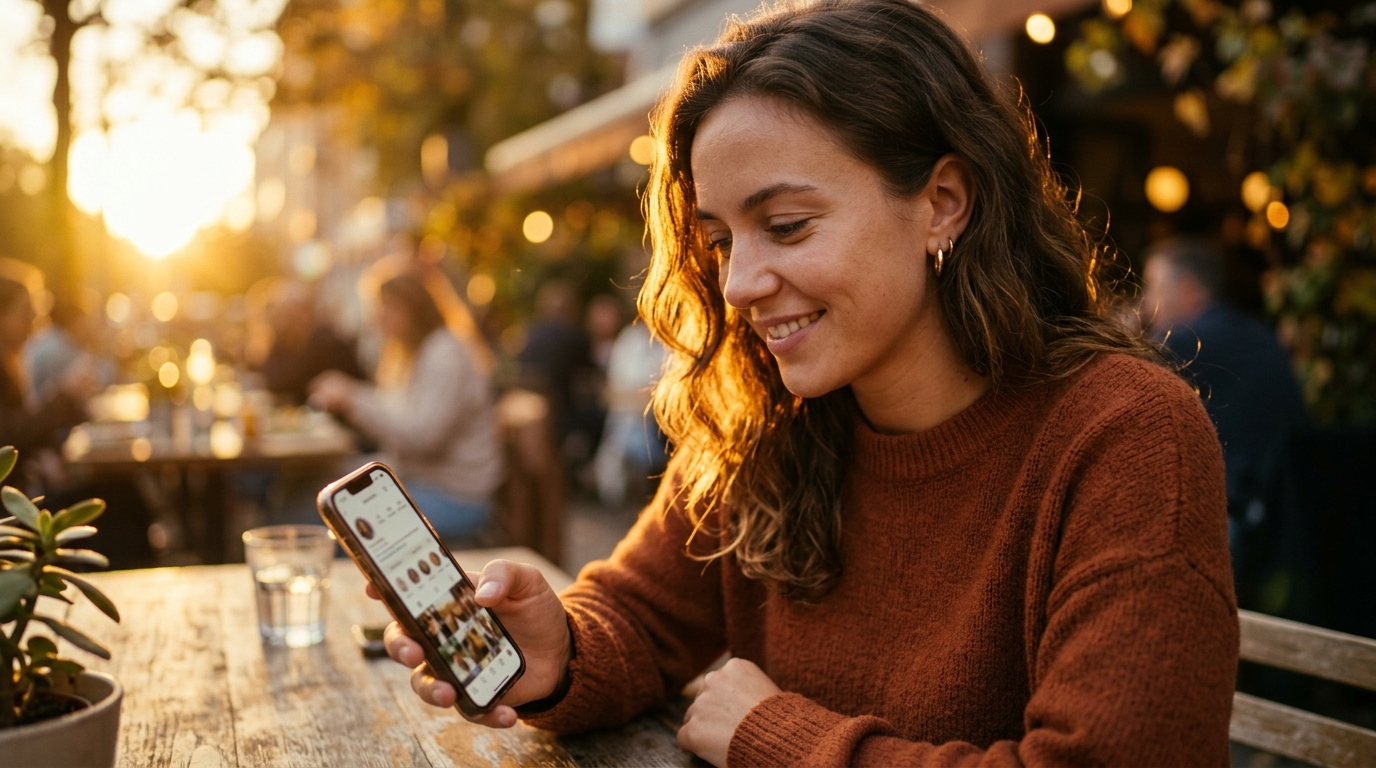
Photo restyle AI: relight phone photos for social posts
Learn how photo restyle AI relighting fixes flat phone photos, creates golden-hour or studio moods, and refreshes evergreen assets without reshoots.
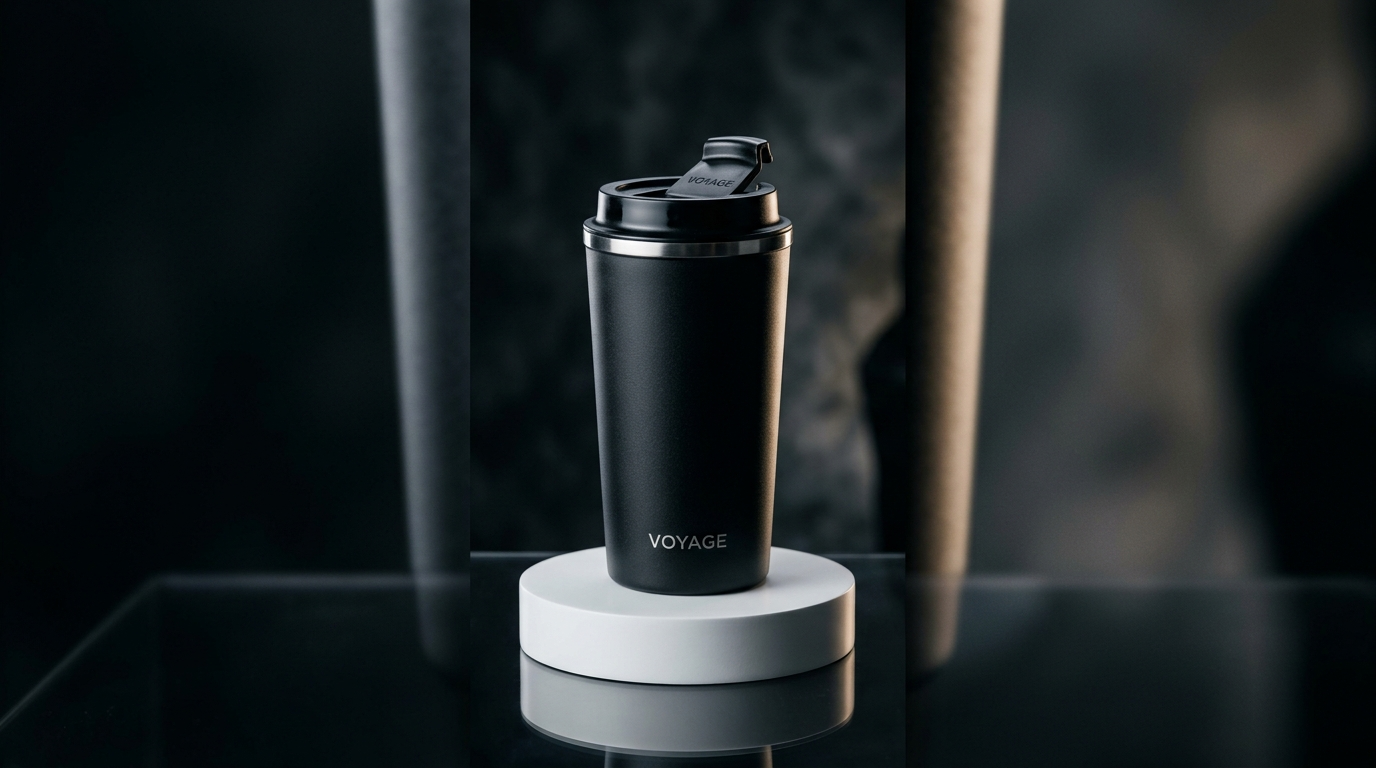
15 second product ai: Create cinematic 15s product loops and quick demos
Learn how to turn one product photo or a text prompt into high-converting 15-second cinematic product loops and demos, with workflows, prompts, and GoCrazyAI tips.