


AI relight product photos: consistent golden hour and studio lighting at scale
Learn how AI relight product photos creates consistent golden-hour, studio, or neon looks across catalogs, with checklists, two workflows, and metrics.
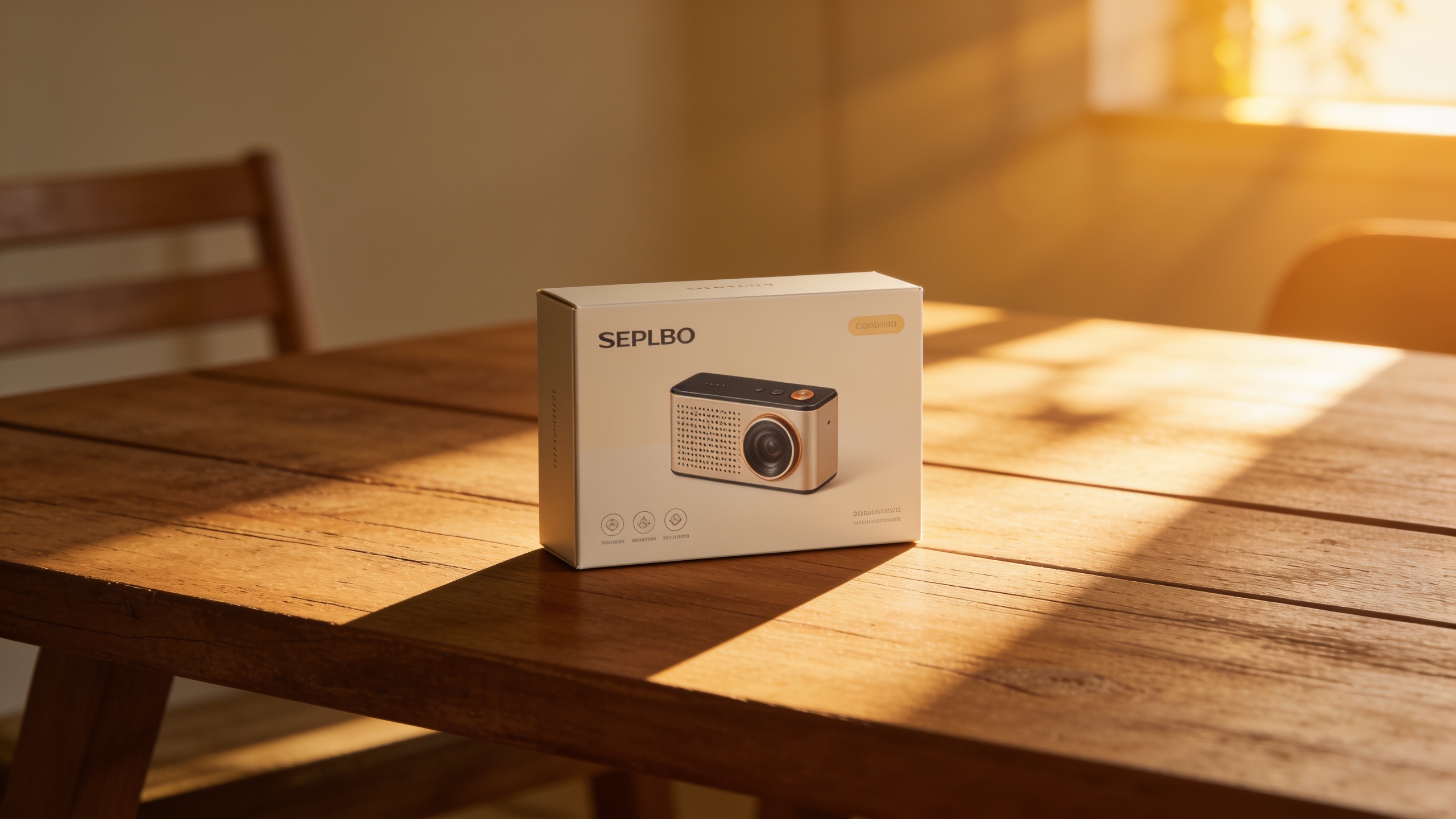
Your product photos look inconsistent across listings and campaigns, and that inconsistency is costing clicks and sales. This guide shows how AI relight product photos to give every SKU the same on‑brand lighting — golden hour, studio, or neon — without repeat photoshoots. You’ll get the business case, a short technical primer, a prep checklist, two practical workflows (batch and single-hero), and a measurement plan you can run in a week. Along the way I’ll cite industry studies that quantify the lift you can expect and explain why modern single-image relighting is reliable enough for commerce use. If you want a fast way to apply lighting rigs across mixed-origin images, I include one actionable GoCrazyAI workflow that preserves subject and composition and outputs at original resolution so you can swap images across listings and ads without re-shooting.
Quick Answer
How do you AI relight product photos? Use single-image relighting models or services to map a target light rig (golden hour, studio, neon) onto your existing photos while preserving subject and composition. For catalogs, batch-process standardized presets; for hero ads, tune temperature and shadow strength manually. Test with A/B to measure CTR and conversion uplifts.
Why consistent lighting lifts conversions: the business case for relighting product photos?
Consistent lighting reduces buyer friction and usually improves both click-through rate and conversion. High-quality product images are strongly tied to buyer behavior — a Sutton Commerce summary of Etsy data found listings with higher-quality images sold for up to 30% higher prices and showed roughly 89% more conversion events than lower-quality images (Sutton Commerce). Amazon tests also report that switching to consistent, well-diffused window or studio lighting produced a median 38% uplift in CTR and a 21% rise in conversion for product images (Amazon study summary). Agency audits and case studies show post-production image improvements (lighting, consistency, extra angles) can lift conversions anywhere from 15% to 127% depending on category and funnel position (Envision Media Co.; Ecom Model Studio). Put simply: improving lighting often pays for itself quickly in higher CRs and average order value.
How to use that as a decision rule: run a small A/B test on a representative subset (20–40 SKUs) and measure CTR, add-to-cart rate, and post-click conversion for 2–4 weeks. If you see the mid-double-digit CTR lift the industry reports, scale to the full catalog — the incremental revenue often far outweighs the cost of automated relighting or a fraction of a photoshoot.
How does modern AI relighting work (brief, practical tech primer for creators)?
Modern AI relighting usually relies on deep-learning techniques that separate scene properties (albedo, normals, and lighting) so a model can change illumination without breaking material or silhouette. Recent conference work — e.g., NeurIPS 2024 'Neural Gaffer' and related ArXiv/IEEE papers — shows diffusion-based and inverse-rendering models can alter direction, color temperature, and shadow from a single photo, without requiring 3D captures or light-stage rigs (Neural Gaffer; ArXiv 2022 paper). These models learn to disentangle lighting from surface reflectance and geometry so edits remain physically plausible and preserve subject detail.
For creators that matters because it means: you can change midday phone shots into warm golden-hour hero images, add soft studio rim light, or apply dramatic colored neon fills with minimal artifacting. The caveat: extreme changes (moving a light from front to strictly backlit or changing camera angle) are still challenging. But for typical ecommerce needs — consistent temperature, shadow direction, and diffusion — single-image relighting is practical and fast.
Relighting use cases that move the needle: golden hour, studio, and campaign consistency — examples?
Golden hour, studio, and consistent campaign lighting each serve a measurable role in conversions. Golden-hour hero images often increase perceived value for lifestyle shots used in ads; studio-lit product shots reduce returns by showing accurate color and texture for catalog thumbnails; campaign-consistent lighting unifies mixed-origin imagery to lower cognitive friction across landing pages and carousels.
Example workflows you can copy:
- Phone-to-golden-hour hero (for ads): apply +200K warm kelvin shift, soft directional key from 30° above, increase specular highlights by 10–15%, deepen contrasting shadow on lower-left. Prompt example: "Warm golden hour, directional sunlight from 2 o'clock, soft rim light, gentle lens flare, preserve product color and texture."
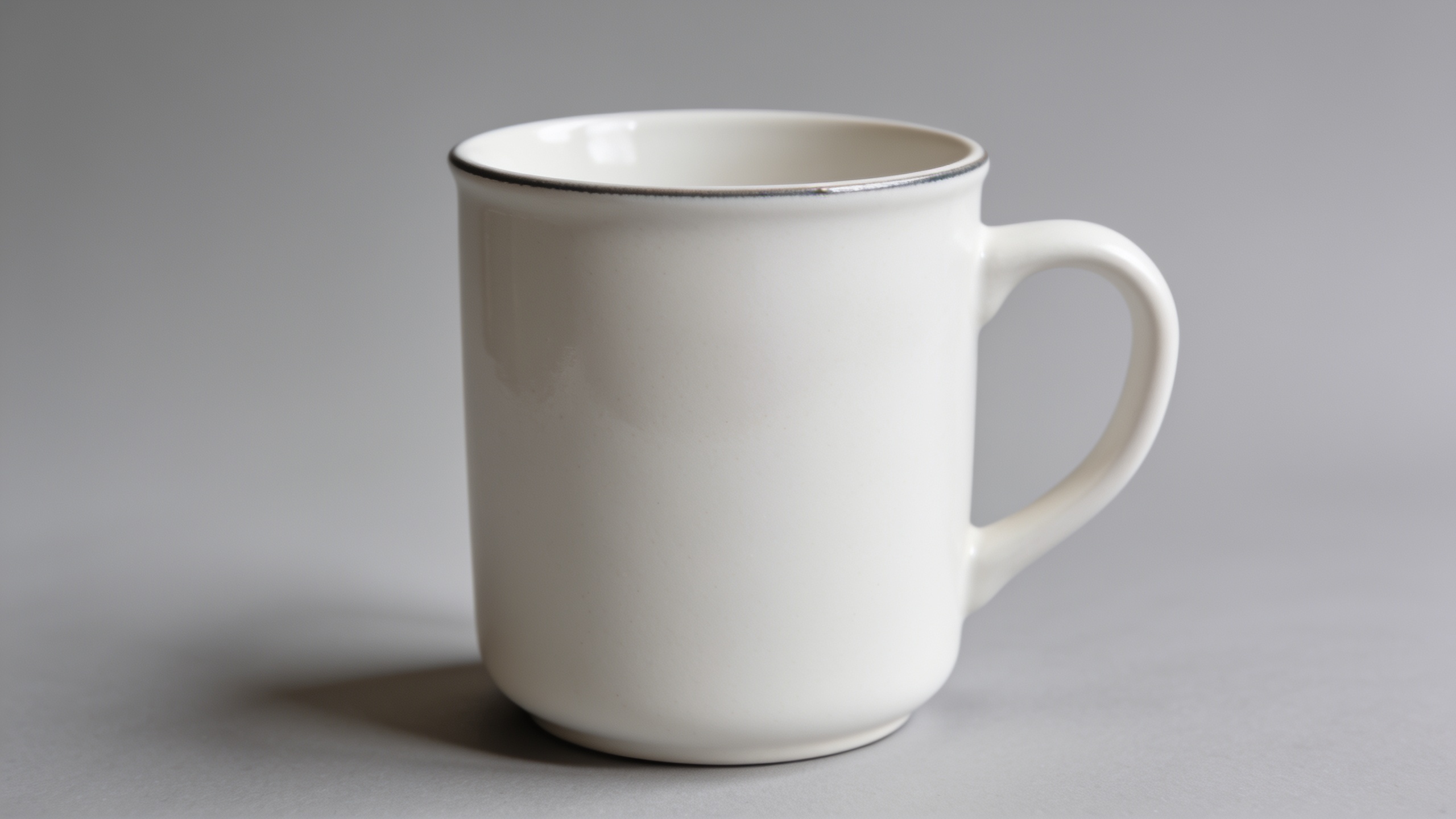
- Studio thumbnail match (for listings): neutral 5600K white balance, soft 6:1 diffusion ratio, subtle top fill to remove under-shadowing. Prompt example: "Studio diffused light, neutral 5600K, soft shadow, even illumination across product, preserve background."
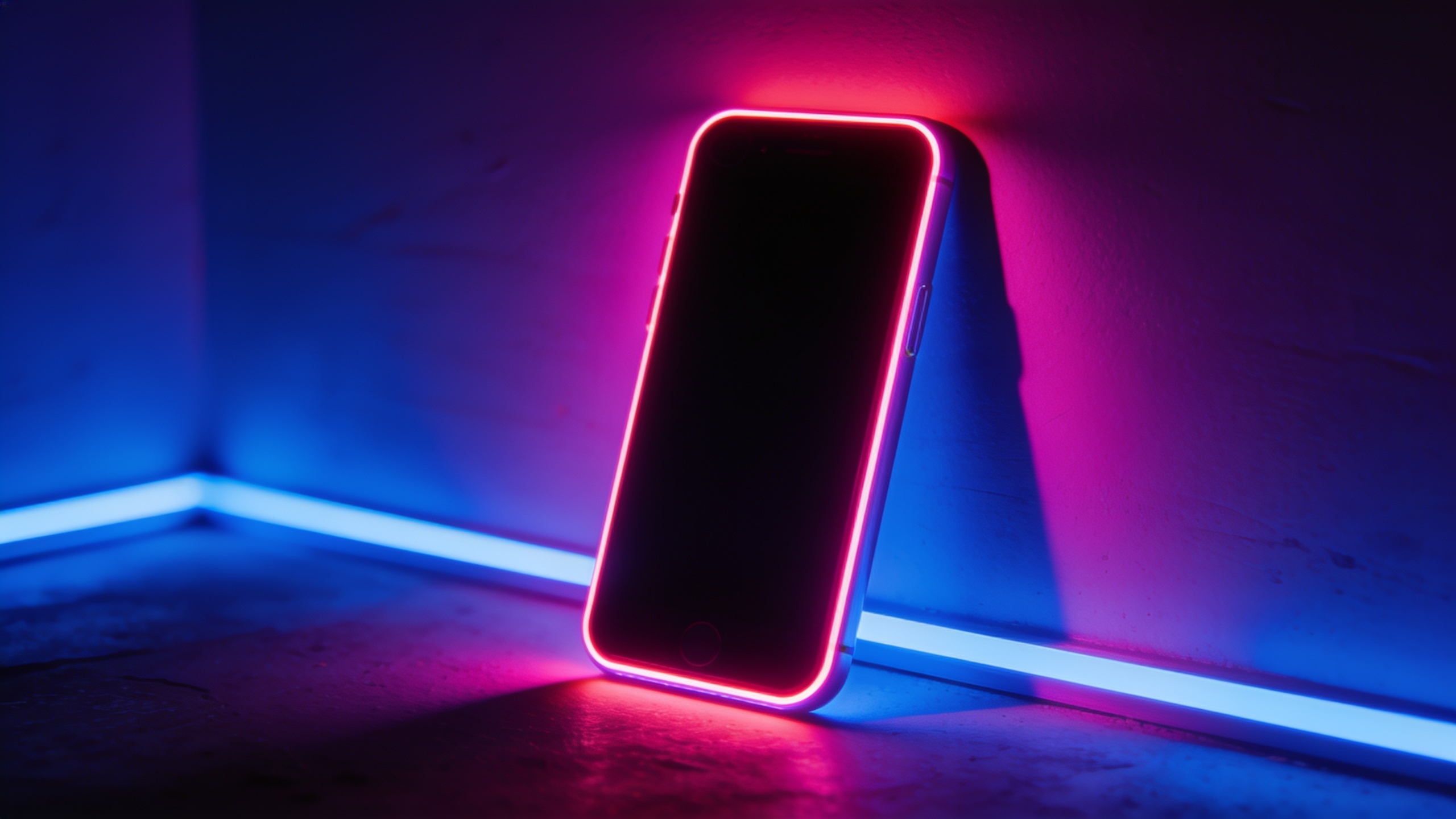
- Neon campaign look (for launch pages): cool rim light at 4700K, magenta-blue backlights, stronger clear silhouettes. Prompt example: "Neon magenta-blue rim, high contrast, keep product matte finish, dramatic shadow separation."
These prompts (phrased for a relighting tool) emphasize target temperature, direction, diffusion, and the requirement to preserve subject and composition. For ecommerce, test one preset per week on a small SKU set to measure early lift before rolling out catalog-wide.
Checklist: Preparing product photos for fast, high-quality AI relighting?
Prepare images so the relighting model has the cleanest input — this increases speed and output uniformity. Key prep steps include: consistent crop and aspect ratio, correct white balance, minimal background clutter, and if possible a simple mask around the subject. Also keep source metadata (resolution, focal length) when available.
Checklist items (copyable):
- File quality: use highest original resolution; avoid heavy JPEG artifacts.
- Background: remove or blur busy backgrounds; plain or lightly textured backgrounds relight more predictably.
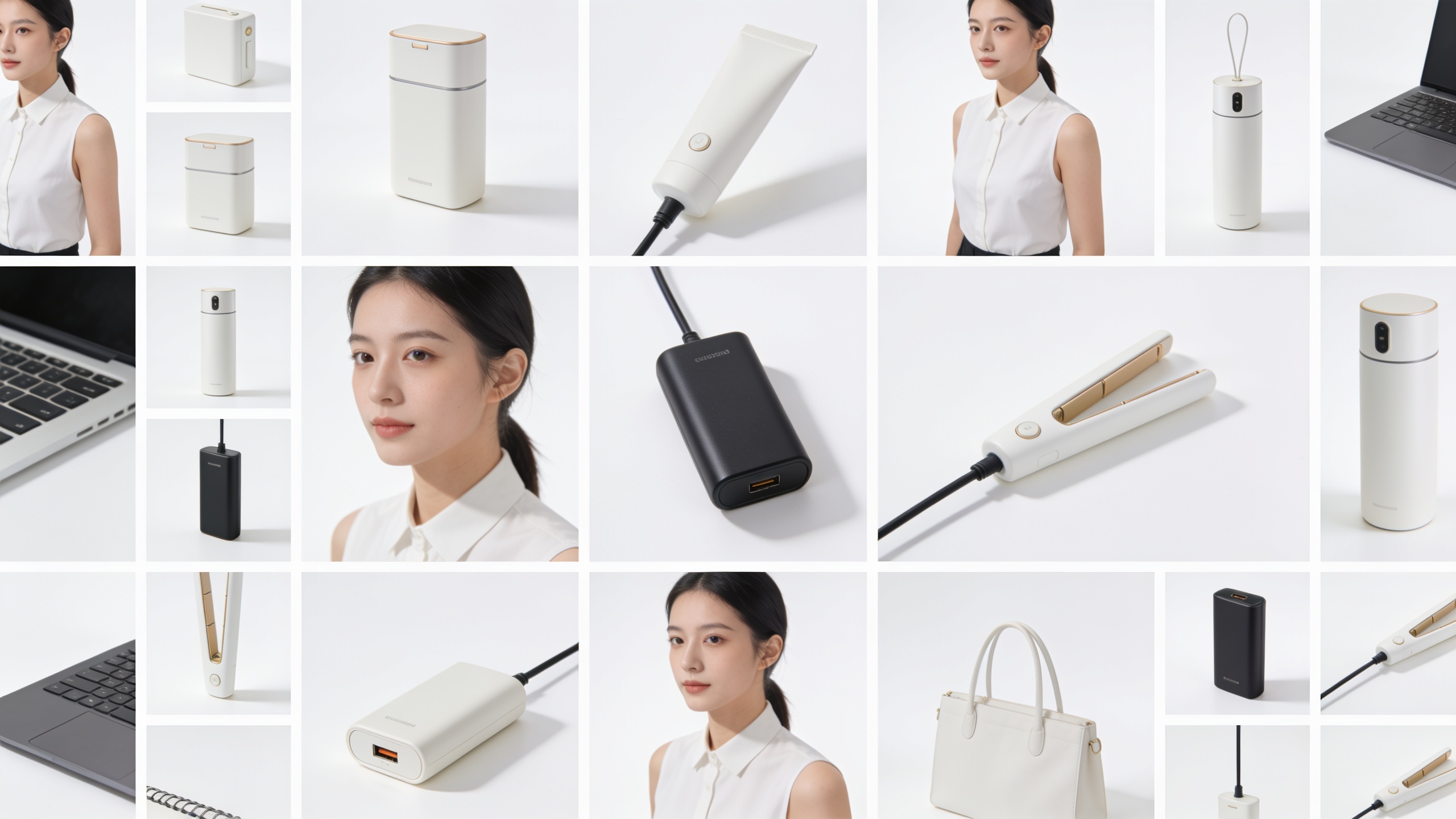
- Crop: standardize to the same product framing (e.g., 3:4 hero crop or 1:1 thumbnail) so batch presets apply evenly.
- White balance: neutralize to ~5600K for studio or leave natural for lifestyle; document the baseline.
- Masking: provide a rough alpha or object mask if available — it helps preserve edges and accelerates batch consistency.
- Multiple angles: provide at least two angles (front + detail) if you plan multi-image galleries; relighting runs on each separately.
Following this checklist typically reduces rework and artifact fixes. If you can't do masks for hundreds of SKUs, prioritize clean backgrounds and consistent crop — those two factors often yield the largest return on relighting quality.
Workflow A — How to do batch relighting with GoCrazyAI: 100-product catalogue step-by-step
Yes — you can batch relight a large catalog to a unified campaign look with minimal manual work using an AI relighting tool. The short answer: standardize presets, prepare images via the checklist above, run the relight preset in batches, review a quality sample, and then publish in staged A/B tests.
Step-by-step practical runbook using GoCrazyAI AI Image Relighting (/relight-image): 1) Audit and pick 20 representative SKUs across color and material to test lighting presets. 2) Prepare images (crop, WB, simple background) following the checklist. 3) In GoCrazyAI AI Image Relighting, select the target lighting preset (studio, golden hour, neon). The tool preserves subject and composition and outputs at original resolution, which speeds catalog swaps. 4) Batch-upload the sample set and apply the preset; download versions kept in a campaign folder. 5) Review images, tweak shadow strength or temperature on 10% of edge cases (dark fabrics, reflective metals). 6) Roll out to the full 100-product set in batches of 20 and run a staged A/B on your storefront and top ad creatives.
Why GoCrazyAI here? The product is built to relight a photo while preserving subject and scene composition and to output at the original resolution, which simplifies integration into product pages and ad assets. Use an "AI image generator" for any missing lifestyle backgrounds or the GoCrazyAI Image Upscaler (/image-upscaler) if you need higher-res exports for hero banners. Also review cost against your plan on the GoCrazyAI Pricing page (/credits) to estimate credits for a full-catalog run.
Workflow B — Turning single phone shots into golden‑hour hero images for ads (step-by-step)?
You can convert a quick phone lifestyle shot into a polished golden-hour hero in minutes. The process: pick a single image, neutralize white balance, apply a golden-hour preset, then refine warmth, shadow direction, and highlight strength.
Step-by-step: 1) Select the best phone shot that shows the product clearly with some sky or background for natural-looking warm light. 2) Apply basic corrections: exposure, crop to your ad aspect ratio, and neutral white balance baseline if needed. 3) Run the golden-hour relight preset (or prompt) and evaluate on a calibrated display. 4) Tweak temperature (+150–400K), increase directional shadow depth if you want stronger contrast, and add a subtle lens flare if the subject can accept it without masking details. 5) Optionally upscale the result with GoCrazyAI Image Upscaler if the ad needs 4K hero art. 6) Export WebP/JPEG at two sizes (ad creative and landing hero) and run a 2-week A/B test vs the current hero.
For prompts, use short, explicit instructions: "Golden hour sunlight from 2 o'clock, warm +300K, soft diffusion, keep product texture, subtle highlight on edges." This type of instruction helps the relighter keep material fidelity while changing illumination.
Measuring impact and common mistakes to avoid and A/B testing your new lighting
Measure CTR, add-to-cart conversion, and final purchase conversion when you roll new lighting; track these for each SKU cohort and creative placement. Start with a small A/B on your top 20 SKUs for 2–4 weeks and compare CTR and conversion at the product-card and PDP levels. If you see the typical uplifts cited earlier (mid-double-digit CTR, low double-digit conversion increases), expand to more SKUs. Also track returns and product complaints because altered lighting can change perceived color or texture.
Common mistakes (and how to avoid them):
- Mistake: Changing lighting without controlling white balance across assets. How to avoid: neutralize or document baseline WB before relighting and use consistent presets.
- Mistake: Skipping a quality sample review and rolling artifacts catalog-wide. How to avoid: always review 5–10% of outputs on target devices; tweak shadow/specular sliders for edge cases.
- Mistake: Over-stylizing hero images so they misrepresent product color or finish. How to avoid: keep one "truth" image per SKU with accurate color for detail pages; use stylized variants for marketing only.
- Mistake: Not A/B testing or measuring placement-specific impact. How to avoid: run controlled tests per placement (thumbnail vs hero) and measure CTR/CR separately.
Cadence and next steps: run initial tests for 2–4 weeks, iterate on presets for 1–2 rounds, then scale. Use ROI math: multiply observed conversion lift by average order value and traffic to estimate incremental revenue vs relighting cost. This evidence-based approach helps justify a catalog-wide rollout.
Frequently Asked Questions
Can AI relighting change product color or finish?
AI relighting can shift color temperature and highlights but should not change intrinsic product color or material finish if you preserve a truth image. Always keep one accurate reference image per SKU for product detail pages while using stylized variants for ads.
How long does batch relighting 100 images take?
With a dedicated relighting tool and prepared images, batches of 20–50 images typically process in minutes to an hour; full-100 runs often complete the same day. Actual time depends on file size and service throughput.
Will relighting increase image file size or resolution?
Good relighting tools preserve original resolution; some let you export at the original size or upscale afterward. Use an upscaler only when you need larger hero assets.
Do I need masks for good results?
Masks help with edge preservation and tricky backgrounds but are not always required. If masks aren't practical for hundreds of SKUs, prioritize clean backgrounds and consistent crop to get reliable results.
Conclusion
Final thoughts: AI relight product photos gives ecommerce teams a fast, lower-cost route to campaign-consistent lighting without re-shooting. Start small, use the prep checklist, run staged A/B tests, and keep a truthful SKU image for product pages. If you need a practical relighting tool that preserves subject and outputs at original resolution, try GoCrazyAI AI Image Relighting (/relight-image) to pick a lighting style and transform your photos.
Sources
- How Product Photography Affects Shopify Conversion Rates | Sutton Commercesuttoncommerce.co.uk ↗
- Amazon Study: How Window Light Boosts Product Photography Conversions by 38% (presentation summary)slideserve.com ↗
- Neural Gaffer: Relighting Any Object via Diffusion (NeurIPS 2024)papers.neurips.cc ↗
- Learning to Relight Portrait Images via a Virtual Light Stage and Synthetic-to-Real Adaptation (ArXiv, 2022)arxiv.org ↗
- End-to-End Depth-Guided Relighting Using Lightweight Deep Learning-Based Method (MDPI, 2023)mdpi.com ↗
- From darkness to clarity: A comprehensive review of contemporary image shadow removal research (2017–2023) - ScienceDirectsciencedirect.com ↗
- Product Photography & Conversion Rate Optimization: Data-Backed Results (Ecom Model Studio)ecommodel.studio ↗
- The 5-Minute Photography Audit That Could Double Your Online Sales (Envision Media Co.)envisionmediacompany.com ↗