


photo relight AI: Turn everyday photos into seasonal, studio, or golden-hour ads
Use photo relight AI to convert phone shots into golden-hour, studio, or seasonal ad images fast. Workflows, examples, and how to scale with GoCrazyAI.
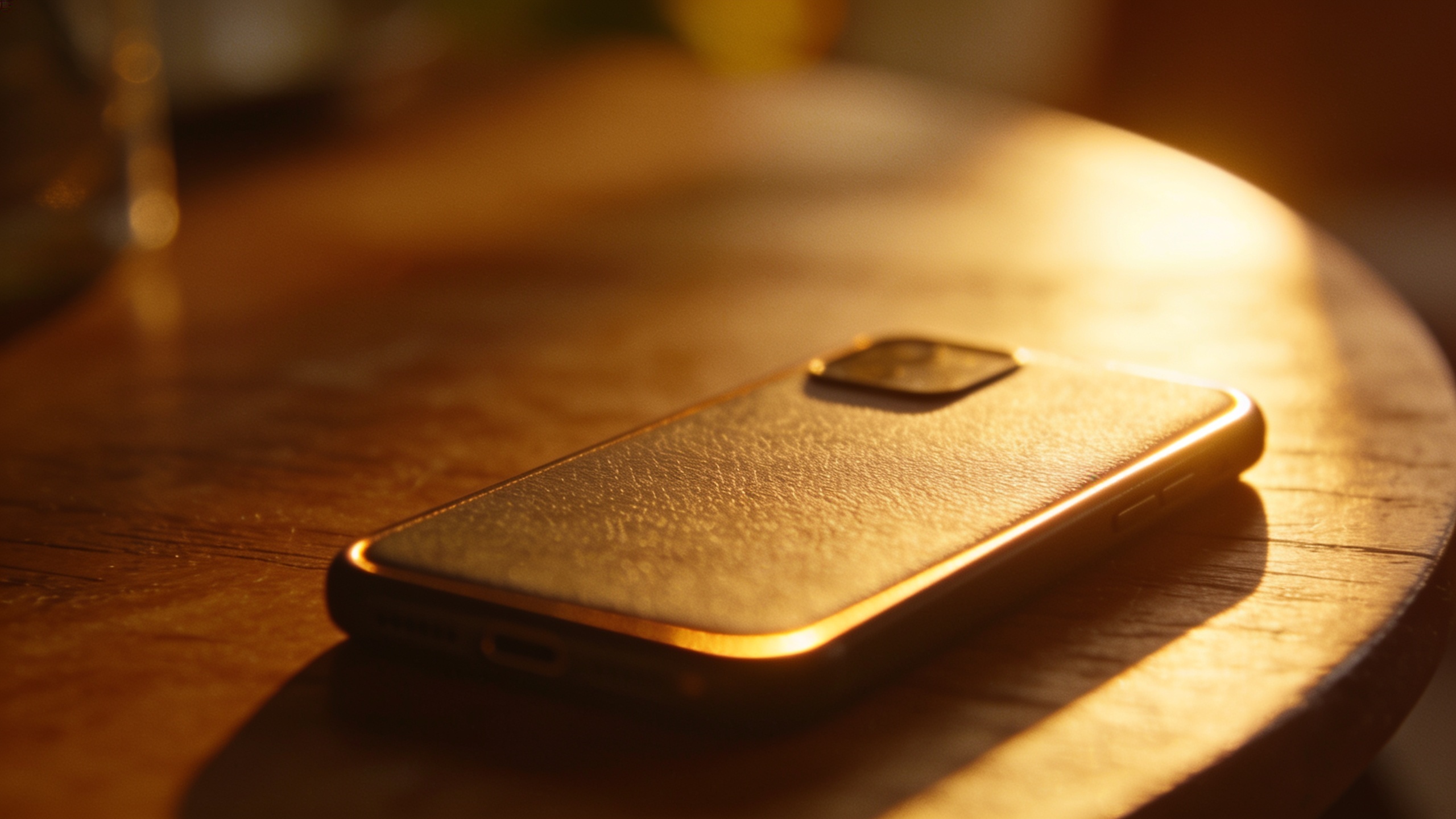
You need seasonal ad photos or consistent ecommerce shots but you don’t have time or budget for repeat shoots. This article shows practical ways to use photo relight AI to change mood, color, and contrast so one phone image can become dozens of ad-ready variants. You’ll get decision rules for when to relight vs reshoot, step-by-step relighting workflows (golden-hour and studio gel looks), A/B test briefs, and a checklist for scaling using GoCrazyAI’s AI Image Relighting.
Quick Answer
How do you use photo relight AI to make seasonal or studio-ready images? Upload a high-quality base photo to a relighting tool, pick a target lighting style (golden hour, studio, neon), and tweak intensity and color temperature until the subject and background harmonize. For fast, repeatable results, use a tool that preserves composition and outputs original resolution.
Why lighting is the single biggest leverage point for seasonal ads and product photography?
Lighting controls perceived mood, depth, and material qualities like gloss and texture; small changes to angle, temperature, or contrast often produce bigger shifts in perceived desirability than changes to color grading or background alone. For marketers and creators that means one base photo can be converted into multiple seasonal variants — warm golden-hour, cool winter blue, or high-contrast studio shots — without reshooting. Computer-vision research shows relighting improves scene realism and perception, making it a practical lever for lower-cost ad production.
Practical impact: a shallow warm rim light can make a product appear premium; a soft studio fill removes harsh shadows that hide texture; a cold, desaturated top light can communicate winter or tech moods. Because relighting modifies cues our brains use to read shape and material, it tends to change purchase intent and attention more than subtle color overlays. For small teams, this is high ROI: one shoot, many moods, faster A/B cycles and lower production cost compared to booking studios or location days.
How modern AI relighting works (brief, non-technical primer with examples from recent research)?
Modern AI relighting estimates how light interacts with a scene and then synthesizes a new image under a different lighting model while keeping subject and composition intact. Early portrait relighting focused on faces; later work expanded to full-body and complex scenes and improved harmonization so foreground and background lighting match.
Examples from the literature illustrate progress: Deep Single-Image Portrait Relighting showed relit outputs up to 1024×1024 and strong qualitative results ("Our trained network can relight portrait images with resolutions as high as 1024 × 1024")[1]. Recent papers (DreamLight, Lite2Relight, Comprehensive Relighting) push relighting toward in-the-wild scenes and better harmonization for both people and backgrounds. Controllable Light Diffusion (CVPR 2023) demonstrates artist-style controls such as directional rim light and warm diffusion commonly used for golden-hour looks.
In practice, relighting tools combine learned lighting priors with a controllable parameter set (color temperature, direction, softness). The result is usually a plausible illumination change that preserves identity and composition; however, extreme changes (new camera angle or reconstructed geometry) remain difficult without multi-view input.
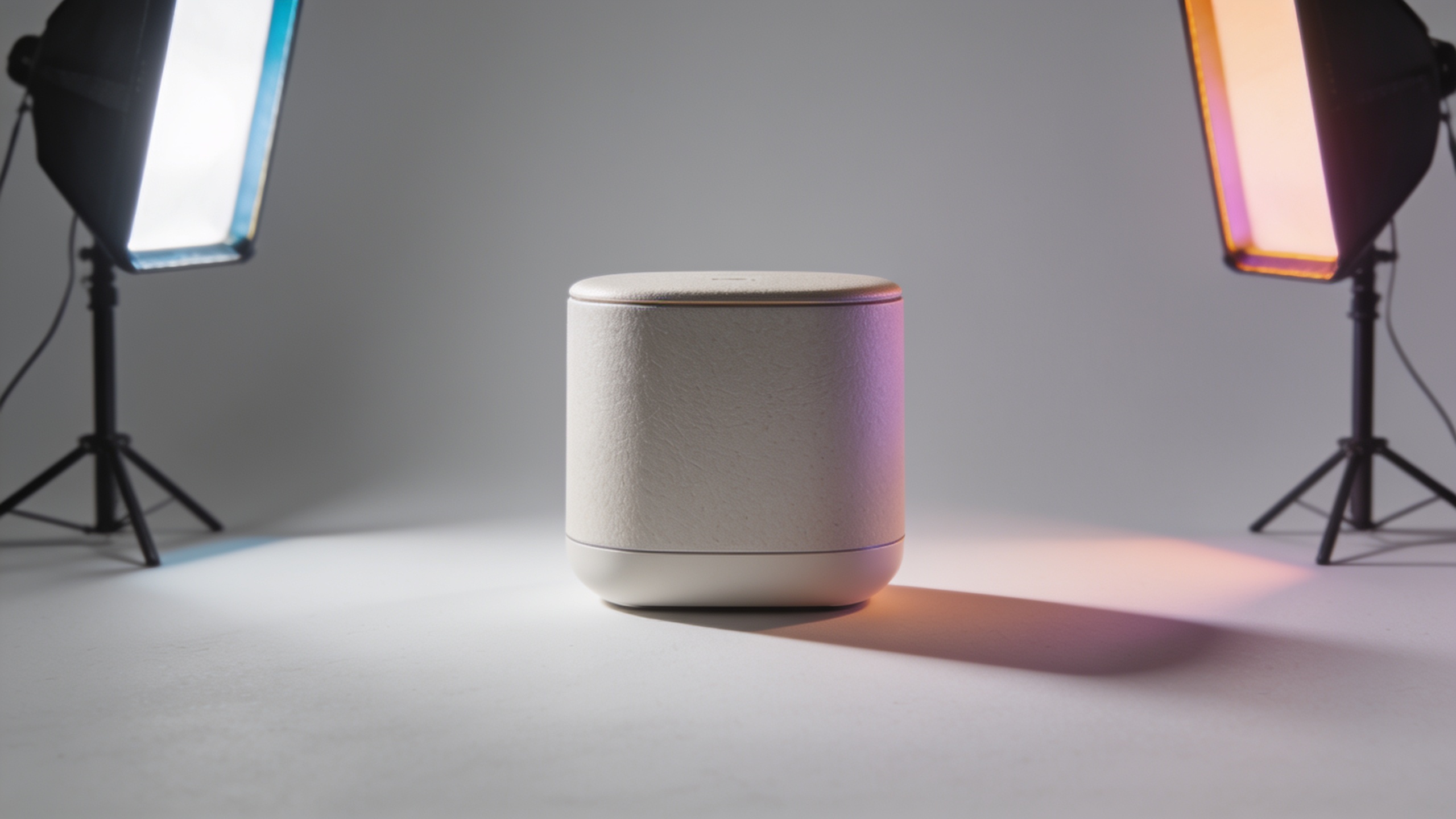
When to relight a photo vs. when to reshoot: practical decision rules for creators?
Relight when you only need changes to mood, color temperature, contrast, or rim/fill light and the original composition, pose, and angle are fine. Reshoot when you need different camera angles, new props, different models, or radically different shadows that imply changed geometry.
Decision rules:
- Use relighting if the frame, subject pose, and product placement are final but lighting is flat or off-brand.
- Reshoot if you need reflections, specular highlights from a different angle, or a different focal length look.
- Relight for seasonal campaigns and A/B tests where many mood variants are useful and time/budget are limited.
- Reshoot if the base photo is low resolution, heavily motion-blurred, or clipped (overexposed highlights or crushed blacks) because relighting cannot restore lost detail.
Quick checklist: good candidate photos for relighting are in-focus, evenly exposed, and have clear subject-background separation. If the subject blends into the background or key details are clipped, plan for reshoot or corrective editing (e.g., exposure recovery, masking) before relighting.
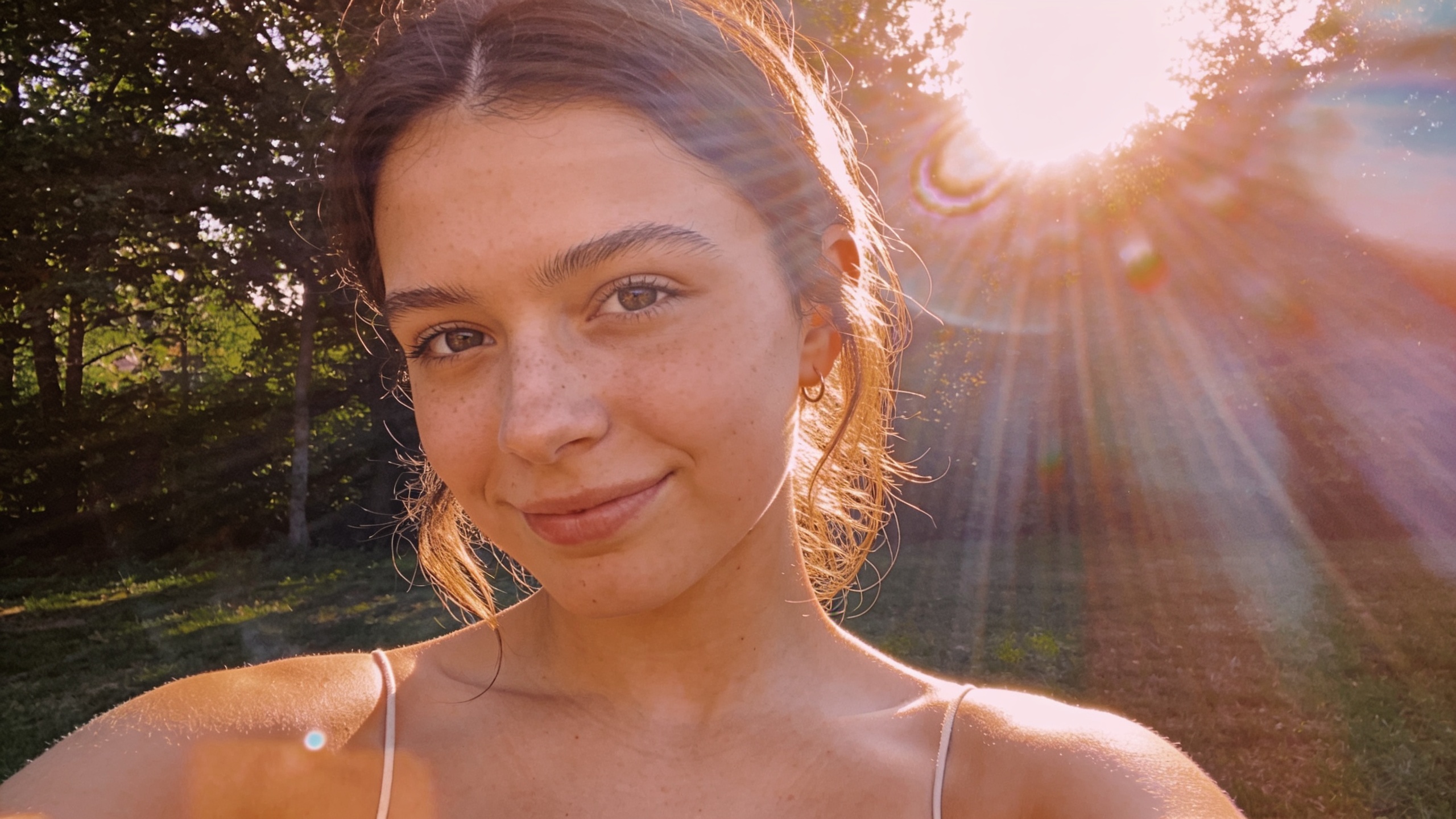
Hands-on workflow: Transform a daytime phone shot into golden-hour art using GoCrazyAI AI Image Relighting?
Upload your daytime phone photo and select a golden-hour preset, then fine-tune color temperature, rim-light angle, and diffusion until skin tones and highlights read warm and directional. GoCrazyAI AI Image Relighting preserves subject and output resolution so you get an ad-ready file without composition changes.
Step-by-step (quick): 1) Choose a sharp, well-exposed daytime shot; 2) Crop to final aspect ratio; 3) Upload to GoCrazyAI AI Image Relighting; 4) Apply 'Golden Hour' preset; 5) Adjust warmth, rim intensity, and shadow softness; 6) Export at original resolution.
Tips for better results: mask or slightly feather hair and reflective product surfaces after relighting if small highlights look off. For complexion and product color fidelity, reduce overall warmth slightly and add a directional rim to create perceived depth without oversaturating colors. For bulk workflow, batch-upload consistent frames and apply the same preset with small per-image tweaks. Learn more and try the feature at the GoCrazyAI AI Image Relighting page: GoCrazyAI AI Image Relighting.
Hands-on workflow: Add studio lighting and branded color gels to phone photos for consistent ecommerce assets?
To create consistent ecommerce imagery, apply a studio preset, then add branded color gels for accents on edges or backgrounds; adjust fill strength so shadows retain texture without losing product detail. The goal is consistent highlights and shadow falloff across multiple product shots so thumbnails and lifestyle images read as a unified set.
Practical steps: start with a neutral, evenly exposed photo. Apply a 'Studio Fill + Key' preset, then add a subtle rim light to separate product from background. To add branded gels, select a background or rim color and lower saturation to avoid color casts on product materials. Use the same lighting parameters across all SKUs to maintain consistency.
Why this works: studio-style relighting standardizes contrast and specular highlights across images, which makes thumbnails and product pages look cohesive. For color-critical products, always check swatches in a calibrated viewer or compare before/after exports. If you need new creative images beyond lighting changes, consider pairing relighting with batch image generation via the GoCrazyAI AI Image Generator for staged backgrounds and compositions: AI Image Generator.
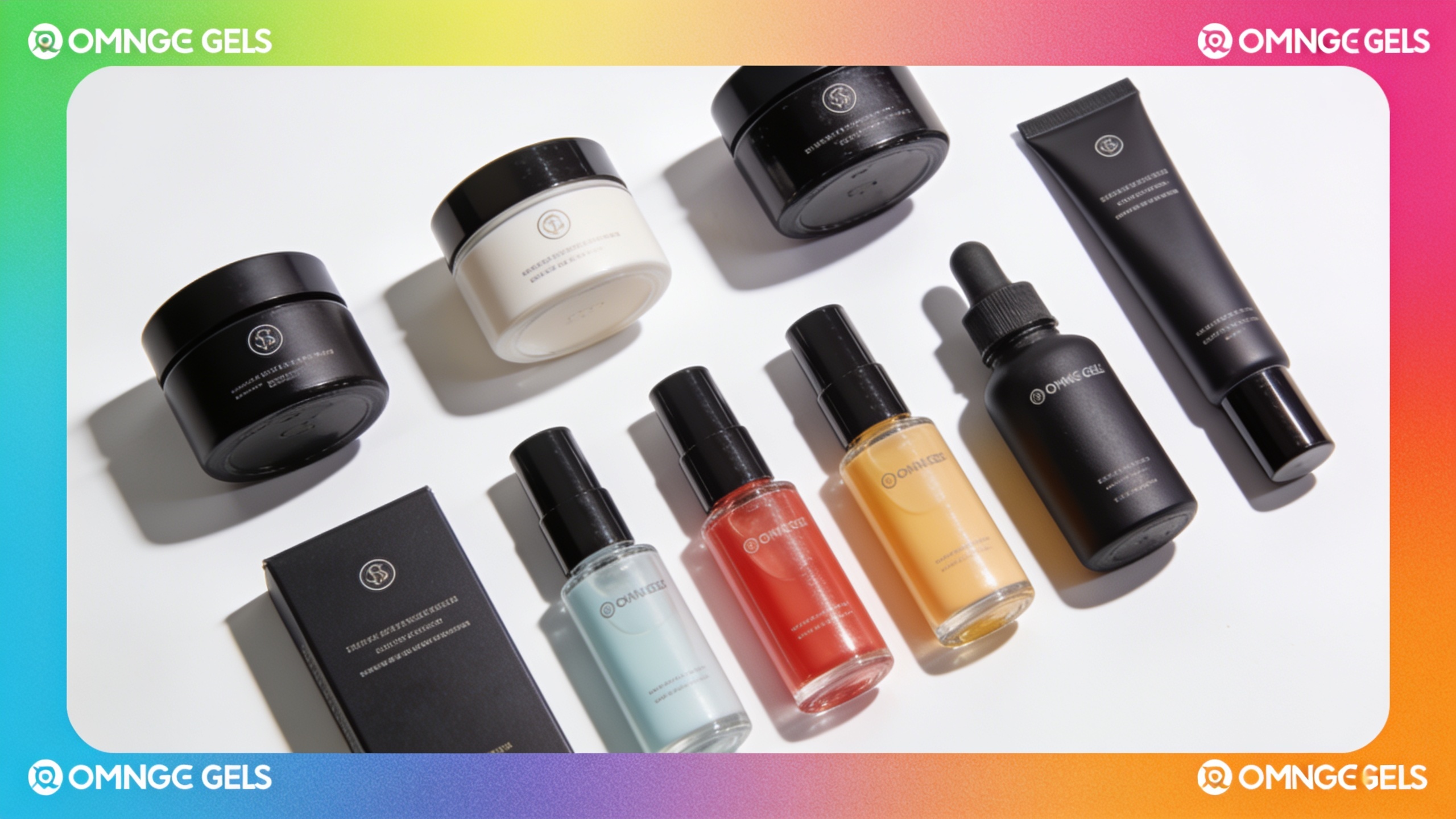
Creative briefs and A/B test examples for seasonal campaigns using relit images?
Use relit image variants as the creative arm of fast A/B tests: swap lighting styles while keeping copy, CTA, and layout constant. That isolates the effect of mood on clicks and conversions.
Example briefs (copyable):
- "Golden-hour lifestyle: warm 3200K key, soft diffusion, subtle rim from 2 o'clock. Test against baseline daylight to measure CTR uplift on Instagram carousel."
- "Holiday cool: cool 6500K fill, low contrast, faint snow haze overlay. Test against warm holiday look for email open rates."
- "Studio premium: hard key, soft fill, black background, 10% blue gel rim. Test on product detail page for add-to-cart rate."
A/B test ideas:
- Creative A vs B: same image with 'Golden Hour' vs 'Studio Premium' relights — measure CTR and conversion.
- Seasonal sweep: create 4 seasonal relights (spring, summer, fall, winter) and run a multivariate test to find which mood works regionally.
- CTA isolation: keep creative constant but show golden-hour relit hero vs original to test value perception.
Blockquote tip:
Run tests with the same crop and ad copy. Changing only lighting isolates creative impact and reduces confounding variables.
These briefs scale because a single base photo can produce all variants quickly, letting you run rapid iteration without reshoots. For budget planning and credits, check GoCrazyAI Pricing: Pricing & Credits.

Implementation checklist: file prep, legal/ethics, export settings, and scaling with GoCrazyAI — pitfalls to avoid?
Prepare files at the original camera resolution, remove severe clipping, and straighten the horizon before relighting. Export variants in the same color profile and resolution to avoid inconsistencies across channels. When scaling, use batch relighting but review a sample from each batch.
Common pitfalls and how to avoid them:
- Pitfall: Uploading low-res or motion-blurred images. Avoid by starting with sharp, well-exposed files; use GoCrazyAI Image Upscaler (/image-upscaler) only when necessary.
- Pitfall: Over-relighting that changes product color. Avoid by checking swatches in a calibrated viewer and reducing global warmth or saturation after relight.
- Pitfall: Ignoring legal/ethics for subject likeness or seasonal overlays. Avoid by getting model releases for commercial use and avoiding manipulations that misrepresent product function or safety.
- Pitfall: Using inconsistent lighting parameters across SKU images. Avoid by saving presets and applying identical settings across a batch.
Export recommendations: export at original resolution with sRGB for web; keep a high-quality TIFF or PNG master for print. For scaling, use GoCrazyAI’s batch workflows and preset saves to standardize output and speed up production while retaining quality and composition.
Frequently Asked Questions
What is photo relight AI and how does it affect product photos?
Photo relight AI changes the apparent lighting of a photo—direction, temperature, and contrast—without altering composition. For product photos this can increase perceived depth, restore lost detail in shadows, and create seasonal moods useful for ads and ecommerce.
Will relighting change the product color or damage fidelity?
Relighting can shift apparent color if you apply strong warmth or gels. For color-critical products, use subtle relight settings, check against a calibrated reference, and compare master exports to the original to ensure fidelity.
Can I batch relight dozens of images for a seasonal campaign?
Yes. Most modern relighting tools support batch application of presets and small per-image tweaks. Batch relighting reduces per-asset cost and speeds A/B testing compared with reshoots.
Are there legal risks to changing lighting in photos of people?
Legal risks are similar to other edits: you must have model releases for commercial use. Avoid edits that materially misrepresent identity or create deceptive content. When in doubt, obtain permission and keep edit logs.
Conclusion
Relighting is the fastest way to generate seasonal and studio variants from a single shoot—lowering cost and speeding tests. Use relighting when you need mood changes but keep composition and angle the same; reshoot when geometry or reflections must change. Start with sharp, well-exposed images, save presets, and batch where possible. Try AI Image Relighting to apply lighting styles and export at original resolution.
Sources
- Deep Single‑Image Portrait Relighting (ICCV 2019 paper)openaccess.thecvf.com ↗
- Controllable Light Diffusion for Portraits (CVPR 2023 paper)openaccess.thecvf.com ↗
- DreamLight: Towards Harmonious and Consistent Image Relighting (arXiv, 2025)arxiv.org ↗
- Lite2Relight: 3D‑aware Single Image Portrait Relighting (arXiv, 2024)arxiv.org ↗
- Comprehensive Relighting: Generalizable and Consistent Monocular Human Relighting and Harmonization (2025)aimodels.fyi ↗
- Industry/community notes: product/app announcements and user experiments with relighting tools (examples from product posts and user forums)reddit.com ↗