


ElevenLabs voice music update: What creators must do now
A practical guide to ElevenLabs' July 2026 music updates and how to make copyright-free jingles for TikTok using GoCrazyAI's AI Song Generator.
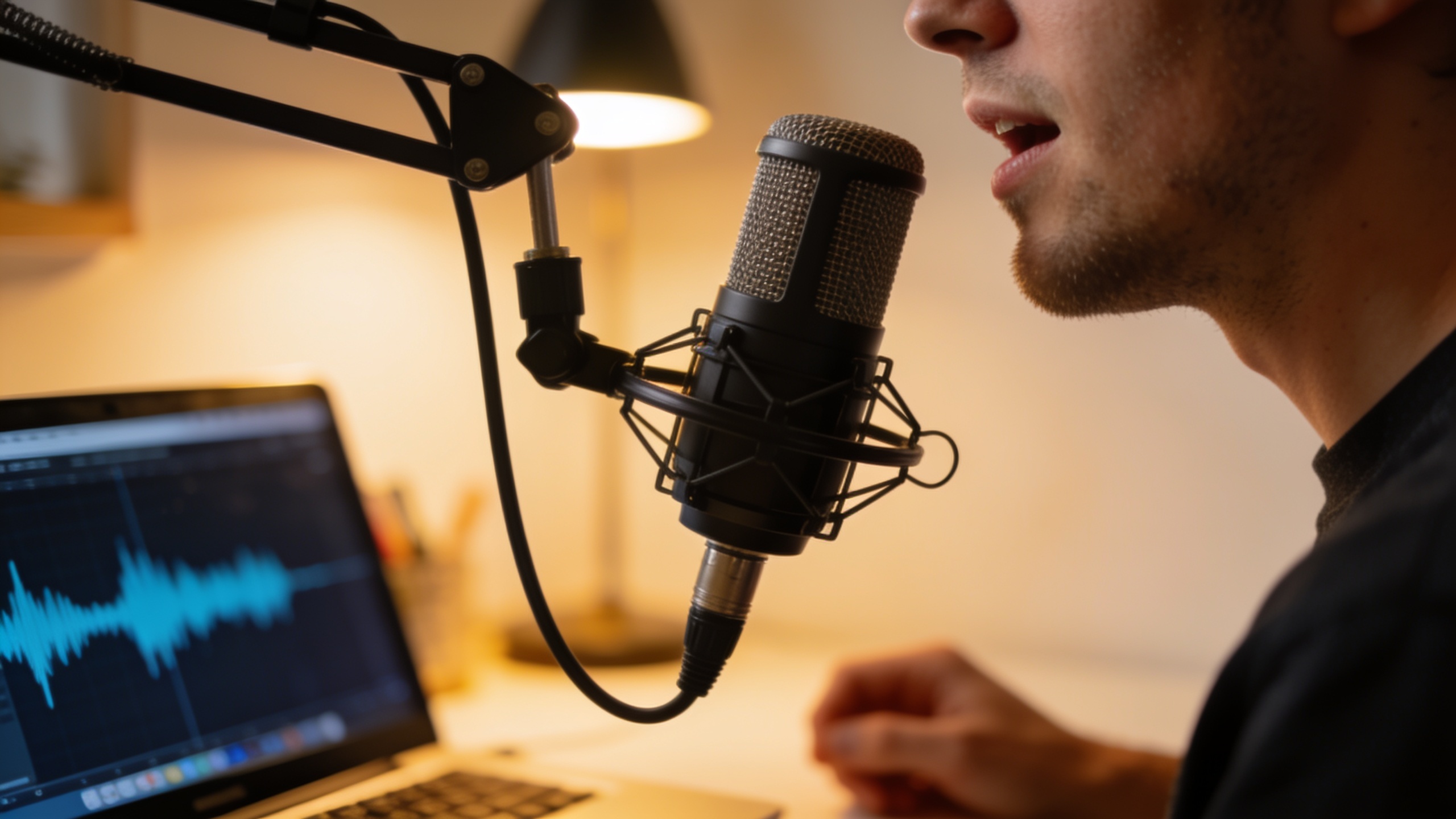
You need short, copyright-safe jingles and vocal-backed hooks for TikTok, but the recent ElevenLabs updates left you unsure what changed and how to act fast. This article lays out the concrete July 2026 changes (with dates and links), explains what they mean for short-form audio strategy, and shows step-by-step how to prototype, pair, and publish original AI-backed jingles using GoCrazyAI. You’ll get quick technical facts (streaming endpoints, Voice to Song, Loop Studio, Music v2 capabilities), practical prototyping templates you can copy, and clear licensing checkpoints so you can post without surprises. If you want a fast path from idea to publishable track — including vocal style pairing and export-ready stems — you’ll be able to do it by following the hands-on sections below, and try the same workflow on GoCrazyAI’s AI Song Generator to produce tracks compatible with standard editing tools.
Quick Answer
ElevenLabs voice music update added streaming endpoints, voice slot tracking, and new ElevenMusic tools (Voice to Song, Loop Studio) in July 2026 that make voice→song workflows practical. Creators can use those features to prototype vocal-backed jingles, then export original instrumentals and vocal stems via a platform like GoCrazyAI’s AI Song Generator to produce copyright-free tracks for TikTok and short ads.
What changed in ElevenLabs’ music and voice stack this July — quick facts creators must know?
ElevenLabs rolled out several focused updates in July 2026 that matter for creators making short music and vocal content. Key changes include streaming endpoints that return composed audio plus detailed metadata (composition plan, song metadata, optional timestamps) and professional voice slot tracking — announced in the changelog on July 6, 2026. Between July 2–18, ElevenMusic tools such as Voice to Song and Loop Studio were released and tested in hands-on coverage, showing the tools are available inside standard plans and can turn raw vocal takes into arranged tracks quickly. These changes build on Music v2 (announced May 26, 2026), which already supports mid-song style and tempo shifts, letting creators brief an AI with high-level directions like mood, genre, and tempo. Practical takeaway: you can now stream generated songs with synchronized vocal slots and receive timestamps for alignment in editing timelines, which simplifies dropping AI music into short-form video edits.
Why the new AI-music + voice tooling matters for TikTok jingles and short-form audio strategy?
The new tools matter because audio is often the discovery vector on TikTok and Reels; original hooks get reused as audio trends and increase reach. With Voice to Song and Loop Studio, creators can transform a simple vocal idea into looped stems and a compact jingle without complex DAW work — speeding iteration from hours to minutes. Streaming APIs and metadata make sync easier: optional timestamps and voice slot tracking let editors place vocal phrases precisely over motion edits or cuts. For short-form strategy, that means faster A/B testing of hooks, clearer audio-branding across a series, and lower friction to publish original audio that audiences can reuse. In practice, this reduces the need to license third-party library clips and gives creators more control over tempo and mood changes inside a single composition (a Music v2 capability).
Hands-on: Rapidly prototyping a copyright-free jingle using GoCrazyAI + ElevenLabs voice cues (example)
You can prototype a short, copyright-safe jingle in under 20 minutes by combining ElevenLabs’ voice cues with GoCrazyAI’s AI Song Generator. Start with a one-line hook, pick a genre and tempo, and request stems plus a vocalized topline.
Quick answer: write a concise brief, generate a melody + instrumental loop in GoCrazyAI, then pass voice direction (tone, timing, phonetics) as cues to the ElevenLabs-based voice model inside GoCrazyAI or to ElevenLabs endpoints to get synced vocal output and timestamps.
Walkthrough you can copy: 1) Brief (example): "Bright 6‑second jingle, pop groove, 95 BPM, major key, lyric: 'Make it yours' sung in rhythmic staccato, female warm voice, upbeat mood."
2) Prompt for GoCrazyAI AI Song Generator (instrumental + topline): "Create a 6s pop jingle at 95 BPM in C major. Lead synth hook, snappy kick, short vocal topline singing 'Make it yours' with staccato rhythm. Export stems: instrumental, topline dry, vocal leads."
3) ElevenLabs voice cue example (for voice→song alignment): "Vocal timbre: warm female, slightly breathy. Enunciate 'Make it yours' with tight rhythmic phrasing: 0.0s 'Make', 0.25s 'it', 0.5s 'yours'. Energy: medium-high. Slight upward inflection at the end."
4) Integration: import the exported stems into your editor, use metadata timestamps from ElevenLabs streaming endpoint to line up vocals with the loop, and export a final MP3 or WAV for upload.
This flow keeps all composition prompts original, reducing dependency on third-party libraries and making the jingle easier to claim as creator-owned material when combined with proper licensing steps.
You can try every step above directly in GoCrazyAI AI Song Generator — no setup needed.
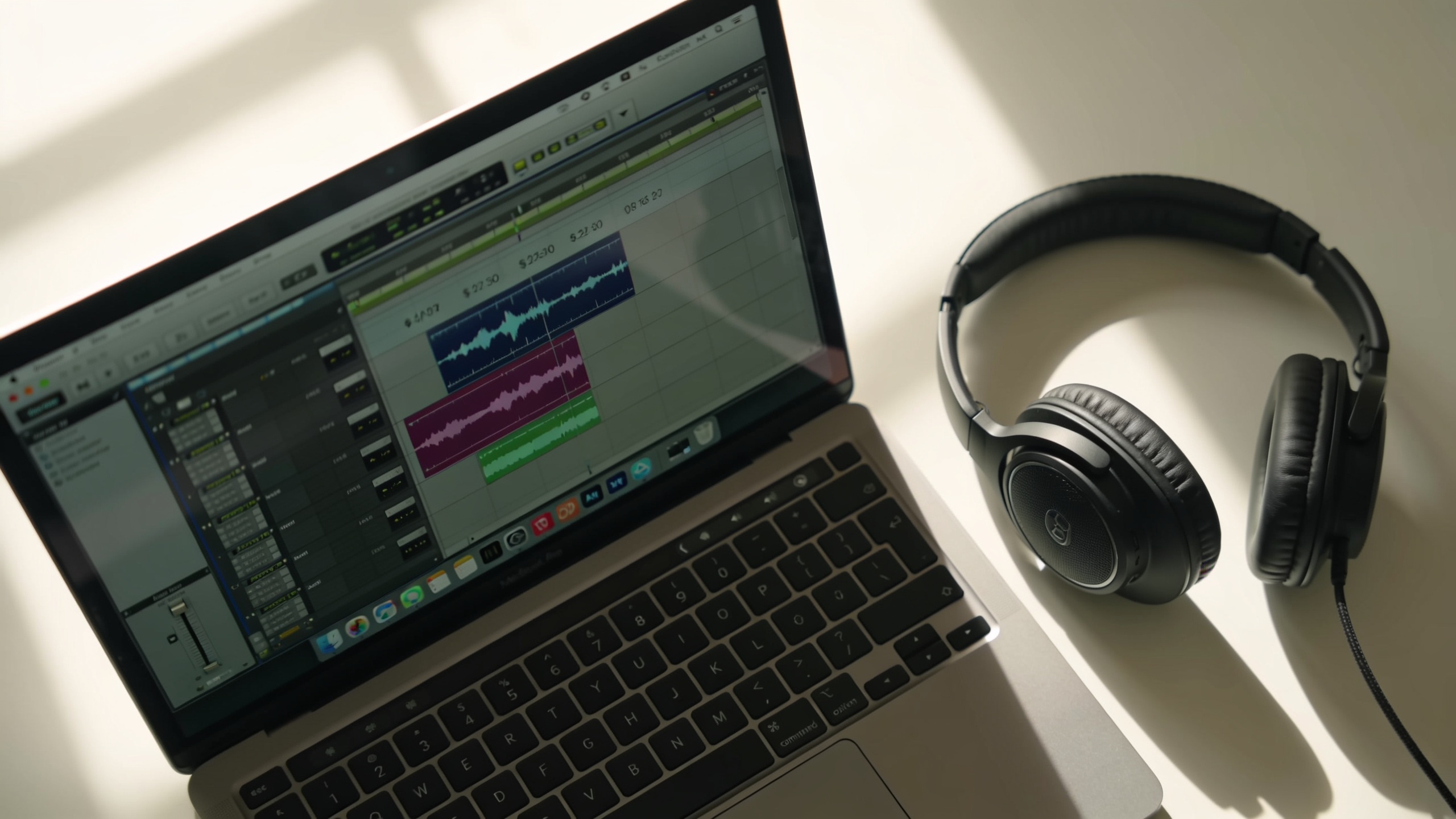
Hands-on: Pairing a custom vocal style with an instrumental loop for a trend video (step-by-step)?
You can pair a custom vocal style and an instrumental loop in 6 clear steps so the vocal feels native to the beat and fits a 15–30s trend video. Below is a step-by-step that producers use for consistent results.
Answer summary: define vocal persona and timing, create or select a loop, generate a topline or voice render to match loop tempo, use timestamps/voice slots to align phrases, then export stems for your editor.
Step-by-step: 1) Define persona and tempo — pick gender/tone, phrasing, and exact BPM (e.g., "voice: warm baritone, relaxed phrasing, 100 BPM"). 2) Create/select loop — use GoCrazyAI to generate a 4-bar loop that fits the mood (instrumental stem only). Keep loop length to 2–4 seconds for TikTok reuse. 3) Generate topline — prompt for a vocal topline that matches loop BPM: "Short hook, 4 bars, lyric 'Feel the day', sing on-beat, leave 0.25s space before last word." 4) Request timestamps — when generating the vocal, enable streaming metadata or voice slot tracking so you receive start/end times for each phrase (ElevenLabs changelog shows these streaming metadata capabilities). 5) Align and export — import stems and metadata into your editor, nudge phrases to sit perfectly on transient hits, and export a set of stems (mix, instrumental-only, vocal-only) for reuse.
Tips: keep the topline short, leave room for a creator voiceover or SFX, and export both WAV (master) and isolated stems for trend remixability.
Rights, licensing, and ‘copyright-free’ music — how to stay safe when publishing AI songs?
Short answer: 'copyright-free' is conditional; follow licensing checks and keep documentation. AI-generated tracks can still carry legal uncertainty, especially around voice imitation and copyrighted training data. Recent academic and industry analyses (May–July 2026) stress that the legal picture is unsettled and creators should follow clear licensing workflows.
Practical steps to reduce risk:
- Use original prompts and avoid instructing models to imitate named artists or distinctive copyrighted works.
- Keep records: save prompts, generation metadata, timestamps, and platform export receipts that show model and feature versions used.
- Prefer platforms that issue clear usage rights: if your generator (for example, an AI Song Generator) states exports are original and licensed for commercial use, retain that policy page and export logs.
- For vocal likenesses, avoid cloning a real person's voice without written consent; use neutral or original voices or legally cleared voice talent.
- If you plan to monetize or use the song in ads, consider a short legal review if the campaign budget warrants it.
These steps don't eliminate all legal questions but greatly reduce exposure and create a record you can point to if questions arise.
Workflow templates: 4 ready-to-use jingle briefs for vlogs, brand spots, intros, and trends (example)?
Answer summary: below are four compact briefs you can paste into any AI music generator to get usable stems and vocal toplines for specific short-form use cases.
1) Vlog intro (8s) Brief: "8s warm acoustic jingle, 85 BPM, vocal whisper phrase 'Hey, welcome back', gentle nylon guitar, soft snap percussion, export stems: instrumental, vocal, master. Mood: friendly, cozy."
2) Brand spot hook (6s) Brief: "6s bold jingle, 110 BPM, major brass stab, punchy electronic kick, lyric 'Get it done' sung by bright female voice, export stems and 1 bar loop for reuse."
3) Channel theme loop (4s) Brief: "4s synth loop, 120 BPM, minor pentatonic riff, tight clap on beat 2, no vocals, export loop stem and 30s bed version."
4) TikTok trend audio (15s) Brief: "15s hybrid pop, 95→110 BPM mid-track tempo shift, short sung hook 'Do it now' repeated with increasing energy, provide timestamps and isolated hook stem for creators to reuse."
Use these briefs with the AI Song Generator to get stems ready for editing. Keep each brief short, include BPM, mood, and exact export needs (stems, timestamps) so metadata and voice slot tracking can be returned where available.
Why GoCrazyAI AI Song Generator is the practical choice now — cost, speed, and integration path with ElevenLabs?
Short answer: GoCrazyAI’s AI Song Generator offers quick prompt-to-export tracks, stems, and vocals powered by ElevenLabs music models, making it a fast path to copyright-cleared jingles and trend audio. GoCrazyAI generates original songs from text prompts, produces instrumentals, and lets you guide style, tempo, and mood; exports are ready to drop into short-form edits without library licensing hassles.
How it fits the ElevenLabs updates: GoCrazyAI uses ElevenLabs music models (including Music v2 capabilities) to support mid-song style/tempo changes and voice-aware outputs. The July streaming metadata and voice slot tracking improvements from ElevenLabs mean GoCrazyAI can surface timestamps and aligned vocal stems in exported packages for easier editing. If you need fast iterations, GoCrazyAI reduces the loop between idea and upload: generate an instrumental loop, create a vocal topline, receive stems and timestamps, then drop into your editor.
Cost and path: GoCrazyAI pricing is credit-based — check GoCrazyAI Pricing for plan details and credits that fit rapid testing. For creators making videos, pairing the AI Song Generator output with GoCrazyAI’s AI video generator can produce a full audio-visual concept rapidly; see the AI video generator for creating short companion visuals. For voice variations or locating a specific voice, use GoCrazyAI AI Voices to sample or design a narration-friendly tone.
Internal links: Try the AI Song Generator for music and stems (/ai-music). Check GoCrazyAI Pricing (/credits) to estimate cost per track. If you want a matched short visual, use the AI video generator (/create-ai-video).
Frequently Asked Questions
Does ElevenLabs' July 6 changelog let me get timestamps for generated songs?
Yes. The July 6 changelog added streaming endpoints that can return composed audio plus detailed metadata, including optional timestamps and composition plans. Those timestamps help align generated vocals and stems with edits.
Can I use ElevenLabs tools to convert my rough voice memo into a finished jingle?
In many cases yes. ElevenLabs’ Voice to Song and Loop Studio are designed to convert raw recordings into arranged tracks and were reported available in standard plans during July 2026 testing. Expect quick prototypes, though you may still need editing to taste.
Are AI-generated jingles automatically copyright-free?
Not automatically. Legal analyses in mid‑2026 show the rights landscape is unsettled; you should keep prompt records, use original prompts, avoid imitating real voices, and rely on platforms that provide clear commercial-use licensing when you publish.
Conclusion
Final thoughts: ElevenLabs’ July 2026 updates make voice→song workflows faster and technically cleaner by adding streaming metadata, voice slot tracking, and new ElevenMusic tools. For creators who need publish-ready jingles for TikTok and short ads, the fastest practical route is to generate original stems and aligned vocals with a tool that provides commercial export rights. Pop a vibe into the AI Song Generator and you'll have a track to score the cut in minutes.
Sources
- ElevenLabs — Changelog (July 6, 2026)elevenlabs.io ↗
- Introducing Music v2 — ElevenLabs blog (May 26, 2026)elevenlabs.io ↗
- Eleven Music tools coverage — Plushcap (updated July 18, 2026)plushcap.com ↗
- ElevenLabs music tools: Voice to Song & Loop Studio tested — AI Video Sensei (July 2026)aivideosensei.com ↗
- Trending Audio Strategy for TikTok and Reels — Shortzly (July 13, 2026)shortzly.com ↗
- ElevenLabs releases a new AI-powered music-generation app — TechCrunch (April 2, 2026)techcrunch.com ↗
- Generative AI and Copyright Infringement: A Legal‑Technical Analysis (arXiv, May 20, 2026)arxiv.org ↗