


One click video effects: Fast workflows for trend-ready short videos
Step-by-step guide to convert selfies, pet photos, and scripts into viral-ready short videos using one-click video effects like dance, lipsync, avatar, and news anchor.
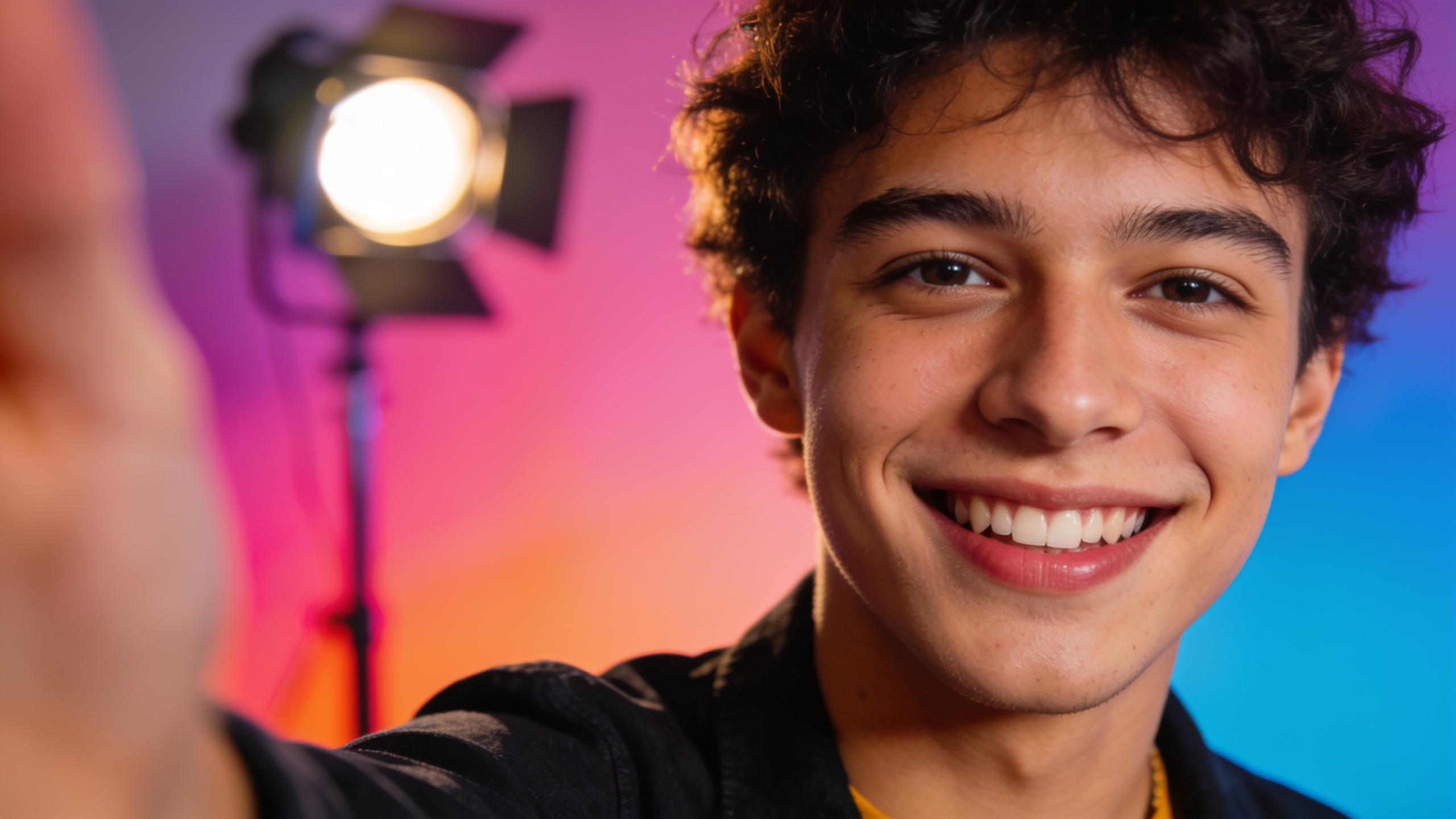
<!-- KEYTAKEAWAYS -->- One-click effects turn one photo or script into a finished vertical clip fast.- Audio-first formats make lipsync and sound-sync capabilities essential.- Longer short-form clips (60–90s) can outperform ultra-shorts for engagement.- CrazyFX presets remove prompt-engineering, speeding production.<!-- /KEYTAKEAWAYS --> <!-- STEPS -->### Prepare your assetChoose a clear selfie or pet photo with the face visible and good lighting; if needed, run the image through the AI Image Upscaler or relight tool to improve tracking.### Select an effect presetOpen CrazyFX (/crazyfx) and pick Dance, Lipsync, Pet Dance, or News Anchor. Each is a tuned preset—no prompt engineering required.### Add audio or paste scriptFor dance/lipsync pick a trending sound or upload audio. For news-anchor paste a concise script (keep sentences short). Consider generating backing music with the AI Song Generator (/ai-music).### Set intensity and cropChoose motion intensity (subtle/medium/full) and crop to 9:16. Preview to confirm facial tracking and mouth sync.### Export and polishExport the vertical clip. Optionally add captions, overlays, or a voiceover in the AI Video Editor and schedule A/B tests.<!-- /STEPS --> You need to turn a selfie, pet photo, or short script into a trend-ready short video quickly and repeatedly. This guide shows concrete, repeatable steps to make attention-grabbing TikTok/Reels/Shorts using one click video effects: dance, lipsync, avatar, news anchor, and pet dance. Read quick setups, exact prompts, expected outputs, and a full CrazyFX workflow so you can produce a vertical clip in minutes without complex editing.
Quick Answer
One-click video effects let you convert a single photo or short script into a vertical, trend-ready clip in under a few minutes by applying tuned presets (dance, lipsync, avatar, news anchor, pet dance). Use a photo, choose an effect, add audio or script, and export 9:16 output. Tools like GoCrazyAI CrazyFX automate the heavy lifting so you can post faster.
Why one-click AI effects are the growth hack short-form creators need?
One-click AI effects reduce production friction by transforming one asset (a selfie, pet photo, or a short script) into a ready-to-share vertical clip without setup or complex editing. Creators who post frequently win algorithmic reach; the faster you can generate on-format content, the more you can test hooks and sounds. These effects remove bottlenecks: no multi-camera shoots, no long editing sessions, and no deep prompt-tuning.
Practically, that means you can convert a morning idea into a 9:16 clip before lunch. For marketers and micro-influencers this increases output, lowers cost per test, and lets you iterate quickly on hooks, captions, and sounds. Because many presets are tuned to platform norms (framing, motion intensity, beat-matching), they also help maintain consistent quality across dozens of daily posts.
How viral trends and audio-driven formats make 'photo to dance AI' indispensable (data-backed)?
Photo-to-dance AI and audio-driven effects are indispensable because trends on platforms like TikTok are overwhelmingly audio-first: a viral sound propagates across formats and platforms, and creators who can quickly pair a visual with that sound often capture early momentum. Industry surveys show short-form video is the top media format used by marketers[[1]](#source-1), and research indicates longer short-form clips (60–90s) often gain more views and watch time than ultra-short clips[[2]](#source-2).
That combination—audio-first virality and the ability for slightly longer clips to hold attention—makes a tool that turns a single photo into a rhythm-synced dance or lipsync clip extremely valuable. Practically, it lets creators experiment with remixes, character beats, and micro-narratives without reshooting, increasing the number of trend experiments you can run each week.
Quick primer: the technical building blocks behind avatar, lipsync, and pet-dance effects?
At a high level, avatar, lipsync, and pet-dance effects combine three technical blocks: face and keypoint detection, motion retargeting, and audio-visual synchronization. Face/keypoint models detect landmarks in the photo; motion retargeting maps a dance or head-motion sequence onto those landmarks; and audio alignment tunes lip and gesture timing to beats and phonemes. These work together to produce believable movement while keeping the original subject consistent.
In practice, preset pipelines tune motion intensity, head rotation, and mouth shapes so creators don't need to tweak low-level parameters. That said, these systems usually work best when the input photo has a clear subject, frontal or slightly turned pose, and good lighting. Because retargeting reuses recorded motion templates, it usually preserves the original camera angle and can't create radically new perspective shifts.
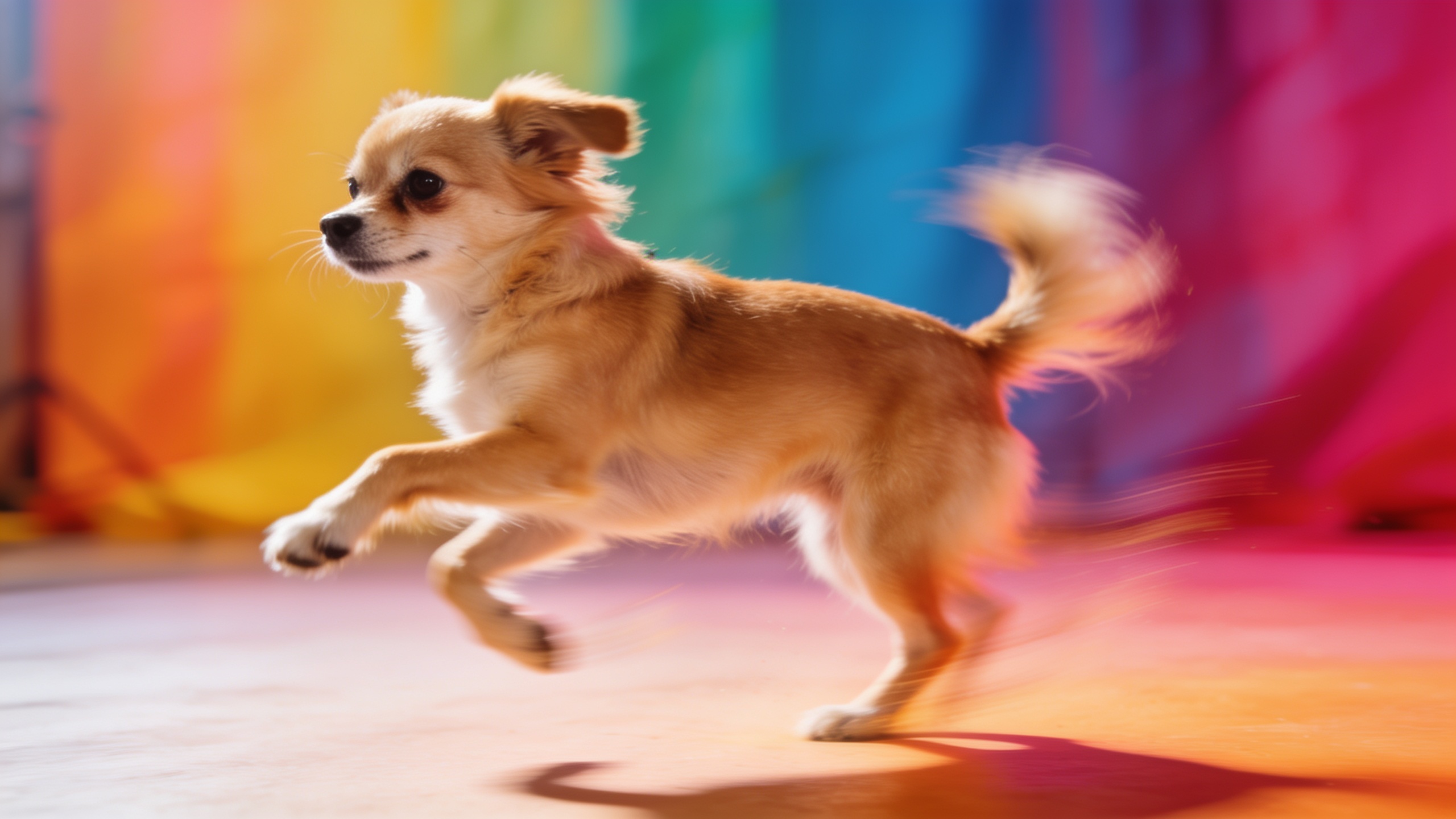
Hands-on workflow — From selfie to dance trend video in under 3 minutes with GoCrazyAI CrazyFX (/crazyfx)
Answer: Using GoCrazyAI CrazyFX you can produce a dance-trend vertical clip from a single selfie in roughly three minutes by uploading a photo, selecting a dance preset, choosing or uploading the trending audio, and exporting 9:16 output. CrazyFX applies tuned presets so no prompt engineering is required, and the result is a finished clip ready for TikTok or Reels.
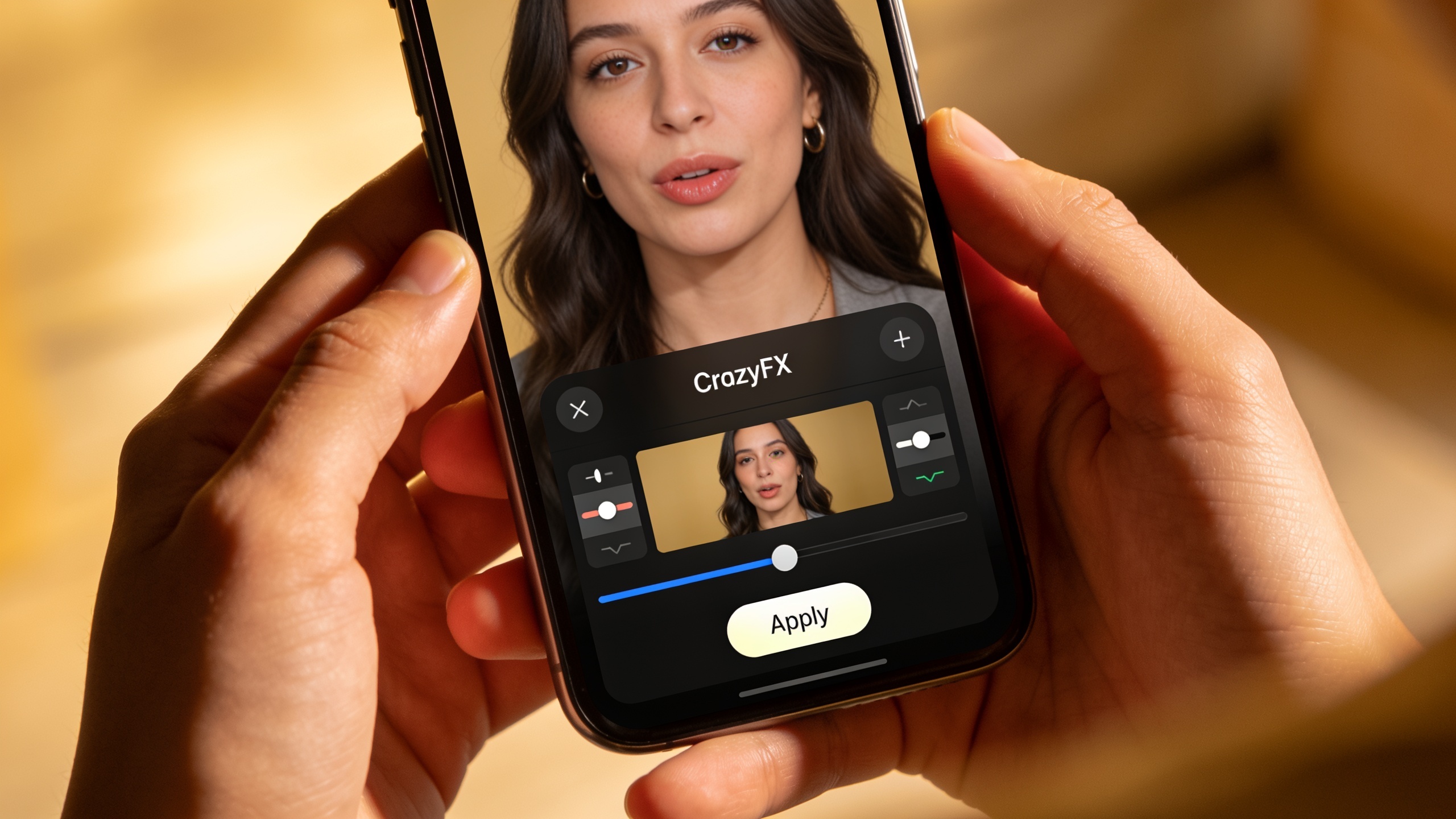
Step-by-step (fast): 1) Prepare a clean selfie—face visible, neutral background if possible. 2) Open the CrazyFX page and choose the Dance effect. 3) Upload your selfie and pick a trending sound (or paste the audio URL). 4) Pick intensity: subtle, medium, or full-move. 5) Preview, tweak crop for 9:16, and export.
CrazyFX renders vertical output ready for posting and shares processing queues with the rest of GoCrazyAI, so you can batch multiple photos into a content queue. If you need additional sound design, pair the clip with a track from the AI Song Generator or swap audio later in the GoCrazyAI Media Mixer.
You can try every step above directly in GoCrazyAI CrazyFX — no setup needed.
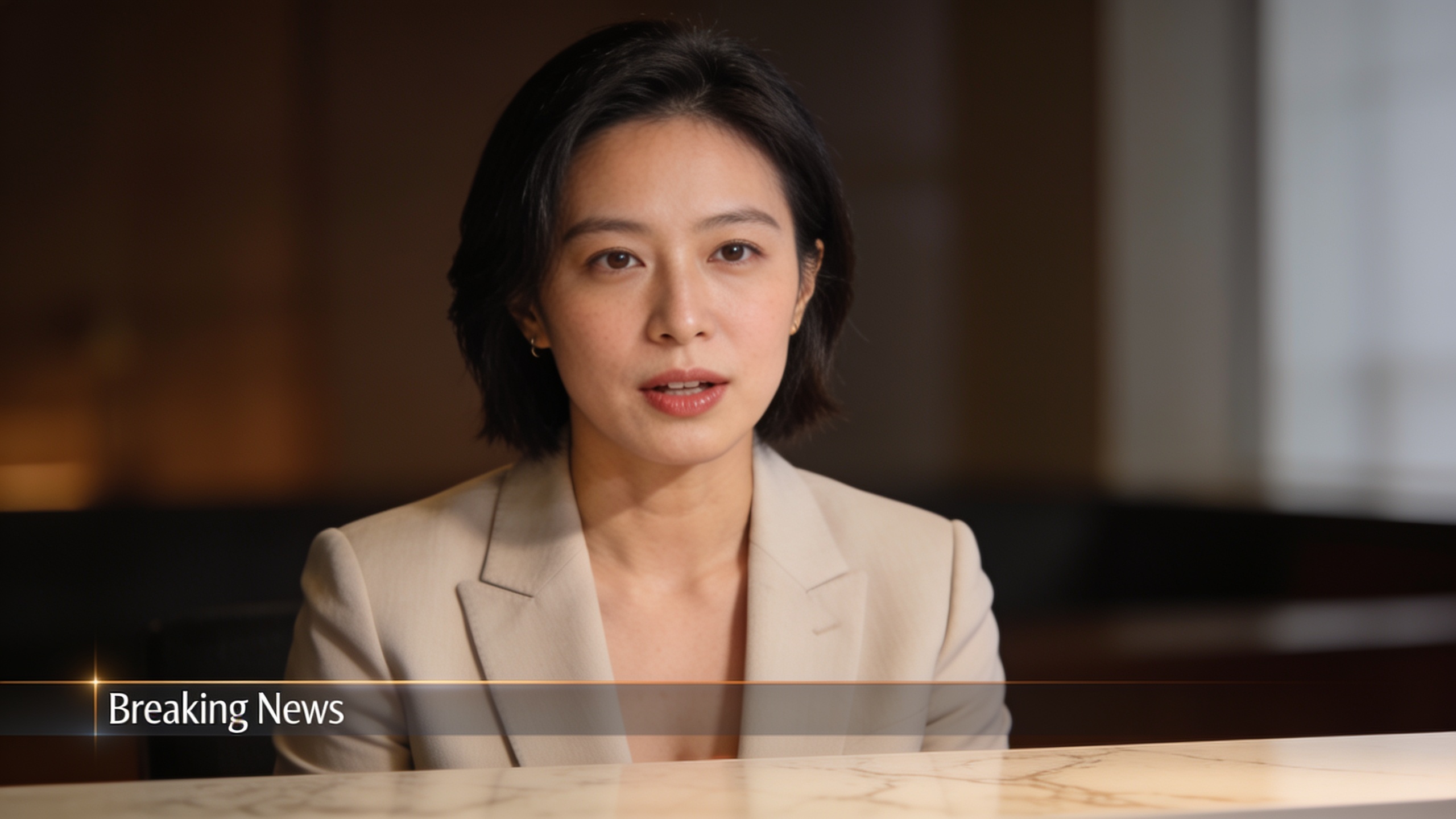
Hands-on workflow — Create a convincing AI news-anchor or avatar video from a short script using CrazyFX
Answer: To make a news-anchor or avatar clip, upload a headshot into CrazyFX, choose the news-anchor or avatar preset, paste your short script, pick a voice or upload an MP3, and export vertical video—usually under five minutes. The preset maps natural head movement, eye blinks, and lip synchronization to the script for a believable delivery.
Practical tips: write short punchy sentences (10–25 words each) so lip-sync aligns cleanly; include stage directions in brackets if you want pauses or emphasis; choose a clear, neutral headshot for best tracking. For custom voiceovers, use GoCrazyAI AI Voices or upload a recorded narration. After export, use the AI Video Editor to add lower-thirds, captions, and B-roll if needed. Include the primary feature: try the CrazyFX news-anchor preset at /crazyfx to quickly iterate on script phrasing and pacing.
Creative prompts and framing tips to maximize shareability and algorithmic reach?
Answer: Use short, readable on-screen hooks, strong eye contact, and rhythm-matched beats to maximize shareability. Frame the subject so the face fills 30–50% of the vertical frame, lead with a clear hook in the first 1–3 seconds, and match edits to musical downbeats for better retention.
Specific framing tips: use a clean background or add a subtle vignette so the subject pops; crop to a 9:16 preview during creation; for pets, center the face and crop slightly higher to keep the body visible during dancing motion. Prompt examples for script-based avatar pieces:
"Script: Quick tip—three steps to upgrade your phone photos. 1) Clean the lens. 2) Use golden-hour light. 3) Edit for contrast. [smile]"
For lipsync or short dance clips, always test at least two audio levels: original sound and a louder instrumental. Use the AI Song Generator (/ai-music) to create custom backing tracks when existing sounds are saturated.
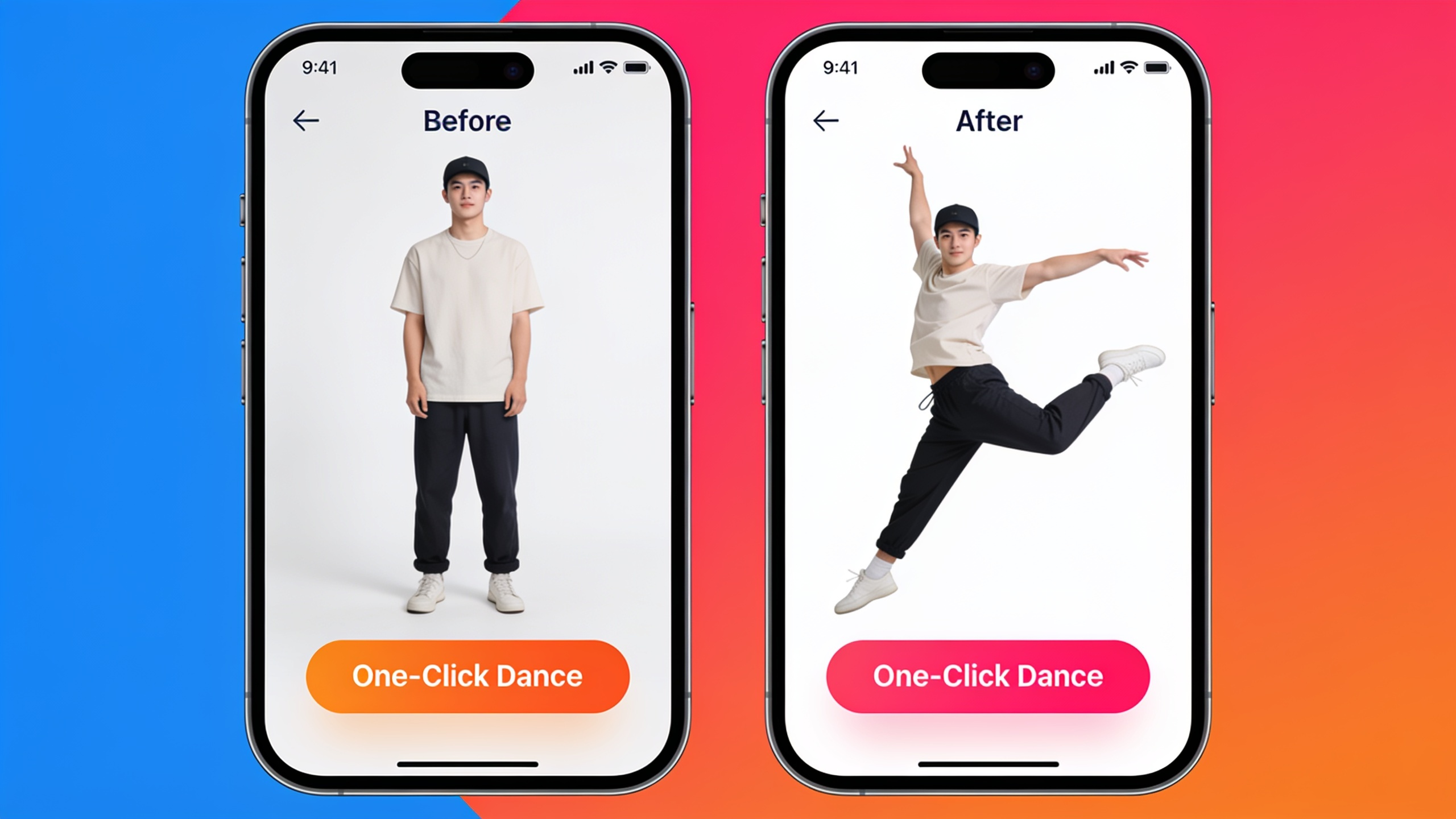
Use cases and Examples: 4 repeatable formats (dance, lipsync, news anchor, pet dance) that scale
Answer: Four repeatable formats that scale are: 1) Selfie dance trends, 2) Person lipsync shorts, 3) News-anchor/announcement clips from scripts, and 4) Pet dance novelty videos. Each format can be templated so you swap photo + audio/script and export a fresh clip in minutes.
Example templates you can copy:
- Selfie dance template:
"Upload selfie -> Dance preset: Medium -> Audio: trending clip URL -> Crop: 9:16 -> Export"
- Lipsync template:
"Upload headshot -> Lipsync preset -> Audio: vocal clip -> Timing: tight -> Add caption -> Export"
- News-anchor template:
"Upload professional headshot -> News-anchor preset -> Paste 30–45s script -> Voice: neutral -> Add lower-thirds -> Export"
- Pet dance template:
"Upload pet photo -> Pet-dance preset -> Audio: upbeat loop -> Intensity: high -> Export"
These templates let you pipeline dozens of clips per hour: swap assets, keep the same preset, and export multiple variations for A/B testing.
Safety, ethics, and quality: mistakes and pitfalls to avoid
Answer: Key mistakes include using images of others without consent, overclaiming authenticity, and relying on extreme pose changes that the model can't render well. Avoid these by securing permission, labeling AI-generated content when required, and using photos that match the effect's assumptions (frontal face, clear lighting).
Common pitfalls and how to avoid them:
- Mistake: Using a poor-quality or heavily stylized photo. Fix: Upscale or relight the photo first using the AI Image Upscaler or relighting tool for cleaner tracking.
- Mistake: Overly long scripts for avatar presets. Fix: Keep sentences short; split longer narration into multiple clips.
- Mistake: Posting uncredited voice clones. Fix: Disclose synthetic voices and prefer licensed or original voices from AI Voices.
- Mistake: Expecting radical perspective changes. Fix: Use effects that keep the same camera angle or reshoot with a different photo.
Being transparent with audiences and respecting consent reduces brand risk and keeps creator communities healthy.
How to measure success and iterate? KPIs, A/B tests, and scaling a CrazyFX-driven content pipeline?
Answer: Measure success with view-through rate (VTR), average watch time, likes per view, and sound reuse (how often others use your audio). Run rapid A/B tests on caption, hook, and effect intensity to find combinations that lift VTR and shares. Scale by batching: use the same photo across 3–5 presets or one preset across 10 photos and compare results.
Practical KPI checklist: 1) Views and VTR (primary), 2) Average watch time, 3) Engagement rate (likes/comments/shares), 4) Follower growth attributed to trend posts. A/B tests to run: caption CTA vs. no CTA, 3s hook vs. 1s hook, and audio A vs. audio B. Automate this pipeline by queuing multiple CrazyFX jobs and tracking results in a simple sheet. For post-production polish or subtitle overlays, use the AI Video Editor to batch-add captions and trim versions for platform-specific length targets.
Frequently Asked Questions
How long does it take to make a CrazyFX clip from one photo?
From upload to export is usually under five minutes for most presets; simple dance or lipsync clips can often be produced in under three minutes if you have the audio ready.
Can I use copyrighted music with these effects?
You should follow platform rules and licensing: use sounds cleared by the platform, licensed tracks, or original music from tools like the AI Song Generator to avoid copyright issues.
Will the effect change my camera angle or background?
Most one-click effects preserve the original camera angle and subject framing. Relighting or upscaling can improve quality, but radical perspective changes are generally not supported.
Conclusion
Final thoughts: One-click video effects let creators produce more trend-ready content with less friction. Use tuned presets for dance, lipsync, avatar, and news-anchor clips, test audio-first ideas, and measure watch time and VTR to find winners. If you want a quick place to start, browse the CrazyFX page and ship a viral-format clip from a single photo today.
Sources
- The HubSpot Blog’s 2024 Video Marketing Reportblog.hubspot.com ↗
- WARC: Longer videos on short-form platforms can gain more views and engagementwarc.com ↗
- Involved Media — Connected Audiences Fall 2024: Short-Form Videodocs.involvedmedia.com ↗
- Axios coverage citing data.ai on short-form viewing hoursaxios.com ↗
- ArXiv: Shorts on the Rise — Assessing the Effects of YouTube Shorts on Long-Form Content (2024)arxiv.org ↗