


CrazyFX singing photo: Turn one photo into a singing product clip
Turn a single selfie or product photo into a 15s singing promo using CrazyFX one-click effects. Workflows, hook formulas, and quality checks for fast social ads.
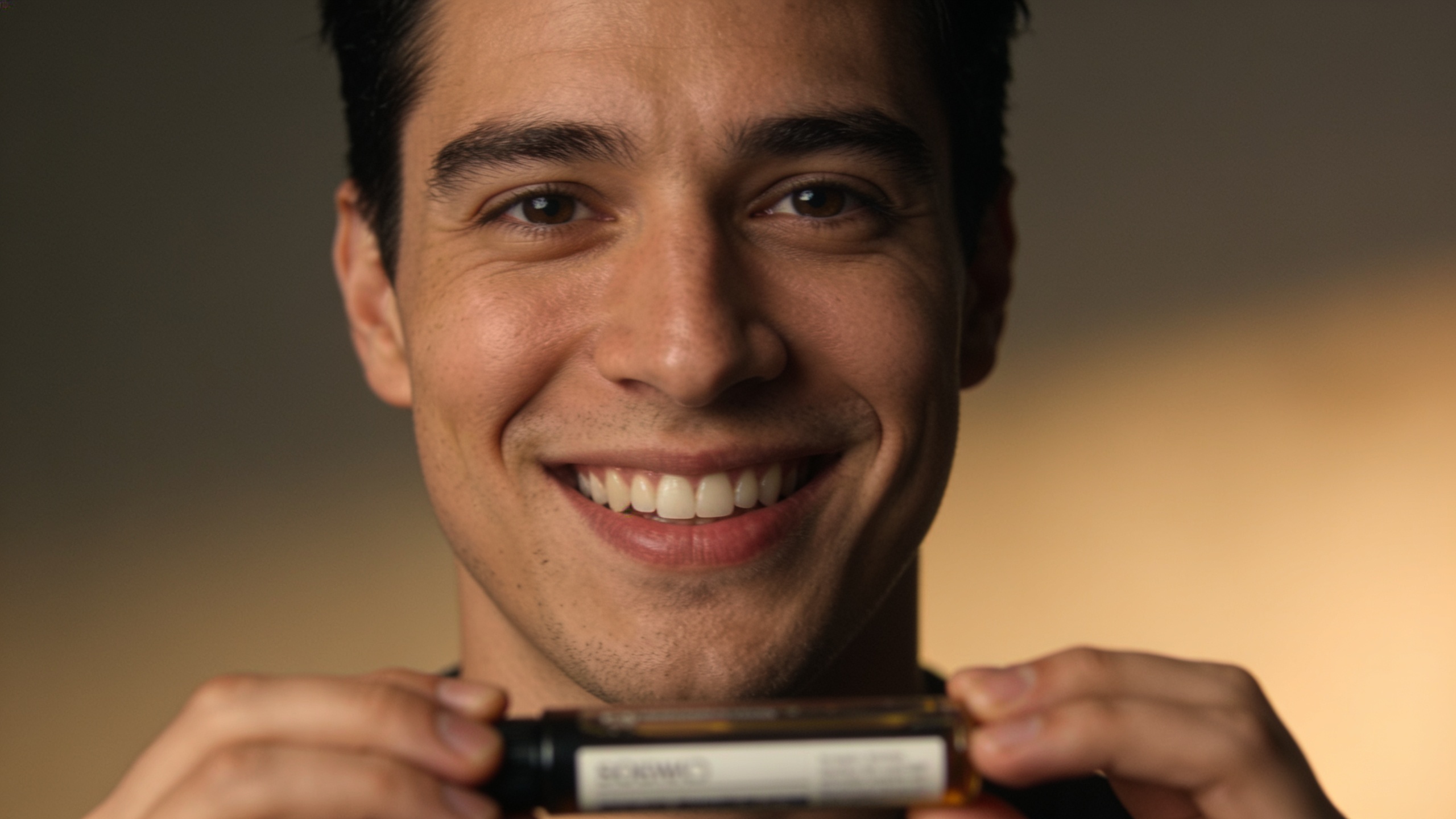
<!-- KEYTAKEAWAYS -->- One photo plus CrazyFX presets can produce a vertical singing clip in minutes.- Music choice drives discovery—~85% of TikTok posts use music[[1]](#source-1).- Test 3 hook formulas: product demo, surprise reveal, and personal testimony.- Run simple legal checks: music rights, model release, and brand safety.- Measure CTR, watch time, and creative-level ROAS to iterate fast.<!-- /KEYTAKEAWAYS --> You have one selfie or a product shot and need a fast, high-engagement promo clip for TikTok or Reels. This article shows practical, repeatable workflows to turn a single photo into a 10–15s singing or lip‑synced product clip using one-click effects. You'll get step‑by‑step workflows, plug-and-play hook formulas you can A/B test, and the exact quality controls to avoid uncanny motion or copyright problems. Where useful, I show how to execute the same steps with GoCrazyAI CrazyFX so you can ship a vertical ad from one photo in minutes.
Quick Answer
How do you make a CrazyFX singing photo into a promo clip? Use a one-click lipsync/dance preset on your photo, pair it with a 10–15s hook music loop, and export vertical 9:16. For best results, crop for face visibility, match audio phrasing to mouth shapes, and run quick legal/music checks before publishing.
Why music-led short videos outperform static product posts (and where lip‑sync fits in)?
Music-led short videos usually outperform static posts because audio powers discovery and emotional response; viewers often scroll with sound on and short loops reward catchy musical hooks. A 2024 study found nearly 85% of TikTok videos contain music, which makes audio choice a major driver of discoverability and engagement[[1]](#source-1). Lip‑sync formats map music or scripted lines directly to a face or character, creating immediate attention through rhythm and visual‑audio alignment.
For product promos, lip‑sync has two practical advantages: it humanizes a static object by giving it a "voice," and it compresses storytelling into 5–15 seconds by using familiar melody/phrases as shorthand. Use lip‑sync when you want quick emotional recognition (funny, surprising, or testimonial vibes). Reserve full demonstration or technical explainers for longer formats where time allows.
What CrazyFX is and why one-click AI effects speed creative iteration — GoCrazyAI CrazyFX
CrazyFX is a one‑click AI effects engine that applies dance, avatar, and lipsync effects to a single photo and renders vertical output ready for TikTok and Reels. It speeds iteration by offering tuned presets (dance, news anchor, pet dance, lipsync) so creators don't need deep prompt engineering. Presets are optimized for quick, repeatable formats often used by trend-chasers and marketers.
Using CrazyFX reduces tool switching: instead of a separate avatar generator, voice tool, and editor, you get one engine that queues effects and produces finished clips. For creators who need multiple ad variants fast, CrazyFX makes it practical to spin 6–12 vertical promos from one photo in an afternoon. Try the CrazyFX one-click effects on GoCrazyAI: CrazyFX.
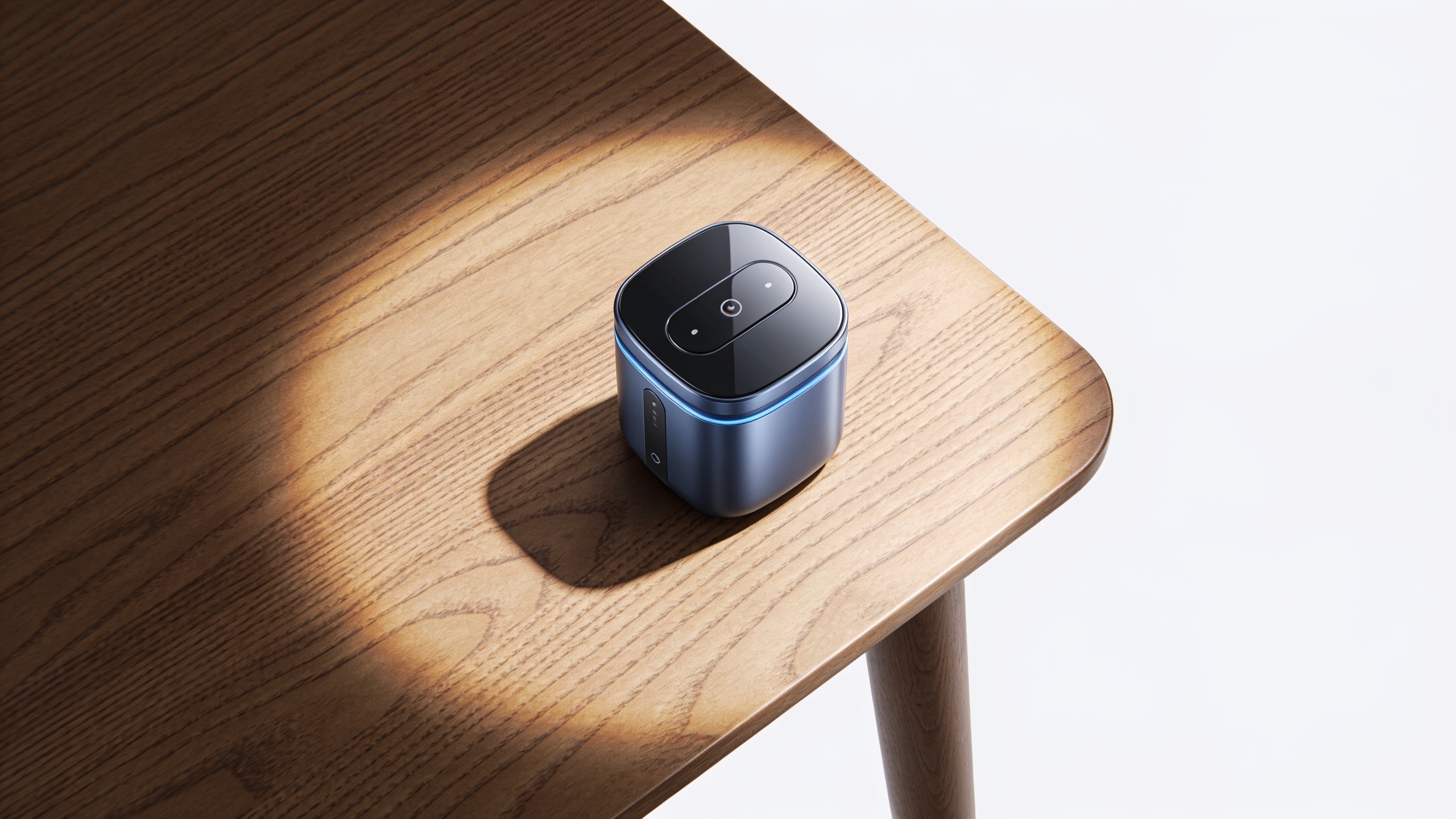
Workflow 1 — From a single selfie to a 15s singing product clip (step‑by‑step) example
You can turn a selfie into a 15s singing clip by cropping for face input, picking a lipsync preset, choosing a hook segment of a song or voice line, and exporting vertical. This workflow focuses on speed and attention: 1) prepare the photo, 2) select a preset, 3) align audio phrasing, 4) export and polish.
Step-by-step:
- Prep the photo: Crop to a 4:5 or 9:16 frame with the face centered. If the background distracts, use a neutral fill or subtle blur. Upscale the image if needed.
- Choose audio: Select a 10–15s chorus or hook. If you don't have music, generate a short instrumental loop using an AI music tool or use royalty-free clips. (See testing templates below.)
- Apply CrazyFX lipsync preset: Select a singing or lipsync preset and upload the image. Pick the target audio segment and let the engine render. Presets often include tuned facial motion for common phrases.
- Tighten timing: Trim the audio to match mouth movements; add a quick visual cut (pop of text or product reveal) at 3–5 seconds for retention.
- Export vertical 9:16 and run a quick legal check for music rights and model release.
Example prompt snippets (if manually setting audio/text in other tools): "10s cheerful chorus loop, 120 BPM, bright synth, no vocals" "Script line: 'Wait till you see this—it's under $20' (spoken, upbeat)"
This workflow prioritizes iteration: render multiple presets and export the top 3 performers for A/B testing.
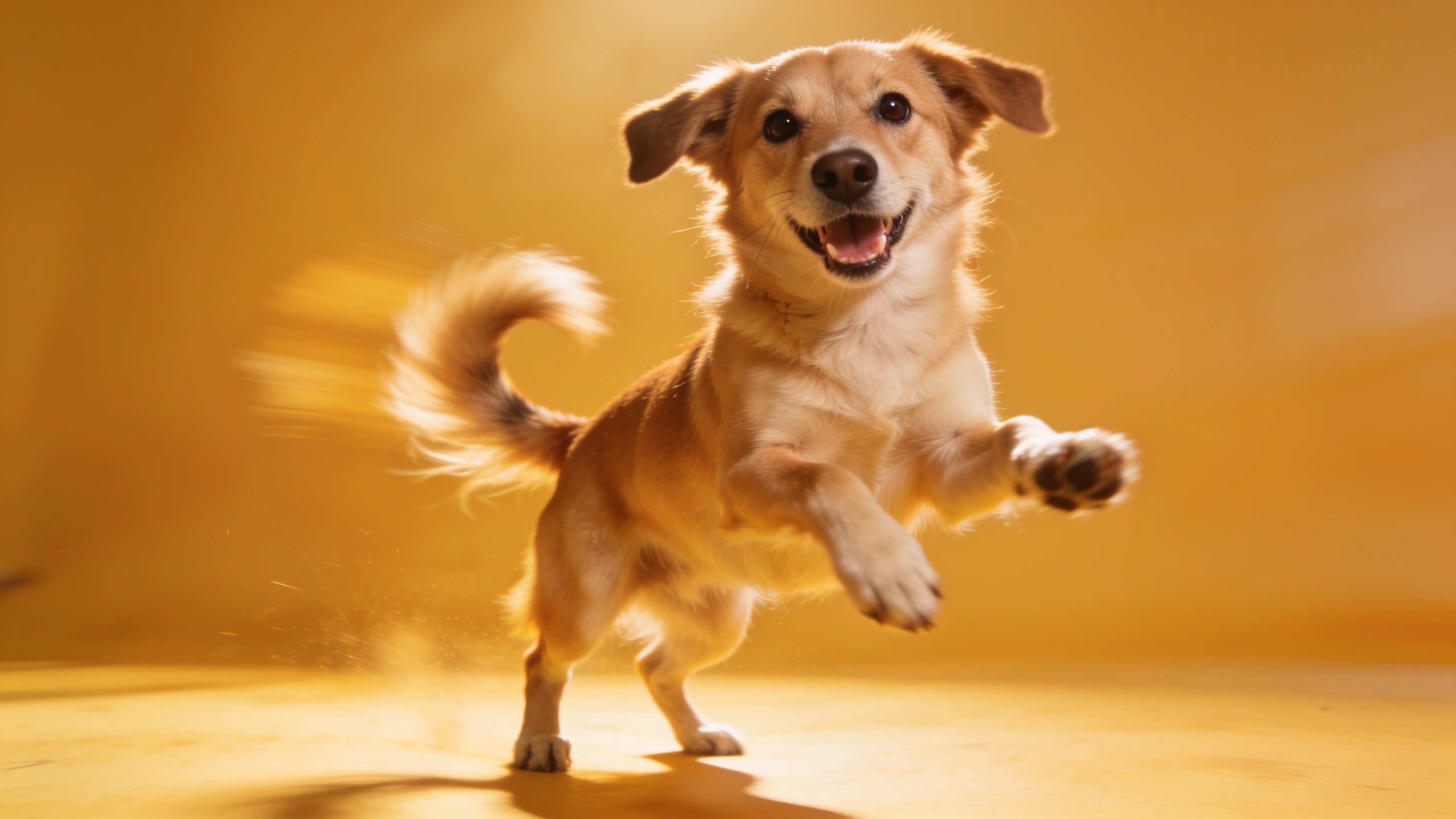
Workflow 2 — Turning a product image into a lip‑synced promo hook with CrazyFX (script, timing, export)?
A product image can become a lip‑synced promo by pairing the image with a tiny scripted line and matching beats to reveal the product benefit. The quick answer: write a 6–10 word hook, choose a 7–12s audio bed, align script syllables to mouth shapes, and export as a 9:16 clip.
Detailed steps:
- Script: Use concise, hook-first lines. Examples: "This case survived a drop—watch" or "One button. Zero setup." Keep 6–10 words.
- Timing map: Break the script into beats. Example timing for a 12s clip: 0–2s teaser, 2–6s lip‑synced line, 6–9s product close-up overlay, 9–12s CTA + logo.
- Visuals: Start on the product image with subtle motion (scale or parallax), switch to a lipsync close-up of the label or hero photo, add a fast product reveal at the beat drop.
- Export: Render 9:16, H.264 or H.265 for smaller files. Include a 1–2s pre-roll buffer to avoid trimming on upload.
If you need audio assets, generate short instrumentals with an AI music tool or pull platform-licensed tracks. For voice, use a natural TTS or one of GoCrazyAI's voice tools to create short spoken lines, then pair with the CrazyFX lipsync preset for alignment.
Creative hooks, audio choices, and promo formulas that convert (templates for A/B tests)?
Use short, clear hook structures and predictable audio changes to earn clicks and watch time. The simplest answer: three templates—Surprise Reveal, Benefit Rapid-Fire, and Personal Testimony—each matched to distinct audio types and length.
Templates to test:
- Surprise Reveal (5–10s): Hook line (1–2s) + lipsync reveal (3–6s) + CTA (1–2s). Audio: upbeat hook drop with a short silence before reveal.
- Benefit Rapid-Fire (10–15s): 3 quick benefits, each 2–3s, using accelerating percussion. Audio: steady tempo, percussive loop.
- Personal Testimony (10–15s): First‑person line synced to your photo + product shot overlay. Audio: warm mid-tempo track, vocal-forward.
Audio choices:
- Use platform-popular stems for better discoverability; music is a discovery signal on TikTok and Reels[[1]](#source-1).
- For lip‑sync, pick segments with clear enunciation and consistent rhythm. Instrumental loops work well if you add a TTS or voice line.
A/B test ideas:
- Hook wording: "Stop scrolling" vs "Wait—this works".
- Audio style: instrumental loop vs vocal hook.
- Visual tempo: slow zoom vs fast cuts.
Track CTR, watch time, and conversions by variant. Prioritize watch time lifts and CTR improvements when selecting winners for scale.
Quality controls: avoiding uncanny motion, brand safety, and legal checks for music & likeness (common pitfalls)
Avoid uncanny motion by keeping facial movement subtle and using presets tuned for your input resolution. Also run simple brand-safety and rights checks before publishing: confirm music licenses, secure model releases, and validate product claims.
Common mistakes and how to avoid them:
- Overdriving facial motion: Using maximum intensity lipsync presets can create unnatural jaw snaps—use the medium or gentle preset for single photos.
- Ignoring image quality: Low-res photos lead to blurry motion. Upscale or replace images below 720px width before applying effects.
- Skipping rights checks: Using a copyrighted hook without a license can take ads down. Use platform-licensed tracks or AI-generated music from a rights-friendly source.
- Missing model releases: If you use a customer or employee photo, get a signed release. For user-generated content, keep release records.
- Overclaiming product benefits: Short clips are persuasive; ensure any claim can be supported on landing pages to avoid ad platform rejection.
Do a final check: play the clip at 0.5x speed to spot lip misalignments, verify audio stems, and confirm that the final export contains no watermarks or unauthorized logos.
Measuring success and iterating fast: metrics, A/B ideas, and scaling a CrazyFX workflow?
Measure creative performance by CTR, average watch time, view-through rate (VTR), and downstream conversion (add-to-cart or purchases). For quick iteration, prioritize watch time and CTR as early signals. Scale the best variants into broader budgets and creative families.
Practical measurement steps:
- Run 3–6 short tests per creative family (different hooks, audios, and presets).
- Use an initial small spend (daily budget) to collect 1,000–5,000 impressions and compare CTR and VTR.
- Pick the top 2 variants by watch time and double down on placements or audiences.
Scaling the CrazyFX workflow:
- Batch-generate variants: one photo × three presets × two audio hooks = six clips.
- Use an editor to add captions and overlays in bulk; GoCrazyAI's Media Mixer supports quick subtitle and music layering for exports (/ai-video-edit).
- For custom music, generate royalty-free loops with an AI music tool to avoid licensing friction (/ai-music).
Iterate weekly: retire low-performing hooks, refresh audio every 7–14 days to avoid ad fatigue, and log lessons in a simple spreadsheet to speed future spins.
Frequently Asked Questions
Can CrazyFX make a product image sing without a person in the frame?
Yes. CrazyFX applies lipsync and avatar motion to product photos by animating labels, packaging, or a hero shot. Results are best when the image has a clear focal plane (label, face, or logo) and medium-to-high resolution.
Do I need music rights to use a popular TikTok hook?
Yes. Platform-licensed tracks may be okay for organic posts but not always for paid ads. For paid promotion, use platform-licensed audio, licensed tracks, or AI-generated royalty-free music to avoid takedowns or claim issues.
How long does it take to render a CrazyFX clip from one photo?
Typical render times are seconds to a few minutes depending on preset complexity and queue load. Because CrazyFX uses tuned presets, you can often produce a vertical clip in under five minutes.
What size image should I start with for best results?
Start with the highest-resolution photo you have; aim for at least 1080px on the shorter edge. If your photo is small, use an image upscaler before applying effects to reduce blur.
Conclusion
Final thoughts: turning one photo into a singing promo clip is fast when you use tuned presets, short hook scripts, and simple legal checks. Prioritize strong audio choices and clear mouth visibility, run small A/B tests for hooks, and scale winners. For a single-photo to vertical clip workflow that minimizes tool switching, try GoCrazyAI CrazyFX and ship a viral-format clip from one photo today: CrazyFX.
Sources
- Nearly 85% of TikTok Videos Contain Music, Study Finds (Digital Music News, Feb 2024)digitalmusicnews.com ↗
- Best AI Avatar Video Platforms for Product Demos (CompareGen.AI, 2026)comparegen.ai ↗
- The 10 Best AI Avatar Generators (Synthesia blog review, 2026)synthesia.io ↗
- 2024 Media & Entertainment Outlook | Generative AI (Deloitte, 2024)www2.deloitte.com ↗
- LatentSync: Audio Conditioned Latent Diffusion Models for Lip Sync (arXiv, 2024)arxiv.org ↗
- OmniSync: Towards Universal Lip Synchronization via Diffusion Transformers (arXiv, 2025)arxiv.org ↗
- AI Avatar Video Makers - Updated Guides & Comparisons (try.fm / industry roundup, 2026)try.fm ↗