


Kling 2.5 update: how to use Kling 2.5 Turbo Pro for vertical short-form videos
A practical July 2026 guide to Kling 2.5/Turbo Pro, Veo 3.1 and Sora 2 and how to turn one photo or a prompt into 15–60s vertical videos using GoCrazyAI.
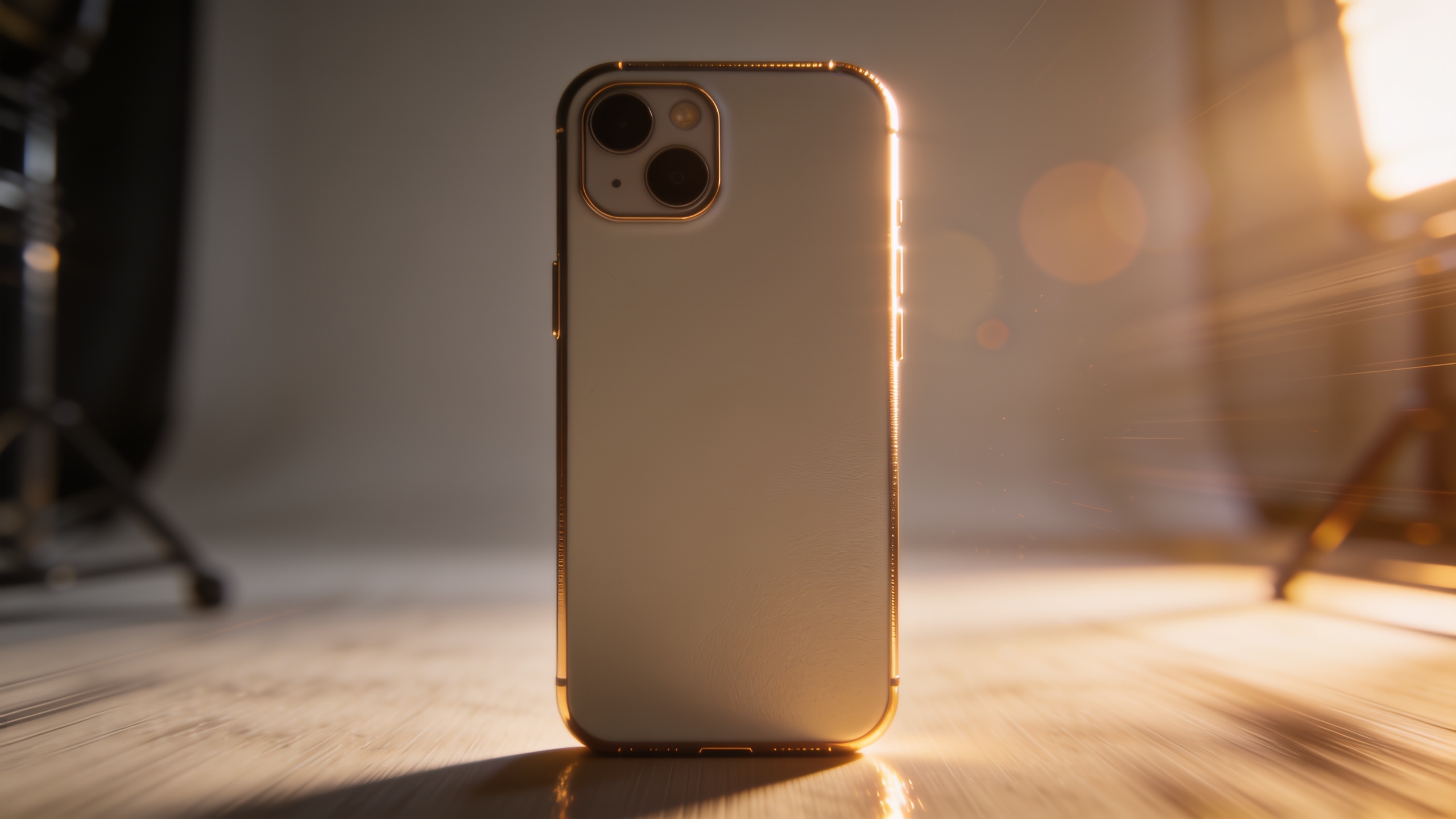
You need a fast way to turn one product photo or a text idea into a cinematic 15–60s vertical clip that performs on TikTok, Reels, and Shorts. This article explains what changed in July 2026 — Kling 2.5 (Turbo Pro), Veo 3.1, and Sora 2 — and gives step-by-step workflows you can use right now. You'll get concrete presets, prompt examples, vertical specs, and a GoCrazyAI workflow that animates a single still into a high-energy hook or B-roll sequence in minutes. Read on for hands-on steps, template ideas, and distribution tips that avoid common platform downgrades.
Quick Answer
Kling 2.5 Turbo Pro (July 2026) improves motion fidelity and continuity; use a Kling 2.5 preset when you want cinematic vertical motion and consistent subject behavior. On GoCrazyAI, pick the Kling 2.5/Turbo Pro model, upload a single product photo or paste a short prompt, choose 9:16 framing, add a Veo or Sora audio preset, and export a 15–30s hook ready for Reels or TikTok.
What changed this week: Kling 2.5 Turbo Pro, Veo 3.1, and Sora 2 — concrete launch details and implications (news recap)?
Kling 2.5 Turbo Pro, Google Veo 3.1, and OpenAI Sora 2 are the headline updates in short-form video models this week; they generally improve motion fidelity, character continuity, and native audio handling, which matters for vertical clips. Industry trackers and roundups list Kling/Turbo-class models among top performers for cinematic vertical clips this July 2026 (clipbudget). Vivideo.ai also announced an expanded unified workspace that combines text-to-video and image-to-video into one project view on July 21, 2026 (GlobeNewswire).
Why this matters: Kling 2.5 Turbo Pro raises the baseline for motion fidelity, so short-form creators can expect fewer "floaty" artifacts and better subject continuity across cuts. Veo 3.1 and Sora 2 emphasize native audio sync and caption-ready timing, which helps hooks land within the first 2–6 seconds. Collectively, these updates push platforms to favor videos with coherent motion and tight audio–visual timing, rather than loose montage templates.
Why unified text-to-video + image-to-video workflows matter for creators in July 2026?
Unified workflows combine text-to-video and image-to-video into one project, which reduces friction and keeps visual identity consistent across multiple outputs. Vivideo.ai's July 21, 2026 announcement shows vendors are standardizing around single-workspace projects to let creators mix text prompts, reference images, avatars, and voices without switching apps (GlobeNewswire).
Practical implications for creators: you can start from a single product photo, produce a hook, then repurpose the same project to generate a 9:16 Reel, a 1:1 Instagram ad, and a 16:9 YouTube short without re-authoring assets. That keeps framing, motion style, and music aligned. It also helps with platform policies: LinkedIn and other networks are starting to penalize templated mass-produced content, so using unified projects that create distinct, high-fidelity variants is a safer approach (Synchro platform update bulletin). Unified workflows also let you swap model presets—pick Kling 2.5 for cinematic motion, Veo 3.1 for audio-led hooks, or Sora 2 for balanced continuity—without rebuilding the scene.
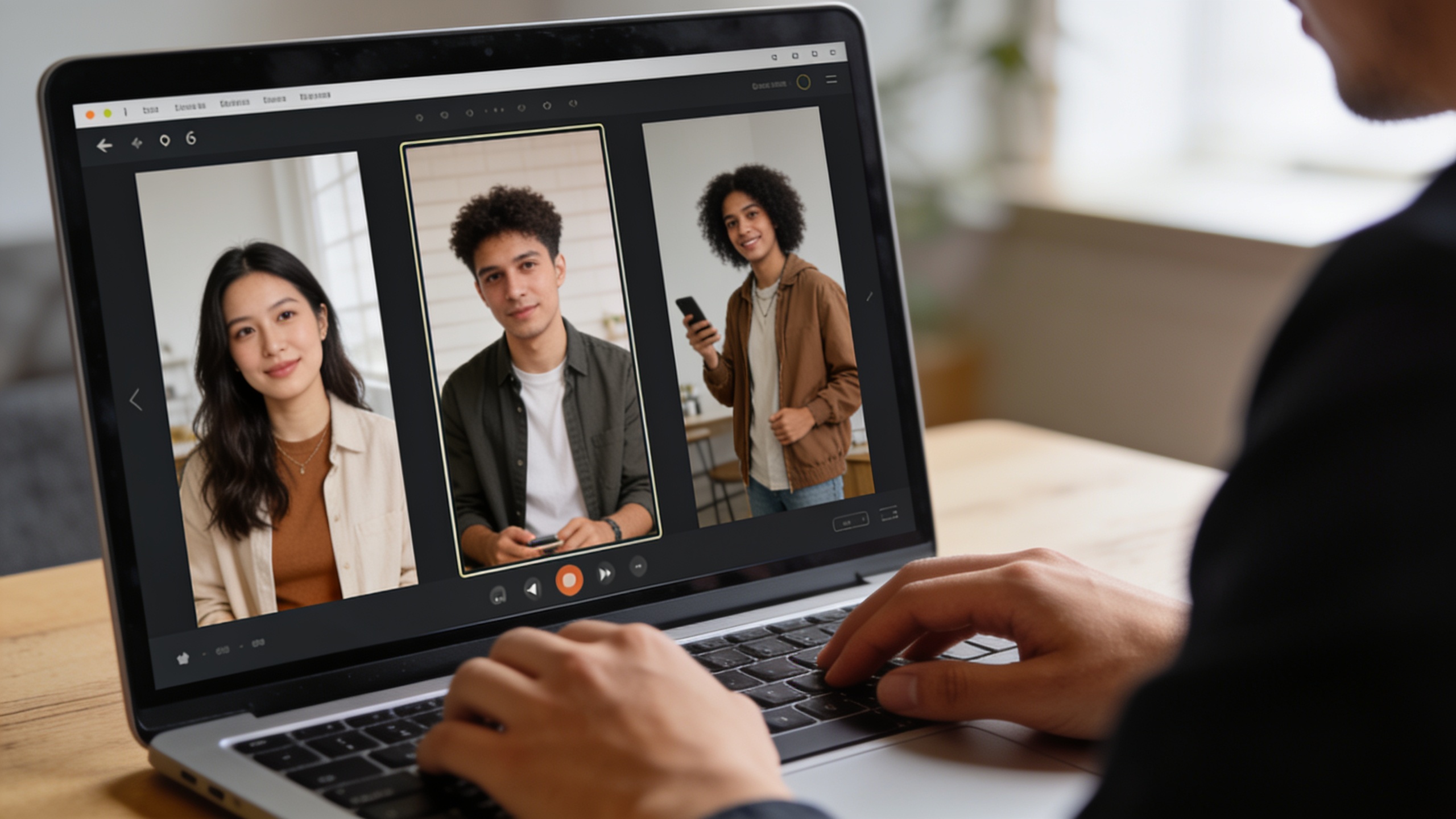
Hands-on: Turn a single product photo into a 15–30s TikTok/Reels hook with GoCrazyAI AI Video Generator (step-by-step)?
Yes — you can turn one still photo into a tight 15–30s vertical hook using GoCrazyAI's AI Video Generator by combining an image-to-video animation preset with a Kling 2.5 Turbo Pro model and a Veo/Sora audio preset. The workflow below gets you a social-ready clip in under 10 minutes: upload one product image, set framing, pick a model preset, add motion/pacing parameters, and export.
Step-by-step checklist (copyable):
1) Prepare your photo: crop to portrait 9:16 at 1080x1920 or upload a high-resolution image and use the crop tool. For better motion, choose a photo with a clear subject separation from the background. 2) Open the AI Video Generator at GoCrazyAI and select "Image-to-Video". Choose the Kling 2.5 / Turbo Pro preset for cinematic motion. Set clip length to 15–30s and framing to 9:16. (You can access the tool here: GoCrazyAI AI Video Generator). 3) Add a short prompt that describes the intended motion and camera behavior. Example prompts:
"Slow push-in to product, subtle parallax background, soft top-light, cinematic color grade, 4K film grain — 18s, upbeat electronic hook at 0:03"
"Quick 3-shot reveal: rotate product left, soft bounce, highlight shimmer on edges, captions-ready beats — 15s"
4) Select a native audio option: choose a Veo mix for tight beats or Sora voice/music sync for product narration. Use GoCrazyAI's AI Song Generator to make a 10–20s loop if you need original music (AI Song Generator). 5) Tweak timing markers for captions at 0–2s (hook), 3–10s (benefit), 11–15s (CTA). Export 9:16 H.264 or h.265, 1080p for TikTok/Reels.
This method focuses your hook within the first 2–6 seconds and preserves subject continuity with the Kling 2.5 motion model. If you need cleaned-up visuals first, run the photo through GoCrazyAI's image editor or the AI Image Generator to relight or upscale before animating (AI Image Generator).
Hands-on: Create animated B-roll and a story-mode opener for YouTube Shorts using Kling 2.5 presets in GoCrazyAI?
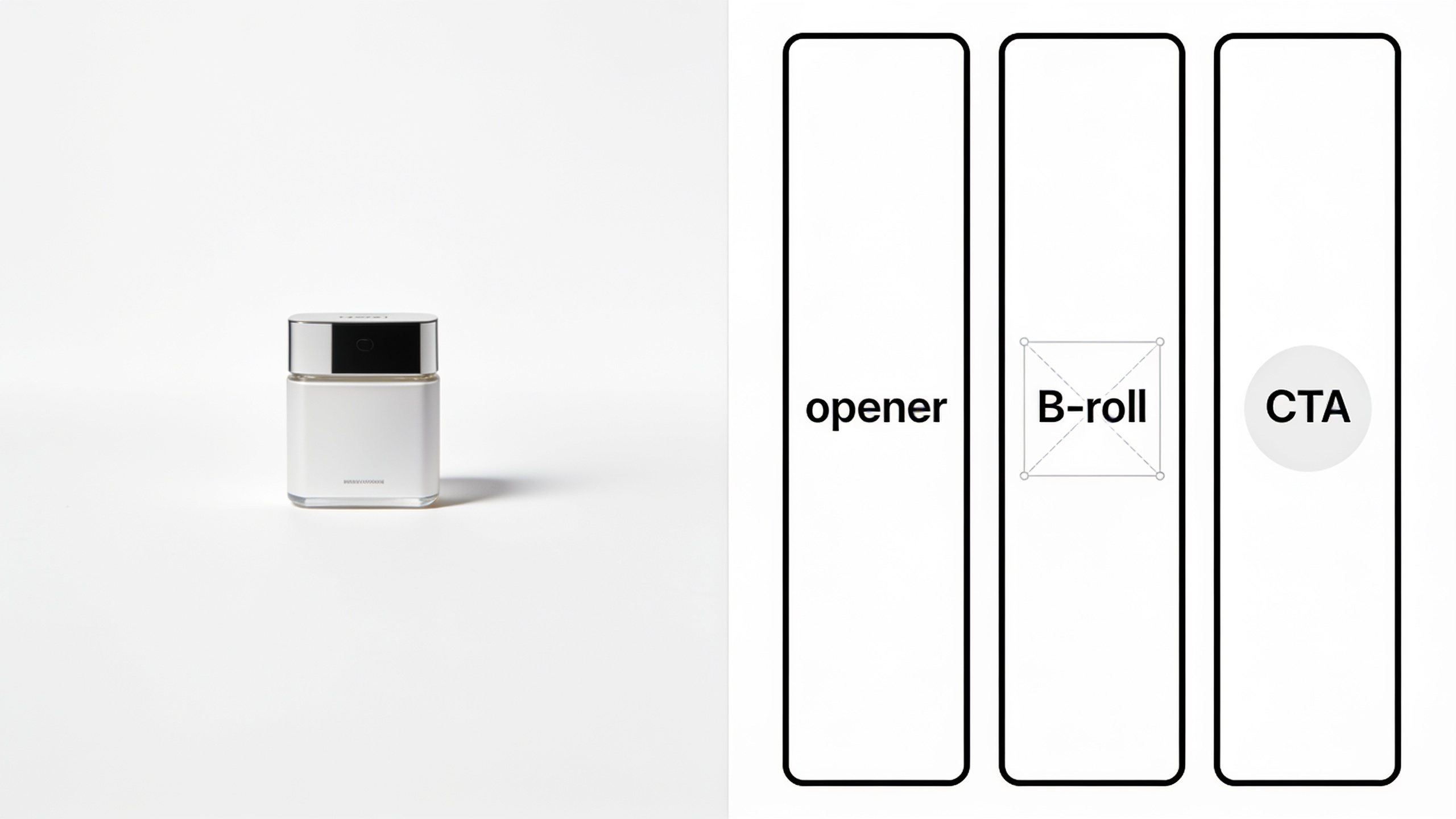
You can use Kling 2.5 presets to generate layered B-roll and a story-mode opener that reads well on YouTube Shorts by treating the project as a sequence: opener (3–6s), punchy B-roll (10–20s), and a CTA frame (3–5s). Kling 2.5 helps maintain consistent motion across these pieces so cuts feel cinematic.
How to build it in GoCrazyAI: start a new AI Video Generator project and pick Kling 2.5 / Turbo Pro as the base model for the whole timeline so motion continuity is preserved between clips. For the opener, use an image-to-video prompt that adds a slight camera dolly and a character-aware framing: "story opener — close-up product intro, quick text reveal, cinematic Bokeh, color punch, 4K film grain — 5s." For B-roll, use text-to-video prompts that create complementary shots: "slow orbit around product, top-down reveal of components, hands assembling — soft ambient pad music." Mix a Sora 2 voice snippet for short narration cues for timing-sensitive captions.
Best practice: export a storyboard of three clips and test them in vertical preview. Kling 2.5 keeps object positions stable, so you can overlay subtitles or motion graphic pins with confidence. Finish in GoCrazyAI Media Mixer for subtitles and final voiceover adjustments (AI Video Editor).
Platform checklist: vertical specs, audio, and monetization rules — avoid common reasons short-form AI clips get downgraded?
Follow platform specs and policy rules to avoid reduced distribution. Checklists help you avoid the most common downgrades: wrong aspect ratio, auto-silenced or copyrighted audio, and obvious mass-produced templates. LinkedIn reported short-form watch time up 36% year-over-year and is tightening rules on templated content; other platforms have similar moves this July 2026 (Synchro).
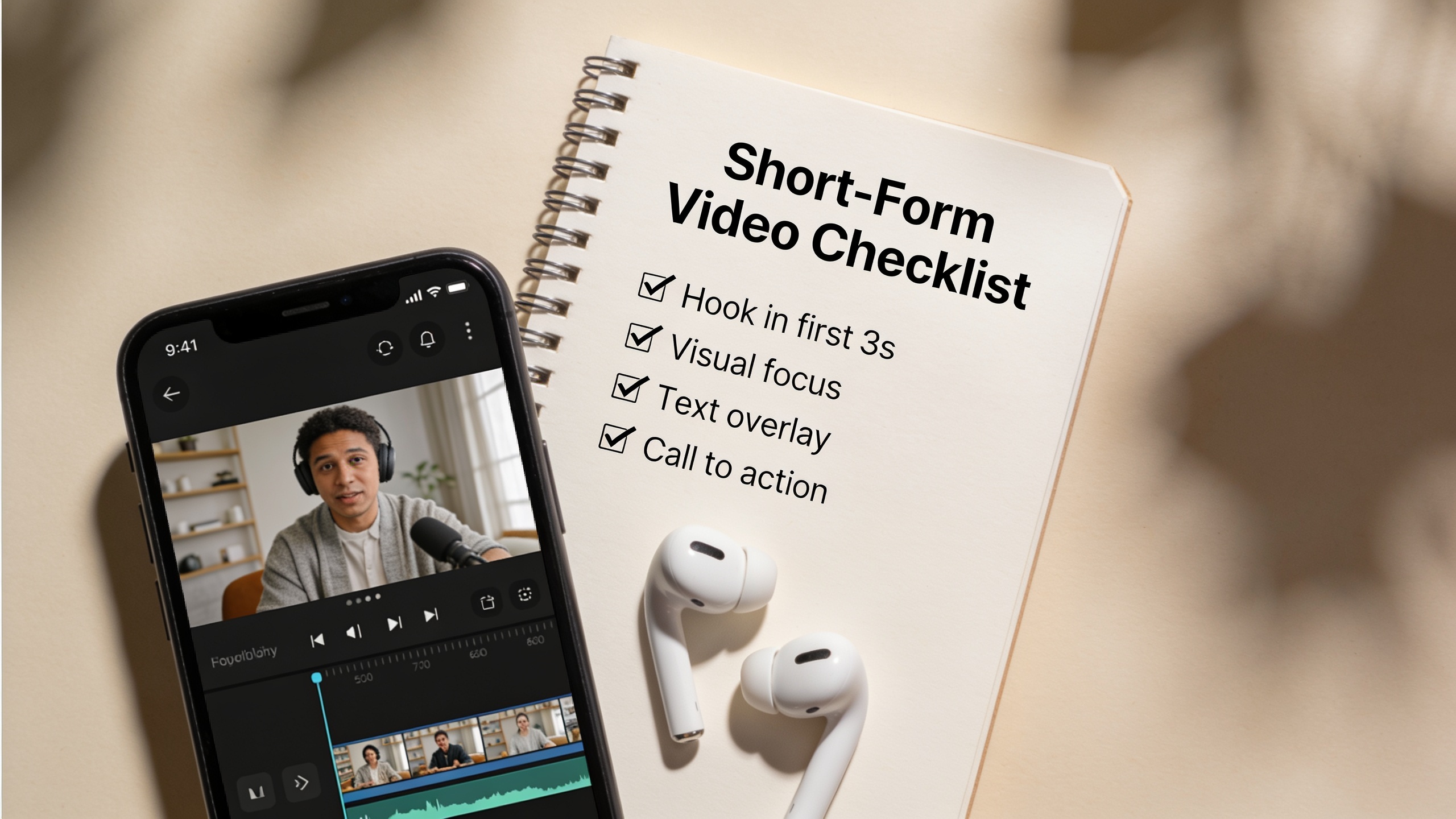
Essential checklist:
- Aspect & resolution: export 9:16 at 1080x1920 (or 4K but keep bitrate limits in mind). Provide a 1:1 crop variant for feeds.
- Hook timing: land a visual hook within 0–3 seconds and a clear audio cue by 0.5–2 seconds.
- Native audio: use models with native audio timing (Veo 3.1 or Sora 2 presets) or add platform-safe original music from an AI music tool (AI Song Generator).
- Avoid templated repetitions: produce multiple distinct variants (different camera moves, color grades, or captions) rather than the same clip with minor text swaps.
- Copyright & claims: use original AI music or licensed tracks. Tag or declare synthesized audio when required by platform policy.
Following this checklist reduces the chance platforms downrank your clip for low watch time, reused templates, or policy violations.
Scaling workflow: batch prompts, template variants, and distribution — how GoCrazyAI speeds production and preserves originality?
GoCrazyAI supports batch generation and template variants that let you scale without producing identical, templated content. Use prompt permutations and per-variant seed tweaks (motion intensity, color grade, caption phrasing) to create distinct clips from one photo or base prompt. The AI Video Generator routes credits across Kling, Veo, and Sora models so you can run multiple experiments without juggling subscriptions.
A practical scaling pattern: create a single project with a base image or prompt, then generate 6 variants: 3 motion variants (slow push, orbit, quick cut), 2 audio variants (Veo beat vs Sora voice-led), and 1 color-grade variant. Use batch export to render 9:16 and 1:1 crops for each variant. For distribution, stagger uploads across platforms and use platform-specific captions and CTAs. This reduces the "mass-produced" signal while multiplying testable creative. For quick asset edits, combine GoCrazyAI outputs with the Media Mixer to add subtitles and voiceovers before publishing (AI Video Editor).
Frequently Asked Questions
What is the Kling 2.5 update and why should short-form creators care?
Kling 2.5 (Turbo Pro) is a July 2026 model update focused on smoother motion fidelity and better subject continuity in short vertical clips. Creators benefit because clips look more cinematic and maintain consistent framing across cuts, which improves watch-time and viewer retention.
Can I animate a single phone photo into a TikTok hook without editing skills?
Yes. Using an image-to-video preset (Kling 2.5 works well for motion continuity) you can animate a product photo, add native audio timing, and export a 15–30s vertical clip in minutes using GoCrazyAI's AI Video Generator.
Which model should I pick for audio-led hooks vs cinematic B-roll?
For audio-led hooks pick Veo 3.1 or Sora 2 presets for tighter audio–visual timing. For cinematic motion and smoother object continuity, choose Kling 2.5 / Turbo Pro.
Will platforms penalize AI-generated short videos?
Platforms are tightening rules on templated, mass-produced content and emphasizing watch-time signals (LinkedIn reported a 36% YOY increase in short-form watch time). Avoid identical templates and produce distinct variants with different motion, captions, or audio.
How do I scale tests without making every clip look the same?
Use batch prompt permutations: vary camera motion, color grade, and caption timing across variants. Generate multiple crops (9:16, 1:1) per variant and stagger uploads to test platform responses.
Conclusion
Final thoughts: The Kling 2.5 Turbo Pro, Veo 3.1, and Sora 2 updates in July 2026 make it practical to produce cinematic, audio-aware vertical clips from a single photo or a short prompt. Use model presets for consistent motion and native audio timing, run small batches of distinct variants, and follow the checklist for platform specs and caption timing. Open the AI Video Generator to test these presets with your own image or prompt and ship a clip in your next break.
Sources
- Vivideo.ai Expands AI Video Platform With Unified Multi-Model Workflow (press release) — GlobeNewswire — July 21, 2026globenewswire.com ↗
- Reelful's AI turns your camera roll into short-form videos for social media — TechCrunch — July 15, 2026techcrunch.com ↗
- AI Video News: Sora, Veo, Runway, Kling, Luma, Pika, Hailuo & Seedance — industry roundup (clipbudget) — July 2026clipbudget.com ↗
- Platform Updates — Video Algorithm & Spec Changes (includes LinkedIn watch-time stat and policy notes) — Synchro — July 2026thesynchro.com ↗
- Shortzly — AI video clipper and faceless reels generator (example product in the vertical short-form space) — July 2026 (site listing)shortzly.com ↗