


Mockup to video: Create vertical product hooks from a single photo
Turn one product mockup or photo into high-converting vertical demos for TikTok, Reels, and landing pages. Step-by-step guide with models, prompts, and GoCrazyAI workflow.
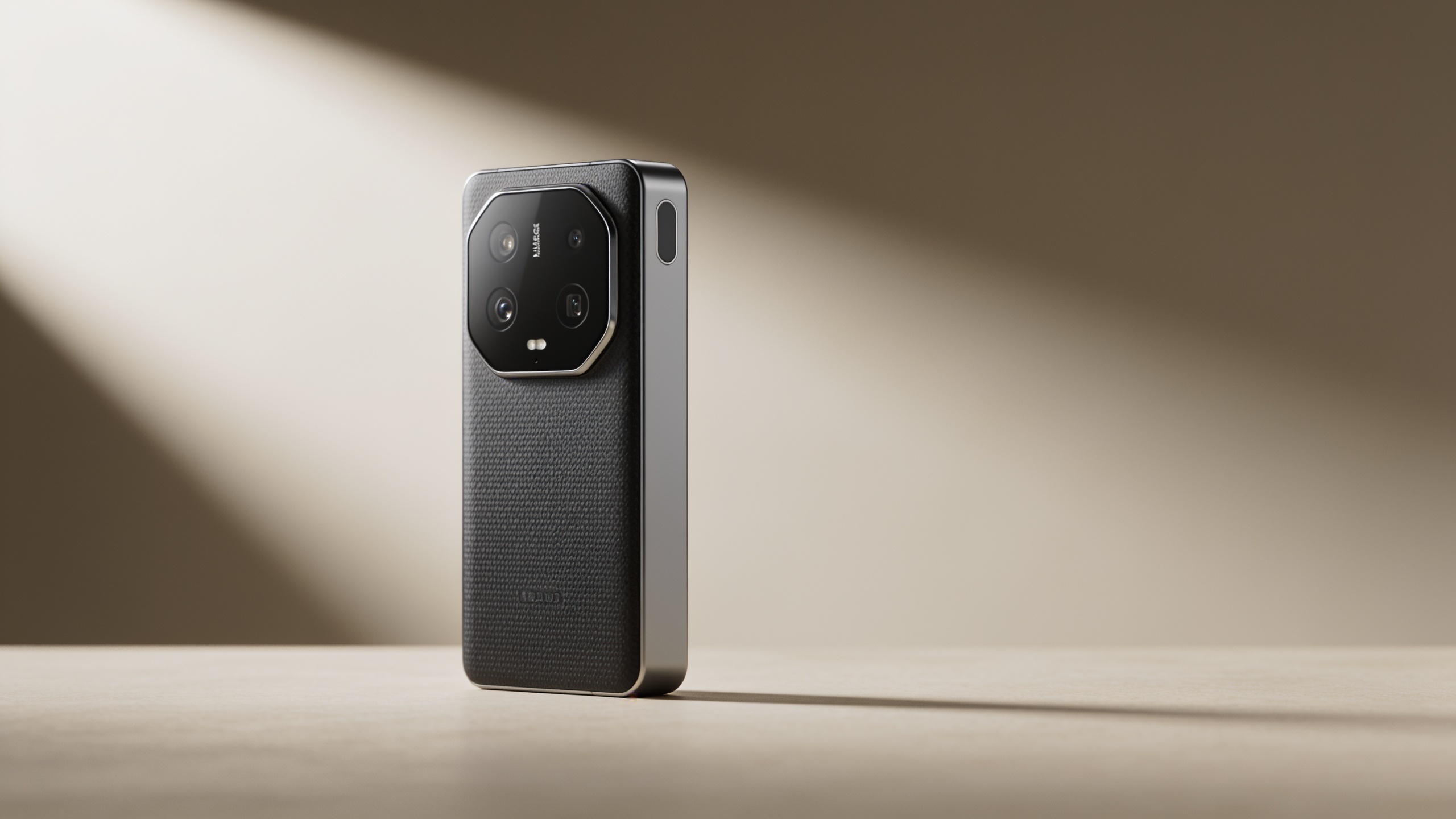
You have a single product mockup or photo and need short vertical demos that convert on TikTok, Reels, and landing pages. This guide shows exactly how to turn that one still into multiple high-converting assets — hooks, micro-demo loops, and animated B-roll — without a video editor. You’ll get model choices, concrete prep steps, example prompts you can copy, and two hands-on workflows: one fast 90‑second hook and a batch flow for multiple assets.
Follow the steps here to ship vertical ads and landing-page loops from an existing mockup. I’ll show simple prompts, timing templates for micro-demos, how to measure wins, and where GoCrazyAI fits into a real campaign.
Quick Answer
To turn a mockup to video, animate the still with an image-to-video model that preserves your product’s first frame, then render a 9:16 hook and a looping demo. Prep the photo (crop, mask, relight), use controlled motion prompts, and output both short hooks and landing-page loops. Tools like GoCrazyAI let you run Kling, Veo, or Sora models from one place.
Why does converting a single product photo into vertical video multiply reach and conversions?
Converting a single product photo into vertical video multiplies reach and conversions because motion and context increase attention and drive clicks more than static images. Short, demo-style clips or interactive loops make features obvious in seconds and reduce friction between discovery and purchase. In many cases, interactive or demo-style experiences generate measurable uplifts in lead quality and conversion rates.
Concrete benchmarking supports this: interactive demos and demo-style video formats often outperform static pages on engagement and conversion metrics. For example, interactive demo benchmarks show material conversion uplifts when product experiences actively demonstrate functionality rather than only showing a still image (Navattic report).
Practical reasons this works: vertical video takes over the feed, delivers immediate context in the first two seconds, and can be repeated as a short loop on a landing page to keep attention. For marketers, the same mockup can be reused across ad variations and landing-page loops, multiplying asset value with minimal extra cost.
Which AI models power modern image-to-video and why does that matter for product visuals?
Top image-to-video models like Kling 2.5 Turbo/Pro, Google Veo 3.1, and OpenAI Sora 2 offer controls that matter for product visuals: first/last frame anchoring, multi-reference inputs, and scene extension. Those controls let a single product photo stay recognizably on-model while adding subtle camera moves or animated context.
On product pieces, you usually want motion that preserves shape and detail (slow parallax, slight dolly, reveal, or animated UI). Models optimized for cinematic motion (e.g., Kling and Veo) tend to produce smoother camera-style moves, while models focused on fidelity and control (Sora, Veo) let you anchor the product’s first frame precisely and add a final frame for a loop.
Model selection affects cost and speed too: leaderboards and comparisons list Kling and Veo as strong options for product-oriented clips, but they differ on generation speed and credit cost, so factor that into batch campaigns (Arena.ai leaderboard).
What vertical product hooks and demo loops perform best? (data & examples)
High-performing vertical product hooks usually do three things: show the product clearly in the first 1–2 seconds, demonstrate one tangible benefit, and end with a short call to action or a visual hook (countdown, reveal, price). Demo loops for landing pages are typically 6–12 seconds, focusing on one user flow or feature.
Successful examples often share patterns: a fast before/after, a hands-on use case (show the product in action), or a UI interaction synced to captions. Social growth case studies show consistent vertical output can multiply plays and engagement; one brand increased plays from ~311k to ~8M year-over-year after prioritizing short vertical clips and repeatable hooks (platform case study PDF).
Example prompt snippets you can copy for a product photo (safe, general):
- "Close-up of a matte smartphone mockup on a clean white tabletop; subtle 3D parallax, slow 0.8x dolly in, 9:16 framing, soft studio light, cinematic shallow depth of field, 24fps."
- "Product mockup spinning slightly to reveal edge detail over 4 seconds; loopable final frame; soft shadow, 9:16 crop."
These patterns work because they answer the viewer’s unspoken question: 'What does it do?' within the first two seconds.
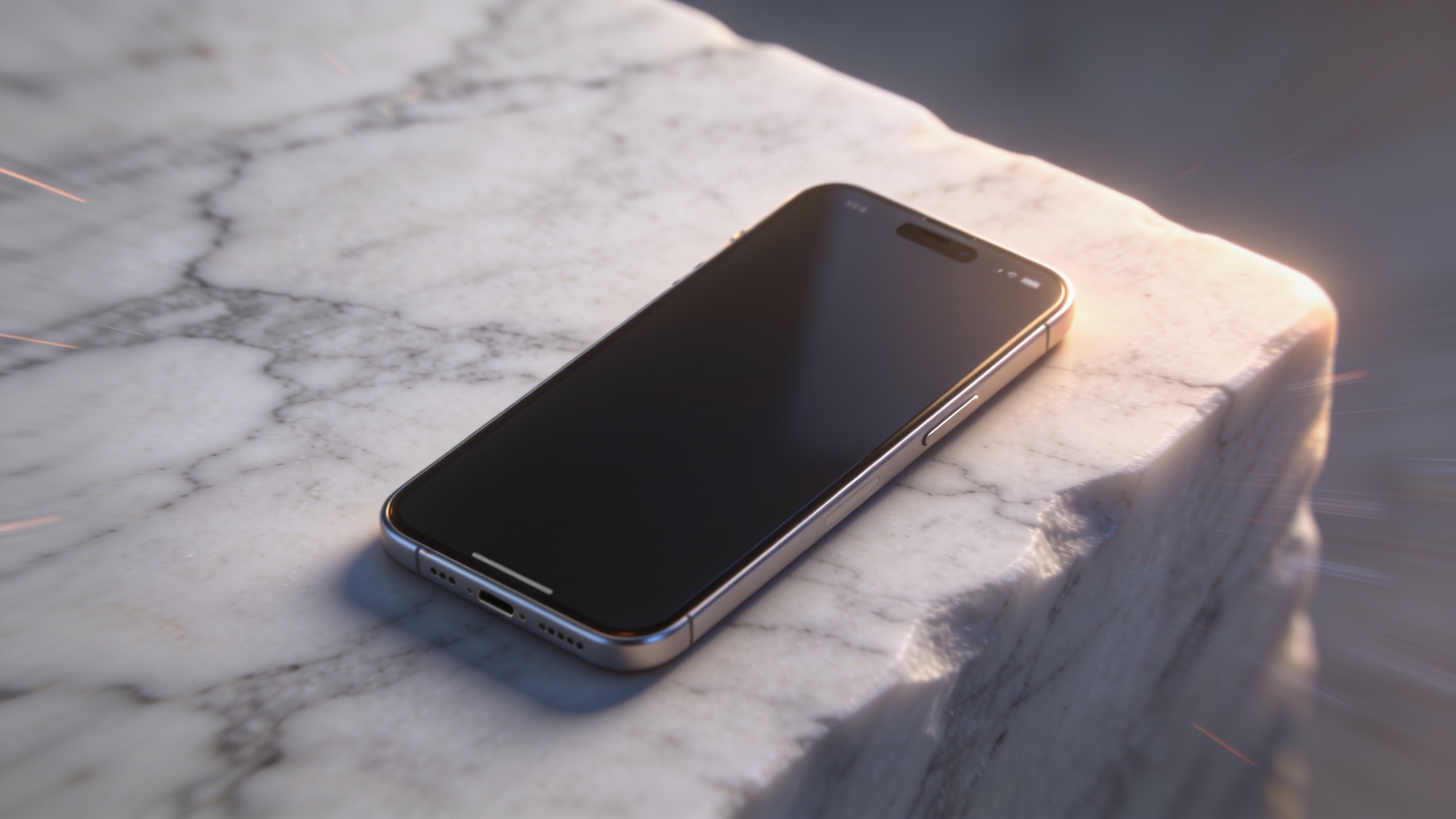
How should you prepare a product photo or mockup for the best AI video results (step‑by‑step)?
Preparing the image is the single biggest determinant of quality. Clean, high-resolution files, an isolated subject, and a consistent lighting base let the model add realistic motion without introducing artifacts. Common quick fixes—cropping to target aspect ratio, masking the product, and relighting—pay off immediately.
Start by checking resolution: use the highest-res original you have. Remove distractions and refine the background; a plain gradient or studio backdrop makes motion more believable. Create a precise mask of the product if you want independent movement or background extension. Finally, export a 2–3x higher-resolution reference when possible — many image-to-video models do better with higher-detail inputs.
Tools that help: use an AI image editor to remove the background and relight the subject, then export a clean PNG. If you need quick relighting or studio-quality shadows, try an AI image relight workflow before animation. You can also use an AI image generator to create matching background plates for scene extension (AI image generator).
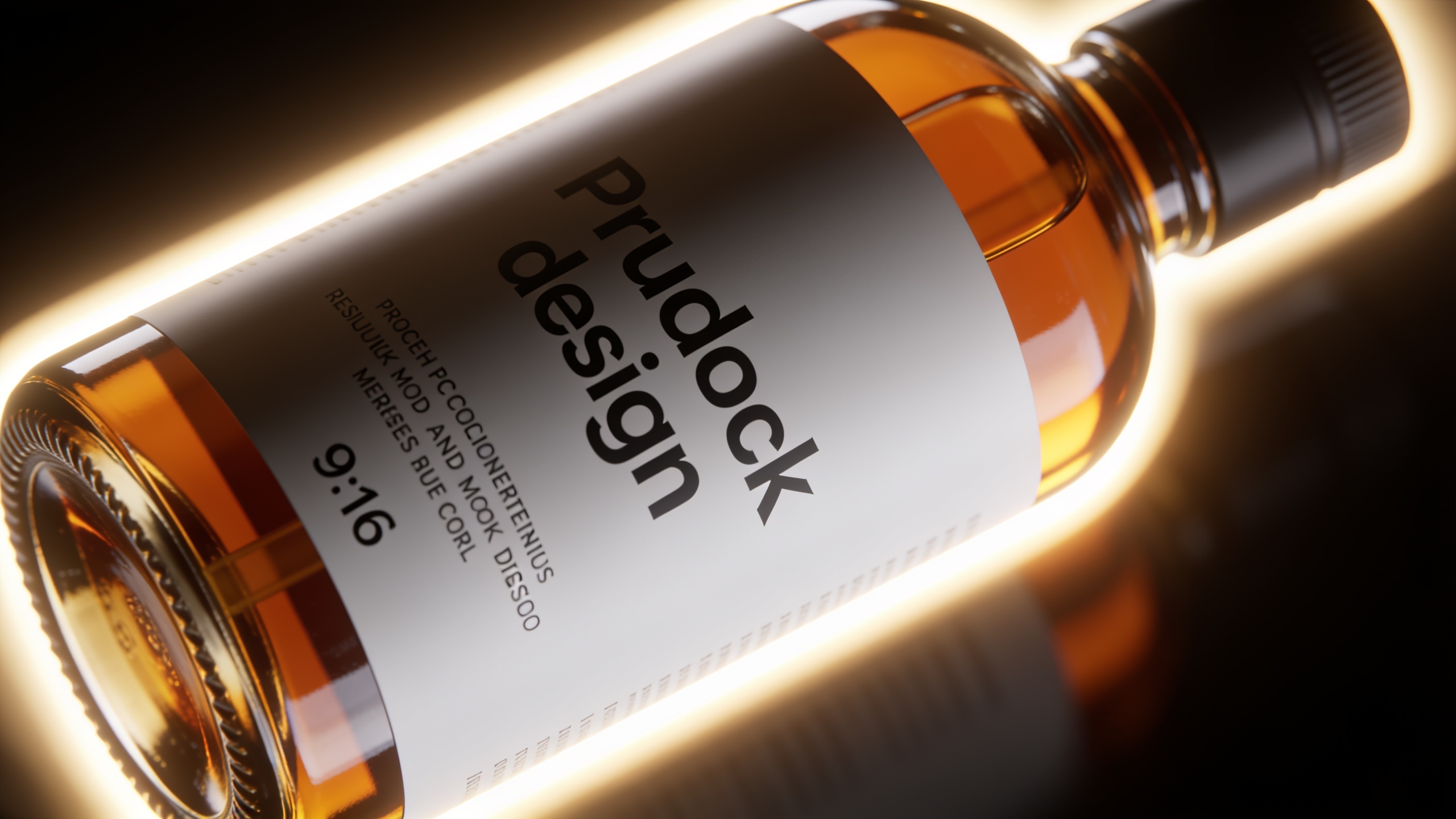
Can you create a vertical product hook in under 90 seconds with GoCrazyAI AI Video Generator (hands‑on workflow)?
Yes — you can create a vertical product hook in under 90 seconds with GoCrazyAI by uploading your mockup, choosing an image-to-video model, and using a preset motion template. GoCrazyAI’s generator accepts a single still, routes to Kling/Veo/Sora, and outputs 9:16 ready-for-feed footage with minimal inputs.
Hands-on workflow (fast):
- Open the GoCrazyAI AI Video Generator and select Image-to-Video.
- Upload your product mockup (high-res PNG).
- Choose a model (Kling for cinematic motion or Veo for precise anchoring).
- Pick the 9:16 framing preset and select a "subtle parallax" or "product reveal" template.
- Paste a short prompt: "9:16 close-up on product, slow 0.8x dolly in, loopable final frame, soft studio light, cinematic shallow depth."
- Render. Expect a short generation time depending on model and credits.
This workflow is designed for speed: minimal fields, model routing handled by the platform, and direct 9:16 output for Reels/TikTok. If you plan to polish audio or captions, export and finish in the Media Mixer editor later. Learn more with the GoCrazyAI AI Video Generator here: AI Video Generator.
How do you turn one product mockup into multiple assets: loops, 9:16 hooks, and B-roll with batch settings?
Turning one mockup into multiple assets involves generating different framings, motion styles, and loop lengths in batch. Use a consistent reference image, set up variations for motion intensity (subtle, medium, dramatic), and export in 9:16, 1:1, and 16:9. Batch jobs let you test hooks and landing loops quickly while controlling credits.
A practical batch approach: pick three motion styles (parallax, slow reveal, and micro-rotation). For each style, render two lengths: a 3–6 second loop for landing pages and a 9–15 second hook for ads. Use model settings to anchor the first frame and add a loopable last frame when needed. Factor model speed and cost: faster models save credits at scale, while higher-fidelity models may cost more per clip — check pricing and credits before large batches (/credits).
Make naming conventions part of the job: mockup_v1_parallax_9x16_6s.mp4, mockup_v1_reveal_1x1_4s.mp4, etc. That makes downstream A/B testing and ad insertion simple. Export all assets with consistent color management to avoid color shifts when you drop them into your ad platform or landing page.
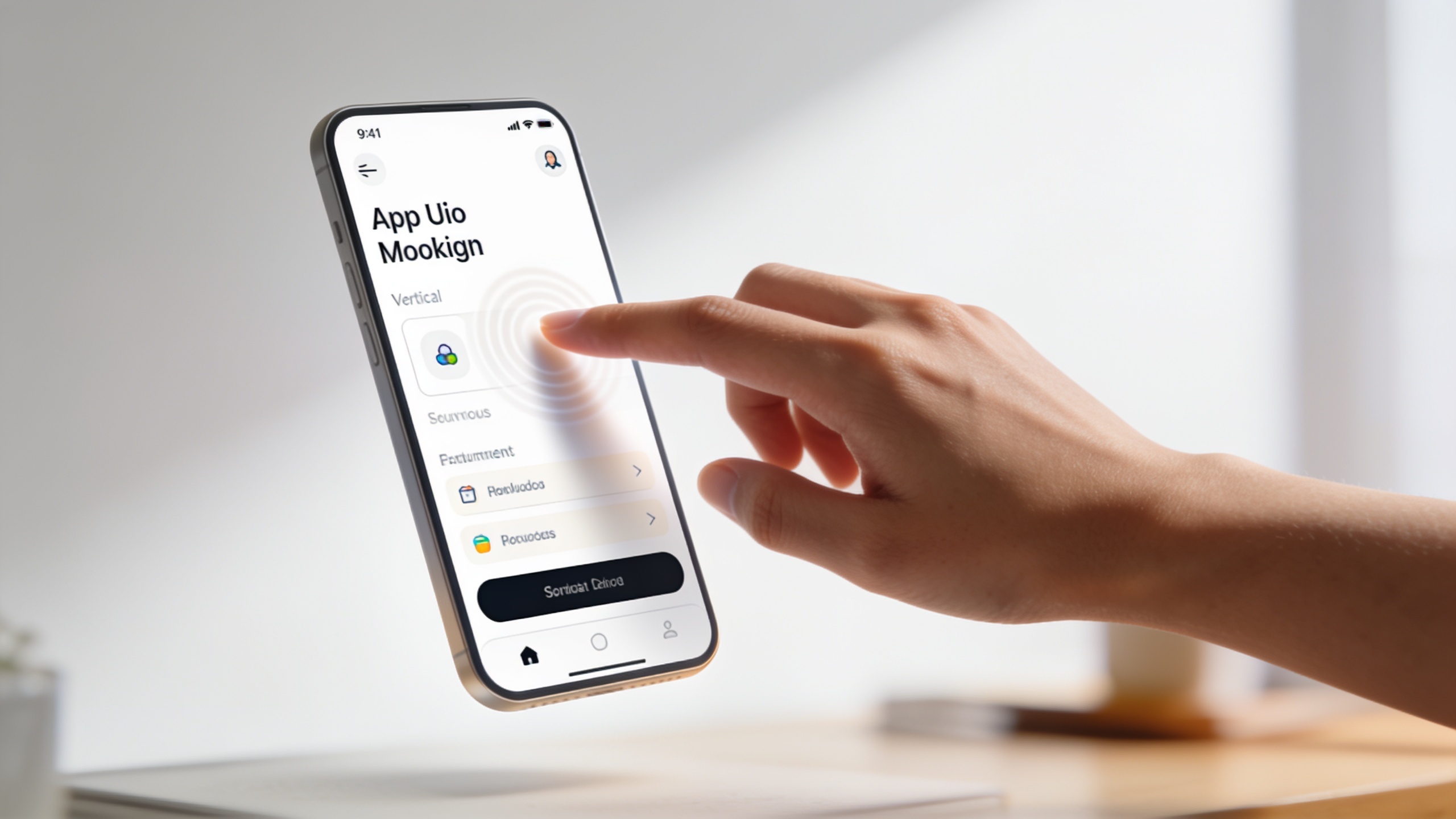
What is the best way to script micro-demo loops that drive clicks?
Script micro-demo loops to answer three viewer needs quickly: identify the product, show a single benefit, and give a direction (swipe, tap, learn more). Scripts should be tight: 3–8 seconds for a loop, 6–15 seconds for hooks. Timing and framing are the difference between a scroll and a click.
Templates and timing:
- 3–4s landing loop: Shot A (0–1s): product in frame. Shot B (1–3s): quick feature demo (tap, rotate, change state). End: loop-ready last frame.
- 6–8s hook: Opening (0–2s): big visual benefit. Mid (2–5s): single how-it-works moment. CTA (5–8s): short text overlay or visual nudge.
Micro-script examples you can adapt:
- Hook (9s): "See the stain disappear — one swipe." [0–2s show product; 2–6s simulated swipe; 6–9s reveal & CTA]
- Loop (6s): "Auto-lock in action" [0–1s product; 1–4s animated lock toggle; 4–6s loop to idle]
Keep captions on-screen and match on-screen motion to the beat of a short sound or music cue. You can generate background tracks with an AI music tool to match tempo and pacing.
Which metrics show a short demo is winning, and what pitfalls should you avoid?
Key metrics that indicate a short demo is winning are play rate (view rate), watch-through (50% and 75%), CTR from the clip to your landing page or product page, and downstream conversion (add-to-cart or MQL to SQL lift). For landing loops, time-on-page and bounce rate shifts matter most. A good ad-level signal to watch is CTR and cost per click combined with watch-through.
Common pitfalls to avoid:
- Overloading the first 2 seconds: if the product isn’t recognizable immediately, viewers scroll. Fix: prioritize large, clear framing and a single benefit.
- Using excessive motion: too much camera shake or extreme warping breaks product fidelity. Fix: use subtle parallax or slow dolly.
- Ignoring loopability: landing-page loops that don’t match start and end frames cause jarring jumps. Fix: render with a loopable final frame or use a short crossfade.
Test by changing only one variable per A/B test (caption, motion intensity, or CTA). Track both engagement and conversion to avoid false positives — high plays with low CTR can still be a weak asset.
How do you put it all together: campaign flow from mockup to landing page to conversion (with GoCrazyAI best practices)?
A practical campaign flow uses the same mockup to produce a hypothesis-driven set of assets: fast hooks to test audience interest, landing-page demo loops to reduce friction, and B-roll assets for retargeting. Start with a 90‑second hook, measure CTR and watch-through, then iterate on the winning motion and caption for the landing loop.
Typical flow:
- Prep one high-res mockup and export masked and relit versions.
- Produce three 9:16 hooks (different motion/copy), two landing loops (6–12s), and 2 variants of B-roll for retargeting.
- Run a small paid test comparing hooks for CTR and watch-through.
- Drop the winning hook into paid channels; pair the landing loop with the ad to keep attention and increase conversion.
Best practices for GoCrazyAI: route heavy fidelity clips to Kling or Veo for product-preserving motion, use the batch settings to produce multi-aspect outputs, and finish audio & captions in the Media Mixer editor. If budget is a concern, plan model selection per asset and check your credits before running large batches (/credits).
Frequently Asked Questions
Can any product photo be turned into a usable vertical hook?
Most clean, high-resolution photos can be turned into usable vertical hooks if you isolate the product, remove distractions, and provide a neutral background. Very low-res or heavily compressed images may need upscaling or a recreated plate first.
How long does it take to generate a 9:16 clip from one mockup?
Generation time depends on model and queue, but simple hooks can be produced in under a few minutes on faster models. On platforms that route multiple models, expect 30 seconds to a few minutes per clip for common short-form outputs.
Do I need separate assets for Reels and landing pages?
You should create at least two versions: a short, attention-grabbing hook (9:16) for social and a loopable 6–12s demo for landing pages. They serve different stages of the funnel and often require different pacing.
Conclusion
Turning a single mockup into a set of high-converting vertical assets is a low-cost way to multiply reach: prep the image, pick a model with first/last-frame controls, run a quick hook test, and deploy a landing loop for conversions. Start small: make three hooks, run a short A/B test, and scale the winning motion. Open the AI Video Generator, drop in your reference image, and ship a clip during your next break.
Sources
- State of the Interactive Product Demo 2026 (Navattic)navattic.com ↗
- AI Video Generator from Image: How to's and Best Tools (Vidau.ai)vidau.ai ↗
- Image-to-Video Leaderboard - Arena.aiarena.ai ↗
- Video Generation & Image-to-Video: Sora 2, Veo 3.1, Runway, Open-Source (guide)josenobile.co ↗
- Interactive Product Demos in 2026: What Actually Converts (Userpilot)userpilot.com ↗
- Best AI Tools to Turn Pictures into Videos in 2025 (comparison)juheapi.com ↗
- Image to Video | DNG Docs (developer docs showing model options)docs.dng.ai ↗
- Case study: Vertical video growth and Reels performance (platform case study PDF)d26789eippoar.cloudfront.net ↗
- Benchmarks for Interactive Demos (Navattic blog)navattic.dev ↗