


AI video generator for TikTok: Turn product copy & one photo into short-form ads
Step-by-step guide for ecommerce teams to convert product copy or a single photo into 15–30s TikTok ads using an AI video generator. Templates, A/B tests, and workflows.
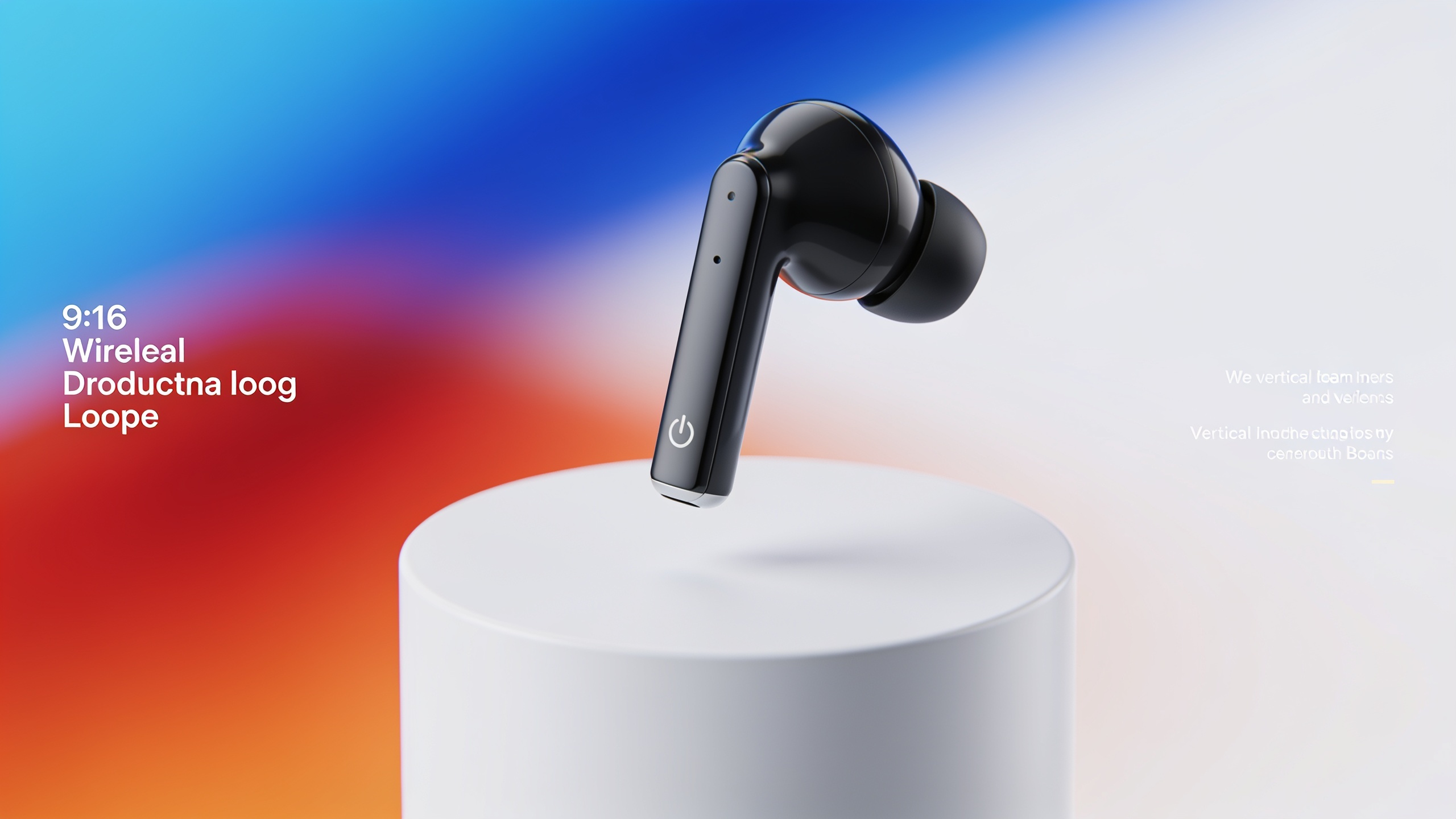
You need to turn product copy or a single product photo into a 15–30s TikTok ad fast — without a video team. This guide shows practical workflows that let ecommerce and growth marketers produce vertical, high-conversion clips from text or one image. Read step-by-step GoCrazyAI workflows, copy-and-paste prompt formulas, and a same-day A/B testing playbook. Along the way you'll get quick templates for hook lines, demo loops, and UGC-style variants you can produce in minutes with model presets (Kling, Veo, Sora) and route outputs to TikTok-ready 9:16. The aim: predictable, repeatable ad variants you can ship and measure.
Quick Answer
How do you use an AI video generator for TikTok? Convert product copy or a single image into a 15–30s vertical ad by writing a clear hook + demo script, choosing a visual style, and generating a 9:16 clip on an AI video tool like GoCrazyAI. Iterate hooks, visuals, and CTAs to produce multiple variants for A/B tests.
Why short-form, vertical product videos beat static creative for ads (data-driven case)?
Short answer: short-form vertical video performs better because it fits platform UX, captures attention faster, and advertisers shifted spend accordingly — making it easier to reach scale. The IAB reported that 69% of video ad spend in 2024 went to short-form and 68% to vertical formats, which explains why TikTok, Reels, and Shorts are central to ad strategy (IAB 2024 Video Ad Spend Report). For product ads this matters: vertical framing occupies the full screen, motion sells features faster than text, and native audio helps hooks land in the first 1–3 seconds.
What this means in practice: replace a static product image + headline with a 15–30s vertical clip that opens with a 1–3 second benefit-driven hook (e.g., "No-fade color in 7 days") followed by a 10–20s demo or lifestyle montage, and finish with a clear CTA. Use platform-native pacing (quick cuts, close-ups) and experiment with captions and music. The spend shift also means auctions reward creatives that retain viewers; short-form loops engineered to drive a high view-through rate (VTR) and early engagement typically deliver lower cost-per-acquisition (CPA) in many campaigns. Keep assets iterative: the same product can yield different winner creatives by changing only the hook or style.
How modern text-to-video models (Sora, Veo, Kling) changed short-form ad production — and what that means for your funnel?
Short answer: newer models like OpenAI Sora, Google Veo updates, and the Kling family produce higher-fidelity short clips and often native audio, letting marketers create crisp hooks and demo loops directly from copy or a still image. This reduces turnaround from hours/days to minutes and lets teams run more rapid creative tests (Axios; TechRadar).
Why it matters for your funnel: you can generate a hook-first opening, an in-product demo, and a CTA sequence without a camera shoot. Native audio generation (voice lines, simple ambience) lets you test voice-first hooks, while fast modes let you produce dozens of variants rapidly. Practically, that means: 1) faster hypothesis-testing at the top of funnel; 2) cheaper creative production; 3) easier localization via text swaps and model dubbing. Limitations: models usually create short, loopable clips best suited for 15–30s ads; they can animate a subject but dramatic camera-angle changes or detailed hands-on demonstrations may need compositing or real footage. Use generated clips for initial experiments and pair winning variants with live-shot hero footage for long-term scale.
Turn product copy into a 15–30s TikTok ad: a step-by-step GoCrazyAI workflow (hands-on)?
Short answer: write a 3-line script (hook → benefit/demo → CTA), pick a visual style, paste the script into GoCrazyAI's text-to-video prompt, choose a 9:16 output and a model (Kling/Veo/Sora), and render. You can produce a test clip in minutes and refine with quick edits.
Hands-on workflow (detailed):
1) Create your 3-line script:
- Hook (1–3s): a bold, specific claim or problem statement.
- Demo/benefit (8–20s): show the product in use, highlight a tangible benefit.
- CTA (2–4s): direct and time-boxed ("Shop now — free returns").
2) Choose visual style: cinematic, UGC, or minimal product-shot.
3) In GoCrazyAI's AI Video Generator (/create-ai-video) paste your script and add style tags (e.g., "UGC phone-shot, warm lighting, handheld" or "clean studio, rotating product, soft shadows"). Select 9:16 output for TikTok. Pick a model like Kling 2.5 Turbo Pro for detail or Veo 3.1 Fast for rapid drafts.
4) Add native audio or upload a voice line from the GoCrazyAI AI Voices library if you need a specific tone (/ai-voice). Export MP4 and run a quick QC in the GoCrazyAI Media Mixer (/ai-video-edit) to add captions and music.
5) Iterate: swap the hook or style and re-render to create A/B variants.
Practical tips: keep the hook extremely specific, reference the main benefit in the first frame, and add captions for silent autoplay. This workflow leverages GoCrazyAI’s model routing and 9:16 outputs so you can go from copy to a TikTok-ready file without juggling subscriptions or editors.
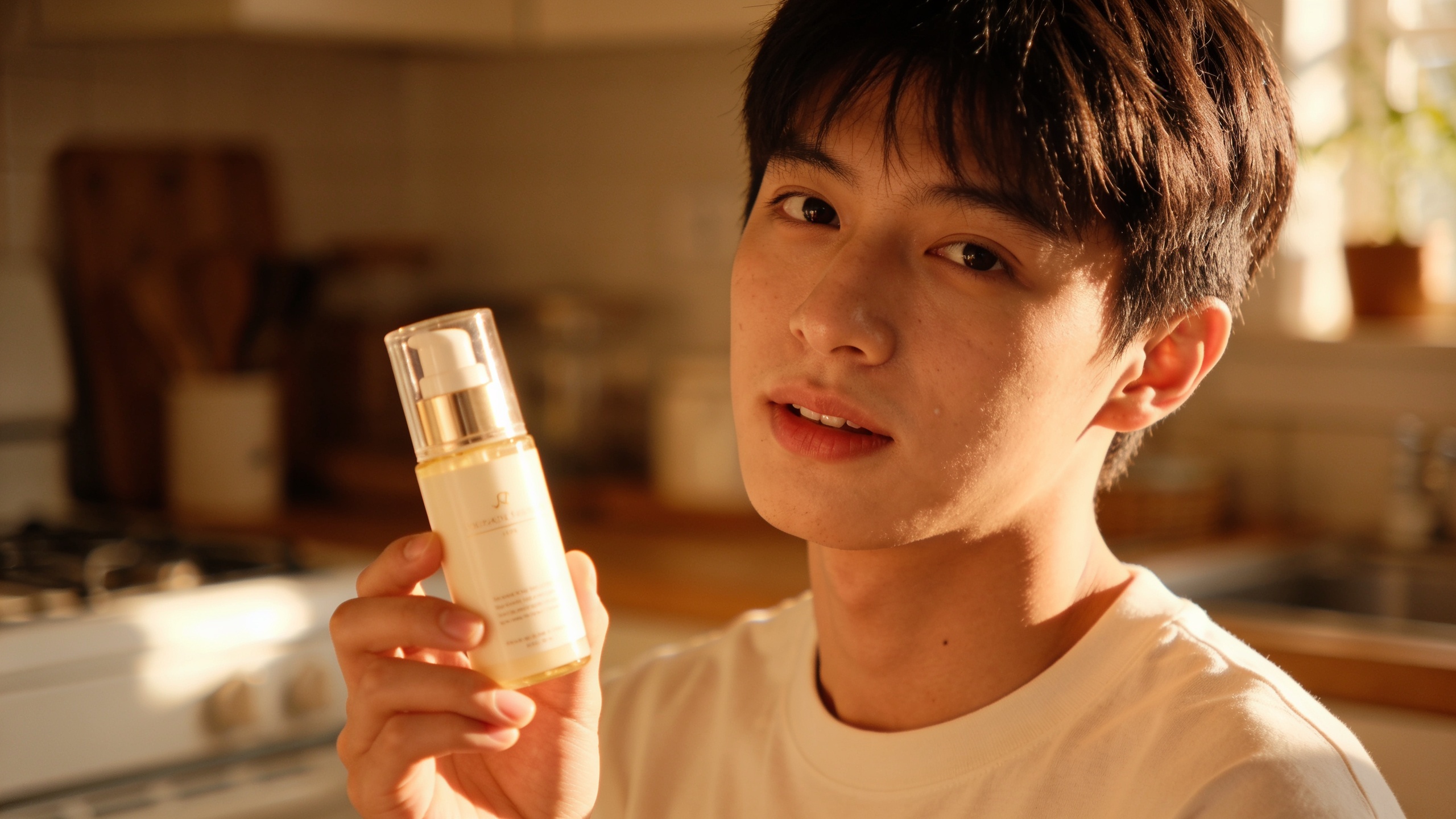
From a single product photo to a 9:16 demo loop: image-to-video workflow using GoCrazyAI (hands-on)?
Short answer: upload your product photo, choose image-to-video mode, add motion instructions and a short demo script, pick 9:16 framing and a style preset, then render to create a looped product demo or hook clip. You can get a polished 6–20s loop suitable for TikTok from one photo.
Detailed image-to-video workflow:
1) Prepare the photo: crop to vertical or high-res landscape that frames the product centered. If needed, run the Image Upscaler to sharpen details (/image-upscaler).
2) In GoCrazyAI's AI Video Generator, select the image-to-video option and upload the photo. Add a short prompt like: "Animate product rotating 10 degrees, subtle shadow shift, close-up on label at 0:04, quick text overlay: 'Lasts 30 washes'". Choose 9:16 framing and a visual style (e.g., "minimal studio, soft golden-hour relight").
3) Select a model tuned for image animation (Veo 3.1 or Kling variant) and a fast render mode for drafts. Use the AI Voices library (/ai-voice) or the built-in TTS to generate a short hook voiceover.
4) Render a 6–12s loop for use as a TikTok hook or a 15–30s demo by extending motion instructions (e.g., add a second scene showing the product in hand). Use Media Mixer (/ai-video-edit) to overlay captions, swap music (/ai-music), and export.
Notes: image-to-video works best when animations are modest (rotation, parallax, zoom, small reveals). For complex hands-on demos, combine generated loops with short real clips.
Prompt formulas and creative templates — examples you can copy?
Short answer: use repeatable prompt formulas for headline-to-hook, demo, and UGC ads; a consistent structure saves time and yields predictable variants. Below are copy-and-paste templates for each ad type you can start with immediately.
Templates you can copy (safe examples):
1) Headline-to-hook (15s): "HOOK: [Problem in one sentence]. DEMO: [Single product action + benefit]. CTA: [Simple action]. Visual: [style], 9:16, close-up, fast cut at 0:04. Audio: natural female voice, upbeat music."
Example (paste-ready): "HOOK: Tired of shirts shrinking after one wash? DEMO: Show shirt washed, pull-to-fit, label 'No shrink — 30 washes'. CTA: 'Shop now — free returns'. Visual: UGC phone-shot, warm lighting, 9:16. Audio: male voiceover, energetic pop bed."
2) Demo loop (10–12s): "SCENE 1 (0–3s): Close-up on product, quick text overlay 'One spray = 24h'. SCENE 2 (3–9s): Smooth rotation + hands applying. SCENE 3 (9–12s): Logo + CTA. Style: Minimal studio, soft shadows. Output: loopable 9:16."
3) UGC-style testimonial (20s): "HOOK: 'I used this for a month...' (2s). DEMO: B-roll of product in use + on-screen benefit bullet points (12s). CTA: endorsement + link (4–6s). Visual: handheld phone, slight camera shake, captioned."
How to use: swap bracketed fields to create multiple variants. Change only the hook line, visual style, or CTA to generate A/B variants quickly.
Fast iteration and A/B testing playbook — mistakes to avoid?
Short answer: produce rapid variants by changing only one variable per test (hook, benefit line, style preset, or CTA), generate results with fast model modes, and evaluate using CTR, VTR, and CPA. Common mistakes to avoid are listed below.
A fast playbook:
- Produce 8–12 variants: 3 hooks × 2 styles × 2 CTAs = 12.
- Use a fast model mode (Veo 3 Fast or Kling Fast) for drafts.
- Render small batches, upload to an ad group that splits traffic evenly, and measure CTR, view-through rate (VTR), and CPA.
Common mistakes and how to avoid them: 1) Testing multiple variables at once — Avoid by changing only one element per variant group (e.g., keep visuals constant, change hooks). This gives clear learnings. 2) Skipping captions — Many users watch with sound off; always add captions and test caption styles. 3) Ignoring pacing — Fast-formats favor quick hooks; a 5s silent opener can kill performance. Always front-load the main benefit. 4) Overcomplicating prompts — overly detailed prompts can create inconsistent renders; start with concise behavior directions and add a single style modifier. 5) Failing to use fast modes — don't wait for high-fidelity renders for initial tests. Use fast model presets to iterate, then re-render winners at higher quality.
By following this playbook you can generate 10 ad variants in under an hour and get statistically useful signals within a few days of live traffic.
Measuring outcomes and scaling: KPIs, localization, and automations to ship more converting short-form ads?
Short answer: focus on CTR, VTR (15s+), and CPA for ad-level decisions; use localization and automated generation to scale winners across languages and audiences. Automate variant creation and localization to multiply winners.
KPIs and how to use them:
- CTR: early signal of creative relevance; a strong hook raises CTR.
- VTR (15s+): measures whether the demo/hook holds attention; critical for TikTok auctions.
- CPA: the end metric tied to your funnel; combine asset performance with landing page tests.
Scaling tactics: 1) Localization automation: translate hooks and CTAs and re-generate voiceovers using AI Voices (/ai-voice) and AI Dubbing for foreign audiences. 2) Asset packs: once a winner emerges, batch-generate 9:16, 1:1, and 16:9 outputs from the same prompt so the creative fits every placement without re-editing (GoCrazyAI supports these multiple framings). 3) Pipeline automation: connect GoCrazyAI outputs to an asset management system, tag variants by hook/style, and push best performers to paid channels.
Cost and credits: plan renders by draft vs final-quality runs. You can use fast preview renders to test hypotheses, then spend higher credits on final quality. Check pricing and credits before a large batch to optimize spend (/credits).
Summary: measure the right KPIs, automate localization, and convert winners into multi-format packs to scale creative production reliably.
Frequently Asked Questions
Can I make a TikTok ad from just product copy?
Yes. Write a short 3-line script (hook, demo, CTA), choose a visual style, and render a 15–30s 9:16 clip with an AI video generator like GoCrazyAI. Use fast model presets for drafts and add captions before publishing.
How long does it take to produce 10 variants?
With fast model modes you can produce 8–12 variants in under an hour by varying hook, style, or CTA and using low-latency presets for drafts, then re-render winners at higher quality.
Will an image-to-video clip look realistic from a single photo?
Image-to-video works best for modest motion (parallax, rotation, zoom, small reveals) and looped demos. It usually looks convincing for product demo loops and hooks but may not replace complex live-action sequences.
How should I localize ads quickly?
Translate your hook and CTA, generate localized voiceovers using AI Voices, and re-render the same prompt with localized text overlays. Use AI Dubbing for voice-preserving translations where needed.
Conclusion
Final thoughts: convert product copy or one photo into TikTok-ready ads by following a repeatable workflow: crisp hook, short demo, clear CTA, and rapid iteration. Use fast render modes to test multiple hooks, then refine winners at higher quality. When you're ready to produce and scale, open the AI Video Generator and drop in your prompt or reference image to ship a clip during your next break.
Sources
- 2024 IAB Video Ad Spend Report (July 2024)iab.com ↗
- OpenAI, Google and Runway race to generate AI video (Axios, Jan 3, 2025)axios.com ↗
- Google's massive Veo 3 update could now lets users generate videos faster than ever (TechRadar, Jul 30, 2025)techradar.com ↗
- Product Image to Video Generator (ClipVela product page)clipvela.com ↗
- Showcase Studio | Product Photo or URL to Video Ad (Vidacious)vidacious.ai ↗
- 14 Best AI Video Generators in 2024 (overview: models & trends) (VideoProc)videoproc.com ↗
- Runway vs Pika vs Synthesia: 2026 AI Video Showdown (Digen.ai)resource.digen.ai ↗