


AI Podcast Generator Tutorial: Publish Multi-Voice Episodes in Under an Hour
Step-by-step AI podcast generator tutorial to turn scripts into multi-voice episodes fast. Includes GoCrazyAI workflow, prompts, ethics, and publishing tips.
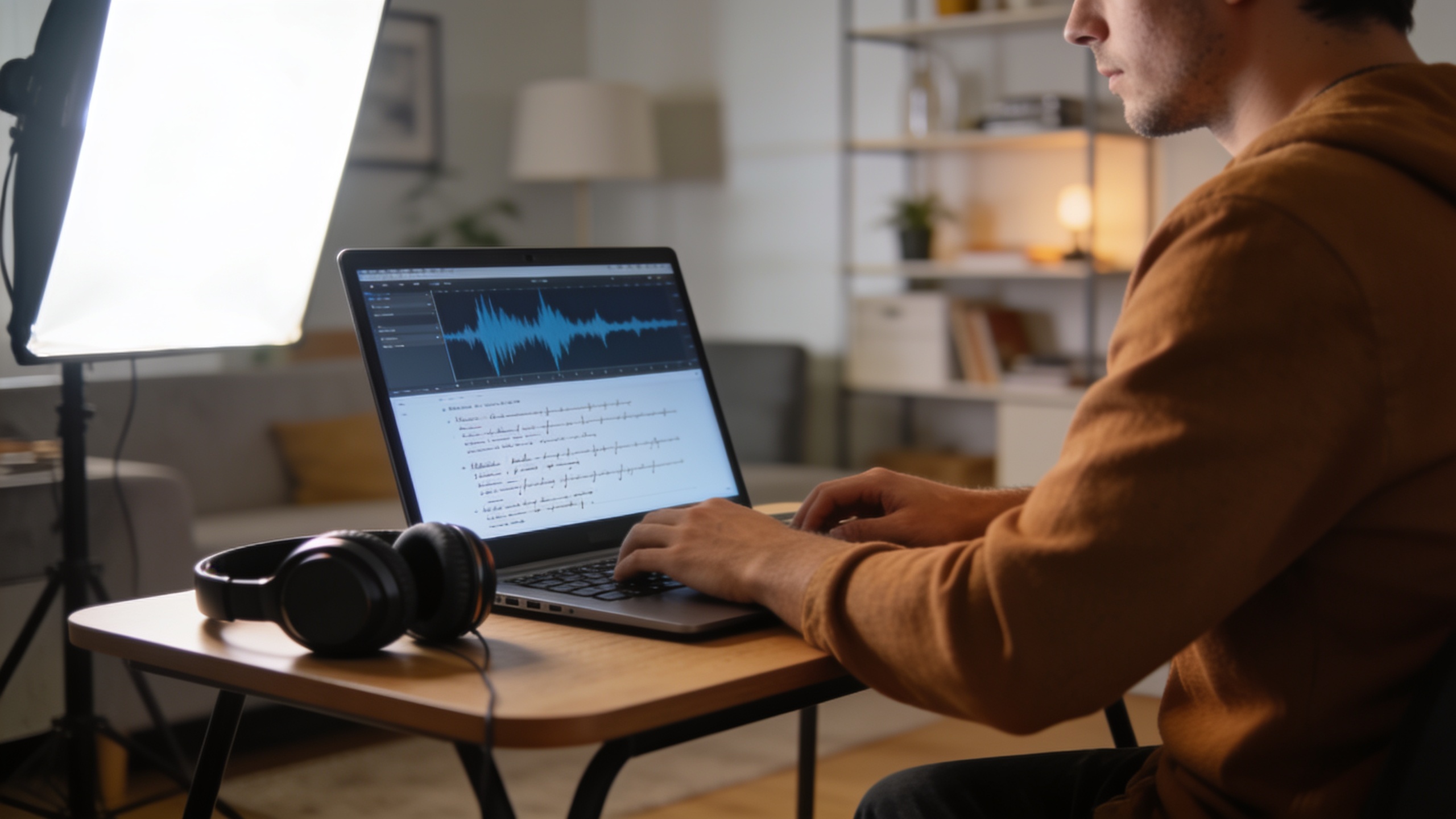
You need to turn a script into a multi-voice podcast episode fast—without hiring actors or spending hours editing. This guide shows a reproducible script-to-publish workflow that gets a polished two-host 5–10 minute episode ready in under an hour. It focuses on practical script design, exact prompts, the generation step, and quick mixing.
You’ll get concrete examples you can copy, step-by-step actions, and the ethics checklist required for transparent publishing. Where useful I show how to run this on GoCrazyAI and which settings save the most time.
Quick Answer
This ai podcast generator tutorial shows how to publish a multi-voice episode in under an hour by: prepare a tight script with clear speaker labels; generate multi-voice audio with a platform like GoCrazyAI; then apply a short polish pass, add metadata, and distribute. For a 5–10 minute two-host show, the end-to-end steps typically take 30–60 minutes.
Why are creators switching to script-to-podcast AI? (market trends & what this saves you)?
Script-to-podcast AI is popular because it replaces time-consuming recording logistics and long edit sessions with a fast, repeatable pipeline that usually cuts production time dramatically. Platforms that combine script shaping, multi-voice TTS, and a single mixed output let a single creator produce episodes that used to require several people and hours of studio time.
The broader AI voice and voice-synthesis market shows rapid growth, with recent industry snapshots valuing parts of the market in the low billions—evidence of fast investment and adoption[https://static.voices.com/wp-mainsite/uploads/20250825132637/Voices-2025AIVoiceTechTrendsReport-1.pdf]. At the creator level, surveys show many podcasters already use AI for transcripts and research (about 38% and 30%, respectively) while full synthetic-host usage is an emerging but growing niche (~3% reported)[https://creator.alitu.com/creator/content-creation/the-independent-podcaster-report-2025/].
What this saves you in practice: scheduling and paying voice actors, booking studio time, and trimming tiny edits in a DAW. For daily or rapid-turn formats—like a morning news roundup—a script-to-audio pipeline can make daily publishing feasible for a solo operator.
What makes a publish-ready script for multi-voice AI? (structure, prompts, and role design)?
A publish-ready multi-voice script is short, labeled, and written for audio clarity: clear speaker labels, short turns, and explicit cues for tone, pace, and emphasis. This reduces synthetic artifacts and keeps each AI voice distinct.
Start with a 5–10 minute target and break the script into beats. Use short paragraphs (1–2 sentences) per speaker turn. Add parenthetical cues for delivery, e.g., (curious), (firm), or (laughs), and use plain punctuation so the TTS interprets pauses predictably. Example structure:
- TITLE: Episode name
- INTRO: Host A greeting (10–15s)
- SEGMENT 1: Host B asks question (20–40s)
- ANSWER: Host A responds (30–60s)
- TRANSITION: Bed music cue, short ad, or sound effect
Prompt design: craft a short system prompt that defines the show style and the two roles before passing the script. Keep the role descriptions concrete: voice age, energy, and role. Example role lines you can paste into a platform or LLM prompt:
``` Host A: "Maya" — mid-30s, warm, conversational, quick tempo. Host B: "Jon" — early 40s, curious, slightly dry humor, deliberate pacing. System: Produce a natural two-host dialogue. Keep turns under 20 seconds if possible. Add (pause) where you want a breath. ```
For better results, run the script through an LLM pass that rewrites long monologues into shorter back-and-forth lines—this mirrors how multi-voice generation systems are trained for conversational coherence[PodAgent: A Comprehensive Framework for Podcast Generation].
Hands-on example: Generate a two-host 5–10 minute episode in GoCrazyAI (step-by-step)
Yes — you can generate a mixed two-host episode from a single script in GoCrazyAI in one session. The platform accepts a topic or full script, pairs speakers with distinct AI voices (70+ premium voices available), and outputs a single mixed audio file ready for polishing.
Step-by-step (what to enter and expect):
- Paste your script into the "Create Episode" box and include the short role descriptions at the top.
- Choose two voices from the voice picker; pick contrast (e.g., one brighter, one deeper). GoCrazyAI uses ElevenLabs’ text-to-dialogue API under the hood and offers multi-voice dialogue generation.
- Select episode length target (5–10 minutes) and a light mastering preset (dialog-focused).
- Generate: the service returns a single mixed WAV/MP3.
Exact prompt example to paste as the script header:
``` Show: "Morning Brief" Host A (Maya): warm, energetic, quick cadence Host B (Jon): steady, curious, slight dry humor --- [INTRO] Maya: Good morning. (bright) Jon: And welcome back to Morning Brief. (smile) [SEGMENT]... ```
What to expect: a ready-to-polish stereo file where both voices are already balanced. To start this flow on the platform, use the AI Podcast Generator page: AI Podcast Generator.
How do you polish, mix, and publish from script to platforms? (a workflow to publish from script to platforms)?
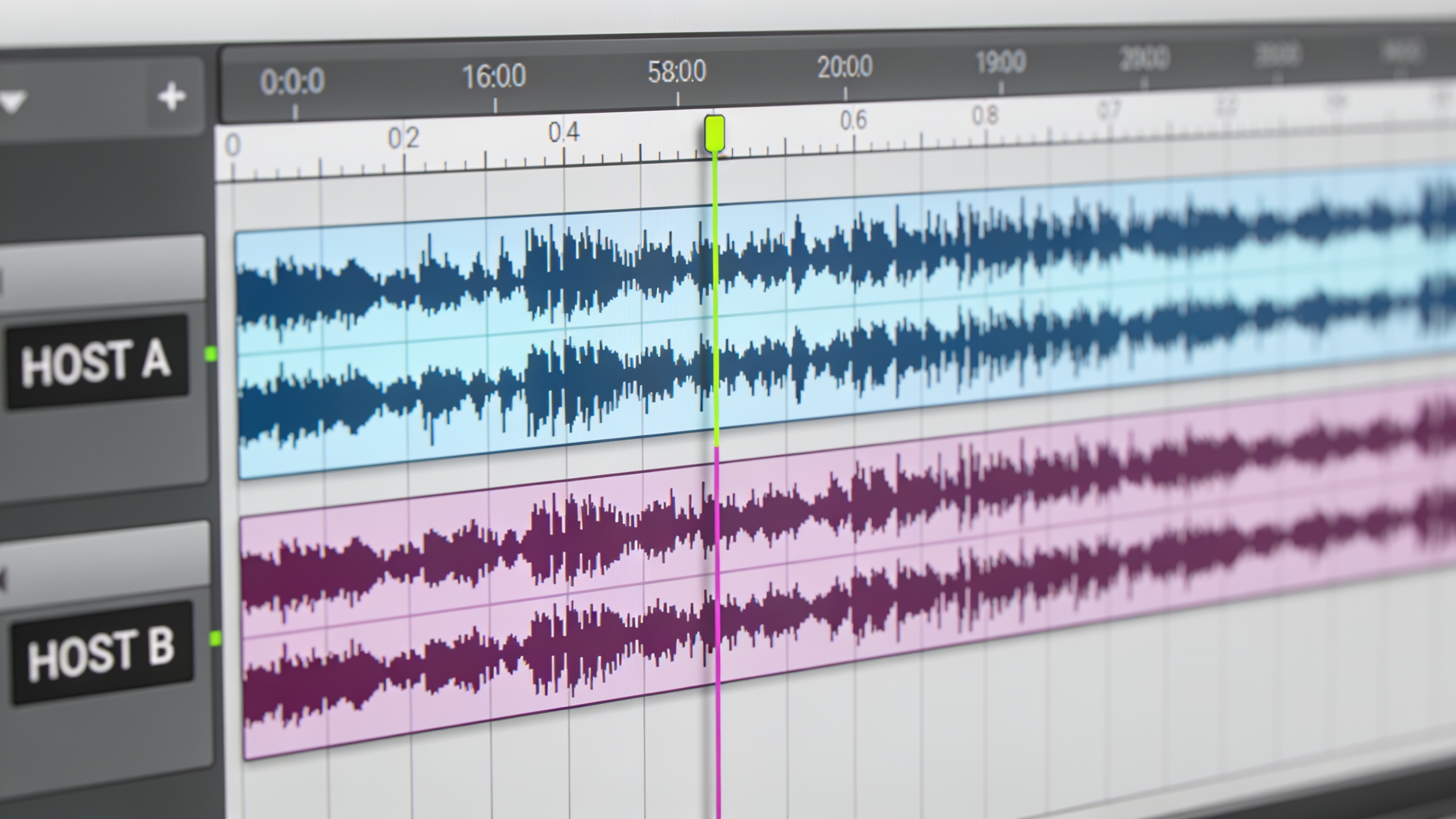
Polishing and publishing usually takes 10–30 minutes after you generate the mixed file. The essential tasks are: quick level passes, a short music bed, metadata, and distribution to a host that publishes RSS.
Polish checklist:
- Loudness: target -16 LUFS for podcasts or your hosting platform’s recommendation. Do a single-pass limiter and gentle compressor.
- Cleanup: remove any obvious mispronunciations or awkward pauses. If small edits are needed, cut and crossfade; if many edits are needed, regenerate the line with a clearer prompt.
- Music and beds: add a 6–12 second intro bed and low-volume outro. You can generate short instrumentals with an AI music tool and drag them in under the dialogue — consider an on-platform option like an AI music asset or a dedicated generator for quick beds. For example, an AI music generator can create loopable underscore in the right mood to avoid licensing hassles.
- Metadata: set episode title, summary, explicit flag (if needed), and add a disclosure line like “This episode uses AI-generated voices” in the show notes.
Distribution: upload the final MP3 to your podcast host and schedule or publish. If your platform supports direct RSS drops, you can automate publishing from the same session. For beds and scoring, try an AI music generator to speed the soundtrack step: AI music generator.
Ethics, disclosure, and common mistakes for AI voices: what guardrails should creators use?
Creators should disclose synthetic voice use and avoid misleading listeners about human participation. Practically, include a clear statement in episode notes and an audible line in the episode like: “This episode uses AI-generated voices for demonstration.” Many industry guides recommend explicit labeling and following platform policies to reduce listener confusion and legal risk[https://aiproductivity.ai/guides/elevenlabs-voice-cloning-ethics/].
Common mistakes (and how to avoid them):
- Mistake: Not disclosing synthetic voices. Fix: Add a short on-air and show-notes disclosure every episode that uses AI.
- Mistake: Using a synthetic voice that mimics a living public figure or private person without consent. Fix: Use original or licensed voices and get written consent if you recreate a likeness.
- Mistake: Overlong monologues that reveal TTS artifacts. Fix: Rewrite into short turns and prompt for natural hesitations/pause cues.
- Mistake: Skipping metadata and timestamps. Fix: Add chapter markers and proper episode descriptions for accessibility and discovery.
These guardrails both protect you legally and build trust with listeners. When in doubt, lean toward transparency and include an explanation of your process in the episode page.
How do you scale and repurpose: run a daily AI news roundup or niche two-host series with GoCrazyAI?
Scaling to a daily roundup or a frequent niche series relies on repeatable templates and automation: reuse a script template, preselect voice pairings, and batch-generate episodes. With a short script template and stable voice pairings, a single person can produce multiple episodes per day.
Practical scaling tips:
- Template the show: write a 5‑segment template (intro, 3 story beats, outro) and fill it with short bullets each day.
- Voice presets: save two or three voice pairings so you don’t re-tune character each episode.
- Automate input: feed a summary or set of bullets into an LLM to turn them into short turns, then paste into the generator.
- Batch polish: schedule a single 30–60 minute window to level and add beds for several episodes.
GoCrazyAI supports multi-voice generation from one prompt and outputs a single mixed file, which simplifies batching and rapid repurposing. If you need custom character voices at scale, also check the AI voices library for dedicated presets and faster selection: AI voices.
Frequently Asked Questions
How long does it take to make a 5–10 minute episode using an AI podcast generator?
If your script is ready, generation plus a quick polish usually takes 30–60 minutes. Preparing the script or running an LLM rewrite can add 10–20 minutes.
Do I need special audio software to use an AI podcast generator?
No—many platforms return a single mixed MP3/WAV. For fine edits and loudness work you can use a lightweight DAW, but basic polishing (levels, small cuts) can be done in free editors.
Should I label episodes that use synthetic voices?
Yes. Best practice is to include a clear disclosure in show notes and a short audible statement in the episode stating that AI-generated voices were used.
Can I use AI-generated music beds without licensing issues?
Use music explicitly labeled for commercial use or generated by your platform’s royalty-free generator. Keep a record of license terms and the generation date for safety.
Conclusion
Final thoughts: A repeatable script-to-podcast pipeline makes frequent, multi-voice shows achievable for solo creators and small teams. Start small: build a tight script template, pick two contrasting voices, and run one episode through the full cycle. Once that loop is comfortable you can shorten turnaround to under an hour. Pick a topic in the AI Podcast Generator and you'll have a mixed episode in minutes.
Sources
- AI Podcast Generator – Create Multi-Voice Podcasts with AI | GoCrazyAIgocrazyai.com ↗
- The Independent Podcaster Report 2025 (Creator / Alitu)creator.alitu.com ↗
- AI voice tech trends report (Voices) — 2025 snapshotstatic.voices.com ↗
- PodAgent: A Comprehensive Framework for Podcast Generation (arXiv, 2025)arxiv.org ↗
- AI Voice Cloning Ethics Best Practices: Complete 2026 Guide (aiproductivity.ai)aiproductivity.ai ↗
- AI Podcast Creation Platforms Market (Evolvance Market Research) — market summaryevolvancemarketresearch.com ↗
- Analytics Vidhya: Multi-character podcast generator using Gemini Flash TTS (tutorial, 2026)analyticsvidhya.com ↗
- Market snapshot: AI Podcast Generator Market Research (HTF Market Insights)htfmarketinsights.com ↗