


AI Podcast Generator: Produce multi-voice podcasts fast with an ethics-aware workflow
Practical playbook for solo creators to produce ethical, multi-voice podcasts fast with AI. Step-by-step workflow and a hands-on GoCrazyAI walkthrough.

You need to publish a tight, multi-voice episode this week — but you’re alone or on a tiny team and don’t have days for recording and edits. This guide shows how to produce high-quality, multi-voice podcasts fast with an AI podcast generator while staying legal and ethical. You’ll get a practical, time-boxed playbook: a 20-minute planning routine, a reproducible script-to-multi-voice workflow that finishes in under an hour, mixing and distribution checks, and monetization ideas. Along the way I’ll point out where synthetic voices work best, when to keep it human, and which common mistakes slow you down. If you want a hands-on walkthrough that shows why GoCrazyAI’s AI Podcast Generator can deliver a mixed, publish-ready episode in minutes, there’s a step-by-step example at the end using the product’s multi-voice-from-one-prompt flow.
Quick Answer
How do you use an AI podcast generator to produce multi-voice episodes quickly? Use a short planning sprint, draft a 6–10 minute script with clear speaker roles, feed it to an AI podcast tool that supports multi-voice output, then edit, master, and publish. High-quality TTS works well for news and explainers; disclose AI use and secure any cloned-voice permissions.
Why creators are turning to AI podcast generators in 2026: trends and hard numbers?
AI podcast generators are being adopted because they compress production time from days to minutes for short-format shows, like news roundups and explainers. Industry reports document growing adoption and recommend hybrid workflows that combine AI and human talent for best results; for example, Voices.com’s 2024 trends report tracks increasing use of synthetic voices in creative audio. Toolmakers such as ElevenLabs highlight creators turning long-form text into podcast episodes across many languages, showing multi-language, multi-voice workflows are now practical. In practice, this trend lets solo creators publish daily or high-frequency shows that previously required a team. That speed gain is often the deciding factor: short news or explainer formats tolerate high-quality TTS better than narrative fiction, making AI a sensible productivity tool for many creators.
Choosing the right voice: human vs AI voices, naturalness, and when to use each?
Choose AI voices when clarity, speed, and multi-language support matter; choose humans for credibility, persuasion, and emotional nuance. Research finds human voices still score higher on credibility and persuasive impact in many contexts, while TTS naturalness has improved but often lags in emotional expressiveness. Practical rules: use TTS for news roundups, quick explainers, meeting recaps, and sketches where timeliness matters; use a human host for investigative interviews, narrative storytelling, or when audience trust is mission-critical. Hybrid examples: AI co-hosts that handle transitions, read show notes, or play a reliable “announcer” role while a human handles interviews and commentary. When you need many distinct characters or languages quickly, multi-voice AI systems reduce coordination overhead — but plan to disclose AI use and tune voice prosody where possible.
Legal, ethical, and discoverability checklist for AI-generated podcasts: common pitfalls?
Follow a short checklist: disclose synthetic voices in audio and show notes, secure consent for any cloned human voice, and avoid misrepresenting who speaks. Regulators are actively addressing voice-cloning harms; the U.S. Federal Trade Commission recommends transparency and consent for cloned voices and has run public challenges and guidance on the topic. Common pitfalls: (1) Using a cloned voice without explicit written consent — avoid this by getting signed permission and keeping records. (2) Failing to disclose AI usage — fix by adding an opening line and a show-notes disclosure like “This episode contains AI-generated voices.” (3) Poor metadata that hurts discoverability — include accurate episode titles, chapters, and keywords so platforms and search engines index your content properly. Being transparent both protects you legally and builds trust with listeners.

Plan an episode in 20 minutes: rapid research, outline, and host roles (hands-on) — example prompts?
You can produce a publish-ready episode plan in 20 minutes using a tight template: topic, angle, three segments, and precise host cues. Start with a 5-minute research sweep: collect three reliable facts or sources for your angle. Next, write a 6–10 minute script broken into introduction, two discussion segments, and a close. Assign speaker roles (Host A — questions/lead, Host B — counterpoints/guest voice, Announcer — intros/outros). Example prompt you can paste into an AI writing tool: "Write a 7-minute podcast script on 'electric bike commuting in small cities' with Host A (curious), Host B (data-savvy), and Announcer. Include three facts, timestamps, and a 20-second outro call-to-action." Example AI voice assignment prompt (for a multi-voice generator): "Create three distinct voices: announcer (warm, mid male), host A (casual, female), host B (neutral, male). Keep transitions short and add a 5-second music bed under the outro." These examples let you move directly into automated voice generation with minimal back-and-forth.
From script to multi-voice audio in under an hour: step-by-step AI podcast workflow (hands-on)?
A reliable under-an-hour workflow: 1) finalize a 6–10 minute script with speaker labels, 2) pick voices and language, 3) run the script through a multi-voice AI generator that outputs a single mixed file, 4) quick edit (cut filler, tighten pacing), 5) apply basic mastering and chapter markers, and 6) export and upload. The expected outputs: a single mixed WAV/MP3 file, a transcript, and chapter metadata. Tips for speed: keep segments short, use consistent voice settings, and batch similar edits (volume, equalization) using presets. Many modern tools can deliver multi-voice output from one prompt and drop a single mixed file — this removes lengthy track alignment and speeds publishing. For creators who want music beds, generate a 15–30 second loop with an AI music tool and drop it under transitions to save mixing time.
Polish and publish: editing, mastering, chapters, and distribution best practices?
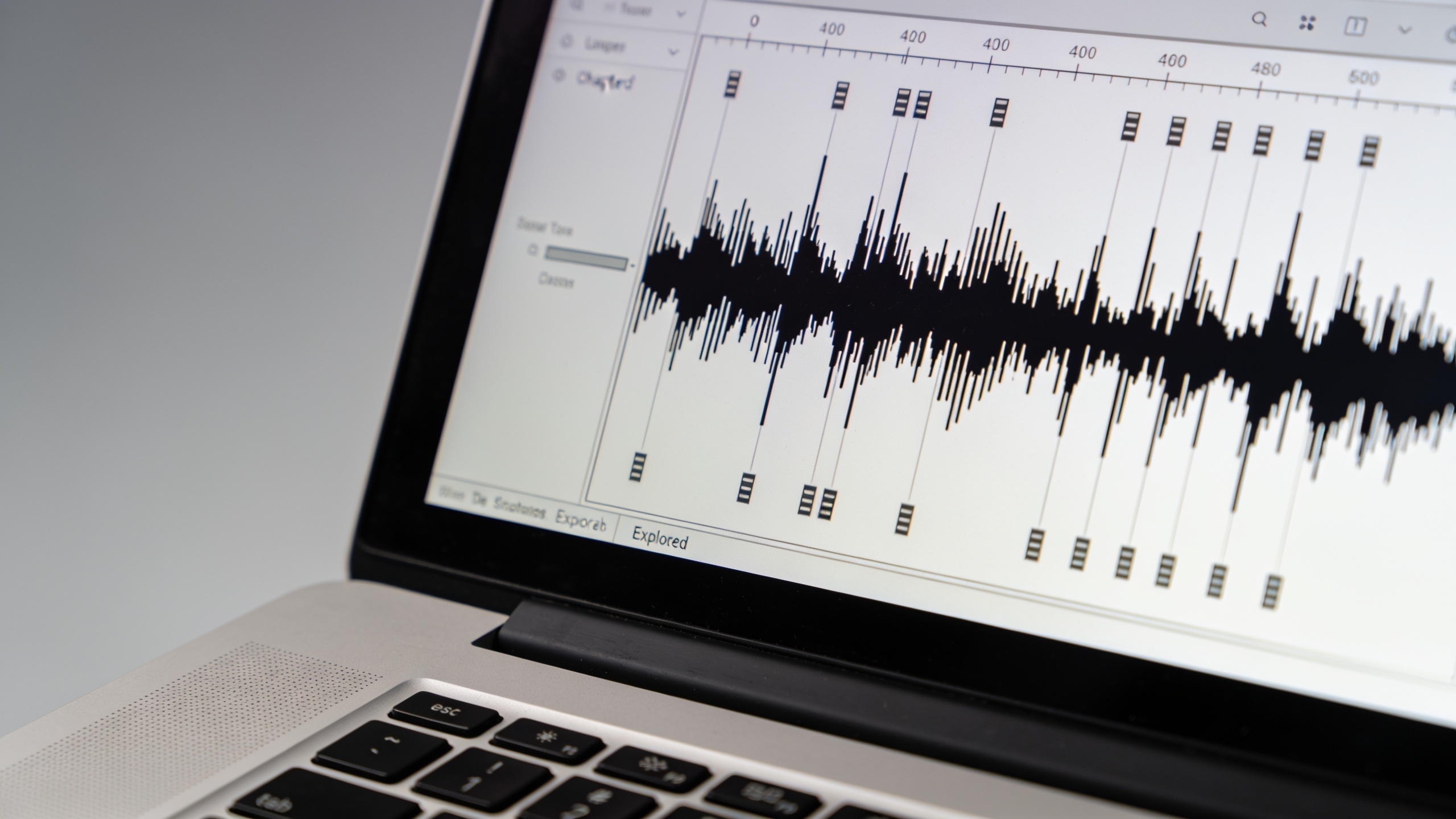
Polish quickly by focusing on clarity, pacing, and loudness. Basic steps: normalize loudness to -16 LUFS for stereo podcasts, apply a light compressor and a de-esser, and remove long silences longer than 300 ms. Add chapters for segment navigation and insert a brief disclosure chapter noting AI voices. For distribution, prepare an episode title with keywords and a concise description that includes the disclosure line and show notes with links. Publish to your host's RSS feed and push clips to social platforms. If you use music, confirm license/royalties; using an AI music generator can simplify rights if the tool provides copyright terms — generate a short intro/outro loop and reuse it for consistency. For creators wanting visual assets for episode posts, generate a cover or clip thumbnail with an AI image tool to speed social distribution.
Monetization & growth: repurposing AI episodes for clips, social, and newsletters?
Repurpose one episode into multiple revenue-driving assets: create 30–60 second highlight clips for social, a text summary for your newsletter, and transcribe the episode for SEO. Short clips extend reach and funnel listeners to the full episode. Monetization options include sponsorship spots (pre-roll/mid-roll), paid newsletter tie-ins, and premium full-length transcripts or ad-free feeds. Use an AI tool to generate timed clips from chapters, and batch multiple clips in a single export to save time. For audio ads, create consistent ad copy and voice style (human or AI) so listeners recognize sponsors. Track which clips drive signups or listens and double down on those formats.
Why GoCrazyAI AI Podcast Generator fits this workflow: feature walkthrough and conversion path?
GoCrazyAI’s AI Podcast Generator is designed to convert a topic or script into a multi-voice, mixed audio file quickly, which fits the under-an-hour workflow above. The product takes one prompt and generates distinct voices for hosts and guests, then outputs a single mixed audio track ready for editing or direct publishing—so you skip manual multi-track alignment. To use it: provide a topic or paste your labeled script, pick distinct voice profiles (or let the tool auto-assign), choose language and pacing, and export the mixed file. It supports use cases like a daily AI-generated news roundup or a two-host explainer. For hands-on steps, try the AI Podcast Generator and then add music from the AI music generator to create a branded intro. For details on pricing and credits if you want to scale publishing frequency, check GoCrazyAI Pricing at the GoCrazyAI Pricing page. Learn more about voice selection with GoCrazyAI AI voices and add background music with the AI music generator. See the AI Podcast Generator feature here: AI Podcast Generator.
Frequently Asked Questions
Can I legally clone a guest’s voice for an episode?
Only with explicit, preferably written consent. Regulators and industry guidance stress consent and transparency for cloned voices; treat voice cloning like any other recorded performance and keep records of permissions.
How long does it take to produce a 7–10 minute episode using AI?
With a tight script and the right tools, you can plan in 20 minutes and complete generation, a quick edit, and mastering in under an hour for short-format episodes.
Will listeners notice synthetic voices?
Sometimes. High-quality TTS is convincing for neutral, informational formats but may sound less natural for emotive storytelling. Use hybrid approaches for credibility-sensitive shows and disclose AI use.
What formats should I export for hosting and social clips?
Export a full episode as 48–320 kbps MP3 or WAV for hosting, then create 128–256 kbps MP3 or AAC clips for social. Add chapter markers and a transcript for SEO.
Conclusion
Producing multi-voice podcasts fast is achievable with a structured plan: a 20-minute episode template, a one-prompt multi-voice generation step, and focused polishing for publish quality. Keep ethics front-and-center by disclosing AI use and securing any cloned-voice consent. If you want a tested way to go from idea to mixed episode in minutes, try a topic in the AI Podcast Generator and see how quickly you get a publish-ready mixed file.
Mentioned in
- AI Podcast Generator Tutorial: Publish Multi-Voice Episodes in Under an HourStep-by-step AI podcast generator tutorial to turn scripts into multi-voice episodes fast. Includes GoCrazyAI workflow, prompts, ethics, and publishing tips.
- How to convert article to podcast: a step-by-step creator’s guidePractical guide to convert article to podcast with multi-voice AI. Templates, prompts, editing checks, distribution tips, and a GoCrazyAI workflow.
Sources
- Approaches to Address AI-enabled Voice Cloning — Federal Trade Commissionftc.gov ↗
- 2024 Audio Trends Report — Voices.com (Audio Trends PDF)static.voices.com ↗
- Create podcasts in minutes with Studio — ElevenLabs (GenFM / Studio blog)elevenlabs.io ↗
- The Best Podcast AI Tools: How to Create a Podcast with AI — Podigeepodigee.com ↗
- The 12 Best AI Tools for Podcasters — Podbrief (2024 roundup)blog.podbrief.io ↗
- AI vs. Human Voices: Persuasion study — International Journal of Human–Computer Interaction (2023)doi.org ↗
- Evaluating and Personalizing Quality of TTS Voices (arXiv, 2024)arxiv.org ↗
- Best AI Podcast Generator 2026 — Podcastify (tool tests & rankings)podcastify.io ↗