


Micro podcast workflow: produce multi‑voice micro episodes in under 30 minutes
A step‑by‑step micro podcast workflow for busy creators: plan, generate multi‑voice AI audio, polish, and repurpose a 7–10 minute episode in under 30 minutes.
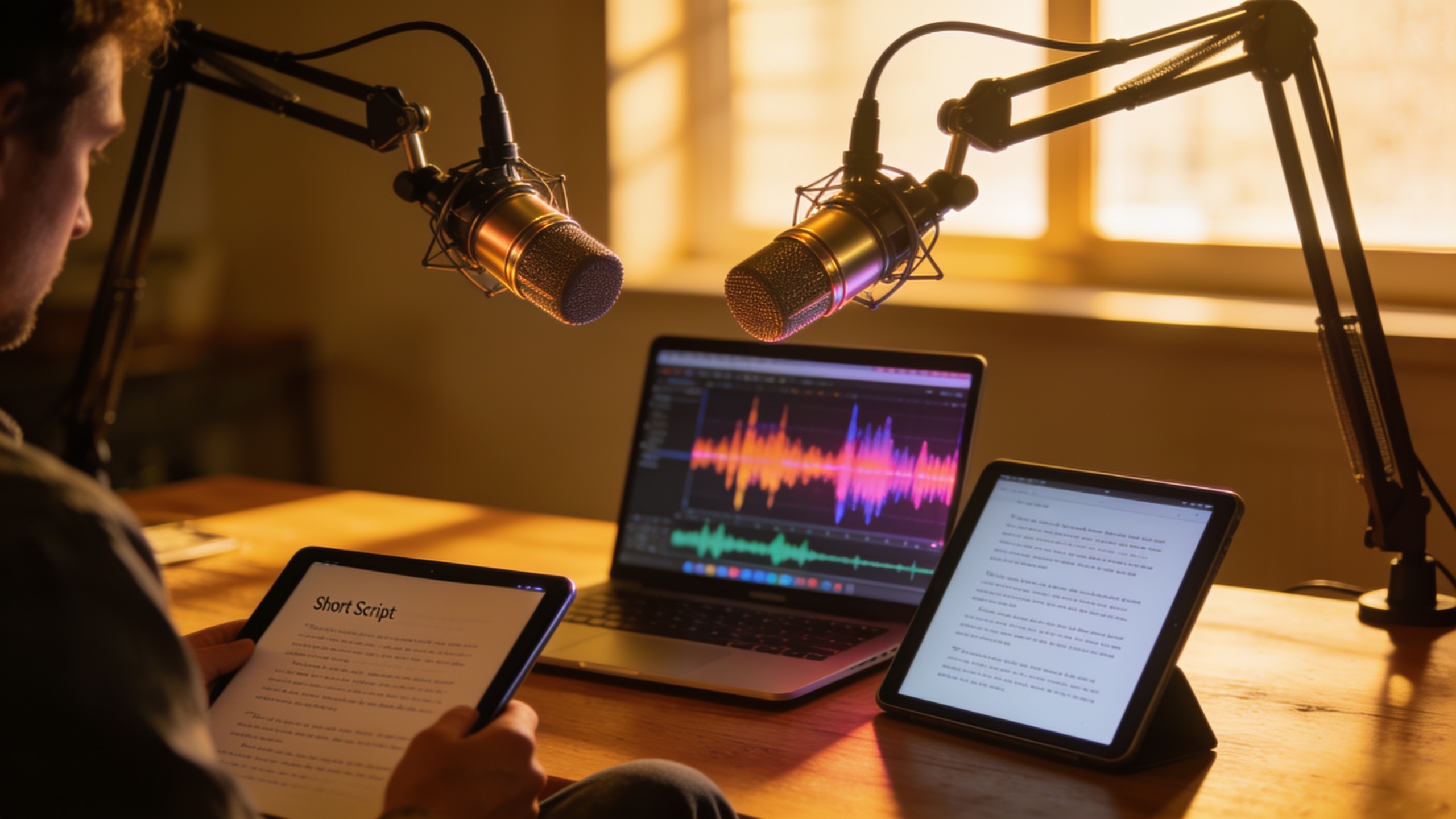
You need to publish short, multi‑voice podcast episodes every week but you don’t have hours to record, edit, or chase guests. This guide shows a repeatable workflow that gets a 7–10 minute, multi‑voice episode from idea to a single mixed audio file in under 30 minutes. You’ll get concrete steps: how to pick a discoverable topic, build a compact script blueprint, generate natural-sounding dialogue with GoCrazyAI’s AI Podcast Generator, quick automated cleanup, and fast repurposing for socials.
The workflow leans on AI for the tasks that usually take the most time: casting distinct voices, balancing levels, and exporting a publish-ready single track. I’ll include copy‑and‑paste prompt examples, exact timing targets for each step, and settings to try for better realism. Along the way you’ll see where human judgement still matters (tone, transparency, and legal attribution), and how to measure whether weekly micro episodes move your metrics. If you want the fastest path from topic to a publishable multi‑voice episode, this article gives a practical, repeatable plan.
Quick Answer
How do you run a micro podcast workflow? Pick a tight topic, write a 5–7 minute script blueprint, generate multi‑voice audio with an AI podcast tool, then spend 5–10 minutes on automated cleanup and exports. Using GoCrazyAI’s AI Podcast Generator you can turn one prompt into a mixed, single‑track episode ready to publish in under 30 minutes.
Why micro‑podcasts and multi‑voice episodes are the fastest growth play for creators?
Micro‑podcasts—short, frequent episodes—work because listeners prefer more frequent bite‑sized content they can consume between tasks. Industry data shows weekly listeners tune into roughly 8–8.3 episodes per week and engagement increasingly favors short, repurposable recordings (DemandSage; TwinsTrata). With roughly 4.5–4.6 million podcasts cataloged in 2025–2026, standing out is harder; frequent micro episodes increase discovery by offering more entry points for listeners.
Short multi‑voice episodes combine the variety of conversation with the low production cost of short form. A two‑speaker explainer or quick roundtable creates more perceived value than a single voice reading the same script. For creators with newsletters or social followings, micro episodes are easier to batch and repurpose into clips, captions, and audiograms—maximizing reach per minute of work.
Practical tip: aim for a 7–10 minute runtime. That length fits platform preview windows, keeps scripting simple, and repurposes well into 30–90 second clips for social feeds. Frequent, consistent publishing matters more than long, infrequent episodes for discovery in a crowded catalog.
Planning a 7–10 minute micro episode: topic selection, research, and script blueprint?
A quick answer: choose a narrow, search‑friendly topic, outline three beats (hook, body, takeaway), and time each beat to fit a 7–10 minute target. Research only what’s needed for accuracy and a couple supporting facts.
How to pick the topic
- Use your newsletter headlines, trending tweets, or one useful question your audience asks. Examples that work: “Two quick tools that save 30 minutes a day”, “What happened with X platform update”, or “A one‑minute rebuttal to Y claim.” Narrow topics make script length predictable.
Script blueprint (7 minutes target)
- Hook (30–45s): state the promise and why it matters.
- Beat 1 (90–120s): context or quick background.
- Beat 2 (120–150s): main points, two to three examples.
- Beat 3 (60–90s): quick guest comment or counterpoint.
- Takeaway + CTA (30–45s): one clear action and where to learn more.
Research fast: one credible source or your own notes plus one statistic. Cite if you use a specific stat (e.g., weekly listeners tune into ~8 episodes). Keep script language conversational—short sentences and verbs first.
Timing note: read the script aloud while timing. Tighten any paragraph that runs over the allocated beat. This makes the later AI voice pacing match your desired runtime.
Turn a script into natural multi‑voice audio: step‑by‑step with GoCrazyAI’s AI Podcast Generator (hands‑on & example workflow)
Quick answer: paste your script or topic into the AI Podcast Generator, assign two to four distinct voices, tweak emotion/pacing markers, and generate a single mixed audio file. GoCrazyAI pairs guests with distinct AI voices and outputs a single track ready to drop in a feed.
Step‑by‑step (exact settings to try)
- Script import: paste your script or drop a URL/PDF. Use the "Script" import to retain paragraph breaks.
- Speaker roles: choose dialogue format (Host / Co‑host / Guest). For a two‑voice episode, pick one warm male or female voice and one neutral analytical voice.
- Voice selection: pick distinct timbres from the AI voice library—avoid voices that sound too similar. For higher realism, choose premium voices from the AI voice library (/ai-voice).
- Emotion and pacing tags: add inline tags like [calm], [excited], [pause=0.4] to control delivery. Try moderate pacing (120–150 wpm) for conversational clarity.
- Generate: use the "Multi‑Voice" option and request a single mixed audio export. Expect a mixed single‑track file in MP3 or WAV.
Example prompts (copy/paste)
- "Topic: 3 productivity tools under $10. Host: curious, upbeat. Guest: practical, concise. Target length: 8 minutes. Include two brief examples and a final CTA to newsletter signups."
- "Read this script, assign Host and Guest voices, add natural breaths, and keep overall tempo at 130 wpm. Export single mixed file."
What to expect: modern AI podcast generators usually produce natural turn-taking and level balancing, but voice selection and tag tuning materially affect listener trust. For faster music beds and transitions, pair the result with a short instrumental from an AI music generator (/ai-music).
You can try every step above directly in GoCrazyAI AI Podcast Generator — no setup needed.
Speed edit and polish: automated pacing, breaths, and emotion tags for broadcast quality (hands‑on)?
Short answer: rely on automated tools to add breaths, tighten silences, and normalize levels, then perform a 3‑minute manual pass for any unnatural phrasing. This typically reduces edit time from hours to under 10 minutes.
Automated cleanup checklist
- Automatic silence trimming: remove pauses longer than 0.6s, but preserve dramatic pauses marked in the script.
- Breath insertion: enable "natural breaths" so voices breathe at clause boundaries. If the generator missed them, add [breath] tags in the script and re‑render one short pass.
- Pacing and prosody tuning: adjust global tempo (±5–10%) and use emotion tags for emphasis. High‑quality TTS models respond better to subtler tags.
- Loudness normalization & limiter: set LUFS to -16 (podcast standard varies; -16 to -14 is common for streaming). Apply a soft limiter to prevent clipping.
Manual 3‑minute pass
- Listen on headphones at 1.0x. Mark any lines that sound robotic or clipped.
- For awkward lines, either rephrase the script line or add a small [pause=0.2] tag.
- Confirm transitions and music ducking — ensure voice levels drop 6–8 dB under the music bed during talk.
Why voice choice still matters: research shows high‑quality TTS models score much better on realism and listener approval than lower‑ranked models; pick your voices accordingly (VocalImage; TechRadar).
Distribute fast: repurposing one micro episode into social clips, show notes, and audiograms?
Direct answer: export the single mixed audio, then create 3–5 short clips (15–60s) for social, a 150–250 word show note summary, and one audiogram with waveform and captions. This gives you multiple assets from one recording.
Repurposing checklist (10 minutes total)
- Full episode: export MP3/WAV at 128–192 kbps (MP3) or 48 kHz WAV for hosting.
- Social clips: pick 3 moments—hook, surprising stat, strong takeaway. Export each as 30–60 second MP3s.
- Audiogram: use the clip + waveform visual + captions. Captions help discovery on muted autoplay feeds.
- Show notes: write a short TL;DR, 2–3 bullet links, and a CTA to your newsletter. Include the episode timestamped rundown.
- Crosspost: upload the full episode to your host, then schedule clips on social platforms. Add episode timestamps and a short excerpt in your newsletter.
Tools: use an AI video generator (/create-ai-video) or simple audiogram tool to produce vertical clips for TikTok/Instagram. For episode music beds or stingers, consider a short loop from an AI music generator (/ai-music) to avoid licensing headaches.
Ethics, voice attribution, and listener trust — mistakes to avoid when using synthetic voices?
Answer: Be transparent about synthetic voices, avoid impersonation, credit AI voices in show notes, and don’t over‑polish into an uncanny valley. These practices preserve trust and reduce legal/ethical risk.
Common mistakes and how to avoid them
- Mistake: Not disclosing synthetic voices. Fix: Add a short note in the episode description and a verbal disclosure in the first 15–30 seconds.
- Mistake: Using a synthetic voice that imitates a public figure. Fix: Use original or clearly labeled voices and avoid any real-person likeness.
- Mistake: Picking low‑quality TTS to save cost. Fix: Use higher‑quality voices for on‑mic roles—industry studies show listener acceptance varies widely with voice quality (VocalImage; TechRadar).
- Mistake: Overusing emotion tags and creating exaggerated prosody. Fix: Apply subtle tags and test on a small audience before a wider release.
- Mistake: Skipping legal checks for voice licensing and music. Fix: Confirm your AI provider’s terms and use copyright‑free or licensed music.
Transparency and quality together usually maintain listener trust. When in doubt, state how the episode was produced and offer a way for listeners to give feedback.
Scaling to a daily AI‑generated news roundup: templates, scheduling, and measuring success?
Short answer: use a repeatable template (headline, two bullets, 60s recap, 30s take), automate script generation from a curated feed, schedule batch generation, and measure success with downloads, clip shares, and newsletter signups.
Template for a 5‑7 minute daily roundup
- Intro (15s): headline and promise.
- Top story (60–90s): one concise summary + link.
- Two quick bullets (45–60s each): short context + why it matters.
- Wrap (30s): one actionable takeaway and CTA.
Workflow to scale
- Curate 5–8 sources and create a short prompt template to summarize each item.
- Use the AI Podcast Generator to batch‑render multiple episodes or episodes with multiple segments.
- Schedule uploads via your host and queue social clips.
- Measure: downloads per episode, engagement on clips, average listen duration, and conversion to email signups.
What metrics indicate success? For micro shows, focus on share rate for short clips, 30s listen retention, and conversion (clicks to the newsletter). If you push daily, expect to iterate on voice, length, and content mix until clips consistently outperform baseline engagement.
Frequently Asked Questions
How long does it really take to create a 7–10 minute AI multi‑voice episode?
With a focused script and a tool that generates multi‑voice audio, you can produce a mixed single‑track episode in 20–30 minutes: 5–10 minutes planning/script, 5–10 minutes generation and voice tuning, and 5–10 minutes of quick polish.
Will listeners notice an AI voice vs a human host?
Research shows human voices still rate higher for naturalness and trust, but high‑quality TTS can approach listener acceptance if used carefully and disclosed. Choosing premium voices and subtle emotion/pacing tags helps a lot (VocalImage; ScienceDirect).
Can I use AI‑generated music and sound effects without copyright issues?
Use music from an AI music generator that provides copyright‑free licenses, or confirm the terms of your provider. For third‑party music, always secure a license or use royalty‑free tracks.
What tools reduce production time the most?
Multi‑voice AI podcast generators, automated silence/breath removal, and single‑track export features cut production time dramatically. Industry tool roundups note these features as the biggest time savers (Merlio; VoiceKeep).
Conclusion
Final thoughts: a repeatable micro podcast workflow lets you publish frequent, multi‑voice episodes without long recording sessions. Focus on tight topics, a simple script blueprint, careful voice selection, and a short automated cleanup pass. Start by testing one topic and publish three weekly micro episodes to learn what your audience prefers. Pick a topic in the GoCrazyAI AI Podcast Generator and you'll have a mixed episode in minutes.
Sources
- How Many Podcasts Are There in 2026? (Listeners Stats) — DemandSagedemandsage.com ↗
- Podcast Statistics 2026: Insights, Revenue, & Opportunities — TwinsTratatwinstrata.com ↗
- 'People don’t trust bad AI voices' — global TTS study (Vocal Image) — TechRadar reporttechradar.com ↗
- AI Voice Benchmark 2026 (VocalImage TTS industry study) — VocalImagevocalimage.app ↗
- Complete AI Podcast Generator Guide 2025: Best Tools & How‑To — Merliomerlio.app ↗
- Multi‑Voice Conversation Tools Compared (2026) — VoiceKeep guidevoicekeep.io ↗
- Does speech prosody shape social perception equally for AI and human voices? — ScienceDirect (speech perception study)sciencedirect.com ↗