


AI mini podcast: fast two‑host micro‑podcasts with AI voices
How to produce 1–10 minute two‑host AI mini‑podcasts quickly, ethically, and professionally using AI tools. Workflow, templates, and GoCrazyAI steps.
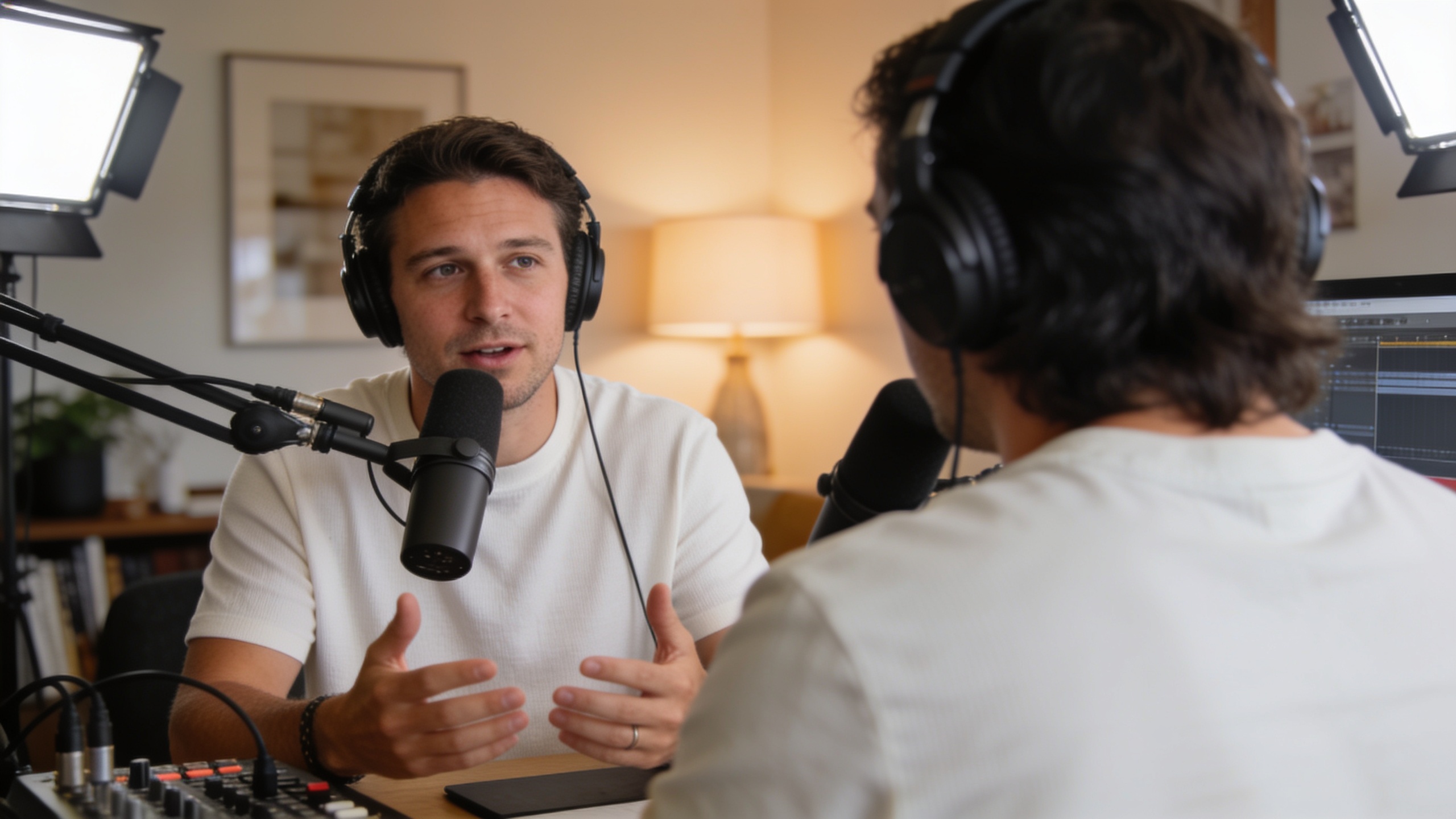
You need to publish short two‑host episodes quickly but want them to sound professional and legal. This article explains how creators can produce 1–10 minute AI mini‑podcasts — from topic to mixed audio — in under 30 minutes, while following consent and disclosure best practices. I'll summarize recent regulatory signals and research (dates included), then give a step‑by‑step workflow, a copy‑paste two‑host script template, and specific tips for fast polishing.
If you want to try a ready pipeline, GoCrazyAI’s AI Podcast Generator can turn a topic prompt into mixed multi‑voice audio for a single publishable file — the practical example in this guide shows how to use it for daily micro episodes.
Quick Answer
How do you produce an AI mini podcast quickly? Start with a one‑paragraph topic brief, use an AI podcast generator to expand it into a short script, assign two distinct AI voices, render a single mixed file, and add a 5–10 second disclosure and music bed. This pipeline usually gets a 3–5 minute episode ready in 15–30 minutes.
Why micro‑podcasts (1–10 minutes) are the growth format creators should care about?
Short answer: Micro‑podcasts fit busy listeners, perform well for daily updates, and let creators publish more consistently because each episode requires less recording and editing time. Since 2023 several AI podcast tools have surfaced that offer topic→script→multi‑voice pipelines, showing the format is becoming operationally feasible for rapid production.
What happened (news lead): by early 2025 the market moved noticeably toward short, AI‑assisted audio tools that promise end‑to‑end creation. Multiple products launched between 2023–2025 offering one‑click generation or multi‑voice pipelines, making same‑day micro episodes realistic for creators. This momentum matters because shorter shows lower the barrier to daily publishing, increase listener frequency, and fit social platforms that favor quick audio clips.
How creators benefit: A 3–5 minute micro episode is easy to repurpose into a 30–60s social reel, a blog summary, or a newsletter. That multiplies your distribution without multiplying production time.
What makes a great two‑host micro‑podcast: structure, pacing, and listener expectations?
Short answer: Great two‑host micro shows have a predictable structure (hook, quick exchange, one main point, call to action), tight turns (10–30 seconds per speaker), and clear roles so listeners know who contributes what.
Structure and pacing: For a 3–5 minute episode try: 0:00–0:08 — 1‑line hook, 0:08–0:40 — quick banter or context, 0:40–2:30 — main discussion (alternating short takes), 2:30–3:00 — one concrete takeaway, 3:00–3:10 — CTA and disclosure. This keeps momentum and helps AI voice models sound conversational because each voice only needs a small, focused performance.
Listener expectations: Micro listeners expect immediacy and clarity. Use explicit cues (names, brief musical stings) so automated multi‑voice rendering reads as two people talking rather than an AI readout. If planning a daily cadence, keep format and length consistent so habits form.
Legal and ethical musts for AI voices: consent, disclosures, and current regulator actions?
Short answer: Use licensed commercial‑use voices, never clone someone without explicit consent, include audio and textual disclosures, and be aware regulators have started acting on misuse (Feb 2024 FCC action on robocalls). Cite and date your sources where relevant.
Research and regulation: A 2024 arXiv study found listeners often misidentify AI voice clones, with participants perceiving an AI voice as the same person about 80% of the time and detection rates near 60% (Oct 2024)[https://arxiv.org/abs/2410.03791]. In February 2024 the FCC penalized AI‑generated robocalls that impersonated people, signaling legal risk for unauthorized cloning in broadcast contexts (AP News, Feb 8, 2024)[https://apnews.com/article/a8292b1371b3764916461f60660b93e6].
Best practices: 1) Use licensed or commercial‑use AI voices from reputable libraries. 2) Obtain explicit, recorded consent to clone a real voice. 3) Add a clear disclosure in the first 10 seconds of audio and in episode metadata. 4) Consider watermarking or platform labels when available. These steps reduce legal and reputational risk and align with current policy guidance.
Choosing voices and personalities: how multi‑voice AI creates natural conversation (and when to avoid cloning)?
Short answer: Pick complementary voice timbres and set short, characterful role descriptions; multi‑voice systems can sound natural when each voice has a defined role and limited speaking turns. Avoid cloning real people unless you have documented consent.
How to choose voices: Assign distinct voice profiles (e.g., warm baritone host, bright conversational co‑host) and create 1‑sentence personality prompts for each (friendly skeptic, quick explainer). Let the generator keep turns short and give explicit stage directions like “brief rebuttal” or “two‑sentence summary.”
When to avoid cloning: Don’t recreate a living person’s voice without signed permission. Even friendly impersonations can mislead listeners (see arXiv and FCC notes). Instead, use a licensed voice that evokes the persona you need, or craft a fictional character with unique cadence and catchphrases.
Tip: If you need a recognizable guest voice (e.g., a brand spokesperson), record a short consented sample and use a platform that supports voice licensing and provenance tracking; when in doubt, disclose.
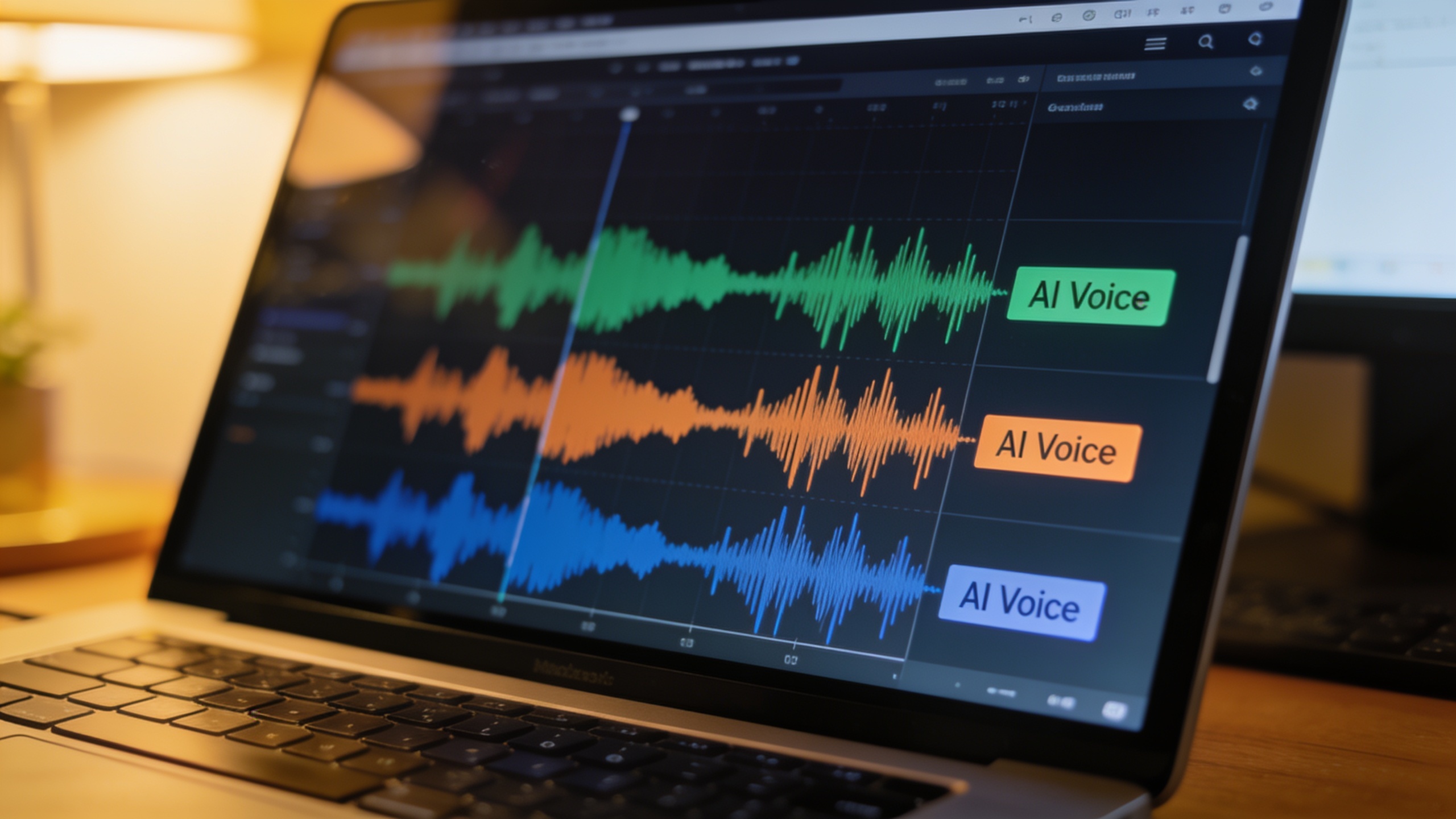
Quick workflow: From topic to publishable 3‑5 minute episode in 15–30 minutes (show GoCrazyAI AI Podcast Generator in action)
Short answer: A reliable 4‑step quick workflow is: 1) topic brief, 2) AI script expand and assign roles, 3) render multi‑voice mixed audio, 4) add disclosure and music, then publish. With an AI podcast generator this process can take 15–30 minutes for a 3–5 minute episode.
Step‑by‑step in practice: Start with a one‑sentence topic (e.g., “Today’s 90‑second crypto snapshot: price moves and two takeaways”). Use the tool to expand to a 400–600 word script tailored to two hosts. Assign voice profiles and render a single mixed WAV/MP3. Add a 5–10 second intro disclosure like “This episode uses AI voices” and drop in a short music bed.
Practical timing: script expansion (5–10 min), voice assignment + render (3–8 min), minor edits + export (5–10 min). If you batch topics, you can keep a daily cadence with minimal overhead.
How to reproduce this today: use a multi‑voice AI pipeline that accepts a topic prompt and outputs mixed audio. For creators testing music beds, see GoCrazyAI’s AI Song Generator for quick custom beds and the AI Voices library for voice selection (links below).
You can try every step above directly in GoCrazyAI AI Podcast Generator — no setup needed.
A 2‑host explainer template — write, assign roles, and generate multi‑voice audio with GoCrazyAI
Short answer: Use this copyable template and role assignment to get multi‑voice audio quickly: provide a topic brief, paste the script template, label lines with host names, and let the AI Podcast Generator render a mixed file.
Template (copy/paste and edit):
"Host A (intro, 8s): Quick hook sentence that promises value. Host B (context, 20s): Two sentences that give context or a surprising stat. Host A (main, 45–60s): Explain the first point with one concrete example. Host B (response, 20s): Quick follow‑up or counterpoint. Host A (takeaway, 20s): One practical tip for listeners. Host B (CTA + disclosure, 10s): Invite to subscribe + ‘This episode used AI voices.’"
How to run this on GoCrazyAI: Paste your topic brief into the GoCrazyAI AI Podcast Generator, choose two distinct voices (give them the role prompts above), and click render — the generator will output a single mixed audio file ready to publish. For music beds, combine the output with a short track from GoCrazyAI’s AI Song Generator, and if you need alternative voice choices use the GoCrazyAI AI Voices page to browse options.
Internal link: Use GoCrazyAI AI Podcast Generator at /ai-podcast to turn the template into a rendered episode.
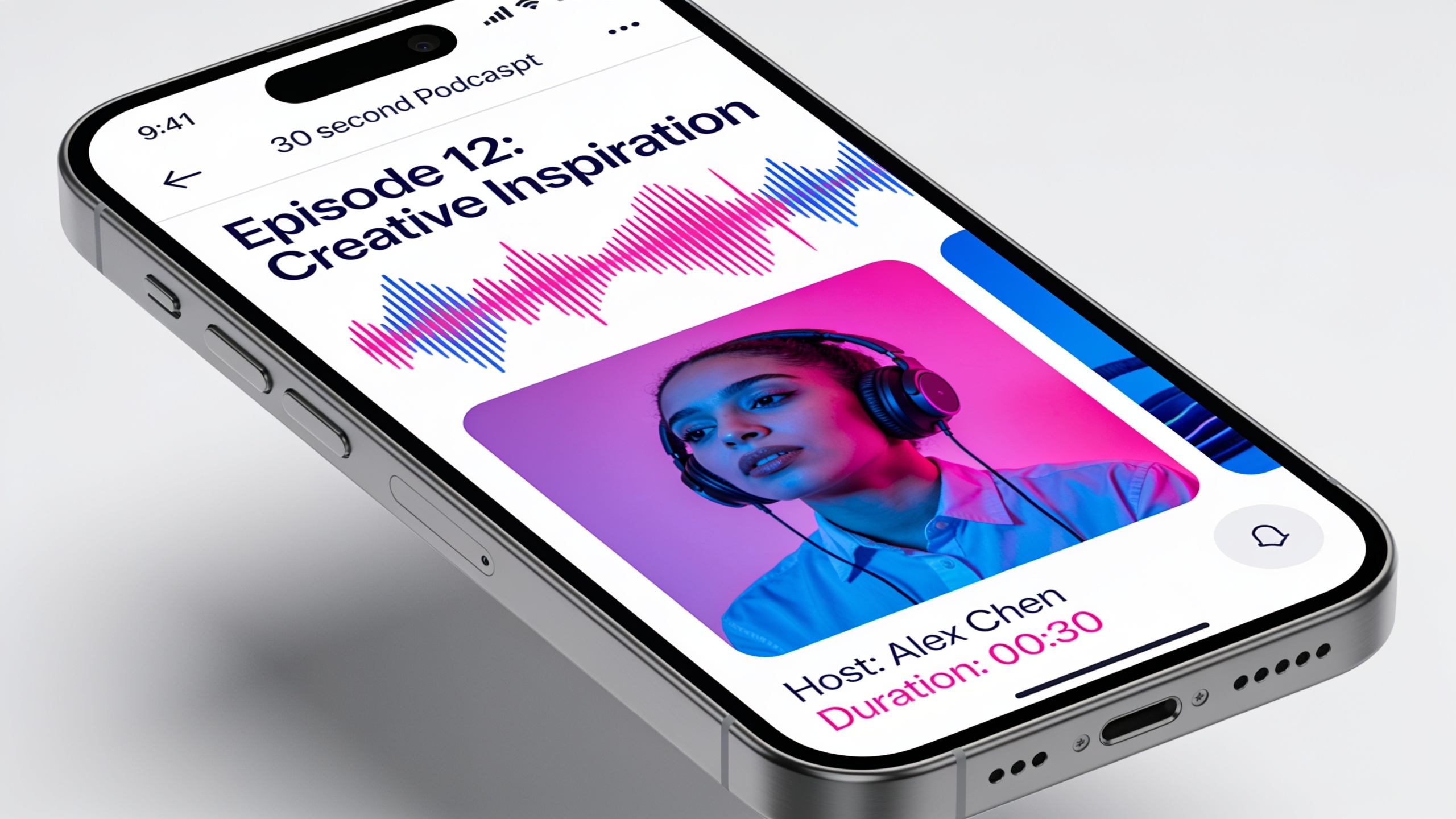
Polish fast: music beds, chapter timestamps, and tiny edits that make AI podcasts feel produced?
Short answer: Small production moves—consistent intro music, 1‑3s musical stings between segments, chapter timestamps in host notes, and reducing long pauses—significantly lift perceived quality and are quick to apply.
Quick polishing checklist:
- Music bed: choose a 6–12s loop with low mids so voices remain clear. Use the GoCrazyAI AI Song Generator to create a custom bed if you need a unique sonic brand. (link below)
- Stings: place 1–2s stings for scene changes to mimic live radio pacing.
- Chapters/timestamps: add timestamps in episode notes (e.g., 0:00 Hook, 0:20 Context, 1:15 Main Point).
- Tiny edits: remove long silences and tighten breath gaps to 200–300ms between phrases.
Tools: A single mixed file from an AI Podcast Generator can be dropped into GoCrazyAI Media Mixer or any simple DAW for trimming and adding music. Keep edits light—overprocessing an AI voice can make it sound synthetic.
Internal link: For music beds, try GoCrazyAI’s AI Song Generator at /ai-music.
Distribution and repurposing: publish micro‑episodes, turn them into social reels, and grow daily listeners?
Short answer: Publish the mixed episode to your podcast host, clip 30–60s highlights for reels, and post transcripts as social posts to increase reach. Repetition and consistent format help daily listeners find and keep returning.
Distribution steps: 1) Publish full episode to your feed (use the episode description for the disclosure). 2) Clip a 30–60s highlight and add waveforms for Instagram, TikTok, and YouTube Shorts. 3) Post a 3‑4 sentence thread or caption with the timestamped takeaway. 4) Use consistent episode titles like “Daily 3‑Minute News — [date]” to help binge behavior.
Repurposing notes: Short clips often drive discovery. A 30‑second excerpt with captions and a clear hook usually performs best on social. Keep the branding consistent so listeners recognize the show across platforms and episodes.
What mistakes should you avoid?
Short answer: Avoid cloning without consent, skipping disclosures, using identical voice timbres for both hosts, relying on long monologues, and ignoring quality checks before publishing.
Common mistakes and how to avoid them: 1) Cloning without permission — always get explicit, recorded consent or use licensed voices; when in doubt, pick a different voice. 2) No disclosure — include a 5–10s audio disclosure and note the episode description to avoid misleading listeners and regulatory exposure. 3) Homogenous voices — choose complementary timbres; identical voices muddle speaker tracking and reduce credibility. 4) Overlong turns — keep replies short (10–30s) so conversation feels real and AI errors are minimized. 5) Skipping QA — listen end‑to‑end for mispronunciations, odd prosody, or abrupt cuts; fix before publishing.
Following these simple checks reduces legal risk and keeps episodes sounding like real conversations rather than synthetic reads.
Frequently Asked Questions
How long does it take to make a 3‑minute AI mini‑podcast?
With a topic brief and an AI podcast generator, expect 15–30 minutes: 5–10 minutes to expand the script, 3–8 minutes to render voices, and 5–10 minutes for quick edits and metadata.
Do I need permission to use an AI voice that sounds like someone?
Yes. Recreating a real person's voice without explicit, recorded consent can create legal and ethical exposure. Use licensed voices or consented clones only, and add disclosures.
Will listeners notice an AI voice?
Research shows many listeners misidentify AI voices — a 2024 arXiv study reported listeners often perceived AI voices as the same person about 80% of the time, with detection rates around 60% (Oct 2024)[https://arxiv.org/abs/2410.03791]. Honest disclosure is still recommended.
Can I publish AI‑generated episodes to podcast platforms?
Yes, most platforms accept AI‑generated audio. Follow platform rules and include clear disclosure in both audio and episode metadata to comply with policies and keep listener trust.
Conclusion
Final thoughts: AI mini‑podcasts let creators publish short, two‑host episodes quickly, but speed shouldn't bypass consent and disclosure. Use short turns, distinct voices, and a clear disclosure in both audio and metadata. For a practical place to start, pick a topic and try the GoCrazyAI AI Podcast Generator — you'll have a mixed episode in minutes. Check pricing and credits on the GoCrazyAI site before publishing.
Mentioned in
Sources
- People are poorly equipped to detect AI‑powered voice clones (arXiv, Oct 2024)arxiv.org ↗
- AI‑generated voices in robocalls can deceive voters. The FCC just made them illegal (AP News, Feb 8, 2024)apnews.com ↗
- AI Podcast Generator — Research, Script & Audio | vibecasting (product page)vibecasting.fm ↗
- AI Two Host Podcast Generator | Audixa AI (product page)audixa.ai ↗
- Podhoc — AI Podcast Generator (product page)podhoc.com ↗
- Free AI Podcast Generator — Create Episodes on Any Topic in Seconds - Superlore (product page)superlore.ai ↗
- AI voice‑cloning scams: A persistent threat with limited guardrails (Axios, Mar 15, 2025)axios.com ↗
- NoteGPT: AI Podcast Generator (tool page)notegpt.io ↗