


podcast promo AI: create multi-voice promos, teasers, and sponsored clips
Use podcast promo AI to produce multi-voice promos, sponsored clips, and teasers fast. Templates, workflow, and a step-by-step GoCrazyAI use case.
You need attention-grabbing promos and sponsored clips but recording, editing, and coordinating hosts takes hours. This guide shows how podcast promo AI shortens that timeline so you can publish multi-voice promos, daily mini-episodes, or sponsor spots in minutes, not days. You’ll get practical templates for 30–90 second scripts, a repeatable workflow for quick generation and edits, and a step-by-step GoCrazyAI use case that turns a topic or script into a mixed, publish-ready audio file. Read the script templates and the export checklist first if you want to start producing clips today.
Quick Answer
What is podcast promo AI? Podcast promo AI uses text prompts and multi-voice TTS to generate short, publish-ready promos and sponsored clips without in-studio recording. Use a concise script, assign distinct AI voices for roles, and export a mixed audio file. Tools like GoCrazyAI’s AI Podcast Generator produce multi-voice files from one prompt in minutes.
Why do multi-voice promos and short sponsored clips outperform single-voice spots?
Multi-voice promos outperform single-voice spots because they create contrast, speed up information transfer, and mimic natural conversation—making clips more scannable and shareable on social platforms. Listeners are more likely to stop scrolling when they hear two distinct speakers bantering, a quick question-answer exchange, or a punchline followed by a call-to-action.
Multi-voice spots provide three measurable advantages: attention (voice contrast breaks monotony), clarity (roles let you compress info into short turns), and social fit (conversational snippets match TikTok/Reels pacing). Industry reporting also supports investing in short promo assets: Edison Research’s The Podcast Consumer 2024 notes rising monthly and weekly listening that makes discoverability more valuable for creators. For sponsor messages, alternating voices helps emphasize offer details and disclosure while keeping the clip engaging.
How to use this: pair a credible “host” voice with a lively “ad-voice” or a skeptical “listener” voice to let benefits and urgency land quickly. Keep roles tight—two or three speakers typically work best for 30–90 second promos.
How does AI shorten the promo creation timeline: from idea to platform-ready clip in minutes (workflow)?
AI shortens the timeline by removing setup, multi-take recording, and manual mixing—what used to take hours can be done in minutes. Start with a one-paragraph brief or a 30–90 second script, select distinct voices, add emotional tags (e.g., excited, calm), and let the generator render a single mixed file.
Typical fast workflow:
- Draft a 30–90s script focused on a single message.
- Choose 2–3 voices and assign roles (host, guest, ad-voice).
- Apply brief direction tags (e.g., "excited", "low energy", "whisper").
- Generate and preview; tweak lines or timing.
- Export a mixed WAV/MP3 and upload to distribution platforms.
Compared to traditional recording, this removes mic setup, editing of breaths/ums, and multi-track mixing. Many modern tools support up to 4 distinct speakers and long-form output, enabling formats like two-host explainers or daily news roundups without studio time. The speed gain is often the difference between planning a weekly promo and publishing a promo per episode or per day.
Write a 30–90 second multi-voice promo script that converts — templates + voice roles (hands-on)?
A converting multi-voice promo script uses clear roles, a hook within 3 seconds, one benefit, social proof or urgency, and a short CTA. Below are practical templates and recommended voice roles you can copy and adapt.
30-second two-voice promo (Host + Co-host)
"Host: Quick hook — 'Ever wish you could get smarter about X in five minutes?' Co-host: Short benefit — 'Yes — we explain the top ideas in under five minutes.' Host: Social proof — 'People love episode 32 — 100k downloads last month.' Co-host: CTA — 'Listen now wherever you get podcasts.'"
60-second sponsored clip (Host + Advertiser + Listener)
"Host: Hook and tease — 'This week we reveal a hack every maker needs.' Advertiser: Offer — 'Get 20% off with code POD20 at example.com.' Listener: Reaction — 'Whoa, that worked for me — I saved an hour a day.' Host: Disclosure + CTA — 'Sponsor message: Paid partnership. Episode out now.'"
90-second teaser (Three roles: Host, Guest, Narrator)
"Host: 'On today’s show, we test a tool that compresses your workflow.' Guest: 'I cut my editing time in half — here’s how.' Narrator: 'Tune in for step-by-step tips and a free checklist.' Host: 'Episode drops Thursday — subscribe now.'"
Voice role guidance:
- Host: Warm, authoritative, slightly faster pace.
- Co-host/Guest: Contrasting tone — higher energy or calmer to create contrast.
- Advertiser/Ad-voice: Crisp, clear enunciation; use emphasis tags for price or code.
- Listener/Reaction: Casual, surprised, shorter lines to simulate authenticity.
Prompt examples you can paste into an AI tool:
"Write a 45-second podcast promo script for a productivity podcast. Roles: Host (confident, upbeat), Guest (calm, experienced). Hook in first 6 seconds. Include CTA to subscribe."
"Create a 60-second sponsored clip that mentions a 20% discount code. Roles: Host (warm), Advertiser (direct), Listener (amazed). Include a short sponsor disclosure."
Use short sentences, limit each speaker to one or two lines in 30-second spots, and always end with a clear CTA and any sponsor code or link.
How do you generate, edit, and export multi-voice promos with GoCrazyAI AI Podcast Generator?
You can generate, edit, and export a multi-voice promo with GoCrazyAI by entering a topic or script, assigning voices to roles, and exporting a single mixed audio file ready to publish. The tool turns one prompt into a multi-voice conversation, pairs guests with distinct AI voices, and outputs a mixed audio track suitable for feeds and social clips.
Step-by-step use case (practical):
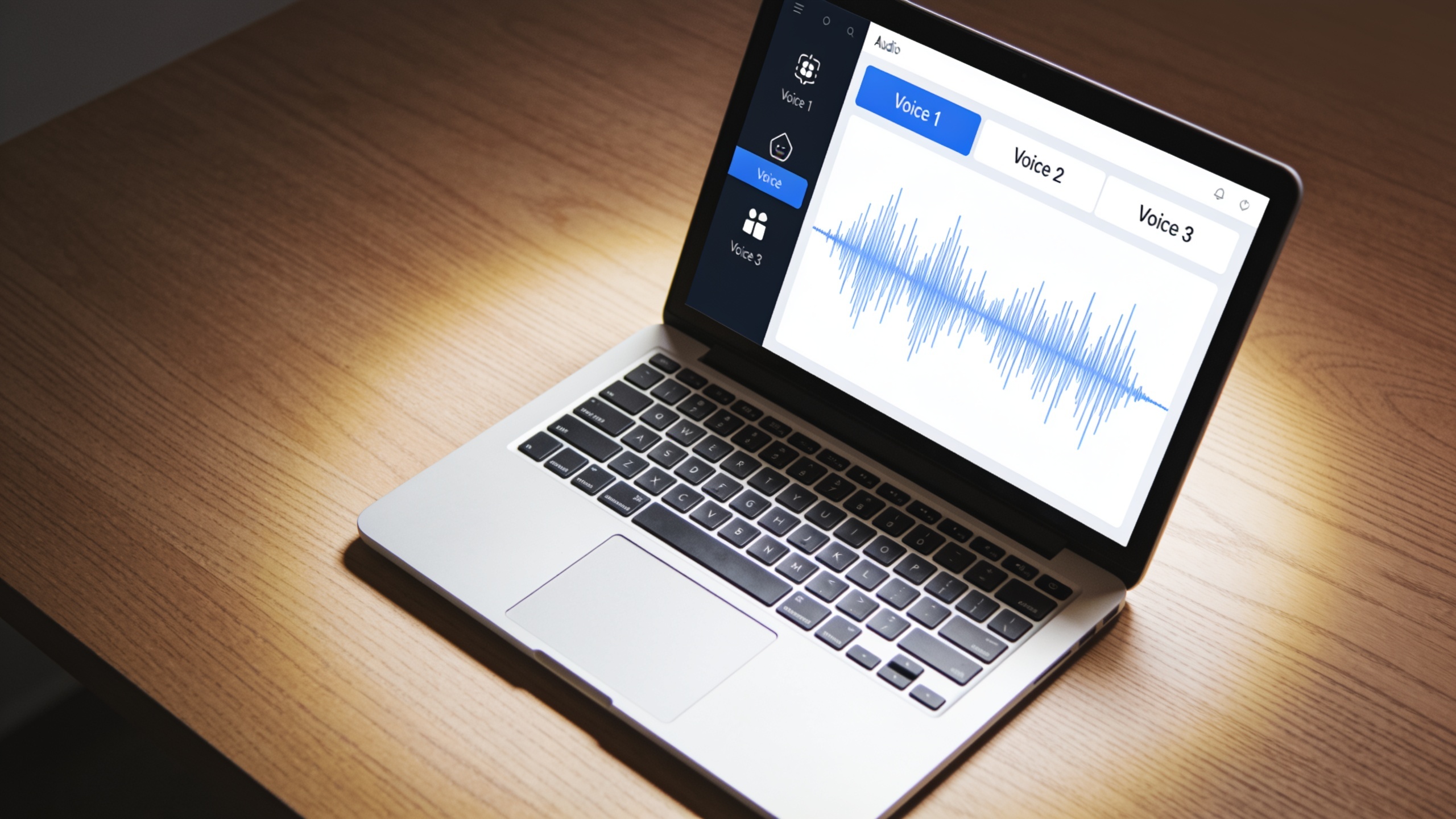
1) Pick a short script or topic and sign in to GoCrazyAI. 2) Open the AI Podcast Generator and paste your script or a short topic prompt. 3) Assign voices for each role from the voice library — apply emotional tags like "excited" or "soft". 4) Generate and preview the mixed file. 5) Use simple editing tools to trim pauses or swap lines. 6) Export as MP3/WAV and drop into your podcast host or social editor.
This workflow maps directly to common use cases such as a two-host explainer or a daily AI-generated news roundup. The product page notes multi-voice from one prompt and that the output drops straight into a podcast feed — ideal when you need scalable promos fast. For voice customization you can explore the AI voice library to match character and tone, and you can add music beds from the AI music generator when preparing social-ready clips. For direct access to the generator, try the AI podcast generator.
What are the best formats and distribution channels for AI-generated podcast teasers and sponsored clips?
Short, platform-tailored formats perform best: 15–30s hooks for Reels/TikTok, 30–60s promos for Twitter/X and YouTube Shorts, and 60–90s teaser clips for Instagram and LinkedIn. Export a 1:1 or 9:16 audio-visual clip for short-form social, and a clean MP3 for podcast feeds.
Format tips:
- 15–30s hooks: One-line hook + punchy CTA. Use bold voice contrast to stop the scroll.
- 30–60s promos: Two roles exchanging value and an offer; add subtitles and 9:16 visuals.
- 60–90s teasers: Short excerpt that teases content, includes context, then CTA to full episode.
Distribution channels:
- Social platforms (TikTok, Instagram Reels, YouTube Shorts) for discovery—pair audio with waveform, captions, or key art. Short clips are the most visible discovery asset according to industry reporting on promotional visibility and discoverability.
- Podcast host and RSS feed for subscribers—export a mixed MP3 and attach timestamps or shownotes with sponsor info.
- Sponsored placements and newsletter audio embeds—use the sponsor clip as a pre-roll or mid-roll snippet in ad buys.
Technical export advice: include a loudness target around -14 LUFS for social, export 128–256 kbps MP3 for uploads, and keep raw WAV for archive or ad insertion. Add captions for accessibility and higher completion rates on social.

What legal, ethical, and quality-control checklist should I use before publishing AI multi-voice promos?
Before publishing AI multi-voice promos, confirm voice rights, disclose synthetic content when required, verify factual statements in sponsored claims, and run a quality-control pass for naturalness and timing. These steps reduce legal risk and protect brand reputation.
Checklist items and how to handle them:
- Voice rights: Ensure your chosen voices are licensed for commercial use and that any cloned voice has documented permission from the original speaker. Use the platform’s licensing terms to confirm.
- Disclosure: Add a short disclosure when content is synthetic or when the spot is sponsored (e.g., 'Paid partnership' or 'Voice generated with AI'). Many platforms and ad networks require clear disclosure.
- Factual accuracy: Verify product claims, promo codes, and time-limited offers before publishing. Have one person confirm URLs and codes in the final exported audio.
- Audio quality QC: Listen for artifacts, unnatural phrasing, or mispronunciations. Trim awkward pauses and re-render lines with different emphasis tags if needed.
- Platform compliance: Check host and social platform rules for synthetic audio or sponsored content. Some ad networks require additional labeling or metadata.
- Accessibility and metadata: Add proper show notes, sponsor attributions, and captions for social clips to improve reach and compliance.
Running this checklist usually adds only a few minutes to the workflow but prevents reposting, refunds, or sponsor disputes later. Keep an audit log for sponsored clips showing script approval and license confirmation.
Frequently Asked Questions
How long does it take to make a publish-ready promo with podcast promo AI?
You can usually turn a 30–90 second script into a publish-ready mixed file in minutes—drafting and minor edits may add time, but the generation and export steps are rapid compared with traditional recording workflows.
Can AI voices sound natural enough for sponsored messages?
Modern AI voices with expressive tags often sound natural for short sponsor spots, especially when you choose premium voices and add direction like 'warm' or 'excited'. Always run a QC check and disclose synthetic audio where required.
How many distinct speakers can I use in an AI promo?
Many tools support up to four distinct speakers, which covers most promo formats—two- or three-voice setups are the most effective for short clips.
Do I need to record any audio at all when using AI promo tools?
No—AI podcast generators can produce multi-speaker audio from text alone. You can, however, combine recorded clips with AI voices for hybrid spots.
Will AI promos hurt my podcast’s authenticity?
If used sparingly and transparently, AI promos can boost reach without damaging authenticity. Use natural-sounding voices, keep messaging honest, and label synthetic or paid content clearly.
Conclusion
Final thoughts: podcast promo AI makes it possible to scale multi-voice promos and sponsored clips without a studio. Start with tight scripts, contrasting voice roles, and a short QC checklist to keep quality high. If you want to test a topic and get a mixed episode in minutes, try the AI podcast generator.
Sources
- AI Podcast Generator – Create Multi-Voice Podcasts with AI | GoCrazyAIgocrazyai.com ↗
- The Podcast Consumer 2024 by Edison Researchedisonresearch.com ↗
- Top 3 Factors That Make Podcast Listeners Hit Play (summary) — The Podcast Host / industry reportingnetinfluencer.com ↗
- Best AI Podcast Generator 2026 (Tested & Ranked) — Podcastify (example roundup to show market landscape)podcastify.io ↗
- Podhoc — AI Podcast Generator (product example of multi-voice features & inputs)podhoc.com ↗
- Swepod - AI-Powered Podcast Generatorswepod.com ↗