


AI voice narration FAQ
Practical FAQ for creators: which AI voices work for YouTube, legal rules around cloning, audition workflows, and how to use GoCrazyAI AI Voices in production.
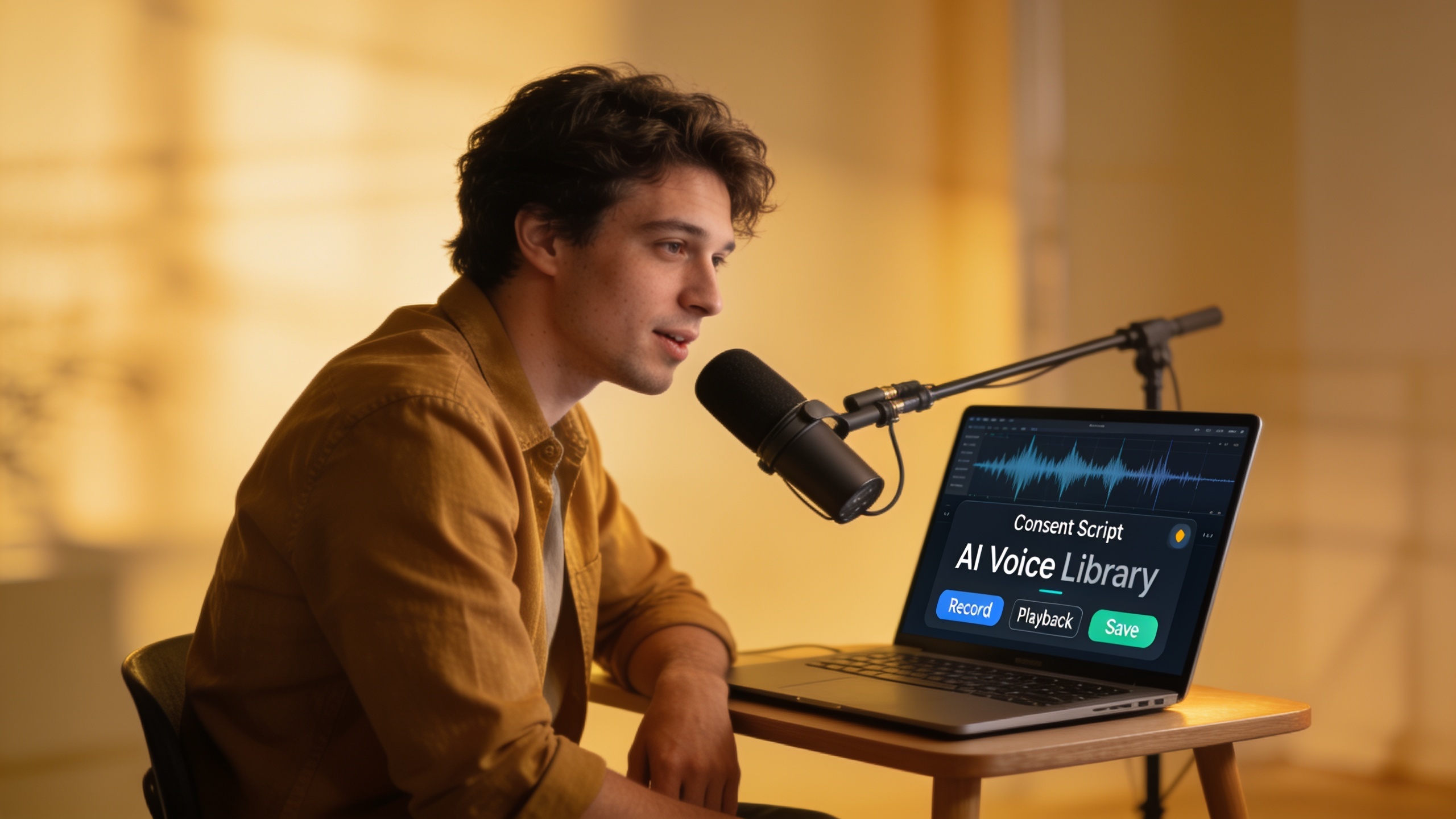
You need a reliable AI voice for a YouTube essay, faceless TikTok channel, ad, or short animation — and you need to know what’s legal to publish. This FAQ-style guide answers the creator questions that slow production: which voices suit which use case, what licensing and consent actually mean, how to audition and tweak voices quickly, and how to clone ethically.
Read this to get practical checklists and short workflows you can use today. Later sections show sample production flows and one clear path to try GoCrazyAI AI Voices if you want a fast library of premade voices plus cloning and dubbing options.
Quick Answer
AI voice narration FAQ answers which AI voices suit specific uses, what licensing and consent you must check, and how to audition or clone a voice safely. For creators, prioritize commercial licensing, a clear consent record for clones, and auditioning with final script pacing. Use short workflows to audition and render before committing to a voice.
Which AI voices are best for different creator use cases (YouTube, faceless TikTok, ads, animation, podcasts)?
For each creator use case there are different priorities: clarity and durability for long-form YouTube, immediate personality for short social clips, emotional nuance for ads, and distinct timbres for character animation. Match the voice to the task rather than chasing hyper-realism; usability and editing controls usually matter more.
YouTube essays (long-form narration): choose warm, steady voices with even pacing and low sibilance. Prioritize voices that render well at different bitrates and that you can edit phrase-by-phrase. For faceless TikTok and Reels: brighter, punchier voices that read clearly at fast speeds are often better; audition clips at 1.25x since many viewers listen faster. For ads: pick voices with strong emotional range and short-form punch—test at the actual ad length and in context with music. For animation: pick voices with character range and the ability to produce multiple distinct timbres for different roles; layering and manual emphasis edits will sell performance. For podcasts: start with voices that hold listener attention for long stretches and have natural breathing and cadence options.
Practical selection tips:
- Prioritize voices with phrase-level editing and SSML or emphasis controls so you can tweak pacing and emphasis.
- Test voices in your final delivery environment (mobile headphones, earbuds, in-feed social players).
- Try 2–3 voices and run short A/B tests on a small audience or private group before committing to a channel voice.
Why fit matters: tool roundups from 2025–2026 show that realism is only one axis; creators choose tools based on licensing, editing workflow, and how easy it is to re-render lines when scripts change.
AI voice licensing & legal FAQ creators must know before publishing (consent, commercial use, watermarking)?
Creators must check three practical things before publishing: whether the voice license allows commercial use, whether it allows modification and redistribution, and whether any cloned voice has documented consent. These items usually determine whether you can monetize, distribute, or sell the final content.
Common legal FAQs, answered plainly:
- Do I need permission to clone someone's voice? Generally yes. Best practice is documented, explicit consent from the speaker; courts and regulators are increasingly focused on consent and consumer harm. Recent reporting and guidelines highlight voice-cloning scams and the need for safeguards, and regulators like the FTC have run exercises and published challenge guidance around voice cloning harms.
- Can I use an AI voice commercially? That depends on the tool’s license. Some platforms permit commercial use out of the box; others require a paid plan or an explicit commercial license. Always confirm the terms and keep a copy of the license that applied when you rendered audio.
- Should I watermark synthetic audio? Watermarking (audio or metadata) is becoming a recommended safeguard to reduce fraud and consumer harm; Consumer Reports and news investigations recommend consent statements and watermarking as practical mitigations. If your workflow must be auditable, keep source files, rendering logs, and consent forms.
Practical checklist for legal safety:
- Confirm commercial right in the tool’s terms and save that page or PDF.
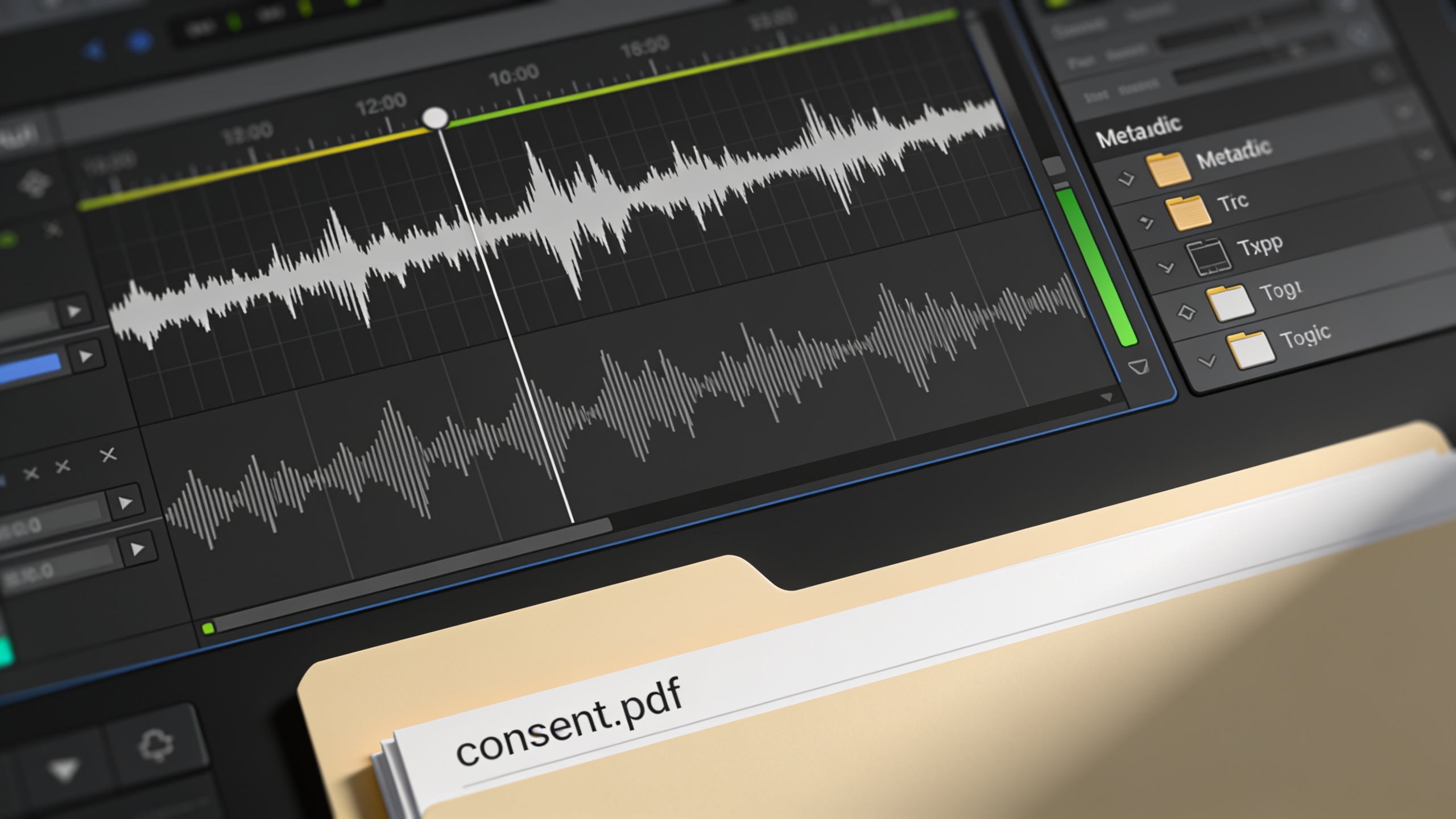
- If cloning, obtain written consent (audio or signed form) and keep a timestamped copy.
- Note whether the platform embeds any forensic watermark and whether you can add metadata.
- If your content targets regulated or high-risk contexts (financial advice, political messaging), consult legal counsel.
Wider context: adoption rates show creators are moving fast—38% of respondents used AI for voiceovers or TTS in a 2024 industry survey, and many companies plan future usage—so these legal checks are increasingly important as production scales.
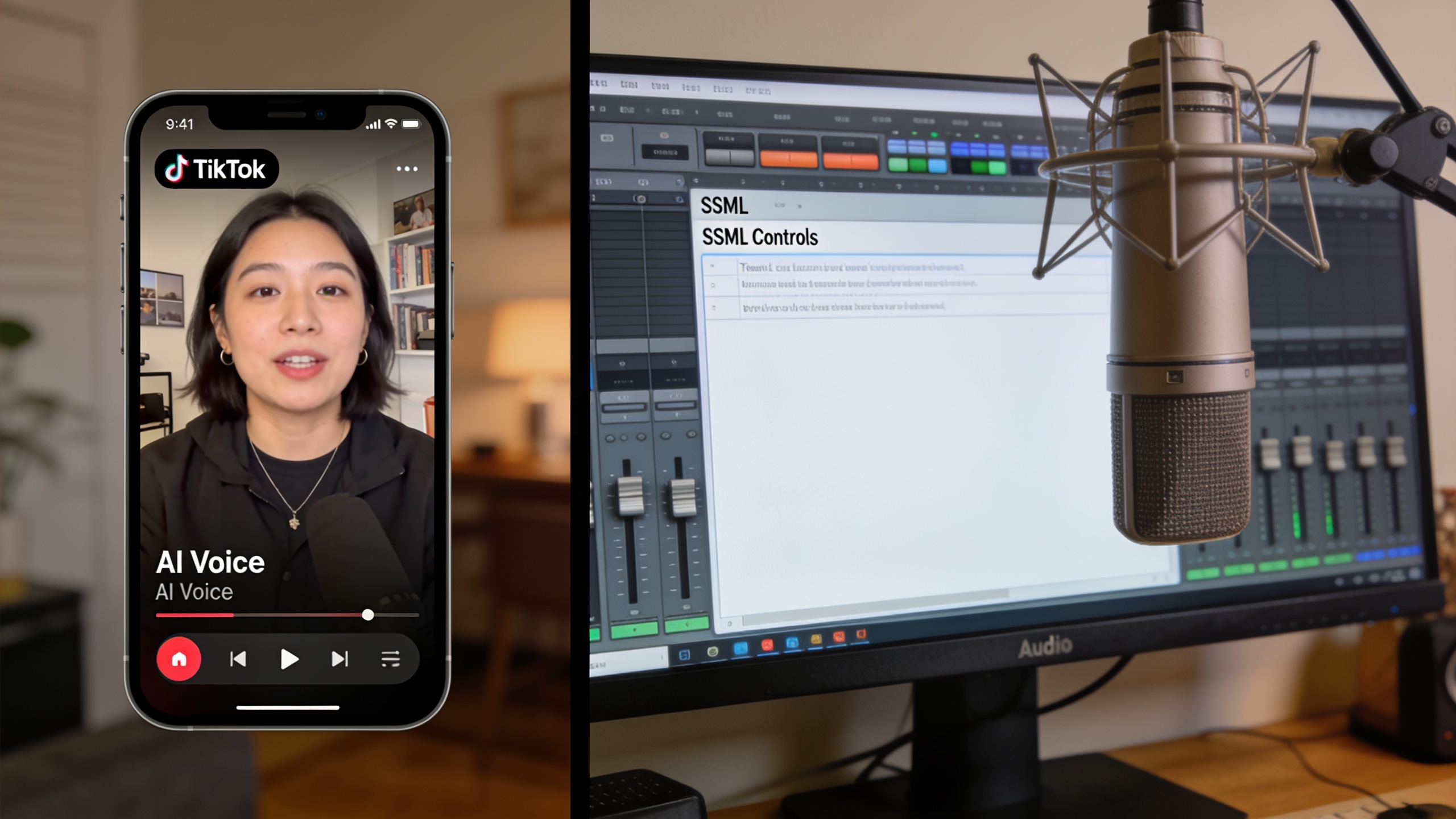
Hands-on: Choosing and auditioning an AI voice quickly — a 10-minute workflow?
A ten-minute audition workflow will get you a production-safe voice choice: pick 2–3 finalists, render short synced clips, and listen in the target environment. This prevents committing hours to a voice that fails in playback.
10-minute audition workflow (step-by-step):
- Prepare a 30–60 second script that includes the emotional range and key phrase types (questions, numbers, URLs).
- Select 3 candidate voices with different tempos and timbres.
- Render each voice with identical SSML or emphasis tags and at two speeds: 1.0 and 1.25x.
- Listen on headphones, phone speaker, and the platform you plan to publish on (YouTube, Instagram, etc.).
- Rate clarity, emotional fit, and background noise artifacts.
- Pick one voice for a short A/B test episode or two test posts.
Quick tuning tips that improve perceived naturalness:
- Use word-level emphasis or SSML pauses on important phrases; small pauses make narration breathe.
- Keep playback close to real listener speeds—audition at 1.0 and at 1.1–1.25x to simulate common listening behavior.
- Manually edit a problematic word or phrase rather than switching voices; small emphasis changes often fix perceived roboticness.
Why this works: creator testing and product writeups show manual emphasis, SSML/pacing controls, and auditioning at slightly faster speeds improve perceived naturalness and listener retention for short and long formats.
Hands-on: How to clone a voice ethically and legally, then use it for narration or character work (step-by-step with consent checklist)?
Cloning a voice requires explicit consent, a clean recording sample, and a clear agreement on permitted uses. Follow a documented, repeatable checklist to stay ethical and to preserve future reuse rights.
Step-by-step voice clone workflow with consent checklist:
- Get explicit consent: record the speaker saying a scripted consent line that states purpose and rights (e.g., “I consent to a voice clone for use in X, Y, Z media, for commercial distribution.”) Keep a signed text copy too.
- Capture a clean sample: 20–60 seconds of clear, breath-controlled speech with minimal background noise. Use a good microphone and a quiet room.
- Upload and label: store the sample with the consent file and upload to your cloning tool. Note the date, project, and intended use.
- Review the model output: render short lines and ask the original speaker to approve the render for likeness and tone.
- Document allowed uses: log whether the clone can be sublicensed, used in ads, or modified for characters. Keep this in the project folder.
- Use conservative releases in public-facing contexts (add on-screen credits or captions when appropriate).
Practical content and consent language to capture (short template to use): "I, [name], consent to the creation and commercial use of a synthetic voice derived from my recorded sample for use in [project names]. I confirm I understand this voice may be used in distributed audio and video assets and that I grant [creator/company] the rights described."
Why this matters: voice-cloning misuse is a documented consumer risk; news outlets and consumer groups recommend safeguards and consent steps, and regulators have produced guidance and exercises to surface harms and defenses. Keeping an explicit chain of consent and rendered approvals reduces legal exposure and helps platforms accept your content for monetization.
Integrating GoCrazyAI AI Voices into your production: sample workflows for YouTube essays, faceless TikTok channels, ads, and animated shorts?
GoCrazyAI AI Voices can slot into common creator workflows by providing ready voices, cloning from a short sample, and exports that pair with video and podcast tools. Use GoCrazyAI when you need fast auditioning, multi-voice outputs, or cloning with short samples.
How to use GoCrazyAI AI Voices in a YouTube essay workflow:
- Draft your script and mark emphasis or pauses.
- Browse GoCrazyAI AI Voices (160+ premade voices) and select 2–3 candidates.
- Render the first 60 seconds, tweak SSML/emphasis, and export WAV for editing.
- Import audio into the GoCrazyAI AI Video Generator or your NLE and sync with B-roll. For video generation tasks, try the GoCrazyAI AI Video Generator for turning script beats into visual clips.
Faceless TikTok channel workflow:
- Use a punchy voice preset, render short lines at 1.1–1.25x for natural delivery, and combine with music from the GoCrazyAI AI Song Generator (/ai-music) if you need a bespoke backing track. Exports can be optimized for mobile codecs.
Ad workflow:
- Clone an approved brand voice or pick a high-emotion commercial voice from the library. Render multiple takes with different emphases and choose the best take in context with music and SFX. Short renders speed up client reviews.
Animated shorts workflow:
- Use GoCrazyAI to design multiple character voices from text descriptions or clone actor samples with consent. Export isolated lines to bring into your timeline and use the Media Mixer (/ai-video-edit) to add sound design, lip-sync, and subtitles.
Where GoCrazyAI fits: GoCrazyAI AI Voices offers cloning from a short, clean sample, 160+ premium voices, and the ability to design custom voices from text descriptions. It pairs with GoCrazyAI’s video, podcast, and editing tools for tight production loops. Learn more on the GoCrazyAI AI Voices page: AI Voices.
Note on tools: industry roundups show many good options for realism and cloning; creators choose based on licensing and editing workflow. If you plan to publish commercially, confirm terms and keep consent files for clones. Adoption stats indicate rapid uptake: 38% of surveyed professionals used AI for voiceovers or TTS in 2024, and many more companies plan to adopt AI voices.
Frequently Asked Questions
Can I use AI-generated voices in monetized YouTube videos?
Often yes, but it depends on the voice provider’s commercial license. Check and save the tool’s commercial-use terms before publishing and keep a copy of that license in your project files.
Is it legal to clone a friend’s voice and use it in my animation?
Only with explicit, documented consent. Record a consent statement, keep a signed copy, and be clear about permitted uses—ads, distribution, or modifications—before cloning.
How much audio do I need to clone a voice reliably?
Most production-grade systems can create a usable clone from a short, clean sample (20–60 seconds), but quality improves with clearer recording and more diverse phonetic content.
Do I need to watermark AI voices to avoid misuse?
Watermarking and metadata tags are recommended safeguards, especially for content that could be misused. They help with attribution and can deter fraud.
Which controls make synthetic narration sound more natural?
Word-level emphasis, SSML pauses, slight pitch or emphasis changes, and auditioning at 1.0–1.25x playback usually improve perceived naturalness.
Conclusion
Final thoughts: pick a voice by use case, secure commercial rights, and keep consent records for any cloning. Use short audition workflows and phrase-level edits to make synthetic narration sound more natural. If you want a practical place to audition premade voices or clone a clean sample quickly, try GoCrazyAI AI Voices for 160+ ready voices and short-sample cloning that integrates with GoCrazyAI’s video and podcast tools. Try GoCrazyAI AI Voices: AI Voices.
Sources
- 2024 Audio Trends Report (Voices.com)static.voices.com ↗
- TechRadar — 'Podslop' and AI podcasts (May 2026)techradar.com ↗
- Axios — AI voice-cloning scams (Mar 15, 2025)axios.com ↗
- FTC — Voice Cloning Challenge (rules & guidance)ftc.gov ↗
- Skadden analysis — New York court and AI voice cloning legality (2025)skadden.com ↗
- FluxNote guide: AI voiceovers for YouTube (2026)fluxnote.io ↗
- Comparisons and roundups (2025–2026) — examples: Voice Pilot Lab, Faceless Directory, NerdyNavvoicepilotlab.com ↗
- Youtubeniches — Best AI Voice for YouTube Videos (2026)youtubeniches.com ↗
- FT/News coverage and articles on legislation like ELVIS and state-level rules (context)en.wikipedia.org ↗