


Media Mixer guides & tutorials
Everything we've published on media mixer — how-to articles, model comparisons, and workflow guides for creators using GoCrazyAI.
Add voiceovers, music, sound effects, subtitles, and overlays to your AI-generated videos — export in one click.
What Media Mixer actually does
- Adds voiceover and music to AI videos
- Generates and burns in subtitles automatically
- Layers text and overlays on top of generated footage
- Exports a single ready-to-publish file
Who it's for
- Creators finishing AI videos without leaving the platform
- Marketers polishing AI-generated ads
Where Media Mixer fits in your workflow
- Adding a voiceover to a Veo or Sora clip
- Burning subtitles into a TikTok export
- Overlaying brand text on a product reveal
Why creators choose it
- All post-production stays in one tool
- Subtitles, music, and voiceover from one panel
Featured guides
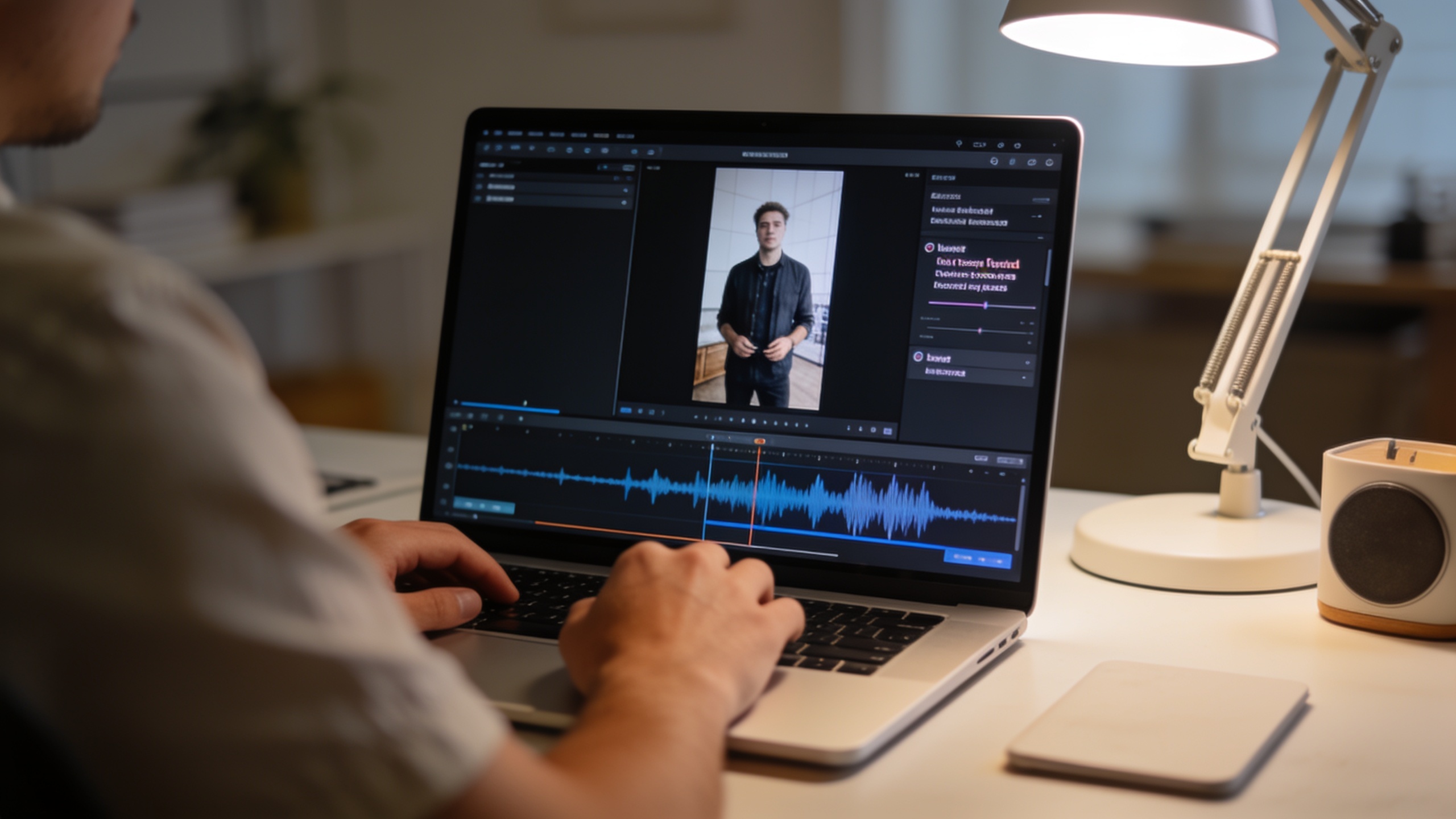
AI video postproduction: add voice, music, subtitles, and one-click social exports
Practical guide to finishing AI-generated videos: add voiceovers, music, auto-subtitles, and one-click social-ready exports with GoCrazyAI Media Mixer.
Sep 6, 2026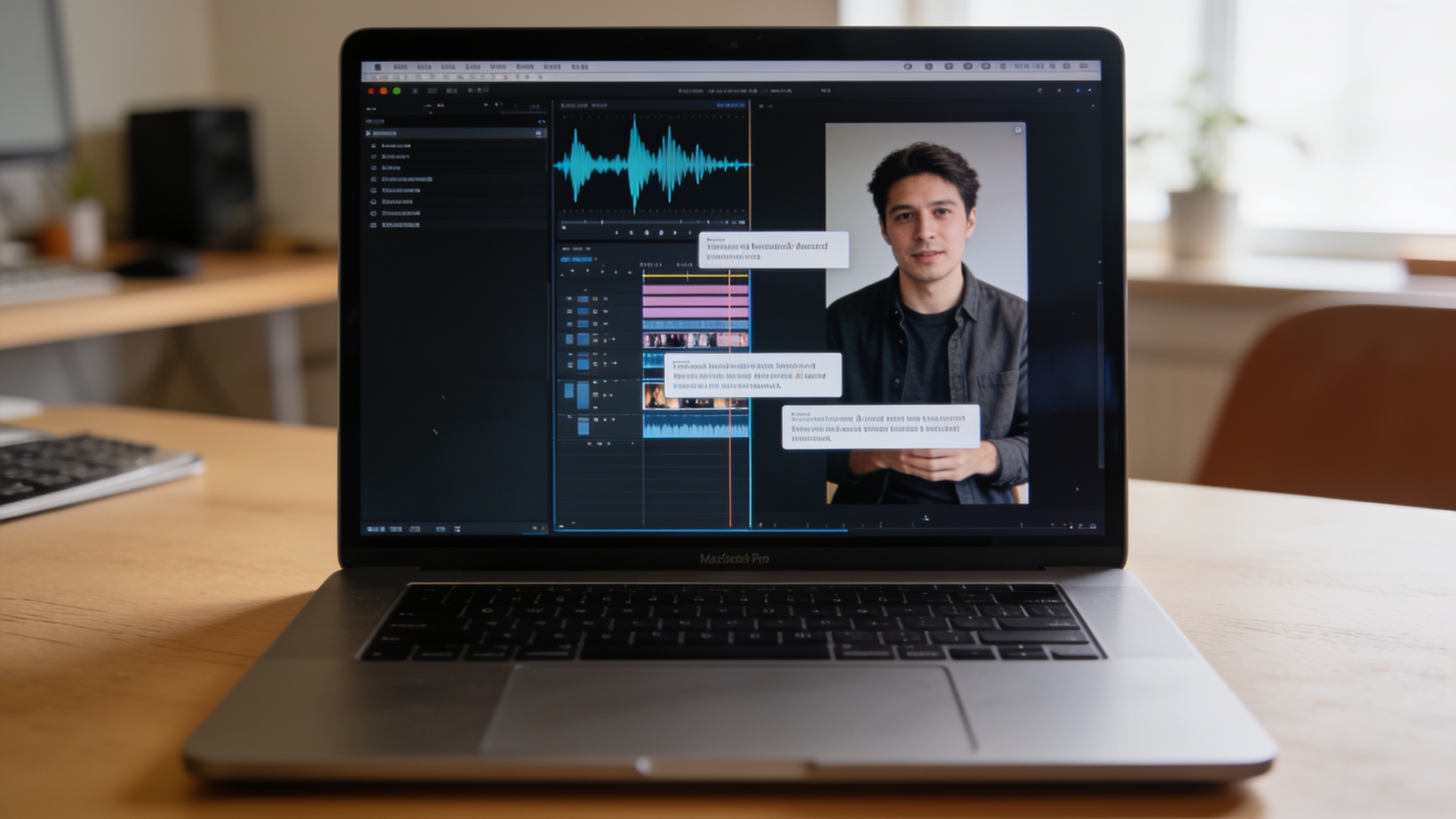
AI voiceover and music: Add captions, voice, and batch-export vertical social videos
A practical guide to add accurate AI captions, natural voiceovers, licensed music, and batch-export 9:16 vertical videos fast using GoCrazyAI Media Mixer.
Aug 22, 2026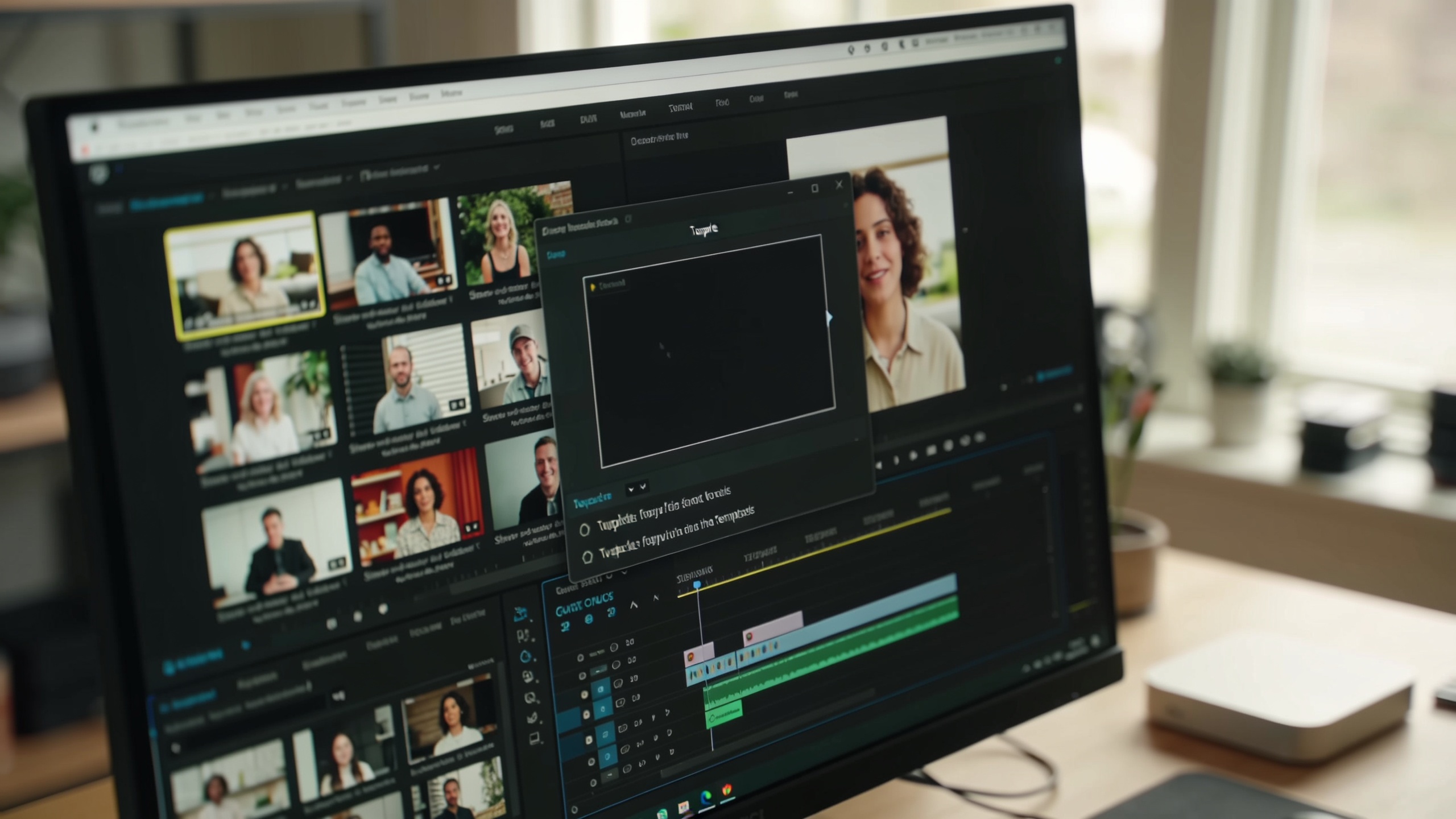
Batch edit AI videos: scale branded overlays, captions, and voiceovers
A creator workflow to batch edit AI videos: burn captions, add overlays, voiceovers and export platform-ready clips fast using GoCrazyAI Media Mixer.
Aug 7, 2026More Media Mixer guides
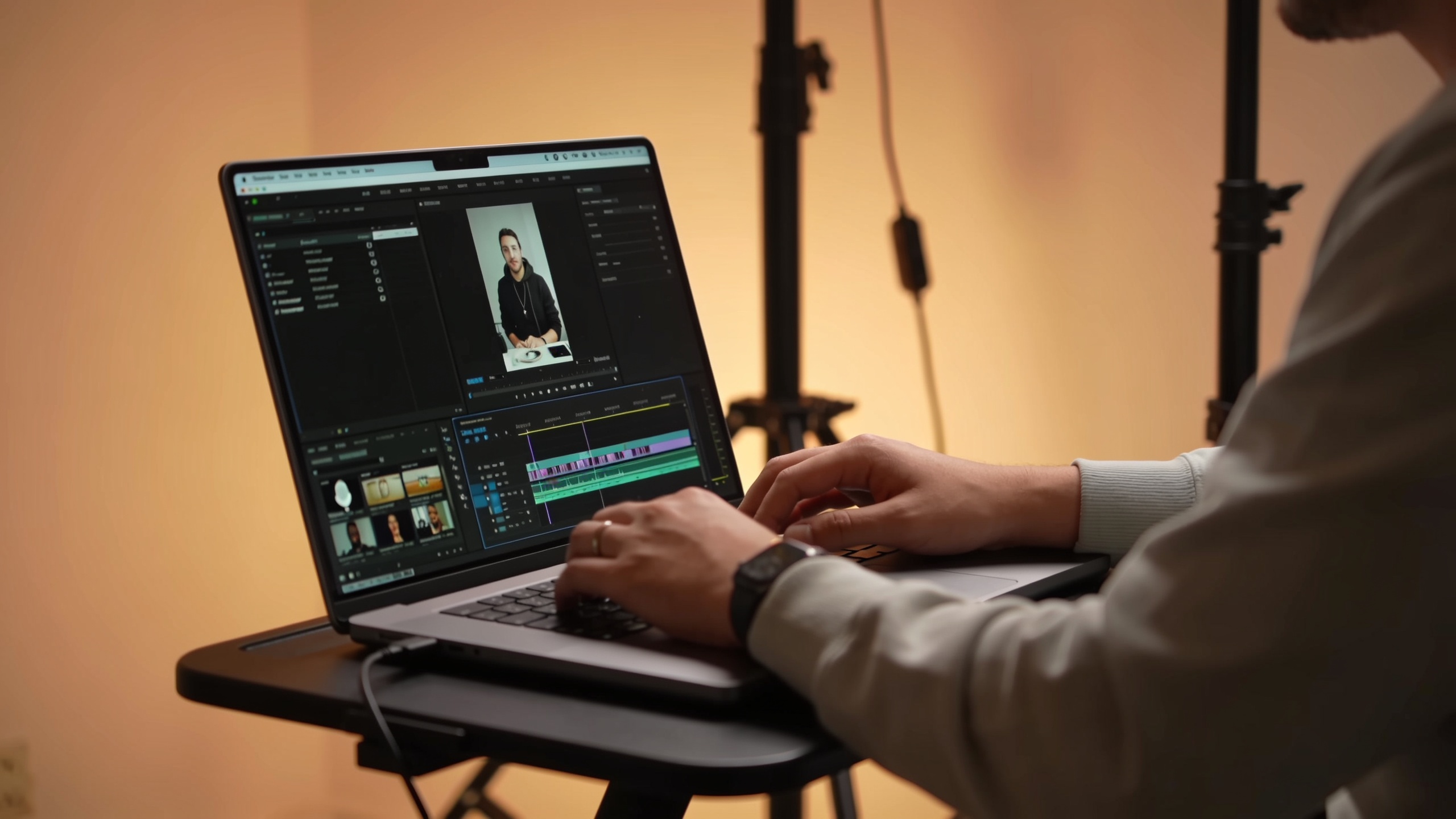
ai video audio mix: finish AI clips with voice, music, subtitles, and one-click export
Learn how to mix voiceovers, music, SFX and hardcoded captions for AI-generated clips—and use GoCrazyAI Media Mixer to export platform-ready files in one click.
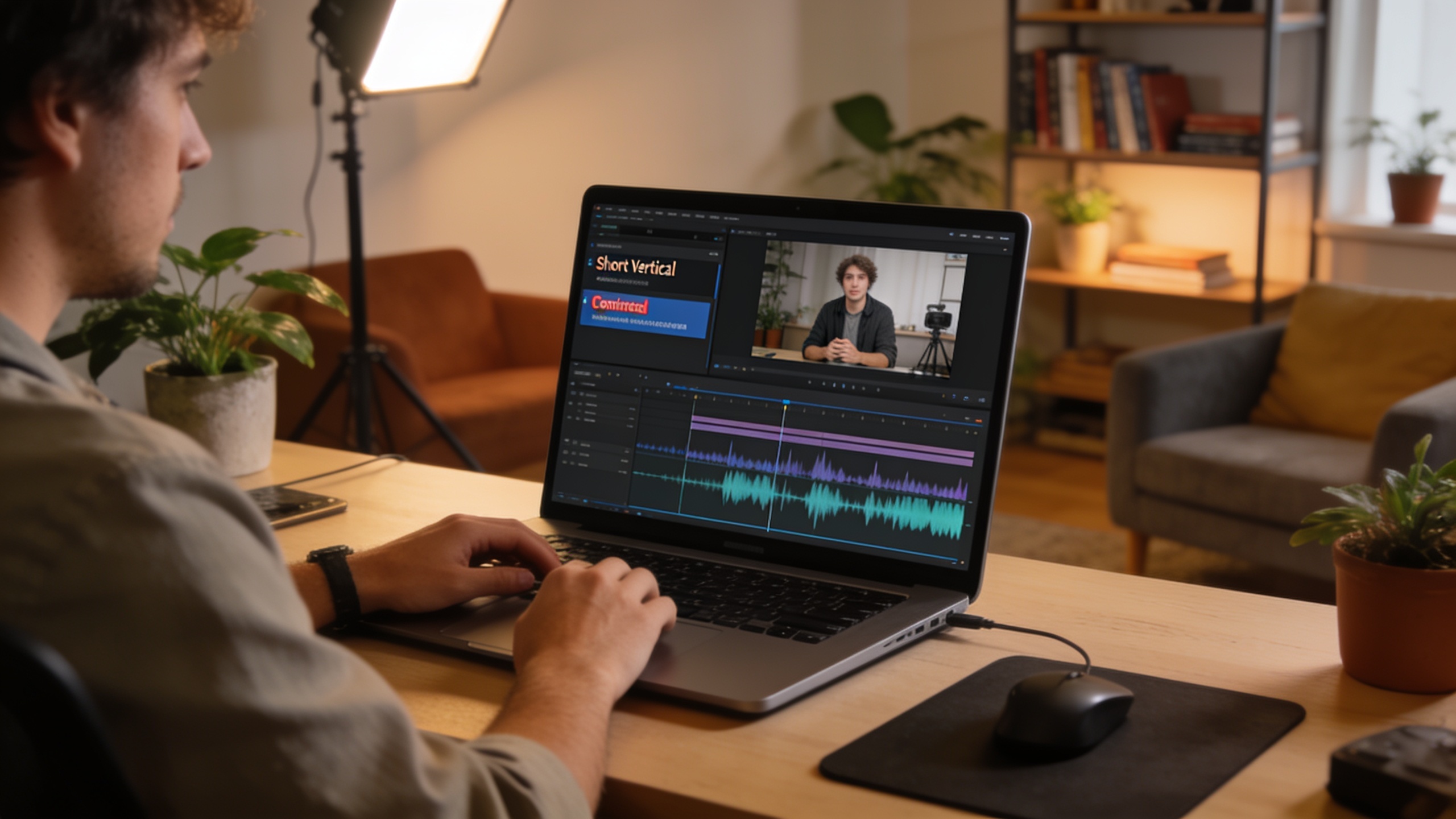
AI video postproduction: add subtitles, voiceovers and one-click export
Finish AI-generated clips fast by adding accurate subtitles, natural voiceovers, SFX and exporting a ready-to-publish file with GoCrazyAI Media Mixer.
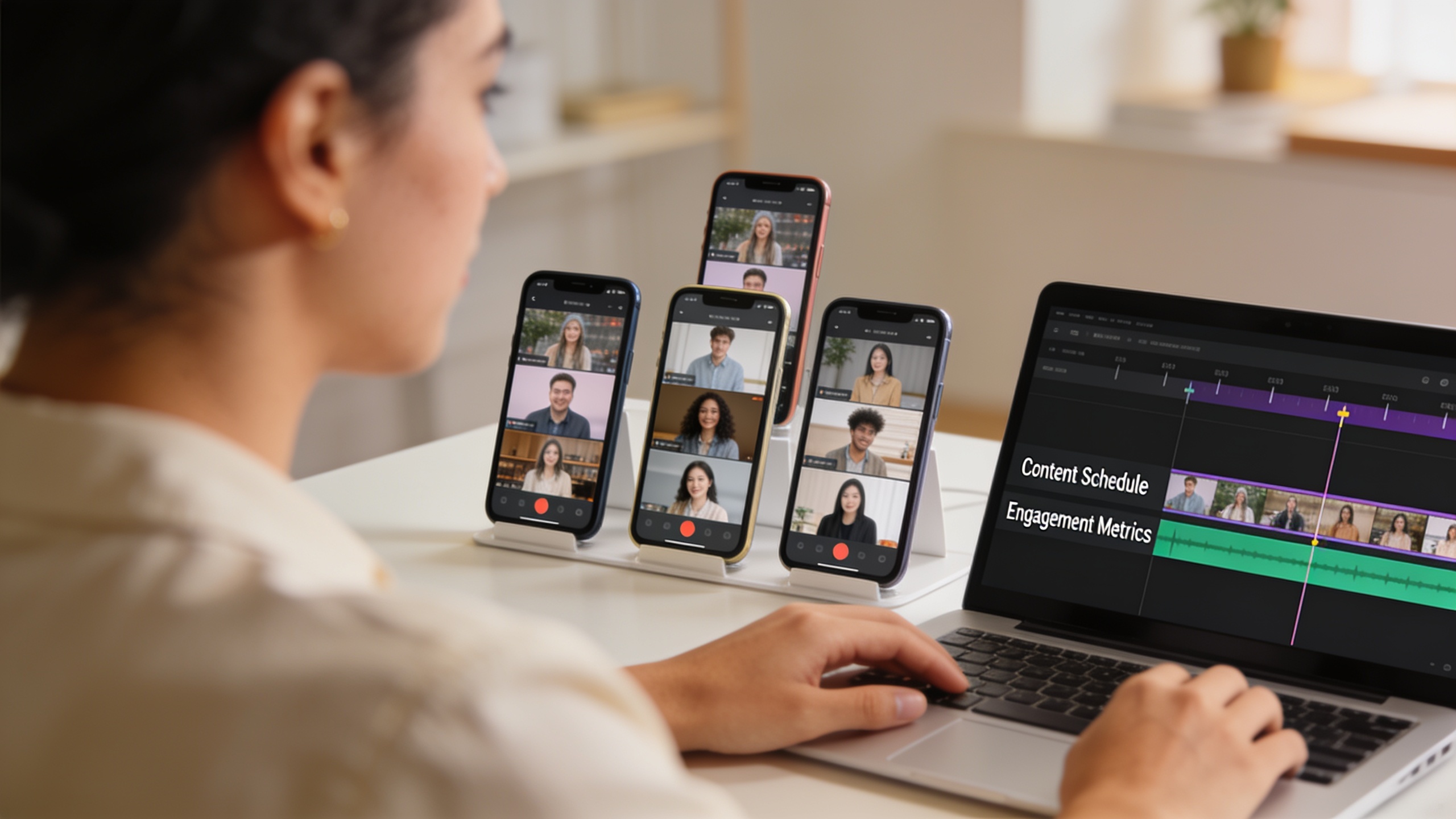
How do you scale on‑brand social video production with a brand kit overlay?
Step-by-step guide to batch brand kit overlays, lower thirds, subtitles, voiceovers, and one-click exports using GoCrazyAI Media Mixer.
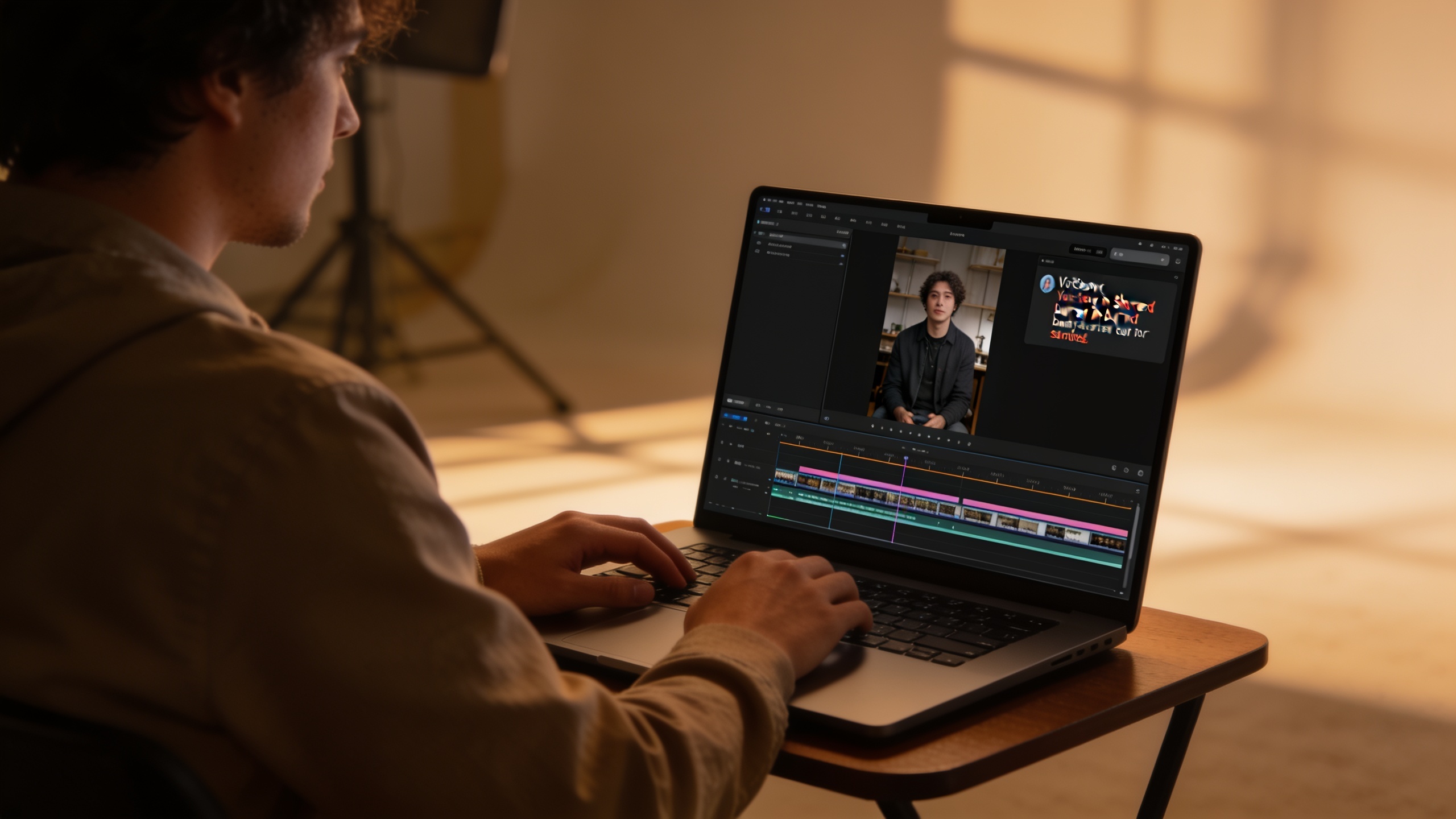
How to speed AI video post production for short-form clips?
Turn AI clips into platform-ready TikToks and Reels: add voiceovers, burn subtitles, overlay branding, and export in one click with Media Mixer templates.
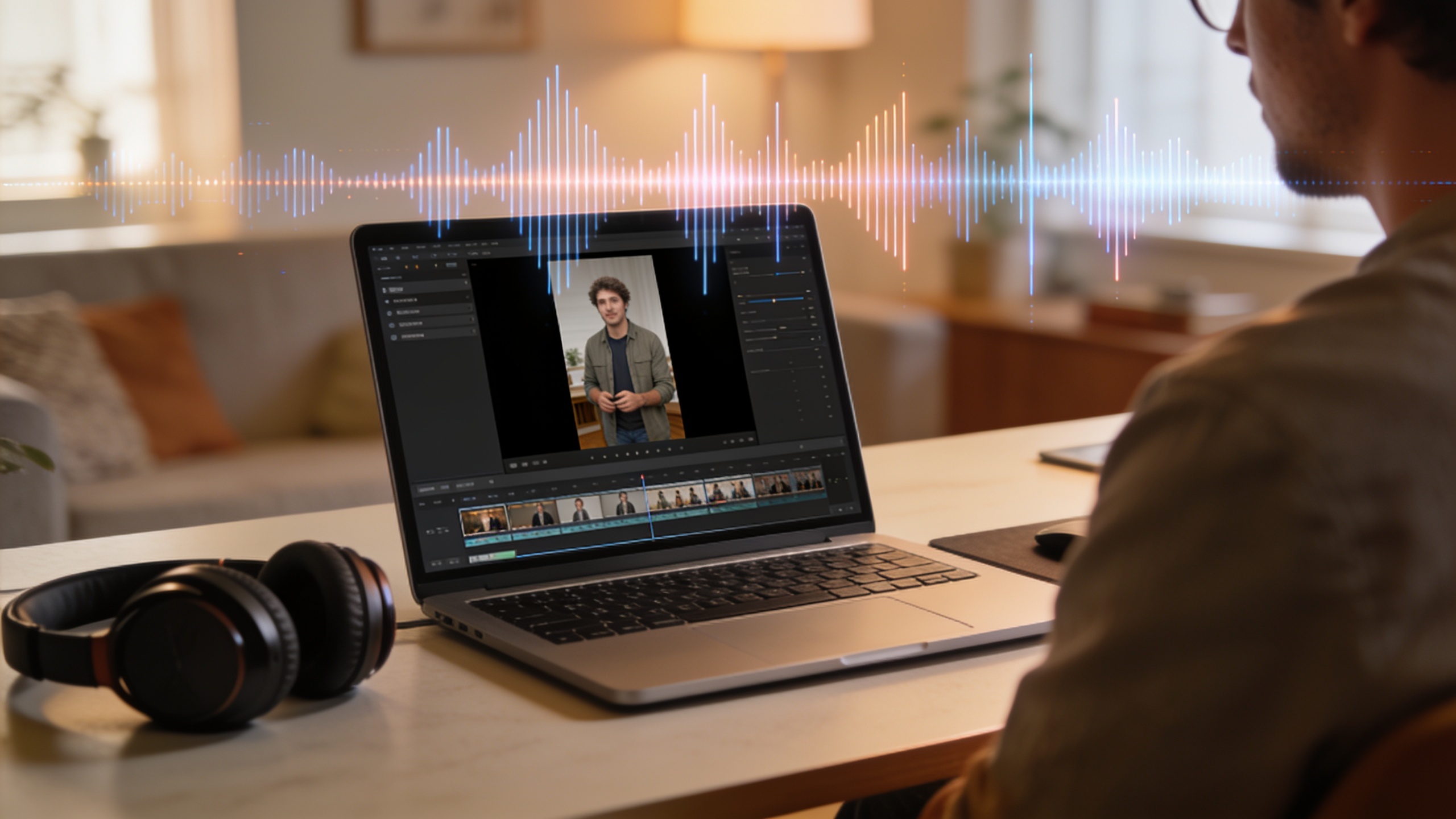
How to create an ai video audio mix for short-form videos
Step-by-step guide to mixing voice, music, and SFX for TikTok, Reels, and Shorts. Includes examples, captions, and a one-click export workflow with GoCrazyAI Media Mixer.
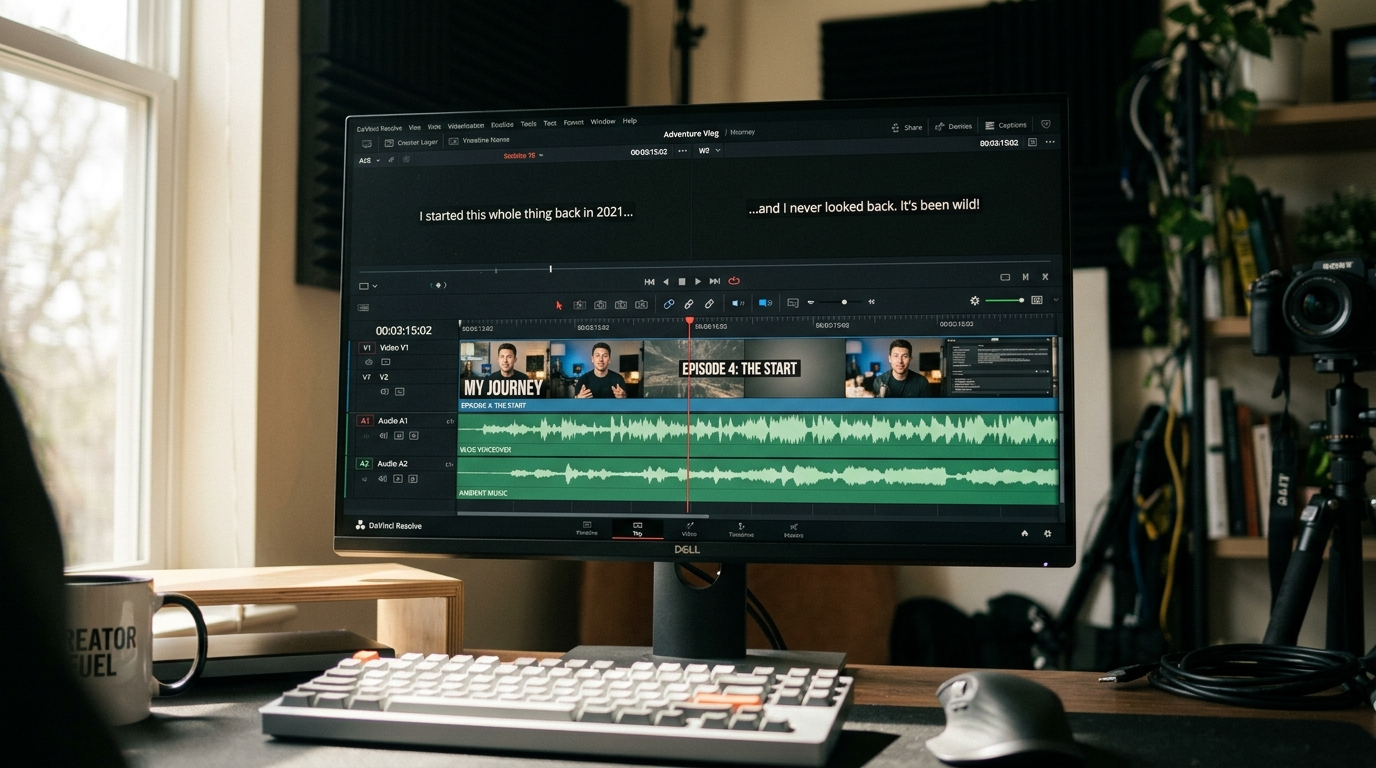
A publish-ready workflow for AI-generated videos: subtitles, audio, and final polish
A practical workflow to turn AI-generated footage into publish-ready clips: add verified subtitles, voiceovers, music, and exports using GoCrazyAI Media Mixer.