


Veo 3.1 product video workflow: replace slow shoots with text-to-video for TikTok ads
How Veo 3.1 lets marketers turn photos or short briefs into vertical TikTok/Reels ads. Step-by-step image-to-video and text-to-video workflows and practical GoCrazyAI.
You need high-volume product videos for TikTok and Reels but traditional shoots are slow and costly. This article shows exactly how Google/DeepMind’s Veo 3.1 (announced Jan 2026) changes that workflow — what was announced and when, the formats and costs you can expect, and two hands-on workflows: image-to-video (6–8s vertical demo) and text-to-video (15s TikTok hook). I’ll close with an implementation checklist and a practical path to ship clips using GoCrazyAI.
Quick Answer
How do you run a Veo 3.1 product video workflow? Use Veo 3.1’s native vertical generation to turn a product photo or short prompt into 4–8s vertical clips (image-to-video supports 8s). For longer hooks, chain Veo 3.1 outputs with another model or edit to reach 15s. You can run this pipeline inside GoCrazyAI’s AI Video Generator or any platform that routes to Veo 3.1.
Why Veo 3.1 changed the short-form ad playbook (what was announced and when)?
Veo 3.1 changed the short-form ad playbook by adding native vertical generation and mobile-first composition, plus image-to-video support and length controls that fit TikTok-style assets. Announced in January 2026 and reinforced in Gemini API updates through July 2026, Veo 3.1 is positioned for short-form marketing videos rather than only long cinematic clips. The model page and Google Cloud posts show endpoints such as veo-3.1-generate-preview and an 8s reference-image->video capability that maps directly to product demo loops and quick demo hooks[https://deepmind.google/models/veo/][https://cloud.google.com/blog/products/ai-machine-learning/veo-3-1-lite-and-a-new-veo-upscaling-capability-on-vertex-ai/].
Beyond the headlines, the timeline matters: early previews on Vertex AI in mid-2025 expanded to a public developer push in January 2026, with migration guidance and a Lite variant for high-volume use rolled into Vertex and Gemini API docs by July 2026. That migration plan is why many tooling vendors and enterprises started routing older Veo endpoints to Veo 3.1 early this year; marketplaces and SDKs updated integration points in July 2026 to leverage Veo 3.1’s vertical framing and reference-image fidelity. The result is that marketers can now expect a direct API path from a single product still to an ad-ready 9:16 clip without heavy manual reframing.
What Veo 3.1 actually does for product videos — formats, lengths, vertical native output, and cost?
Veo 3.1 provides short-form outputs optimized for social ads: model endpoints support 4, 6, and 8 second clips for preview generation, and reference-image->video supports up to 8 seconds. It also added native 9:16 vertical composition so frames are composed for mobile feeds instead of requiring manual crop and reframe[https://techcrunch.com/2026/01/13/googles-update-for-veo-3-1-lets-users-create-vertical-videos-through-reference-images/].
Format and lengths: the preview endpoints (veo-3.1-generate-preview) are tuned to 4/6/8s durations; image-to-video commonly uses the 8s window for a single-shot product demo. Vertical output removes the common post-crop step, which saves time and preserves intended subject framing. Cost: community pricing signals from July 2026 show Veo 3.1 costs roughly $0.05/sec for Lite/720p up to ~$0.60/sec for higher-resolution or standard variants, so an 8s clip costs approximately $0.40–$4.80 before platform markups (pricing depends on resolution and model variant)[https://blog.laozhang.ai/en/posts/veo-3-price].
Practical note: many teams pair Veo 3.1 Lite for high-volume quick assets and reserve higher-cost variants for hero creative or landing-page demos. Also, enterprise adoption has been fast — Google Cloud reported millions of videos generated in early previews, which illustrates real production usage patterns[https://cloud.google.com/blog/products/ai-machine-learning/what-google-cloud-announced-in-ai-this-month-2025/].
Creative brief to first-frame: planning prompts and reference images for high-converting TikTok hooks?
You should plan prompts and reference images to secure a strong first-frame: the first 0.5–2 seconds determine view retention on TikTok. Write a 1–2 sentence hook, prepare a product photo with clear subject isolation and neutral background, and choose a vertical crop that places the product in the top two-thirds of the frame for caption space.
Start with a concise creative brief line such as: "Hook: show product unboxing with close-up on clasp pulling open, reveal text 'Lasts 30 days' in upper-third — upbeat tempo." Use that line as your primary prompt and include short style cues: "clean studio lighting, shallow depth-of-field, slight camera push-in, 9:16 vertical, high-contrast pop color." For reference images, pick a 2000px+ still where the product is centered and unobstructed. If you need quick asset fixes, use an image relighting pass or remove background before sending the image to video generation — consider GoCrazyAI’s image tools for that stage (/ai-image-generator).
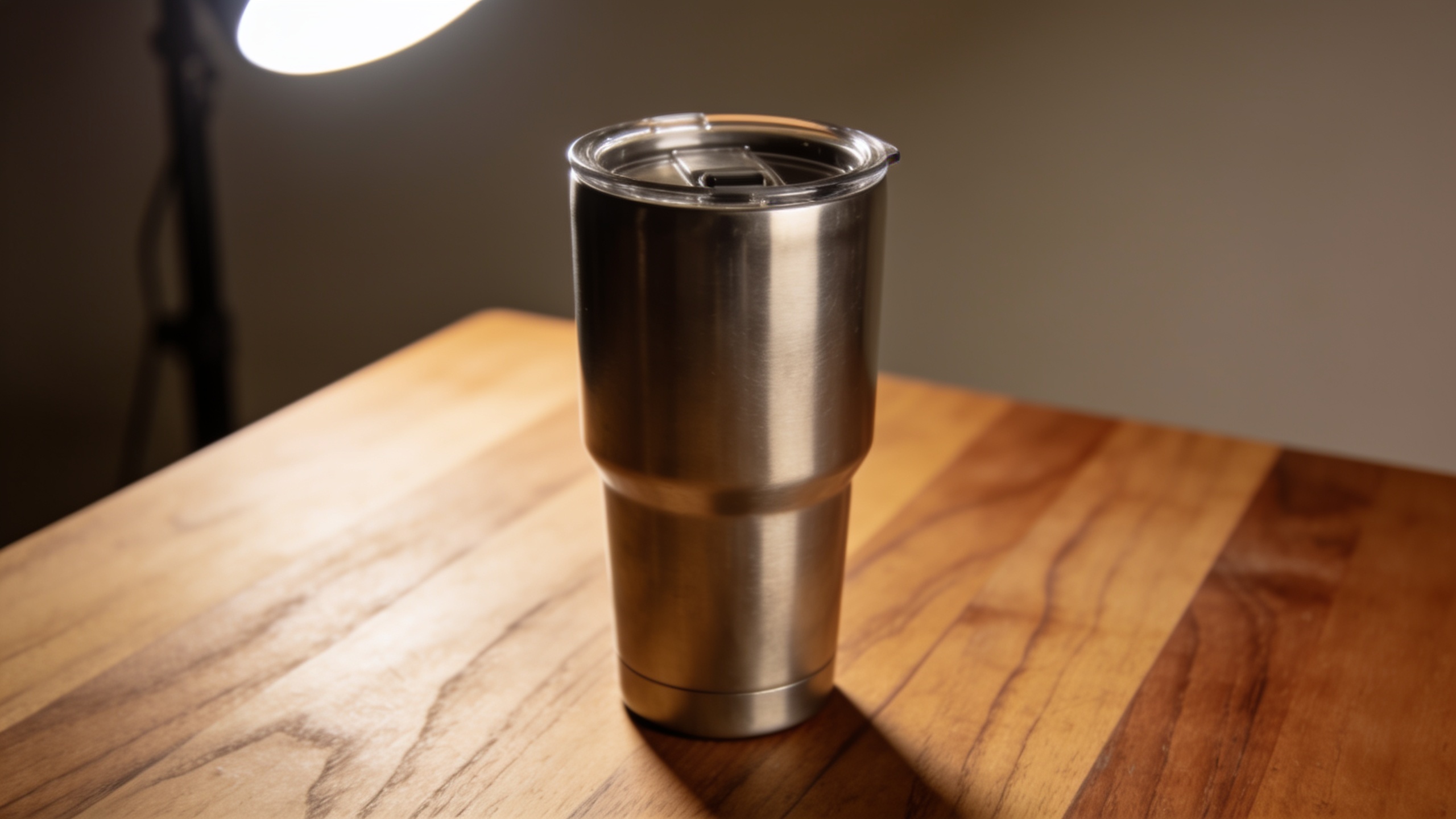
Prompt examples you can copy: "Product demo hook: 9:16 vertical, close-up of stainless steel coffee tumbler rotating, subtle camera push-in, studio lighting, text overlay upper-third 'Keeps drinks hot 12h', upbeat electronic beat" "Reference image to video: use provided photo, animate small rotation and liquid pour, 8s, vertical native framing, cinematic shallow depth" These short, explicit prompts help Veo 3.1 compose the first frame and motion it toward a clear, attention-getting reveal.
Hands-on: image-to-video workflow for a product photo — generate a 6–8s vertical demo using Veo 3.1
Image-to-video with Veo 3.1 typically produces an 8s clip that preserves the product and provides subtle motion. To produce a 6–8s vertical demo, start with a clean reference photo and a tight prompt that defines motion, camera behavior, and output framing.
Here is a concise workflow you can copy: 1) Prep the image: crop to 9:16 or supply a high-res full frame and instruct the model to compose vertically. Remove distracting background elements and increase subject contrast. Optionally relight the image for dramatic effect with an image relight tool (/relight-image or /ai-image-generator). 2) Prompt the model: include the duration and motion specifics. Example prompt: "Use the attached photo. Generate an 8s vertical 9:16 demo. Start with a 0.5s pop zoom on the logo, then slow 3s rotate to show product side, finish with a 1s close-up on label. Studio lighting, soft vignette, smooth camera move." Use the veo-3.1-generate-preview endpoint for a quick render slot (4/6/8s). 3) Set parameters: pick 8s for full demos, choose vertical native output, and low-noise motion. Expect subtle parallax and material motion rather than radical angle changes; Veo 3.1 is best at animating the subject in-frame rather than synthesizing a brand-new viewpoint. 4) Post-process: add captions, UGC-style text, or music. For edits and captions, import into an editor like GoCrazyAI’s Media Mixer (/ai-video-edit).
Time and cost note: rendering an 8s reference-image->video clip on Veo 3.1 Lite is often the fastest/cheapest path for batches; higher-res variants may cost more but give cleaner still-to-motion transitions.
Hands-on: text-to-video workflow for a 15s TikTok hook — chaining prompts and adding audio?
To create a 15s TikTok hook with Veo 3.1, you usually generate a short vertical clip (4–8s) and chain outputs or layer additional scenes in an editor. Veo 3.1 endpoints directly create 4/6/8s previews, so plan a two-shot sequence: a 6–8s opener plus a 6–8s follow-on, then stitch and add audio to reach 15s.
Practical steps: 1) Write a 3-line script: Hook (0–3s), demo/benefit (4–10s), CTA (11–15s). Keep language tight: "Stop spills — auto-seal mug in 1 swipe. See it in 3s. Order now." 2) Generate shot A (6–8s) with a prompt: "6s vertical: close-up on hand pressing lid, small camera push, overlay text 'Stops spills' upper-third, natural light." 3) Generate shot B (6–8s): "6s vertical: product on table, 360 rotation to show seal, text '1-swipe'" 4) Stitch the two outputs in an editor, adjust timing to 15s, and add an upbeat track. Use an AI music tool (/ai-music) for quick, rights-safe music; then add a voiceover using AI Voices (/ai-voice) or record a short human line. 5) Polish: add captions and motion typography, export as 9:16 H.264 for TikTok. GoCrazyAI’s Media Mixer (/ai-video-edit) can combine clips, add voice, and burn captions in one export.
Audio tips: pick a 12–18 BPM tempo that matches the hook cuts, and use a snappy transient on cut points to increase viewer retention. Keep audio loudness consistent to avoid TikTok normalization issues.
Optimizing for ad performance: A/B ideas, aspect ratios, captions, and when to humanize the AI output?
Optimizing Veo 3.1 output for ads is about testing simple variables fast. A/B test the hook text, first-frame motion, and audio. Try three variants: direct benefit-focused text, curiosity-driven question, and UGC-style demo. Use 9:16 vertical as the default, but create 1:1 crops for feed and 16:9 for cross-posting.
Specific experiments:
- Hook test: static first-frame with bold text vs. immediate micro-motion (0.3s zoom) vs. human-hand interaction.
- Caption test: on-screen captions vs. platform closed captions (some viewers prefer burned-in captions for guaranteed readability).
- Audio test: music-first (beat-led) vs. voiceover-first (narrative) vs. silent captions.
When to humanize: use human voiceovers or real hands when the product requires trust signals — food, wearables, or safety devices. AI outputs work well for stylized demos and motion graphics, but audiences often convert better when a human does the main action or narration. Use a short human-shot insert (1–2s) or voiceover to increase credibility.
Use GoCrazyAI Pricing (/credits) to model cost per variation: if each 8s variant costs $0.40–$4.80 via Veo pricing signals, testing 6 variants scales cost quickly; pick low-cost Lite renders for broad A/B sweeps and reserve higher-res renders for winners.
Why GoCrazyAI’s AI Video Generator is the practical choice for marketers using Veo 3.1 (feature comparison and conversion path)?
GoCrazyAI’s AI Video Generator lets marketers run Veo 3.1 and other top models from one interface, making it easier to produce and iterate on short-form ads. The platform routes to Kling 2.5 Turbo Pro, Veo 3.1, and Sora 2 from a single credit pool and outputs 9:16, 1:1, and 16:9 framings — exactly what creators need for TikTok/Reels. Open the AI Video Generator to drop a prompt or reference image, choose Veo 3.1 or Kling, and export a social-ready clip.
Feature comparison and conversion path: GoCrazyAI supports image-to-video animation from a still, text-to-video generation, and built-in outputs in vertical native framing so you avoid manual crop work. After generation you can move directly into the Media Mixer for captions, audio, and final packaging (/ai-video-edit). For audio, the platform links to AI music (/ai-music) and AI voices (/ai-voice) so you can assemble a final ad without external tools.
Why that matters: instead of wiring together separate API keys and editors, GoCrazyAI centralizes generation, multiformat export, and editing. That reduces turnaround from hours or days to minutes and scales high-volume pipelines — especially useful when you want to test many quick variations across TikTok and Reels.
Implementation checklist and estimated per-video cost/time to scale a TikTok ads pipeline?
Here is a concise checklist and conservative per-video time/cost estimate to scale to dozens of ads per week. Use Veo 3.1 Lite for cheap previews and reserve higher-cost variants for winners.
Checklist:
- Prepare product photo(s) 2000px+ and remove background if needed.
- Write 1–2 line hook prompts and a 1-sentence motion spec per shot.
- Select Veo 3.1 preview endpoint for 4/6/8s clips (use 8s for image-to-video demos).
- Batch-render 3–5 variants per product using Lite to test hooks.
- Combine winning clips in an editor, add music/voiceover, and export 9:16.
- Upload to ad platform, test with 3–5 targeting variants.
Estimated per-video cost/time (typical):
- Quick preview render (8s, Veo 3.1 Lite): 2–5 minutes render, ~$0.40 per clip.
- Higher-res render (8s, Standard): 5–12 minutes, up to ~$4.80 per clip.
- Stitching, captions, and audio: 10–20 minutes in an editor like GoCrazyAI Media Mixer (/ai-video-edit).
- Total turnaround for a test-ready 15s ad (two linked 8s clips + edit): 20–45 minutes and $1–$12 depending on render tier and audio choices.
Scale notes: use Lite for initial sweep tests, and keep a reserve budget for higher-res assets for top-performing ads. With a simple pipeline, a small team can push 30–50 variants per week without a dedicated video crew.
Frequently Asked Questions
Can Veo 3.1 create full 15s TikTok videos directly?
Veo 3.1 preview endpoints are tuned for 4, 6, and 8s clips; to reach 15s you typically chain multiple outputs or stitch generated clips in an editor. Use Veo 3.1 for high-quality shots and combine them with a simple editor to reach longer runtimes.
How much does an 8s Veo 3.1 clip cost?
Community pricing signals (July 2026) show a range from about $0.05/sec (Lite/720p) to $0.60/sec (Standard/4K). That means an 8s clip can cost roughly $0.40–$4.80 before provider markups — use Lite for high-volume testing.
What kind of product photo works best for image-to-video?
A high-resolution, isolated product photo with neutral or removed background works best. Ensure clear edges, good contrast, and a top-two-thirds vertical composition so the model can animate the subject without introducing artifacts.
Do I need developer skills to use Veo 3.1 via GoCrazyAI?
No. GoCrazyAI’s AI Video Generator exposes Veo 3.1 and other models through a UI so marketers can use text prompts or reference images without writing code. After generation, export and polish in the Media Mixer.
Conclusion
Final thoughts: Veo 3.1 removes two major bottlenecks for social ads — native vertical framing and short-form image-to-video generation — letting marketers convert photos or short briefs into platform-ready clips quickly. Start with low-cost Lite renders for A/B testing, then upgrade winning creative for hero placements. To try the practical path laid out here, open the AI Video Generator and import a product photo or prompt to ship your first clip.
Sources
- Veo 3.1 — Google DeepMind (model page)deepmind.google ↗
- How developers can use Veo 3.1 Lite for AI video generationblog.google ↗
- Veo 3.1 Lite and a new Veo upscaling capability on Vertex AIcloud.google.com ↗
- Google’s update for Veo 3.1 lets users create vertical videos through reference images — TechCrunch (coverage of vertical/native output)techcrunch.com ↗
- Gemini API: Enhanced Veo 3.1 capabilities are now available in the Gemini APIblog.google ↗
- Veo 3 Price 2026: API Pricing, Flow Credits, and Real Cost per Video — laozhang.ai (market pricing signal, Jul 5 2026)blog.laozhang.ai ↗
- Vertex AI release notes / model migration roundup (Releasebot summary, July 2026)releasebot.io ↗
- Veras 4.6 adds Google's Veo 3.1 model for construction animation (integration example, Jul 9 2026)blog.chaos.com ↗
- Google Cloud blog recap: 'Do you know since its preview launch on Vertex AI in June, enterprise customers have already generated over 6 million videos?'cloud.google.com ↗