


AI jingle maker: How to create a 10-second audio logo for Reels?
Step-by-step guide to build a copyright-safe 3–15s audio logo using an AI jingle maker. Prompts, exports (WAV/stems), A/B test ideas, and GoCrazyAI workflow.
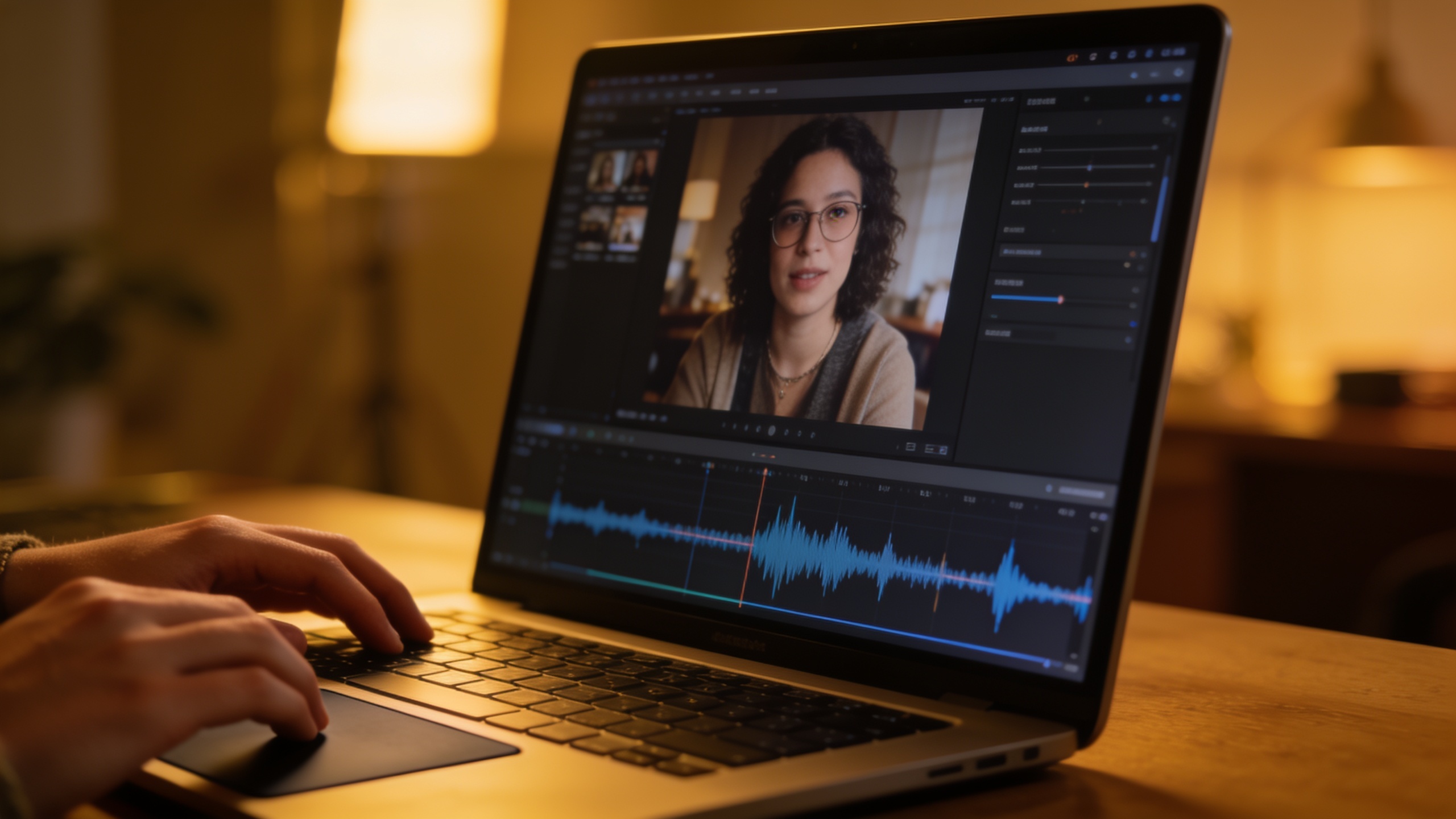
You need a short, recognizable audio logo for Reels that won't get you a copyright strike. This guide shows how creators and small brands can design a 3–15 second audio logo (or a 10s example jingle) that fits Reels, TikTok, and Shorts, while staying clear of licensing headaches.
You'll get practical sonic-branding rules (melody, rhythm, instrumentation), a legal checklist, step-by-step prompts and exports, and a hands-on workflow using GoCrazyAI's AI Song Generator so you can produce and drop a clean, royalty-free audio hook into your next video.
Quick Answer
Create a 10-second audio logo with an AI jingle maker by writing a focused prompt for a short melodic hook, generating WAV stems at 48 kHz, and exporting a vocal/instrument split for mixing. Use a tool like GoCrazyAI's AI Song Generator to control style and tempo, then drop the hook into the start of your Reel and test with a simple A/B post.
Why do short audio logos and sonic intros matter for Reels and short-form video?
Short audio logos and sonic intros act as tiny memory hooks that help viewers identify and attribute content quickly. In most cases a 1–5 note motif or a 3–15 second sonic signature primes recognition within the first seconds of a Reel, which can increase both recall and the perceived polish of your content.
Psychology and business impact: brief, repeated cues build associative memory — when viewers hear the hook, they link it back to your channel or brand. A large 2025 sonic-brand tracking study covering 174 brands and over 70,000 consumers showed measurable gains in recognition and attribution from audio logos, highlighting which short signatures scored highest across audiences (newswire study).
For creators this means a small time investment (creating a 3–10s hook) can pay off in faster recognition, higher brand recall on repeat views, and a stronger identity across platforms where attention is measured in seconds. Keep your hook distinctive, repeat it consistently, and use the same sonic colors across videos for compounding effect.
What are the core elements of an effective 3–15 second audio logo?
An effective audio logo usually combines a simple melody, a clear rhythmic pulse, deliberate instrumentation, and—if useful—a short vocal or spoken tag. Together these elements create a tiny, repeatable sonic ID that's easy to recognize even at low volume.
- Melody: Keep it short and singable. Aim for 1–5 notes for a pure sonic logo, or a 3–10 second melodic loop for intros. Simple intervals (minor 3rd, major 2nd, perfect 4th) are usually easier for listeners to remember.
- Rhythm: A distinct rhythm or syncopation helps the melody stand out. Think of rhythm as the logo’s heartbeat — even a two-beat pattern can make a hook memorable.
- Instrumentation: Choose timbres that fit your brand mood. A plucky synth or clean guitar works for indie brands; a warm piano and soft pad suit lifestyle creators. Avoid busy arrangements — clarity matters more than complexity.
- Voice tag: A short spoken or sung tag (1–3 words) can reinforce brand name or handle. If you use vocals, keep them short and mix them as a tag rather than a full lyric.
Length guidance: for Reels/TikTok, favor 3–10 seconds for intros and up to 15 seconds for a short jingle with vocals. These lengths hit recognition without pushing viewers away (see CreativeBloq overview on audio logos for more examples)[https://www.creativebloq.com/features/audio-logos].
What is the legal checklist: copyright, commercial rights, and why using an AI music generator with clear licensing matters?
Before publishing, verify that your audio logo is cleared for commercial use and platform publishing. Using an AI music generator that states commercial usage terms reduces the risk of content ID matches and takedowns, but you still need to read the generator’s license and the platform’s policy.
Checklist:
- License clarity: Confirm the generator offers royalty-free or commercial rights for generated tracks. Some vendors explicitly state commercial use in product docs.
- Model provenance: Check whether the generator uses licensed samples or wholly original synthesis. Vendors publishing rights (or partner agreements) are preferable.
- Platform rules: Read YouTube/Instagram/TikTok policies for music and AI‑generated content — platform guidance can vary.
- Attribution: Note whether the tool requires credit. Most commercial licenses do not, but some require attribution for specific samples.
Relevant context: modern AI music tools (including recent announcements from industry players) now offer music generation with commercial usage terms; for example, ElevenLabs announced an AI music product position that includes commercial rights and partner agreements to manage artist relationships (coverage: Tom's Guide). Using a generator with explicit licensing (or a service that guarantees original tracks) is a practical way to reduce copyright risk, but it’s not a substitute for reading terms and staying aware of platform policies.
Workflow — From brief to finished 10-second audio logo using GoCrazyAI AI Song Generator (step-by-step with sample prompts)?
You can go from brief to a mixed 10-second audio logo in a single session by iterating prompts, exporting stems, and doing a quick mix. Use a short creative brief, generate options, pick the strongest hook, export WAV + stems, and drop into your edit.
Step-by-step workflow (practical):
- Write a one-line brief: e.g., “catchy 10s bright synth hook, upbeat, 100 bpm, plucky arpeggio, clean vocal tag ‘BrandName’ spoken, modern social media vibe.”
- Generate 4 variants using GoCrazyAI’s AI Song Generator — vary tempo and instrument (e.g., synth pluck, ukulele, soft piano). The tool lets you guide style, tempo, and mood and produces original tracks you can use without licensing headaches.
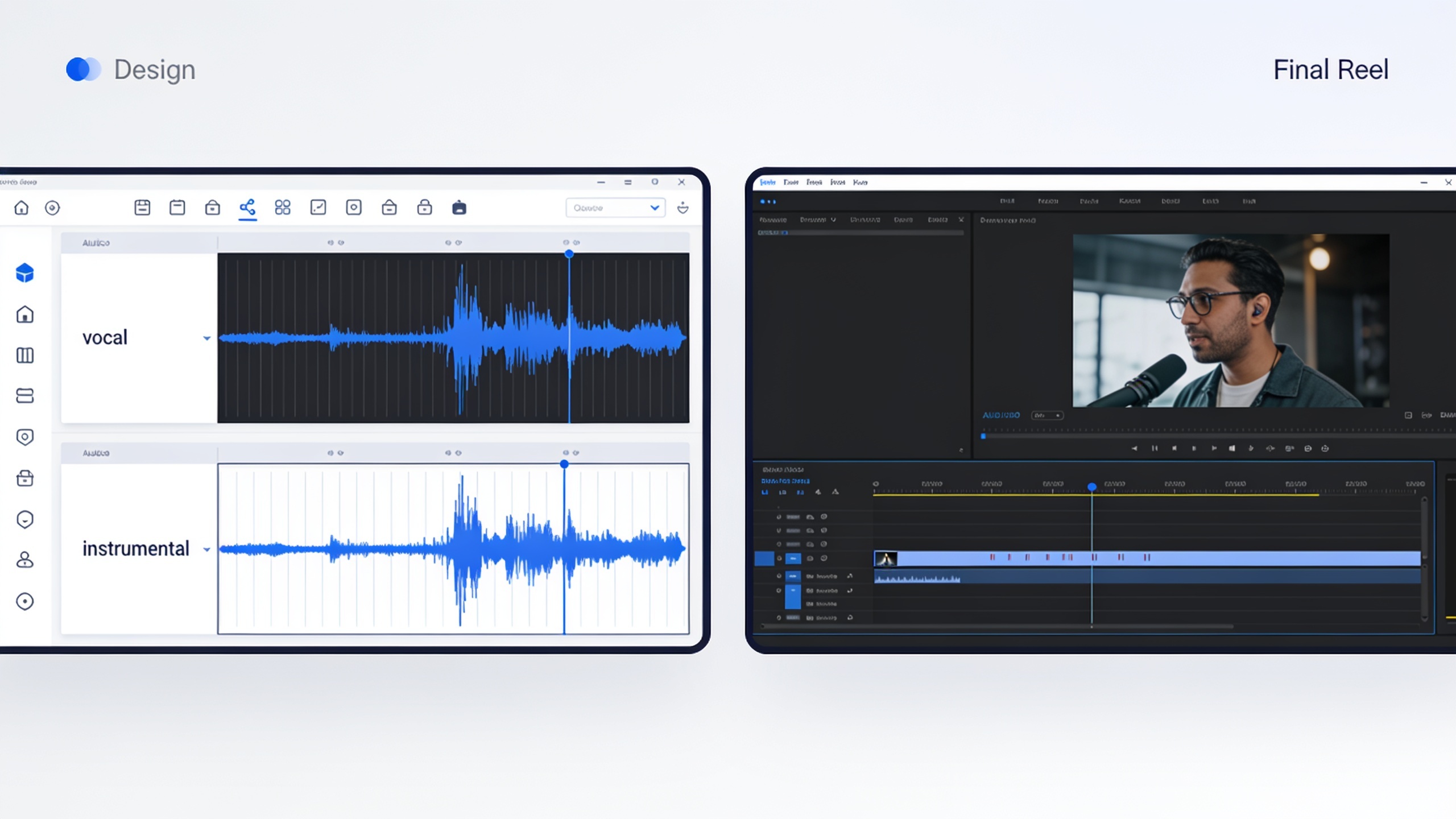
- Export the chosen variant as WAV (48 kHz) and request stems (vocals/instrumental). Stems let you duck music under voiceovers or shorten the hook for different edits.
- Quick mix: add a 150–300 ms fade-in, a 200–350 ms fade-out, and normalize to target LUFS for platform (see export section below).
Use this link for the GoCrazyAI feature: AI Song Generator. If you’re watching budget or using credits, check GoCrazyAI pricing and credits to estimate generation costs and plan iterations: pricing and credits.
Hands-on example: How do you create a short branded jingle with vocals for a trend video?
A usable short branded jingle with a vocal tag can be produced by combining a 6–10 second instrumental hook with a 1–3 second vocal phrase. Generate 3 variants, pick the clearest hook, and A/B test which vocal treatment works best (spoken, sung, or vocoder).
Prompt recipes (copyable):
``` Prompt A: "10s upbeat plucky synth hook, 100 bpm, bright major key, minimal percussion, 1-3s spoken tag 'CafeNova' with warm female tone, modern social media jingle."
Prompt B: "8s mellow acoustic-jazz motif, 90 bpm, soft brush percussion, sung 2s vocal tag 'CafeNova' in intimate falsetto, vintage-soda-shop vibe."
Prompt C: "10s electronic hook, 110 bpm, punchy bass, vocal phrase 'CafeNova' processed with subtle vocoder, high-energy trend backing." ```
Style options to test: clean pop synth, organic guitar, lo-fi beat, or retro brass stab. Keep vocal tags short and test both spoken and sung versions. Quick A/B testing approach: publish two identical trend videos where the only variable is the audio logo (present vs absent or spoken vs sung tag), then compare view-through rate, saves, and brand mentions over 1–2 weeks.
Tips: generate stems so you can reduce instrumental level under dialogue or loop a portion for longer cuts. Iteration is cheap — create variants that shift tempo ±10 bpm or change instrument timbre and pick the most distinctive hook.
What are the best export & integration practices and common mistakes: stems, LUFS, fade timings, and dropping your audio logo into Reels/TikTok/YouTube?
Exporting clean files and integrating them into your video timeline correctly prevents loudness surprises and keeps the logo consistent across platforms. Best practice: export WAV 48 kHz, include stems, apply gentle fades, and set a target LUFS appropriate for each platform.
Export checklist:
- File format: WAV, 48 kHz, 24-bit preferred for video projects.
- Stems: export separate vocal and instrumental stems to allow ducking or remixing.
- Fades: 150–300 ms fade-in and 200–350 ms fade-out for most hooks; longer fades can soften abrupt edits.
- Loudness: normalize to around -14 LUFS for streaming video (platforms vary; check current guidance). Use peak limiting to avoid clipping.
- Looping: for channel intros, create a loopable 3–5 second section with seamless crossfades.
Integration tips:
- Drop the hook at 0:00–0:02 for intros. If your content starts immediately, place the hook under the first visual beat and duck dialogue.
- Keep the vocal tag level lower than the main dialogue unless the tag is the focus.
- Use an editor that supports multitrack stems (for example, an AI video editor or Media Mixer) so you can quickly adjust levels per clip. GoCrazyAI’s AI Video Editor tools can help stitch the final video and music together — try the AI video editor for quick mixing.
Common mistakes and how to avoid them:
- Mistake: Using a long, complex arrangement. Fix: Strip to a single melodic idea and a tight rhythm.
- Mistake: Publishing without checking licensing. Fix: confirm the generator’s commercial terms and platform policy first.
- Mistake: Exporting MP3 or wrong sample rate. Fix: export WAV 48 kHz to match video timelines.
- Mistake: Too-loud logos that drown voice. Fix: export stems and mix the logo at -6 to -10 dB below voice peaks.
Avoid these, and your audio logo will integrate cleanly into short-form videos without technical or legal surprises.
How can you measure impact: what simple metrics and experiments prove your audio logo boosts recall and engagement?
Measure the audio logo’s effect with small, repeatable experiments and a mix of platform metrics and qualitative feedback. A basic A/B test — two identical Reels differing only by the presence of your audio logo — can reveal measurable differences in engagement and watch behavior.
Suggested experiments:
- A/B publish: Post two identical videos, one with the audio logo and one without. Compare view-through rate, average watch time, saves, shares, and completion percentage across 1–2 weeks.
- Variant test: Test spoken tag vs sung tag vs no tag. Track comments mentioning brand recall or recognition.
- Survey sample: Add a simple call-to-action in comments asking viewers whether they remember the audio tag; collect responses over a week.
Metrics to track:
- View-through rate and average watch time (platform analytics).
- Completion rate and percentage of viewers who watch past the hook.
- Engagement lift: saves, shares, comments mentioning brand name or tag.
Practical note: run experiments on similar content and times of day to reduce noise. The Newswire 2025 study showed measurable gains in recognition using consistent sonic logos, which supports running small tests to see comparable effects for creator channels (newswire study).
If the audio logo moves metrics in a positive direction, scale it across more posts and standardize the hook across your channel for compounding effect.
Frequently Asked Questions
How long should an audio logo for Reels be?
Aim for 3–10 seconds for a quick intro; up to 15 seconds if you include a short vocal jingle. Shorter hooks (1–5 notes) are ideal for repeated brand signatures.
Will using AI-generated music prevent copyright strikes?
Using an AI music generator that explicitly provides commercial/royalty-free rights reduces the risk of Content ID issues, but you must still confirm the tool’s license and each platform’s policy before publishing.
What export settings work best for video?
Export WAV at 48 kHz (24-bit if available), include separate stems for vocal and instrumental, use gentle fades, and normalize to platform-appropriate LUFS (commonly around -14 LUFS).
Can I get a sung vocal tag from an AI jingle maker?
Yes — many AI music tools can generate short sung or spoken tags. If you need a custom voice, consider using an AI voice tool that supports cloning and legal use, and always check licensing for vocal content.
Conclusion
Short, well-crafted audio logos are a low-effort way to boost recall and polish your Reels. Start with a tight melodic idea, use stems and proper exports, and run a simple A/B test to measure impact. Pop a vibe into the AI Song Generator and you'll have a copyright-safe hook ready to score your cut in minutes.
Sources
- Largest Ever Sonic Brand Tracking Study Reveals the Best Performing Sonic Logos of 2025newswire.com ↗
- 17 of the best audio logos and why they work — CreativeBloq (Feb 2026)creativebloq.com ↗
- ElevenLabs reveals AI music generator — and it has full commercial rights — Tom's Guide (Aug 2025)tomsguide.com ↗
- Soundraw — AI Music Generator (copyright-safe positioning)soundraw.io ↗
- Sound trademark / sound logo (overview) — Wikipediaen.wikipedia.org ↗
- Music Eleven AI: Eleven Music AI Song Generator — product listing (example of text-to-music tools)musiceleven.ai ↗