


Image variations at scale: how to generate AI ad variants for A/B testing
Practical guide to generate image variations at scale for A/B testing and ad creative optimization, with workflows, pitfalls, and a GoCrazyAI step-by-step.
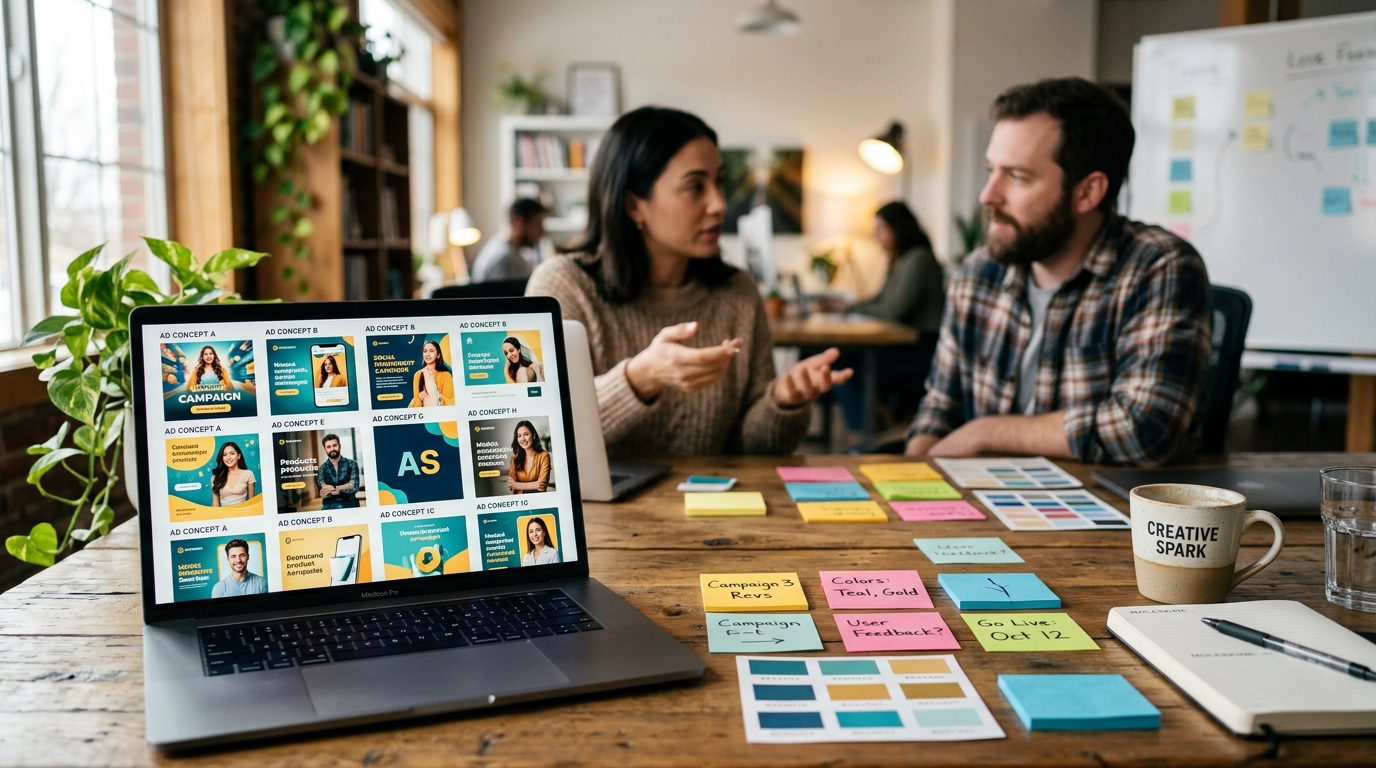
You need dozens or thousands of image variants fast so your paid-social ads and landing pages can stop guessing and start learning. This article shows practical workflows to generate image variations at scale, set up systematic A/B tests, and make data-driven creative decisions without blocking designers. You'll get concrete prompts, batch strategies, QA checks, and a step-by-step on using GoCrazyAI's AI Image Generator to produce on-brand variants in the aspect ratios ad platforms need.
Quick Answer
How do you generate image variations at scale? Use a template-driven, model-aware pipeline: pick a generator that supports batch prompts or APIs, create base templates and variable slots, programmatically produce hundreds of variants, and feed them into staged A/B tests. Automate exports to ad sizes, tag assets with metadata, and run rapid iterations based on conversion metrics.
Why scaled image variation changes how modern ad testing works (data-driven case studies)?
Scaled image variation changes ad testing by turning creative into an experimental variable you can iterate on rapidly. Large pilots have shown this approach can dramatically increase engagement — for example, IBM’s Firefly pilot produced 200 images with 1,000+ variations and reportedly achieved 26× higher engagement versus its benchmark (Axios). When you can produce many variants, you can test layout, color, subject framing, and copy together and isolate the combinations that move conversions. That shifts budgets from manual creative refreshes to continuous optimization.
Practical implications: teams who can generate and deploy many variants reduce time-to-learn. Instead of waiting weeks for a single refreshed hero image, you can test dozens of hero variants across audiences to see which creative signals actually drive clicks and purchases. This is why marketers automating variant creation often see meaningful ROAS improvements — an independent case study reported a +42% ROAS after launching AI-generated ad variants and instant A/B tests (Ad‑Studio.ai).
Choosing the right model and approach for ad creative: photorealism vs. stylized vs. brand-consistent outputs?
Choose the model style that matches campaign goals: photorealistic models are usually best for product detail shots and hero images where realistic texture and lighting matter; stylized models work when the brand needs a distinct visual language or a strong thumbnail that stands out in feeds. For brand consistency, prefer models or presets that support style seeds, reference images, or prompt templates so outputs stay within your visual system.
Model selection trade-offs: photorealistic outputs often require careful prompts, reference images, and upscaling to keep quality across sizes. Stylized outputs can increase CTR but may reduce perceived trust for product pages. Hybrid workflows often work best: generate stylized thumbnails for social while using photorealistic variants for landing-page hero tests. For scale, pick models known for stable batch behavior (e.g., Google Nano Banana, Seedream 4, Kaneko Gen Pro) so results stay predictable across hundreds of runs.
Workflow — generating hundreds of AI image variants quickly (batch prompts, templates, and APIs)?
You can generate hundreds of AI image variants quickly by combining template-driven prompts with batch or API-based generation. Start with 1–3 base templates (e.g., product-on-white, lifestyle hero, close-up detail) and define variable slots: background, color palette, subject pose, headline text, and prop. Use a spreadsheet or JSON file with permutations for each slot and iterate programmatically over combinations.
Practical steps: use services that support batch generation or developer APIs so you can create parallel requests and manage rate limits. Template-based tools (Abyssale-style) are purpose-built for this and handle multiple sizes/exports efficiently (Orshot). For thousands of images, developer APIs are typically the pragmatic choice because they integrate with ad ops pipelines and CDNs. Example short batch prompt pattern to generate variants:
"Product: stainless water bottle; Scene: outdoor picnic, warm golden-hour; Camera: shallow depth of field, 50mm; Color palette: teal accent; Text: HERO_LINE variable; Style: photorealistic, natural shadows; Aspect: 1.91:1"
Replace HERO_LINE with values from your spreadsheet and run the batch generator.
Workflow — structuring systematic A/B tests for image variants and analyzing results?
Structure A/B tests by testing one dimension at a time when possible, and use staged multivariate testing when you need to test combinations. Start with small-scale head-to-head tests (two variants) to prune obviously weak options, then promote top performers into a broader multivariate test across audiences and placements.
Key metrics and setup: pick one primary KPI (CTR or CVR for acquisition; CVR or ROAS for direct response). Tag each variant with metadata—template, model, prompt seed, audience segment—so you can slice results by creative factor. Use short test windows with traffic caps to prevent over-exposure. Analyze with confidence intervals and Bayesian or frequentist significance checks. When a winner emerges, re-run the next round of variants by mutating the winning creative to chase incremental gains.
Design-for-scale: templates, asset metadata, and automating size/format conversions?
Design-for-scale means building templates and metadata into your creative process from the start. Templates define safe zones, text positions, and variable slots so the generator produces assets ready for ad platforms. Metadata fields (campaign, creative_id, variant_seed, model_name, aspect_ratio) let ad ops filter and route assets automatically.
Automation tips: integrate export scripts to produce platform-specific sizes (square, vertical, story, 1.91:1) at generation time. Use consistent naming conventions and include color hexes and font references in metadata so downstream tools can recreate or relight assets. Tools that offer multi-aspect exports eliminate the manual cropping step and help keep visual hierarchy consistent across placements.
Quality control and brand safety at scale: copyright, model selection, and human review (mistakes to avoid)?
Quality control at scale requires automated checks plus human review. Automated checks should verify resolution, aspect ratio, visible text legibility, and basic brand color usage. Human reviewers should spot brand mismatches, unintended likenesses, and context issues that models can introduce. Regarding copyright: prefer models with clear licensing for commercial use and avoid prompts that request specific copyrighted characters or protected content.
Common mistakes and how to avoid them:
- Ignoring model licensing: verify the model's commercial license before deploying images.
- Skipping human review: automated filters miss context problems—add spot checks or a small QA team.
- Overfitting to a single style seed: rotate seeds or prompts to avoid batch sameness and ad fatigue.
A combined pipeline—automated gating plus periodic human checks—keeps scale without sacrificing brand safety.
How to use GoCrazyAI AI Image Generator to create on-brand image variants (step-by-step)?
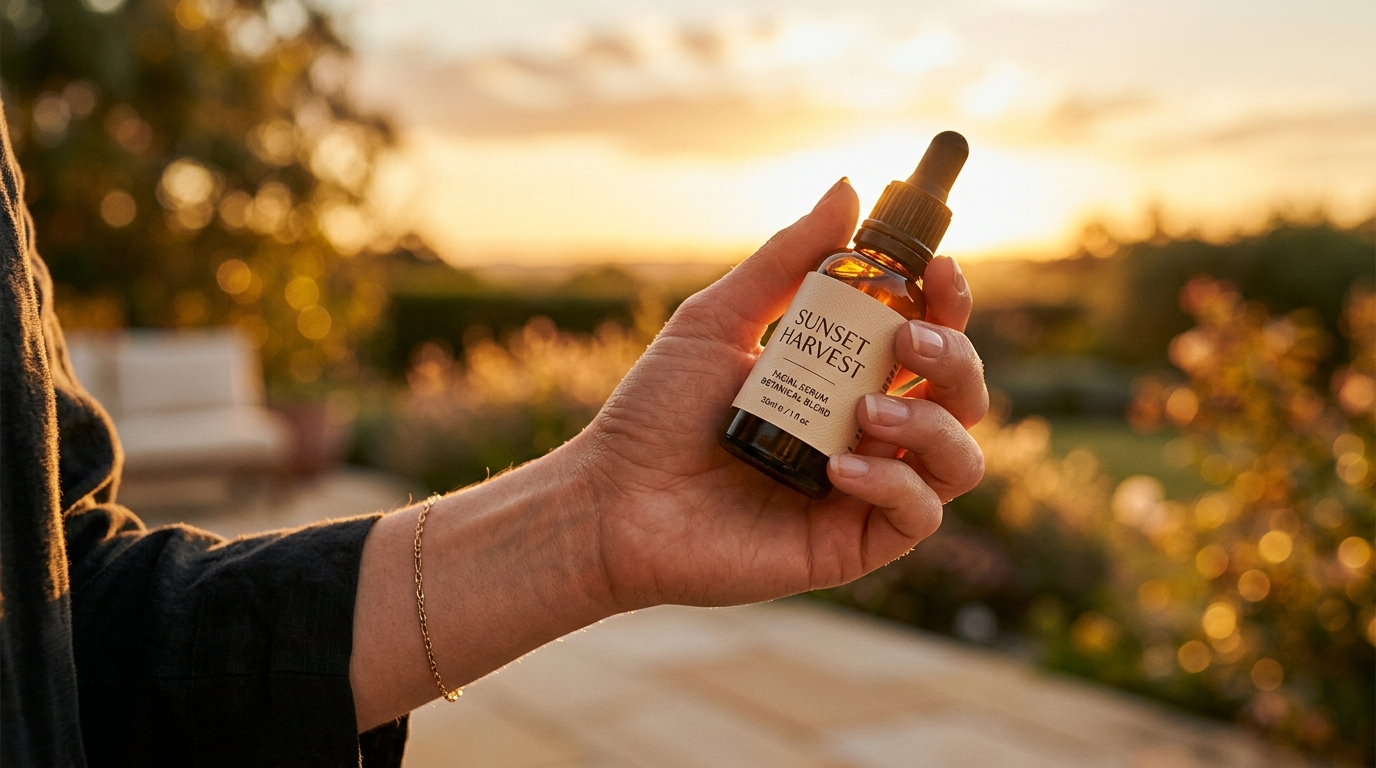
You can create on-brand image variants with GoCrazyAI by using templates, reference uploads, and the platform's model options (Google Nano Banana, Seedream 4, Kaneko Gen Pro). Start by uploading a reference photo or selecting a template, set the aspect ratios you need, choose the model that matches your desired aesthetic, and enter a prompt with variable slots. GoCrazyAI saves variations to your library so you can iterate and export directly to ad sizes.
Step-by-step (short):
- Open the AI Image Generator and pick a model (Nano Banana for versatile photorealism, Seedream 4 for stylized outputs).
- Upload a reference photo if you need consistent product framing.
- Use template placeholders (background, headline, color) and create a small set of variable values in a CSV.
- Run batch generation or use the API to produce multiple variants; save promising variants to your library.
- Export across aspect ratios and use the library metadata to connect assets into your ad ops pipeline.
GoCrazyAI outputs platform-ready ratios and lets you edit and restyle uploaded photos with a prompt, which simplifies moving winners from social thumbnails into landing-page hero tests. For video workflows, assets can flow directly into the AI video generator for motion tests — useful when you want to test static vs animated creative in the same funnel (see AI video generator).
Examples you can copy: example prompts, templates, and batch patterns?
Below are copy-ready examples and templates you can adapt to your products and campaigns. They show prompt phrasing, template slots, and a simple CSV structure for batch generation.
Example prompt (photorealistic product hero): "Product: stainless water bottle; Scene: outdoor picnic at golden hour; Camera: 50mm shallow depth of field; Composition: product centered, hand holding left edge; Background: soft bokeh with teal accent; Lighting: warm rim light; Text_slot: [HERO_TEXT]; Style: photorealistic, natural skin tones; Aspect: 1.91:1"
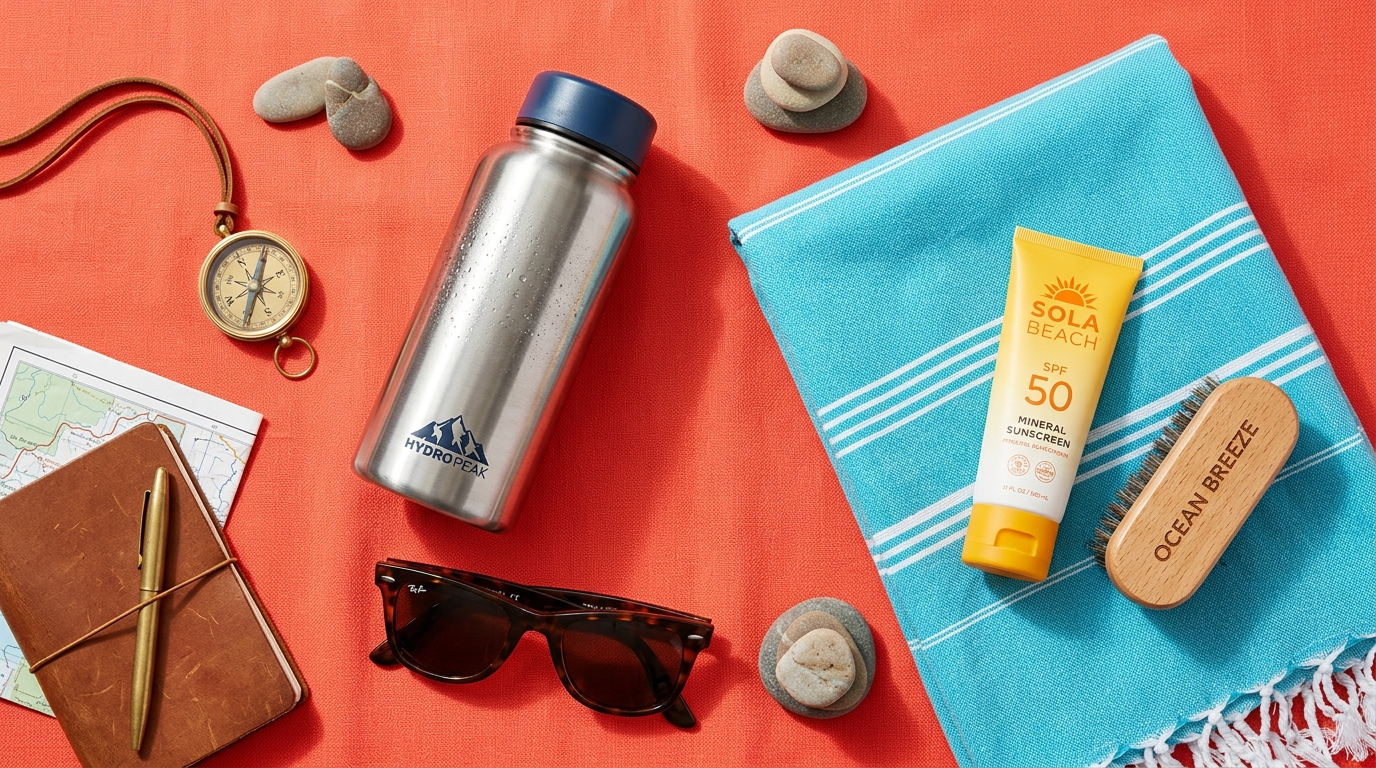
Example prompt (stylized thumbnail for social): "Product: stainless water bottle; Scene: vibrant studio flatlay; Colors: magenta background, teal accent; Composition: product angled 30 degrees; Props: sunglasses, towel; Text_slot: [CTA_SHORT]; Style: bold, high-contrast, graphic poster; Aspect: 1:1"
CSV template columns (for batch runs):
- variant_id, template_name, background, color_hex, text_slot, model_name, aspect_ratio
Batch pattern tip: keep the number of variable slots small per run (3–5) and run staged permutations to prevent combinatorial explosion. For massive runs, sample permutations instead of exhaustively combining every slot.
Real-world wins: performance uplift and ROI from AI-generated ad variants (case studies and benchmarks)?
Multiple case studies and pilots show measurable uplifts when teams scale image variation. IBM’s pilot with Adobe Firefly generated hundreds of images and thousands of variations with a reported 26× increase in engagement versus benchmarks (Axios). An independent study showed a +42% ROAS after launching AI-generated ad variants with instant A/B tests (Ad‑Studio.ai). Marketplace roundups and reviews consistently list batch generation and image variation as top differentiators for marketing teams (Tom’s Guide).
What this means practically: marketers who iterate quickly on creative can reduce cost-per-click and lift conversion rates by finding visual treatments that resonate with specific segments. Benchmarks vary by category and funnel stage, but the pattern is consistent: more rapid creative iteration yields faster optimization and better ROAS when testing is structured correctly.
Frequently Asked Questions
How many image variants should I generate for a typical ad test?
Start with 8–20 variants for an initial sweep (different headlines, background colors, and subject poses). Prune to the top 2–4 winners and then run larger multivariate tests on mutated winners.
Can I use AI-generated images in paid ads without copyright issues?
You can, provided the model's license allows commercial use and you avoid generating copyrighted characters or protected likenesses. Check your generator’s terms and add human review for edge cases.
What tools are best for bulk image exports and multi-aspect crops?
Template-based generators and platforms with batch exports are best — they produce platform-ready sizes automatically. For developer pipelines, image generation APIs let you create and export thousands programmatically.
How do I prevent ad fatigue when using many variants?
Rotate creative, avoid near-duplicate variants, and refresh top performers by mutating headlines or color accents. Monitor frequency and creative decay metrics and retire assets once performance drops.
Conclusion
Scaling image variation makes creative testing faster and more scientific: use templates, batch generation, and clear metadata to feed staged A/B tests and iterate on winners. Pair automated exports with human QA and pick models that fit your visual goals. When you want to run practical, end-to-end workflows that cover generation, editing, and platform-ready exports, try GoCrazyAI’s AI Image Generator to spin up your first set of variants and iterate from there.
Sources
- IBM tests Adobe's Firefly for personalized marketing at scale — Axiosaxios.com ↗
- Case Study: +42% ROAS With AI‑Generated Ad Variants — Ad-Studio.aiad-studio.ai ↗
- 9 Best AI Ad Variations Generators to Scale Testing — AdStellaradstellar.ai ↗
- Template-Based Image Generation APIs – 8 Tools Compared — Orshotorshot.com ↗
- Best AI Image Generators (2026 update) — Tom's Guidetomsguide.com ↗
- Best AI Image Tools for Bulk Content Generation at Scale — Startupikstartupik.com ↗