


Brand image generator workflow: consistent on‑brand image variations at scale
How creators build consistent, on-brand image variations at scale using image models, prompt libraries, style transfer, and GoCrazyAI's AI Image Generator.
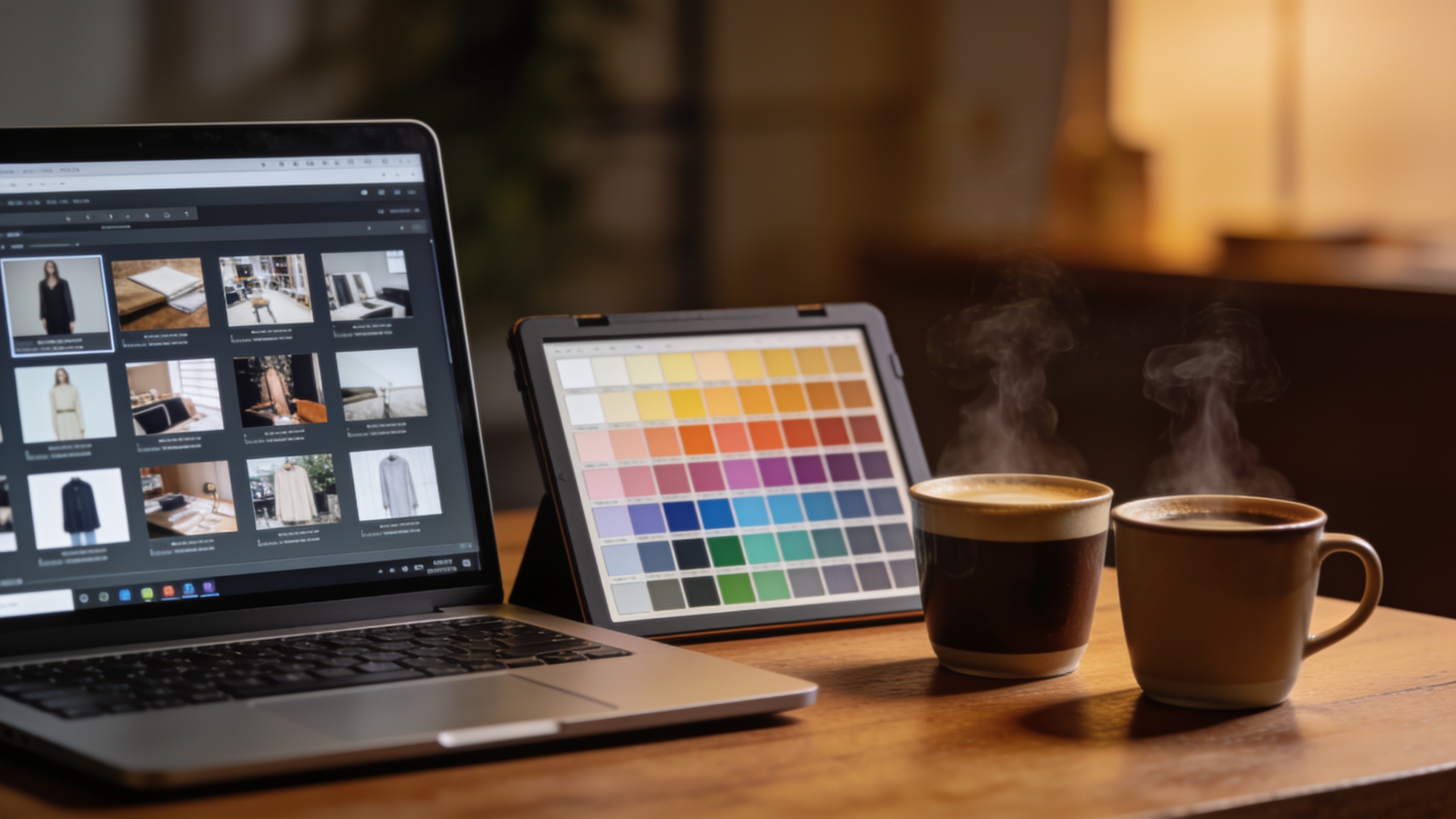
You need consistent thumbnails, hero images, and social formats without hiring a studio. This article shows a practical workflow that uses modern AI image models (Nano Banana, Seedream, Kaneko Gen Pro), prompt-based style transfer, and repeatable asset management to produce on‑brand image variations at scale. Readable steps, copyable prompt examples, and operational tips are included so solo creators, small teams, and marketers can run A/B tests, save variations, and feed frames into video workflows. I’ll also explain how GoCrazyAI’s AI Image Generator operationalizes these steps using multiple backbone models, aspect-ratio outputs for social, and a variation library you can iterate on.
Quick Answer
How do you use a brand image generator to create consistent image variations? Start with a locked core prompt and a small reference library, then spawn systematic modifiers (lighting, camera, mood) to create sets of variations. Use AI style transfer and saved seeds to keep look and subject consistent, and route final frames into video tools or publish directly.
Why visual consistency matters for creators (data-driven business case)?
Consistent visuals help audiences recognize your work faster and often correlate with higher revenue and campaign performance. Research summarized in industry reporting links consistent brand presentation with up to ~23% higher revenue for brands that maintain visual consistency, which is meaningful even for individual creators monetizing channels like YouTube, Patreon, or product landing pages (Forbes / Lucidpress summary). For creators, the practical effects are higher click-through on thumbnails, clearer channel identity, and easier reuse of templates across platforms.
In practice, consistency reduces friction: when thumbnails, hero art, and social cards all share color palette, prop language, and character framing, A/B tests isolate messages rather than style noise. That makes iterative growth faster for small teams and solo founders who can’t afford large design reviews every week.
How modern image models solved — and still struggle with — subject & style consistency (Nano Banana, Seedream, Kaneko Gen Pro)?
Modern image models have improved subject resemblance and multi-image composition, but limits remain in perfect identity preservation and exact camera-angle replication. Nano Banana variants now emphasize keeping resemblance across up to five people and blending many objects, which helps multi-shot campaigns and recurring characters. Seedream 4.x also improved face/object fidelity and style-transfer robustness, making it a strong option for consistent thumbnails in many cases. Kaneko Gen Pro tends to be useful for stylized looks and rapid concept art iterations.
Despite improvements, models can still drift on small facial details, brand props, or complex logos, and style transfer sometimes shifts composition. For reliable work you should combine a constrained core prompt, reference uploads, and seed/version control rather than relying on a single generation call. Recent independent reviews show Nano Banana Pro and Seedream trade-offs — Nano Banana often wins on multi-person resemblance while Seedream shows strength on texture and painterly style transfers.
Defining your brand ‘visual system’ before you generate?
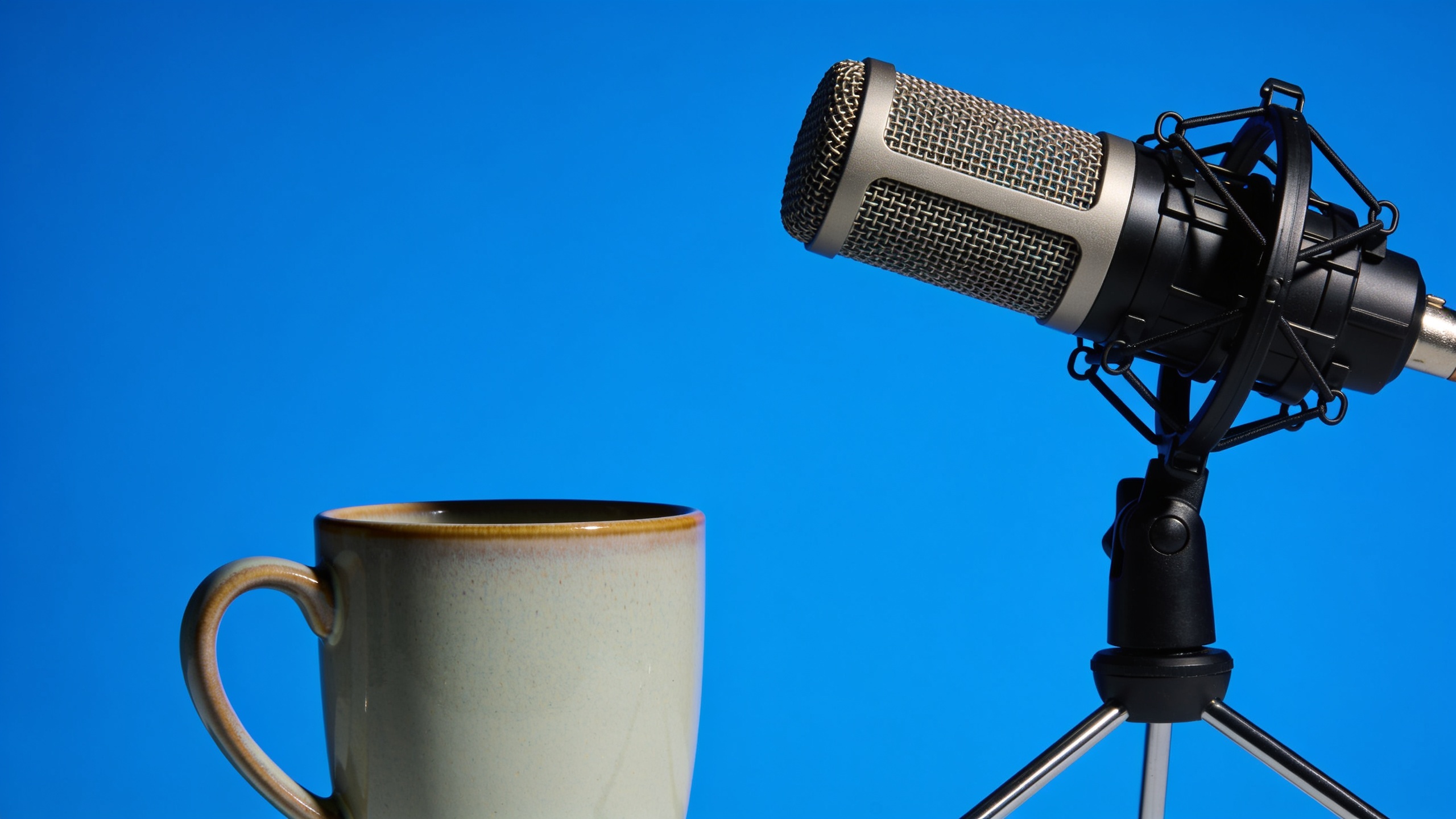
A brand visual system is a short, machinable spec you can feed into prompts and QA. It should include a primary color palette, 2–3 props or motifs, a default camera framing, and 3 adjectives for mood/character. For example: "bold-cobalt palette; hand-held mic + mug as props; medium-close framing; candid, energetic, warm." With that spec you can craft a core prompt that encodes composition and palette while allowing modifiers to vary mood or lighting.
Practical checklist: choose hex values (or reference image), pick two recurring props, define face/character traits (age range, hair, expression), and pick a primary aspect ratio for channel thumbnails. Keep the system short (one paragraph) and store it in a shared document so generations stay consistent across collaborators.
Hands-on: Build a reproducible prompt + reference library for consistent thumbnails and hero images (workshop) Example prompts included
Create a reproducible prompt library by separating a locked core prompt from modifier lists and by saving reference images. The core prompt contains subject, composition, and palette. Modifiers adjust lighting, camera, and mood. References anchor color and texture via style-transfer uploads.
Core prompt (example):
"Medium-close portrait of a female host, holding a brushed-steel microphone and a ceramic mug, bold cobalt background gradient, natural warm key light, slight film grain, editorial thumbnail composition, 3:4 aspect ratio, no logos."
Modifier list (examples you can append):
- Lighting: "golden-hour rim light"; "softbox studio key"; "high-contrast noir".
- Camera: "50mm shallow depth, slight bokeh"; "wide-angle 35mm, dynamic".
- Mood: "energetic smile"; "thoughtful gaze"; "surprised expression".
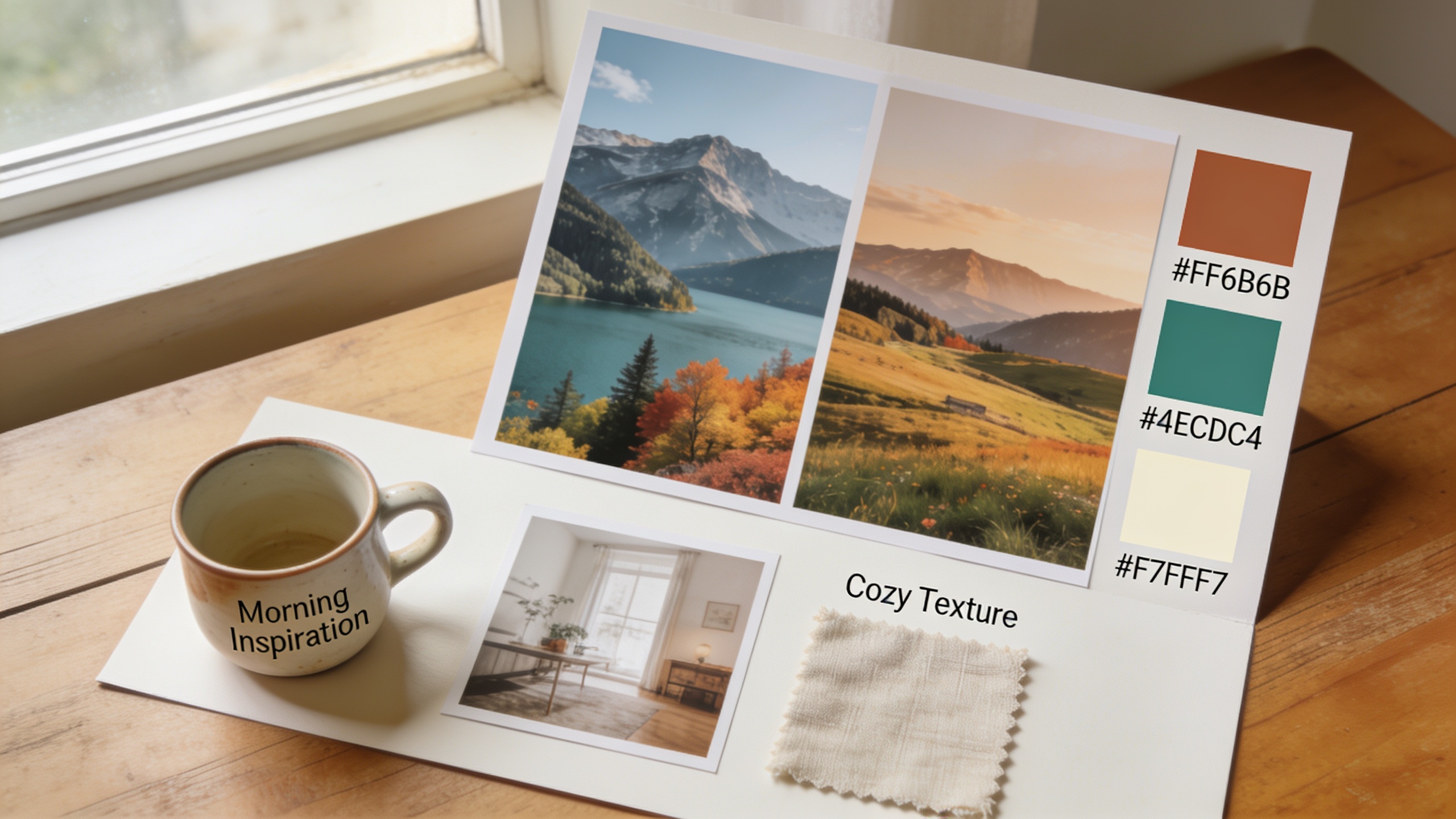
Style reference usage (example): upload a brand color board or past hero image and use: "apply color palette and grain from uploaded reference". Keep each core prompt in a single file and name variations like: "podcast_thumb_core_v1_seed1234" for easy recall. This structure stops drift when multiple people generate assets.
Hands-on: Use image variations + ai style transfer to A/B test thumbnails and social formats (step‑by‑step)?
You can run systematic A/B tests by spawning controlled variation sets from one core prompt and a fixed reference. Start with the core prompt and generate N baseline renders. Then apply a single modifier change per variant group (e.g., lighting or color) to isolate the variable. Use style transfer to create restyles without changing composition. Track conversion metrics per variant.
Detailed approach: generate 6–12 variations per thumbnail idea, split modifiers across groups (color, lighting, expression). Upload the best candidates into your analytics platform or run ad tests. Record seeds, prompt text, and the reference image used so you can recreate any winning variant exactly.
How to chain generated stills into video workflows and feed reference frames to AI Video Generator?
You can use generated stills as stylistic reference frames or literal starting frames for AI video tools. Export a high‑quality frame (16:9 or the target aspect ratio) and upload it as a reference to your video generator; this typically guides color palette, subject placement, and props. Many platforms accept a single frame as the style and composition seed for multi-second animations or scene transitions.
In practice, create a frame set (key frame + two alternate lighting frames) and pass them into an AI video generator to animate camera moves, create parallax, or build intro stingers. If you plan to add voice or music, export a rough video and then polish audio in an editor. GoCrazyAI’s video tool accepts image frames as starting points, letting you keep the same visual language from stills to motion.
Operational tips: versioning, seeds, asset naming, and design QA for scale (pitfalls to avoid)
Common pitfalls at scale are losing track of seeds, inconsistent naming, and skipping QA that checks for off‑brand props or unintended artifacts. Use a simple naming convention: project_component_core_or_variation_seed (e.g., "launch_thumb_core_v2_seed4321"). Always save the seed and the exact prompt in a single JSON or spreadsheet. Keep a folder for "approved" vs "draft" assets.
QA checklist: verify palette hexes, confirm props are present and correctly rendered, check for unexpected logos or text, and run a quick copy edit for any embedded text. Automate thumbnail uploads to an analytics test group to measure CTR, and only promote winning variants to permanent storage. These practices reduce wasted generations and keep campaigns coherent as you scale.
Why GoCrazyAI AI Image Generator (Nano Banana, Seedream, Kaneko Gen Pro) is the practical choice for creators — feature walkthrough and conversion path (How to do it with GoCrazyAI)?
GoCrazyAI’s AI Image Generator is built to operationalize the workflow above by providing multiple backbone models (Google Nano Banana, Seedream 4, Kaneko Gen Pro), reference-based restyling, and a variation library that saves seeds and prompt history. It outputs social aspect ratios you need, can edit uploaded photos via prompts, and stores variations in a project library so your team can iterate.
How to use it: start a new image project, upload your brand reference board, pick the backbone model that fits your fidelity needs (choose Nano Banana for multi-person resemblance or Seedream for texture-rich styles), paste your locked core prompt, and run a few baseline seeds. Use the "save variation" feature to create modifier-driven groups and tag them. Export final frames at the target ratio for thumbnails or hero images.
Try it here: AI Image Generator. For chaining into motion, export the approved frame and use the platform’s AI Video Generator at AI Video Generator. If you’re evaluating credits and plans for regular generation, check pricing and credits at GoCrazyAI Pricing. GoCrazyAI reports 2.8M+ images created on the platform and supports direct handoff to the AI Video Generator for animation workflows.
Frequently Asked Questions
What is a brand image generator and how does it help thumbnails?
A brand image generator uses text prompts and reference images to create visuals that follow a defined visual system. For thumbnails it enforces composition, palette, and props so your channel maintains a consistent look that can improve recognition and CTR.
Which model should I pick for face and prop consistency?
Nano Banana variants tend to do better with multi-person resemblance and consistent props, while Seedream often produces stronger texture and painterly style transfers. Test both with the same seed and reference to decide which matches your brand.
Can I recreate the same image later?
Yes — save the exact prompt, seed, model, and reference image. Re-running with the same parameters usually reproduces a near-identical result; small stochastic differences may remain unless the platform supports deterministic seeds.
Do style references work across aspect ratios?
Style references usually transfer color and texture reliably across aspect ratios, but composition can change. To preserve framing, crop your reference to the target aspect ratio before uploading.
Conclusion
Practical brand image generation is about discipline: lock a core prompt, keep a small reference library, use modifier-driven variations, and version everything. That lets you run meaningful A/B tests, scale asset creation, and hand frames to video tools without losing your visual identity. Start building and saving repeatable prompt-and-reference pairs in the AI Image Generator and refine until the look matches your brand.
Sources
- Google’s Nano Banana features and updates (Tom’s Guide / news coverage)tomsguide.com ↗
- Seedream 4.0 model docs and feature notes (ImagineArt / Seedream help center)docs.imagine.art ↗
- TechRadar model comparison and reaction to Seedream vs Nano Bananatechradar.com ↗
- How to create AI image variations (Lensgo / guide)lensgo.ai ↗
- AI style reference / style transfer product page (Thumix example)thumix.com ↗
- Why brand consistency matters (Forbes / cites Lucidpress research)forbes.com ↗
- Rawshot.ai review of image variation generators and workflow advicerawshot.ai ↗
- Android Central coverage of Nano Banana updates and consistency improvementsandroidcentral.com ↗