


AI image variants for seasonal ads: scale seasonal ad images with automated restyle
How performance marketers can automate seasonal ad images with AI variants and social batching. Hands-on GoCrazyAI walkthrough and testing workflow.
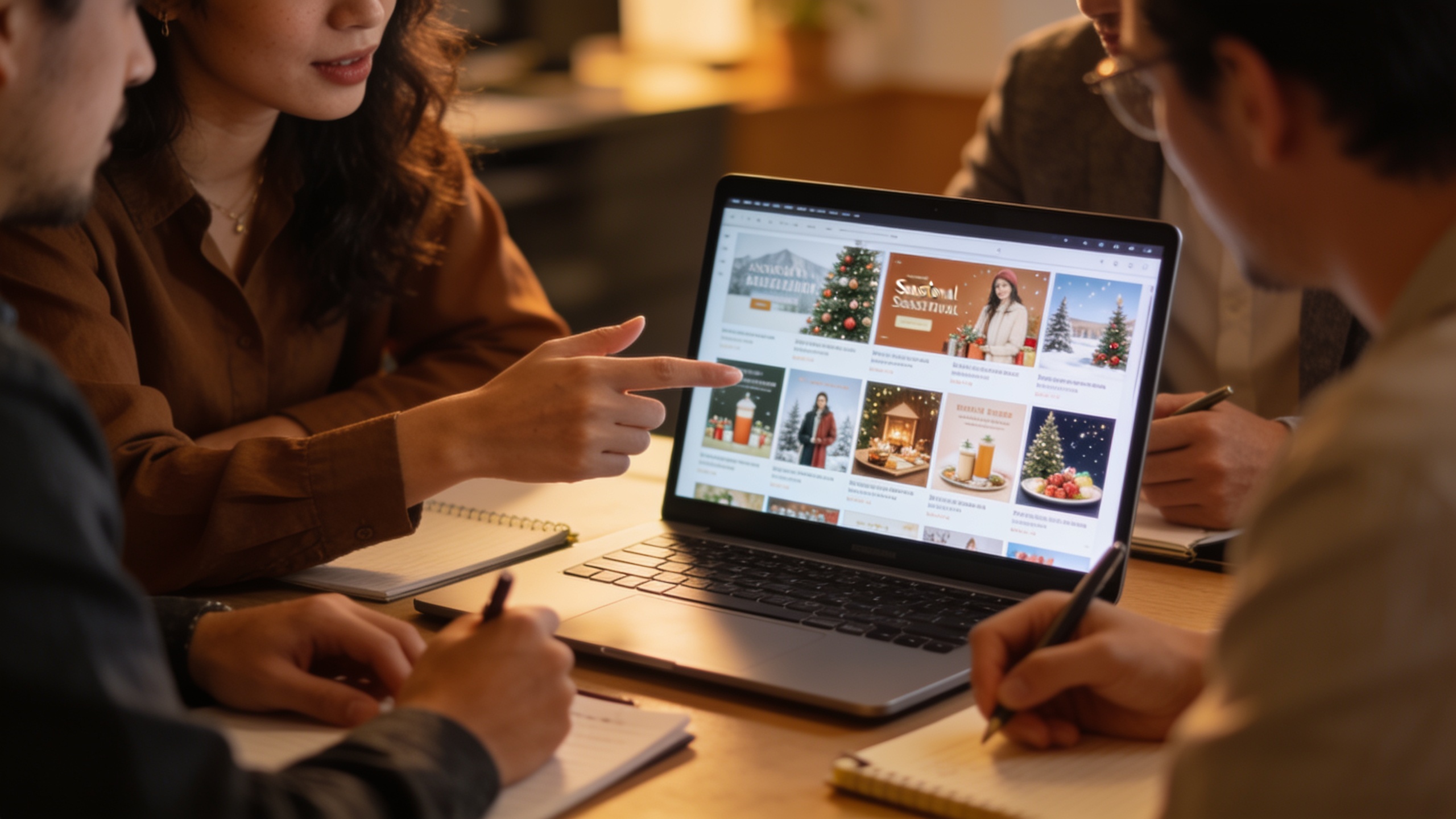
<!-- KEYTAKEAWAYS -->- Build a tight brand template: colors, props, logo placement, and tone.- Generate 30–50 variants per concept, then batch-export common social sizes.- Automate testing and prune low performers to avoid creative fatigue.- Use human review and brand rules to protect conversion and brand fit.<!-- /KEYTAKEAWAYS --> You need dozens of seasonal ad images in days, not weeks. Marketing calendars, flash sales, and holiday promos all demand rapid creative refreshes across socials, landing pages, and thumbnails — and manual design becomes the bottleneck. This article shows a repeatable, measurable pipeline for producing 30–50 on-brand AI image variants, batching them to social sizes, and running automated winner tests while keeping brand safety and creative quality in check.
You’ll get concrete templates for brand constraints, prompt examples you can copy, a step-by-step GoCrazyAI walkthrough to generate and restyle photos at scale, and a practical A/B workflow to avoid creative fatigue. Along the way I’ll cite industry benchmarks that justify why teams are shifting to automated restyle and batching: AI usage in creative production rose sharply (about a 220% jump in recent reports), and platforms show CTR lifts from AI creatives when human oversight ensures conversion alignment. Use the methods here to turn a single hero photo or concept into dozens of seasonal-ready ad images quickly, then batch-export the social sizes your ad ops team needs.
Quick Answer
How do you create AI image variants for seasonal ads? Generate a brand template and prompt set, then use an AI image tool to restyle and save 30–50 variants. Batch-export social sizes, launch automated A/B tests, and prune losers regularly. Repeat this loop each season while applying brand checks and human review.
Why seasonal ad images and high-velocity variants move the needle (metrics marketers care about)?
AI-based variant production usually moves CTR and relevance metrics because it lets you test visual hooks quickly across audience segments. Rapid variant generation increases the chance of finding a higher-CTR creative within a short seasonal window, and rotating variants helps slow creative fatigue. Industry reports show AI creative adoption rose sharply — around a 220% increase — which makes automation an operational imperative for teams running high-volume seasonal ads (see industry benchmarks for details).
Why this matters for metrics: more visual variants mean you can run tighter A/B tests, shorten time-to-winner, and protect conversion by pairing creative winners with human-vetted landing pages. Benchmarks from platform analyses in 2025–2026 indicate AI-generated creatives often lift CTRs but require human oversight to maintain conversion and brand fit, so the fastest win is automated generation + manual vetting. Practically, teams that move from single-concept to 30–50 variants usually see per-variant production time drop from hours to minutes, enabling weekly or even daily refreshes during peak seasons.
Actionable metric guidance:
- Aim to generate 30+ variants per concept for each seasonal window. That supports segment-level testing (creative by audience).
- Track CTR and post-click conversion separately — higher CTRs can mask weak landing performance if not checked.
- Use rotation windows (3–7 days) to reduce creative fatigue and maximize cumulative reach.
How to design a repeatable brand template and prompt set for automated image restyle (example prompts)
A repeatable brand template is the single most important control for scale: it defines constraints that keep restyled images on-brand while the model explores visual permutations. In short: limit what changes and keep critical elements fixed.
Here is a compact template to copy and adapt for your brand:
- Fixed elements: product placement, brand-safe logo area (top-left 10% of frame), minimum contrast between logo and background.
- Allowed variations: background texture or color palette (3 choices), seasonal props (2–4 per season), model expression (neutral, smiling), typography style (sans, bold), and lighting presets (studio, golden hour).
- Output sizes: 1:1, 4:5, 9:16, 16:9.
Example prompt set (safe to copy). Use these as starting points and swap brand specifics and seasonal props:
"Hero product shot, centered on white pedestal, warm golden-hour lighting, pastel autumn leaves in background, shallow depth of field, high-detail, brand logo top-left clear space, soft shadows --ar 4:5 --v Seedream 4"
"Close-up thumbnail: smiling model holding product, studio lighting, clean background in brand-blue, minimal props (pumpkin spice cup), high contrast, leave 15% space top-left for logo --ar 1:1 --v Google Nano Banana"
"Landing hero: product angled 3/4 view, dramatic rim light, subtle snowflake pattern in background (holiday), bold readable headline area on right, HDR color, --ar 16:9 --v Kaneko Gen Pro"
How to keep prompts consistent:
- Always include fixed constraints (logo area, product pose).
- Tag lighting and color palette explicitly.
- Use model/version flags if your platform supports multiple engines to get predictable styles.
This approach gives the model clear limits so you can generate many variants without drifting off-brand.
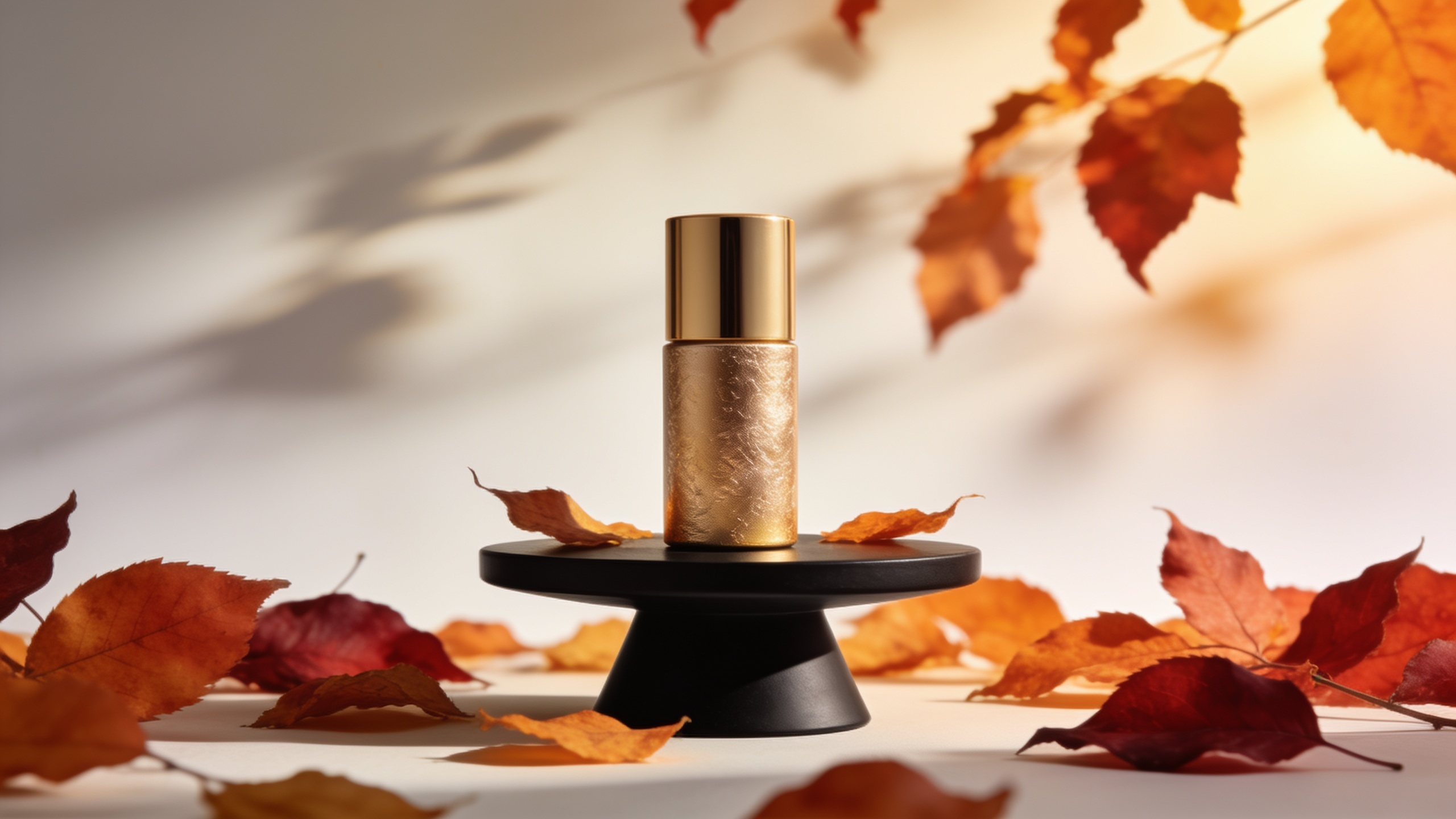
Hands-on: Generating 30+ AI image variants for a seasonal campaign with GoCrazyAI AI Image Generator
Generate 30+ variants quickly by uploading one master hero photo and applying prompt-driven restyles across multiple models. GoCrazyAI supports text-to-image and restyle workflows that let you keep the subject and change background, lighting, props, and color treatments while preserving designated logo space.
Step-by-step on GoCrazyAI:
- Upload your hero photo or start from a text prompt.
- Select the "Restyle" mode and set your brand template (logo area, allowed props, color palette).
- Pick a model (Seedream 4, Google Nano Banana, or Kaneko Gen Pro) — mix models across batches for style diversity.
- Apply a prompt batch (example prompts from the previous section) and set variation count to produce 30–50 variants.
- Save successful variants to your library and tag them by season and audience.
GoCrazyAI specifics you’ll find useful: the AI Image Generator edits and restyles uploaded photos with a prompt, outputs the social aspect ratios you actually need, and saves variations to a library for iteration. It’s free to start and does not watermark images, which helps when you need clean exports for ad platforms. For more on the tool features and to try these steps, see the GoCrazyAI AI Image Generator page (/ai-image-generator).
Practical tips while generating:
- Run smaller experimental batches (10 variants) across each model to see which style family performs before scaling to 30–50.
- Keep a naming convention that includes season, concept, model, and batch number (e.g., fallbannerseedream_b02).
- Use the platform’s variation and save options so you can iterate only on successful directions.
Hands-on: Social-size batching and export workflow — thumbnails, carousels, and hero images?
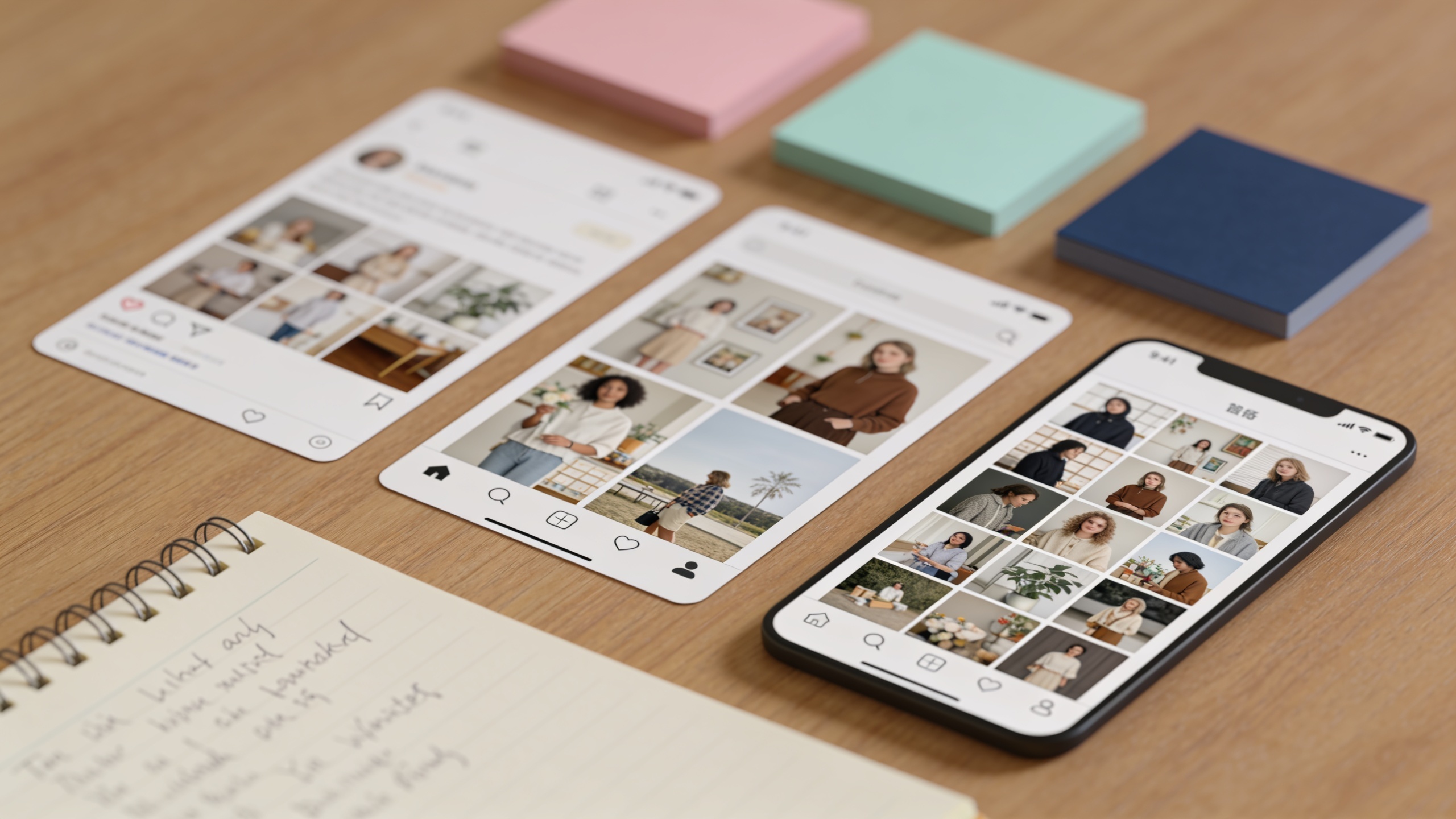
Batch-exporting social sizes means producing multiple aspect ratios from the same variant with one workflow. This saves time and ensures consistent composition across platforms. Do this by generating a single base variant and then auto-exporting the required aspect ratios.
Batch export workflow (practical steps):
- Choose 10–20 base variants you want to push live.
- For each base, use an automated crop-and-reframe tool or the image generator’s export presets to create 1:1 (thumbnail), 4:5 (feed), 9:16 (story/reel), and 16:9 (hero) outputs.
- Apply platform-specific overlays (text-safe margins, sponsor tags) before export.
- Run an upscaling pass where needed for hero images to keep sharpness on landing pages.
Why batch output matters: hand-cropping each variant multiplies work. Case-study style analyses find that automated batching cuts time-per-variant from hours to minutes and enables 30–50 variants per concept. On GoCrazyAI you can export social ratios directly and then run minor relighting or upscaling steps using AI Image Upscaler for final polish. Also consider pairing image variants with short audio or motion tests via the AI Video Generator when you want animated previews.
Export checklist before upload to ad platforms:
- Ensure logo safe area is not cropped in any ratio.
- Check headline/readability for each aspect ratio.
- Export filenames to include campaign, aspect ratio, and variant ID for ad ops ingestion.
Using a dedicated batch export flow keeps your ops time low and maintains visual consistency across placements.
Testing, pruning, and avoiding creative fatigue: mistakes to avoid?
Rotate and prune variants often; creative fatigue shows up as steady CTR decay and rising frequency without matching conversion. A disciplined testing cadence preserves long-term performance: launch many variants, monitor short-window CTRs, then move winners to conversion tests.
Common mistakes and how to avoid them:
- Mistake: Launching too few variants. Avoidance: Generate 30–50 per concept so you have enough visual diversity to test across segments.
- Mistake: Equating CTR wins with conversion wins. Avoidance: Always pair creative tests with landing-page checks; promote winners only after conversion rates are stable.
- Mistake: Letting one visual dominate a long seasonal window. Avoidance: Rotate winners every 3–7 days and maintain a scheduled refresh to prevent fatigue.
- Mistake: Skipping brand safety checks. Avoidance: Add automated brand-rule filters (logo placement, explicit content blocklists) and a human QA step before wide release.
Automated A/B workflow recommended:
- Launch 30–50 variants in small-budget cohorts targeted to similar audiences.
- After 48–72 hours, prune the bottom 60% by CTR and engagement.
- Promote the top 10–15 to conversion testing with higher spend.
- Rotate promoted winners with fresh variants weekly.
This approach balances exploration and exploitation, and it reduces the chance that creative fatigue or a misleading CTR signal wrecks overall campaign ROI. Industry analyses show AI-generated creatives can lift CTRs, but conversion and brand-fit risks mean human oversight remains necessary[[1]](https://www.digitalapplied.com/blog/ai-ad-creative-benchmark-2026-ctr-roas-data) and automated pruning plus manual review is the practical compromise.
Governance, brand safety, and creative quality checks when you scale AI-generated ad creative?
Governance at scale means automated checks plus one human gate. Use rules to block brand-risk outputs, enforce logo and policy constraints, and require a QA pass for finalists.
Minimum governance checklist:
- Automated filters: remove images flagged for explicit content, copyright issues, or disallowed props.
- Brand constraint enforcement: verify logo placement, color palette, and type legibility automatically with image analysis.
- Human QA: one creative lead inspects top candidates for tone, product accuracy, and cultural sensitivity.
- Attribution and provenance: tag images with model used, prompt version, and reviewer initials for auditability.
Common policy pitfalls:
- Over-reliance on model defaults — models can hallucinate props or text that hurt brand fit. Avoid by specifying "no text on product" or "no visible brand names" in prompts.
- Not tracking model or prompt versions — avoid future disputes by saving prompt and model metadata with each variant.
- Skipping legal checks for seasonal claims — any promotional text (e.g., "final sale") should be verified by legal before design rollout.
Practical governance flow: automated generation → automated safety filters → human review → batch export → QA check against live placements. This lets you scale while reducing brand and conversion risk. For background on creative fatigue and how DTC brands handled rotation in 2026, see industry guidance[[2]](https://adgpt.com/blog/ai-ad-creative-dtc-brands-beat-creative-fatigue).
Frequently Asked Questions
How many AI-generated variants should I create for a single seasonal concept?
Aim for 30–50 variants per concept. That range gives enough visual diversity to test hooks across segments while remaining manageable for batch export and QA.
Will AI image variants hurt my brand consistency?
They can if uncontrolled. Use a strict brand template, enforce logo-safe areas, and run a human QA pass to ensure tone and product accuracy before large-scale rollout.
How quickly can I go from one hero photo to full social batches?
With restyle and batching tools, you can generate 30 variants and export 4–5 social sizes in a few hours. Automated pipelines reduce per-variant time from hours to minutes.
Conclusion
Final thoughts: Automated image restyle plus social batching lets marketing teams produce seasonal ad images at the scale required for modern campaigns — but success comes from combining fast generation with strict brand templates, automated checks, and human review. If you want to test this pipeline immediately, spin up your first frame in the AI Image Generator and iterate on the prompt until the look is right.
Sources
- GoCrazyAI — AI Image Generator (Product Page)gocrazyai.com ↗
- AI Ad Creative Benchmarks 2026: CTR and ROAS Data — DigitalApplieddigitalapplied.com ↗
- AI Ad Creative: How DTC Brands Beat Creative Fatigue in 2026 — AdGPTadgpt.com ↗
- Ad creative performance statistics and AI adoption figures — Shno.co (aggregated)shno.co ↗
- The State of Ad Creation 2026 — The Briefthebrief.ai ↗
- Mobile Ad Creative Index 2024 — Liftoff (Creative trends report)content.liftoff.io ↗
- Creative Impact Report 2025 — Shutterstock press releaseinvestor.shutterstock.com ↗
- IAB Creator Ad Spend & Strategy Report 2025 (IAB)iab.com ↗
- Multi-Object Advertisement Creative Generation — recent research (arXiv, 2026)arxiv.org ↗